对比 · 2026
2026 年最佳鼠标:MX Master 4 对决 DeathAdder V4 Pro
由 Dmitrii Pakhomov 和 Daria Govorina 研究 · SavingsHook 编辑部 · 发布于 2026年11月9日
简短回答
结论基于规格、制造商资料和用户评价。我们没有在实验室测试这些产品。
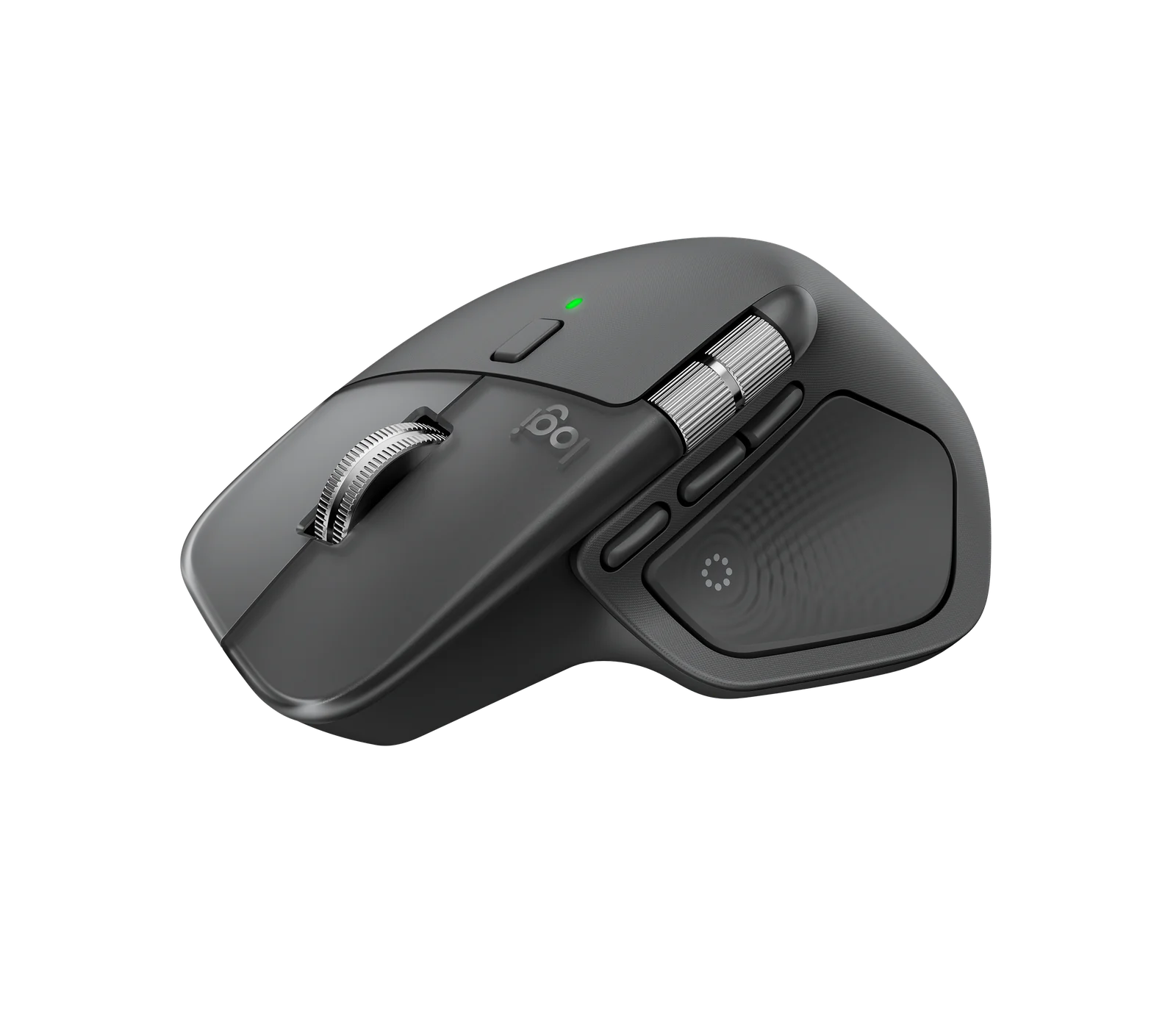
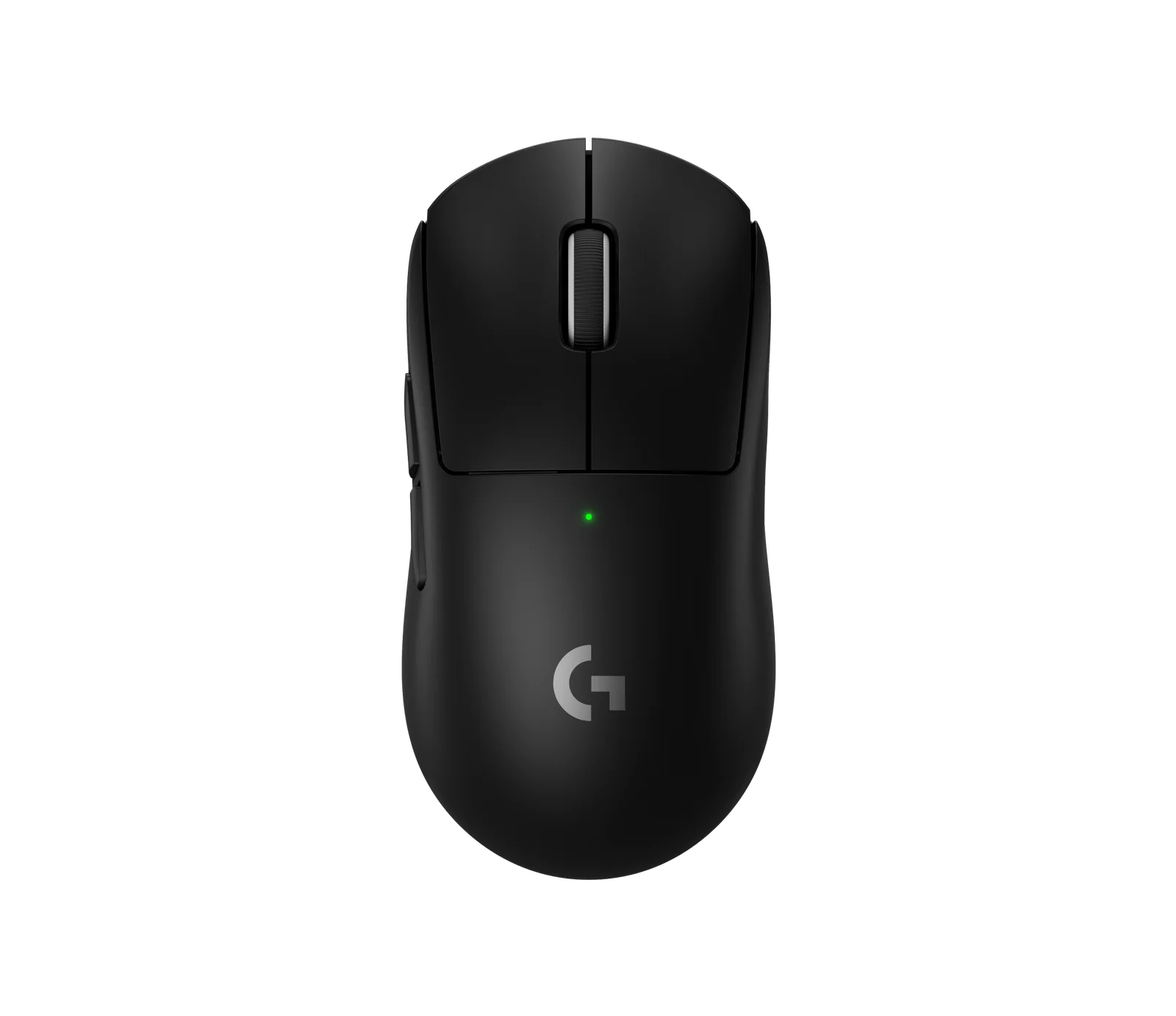
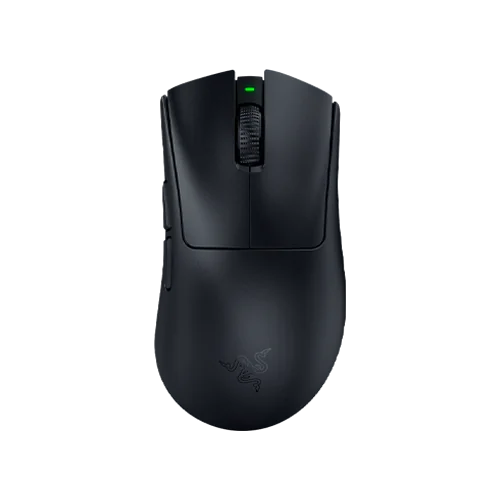
| 商品 | 关键规格 | 主要缺点 | 不适合 |
|---|---|---|---|
| Logitech MX Master 4 Wireless Mouse | 传感器: Logitech Darkfield,最高 8,000 DPI,可在至少 4 mm 厚的玻璃上追踪 按键: 7 个 连接: 通过附带的 Logi Bolt USB-C 接收器 2.4 GHz、蓝牙或 USB 有线,支持 3 设备 Easy-Switch 和电脑间的 Logi Flow | No onboard memory, and the box has no USB-C cable and nowhere to store the Bolt receiver. | Competitive gaming or left-handed hands |
| Logitech G PRO X SUPERLIGHT 2 Gaming Mouse | 传感器: Logitech HERO 2 微动: LIGHTFORCE 光电机械混合微动,标称点击寿命 7,000 万次(70 million) 无线: LIGHTSPEED 2.4 GHz | No DPI button and no Bluetooth, and owners report scroll-wheel failure. | Anyone who needs Bluetooth |
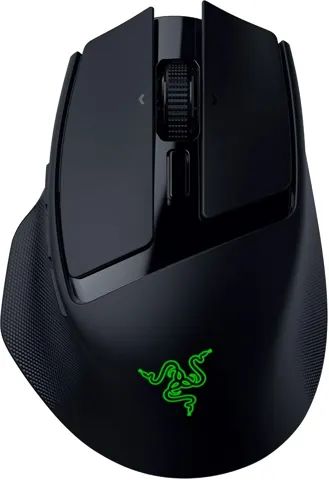
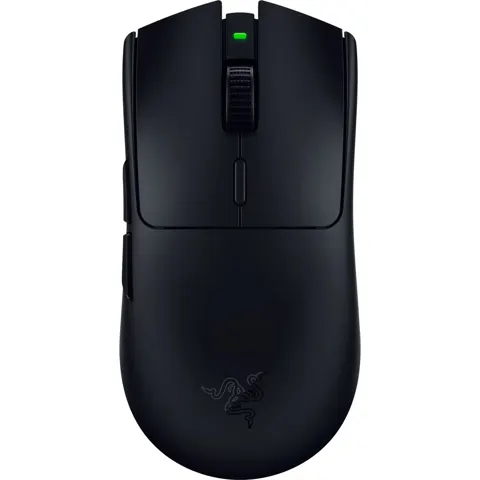
| Razer DeathAdder V4 Pro Gaming Mouse | 传感器: Razer Focus Pro 45K Optical Sensor Gen-2,最高 45,000 DPI,最高速度 900 IPS,最大加速度 85 G,分辨率精度 99.8% 微动: Razer Optical Mouse Switches Gen-4,标称 100 million 次点击 滚轮: 带光学编码器的 Razer Optical Scroll Wheel | The Gen-4 clicks are widely described as loud and hollow. | Shared offices where click noise matters |
价格一览
| 商品 | 价格 | 商店 |
|---|---|---|
| Logitech MX Master 4 Wireless Mouse | $119.99 起 · Logitech | 8 家商店 |
| Razer DeathAdder V4 Pro Gaming Mouse | $169.99 起 · Razer | 8 家商店 |
| Logitech G PRO X SUPERLIGHT 2 Gaming Mouse | $159.99 起 · Logitech G | 7 家商店 |
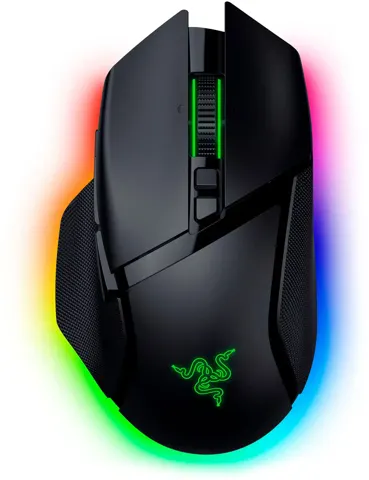
| Razer Basilisk V3 Pro 35K Gaming Mouse | $124.90 起 · Maxgaming | 7 家商店 |
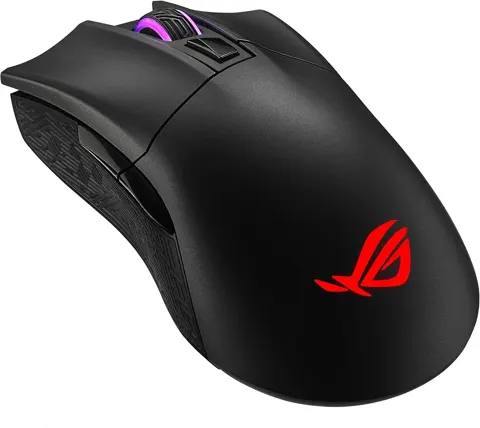
| ASUS ROG Keris II Ace 54g ultralight wireless gaming mouse | $159.99 起 · ASUS | 5 家商店 |
| Logitech G502 HERO wired gaming mouse with 25K sensor | $69.99 起 · Logitech G | 10 家商店 |
价格仅为快照,请以商店当前价格为准。
这六款最大的区别在于重量:ASUS ROG Keris II Ace 重 54 g,Logitech G502 HERO 重 121 g,若加上全部五个可拆卸配重则为 139 g。这 85 g 的跨度在任何传感器规格生效前就改变了手感。
Logitech MX Master 4
The work mouse of this group: 7 buttons, a MagSpeed wheel that switches between ratchet and free spin, and a Darkfield sensor rated to 8,000 DPI that tracks on glass at least 4 mm thick. It runs over the included Logi Bolt receiver, Bluetooth or a wired USB connection, and Easy-Switch moves it between 3 devices.
关键规格:
- 8,000 DPI Darkfield 传感器;MagSpeed 滚轮高达 1,000 行/秒
- Haptic Sense Panel 具备 4 个强度等级,可在 Logi Options+ 中按动作设置
- 官方称单次充电续航最长 70 天;PCMag 实测开启触觉反馈至少 70 小时
- 右手设计,5.2 盎司
优点:
- 可在玻璃和镜面上追踪,本组大多数鼠标不支持
- Easy-Switch 支持 3 台设备切换,Logi Flow 支持跨电脑操作
缺点:
- 盒内无 USB-C 线缆,无接收器收纳槽;无板载内存,DPI 设置无法在电脑间迁移
- 默认 1,000 DPI 偏低,调高需安装 Logi Options+
Owners asking about gaming report it is limited to a 125 Hz polling rate over the Bolt receiver; Logitech’s reply in that thread is that the MX Master line is a productivity mouse, not a gaming one.
Logitech G PRO X SUPERLIGHT 2
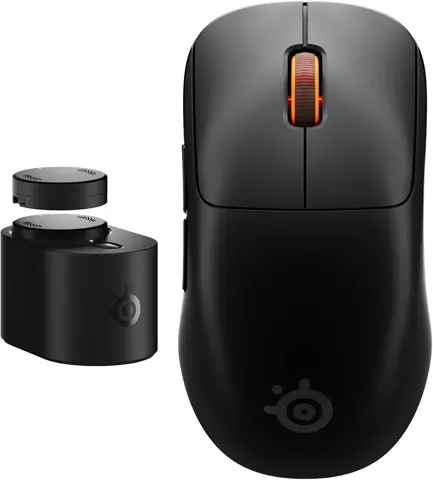
The competitive FPS option: a symmetrical 60 g shell, the HERO 2 sensor at 100–44,000 DPI, LIGHTFORCE switches rated for 70 million clicks, and up to 8,000 Hz report rate. RTINGS rated it outstanding for FPS play.
关键规格:
- 标称 60 g;RTINGS 实测 59.4 g,Tom’s Hardware 实测 59.5 g
- HERO 2 传感器,100–44,000 DPI,超过 888 IPS
- 续航最长 95 小时;5 个按键,无 DPI 按键,无蓝牙,无 RGB
优点:
- 对称造型适配大多数手型和握法,追踪性能超过 500 IPS
- 新品享 2 年有限硬件保修
缺点:
- 调整灵敏度需打开 G HUB 或重新绑定按键
- 用户反馈滚轮方向反转和失效,常见修复仅暂时有效
The wheel is repairable: iFixit publishes a replacement guide for the TTC White 8 mm encoder.
Razer DeathAdder V4 Pro
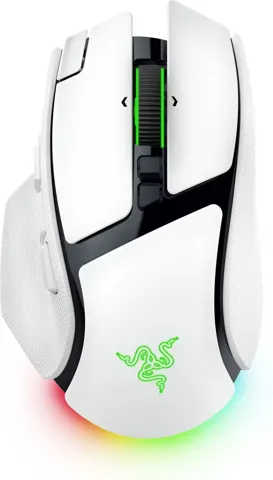
The DeathAdder V4 Pro keeps the right-handed ergonomic shape the line is known for and rebuilds everything under the shell with all-optical parts: the Focus Pro 45K Gen-2 sensor, Razer Optical Mouse Switches Gen-4 and an optical scroll encoder.
关键规格:
- 黑色款 56 g,右手设计,适合掌握和松弛爪握
- Focus Pro 45K Gen-2 传感器,最高 45,000 DPI,900 IPS
- 有线和无线模式均支持真 8,000 Hz 轮询率
- 1000 Hz 下续航最长 150 小时,8000 Hz 下约 22 小时;无蓝牙,无 Chroma RGB
优点:
- 有线和无线模式均支持真 8,000 Hz 轮询率
- 盒内附赠防滑贴和 1.85 m 编织线缆
缺点:
- Gen-4 微动普遍被形容为声音大且空洞,PCMag 将其列为唯一缺点
- 150 小时续航仅限 1000 Hz;滚轮无侧向滚动和自由滚动模式
Noise decides this mouse for many people. PC Gamer calls the buttons louder than the V3 Pro’s, and multiple Reddit and Razer Insider owners say they returned the mouse over click noise.
Razer Basilisk V3 Pro 35K
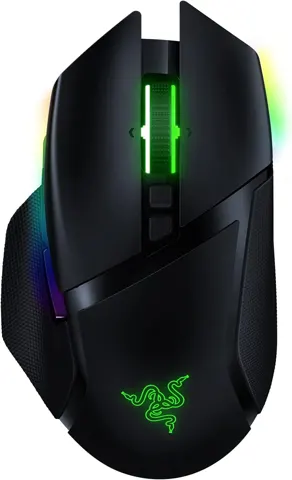
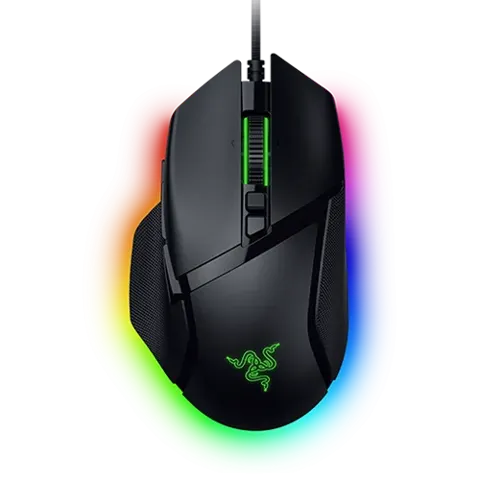
The work-and-game mouse: a right-handed palm grip with a thumb rest, a four-way tilt wheel, Bluetooth and a wired cable alongside the HyperSpeed receiver.
关键规格:
- 约 112 g;RTINGS 实测 113.3 g
- Focus Pro 35K Gen-2 传感器,最高 35,000 DPI,750 IPS
- 11 个可编程按键,13 项可分配控制(含滚轮功能)
- HyperSpeed 模式最长 140 小时,蓝牙模式最长 210 小时,8000 Hz 下约 28 小时;5 组板载配置文件
优点:
- 自由滚动应对长页面,段落手感适合离散步进,这在游戏鼠标中罕见
- 可在接收器和蓝牙间跨设备切换,并有有线备用
缺点:
- 部分用户反馈滚轮停止发送滚动信号,即便保修换新也出现
- 附带接收器最高 1,000 Hz;8,000 Hz 需单独购买适配器
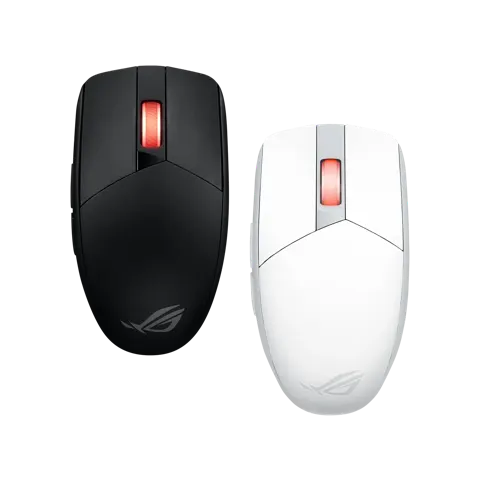
ASUS ROG Keris II Ace
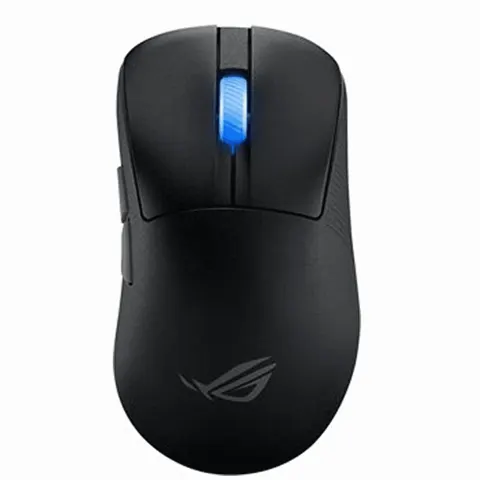
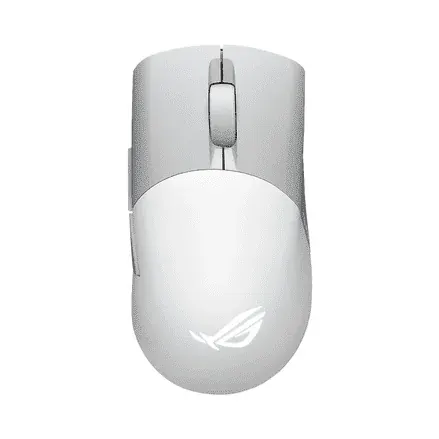
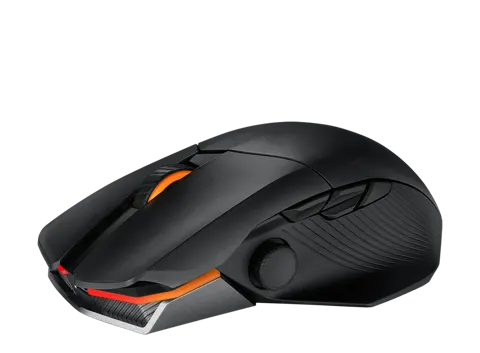
The lightest mouse here at 54 g, and the only one that ships with a polling-rate booster that takes it to 8,000 Hz wired and 4,000 Hz wireless.
关键规格:
- 54 g,121 × 67 × 42 mm,仅限右手
- ROG AimPoint Pro 传感器,100–42,000 DPI,750 IPS,支持玻璃追踪
- 附赠 ROG 轮询率加速器;默认为 1,000 Hz USB 全速设备
- 关灯下 2.4 GHz 最长 107 小时,蓝牙最长 134 小时
优点:
- 加速器、防滑贴、备用 PTFE 贴脚全在盒内;光学微动设计上杜绝双击
- 获 PCMag 和 PCWorld 编辑推荐奖
缺点:
- 159.99 美元定价偏高,ASUS 自家 ROG 论坛用户反馈 6,400 Hz 以上出现传感器抖动、加速和随机断连
- 按键声音大,据 RTINGS 评论区和用户反馈
Treat the 8,000 Hz headline carefully until the firmware is updated.
Logitech G502 HERO
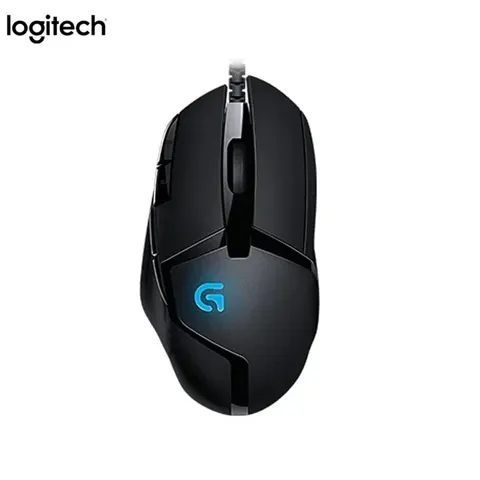
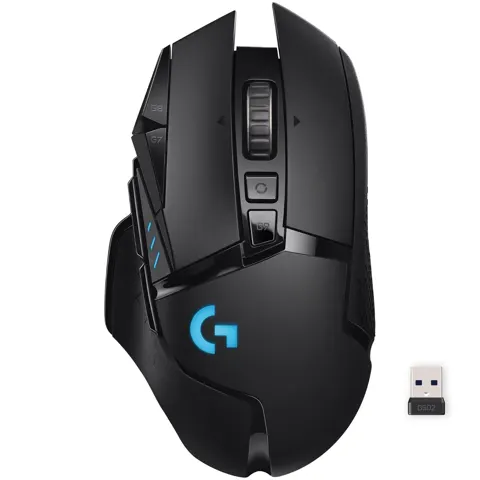
The budget and heavy option: a wired, right-handed palm-grip mouse with the HERO 25K sensor, a metal dual-mode wheel and a set of removable weights.
关键规格:
- HERO 25K 传感器,100–25,600 DPI,400+ IPS,无平滑无加速
- 11 个可编程按键,3 组板载配置文件,最多 5 组 DPI 可即时切换
- 默认 121 g;5 个 3.6 g 可拆卸配重可增至 139 g
- 仅有线 USB,1000 Hz 轮询率,LIGHTSYNC RGB
优点:
- 传感器准确稳定,测试中无加速和抖动
- 金属滚轮可在段落和自由滚动间切换,享 2 年保修
缺点:
- 用户反馈主按键使用几月后出现双击
- 滚轮可能失灵或跳动,灰尘积累是常见原因
The double-click issue is Omron switch wear, and fixing it means soldering.
Who should buy which
Buy the Logitech MX Master 4 if your mouse spends most of its day in spreadsheets, code and email. It is the only one here built for glass surfaces and multiple computers. The cost is gaming performance: it caps at a 125 Hz polling rate over the Bolt receiver.
Buy the Logitech G PRO X SUPERLIGHT 2 for competitive shooters where weight and a proven shape decide matches, and accept the scroll-wheel complaints and the G HUB dependency.
Buy the Razer DeathAdder V4 Pro if you want the DeathAdder palm grip with the newest optical internals and true 8,000 Hz, and if loud clicks will not bother you or your neighbors.
Buy the Razer Basilisk V3 Pro 35K if one mouse has to do office work and gaming, with a thumb rest and a tilt wheel, but read the wheel complaints first.
另见: 100 美元以下的Computer Mice(2026) · 200 美元以下的Computer Mice(2026)