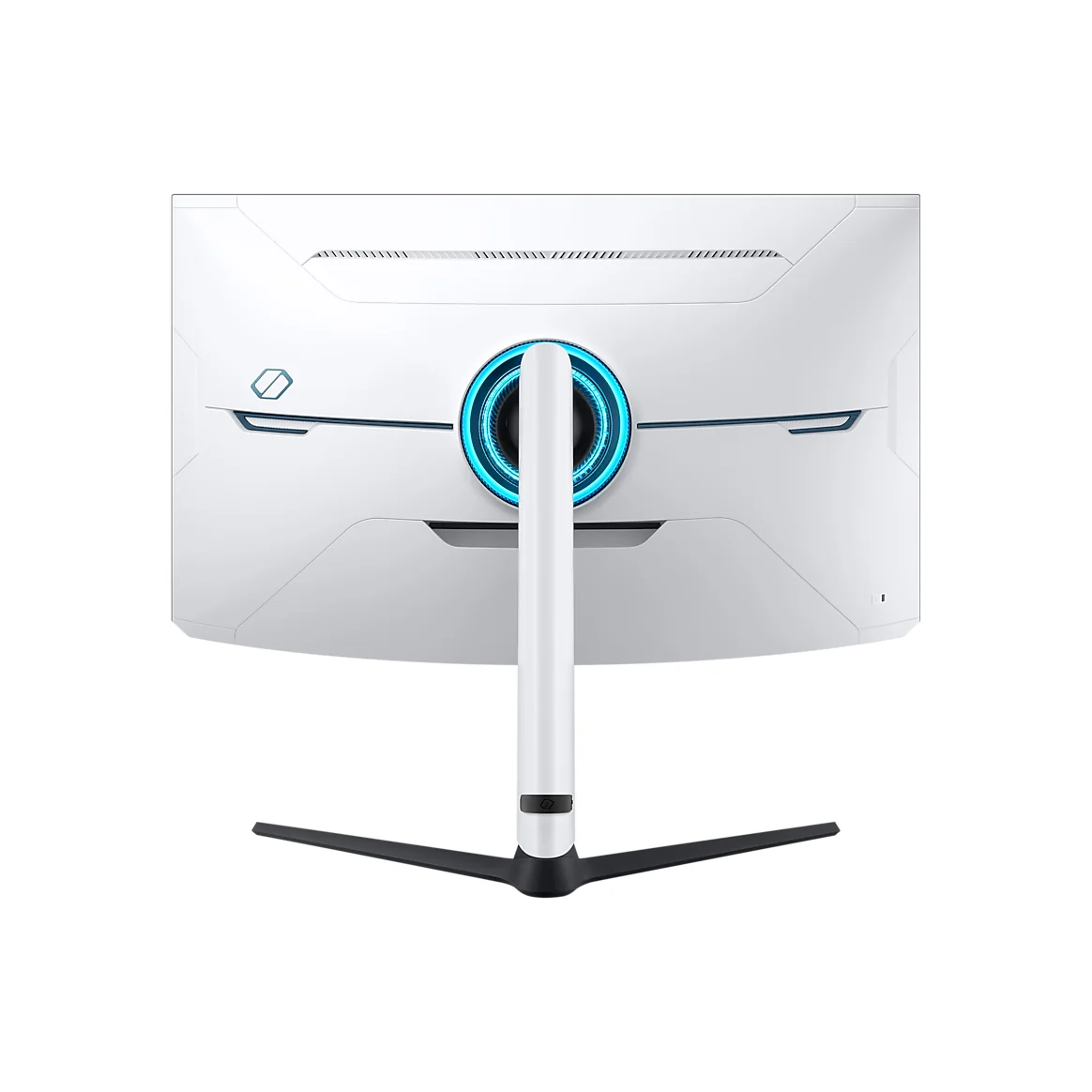
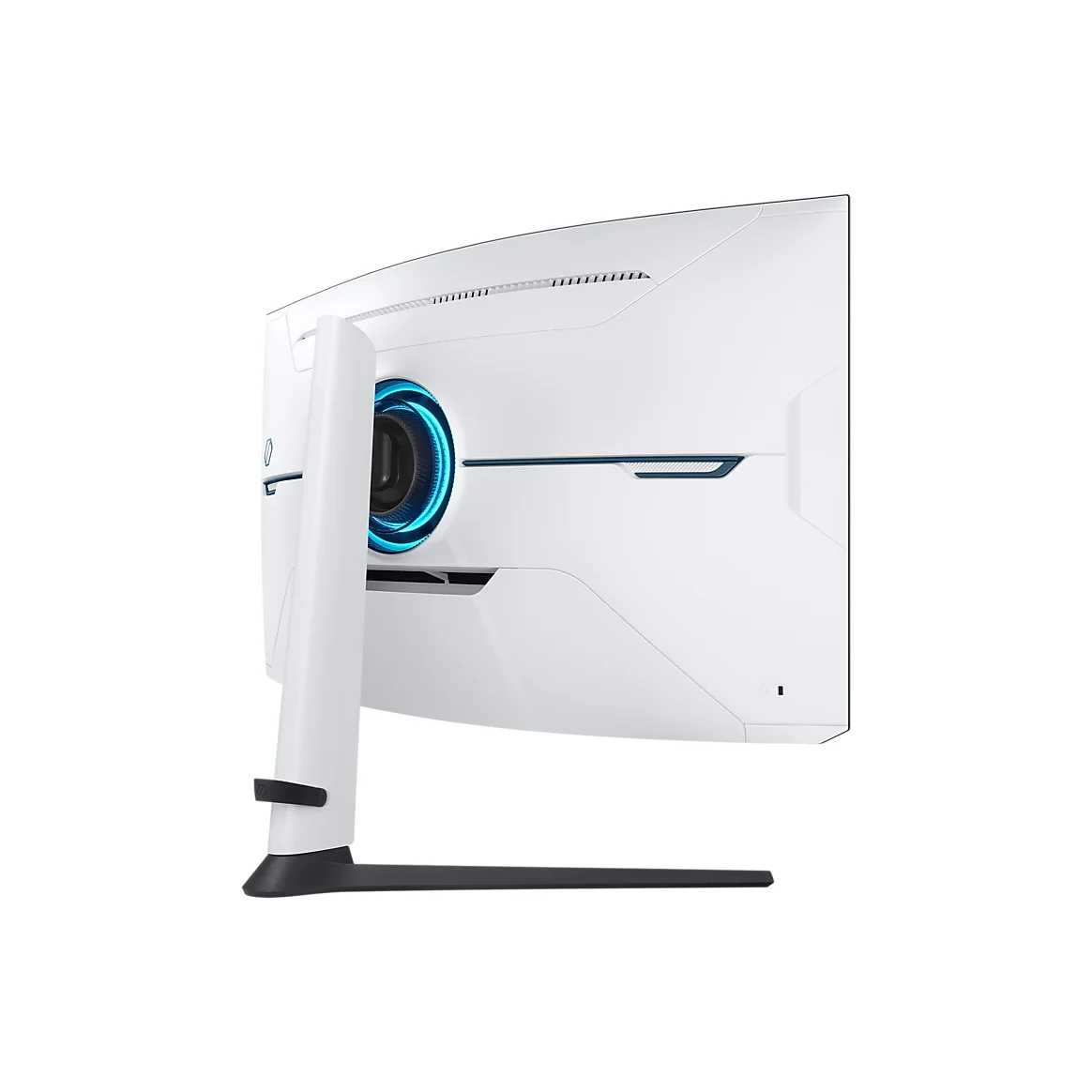
Samsung Odyssey Neo G8 (G85NB)
By Samsung · Computer Monitors · Desk & Streaming Setup · More from Samsung
- 32 in screen
- 4K UHD
- 240 Hz refresh rate
- 1 ms response time
- HDR 2000
Price not listed
- SamsungView at Samsung
- WalmartView at Walmart
- Best BuyView at Best Buy
- Micro CenterView at Micro Center
- WootView at Woot
- TargetView at Target
- NvidiaView at Nvidia
- AmazonView at Amazon (paid link)
More on eBay (1)
- eBayView at eBay
- eBay (used) eBay: used, open-box, refurbishedView at eBay (used)
Stores are listed in a fixed order, never by price or commission. Prices are snapshots. Check the current price with the store.
Summary
A 32-inch 4K 240 Hz curved Mini LED gaming monitor with 1,196 local-dimming zones and 1000R curvature, built for fast PC gaming in a bright room. Check the return window carefully: some units show horizontal scanlines at 240 Hz and flicker in dark scenes when the frame rate varies.
Strengths
- Measured HDR highlight peak of 1,097 nits with deep blacks from the Mini LED backlight.
- Fast 240 Hz gaming with low input lag and responsive transitions in lab testing.
- Matte coating resists reflections well, which helps in bright rooms.
- Stand adjusts for height, tilt, swivel and portrait, plus 100 × 100 mm VESA mounting.
- LCD pixels avoid OLED’s organic-pixel retention mechanism for permanently static HUDs.
Weaknesses
- Some units show fine horizontal scanlines on flat blue or gray areas at 240 Hz, mostly gone at 120 Hz.
- Variable refresh causes noticeable flicker in dark scenes when frame times vary.
- Strong overdrive creates bright inverse ghosting trails at lower refresh rates.
- Local dimming produces halo and blooming around small bright details, subtitles and star fields.
- Narrow VA viewing angles and a matte surface that can make white backgrounds look hazy.
- No USB-C, no speakers and no in-box HDMI cable, so a laptop or console needs extra gear.
Verified specifications
| Panel | 32-inch 16:9 VA LCD with 1000R curvature, 3840 × 2160 resolution, about 138 pixels per inch. |
|---|---|
| Local dimming | 1,196 independently controlled Mini LED zones with a quantum-dot color layer. |
| Refresh | maximum 240 Hz at 4K over DisplayPort 1.4 with DSC or compatible HDMI 2.1; the OSD offers 120 and 240 Hz as its headline rates. |
| Variable refresh | AMD FreeSync Premium Pro and G-SYNC Compatible. |
| Color | HDR10 and HDR10+, including HDR10+ Gaming; Samsung states 95% DCI-P3 typical and 350 cd/m² typical SDR. |
| Measured HDR peak | 1,097 nits (TFTCentral), against Samsung’s Quantum HDR 2000 branding. |
| Response | Samsung claims 1 ms GtG; TFTCentral measured a black-to-white step stretching from about 3.1 ms with dimming off to about 15 ms with dimming on. |
| Ports | one DisplayPort 1.4, two HDMI 2.1, two downstream USB 3.x Type-A, one upstream USB Type-B and a 3.5 mm headphone output; no USB-C video, no Ethernet, no integrated speakers. |
| Console | 4K up to 120 Hz with compatible PlayStation 5 or Xbox Series X settings over HDMI 2.1. |
| Stand | about 120 mm height adjustment, -9° to +13° tilt, ±15° swivel, ±92° pivot, 100 × 100 mm VESA mounting. |
| Weight | about 19.6 lb with the stand, 15.4 lb without. |
| Size | about 29.1 in wide with roughly 12.2 in assembled depth. |
| Box contents | DP cable and USB 3.0 upstream cable included, no HDMI cable guaranteed, 1.5 m power cable and an external power brick. |
| Power | external AC adapter, 100–240 V input; Tom’s Hardware measured 74.5 W at 200-nit SDR brightness. |
| Warranty | Samsung’s US terms give 12 months for parts and 12 months for labor on the LS32BG852NNXGO. |
Full research notes and sources
Speed, HDR and the 240 Hz catch
The panel is a 32-inch 4K VA LCD with 1,196 Mini LED zones, not 1,196 individually addressable pixels. Samsung’s Quantum HDR 2000 label is a trade name, not a VESA DisplayHDR 2000 certificate: TFTCentral measured a 1,097-nit peak, and its DCI-P3 coverage came to 94.3% absolute, while TFTCentral criticized the default SDR and HDR calibration. Expect the picture to depend on the mode you pick.
Reaching 240 Hz needs a capable GPU and a DisplayPort 1.4 link with DSC or compatible HDMI 2.1. In the OSD the two headline rates are 120 and 240 Hz, so buyers wanting 144 or 165 Hz have to force custom timings, which owners report being a fight. At 4K, few games hold 240 fps without a very strong graphics card, upscaling or lower settings, so the headline rate often stays out of reach in practice.
Motion and image problems you can see
Prevalence across the whole run is unknown, so test a returnable unit rather than assuming a firmware update fixes it. One Reddit owner still saw scanlines after a July 2024 firmware update.
Variable refresh is the second visible problem. RTINGS describes noticeable flicker when frame times vary, which shows up on loading screens, low-fps games and fluctuating GPU load, and Digital Trends saw random Windows desktop flickers. Holding a steady frame rate, capping FPS or turning VRR off changes the behavior but costs you tear-free motion. Overdrive tuning that suits 240 Hz can also leave bright inverse trails at 60 and 120 Hz.
Around small bright details the Mini LED zones give the monitor its contrast advantage and its halo problem at the same time: star fields and small white graphics pick up darker zone edges, and RTINGS notes occasional black crush and glow around bright subtitles.
Running costs and electricity
There is no subscription, no consumable and no scheduled replacement. Electricity is the running cost. Tom’s Hardware measured 74.5 W at 200-nit SDR brightness, so at 8 hours a day over 250 workdays, or 2,000 hours, that works out to 149 kWh a year, or about $29.80 at $0.20 per kWh and $44.70 at $0.30 per kWh. A heavier gaming schedule of 4 hours a day across the year, 1,460 hours, comes to roughly 108.77 kWh, or $21.75 at $0.20 per kWh. A single 200-nit measurement is not a promise about HDR and 240 Hz draw.
Cleaning takes a clean soft dry cloth, dampened with water only if needed. The manual warns against alcohol, solvents and surfactants, against spraying liquid on the panel and against pressing on the LCD.
Repairs, parts and warranty
A 2025 owner report describes repeated screen glitches and trouble arranging a repair, and a 2023 report describes a loud pop followed by a cracked screen, with Samsung replying that one-year coverage applies to new purchases from an authorized dealer. These are individual reports, not a defect rate.
Parts exist if something fails. A genuine external power supply, Samsung BN44-01187A, is listed at $190.95 by Samsung Parts USA and at $162.94 sale / $216.71 regular by Impact Computers, both compatible with LS32BG852NNXGO. A replacement main board, BN94-17636D, is listed at $370.95 sale / $493.36 regular, so a board swap can cost more than a new 4K monitor. A DisplayPort cable BN39-02625A is $8.61 sale / $11.45 regular, a US power cord 3903-001188 is $30.27 sale / $40.26 regular, and the internal DC jack 3722-003205 is $8.19 sale / $10.89 regular. A replacement LCD module, BN95-08559D, is quote-only. Most of these are soldered or internal parts for qualified technicians, not plug-in repairs.
Is it worth it?
At $550–600 a new returnable unit makes sense if you specifically want Mini LED brightness and prefer LCD over OLED. Between $600 and $700, weigh the scanlines and VRR flicker against a discounted OLED. At $700–800, Dell’s Alienware AW3225QF 4K 240 Hz QD-OLED at $749.99 to $999.99 in Dell’s October 2026 offer snapshots handles motion, viewing angles and pixel-level HDR better, at the cost of OLED aging. At $800–900 the choice only makes sense if you prefer LCD and tolerate the artifacts.
Stock is thin. Samsung USA showed $899.99 on a notify-only page in October 2026 against a $1,299.99 nominal price, Micro Center listed $1,099.96 for a specific store with new units shown, and B&H Photo marked the model no longer available. Confirm price and stock at checkout before you commit.
Before the return window closes, drive the panel at 4K over DisplayPort or HDMI 2.1, look for scanlines on flat blue, cyan and gray fields, watch dark scenes for VRR flicker, check backlight uniformity and blooming, count dead or bright pixels, and try every video input.
Which model this is
This page covers the US Samsung Odyssey Neo G8 G85NB, hardware model LS32BG852NNXGO, 32 inches, 4K, 240 Hz, Mini LED VA, 1000R curve. Do not confuse it with the Neo G7 S32BG75, a 165 Hz LCD, or with the Odyssey OLED G8 G80SD and the 34-inch Odyssey OLED G8, which use different panels, coatings and motion behavior.
Sources
Manufacturer:
- Samsung USA — Odyssey Neo G8 G85NB product specifications and connectivity
- Samsung USA — G85NB consumer product page with owner reports and support replies
- Samsung USA — G85NB consumer product page
- Samsung Support USA — LS32BG852NNXGO firmware, manual and service portal
- Samsung USA — LS32BG852NNXGO warranty model portal
- Samsung USA — Odyssey Neo G7 S32BG75 4K 165 Hz listing
- Samsung UK — related G85NB regional power specifications
- Samsung Parts USA — BN44-01187A power adapter
- ManualsFile — Samsung S32BG85 user manual text, cleaning and safety
Independent reviews:
Owner reports:
- Firmware update and remaining scanlines (r/Monitors)
- Owners comparing 120 and 240 Hz modes (r/Monitors)
- Owners documenting 120 versus 240 Hz scanlines (r/Monitors)
Parts and stores: