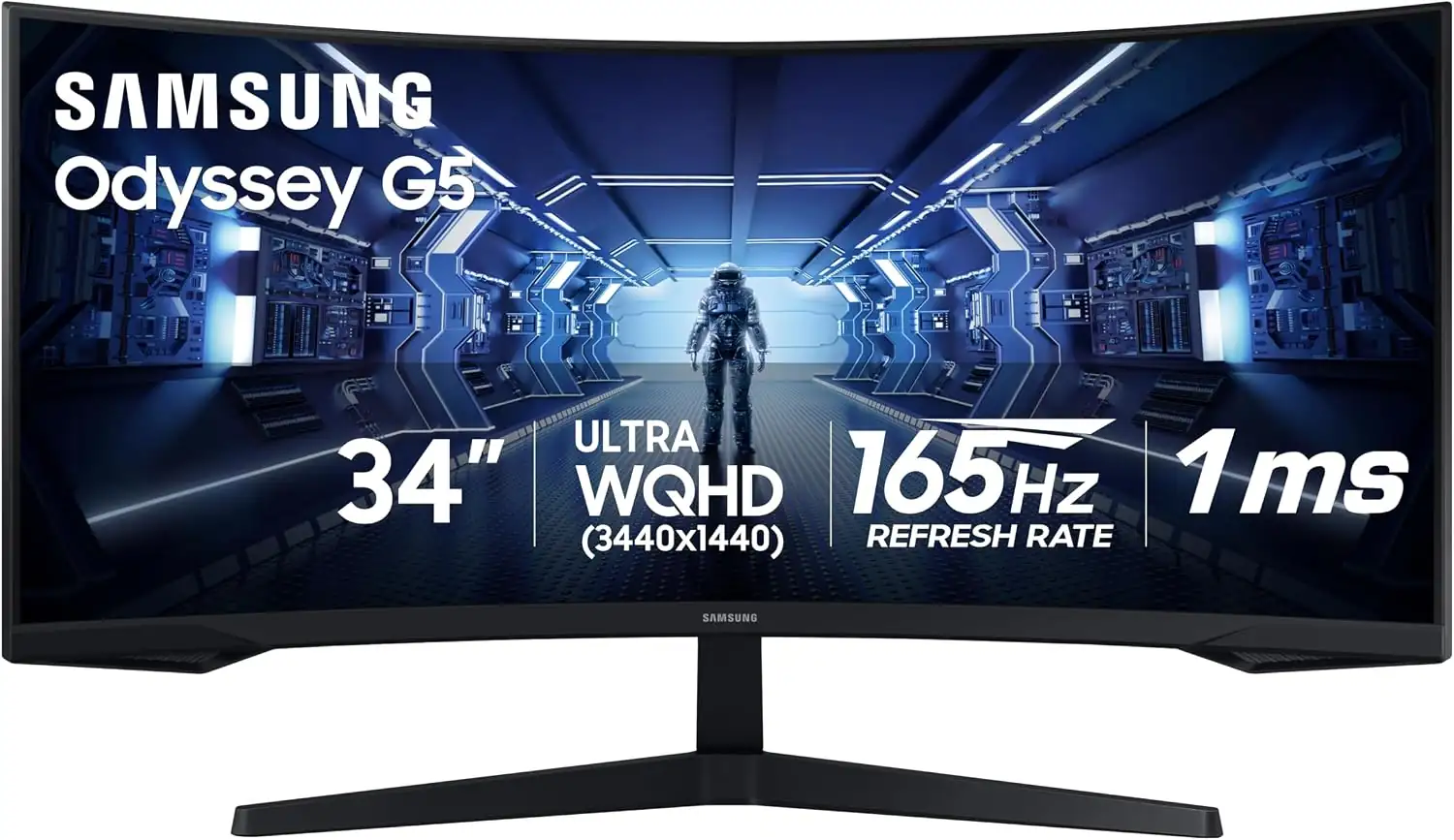
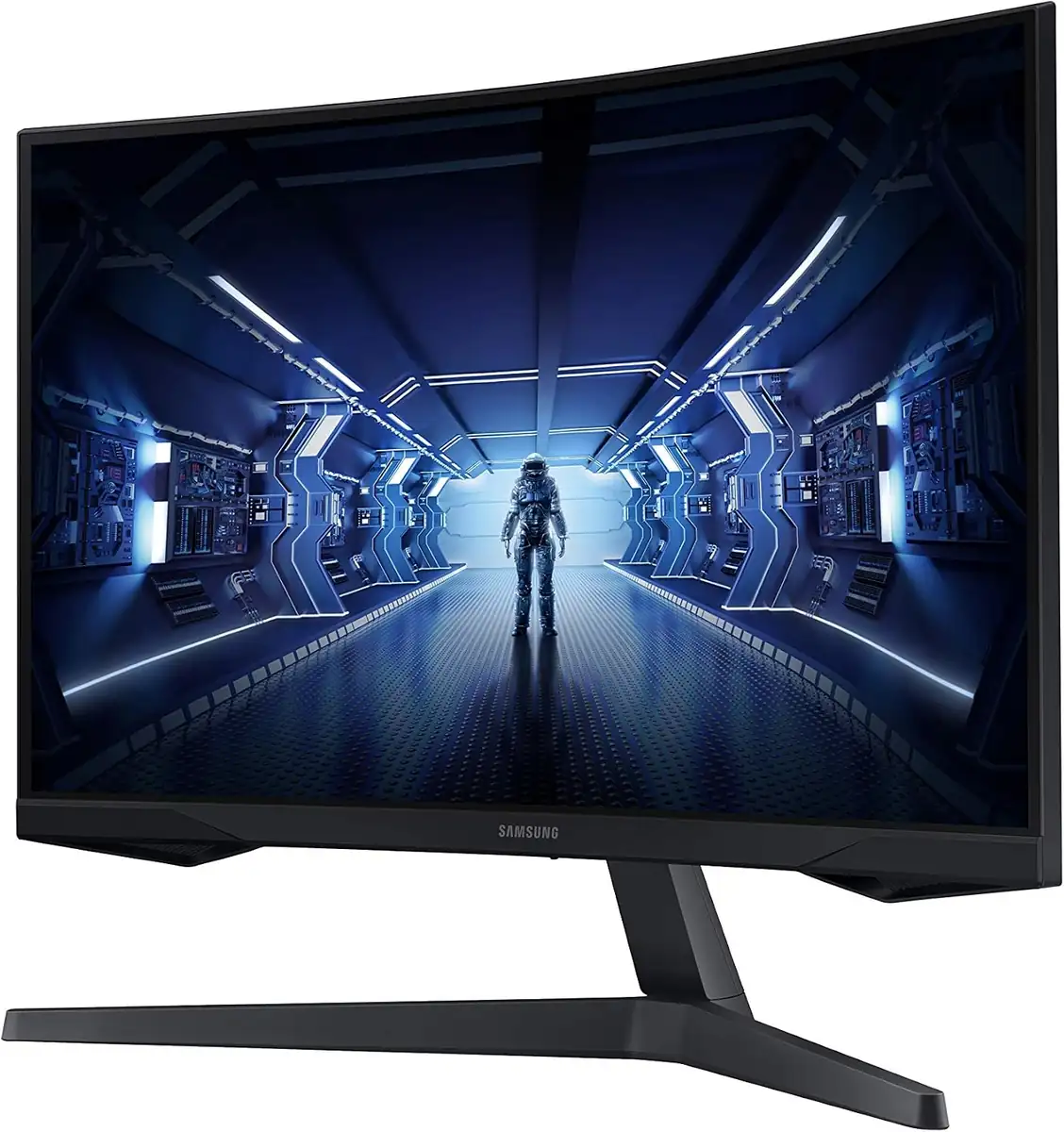
Samsung 34' Odyssey G5 Ultra-Wide Gaming Monitor with 1000R Curved Screen
By Samsung · Gaming Monitors · Audio & Electronics · More from Samsung
- 34-inch 1000R curved VA panel
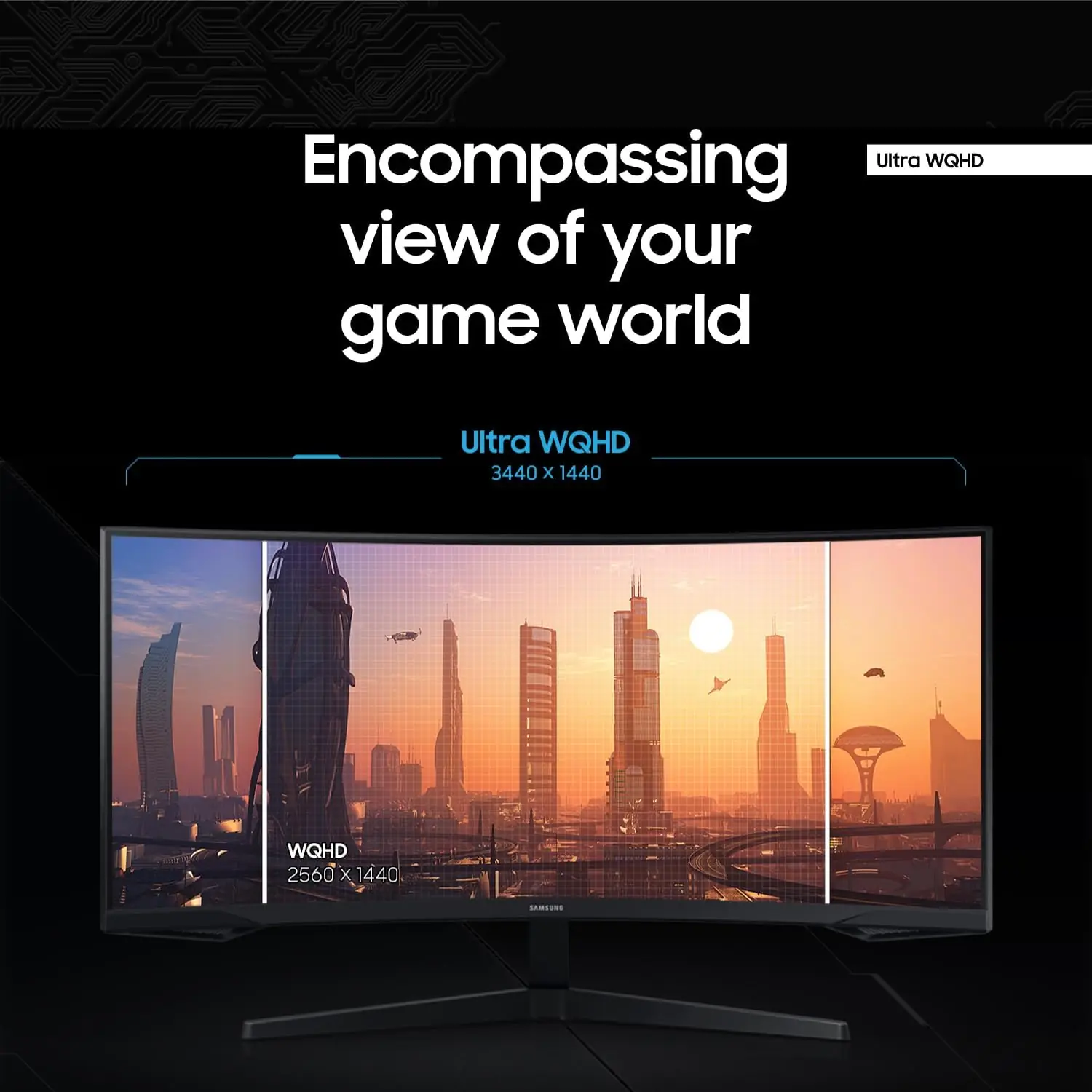
- UWQHD 3440x1440
- 165Hz refresh rate
- 1ms response (MPRT)
- HDR10
Price not listed
- SamsungView at Samsung
- Best BuyView at Best Buy
- eBay (used) eBay: used, open-box, refurbishedView at eBay (used)
- eBayView at eBay
- AmazonView at Amazon (paid link)
Stores are listed in a fixed order, never by price or commission. Prices are snapshots. Check the current price with the store.
Summary
A 34-inch 1000R-curved VA ultrawide at 3440x1440 and 165Hz, built for immersive dark-room gaming and desktop work rather than fast competitive play. Check two things before buying: 165Hz and FreeSync need DisplayPort, and owners report flicker or white lines on some units.
Strengths
- Deep native contrast and the wrap-around 1000R curve make it immersive in a dark room.
- 3440x1440 at 165Hz gives a sharp, roomy desktop at about 110 PPI.
- FreeSync Premium over DisplayPort and low measured input lag keep gameplay responsive.
- Accurate sRGB colors suit everyday work and video.
- It is frequently discounted well under its list price.
Weaknesses
- VA motion handling is slow: dark scenes smear and ghost in fast movement.
- The “1 ms” figure is MPRT only; Samsung publishes no GtG response time.
- HDR10 is nominal, with no local dimming and low peak brightness, so leave it off.
- Color coverage stops at basic sRGB; there is no wide gamut.
- The stand tilts only, with no height or swivel adjustment.
- Owners report flicker or white lines, often over DisplayPort 1.4 or when waking from sleep.
Verified specifications
| Model | LC34G55TWWNXZA (US); family C34G55T / G55T, launched 2020. |
|---|---|
| Panel | 34-inch VA, 1000R curve, matte anti-glare coating. |
| Resolution and aspect | UWQHD 3440x1440, 21:9. |
| Active display area | 797.22 x 333.72 mm. |
| Refresh rate | up to 165Hz over DisplayPort; 100Hz over HDMI 2.0. |
| Response time | 1 ms MPRT. Samsung publishes no GtG figure. |
| Contrast | 2,500:1 static (typical). |
| Brightness | 250 cd/m² typical, 200 cd/m² minimum; some units reach roughly 300-350 nits. |
| HDR | HDR10, with no local dimming. |
| Color | 16.7M colors, NTSC 1976 72%; basic sRGB only, no wide gamut. |
| Viewing angles | 178° H/V. |
| Adaptive sync | AMD FreeSync Premium over DisplayPort; not NVIDIA-certified G-SYNC Compatible. |
| Ports | one DisplayPort 1.4, one HDMI 2.0, headphone jack; no USB hub. |
| Speakers | none. |
| Stand | tilt only, -2° to 18°; VESA 75x75 mm. |
| Power | external adapter, AC 100-240V; max 50-55W, typical 32.4W, DPMS 0.5W, off 0.3W. |
| Dimensions | 806.6 x 475.3 x 272.6 mm with stand (806.6 x 380.9 x 152.7 mm without). |
| Weight | 5.6 kg with stand, 5.2 kg without. |
| In the box | a DisplayPort cable. |
Full research notes and sources
Motion, HDR and color
Independent testers call it a good-to-very-good gaming monitor for dark-room use, thanks to its high native contrast and deep blacks. The “1 ms” spec is MPRT (backlight strobing) only, and Samsung publishes no GtG number.
RTINGS calls it a “very good gaming monitor” with low input lag, but flags “a ton of bugs” that can raise input lag and stop VRR working. DisplayNinja measured input lag around 4 ms and three overdrive modes, recommending “Fastest” at 165Hz; Digitec measured about 2 ms. Some units brighten to roughly 300-350 nits.
Ports and setup
The monitor has one DisplayPort 1.4, one HDMI 2.0 and a headphone jack, with no USB hub (the USB port is for service and firmware only). At 3440x1440, HDMI 2.0 is limited to 100Hz and FreeSync does not work over HDMI, so 165Hz and VRR need DisplayPort. The monitor is not NVIDIA-certified G-SYNC Compatible, though VRR can be enabled manually on GeForce cards over DisplayPort.
The stand is a simple tilt-only design (-2° to 18°) with no height or swivel adjustment, and there is a 75x75 mm VESA mount if you want to add an arm. Power draw is modest: about 32.4W typical and roughly 38W in a hands-on test, against a 50-55W maximum that varies a little between Samsung’s regional spec sheets.
Flicker and reliability
Two owner-reported issues recur across forums and retailer Q&A. The strongest is flickering or white distorted lines, often after waking from sleep or over DisplayPort 1.4. Reported workarounds include dropping the monitor’s DisplayPort setting to 1.2, lowering the refresh rate to 100Hz or 143Hz, or using a custom resolution, while some owners return the unit. Samsung community threads describe this as a known-type issue on Odyssey units.
The second is VA black smearing and backlight bleed, and owners repeatedly call the 34-inch G5 slower than the G7. These are owner impressions; nobody has published a failure rate, so treat them as known annoyances rather than guaranteed defects. Samsung’s own US store page shows mixed customer feedback and cites limited stand adjustability and occasional sound problems and durability concerns, though that feedback includes incentivized reviews.
Is it worth it?
At roughly $250-$300 it is a reasonable pick if you want a 1000R-curved 3440x1440 165Hz VA ultrawide and value deep blacks and immersion over motion clarity and color coverage. At $300-$350 it is fair, but faces 1500R VA ultrawides that reviewers say offer wider color and better ergonomics for similar money. Near the $399.99 list it is weak value, because the motion handling, weak HDR and tilt-only stand are real limits.
Samsung US lists the LC34G55TWWNXZA at $399.99 and has shown it discounted to $249.99 (Samsung, 2026). Samsung Australia listed it at $399 AUD against a $599 was-price (Samsung Australia, 2026). It has been on sale since 2020 and is discounted often, so treat list price as an upper anchor rather than a normal price. A deal thread on r/buildapcsales listed it at $265.04.
Which model this is
This page covers the 34-inch Odyssey G5, sold in the US as LC34G55TWWNXZA, part of the C34G55T / G55T family launched in 2020. The same 34-inch panel ships under regional codes such as LC34G55TWWEXXY, LC34G55TWWPXXU and LC34G55TWWPXEN.
The Amazon listing for the US black variant is ASIN B08MVBYWGQ.
Don’t confuse it with the 27-inch or 32-inch Odyssey G5 (16:9, 2560x1440, 144Hz), the Odyssey G7, or the newer G55A/G55C.
Sources
Manufacturer:
- 34" Odyssey G5 G55T 165Hz Curved Gaming Monitor (Samsung US)
- 34" Curved Gaming Monitor spec sheet LC34G55TWWNXZA (Samsung US, PDF)
- 34 Inch Odyssey G5 Curved Gaming Monitor (Samsung UK)
- 34" Odyssey G5 Curved Ultra WQHD Monitor (Samsung Australia)
- 34 Inch Odyssey G5 Curved Gaming Monitor (Samsung Canada)
Independent reviews:
- 34" Samsung C34G55T specifications (DisplaySpecifications)
- Testing the Samsung Odyssey G5: a 34-inch gaming giant (Digitec)
Owner reports:
- Odyssey G5 horizontal flicker and DisplayPort crash (Samsung US Community)
- Intermittent flickering on Samsung Odyssey G5 34" (Samsung EU Community)
- Samsung Odyssey G5 34" LC34G55TWWNXZA flickering lines (Samsung EU Community)
- Samsung G5 Odyssey 34" ultrawide mixed feelings (r/ultrawidemasterrace)
- Weird flickering on Samsung Odyssey G5 34" (r/Monitors)
- Samsung Odyssey G5 flickering / glitching on DisplayPort (r/ultrawidemasterrace)
- Samsung Odyssey monitors — thoughts? (r/Monitors)
- Just got an Odyssey G5, is this bad? (r/Monitors)
- Samsung 34" Odyssey G5 deal thread (r/buildapcsales)