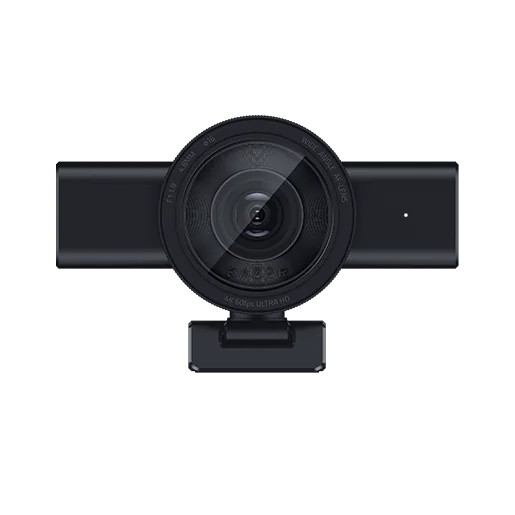
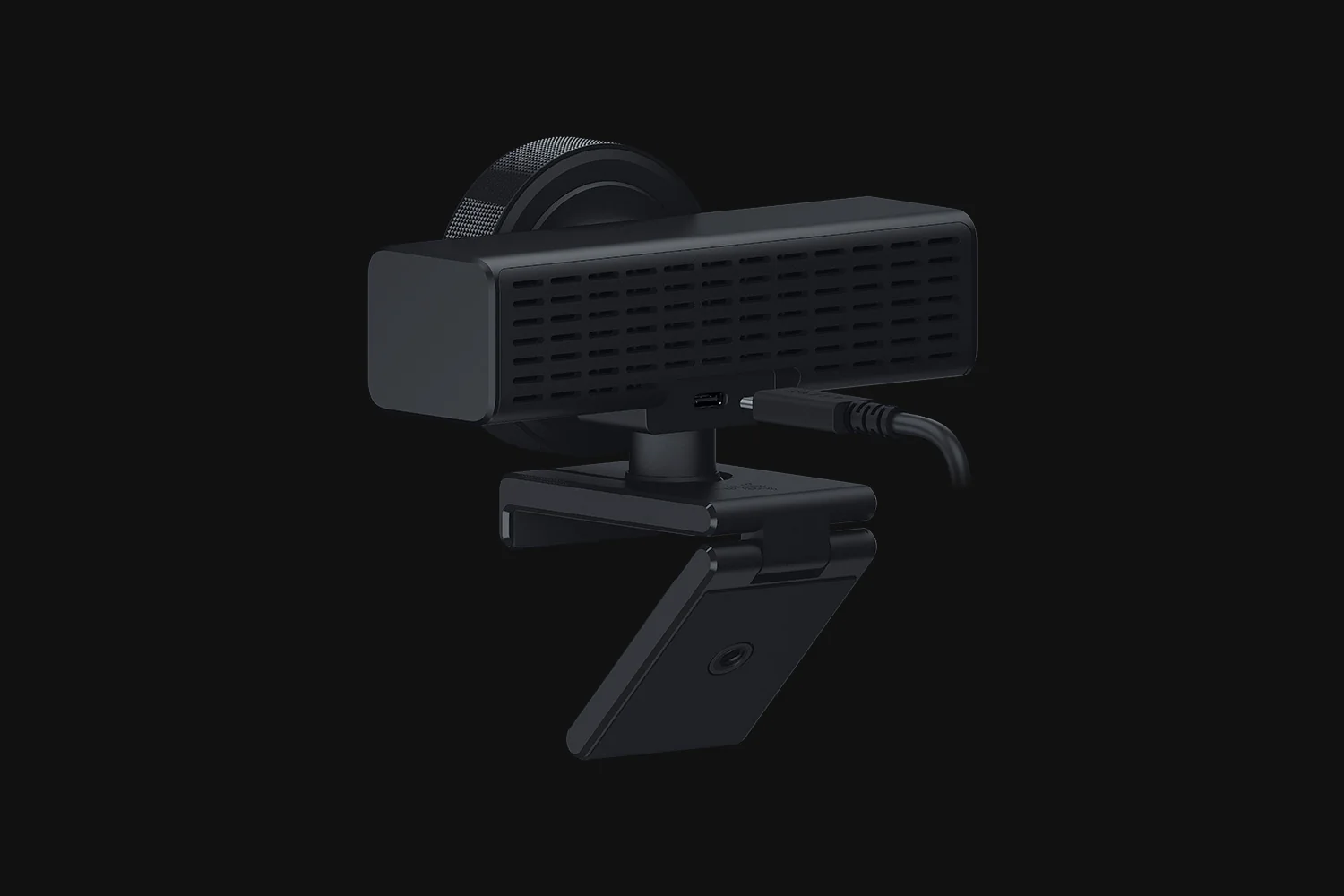
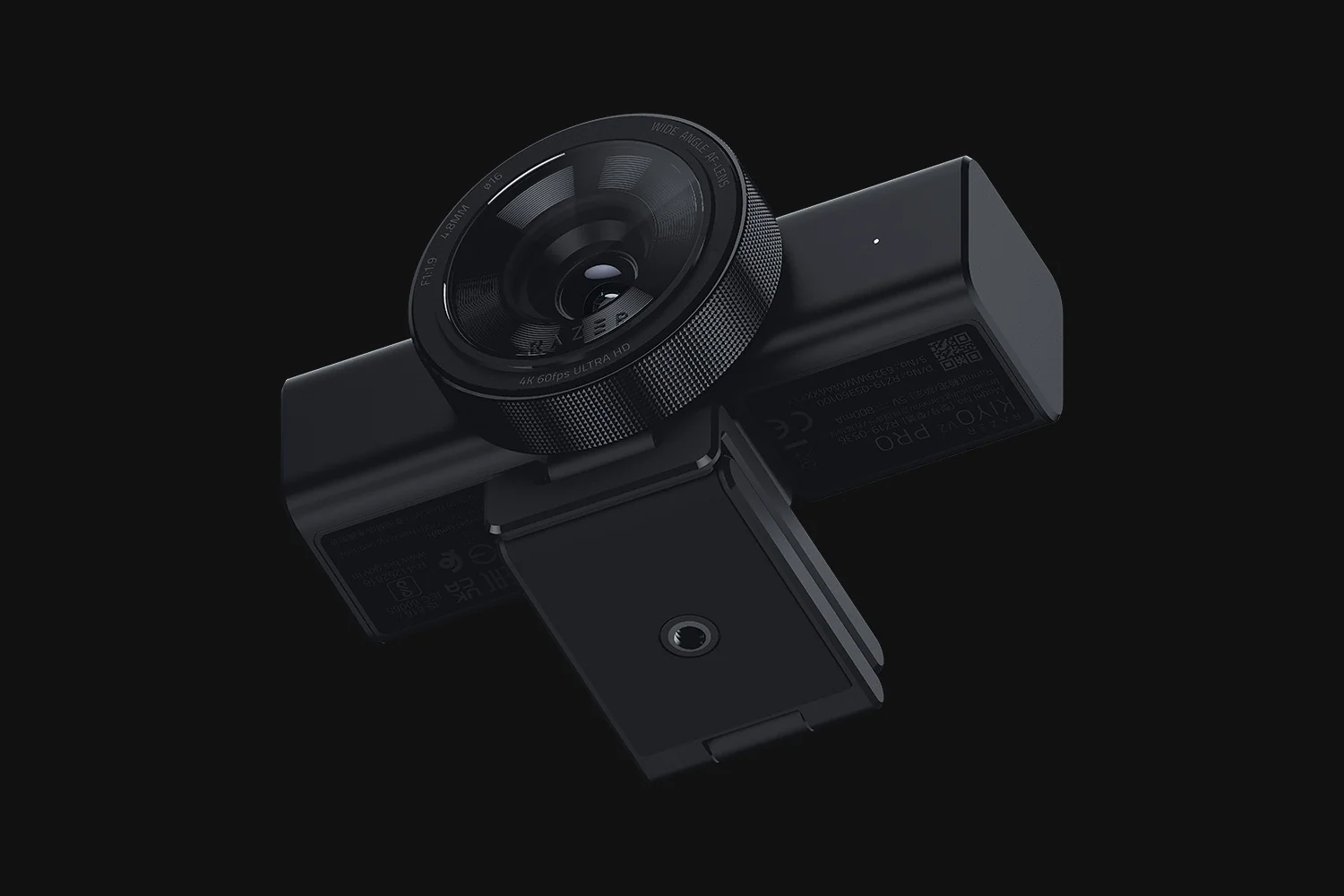
Razer Kiyo V2 Pro
By Razer · Webcams · Desk & Streaming Setup · More from Razer
- 4K 60FPS video
- 1/1.8-inch sensor
- 3.3 x 5.2 x 3.2 in dimensions
- USB connectivity
- Auto focus
Price not listed
- eBay (used) eBay: used, open-box, refurbishedView at eBay (used)
Stores are listed in a fixed order, never by price or commission. Prices are snapshots. Check the current price with the store.
Summary
A USB-C webcam for creators who need 4K at 60 FPS and manual image control, with an 8.3 MP Sony STARVIS 2 sensor and a physical privacy shutter. Check your setup before buying: it has no microphone, it is large and heavy enough to need a tripod, and the best image needs tuning in Camo Studio.
Strengths
- 4K at 60 FPS with an 8.3 MP Sony STARVIS 2 sensor, smoother than webcams capped at 30 FPS.
- Strong low-light performance, helped by the f/1.9 aperture and one-click image enhancement.
- Physical twist privacy shutter and on-camera auto-framing that uses no PC resources.
- Lifetime Camo Studio Pro license (valued at $100) included in the box.
- Solid, weighty build with a matte chassis and a 1/4" tripod thread.
Weaknesses
- No built-in microphone, so it is poorly suited to video calls without separate audio.
- Large and heavy (380 g) and unstable on small monitors; realistically needs a tripod.
- Best image quality requires manual tuning; out of the box it looks ordinary.
- Finicky with third-party USB-C cables; Razer requires a 5 Gbps USB 3.2 cable.
- High price at $299.99 MSRP.
- Relies on Camo Studio to unlock the full feature set; Synapse is basic.
Verified specifications
| Product | Razer Kiyo V2 Pro, HDR Black. |
|---|---|
| Model code | RZ19-05360100-R3U1. |
| Sensor | 8.3 MP Sony STARVIS 2. |
| Aperture | f/1.9. |
| Focal length | 4.8 mm (24 mm full-frame equivalent). |
| Field of view | 86°, configurable; the Kiyo V2 had 93°. |
| Video | 4K at 60/30 FPS, 1440p at 60/30 FPS, 1080p at 60/30/24 FPS, 720p at 60/30 FPS. |
| Formats | MJPEG and H.264 up to 4K 60 FPS; NV12 up to 4K 30 FPS. |
| HDR | yes, at 30 FPS. |
| Zoom | 4x digital. |
| Exposure compensation | ±3 EV. |
| ISO | 100–6400. |
| Focus | auto or manual; autofocus in about two seconds. |
| Microphone | none. |
| Privacy shutter | built-in twist ring. |
| Mount | fixed L-shape with a 1/4" tripod thread; pivoting mount for monitor or tripod. |
| Connection | USB Type-C to USB Type-C (USB 3.0), 2 m (6.56 ft) cable. |
| Software | Razer Synapse (basic) and Camo Studio (full control; lifetime Pro license included). |
| AI | on-camera auto-framing (pan/tilt/zoom) using no PC resources. |
| Image control | ISO, shutter speed, white balance, exposure and gain. |
| Low light | excels, with one-click output enhancement. |
| Dimensions | camera body 35 × 41 × 132 mm (1.4 × 1.61 × 5.2 in); with mount 84.3 × 81 × 132 mm (3.3 × 3.2 × 5.2 in); 380 g (0.84 lb). |
| Materials | matte-finish plastic chassis. |
| In the box | Kiyo V2 Pro, 2 m detachable USB-C to USB-C cable, Important Product Information Guide; Camo Studio Pro license delivered in software. |
| Warranty | up to one year; 14-day risk-free returns on direct RazerStore purchases. |
| Shipping (RazerStore) | standard free (5–7 business days), express $10 (3–5 business days), priority $15 (1–2 business days). |
Full research notes and sources
Which model this is
This page covers the Razer Kiyo V2 Pro in HDR Black, model code RZ19-05360100-R3U1. It is a different product from the Razer Kiyo V2, Kiyo V2 X, older Kiyo, and Kiyo Pro / Pro Ultra, which use different sensors and feature sets. The Amazon listing for this model is ASIN B0FNBGBJ12.
Image quality and low light
The field of view is 86°, narrowed from 93° on the Kiyo V2, and the focal length is 4.8 mm (24 mm full-frame equivalent), up from 3.0 mm.
Size, mounting and cable
The body measures 35 × 41 × 132 mm and 84.3 × 81 × 132 mm with the mount, at 380 g. That weight makes it unstable on small monitors and laptop lids, so a tripod is the realistic mount. The included 2 m USB-C cable works; many third-party cables fail because the camera needs a USB 3.2 cable rated for 5 Gbps. It also gets warm during long use, though ventilation was reported adequate.
Software and controls
Razer Synapse covers basic settings (ISO, shutter speed, white balance, exposure, gain). Camo Studio unlocks the full manual set, including saturation, zoom and profiles, plus the on-camera auto-framing. A lifetime Camo Studio Pro license is included, valued at $100. Razer’s official requirement is Windows 10 or higher; macOS support is reported by Tom’s Guide but is not on Razer’s “What’s Needed” list.
Is it worth it?
At the $299.99 MSRP (Razer, 2026) it is a niche creator tool: strong value only if you need 4K60, manual control and low-light performance, weak for plug-and-play video calls because of the missing microphone and large size. Windows Central’s review-period comparison shows a $349.99 list against a $299.99 sale. If the price drops well below $299.99, value improves; at full price, compare against Elgato Facecam 4K and other 4K60 options and confirm you will use Camo Studio.
Sources
Manufacturer:
Independent reviews:
Owner reports:
- No owner discussion threads were retrieved for this model.