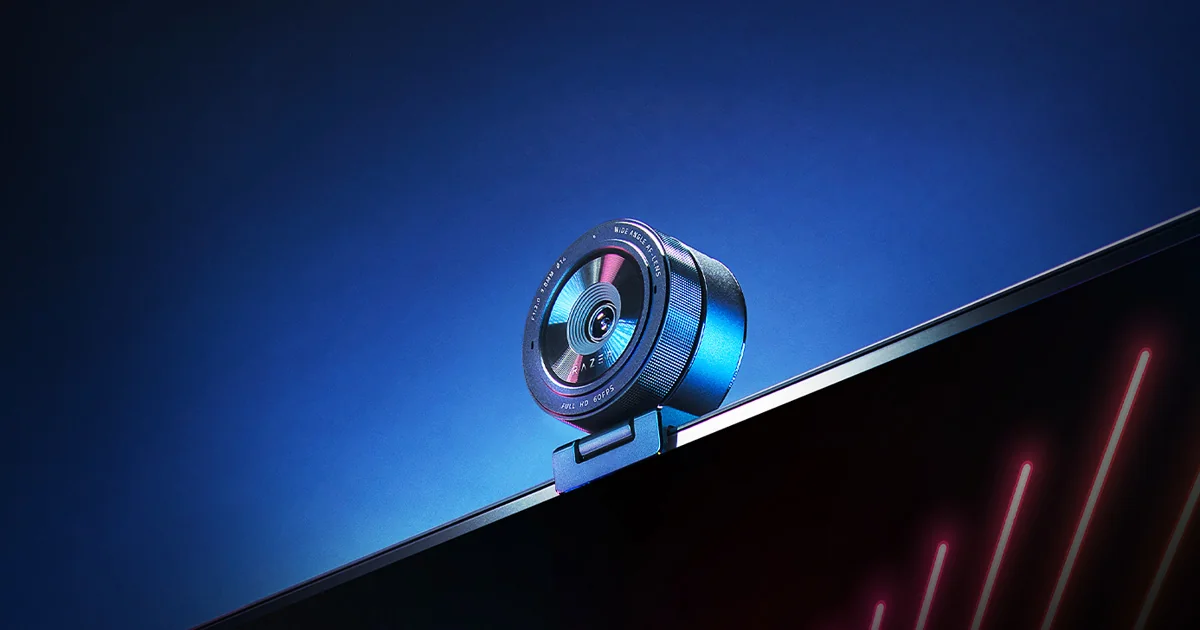
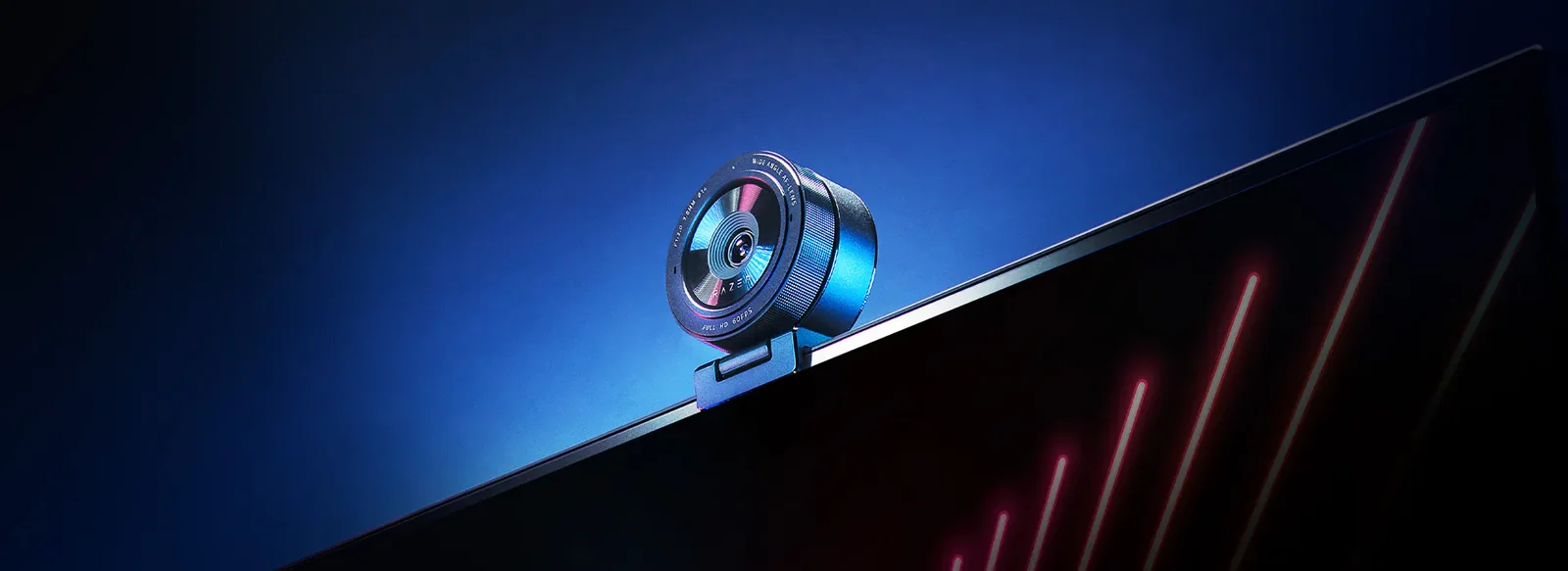
Razer Kiyo Pro 1080p60 streaming webcam with adaptive light sensor
By Razer · Webcams · Desk & Streaming Setup · More from Razer
- Uncompressed 1080p 60fps FHD video over USB 3.0 (5 GB/s signal)
- Sony STARVIS 1/2.8" CMOS sensor, 2.9um pixels, adaptive light sensor
- HDR enabled at 1080p30 for wider dynamic range
- Adjustable field of view: 80 degrees narrow, 90 degrees medium, 103 degrees wide
- Autofocus and manual focus, stereo microphone, 5 ft braided USB 3.0 cable
Price not listed
- RazerView at Razer
- eBayView at eBay
- eBay (used) eBay: used, open-box, refurbishedView at eBay (used)
Stores are listed in a fixed order, never by price or commission. Prices are snapshots. Check the current price with the store.
Summary
The Razer Kiyo Pro is a 2021 1080p60 USB webcam whose reason to exist is low-light performance without a ring light, thanks to a Sony STARVIS sensor and an f/2.0 lens. The thing to check before buying is the price: it launched at $199.99, and owners report it selling around $90 in 2026.
Strengths
- Low-light and backlit-window handling beat a Logitech C920, without the ring light the original Kiyo had.
- PCMag awarded it an Editors’ Choice and called its low-light footage some of the best in any webcam.
- The built-in mic was judged comparable to a Sennheiser Game One headset boom mic.
- 1080p60 capture avoids the frame-rate mismatch with gameplay, and 60 fps OBS captures carried to saved files without adding file size.
- The camera body detaches from the mount and screws onto a standard tripod.
Weaknesses
- HDR, field-of-view switching, manual focus and 60 fps all live behind Razer Synapse or the capture software, not out of the box.
- The default 103° view warps at the edges; the 80° and 90° presets exist to fix that.
- Autofocus lost lock for several seconds whenever the reviewer moved, in bright and dim light alike.
- The mic picks up mouse and keyboard clicks.
- There is no built-in ring light, unlike the original Kiyo.
- Razer warns against USB hubs and USB 2.0, and one owner reports a detection failure through a powered extension cable.
Verified specifications
| Sensor | Sony STARVIS 1/2.8" CMOS, 2.9 µm pixels; Tom’s Hardware identifies the part as the Sony IMX327 with Starvis technology. |
|---|---|
| Lens | large-aperture f/2.0, behind a Corning Gorilla Glass 3 cover that Razer states is 4x the scratch resistance of other aluminosilicate glasses. |
| Video | uncompressed 1080p60 over USB 3.0, plus 720p60, and 480p and 360p at 30 fps. |
| HDR | runs at 30 fps and is mutually exclusive with 60 fps. |
| Field of view | 80°, 90° and 103° presets, changed in Razer Synapse. |
| Focus | autofocus and manual focus, with autofocus swappable for digital manual focus in Synapse. |
| Microphone | built-in stereo mic per Tom’s Guide, listed as omnidirectional by GamesRadar and Tom’s Hardware. |
| Connection | USB 3.0 plug-and-play, with a braided USB-C cable that is USB-A-to-C, about 5 feet (59 inches measured). |
| Software | Razer Synapse handles image resolution, video resolution, image quality, field of view and focus, plus brightness, contrast, saturation and white balance. |
| Status indicator | an LED at the top of the camera lights when recording. |
| Dimensions | 8.5 × 7 × 4.5 inches, per Tom’s Guide; significantly larger than a Logitech C920. |
| Weight | not published by any source read. |
| Warranty | one year, with 14-day risk-free returns on direct RazerStore purchases. |
Full research notes and sources
Low light and the sensor
Tom’s Hardware ran a three-way lighting test against a Logitech C920. With the blinds closed and only the monitor lit, the Kiyo Pro brightened the background to reveal colour the Logitech’s photos could not show. Pointed at a window, it held detail outside instead of blowing out to white. PCMag called its low-light footage some of the best in any webcam and gave the camera an Editors’ Choice. GamesRadar found it performs admirably under harsh conditions. Tom’s Guide found it preserves exposure detail the C920 does not, at the cost of a slightly darker overall image.
The sensor behind all of this is a Sony STARVIS 1/2.8" CMOS with 2.9 µm pixels and an f/2.0 lens, which is why the camera can favour low light over the ring light the original Kiyo used. The trade-off shows in other conditions: in full light PCMag found a bit of noise softens finer details like hair, and the Dell UltraSharp Webcam captured those details more cleanly at 4K.
Focus, microphone and software
Autofocus is the recurring weak point. The microphone is the opposite. PCMag found the voice full and clear with some room echo, comparable to the Poly Studio P5’s mic, and Tom’s Hardware found it on par with a Sennheiser Game One headset boom. Tom’s Guide’s caveat is that it picks up mouse and keyboard clicks.
Most of the headline features need setup that is not obvious. Tom’s Hardware found the HDR toggle, the three fields of view and the manual-focus option locked behind Razer Synapse, with the packaging and quick-start card doing little to explain that. The 60 fps mode also has to be selected inside the capture application. GamesRadar found Synapse’s mode buttons display the mode you are currently in rather than the mode you would switch to, which caused it to enable the wrong one. PCMag called Synapse somewhat bloated. Out of the box, the default 103° view is visibly fisheye-warped at the edges, which the 80° and 90° presets exist to correct.
Build, mounting and support
The body is hard plastic rather than metal, with a monitor-mount hinge and a ridged circular body; Tom’s Hardware calls it solidly built, hefty and modular. It measures 8.5 × 7 × 4.5 inches and is significantly larger than a Logitech C920. The camera body detaches from the L-shaped monitor mount and screws onto a standard tripod, and the mount itself has a tripod screw hole. In the box are the camera with detachable mount, a privacy cover and a braided USB-C cable; no tripod is included. The privacy cover is a loose black plastic cap, easier to lose than a magnetic shutter. No weight figure is published anywhere that could be found, and Razer publishes no cleaning or repair documentation for the camera.
Practical limits are worth knowing. Razer’s FAQ warns against USB hubs and extended cables, and says USB 2.0 ports and cables are not recommended as it supports less resolution for some video formats. An owner reports the camera randomly stopped detecting through a powered active USB extension cable, and worked on a front port with power saving off. No minimum or recommended PC specification is published, and Tom’s Guide attributes its own 1080p60 stream stutter on a 2019 Razer Blade 15 to a game plus streaming software running at once, smoothing out at 720p30. Warranty is one year, with 14-day risk-free returns on direct RazerStore purchases. Razer’s current Kiyo line is the Kiyo V2 series, and Synapse 4 drops full Windows 10 support on 2026-10-14 with security-only updates until 2027-12-12, so a five-year-old camera’s software longevity is worth checking.
Is it worth it?
The value case turns on the price. The camera launched at $199.99, and both Tom’s Hardware and PCMag recommend against paying that: Tom’s Hardware said the $79 Logitech C920 will do most of what the Razer Kiyo Pro does, and PCMag pointed to the Poly Studio P5 at just over half the price. Owners, however, list the camera at roughly $90 street in 2026. At around $90 it is a good 1080p60 option with low-light performance most rivals at that price do not match. GamesRadar says that if you only need a camera for work meetings, the Razer Kiyo Pro will not be for you.
Which model this is
This page covers the original Razer Kiyo Pro, the 1080p60 FHD USB webcam with the Sony STARVIS adaptive light sensor released on 2021-02-23. Do not confuse it with the Kiyo Pro Ultra, which is a 4K30 model, or with the Kiyo V2 series that now appears in Razer’s Kiyo navigation. No separate part number, SKU or hardware revision was published on the pages read. The camera body detaches from the L-shaped monitor mount, so the body and the mount can be used separately with a tripod.
Sources
Manufacturer:
Independent reviews:
Owner reports:
- USB port not working (r/pchelp)
- Black screen on macOS (r/MacOS)
- Camera advice (r/Twitch)
- Help fixing webcam quality in recordings (r/obs)
- Used iPhone or Webcam for tracking on budget? (r/vtubertech)
- Odd Blank Screen Issue (r/pcmasterrace)
- Help me improve my videos (r/Twitch_Startup)
- Selling New Razer Kiyo Pro Webcam with Sony Sensor (r/IndianPCHardware)
- Pls help a girl out (r/MSILaptops)
- Wise’s ID verification system (r/transferwiser)