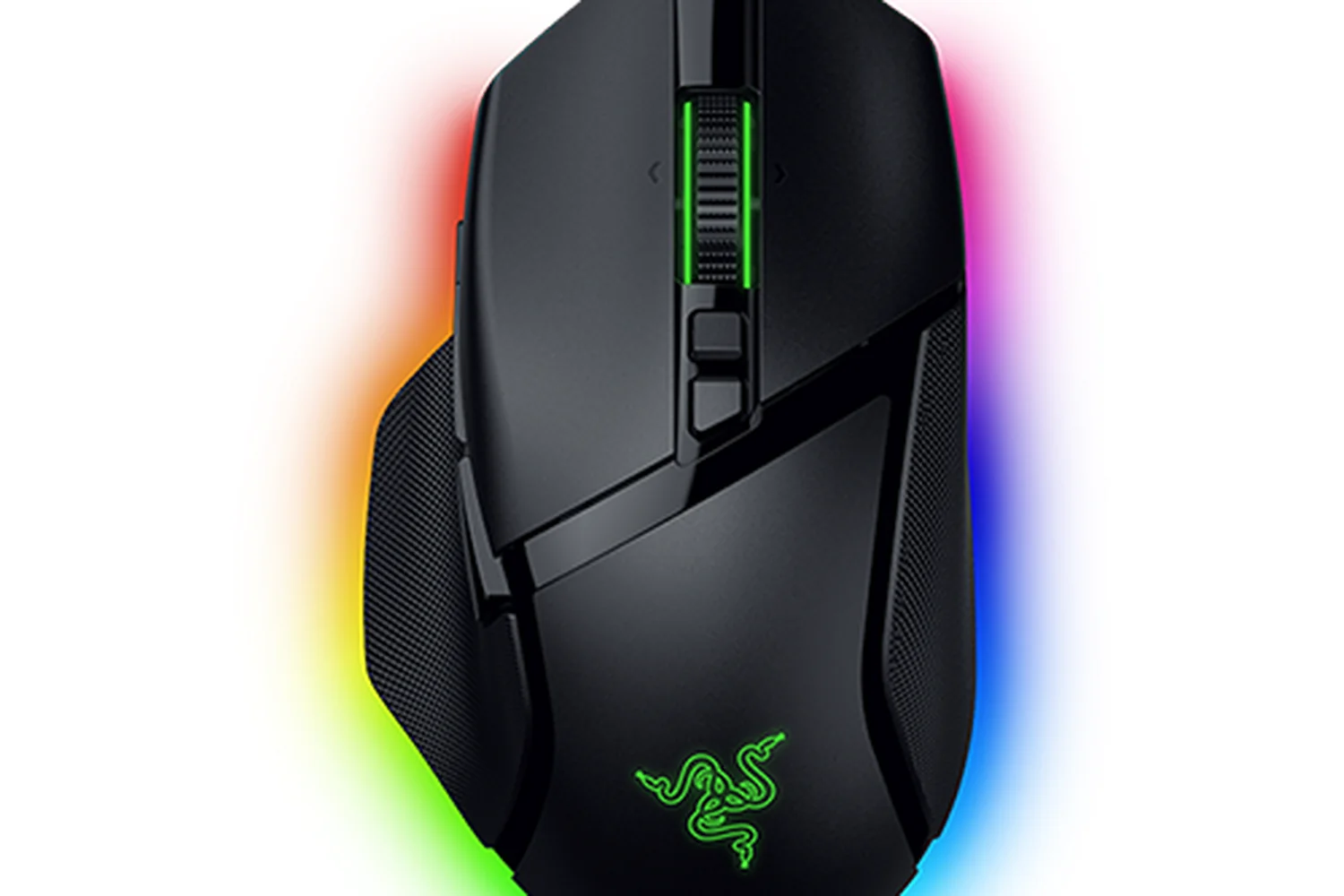
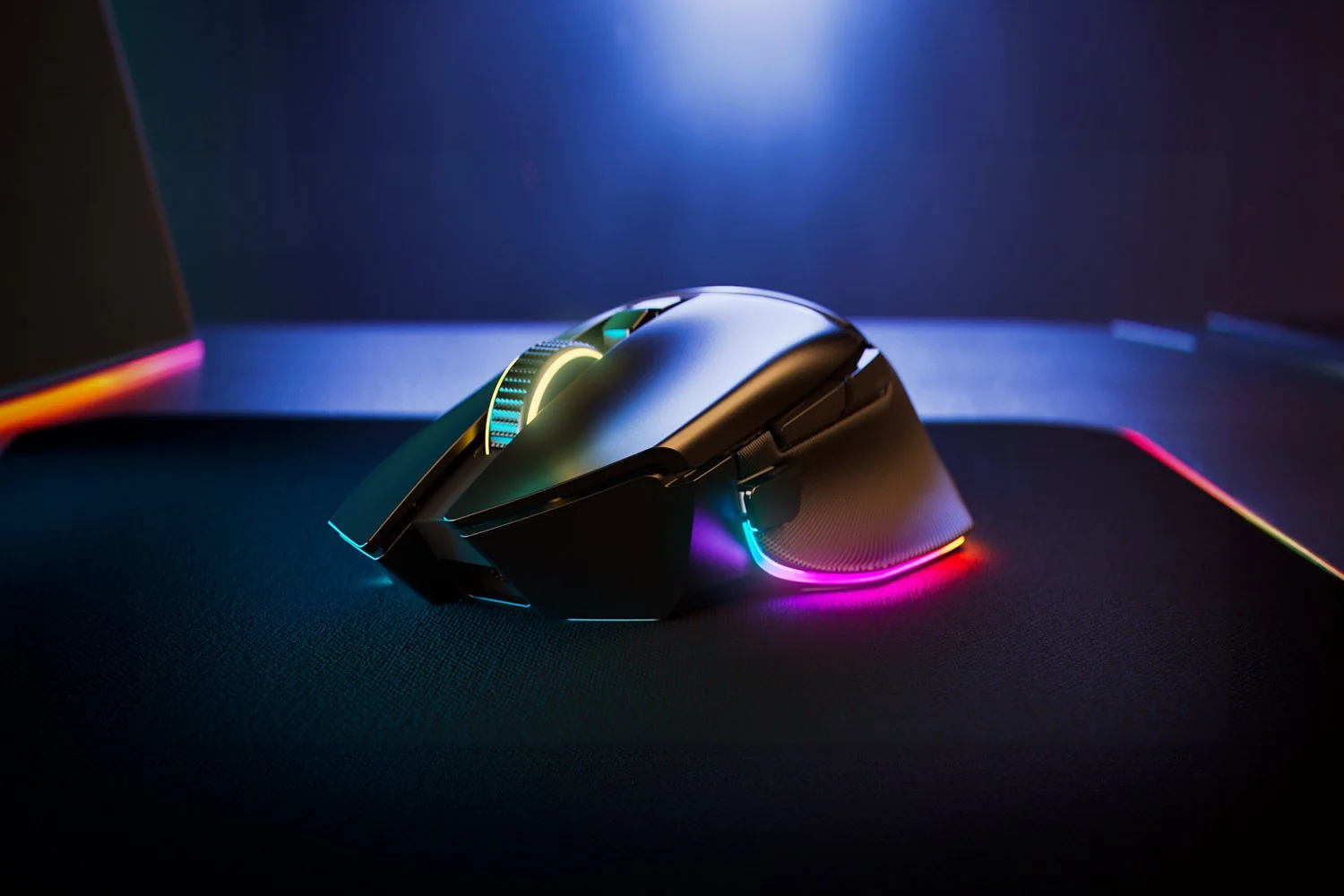
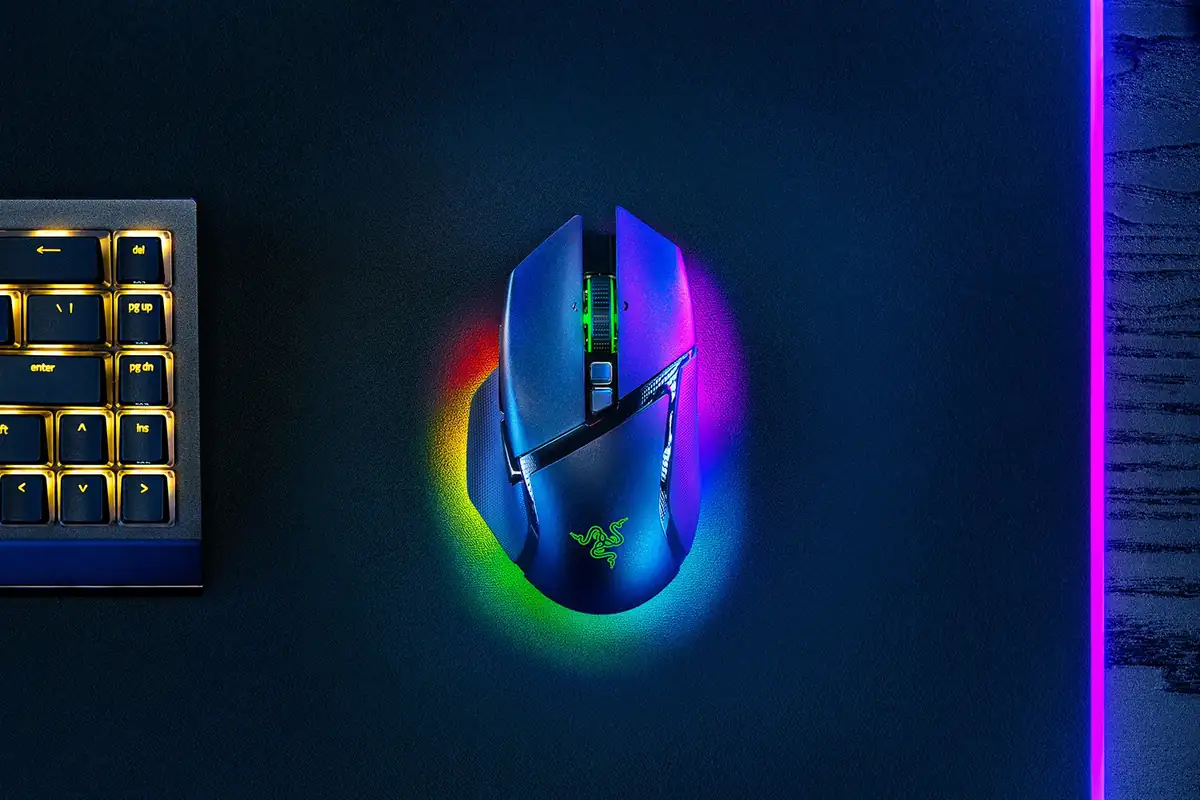
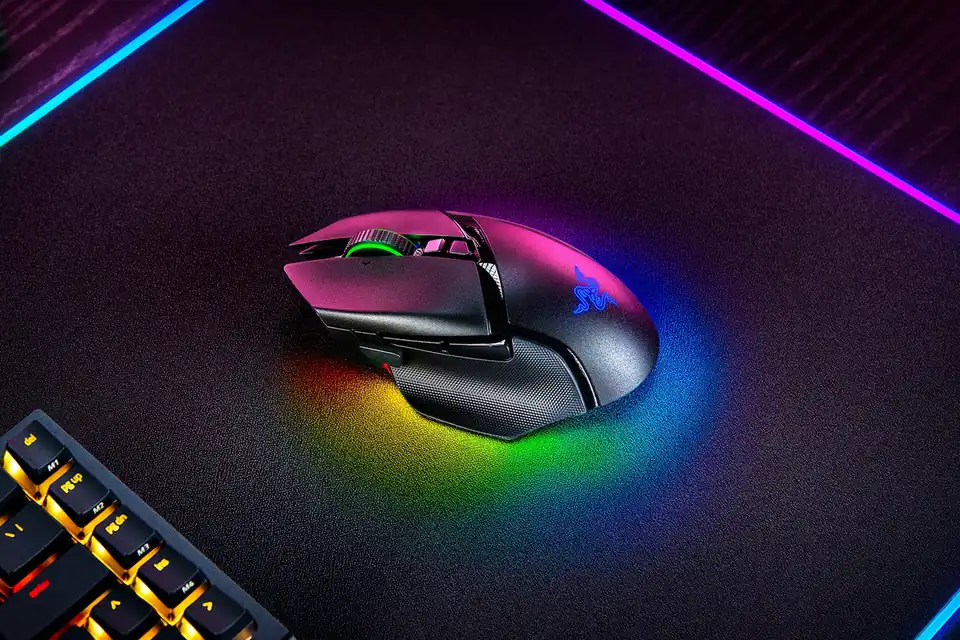
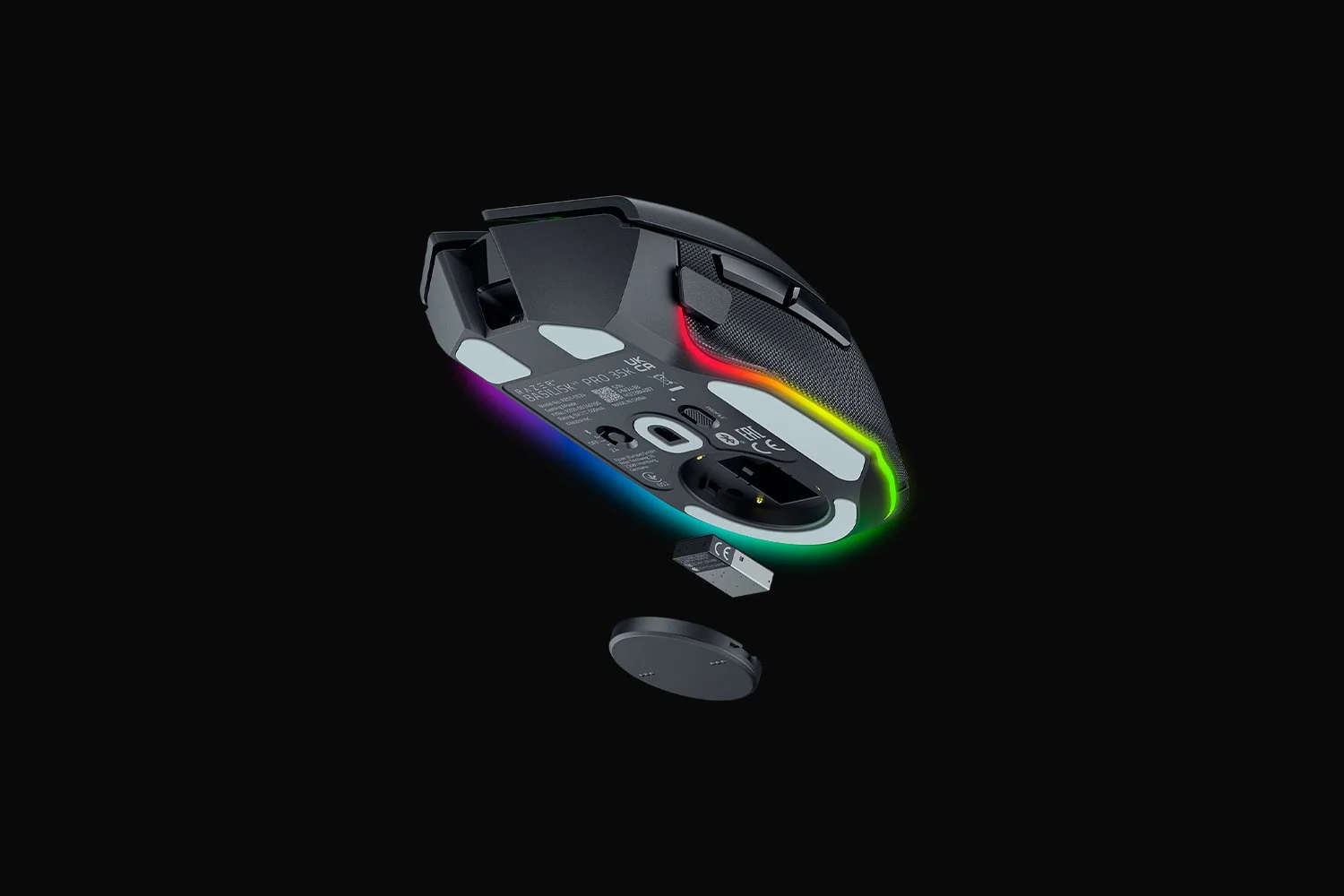
Razer Basilisk V3 Pro 35K
By Razer · Computer Mice · Desk & Streaming Setup · More from Razer
- Right-handed ergonomic shape
- Razer Focus Pro 35K Optical Sensor Gen-2
- HyperScroll tilt wheel
- Wired, HyperSpeed wireless and Bluetooth connections
- Up to 140 hours on HyperSpeed wireless
Price not listed
- RazerView at Razer
- eBayView at eBay
- AmazonView at Amazon (paid link)
- eBay (used) eBay: used, open-box, refurbishedView at eBay (used)
Stores are listed in a fixed order, never by price or commission. Prices are snapshots. Check the current price with the store.
Summary
A right-handed wireless gaming and productivity mouse with a thumb rest, the Focus Pro 35K Gen-2 sensor and an electronically switchable four-way tilt wheel. Check the scroll wheel before buying: multiple exact-model owners report it stops sending scroll signals, and some say replacements failed the same way, though no failure rate is published.
Strengths
- Excellent scrolling and mixed-work ergonomics when the wheel works: free-spin handles long pages, and tactile detents suit discrete steps.
- Performance beyond marketing: RTINGS found superb click and motion behavior and excellent build, though it is heavy.
- Flexible dual-radio use: switch between receiver and Bluetooth across devices, with a wired fallback.
- Configurable profiles: Synapse 4 stores five onboard profiles, macros and per-zone lighting.
- Useful runtime at conservative settings: TechRadar ran roughly 100 hours with RGB off before the battery fell from about 80% to 15%.
- Upgrade path: the underside storage cover puck can be swapped for Razer’s wireless charging puck.
Weaknesses
- The scroll wheel stops sending scroll signals: a recurring owner complaint, including units that failed again after warranty replacement.
- No published failure rate: owner threads supply no denominator, so treat this as a risk to research, not a proven defect rate.
- Heavy and large for some hands: about 112–113 g and a wide shell can tire small hands and competitive FPS players.
- Battery drains fast with RGB or 8000 Hz: the 140 h figure assumes controlled settings, and 8000 Hz drops to about 28 h.
- Software dependence: advanced tuning, macros and lighting need Synapse 4 on Windows, not fully cross-platform.
- Wireless charging and 8000 Hz are extra cost: neither is included, and the upgrade accessories add up.
Verified specifications
| Model | standard black RZ01-05240100-R3U1, family RZ01-0524, Best Buy SKU 6589883. |
|---|---|
| Shape | right-handed palm grip with a thumb rest; 130.0 × 75.4 × 42.5 mm; about 112 g (RTINGS measured 113.3 g). |
| Sensor | Focus Pro 35K Optical Sensor Gen-2, up to 35,000 DPI, 750 IPS, 70 G, 99.8% resolution accuracy. |
| Buttons and wheel | 11 programmable buttons and 13 assignable controls including wheel functions; tactile/free-spin, Smart-Reel, tilt and adjustable acceleration. |
| Wireless | 2.4-GHz HyperSpeed receiver, Bluetooth and a USB-C wired cable. |
| Polling | up to 1000 Hz on the bundled receiver; up to 8000 Hz needs a separate HyperPolling Wireless Dongle or Mouse Dock Pro. |
| Battery | up to 140 h on HyperSpeed and up to 210 h on Bluetooth; about 28 h at 8000 Hz. |
| Recharge | USB-C, under about four hours from a PC USB port. |
| Software | Razer Synapse 4 on Windows with five onboard saved profiles. |
| RGB and feet | wheel, logo and multizone underglow Chroma LEDs; 100% PTFE stock feet. |
| Included | mouse, HyperSpeed dongle, dongle adapter, USB-A-to-USB-C cable and documentation; no charging dock or 8K dongle. |
| Warranty | two-year limited warranty for regular Razer mice. |
| Firmware | standard updater v2.52.00_r1 released April 24, 2026; a separate Phantom updater v2.53.00_r1 dated April 2, 2026. |
Full research notes and sources
Wheel and reliability
The scroll wheel is the part to watch. An April 12, 2025 r/razer poster said a three-month-old exact Basilisk V3 Pro 35K mechanically spun and toggled detents but stopped reporting scroll up and down, even on another computer; later users in the same thread reported comparable symptoms, some fixed temporarily by cycling power or changing Windows settings and others permanent. Nobody has published a failure rate, so treat this as a real risk rather than a proven defect.
Battery, polling and running costs
The bundled receiver supports up to 1000 Hz; 8000 Hz needs a separately purchased HyperPolling Wireless Dongle or Mouse Dock Pro. Razer advertises up to 140 h on HyperSpeed and up to 210 h on Bluetooth, but only about 28 h at 8000 Hz, and bright RGB cuts that further. TechRadar’s test with RGB off ran roughly 100 hours before the battery fell from about 80% to 15%. There is no required subscription and no disposable batteries. For illustration only, 5 Wh per charge and 100 charges a year is 0.5 kWh a year, or about $0.125 a year at $0.25 per kWh. At Best Buy’s $129.99, four years of ownership is about $32.50 a year and two years is about $65 a year; these are not verified lifetimes. Wireless charging and 8000 Hz add cost: the Wireless Charging Puck is $29.99 (about $6 a year over five years), the HyperPolling Dongle $39.99 (about $8) and Mouse Dock Pro $69.99 (about $14).
Is it worth it?
Best Buy’s October 2026 listing shows $129.99 with a $159.99 comparable value, while Razer direct lists $159.99 and the newer Basilisk V4 Pro is $169.99. Below $100 new with a valid warranty is excellent, and $100–120 is attractive for buyers who want Razer’s wheel and programmability. Above $140–150, compare the $169.99 V4 Pro, especially if the 35K wheel worries you; at $159.99 direct with uncertain stock, prefer the V4 Pro or the $99.99 older V3 Pro if the 35K sensor and battery upgrade do not matter. A Logitech G502 X LIGHTSPEED at $139.99 is the roughly 102 g alternative if you want lower weight and no RGB.
Which model this is
This page covers the standard black RZ01-05240100-R3U1, family RZ01-0524, sold under Best Buy SKU 6589883. The similarly named Basilisk V3 Pro (30K) and the wired Basilisk V3 35K are distinct products, and the Basilisk V4 Pro is the newer model Razer sells in October 2026. Razer lists standard updater v2.52.00_r1 released April 24, 2026, and a separate Phantom updater v2.53.00_r1 dated April 2, 2026; never flash Phantom firmware onto a standard black or white unit.
Sources
Manufacturer:
- Razer US product specification
- Razer US direct store, exact black model
- Razer support specifications, firmware and warranty
- Razer support firmware download list
- Razer official limited warranty
- Razer Wireless Charging Puck
- Razer Mouse Dock Pro
- Razer US returns and refunds
- Razer Basilisk V4 Pro
Independent reviews:
Retail and owner reports: