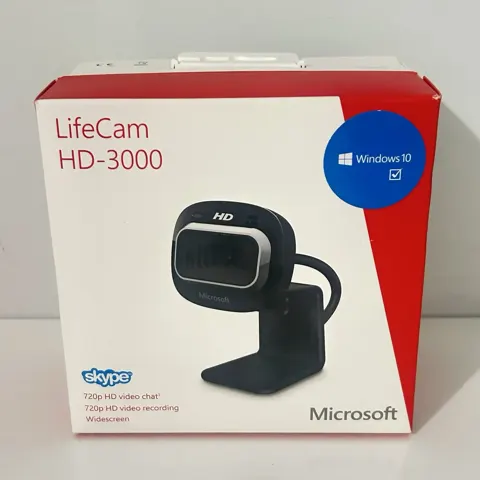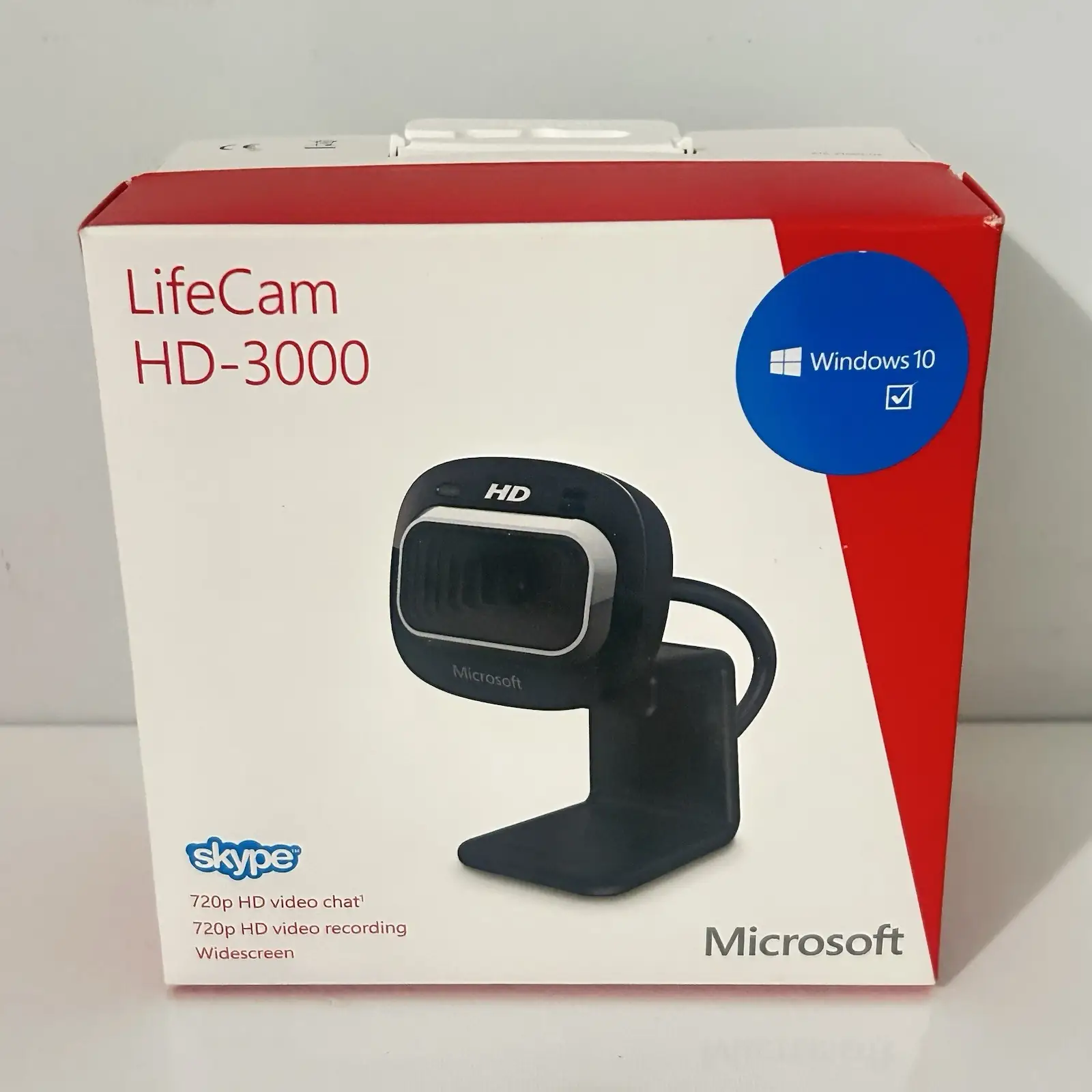
Microsoft LifeCam HD-3000
By Microsoft · Webcams · Desk & Streaming Setup · More from Microsoft
- 1280x720 @ 30fps (720p HD video)
- 4MP sensor (still images up to 2304x1728)
- USB 2.0, UVC plug-and-play
- Built-in omnidirectional microphone
- TrueColor auto-exposure technology
Price not listed
- MicrosoftView at Microsoft
- ArchiveView at Archive
- eBayView at eBay
- AmazonView at Amazon (paid link)
- eBay (used) eBay: used, open-box, refurbishedView at eBay (used)
Stores are listed in a fixed order, never by price or commission. Prices are snapshots. Check the current price with the store.
Summary
A legacy wired USB 2.0 webcam for basic 720p/30 fps video calls. It suits occasional video calls where the camera can be obtained cheaply and tested before purchase, but check that Windows still sees it before you keep the purchase.
Strengths
- Simple 720p calling works adequately for casual conversations after proper setup.
- Automatic TrueColor exposure handles backlight situations reasonably well.
- Microphone produces clear speech in quiet rooms, with no self-generated hum in CHIP’s test.
- No battery, charger or subscription required.
- Flexible desk stand works on monitors or flat surfaces.
Weaknesses
- Video lacks detail and shows motion blur, especially in low light.
- Poor low-light performance with colored visual noise in darkened rooms.
- Microphone captures background noise like fans and voices.
- Monitor clip can be unstable and hard to position vertically.
- No physical privacy shutter and no native microphone mute button.
- Fixed focus range does not suit close-up objects or demonstrations.
Verified specifications
| Video | 1280 × 720 at up to 30 fps, 16:9 aspect ratio. |
|---|---|
| Still images | 1280 × 800 (1.024 megapixels) maximum resolution. |
| Lens | fixed focus, 0.3–1.5 m range, 68.5-degree diagonal field of view, up to 4× digital zoom. |
| Audio | built-in omnidirectional microphone, 200 Hz–20 kHz frequency range. |
| Connection | USB-A, USB 2.0, 1.5 m cable. |
| Dimensions | approximately 39.3 × 44.5 × 109 mm, 89.9 g / 3.17 oz. |
| Mount | flexible monitor clip that can also sit on a tabletop. There is no documented tripod socket. |
| Power | USB bus, no battery and no subscription. |
| Warranty | three-year limited manufacturer warranty (historical coverage). |
| In the box | webcam, software disc, quick-start guide, warranty documentation. |
Full research notes and sources
Image quality
The LifeCam HD-3000 produces modest video quality by modern standards. Independent tests found facial detail unclear even with reasonable lighting, and motion blur occurs when subjects move. CHIP’s lab test rated still and video sharpness as mediocre, with worse performance in low light. The fixed-focus lens at 0.3–1.5 m range makes close-up product demos impractical, and digital zoom sacrifices detail rather than improving it.
Backlight handling is a relative strength: CHIP found comparatively good performance with a bright window behind a user, though the face remained somewhat dark. Digital Camera World also reported successful backlight compensation. Even, front-facing light is the practical fix for a dim room; no infrared or night mode is documented.
Microsoft’s 2021 accessory chart labels still capture as 4 MP, which conflicts with the stated 1280 × 800 maximum image dimensions. No native 4 MP sensor is documented, so treat the 4 MP label as marketing noise.
Audio performance
The built-in omnidirectional microphone captures speech clearly in quiet rooms according to CHIP and PCWorld tests, but background noise comes through unfiltered. PCWorld heard fans and other environmental audio, Laptop Mag noted a slight echo when moving the camera, and CHIP reported that room noise was barely filtered. A headset or separate directional microphone is recommended if background noise matters.
Software and compatibility
The camera uses Windows’ built-in USB Video Class driver and generally works without proprietary software on modern Windows versions. However, some Windows 11 owners have reported detection issues, with one case in August 2025 where the microphone worked but video stopped, and another in October 2026 where Windows 11 could not detect the device at all. Those are individual support cases, not proof that the whole line is broken on Windows 11, and neither thread produced a verified fix.
Legacy LifeCam software features like manual exposure controls and effects are not guaranteed on Windows 11. Microsoft’s position is that no proprietary software is normally required on Windows 8.1 and later, but this doesn’t promise all old features will work. The camera has been tested successfully in Windows Camera but may have reliability issues in Teams, Skype or Chrome. Microsoft also shipped a driver package for this camera in January 2016, which is evidence of historic support rather than a current Windows 11 certification.
When a video call misbehaves, work through it in order: try a direct USB port, check Device Manager and the Windows Camera app, look at camera permissions, and see whether a second app is holding the camera. Test it on another PC before writing the camera off.
Mounting and day-to-day annoyances
The flexible grip is the most complained-about part. PCWorld struggled with a clip that moved under cable tension and could not tilt vertically as needed, and Laptop Mag repeatedly had to re-seat it. A robotics community built custom 3D-printed mounts when it needed a fixed installation. No statistically meaningful clip or cable failure rate has been published, so treat this as awkward handling rather than a defect.
The old LifeCam utility with dashboard effects, manual exposure overrides and legacy chat integrations is not guaranteed on Windows 11. The camera has no autofocus, HDR, auto-framing, face tracking or 1080p output, so do not confuse it with later LifeCam and Modern Webcam models.
Running costs and maintenance
No recurring costs are required for parts, licenses, batteries or subscriptions: $0 a year for the camera itself, and the computer supplies the power. Maintenance is minimal: occasional cleaning with a dry microfiber cloth, with no proprietary cleaning products recommended and no liquids. No official replacement parts are available for the cable, clip or internal components, so a damaged cable means an electronics repair or a whole-camera replacement.
Is it worth it?
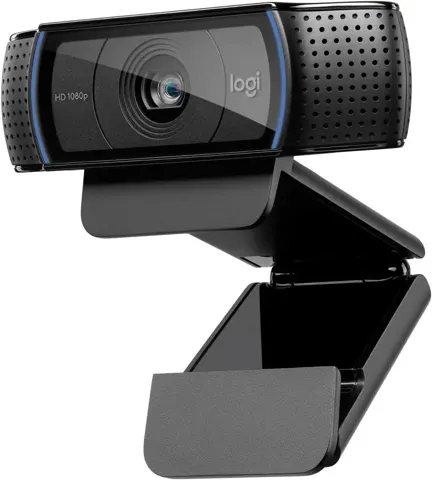
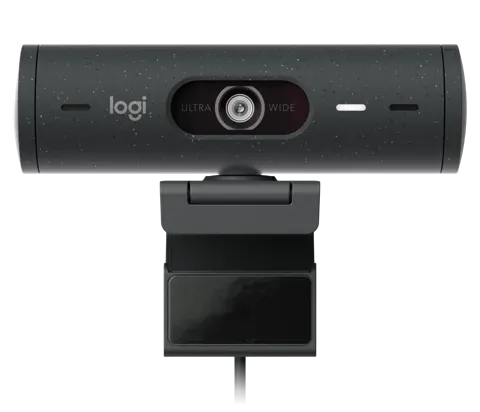
At $10–15 for a tested used unit, it can make sense for backup calls. New and complete at $20 or less may suit someone who strongly prefers its 68.5-degree framing or wants to reuse an existing LifeCam. At $25 or above, compare with the Logitech C270 at $29.99 (Logitech US, October 2026), which is 720p too and has active retail support. At $35 or above, the Logitech Brio 100 at $39.99 (Logitech US, October 2026) adds true 1080p and a privacy shutter and is usually the better buy. Above $50, the LifeCam’s old features and uncertain support make little economic sense. For reference, a third-party TeciSoft listing asks $33.14 while marked limited stock, and an out-of-stock Office Depot listing shows $53.99.
Which model this is
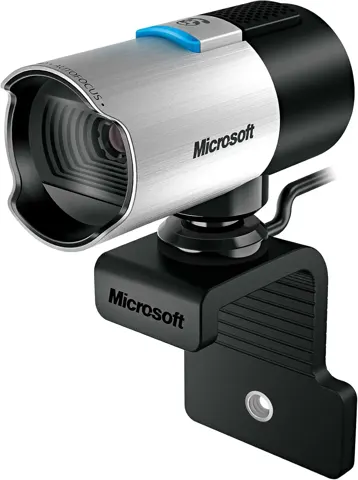
This page covers the Microsoft LifeCam HD-3000, not LifeCam Cinema, LifeCam Studio, HD-5000 or HD-6000. Documented retail identifiers include T4H-00002 (B&H/TeciSoft, UPC 885370228106) and T3H-00011 (Newegg L2 listing). Microsoft’s 2011 datasheet identifies regulatory device model 1456. Retail bundle codes vary but do not indicate different optical performance.
The three-year warranty was the historical coverage. It is not an assurance that old stock or marketplace units carry fresh Microsoft warranty in 2026.
Sources
Manufacturer:
- Microsoft LifeCam HD-3000 technical specifications
- Microsoft Store product page
- Microsoft Support: camera does not work in Windows 10/11 and USB Video Class driver guidance
- Microsoft Update Catalog: LifeCam HD-3000 driver listings
- Microsoft Learn: USB Video Class driver overview
Independent reviews:
Owner reports:
- Windows 11 compatibility issues (Microsoft Q&A)
- Camera detection problems in Windows 11 (Microsoft Q&A)
- LifeCam software no longer required on modern Windows (Microsoft Q&A)
- Software freeze in calling apps (Reddit)
- Mounting and 3D-printed clip alternatives (Chief Delphi)
Parts and stores: