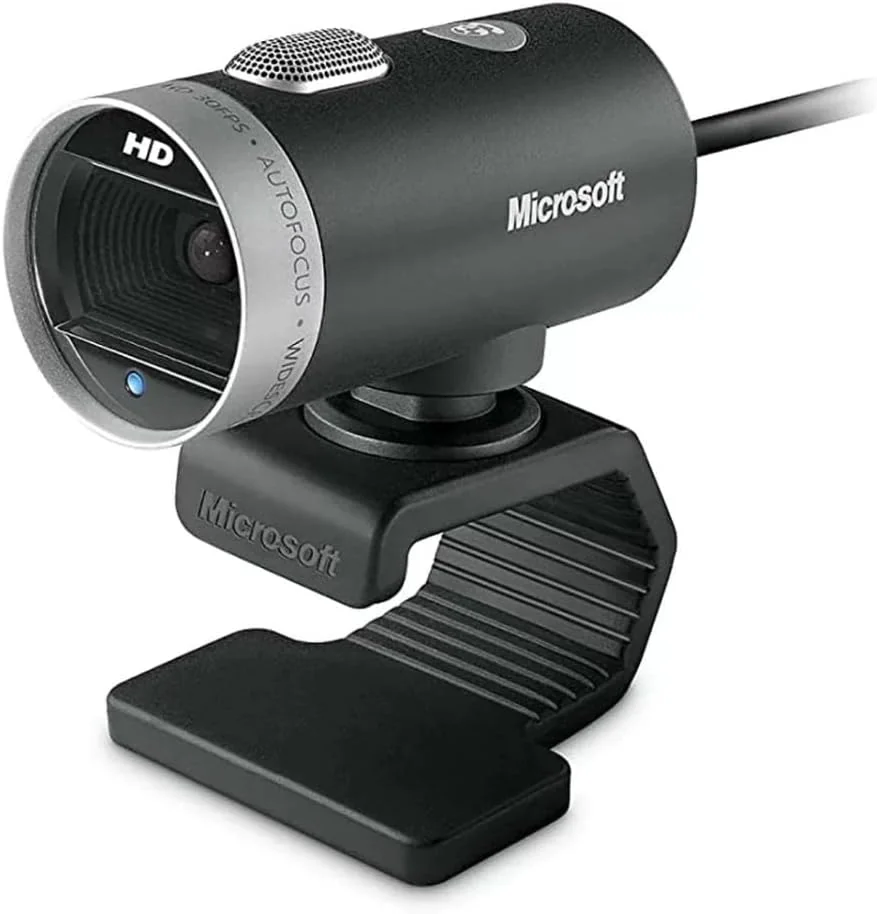
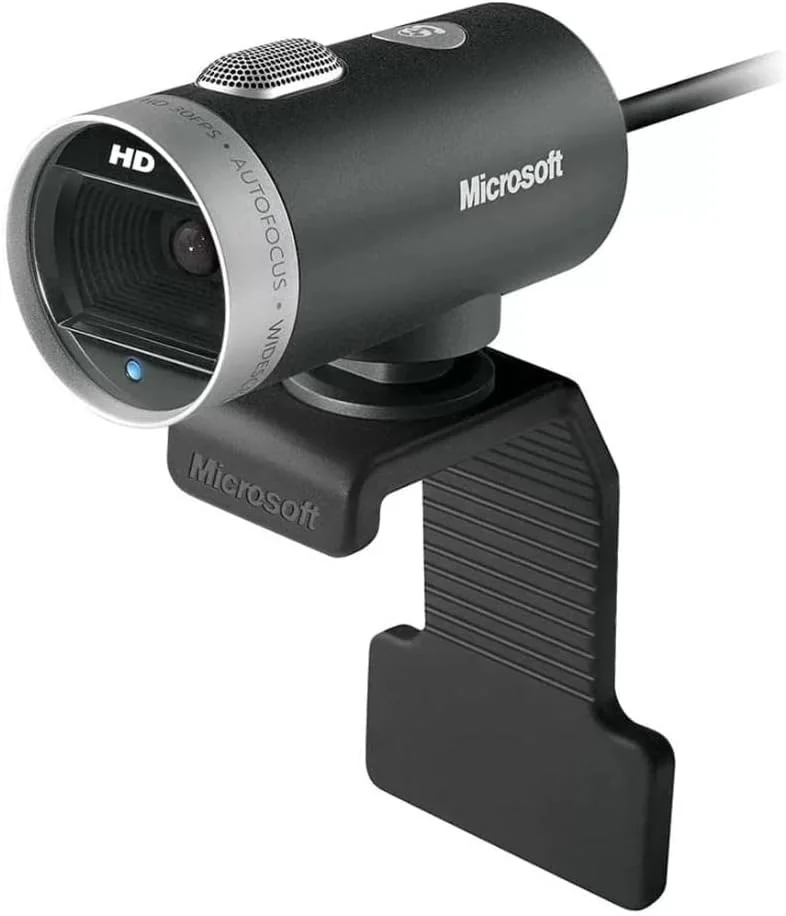
Microsoft LifeCam Cinema
By Microsoft · Webcams · Desk & Streaming Setup · More from Microsoft
- 720p HD video
- CMOS sensor
- USB connectivity
- TrueColor technology
- 360° rotation
Price not listed
- MicrosoftView at Microsoft
- eBayView at eBay
- AmazonView at Amazon (paid link)
- eBay (used) eBay: used, open-box, refurbishedView at eBay (used)
Stores are listed in a fixed order, never by price or commission. Prices are snapshots. Check the current price with the store.
Summary
The Microsoft LifeCam Cinema is a USB 2.0 webcam from 2009 with native 720p/30fps video, autofocus, a built-in microphone and a rotating cylindrical body that clips to a monitor.
Strengths
- Low-light video and autofocus were usable in period testing and better than older-era webcams.
- The roughly 73° view is a practical middle-wide framing for one or two people.
- Reviewers found speech loud and intelligible at normal distance, with fan noise partly suppressed.
- Basic USB video needs no batteries, subscription or companion app on a compatible PC.
- The aluminum cylindrical housing and universal flex mount stood out in hands-on reviews.
Weaknesses
- A Windows 11 driver update can leave the camera on a black feed until a generic driver is selected.
- Autofocus can hunt and settle slowly, especially during hand or product demonstrations.
- The microphone picks up hiss and background noise when the gain is raised.
- The flexible clip fits poorly on some narrow bezels, and swivelling can twist the attached cable.
- Video is 720p only, and the advertised 5 MP stills are interpolated, not a 5 MP sensor.
- There is no built-in privacy shutter, so you cover the lens or unplug the camera.
Verified specifications
| Video | native 1280 × 720 (16:9) at up to 30 fps; no native 1080p or 60fps mode. |
|---|---|
| Still image | up to 2880 × 1620 pixels (advertised 5 MP), interpolated in Microsoft’s datasheet, not proof of a 5 MP sensor. |
| Sensor and optics | 1/4-inch OmniVision OV9712 CMOS sensor with a glass-element lens, autofocus, a 73° diagonal field of view and 4× digital zoom. |
| Low light | sensor rated 3300 mV/lux-sec and able to work below 15 lux. |
| Focus range | about six inches to infinity per Microsoft’s later datasheet. |
| Audio | unidirectional digital microphone, 200–8,000 Hz response (±4 dB), with noise-reduction processing. |
| Body | aluminum cylinder with a flexible universal base for desktop, laptop, LCD and older CRT displays and a manual 360° swivel. |
| Cable and power | integrated USB-A, USB 2.0 High-Speed, roughly 72 in (1.83 m); bus-powered, with no adapter or battery. |
| Model | regulatory model 1393; retail product codes H5D-00001 and H5D-00013. |
| Dimensions | webcam head 2.20 × 1.81 × 1.58 in (55.9 × 46.0 × 40.0 mm); 3.36 oz (95.3 g). |
| Software | Microsoft listed Windows XP, Vista, 7, later 8.x and 10, plus basic function on some older Mac OS X versions; Windows 11 is not explicitly certified. |
| Warranty | three-year limited hardware warranty at original sale in 2009. |
| Privacy | no built-in lens shutter, IR system or onboard encoder. |
Full research notes and sources
Video, stills and optics
The Cinema shoots native 1280 × 720 at up to 30 fps and nothing higher, so a modern 1080p webcam has more pixels for cropping and fine detail. Its advertised 5 MP stills (2880 × 1620) are interpolated, which is not proof of a 5 MP sensor or of 5 MP video. The 73° diagonal view is a practical middle-wide framing for one or two people, and Microsoft’s later datasheet lists autofocus from about six inches to infinity with 4× digital zoom, which enlarges the frame but cannot add optical detail. The imaging chip is the 1/4-inch OmniVision OV9712, rated 3300 mV/lux-sec and able to work below 15 lux.
The period reviews are the honest baseline, not present-day benchmark results. TechRadar in January 2010 found low-light images surprisingly usable and the autofocus effective, HardwareZone saw visibly better images than an older webcam with reasonable noise handling, and Laptop Mag in 2016 called the video clear. None of that reflects a current 1080p camera.
Windows 11 and drivers
Microsoft never explicitly certified Windows 11 for the Cinema; the datasheets cover Windows XP, Vista, 7, later 8.x and 10, plus basic function on some older Mac OS X versions. On many PCs it still works as a generic USB Video Device, but driver updates have broken individual installations. In a Microsoft Q&A thread running through January 2026, owners of early hardware report the camera going blank after a Windows driver update, and several restored video by switching Device Manager’s camera driver to the generic USB Video Device, including a success report on January 30, 2026; a February 2025 owner fixed an earlier update by rolling back to an older generic driver. One company admin reported that around October 8, 2025 its units stopped working in Edge and Chrome but kept working in Firefox.
Work the basics first: a known-good direct USB port, Windows Camera, camera permissions and your exact conferencing app. If the image stays black, Microsoft’s own help walks through the generic driver and a rollback. Nobody has published a per-year failure rate, so treat a black feed as a known annoyance rather than a dead camera.
Parts, running costs and upkeep
Recurring cost is $0 a year for batteries, cloud plans, filter kits or licensed software; the camera runs from the PC’s USB port. The USB cable is integrated and not detachable — Microsoft rated the original at roughly 72 in (1.83 m) — and no verified Microsoft part number, price or replacement interval exists for it, so a tested used camera usually beats microsoldering a cracked cable. No directly orderable original spare parts (stand, lens, autofocus assembly, microphone) are documented, and mounts for the Studio or HD-3000 should not be assumed to fit the Cinema. Microsoft’s launch materials list a three-year limited hardware warranty, but that covered the original 2009 sale and does not restart on a secondhand or new-old-stock unit today. Cleaning is a soft dry microfiber cloth on the exterior and lens. Microsoft publishes no measured power draw, so any yearly electricity figure would be invented.
Is it worth it?
Microsoft’s 2009 US launch price was $79.95, a historical figure rather than a modern benchmark. On eBay, model 1393 pre-owned units are advertised around $7–25 before shipping, tested 720p units near $15–25, open-box units around $25–40, and new-old-stock items $33–70 and up; one H5D-00013 new listing sat at $48.53 from seller Green Wave Electronics (eBay, October 2026). Newegg lists a for-Business 6CH-00001 from seller IsaacTronics at $129.99 with 30-day returns (Newegg, October 2026), and Walmart showed the Cinema at $99.99 but out of stock (Walmart, October 2026).
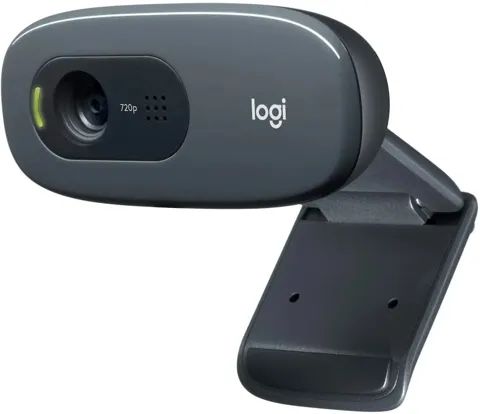
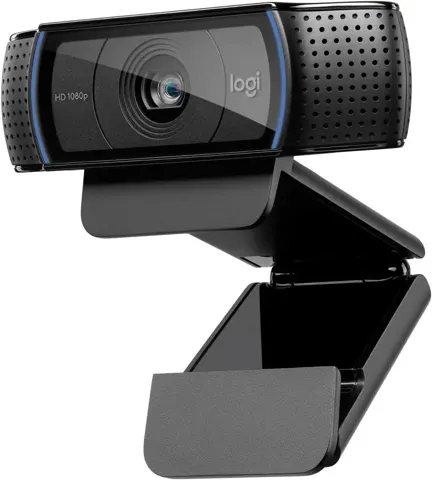
Logitech’s Brio 100 has true 1080p and a sliding privacy shutter at $24.99 on promotion or $39.99 regular, the C270 720p lists at $29.99 and the C920S 1080p at $69.99 (Logitech, October 2026). A tested, working used Cinema at $10–15 is reasonable as a backup or for legacy support, and $16–20 is fair only if the mount, cable and your video app all work. At $25 or more a new Brio 100 at $24.99 is the stronger routine buy. Do not pay $50–130 for new-old-stock without a specific need for this exact model.
Which model this is
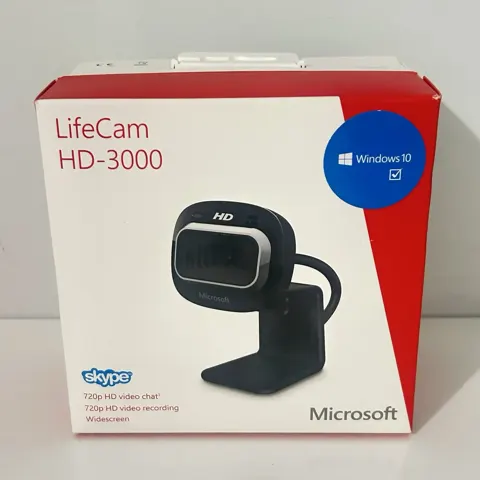
This page covers the LifeCam Cinema, regulatory model 1393, released in September 2009 and sold under retail codes H5D-00001 and H5D-00013; a for-Business 6CH-00001 also appears at retail. The listing for this model carries ASIN B009CPC6QA. It is not the LifeCam Studio or the LifeCam HD-3000, and mounts and parts for those do not transfer. Codes can reflect regional or business packaging while the hardware stays the same.
Sources
Manufacturer:
- LifeCam Cinema technical data sheet (Microsoft)
- TrueColor for LifeCam Cinema (Microsoft News, 2010)
- Camera doesn’t work in Windows (Microsoft Support)
Independent reviews:
Owner reports:
Stores and parts: