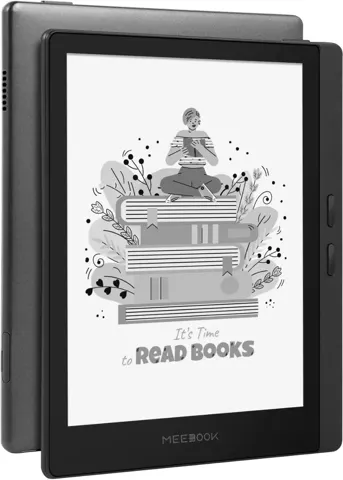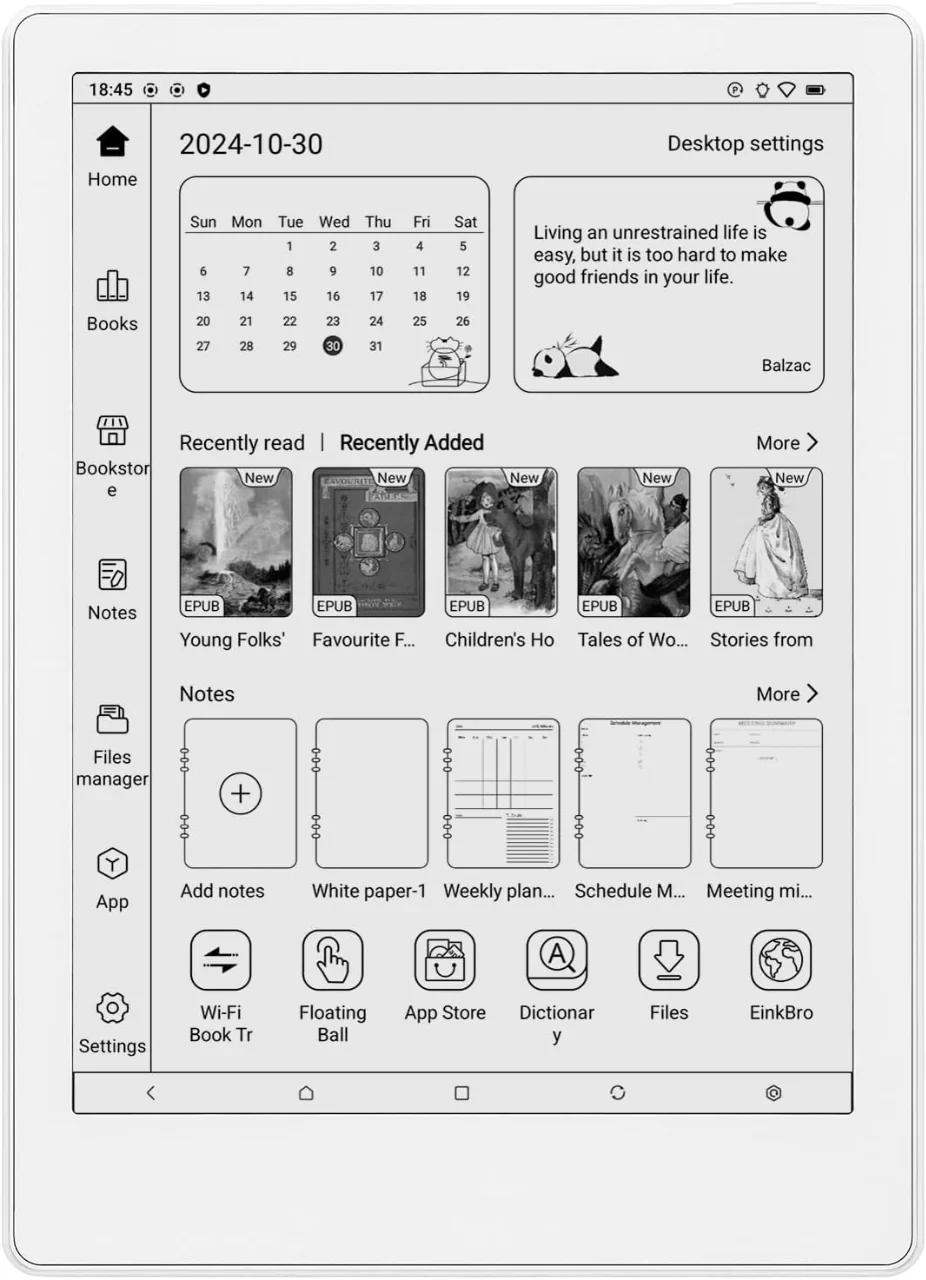
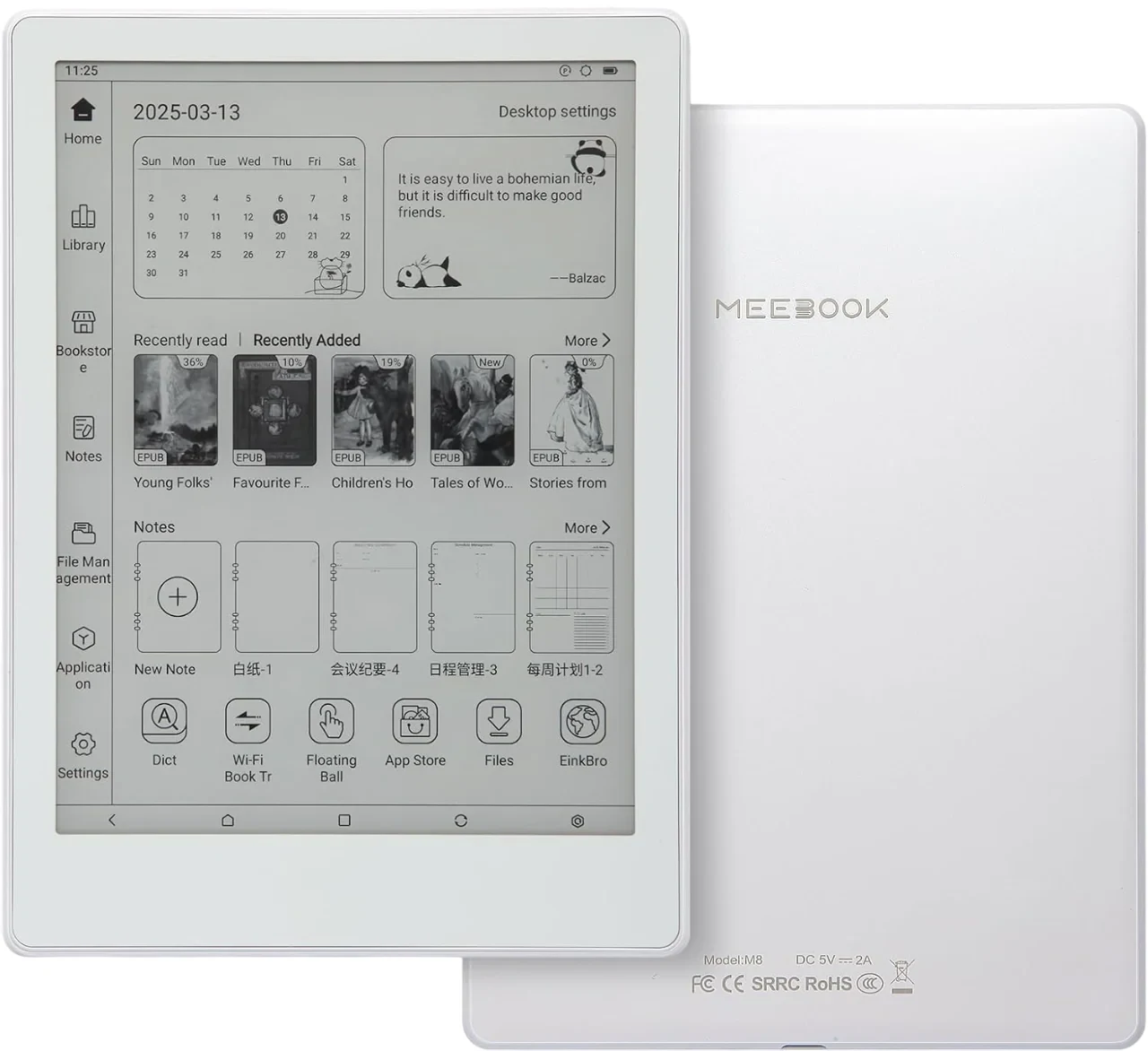
Meebook M8 E Reader
By Meebook · E Readers · Desk & Streaming Setup · More from Meebook
- 7.8-inch HD 300PPI E Ink screen
- Octa-core 2.2GHz processor
- 4GB RAM and 64GB internal storage
- Supports up to 1TB TF card expansion
- Android 14 operating system
Price not listed
- eBay (used) eBay: used, open-box, refurbishedView at eBay (used)
Stores with a price are sorted lowest first; commission never changes the order. Prices are snapshots. Check the current price with the store.
Summary
The Meebook M8 is a 7.8-inch Android 14 E Ink reader with full Google Play access, made for people who read a lot of manga and PDFs and want an app store instead of a locked-down ecosystem. Check the package before you buy, because US bundles differ on whether the stylus is included and the pen is the weakest part of the device.
Strengths
- Good e-Reader’s hands-on review found touch response fast and page turns lightning quick.
- PDF handling is genuinely good, with contrast adjustment, cropping, reflow and full-page scrolling.
- Z-Reader opens CBR/CBZ, so manga files open without extra software.
- 64 GB of internal storage plus 1 TB of microSD expansion suits large libraries.
- Full Google Play access means Kindle, Kobo, Libby and Scribd apps are available.
- Storage organisation is automatic and easy to manage.
Weaknesses
- The stylus is slow and laggy, needs frequent USB-C charging, and is top-heavy from its metal clip and battery canister.
- The drawing experience is described as abysmal compared with Onyx Boox, Supernote and reMarkable.
- The front light is reported as not bright.
- The interface is generic, with software largely copied from Bigme and Onyx.
- The two speakers are middling, which is about what E Ink audio is worth.
- No instrumented test from RTINGS, Wirecutter, Tom’s Guide, CNET or PCMag was found, so measured runtime is unknown.
Verified specifications
| Display | 7.8-inch E Ink Carta HD, 1404 × 1872, 300 PPI, 256 grayscale levels. |
|---|---|
| Front light | 24 levels, white and amber LEDs. |
| Processor | octa-core 2.2 GHz. |
| Memory | 4 GB RAM. |
| Storage | 64 GB internal, plus microSD expansion up to 1 TB. |
| Connectivity | WiFi 6, Bluetooth 5.2, USB-C. |
| Audio | two speakers, two microphones. |
| Battery | 3200 mAh. |
| Dimensions | 193 × 140 × 7.0 mm (7.6 × 5.51 × 0.28 in); weight 265 g. |
| Stylus | active capacitive and rechargeable, not Wacom; vendor-reported 4,096 pressure levels. |
| Refresh modes | Regal, Default, Fast, High-Speed and Extremely Fast, plus a self-cleaning mode that reduces ghosting. |
| Z-Reader formats | TXT, CHM, FB2, MOBI, HTML, RTF, HTXT, EPUB, PDB, DOC, PRC, PDF, DJVU and CBR/CBZ. |
| Audio formats in the stock player | MP3, OGG, WMA. |
| In the box | reader, USB-C cable and quick start guide. |
| Warranty | 1 year, physical damage excluded. |
Full research notes and sources
Reading, formats and PDFs
Reading is the strong part. Touch recognition is fast, page turns are quick, and the stock Z-Reader app covers a wide range of formats including EPUB, PDF, MOBI, DOC and the CBR/CBZ comic formats that manga readers need. The library view in Z-Reader shows sideloaded titles, while store apps such as Kindle, Kobo and Libby sit in the apps category.
PDFs are handled better than on most Android e-readers of this size. You get contrast adjustment, cropping, reflow and full-page scrolling, which covers both text documents and scanned pages. The 1404 × 1872 panel at 300 PPI gives sharp text on a 7.8-inch canvas, and 256 grayscale levels are plenty for monochrome books and comics.
Video and games are not practical on E Ink even with the fast chip, so treat this as a reading device with app support rather than a general tablet.
This is where the M8 falls short, and the reason to treat the pen as optional if you do not write by hand. The digitizer is an active capacitive layer, not Wacom. Good e-Reader describes the pen as slow and laggy, in constant need of charging via USB-C, and top-heavy because of the metal clip and battery canister. The same review calls the drawing experience abysmal and basic next to the Onyx Boox, Supernote, Fujitsu Quaderno, Sony DPT and reMarkable. eReadersForum agrees that basic note-taking works and little more.
The digitizer is an active capacitive layer, not Wacom, so it is a different class of hardware from dedicated note devices. Treat the pressure figure as vendor-reported.
The screen itself is glass with a matte factory-fitted protector, which Good e-Reader says feels like sandpaper under a fingertip.
Screen, light and battery
The front light is the other everyday complaint. It has 24 levels across white and amber LEDs, which is useful for night reading, but it is reported as not bright, so indoor readers will push it near the top of the range.
Battery figures quoted by sellers are largely standby claims. Treat 50 days as a best case with the device essentially idle, not a reading estimate.
The self-cleaning refresh mode reduces ghosting between pages, and the Faster and Extremely Fast modes trade some ghosting for speed on scrolling documents.
Ownership, warranty and support
Warranty is 1 year and excludes physical damage. There is no parts catalogue, service manual or published repairability information for the M8, and no first-party Meebook product or support site was reachable, so warranty service mechanics and turnaround for US buyers are unclear. No official M8 user manual was found either.
Meebook markets the device heavily in Southeast Asia as a manga reader, and US availability and support may differ from that market. One package listing says the stylus ships separately while another hands-on review found a capacitive pen in the box, so confirm what your bundle includes before ordering. Screen repair is a paid, non-warranty item.
Is it worth it?
The specification sheet is competitive for a manga-focused Android reader: 300 PPI, Android 14, 4 GB of RAM, 64 GB of storage, 1 TB of microSD expansion, WiFi 6, and dual speakers and microphones. Notebookcheck reported launch pricing of $259 for the reader, and $289 for the bundle with the stylus (2025-05).
If you read manga and PDFs and want a full app store, that hardware list is hard to argue with. If you want handwriting, or you read mostly in bright rooms, you are paying for a device that handles those cases poorly. Decide first whether you need the pen, because buying it with the bundle and disliking it is the expensive way to learn that.
Which model this is
This page covers the black-and-white 7.8-inch Meebook M8, the successor to the P78 Pro. The Amazon listing for this model is ASIN B0CGMZX5W7. Do not confuse it with the M8C, a colour model with a Kaleido 3 panel and a Wacom-style setup, or with the older 6.8-inch M7 running Android 11.
Sources
Manufacturer:
- No first-party Meebook product page was reachable; meebook.com and meebook.org belong to an unrelated Danish education platform.
Product information:
Independent reviews: