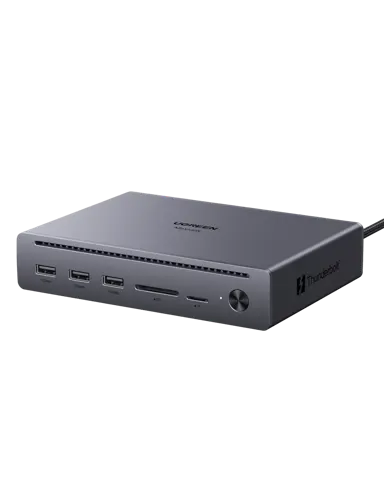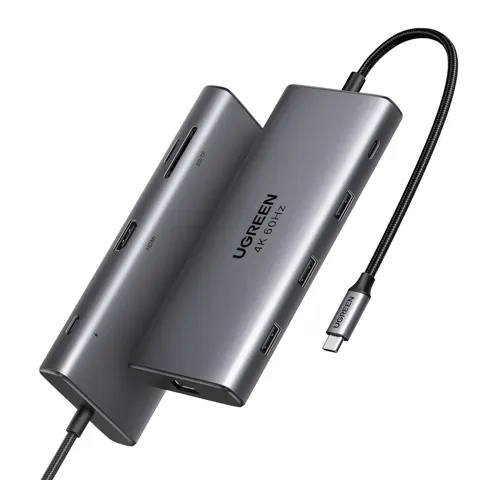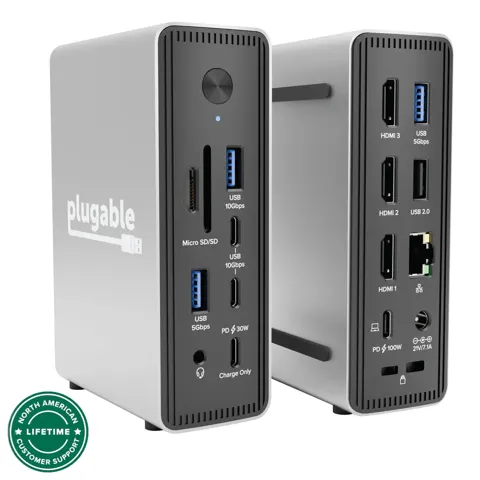
MCY USB C Hub, Laptop Docking Station Dual Monitor
By MCY · Docking Stations · Desk & Streaming Setup
Compare all Docking Stations side by side →
- 10-in-1 USB-C docking station
- Single 8K or dual 4K@60Hz output
- 100W PD fast charging
- Gigabit Ethernet (1000Mbps)
- 5Gbps USB-A/USB-C data ports
Lowest price seen
$52.99
from $52.99 at MCY · Checked Nov 6, 2026
- eBay (used) eBay: used, open-box, refurbishedView at eBay (used)
Stores with a price are sorted lowest first; commission never changes the order. Prices are snapshots. Check the current price with the store.
Summary
A 10-in-1 USB-C docking station for laptops that need two HDMI outputs, Gigabit Ethernet, four 5Gbps data ports, an SD/TF card reader and pass-through charging. Check your setup before buying: macOS mirrors both external displays, and the single 8K output needs a host with DP1.4 support.
Strengths
- Ten connections in one body: two HDMI, four data ports, Ethernet and card slots.
- 100W input still passes about 85-90W to the laptop while the hub stays powered.
- Listed as compatible with the Steam Deck and iPhone 15/16 series.
Weaknesses
- macOS mirrors both external displays, so two independent screens require DisplayLink or Thunderbolt.
- The 8K@30Hz mode needs a DP1.4 host, and only one display runs at that resolution.
- Build material is disputed: Woot lists plastic, VeriReview describes a gray aluminum alloy chassis.
- No major review outlet has instrumented this model, and the two long reviews found carry affiliate links.
- Warranty depends on the retailer, and no support page, firmware or driver download was found.
Verified specifications
| Model | KCH101, manufactured by Shenzhen HongTian Electronics Co., Ltd. |
|---|---|
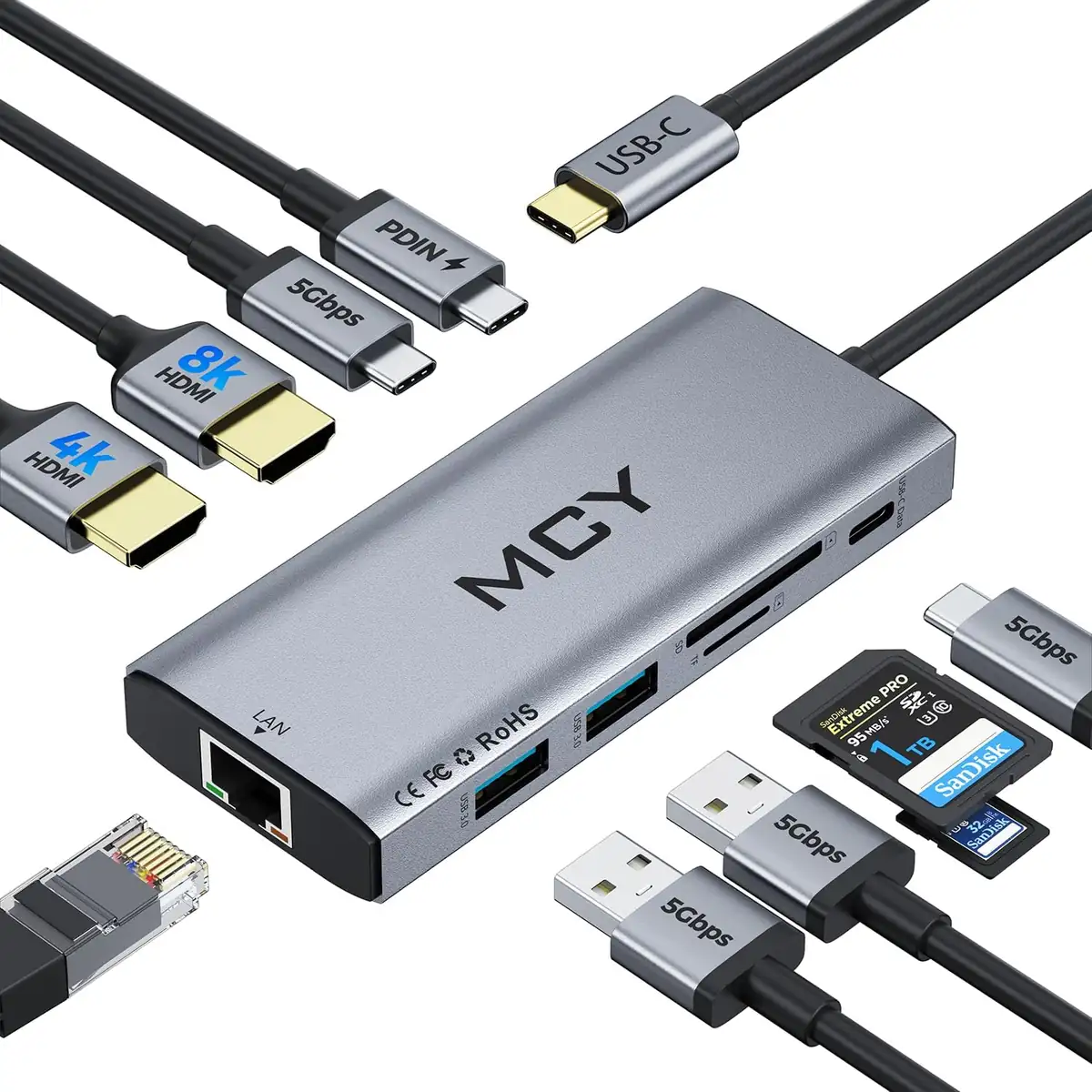
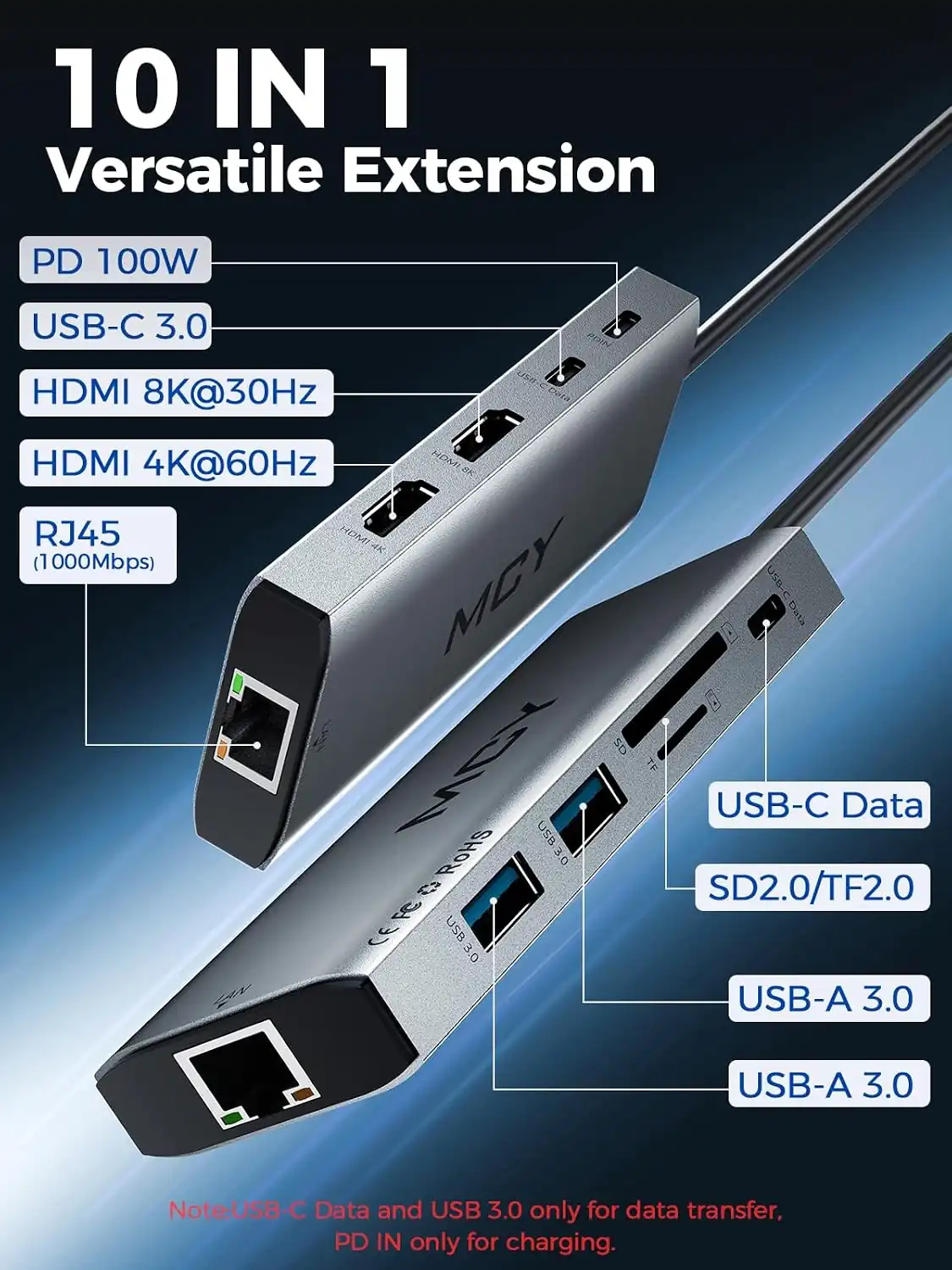
| Ports | 10 in 1 — 2× HDMI, 2× USB-A 3.0, 2× USB-C 3.0 data, 1× USB-C PD 100W input, 1× RJ45 Gigabit Ethernet, 1× SD slot, 1× TF slot. |
| Video output | single 8K@30Hz on HDMI1, or dual 4K@60Hz on HDMI1 and HDMI2. |
| Extended desktop across both external displays works on Windows; on macOS both external displays show mirrored content. | |
| Power delivery | 100W PD input, with roughly 85-90W passed through to the laptop. |
| Ethernet | 1000Mbps Gigabit RJ45. |
| Data ports | 2× USB-A 3.0 and 2× USB-C 3.0, all rated 5Gbps. |
| Card reader | SD and TF slots up to 512GB, one card at a time. |
| Compatibility | USB-C and Thunderbolt 3/4 devices with DP Alt Mode, including MacBook Pro/Air, XPS, ThinkPad, Surface, Steam Deck and iPhone 15/16 series; Windows, macOS, ChromeOS, Linux and UNIX. |
| In the box | the hub only, according to Woot’s listing; VeriReview describes an integrated USB-C cable, so check the package on arrival. |
| Warranty | 90 days at Woot, 18 months at QGeeM; no manufacturer-wide policy was found. |
Full research notes and sources
Ports and what you get
The KCH101 is a 10-in-1 dock: two HDMI outputs, two USB-A 3.0 ports, two USB-C 3.0 data ports, a USB-C PD input, a Gigabit Ethernet jack, and separate SD and TF slots. The two USB-C data ports are the unusual part, because most budget docks give the single USB-C port to charging only. All four data ports run at 5Gbps, matching USB 3.2 Gen 1.
The dock draws on the laptop’s own USB-C charger, and no power adapter comes in the box. Retailers list color variants in Grey, Black, Blue, Purple and Silver. No hardware revision markings, chipset vendor or firmware update mechanism turned up in the sources, so long-term behaviour after an operating system update is untested.
Video output and the Mac limitation
Single 8K@30Hz on HDMI1 needs a host that speaks DP1.4, which limits it to Windows and Linux machines. Dual 4K@60Hz in extend mode works on Windows across HDMI1 and HDMI2. Nobody has published an extended-session test, so flicker over a full workday is not ruled out.
macOS is the catch. Without Thunderbolt or DisplayLink, both external displays show the same mirrored image, so a Mac owner who wants a second independent screen needs a different dock. Single-display output on a Mac is capped at 4K.
Power delivery, heat and data
Power input is 100W, and about 85-90W reaches the laptop while the rest covers the dock’s own draw. Those are one affiliate reviewer’s readings, not a lab measurement.
Data transfer measured about 3.2Gbps on a 10GB file moved in roughly 25 seconds, and the SD reader hit about 25MB/s. Reading one card at a time will slow down anyone copying from two cards at once. No thermal imaging, power analyzer or signal integrity measurements have been published for this model, and VeriReview mentions a single unit that arrived with a dead HDMI port.
Is it worth it?
Woot listed the hub at $39.99 on sale in 2026-11, and QGeeM listed it at $52.99 on sale and $59.99 regular in 2026-11. In that range the port list is hard to match: docks from Anker, UGREEN, Lenovo and Belkin with dual HDMI and 100W pass-through tend to run $80-150.
Value is strong if the video and power claims hold, and the risk is that no independent lab has confirmed them. Above $60, docks from established brands with tested performance and real support become competitive. Windows users who need two 4K@60Hz screens get a rare inexpensive option, while Mac users who need two independent displays get nothing usable here. Test every output on arrival and keep the receipt, because returns run through the retailer and the warranty terms differ between them.
Which model this is
This page covers the MCY USB C Hub, Laptop Docking Station Dual Monitor, model KCH101, sold as ASIN B0DYNNJ524. It is the 10-in-1 hub with two HDMI outputs, 100W pass-through charging, Gigabit Ethernet and an SD/TF reader. Colors are sold as separate SKUs on the same hardware. Do not mix it with the 12-in-1 model or with other MCY docks.
Sources
Manufacturer:
Independent reviews:
Retailers:
Owner reports:
- No dedicated owner threads for model KCH101 were found, so owner experience here is thin and secondhand.