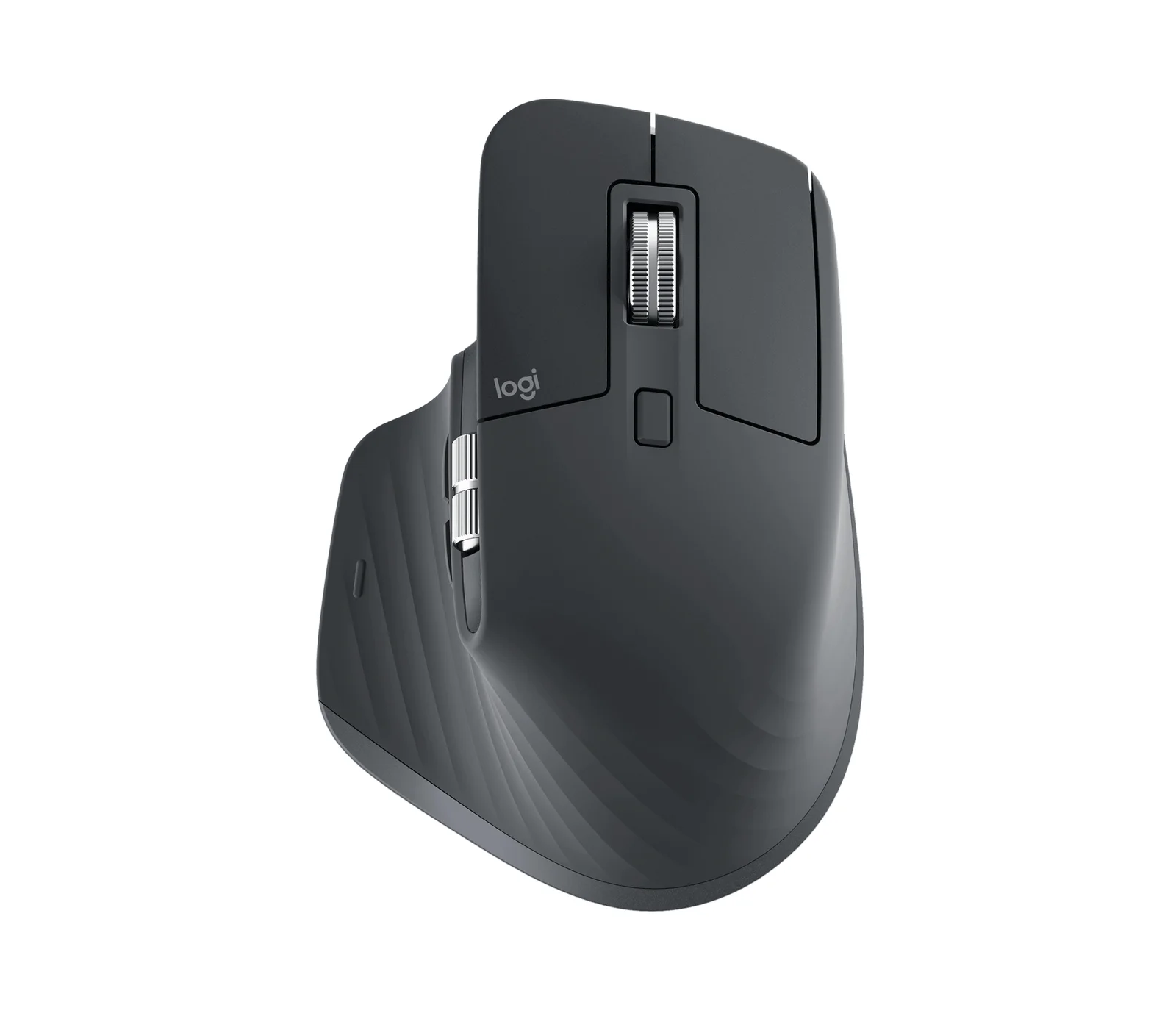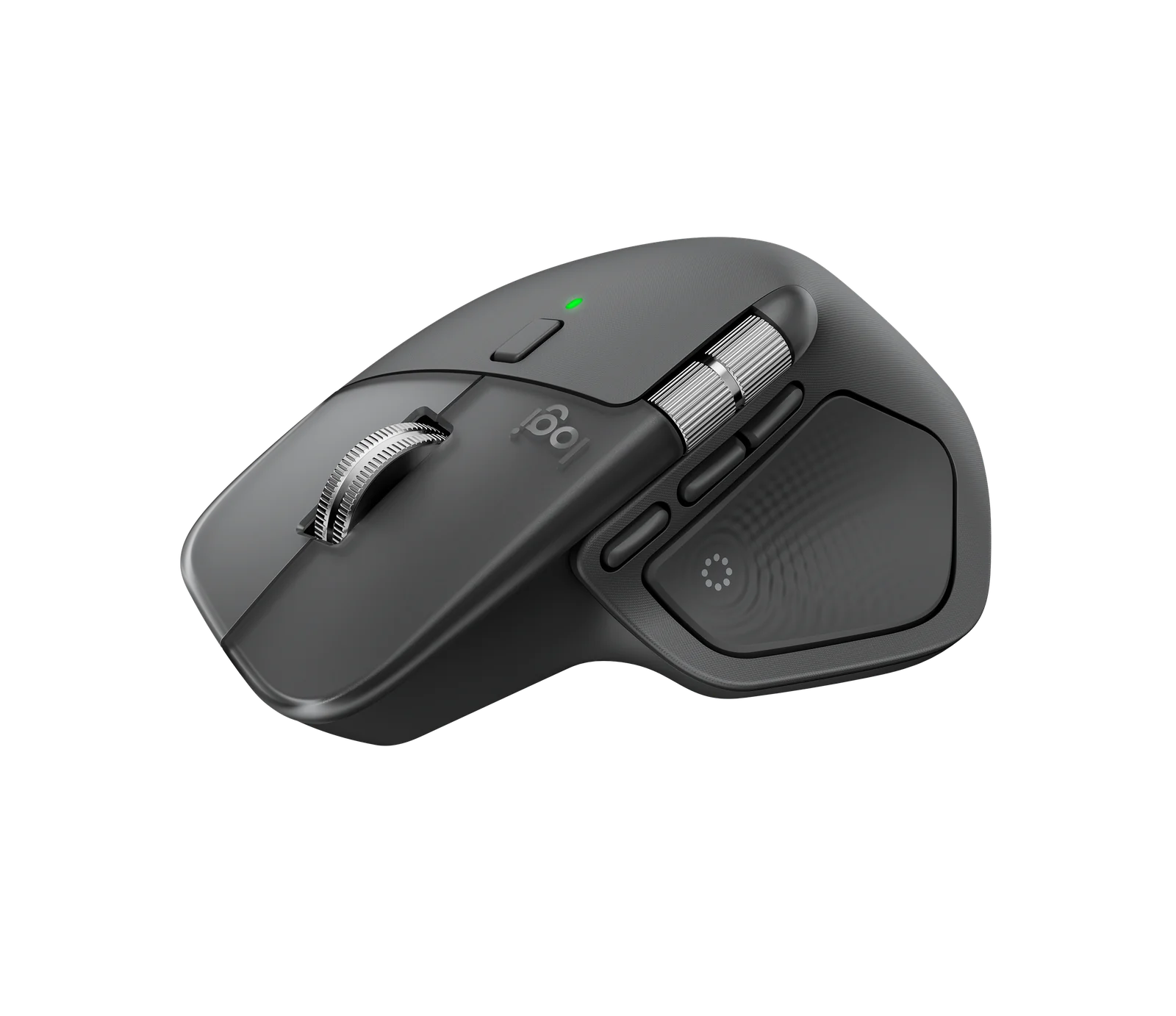
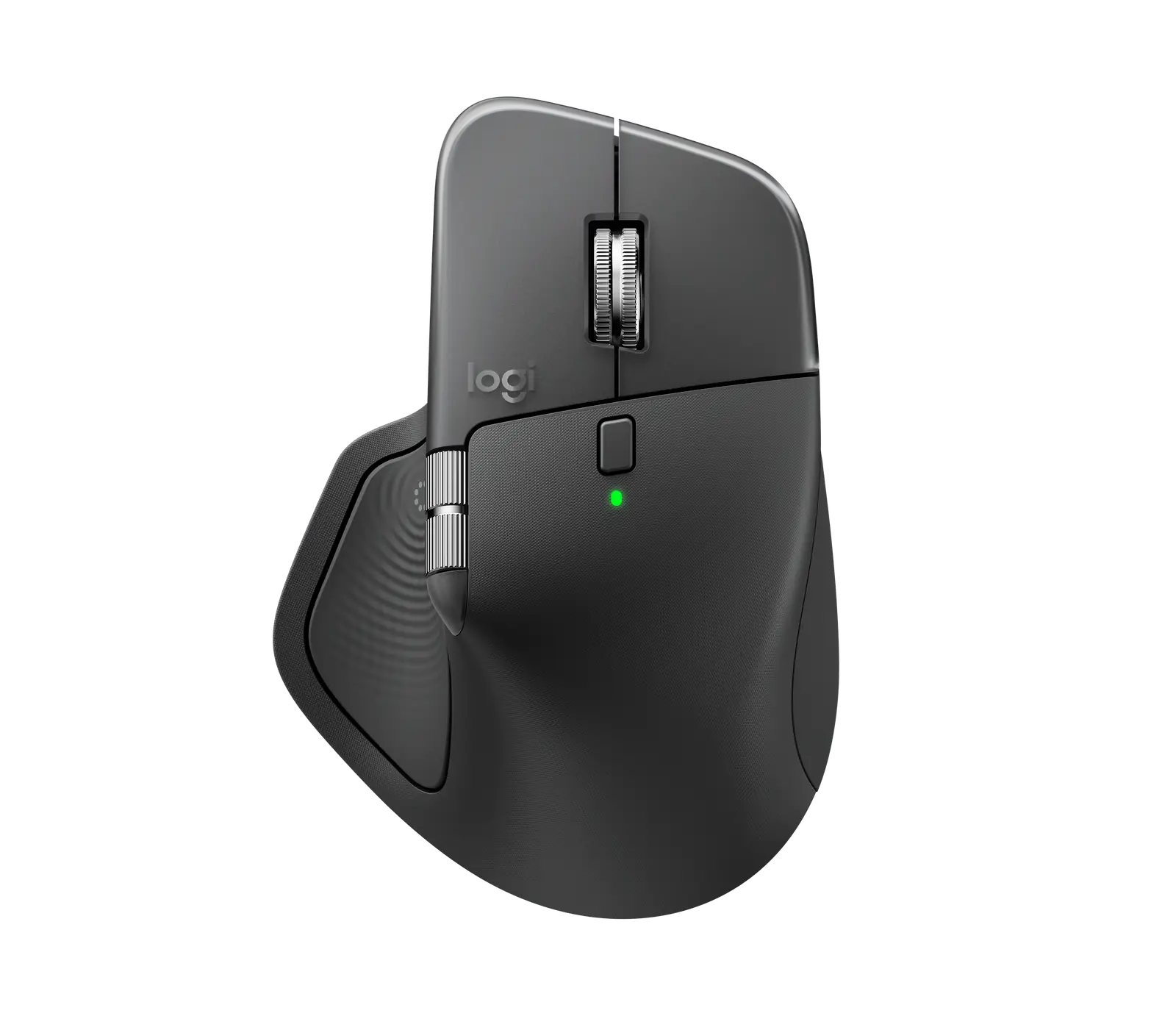
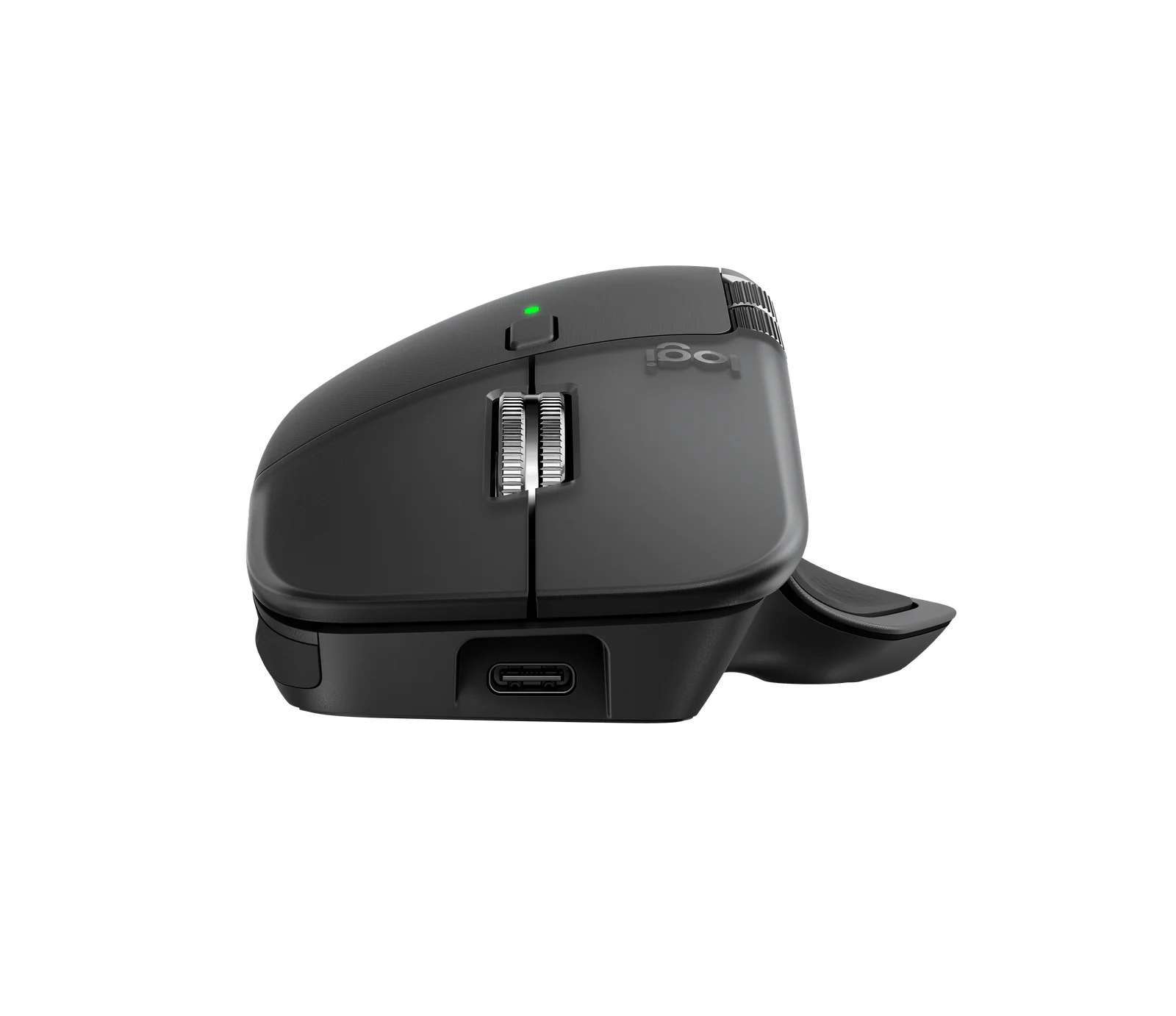
Logitech MX Master 4
By Logitech · Computer Mice · Desk & Streaming Setup · More from Logitech
- Haptic Sense Panel with customizable haptic feedback
- MagSpeed scroll wheel
- 8K DPI any-surface tracking, including glass
- Customization through Logi Options+ (Windows and macOS)
- Horizontal scroll wheel
Price not listed
- LogitechView at Logitech
- eBayView at eBay
- AmazonView at Amazon (paid link)
- eBay (used) eBay: used, open-box, refurbishedView at eBay (used)
Stores are listed in a fixed order, never by price or commission. Prices are snapshots. Check the current price with the store.
Summary
A right-handed wireless productivity mouse for people who want Logitech’s top ergonomics and software, with an 8,000 DPI sensor and a haptic feedback panel. Check the box before you buy: it ships without a USB-C cable and without anywhere to store the Logi Bolt receiver.
Strengths
- The MagSpeed wheel switches between a precise ratchet and hyper-fast scrolling on its own.
- The Haptic Sense Panel adds customizable feedback, with 4 intensity levels set per action.
- Tracks on glass and mirrors, so it works on surfaces most mice skip.
- PCMag gave it its top score and Editors’ Choice in its work-mouse category.
- Sculpted shape stays comfortable for medium and large hands over long sessions.
- Easy-Switch moves the mouse between 3 devices, and Logi Flow shares the cursor across computers.
Weaknesses
- No USB-C cable and no storage for the Logi Bolt receiver in the box.
- Right-handed shape only, and Wirecutter’s small-handed testers found it too large.
- No onboard memory, so DPI and button settings do not carry between computers.
- Haptics cut battery life; PCMag measured at least 70 hours per charge with them on.
- The default 1,000 DPI is low, and changing it means installing Logi Options+.
- Battery degrades over time, unlike a mouse that runs on a replaceable AA cell.
Verified specifications
| Model | Logitech MX Master 4, the standard version for Windows, macOS, Linux, ChromeOS, iPadOS and Android. |
|---|---|
| Sensor | Logitech Darkfield, 8,000 DPI maximum, rated to track on glass at least 4 mm thick. |
| Buttons | |
| Connectivity | 2.4 GHz through the included Logi Bolt USB-C receiver, Bluetooth, or USB wired, with Easy-Switch across 3 devices and Logi Flow between computers. |
| Orientation | right-handed. |
| Battery | internal rechargeable; Logitech claims up to 70 days per charge, and PCMag measured at least 70 hours per charge with haptics in use. |
| Haptics | Haptic Sense Panel with 4 intensity levels, customizable per action in Logi Options+; native Windows 11 haptics need an OS update from the end of March 2026. |
| Scroll wheel | MagSpeed electromagnetic, up to 1,000 lines per second in hyper-fast mode, auto-switching between ratchet and free spin. |
| Click noise | Logitech claims 90% quieter than the MX Master 3S. |
| Memory | none onboard, so DPI and button settings do not persist across computers or after uninstalling Logi Options+. |
| Software | Logi Options+ for Windows and macOS, with Smart Actions, the AI Prompt Builder and app plugins for Adobe Premiere, Zoom and Excel at launch. |
| Default DPI | 1,000; Wirecutter’s tester preferred about 1,600. |
| Warranty | 1 year parts and labor. |
| In the box | mouse and Logi Bolt USB-C receiver; no USB-C cable and no dongle storage. The Mac version ships without a receiver. |
| Dimensions | 5.0 × 3.4 × 2 in (HWD); 5.2 oz. |
Full research notes and sources
Haptics and battery life
The Haptic Sense Panel gives the mouse 4 feedback intensities, from subtle to high, and you set them per action in Logi Options+. Logitech warns that stronger haptics drain the battery faster, and Options+ carries a battery-saving note for it. Logitech claims up to 70 days per charge in normal use, while PCMag measured at least 70 hours per full charge with haptics on — a very different duty cycle. Wirecutter found Logitech’s earlier battery estimates held up. Native Windows 11 haptics need a specific Windows 11 update from the end of March 2026 plus a firmware update through Options+, and there is no on-device way to change haptic intensity.
Setup, software and memory
The mouse connects over 2.4 GHz through the bundled Logi Bolt USB-C receiver, over Bluetooth, or over USB wired, and Easy-Switch moves it between 3 devices. Logi Flow carries the cursor and copy-paste across computers. Settings live in Logi Options+, which is also where Smart Actions, the AI Prompt Builder and app plugins for Adobe Premiere, Zoom and Excel come from. There is no onboard memory: DPI and button settings do not persist when you move the mouse to another computer or uninstall Options+. Windows 10 users cannot connect over Bluetooth and are limited to the Bolt receiver. The default DPI is 1,000; Wirecutter’s tester found that too slow on both a 27-inch and a 14-inch screen and preferred about 1,600.
Sensor, scroll wheel and build
Logitech rates the Darkfield sensor at 8,000 DPI, its highest, and says it tracks on glass at least 4 mm thick; Wirecutter confirmed glass and mirror tracking. PCMag says the sensor looks unchanged from the MX Master 3S, so treat the “most accurate sensor ever” line as marketing rather than a measured gain. The MagSpeed wheel is machined steel, runs up to 1,000 lines per second in hyper-fast mode, and switches between a ratchet and free spin on its own. Logitech claims the clicks are 90% quieter than the MX Master 3S. The body carries less rubberized grip than the 3S, with the grip now on the right flank and thumb wing, and the PTFE feet are wider around the edges.
Repairs, parts and running costs
There is no subscription and no consumable to buy. iFixit sells replacement batteries for the MX Master 4, so a long-lived unit is serviceable, and Logitech runs a spare-parts store for MX products. The warranty is 1 year for parts and labor. The battery is not a user-swappable part and degrades over time, so plan on a shorter usable life than a mouse that runs on a replaceable AA cell.
Is it worth it?
The MX Master 4 lists at $119.99 at the Logitech US store. Wirecutter saw it around $114 to $120 at major US retailers in September 2026, including $114 at Best Buy and $120 at Walmart, and PCMag listed an MSRP of $119.00. At those prices it is a straightforward pick for productivity work; above $140 the case weakens against the discounted MX Master 3S and the Razer Pro Click V2. Nothing here needs a subscription, so the only ongoing cost is charging it.
Which model this is
This page covers the standard Logitech MX Master 4 for Windows, macOS and Linux, the 2025 successor to the MX Master 3S. Logitech sells it in Graphite, Pale Grey and Black, plus an MX Master 4 for Mac in Space Black and White Silver and an MX Master 4 for Business with Logi Tune and Logitech Sync support. The Mac version is the same mouse without the USB receiver. The Graphite US listing is ASIN B0FC5SJNQX. Don’t mix it up with the MX Master 3S, MX Anywhere, or the older MX Master 2S.
Sources
Manufacturer:
Independent reviews: