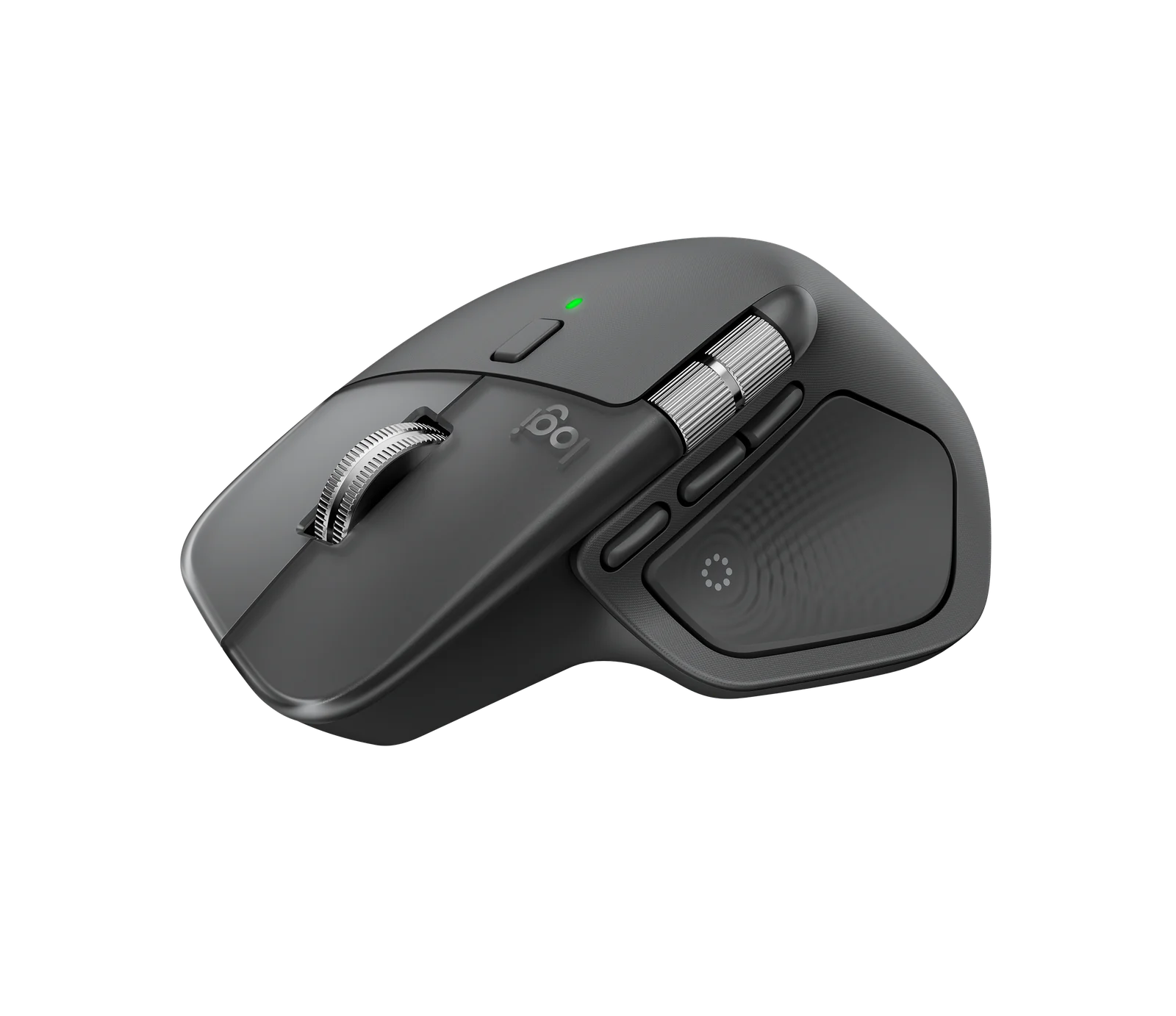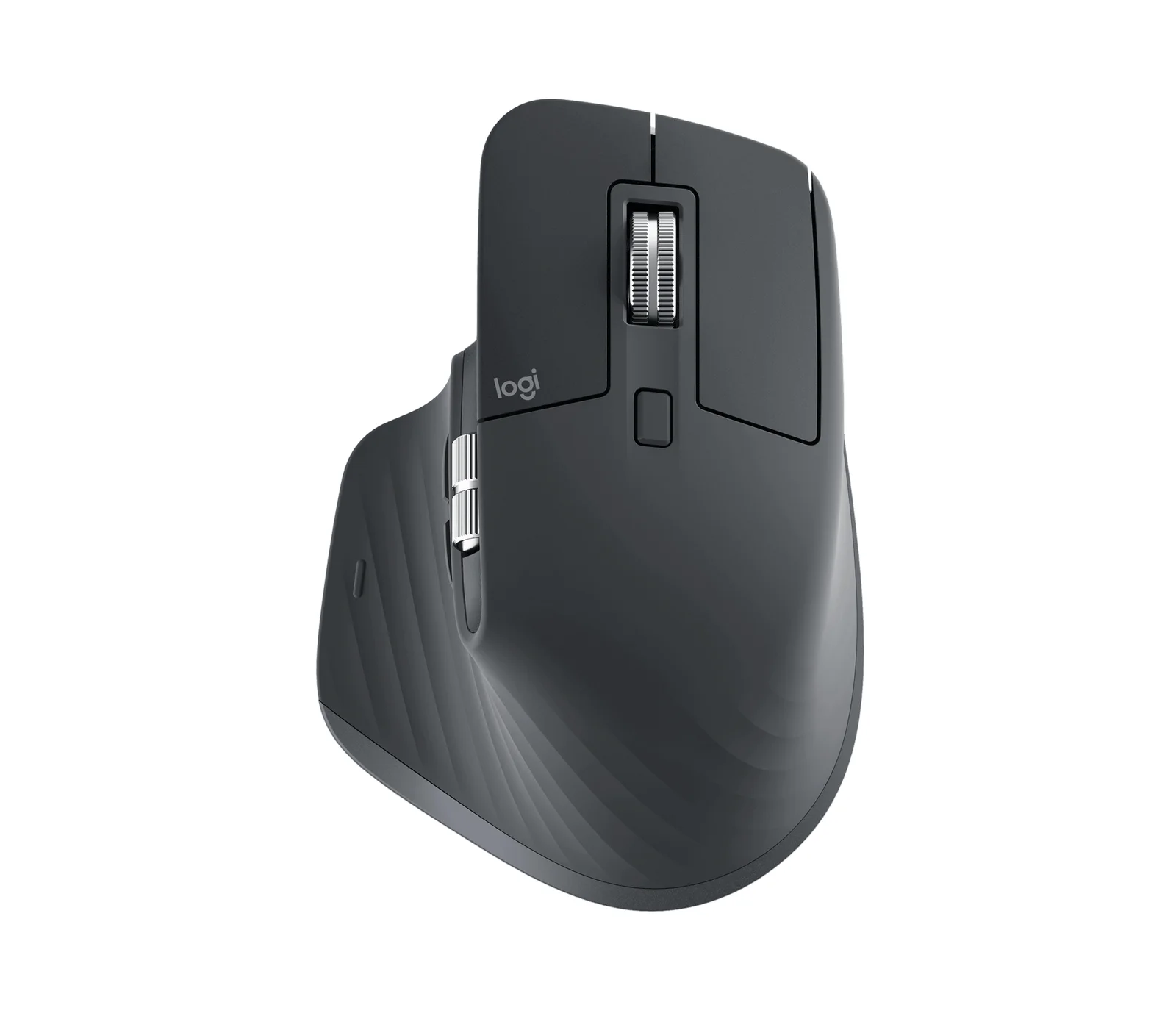
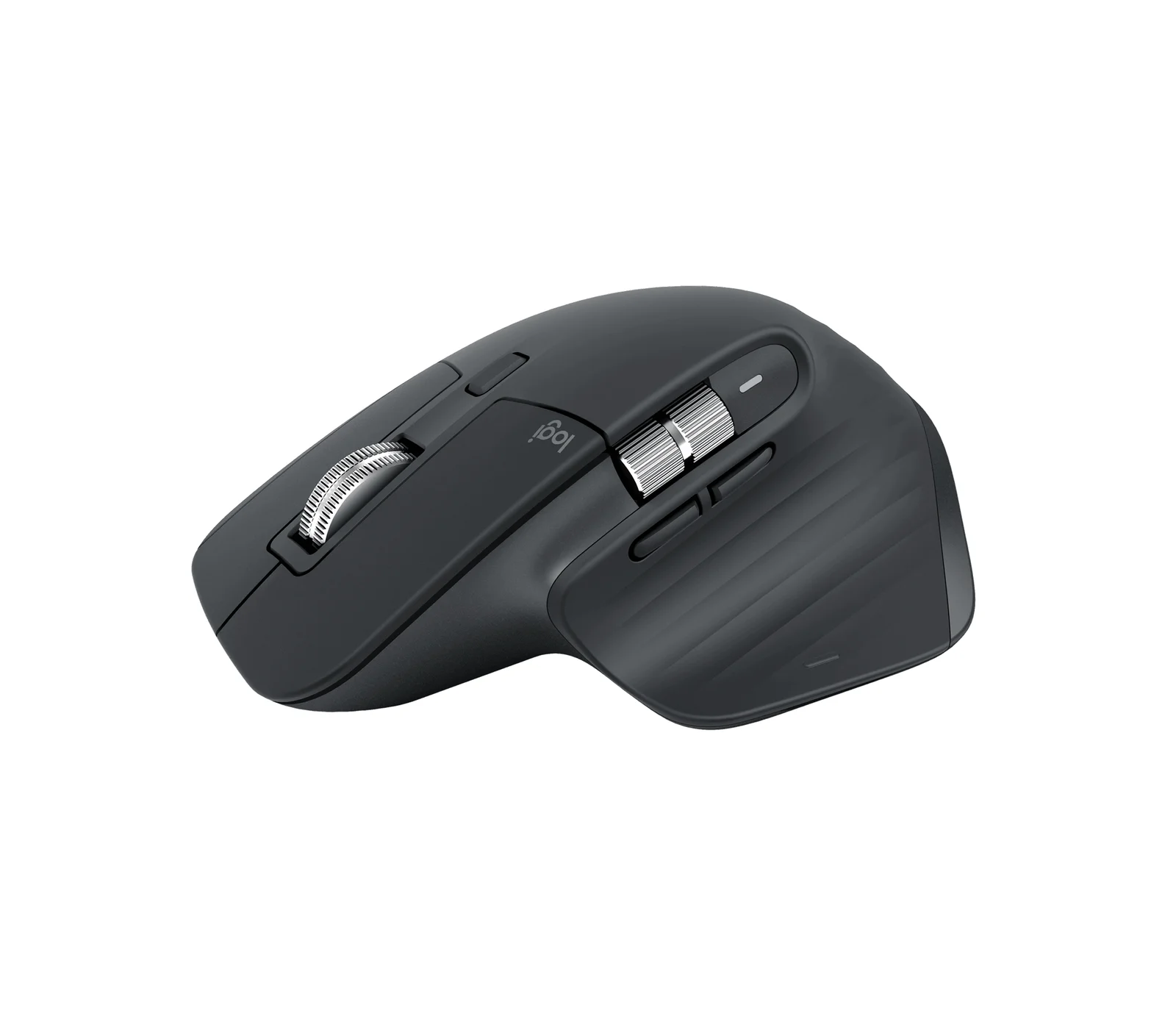
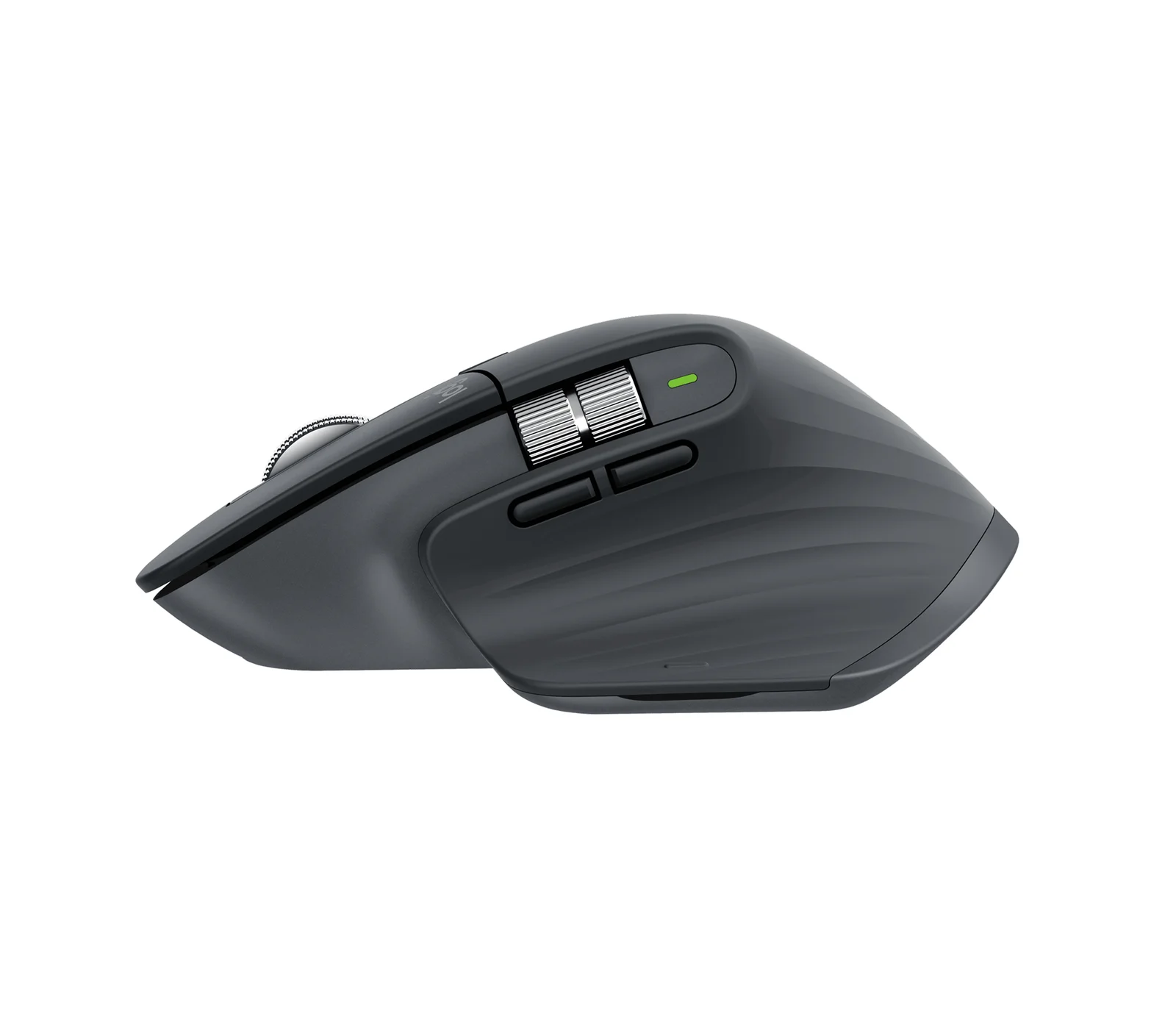
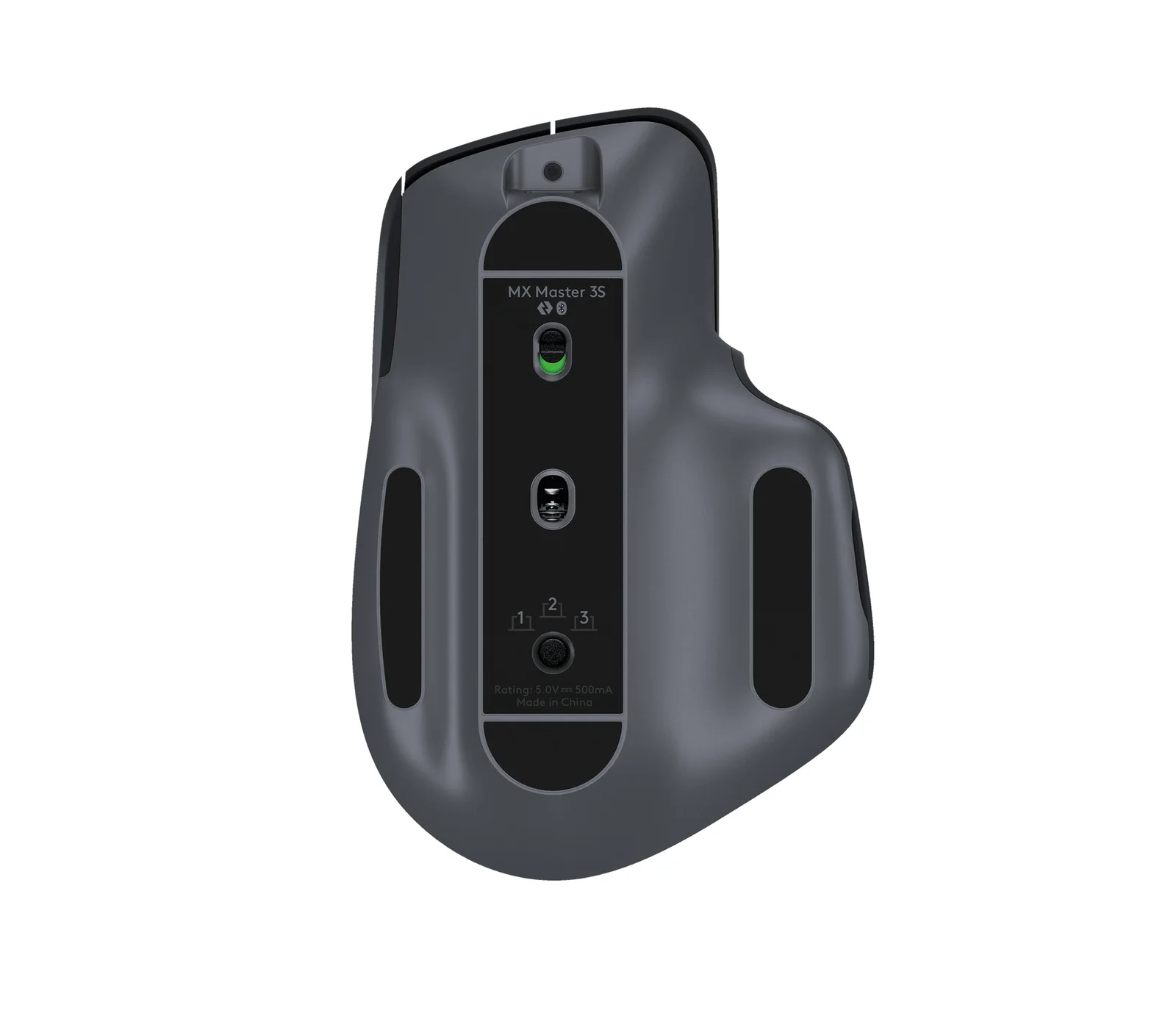
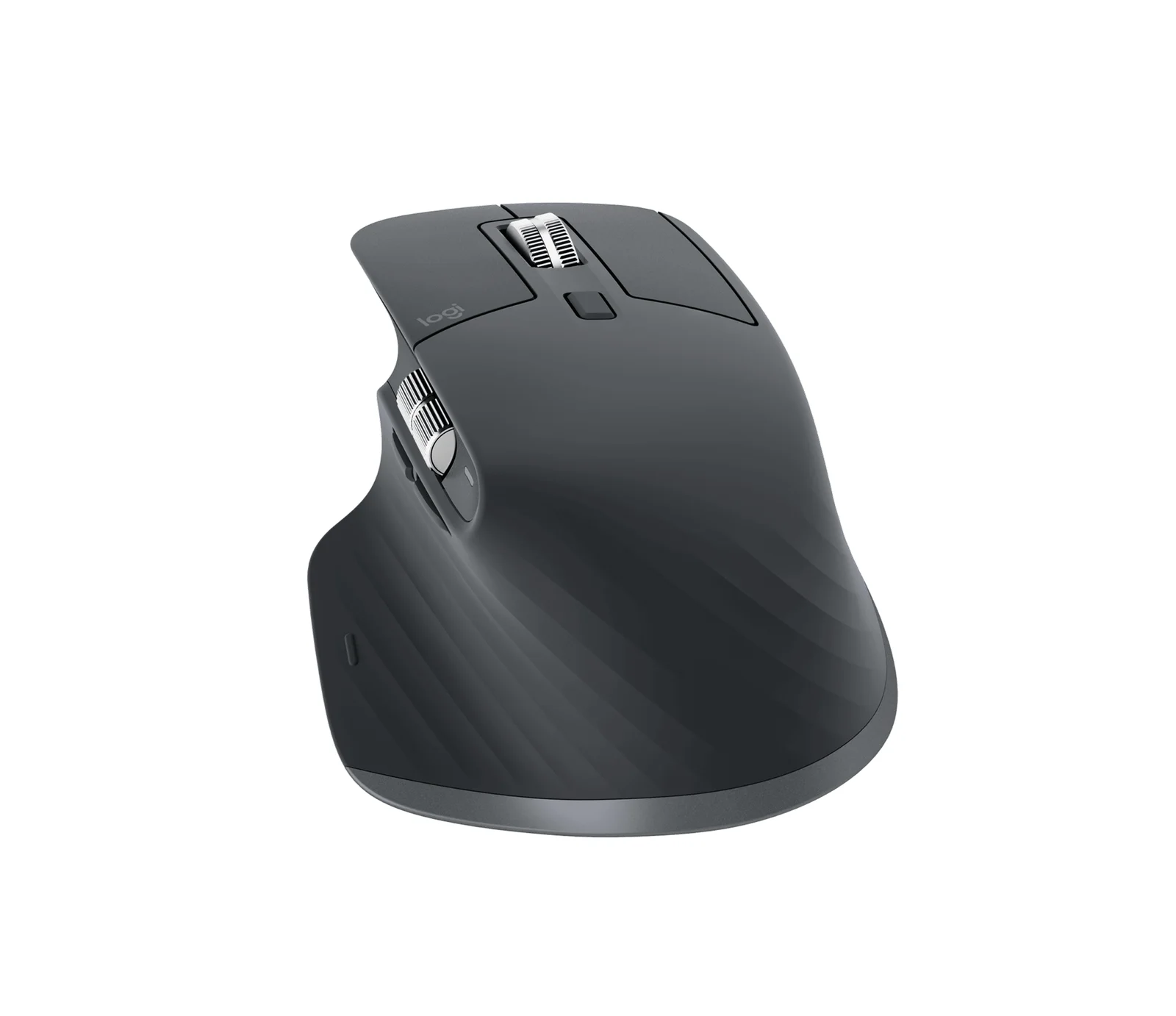
Logitech MX Master 3S (Bluetooth Edition)
By Logitech · Computer Mice · Desk & Streaming Setup · More from Logitech
- 8,000 DPI track-on-glass sensor
- Quiet Clicks, 90% less click noise
- MagSpeed electromagnetic scroll wheel
- Bluetooth Edition, Graphite
- Connects up to three devices
Price not listed
- LogitechView at Logitech
- eBayView at eBay
- AmazonView at Amazon (paid link)
- eBay (used) eBay: used, open-box, refurbishedView at eBay (used)
Stores are listed in a fixed order, never by price or commission. Prices are snapshots. Check the current price with the store.
Summary
A large, right-handed productivity mouse built for multi-device office work, with an 8,000 DPI track-on-glass sensor, quiet clicks and a MagSpeed scroll wheel. Check the box before you order: the Bluetooth Edition ships without a confirmed USB receiver, so anyone who needs a 2.4 GHz dongle should verify the package contents.
Strengths
- The Darkfield sensor tracks on glass, so it works on most desks.
- Quiet Clicks cut click noise by 90% against the MX Master 3, which helps in shared offices.
- The MagSpeed wheel scrolls 1,000 lines a second and switches between ratcheted and free-spin modes.
- Logi Options+ gives per-app customization and Flow between computers on one network.
- Owners report weeks to months of battery life on a single charge.
- Easy-Switch switching between up to three devices suits a desk with several machines.
Weaknesses
- It is large and right-handed only; there is no left-handed or ambidextrous option.
- The 125 Hz polling rate can make cursor motion feel choppy, and owners blame it.
- Some owners report double-clicking or mushy switches.
- The scroll wheel can skip or stop responding; some owners fix it by restarting the mouse or reopening Logi Options+.
- Real-world battery life varies widely and often lands below the 70-day claim.
- The Bluetooth Edition’s receiver contents are unconfirmed, and the thumb rest collects dirt.
Verified specifications
| Sensor | Logitech Darkfield optical, up to 8,000 DPI; tracks on glass. |
|---|---|
| Clicks | Quiet Clicks, 90% less click noise than the MX Master 3. |
| Scroll wheel | MagSpeed electromagnetic, machined steel; up to 1,000 lines per second with SmartShift. |
| Thumb wheel | secondary horizontal scroll wheel, customizable. |
| Controls | 8 buttons; the gesture button supports up to five actions. |
| Connectivity | Bluetooth, with up to three remembered devices on an Easy-Switch button. |
| Polling rate | 125 Hz. |
| Default DPI | 1,000. |
| Customization | Logi Options+ on Windows and macOS, including per-app settings and Flow. |
| Battery | built-in 500 mAh lithium-ion; Logitech claims up to 70 days per charge. |
| Charging | USB-C on the nose; 1 minute of charge gives about 3 hours of use, 3 minutes a full day. |
| Dimensions | 4.9 × 3.3 × 2 in. |
| Weight | 5 oz (141 g). |
| Materials | recycled plastic, 22% or 27% depending on color. |
| Colors | pale gray, graphite, black. |
| Warranty | 1 year parts and labor. |
Full research notes and sources
The Bluetooth Edition question
Logitech sells the MX Master 3S as two styles, Bluetooth Edition and Standard Edition, on the same product page. The US Bluetooth Edition page bundles an MX Travel case and, in the captured copy, does not mention a USB receiver, while PCMag and The Verge describe the standard model shipping with a Logi Bolt USB-A receiver. Treat the receiver as unconfirmed for this SKU and check the in-the-box list before ordering.
Battery life
Logitech’s headline is up to 70 days per charge, and 1 minute on USB-C gives about 3 hours of use. In practice the number moves with workload. The 500 mAh cell is sealed, so the long-term cost is eventual battery degradation rather than a consumable you replace.
Clicks, scroll wheel and reliability
The Verge measured a 125 Hz polling rate and found the clicks quieter without losing too much tactility. That low polling rate is what owners point at when they describe choppy cursor motion. Switch quality draws complaints too: some owners report double-clicking or mushy buttons. Scroll-wheel trouble is the most common thread — intermittent skipping, jumping or a wheel that stops responding, with some owners recovering it by power-cycling the mouse or reopening Logi Options+. Nobody has published a failure rate, so treat these as recurring annoyances rather than a defect rate. The Verge also found the receiver can be picky near metal or USB 3 sources, fixed with a short extension cable.
Is it worth it?
Logitech.com lists the Bluetooth Edition at $79.99, marked down from $99.99, with the travel case included. CNET’s 2026 guide shows the standard MX Master 3S at $100, and Reviewed.com shows Walmart at $89.99 and Best Buy at $144.97. Wirecutter lists the newer MX Master 4 at $120 and the smaller MX Anywhere 3S at $70. At the $79.99 Logitech price the 3S is a strong pick for multi-device office work; at $99.99 to $100 it competes with the newer MX Master 4, which adds haptic feedback, an extra button and a better thumb wheel. There are no consumables, so the only running cost is the sealed battery aging out.
Which model this is
This page covers the MX Master 3S Bluetooth Edition, sold in pale gray, graphite and black. The Bluetooth Edition listing is ASIN B0FB21526X. Do not merge it with the MX Master 4, the older MX Master 3, or the smaller MX Anywhere 3S.
Sources
Manufacturer:
- Logitech MX Master 3S Bluetooth Edition — official product page
- Getting Started — MX Master 3S — Logitech Support
- Logitech MX Master 3S product page — Malaysia store (Bluetooth vs Standard Edition)
Independent reviews:
Owner reports: