

Logitech MX Keys S
By Logitech · Mechanical Keyboards · Home & Workspace · More from Logitech
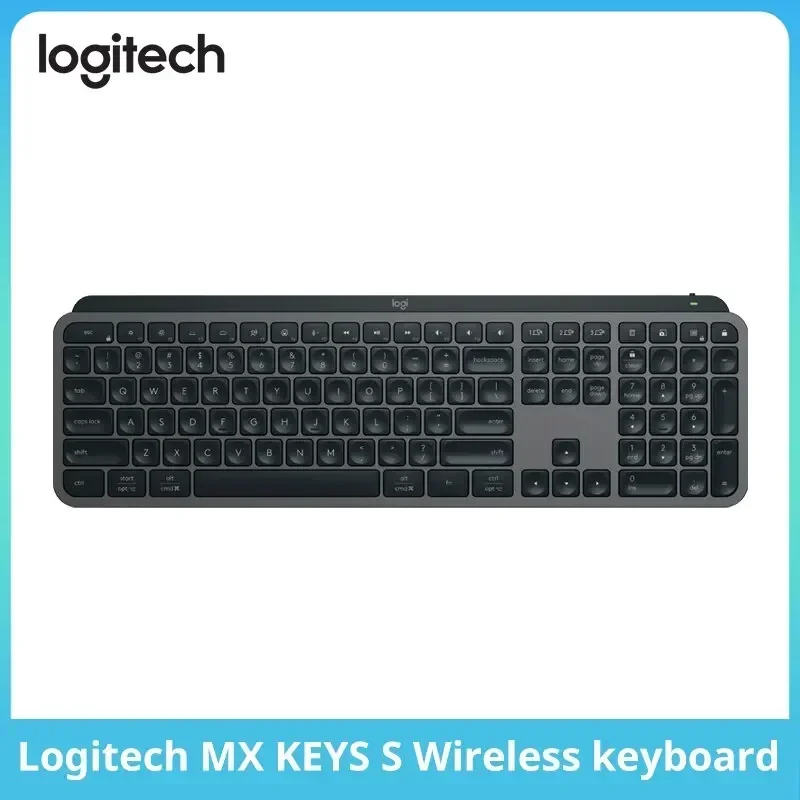
- Wireless illuminated keyboard with scissor-actuated keys
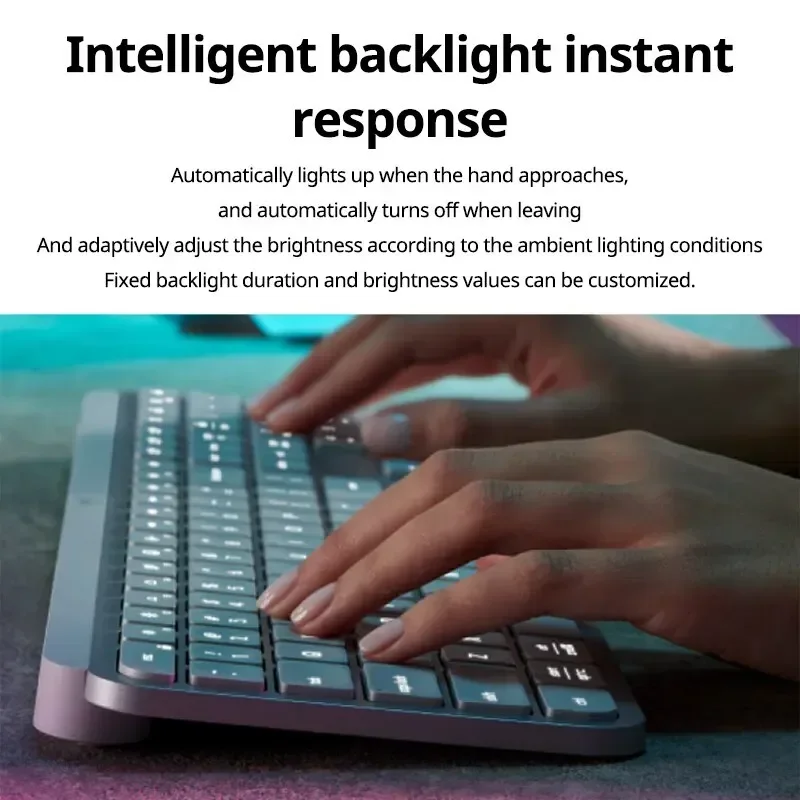
- Smart illumination: backlit keys light up when hands approach
- Smart Actions through Logi Options+
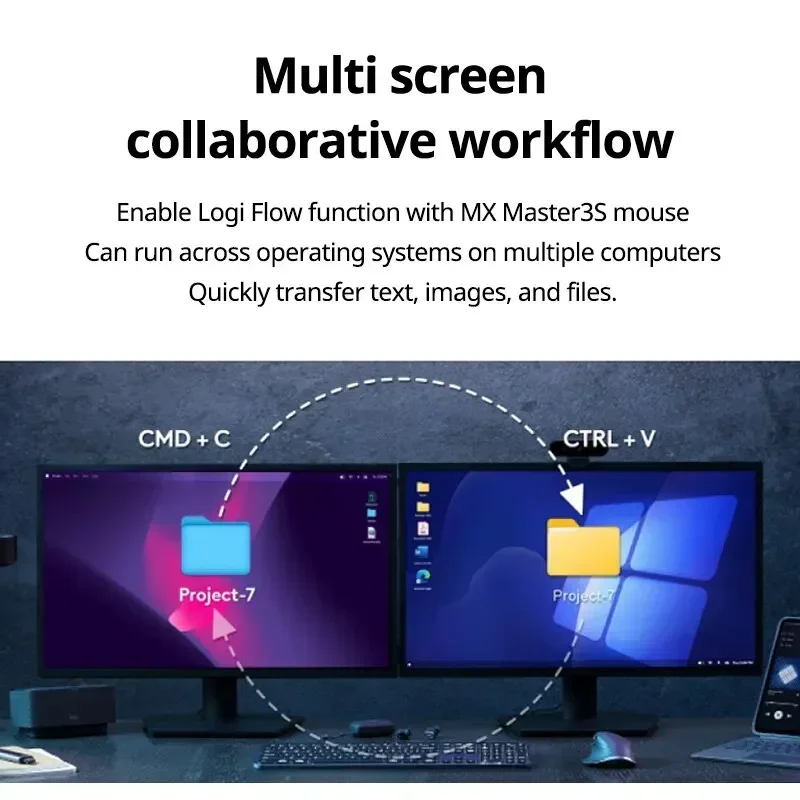
- Switches between up to 3 devices with one key press
- Logi Options+ available for Windows and macOS
Lowest price seen
$123.49
from $123.49 at AliExpress · Checked Oct 19, 2026
- AliExpress C-home Lafery Store $123.49View at AliExpress
- LogitechView at Logitech
- eBay (used) eBay: used, open-box, refurbishedView at eBay (used)
- eBayView at eBay
- AmazonView at Amazon (paid link)
Stores are listed in a fixed order, never by price or commission. Prices are snapshots. Check the current price with the store.
Summary
A full-size wireless keyboard for people who type all day and switch between devices, with quiet low-profile scissor keys and a battery Logitech rates at up to 10 days with the backlight on.
Strengths
- Battery life is a standout: 10 days with the backlight on, 5 months with it off, and one owner reports 92% charge after 5 days.
- It switches between up to 3 devices with one key press, across Windows, macOS, ChromeOS, Linux, iPadOS and Android.
- Bluetooth Low Energy, the Logi Bolt 2.4 GHz receiver and USB-C wired mode cover every setup.
- Logi Options+ adds per-app profiles, key remapping and Smart Actions macros that reviewers find useful.
- The typing experience is the main selling point: quiet, comfortable and laptop-like, with PCWorld comparing it favorably to a ThinkPad.
Weaknesses
- There is no dongle storage and no adjustable typing angle; the keyboard is a fixed low profile.
- The internal battery is not user-replaceable and will degrade over time.
- One owner reports keys loosening or falling off, with no spare parts available.
- A 2023 owner thread reports Bluetooth typing lag on some MacBooks.
- Reviewers call the price high for a non-mechanical keyboard, and PCMag says it is not new enough to justify an upgrade over the original MX Keys.
Verified specifications
| Layout | full-size 100% with integrated numpad; 104 keys per Tom’s Guide, 108 per PCMag. |
|---|---|
| Switches | low-profile scissor switches over a membrane. |
| Backlighting | white only; proximity sensors light the keys as hands approach, and brightness and duration are adjustable in Logi Options+. |
| Connectivity | Bluetooth Low Energy, Logi Bolt 2.4 GHz USB receiver, and USB-C wired mode. |
| Multi-device | pairs with up to 3 devices and switches between them with one key press. |
| Battery | 1,500 mAh internal, not user-replaceable; rated up to 10 days with backlighting on and up to 5 months with it off. |
| Dimensions | 16.93 × 5.18 × 0.8 in; 1.78 lb (810 g). |
| OS support | Windows 10/11, macOS 11+, ChromeOS, Linux, iPadOS 14+ and Android 9.0+. |
| Software | Logi Options+ on Windows and macOS adds key remapping, backlight control and Smart Actions macros; other systems get basic functions only. |
| New keys versus the 2019 MX Keys | emoji, mic mute/unmute and dictation; no microphone is built into the keyboard. |
| In the box | keyboard, USB-C charging cable and Logi Bolt USB receiver. |
| Materials | made with recycled plastic; Logitech publishes a 15.87 kg CO2e carbon footprint for the Graphite model. |
| No adjustable feet and no dongle storage; the wrist rest is optional and sold separately. | |
| Warranty | 2-year limited hardware warranty. |
Full research notes and sources
Typing feel, backlighting and keys
The typing experience is the main selling point. Wirecutter’s 2026 wireless keyboard guide names the MX Keys S its full-size pick, calling the keys satisfying to type on and quiet, and RTINGS rates the board very good for office use with impressive build quality. PCWorld compares the typing feel favorably to a ThinkPad, and Tom’s Guide recommends it as an Apple Magic Keyboard alternative. Windows Central praises responsive, accurate typing, though the same review notes the all-plastic body creaks and groans when picked up. A specialist blog claims lab measurements of 0.85 mm key travel, about 42 dB(A) peak typing noise at 15 cm, about 6.7 ms average Bluetooth LE and USB-C wired latency, and 55 gf actuation force; no established lab has corroborated these numbers, so treat them as unverified.
The backlight is white only and proximity-activated, and reviewers and owners alike describe it as dim or “very bad” in low light. Versus the 2019 MX Keys you get emoji, mic mute/unmute and dictation keys, but they depend on Logi Options+ and OS support, and a Smart Action disables the trigger key it is assigned to. One owner found the key travel too short even for a low-profile membrane board, the keycaps shaky, and a small rattle on the 0 and Enter keys.
Battery, connectivity and software
Logitech rates the battery at up to 10 days with the backlight on and up to 5 months with it off; one owner reports 92% charge after 5 days of use. Charging is over USB-C with the included cable. The keyboard pairs with up to 3 devices over Bluetooth Low Energy or the included Logi Bolt 2.4 GHz receiver, and it also works in USB-C wired mode. Bolt and the older Logitech Unifying receivers are not cross-compatible.
Connectivity is not flawless. PCWorld calls the Bolt wireless connection “iffy”, and a 2023 r/logitech thread reports typing lag on a MacBook over Bluetooth — worse when the Mac was plugged into power — while Windows and Linux worked fine; one user fixed it by changing the USB power source. Logi Options+ on Windows and macOS adds key remapping, backlight control and Smart Actions macros; other systems get basic functions only.
Repairs, parts and running costs
There is no long-term reliability study or failure-rate data for this model. One owner reports some keys started to “giggle” or completely fell off, with “absolutely no spare parts” available, which points to limited user-repairability. The internal battery is not user-replaceable and will degrade over time, and the keyboard is not user-serviceable — maintenance is limited to cleaning. Logitech’s support page states a 2-year limited hardware warranty. The only running cost is the optional MX Palm Rest, a $20 add-on (Windows Central); there are no consumables.
Is it worth it?
The value case rests on typing feel, quietness, battery life and software — not on the backlight. Logitech’s own US store lists the MX Keys S in Graphite at $119.99, marked down from $129.99 (Logitech, 2026-10). Tom’s Guide listed $107.39 at Newegg and $129 at Walmart in 2024, Wirecutter listed $120 at Walmart and Best Buy in 2026-09, and PCMag’s 2023 review listed a $109.99 MSRP.
At $100 or less it is strong value, and $101–115 is good for multi-device Windows and macOS users. At $116–130 it is fair value — compare against the original MX Keys, much of the new software back-ported, the MX Keys Mini if you do not need a numpad, and mechanical alternatives like Logitech’s own MX Mechanical. Above $130 the value is weak unless the low-profile scissor feel and the Logi Options+ ecosystem are exactly what you want.
Which model this is
This page covers the full-size MX Keys S with an integrated numpad, sold in Graphite, Pale Grey and Black. It is not the smaller MX Keys Mini — no numpad, no USB receiver in the box — or the MX Keys S for Mac, which has a dedicated Mac layout in Pale Grey and no USB receiver. Tom’s Guide counts 104 keys and PCMag 108, an unresolved difference that likely comes down to the new emoji, dictation and mute keys. The Graphite US variant’s Amazon listing is ASIN B0BKW3LB2B.
Sources
Manufacturer:
- Logitech MX Keys S — official product page (US store)
- Logitech MX Keys S for Mac — official product page
- Warranty — MX Keys S, Logitech Support
Independent reviews:
- Logitech MX Keys S review — Tom’s Guide
- Logitech MX Keys S Review — PCMag
- Logitech MX Keys S review — Windows Central
- Logitech MX Keys S Review — RTINGS.com
- The Best Bluetooth and Wireless Keyboards — Wirecutter
- Best Logitech Keyboards — CNET
- Logitech MX Keys S review — frameandfocal.com
Owner reports: