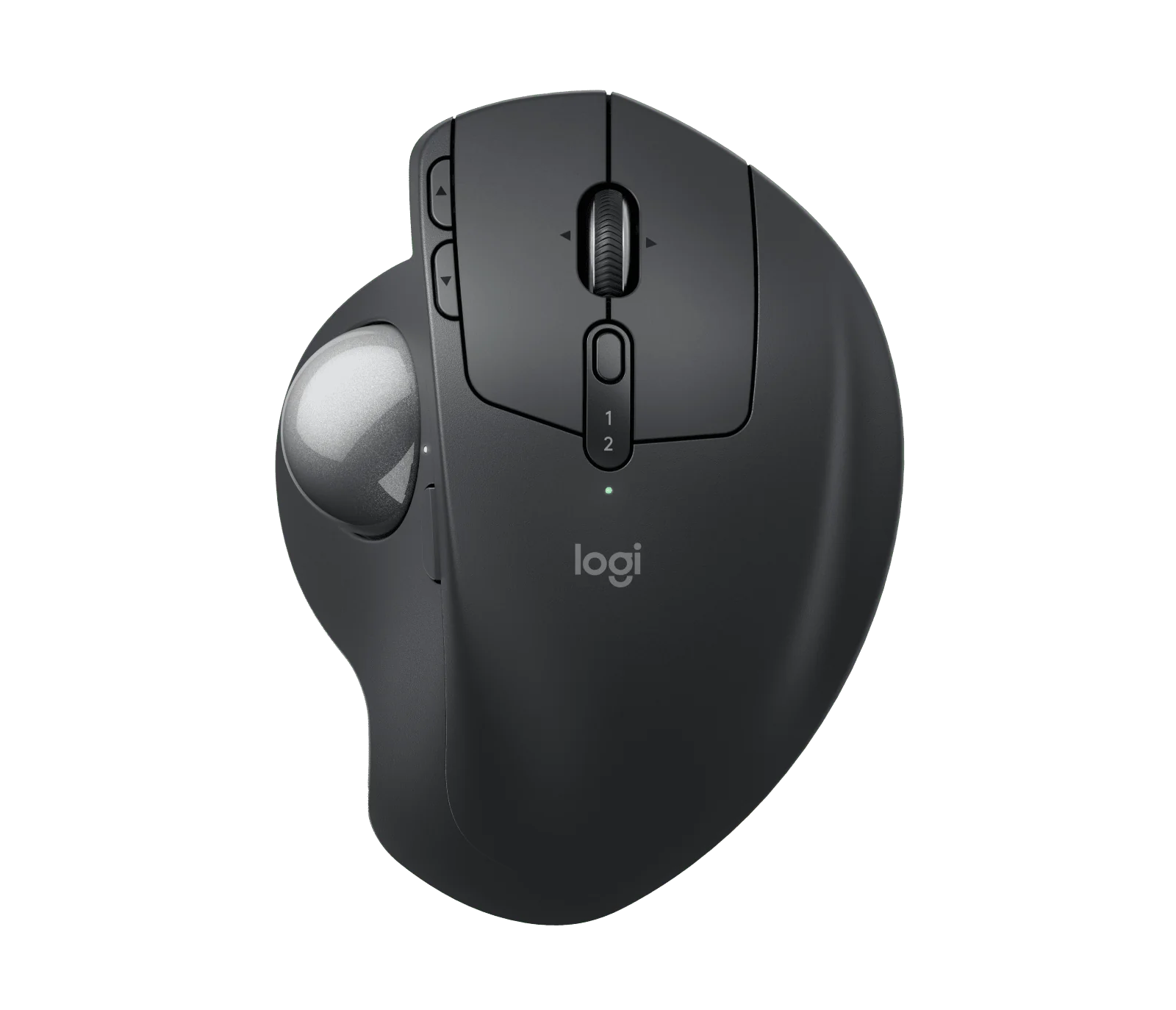
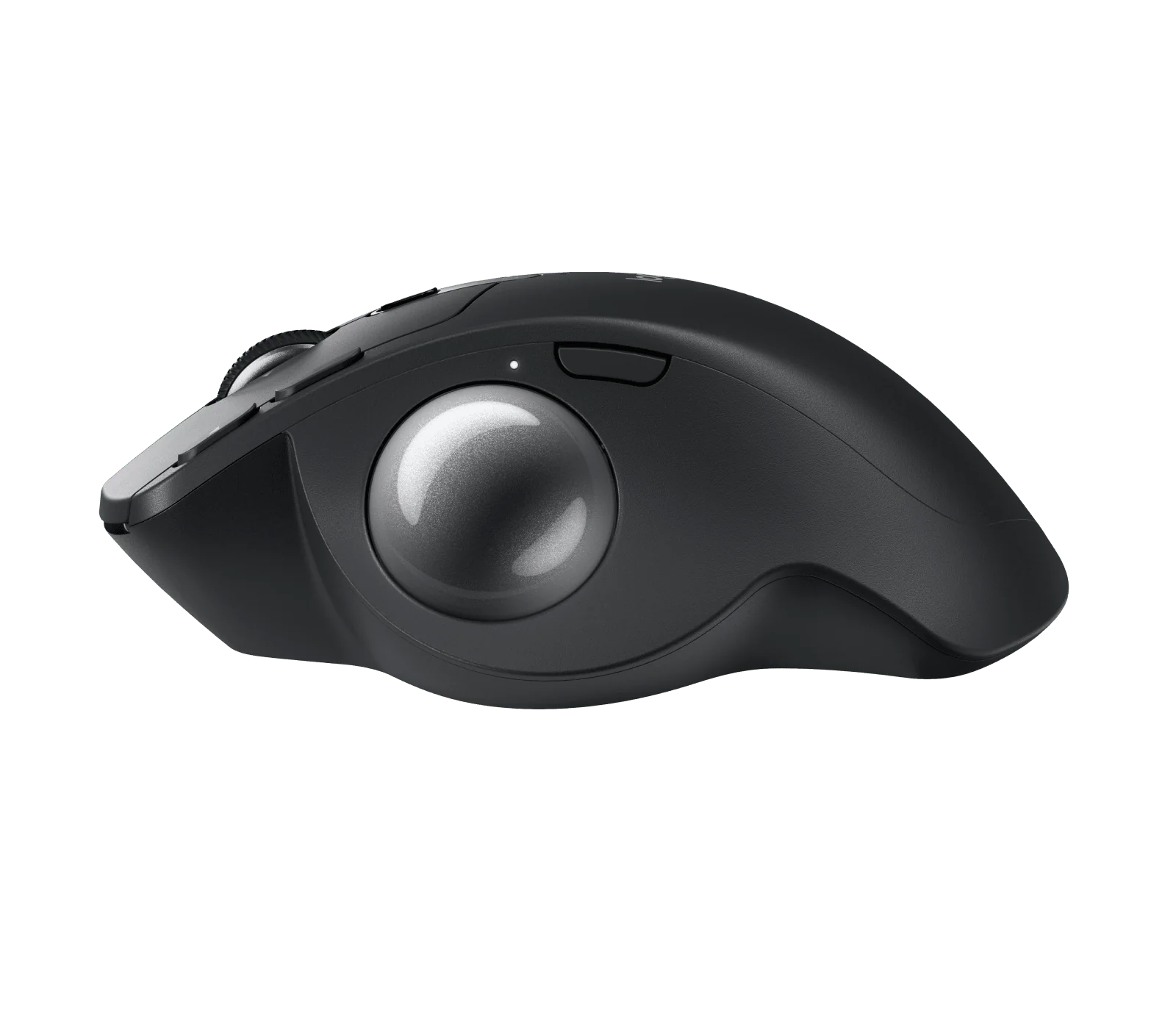
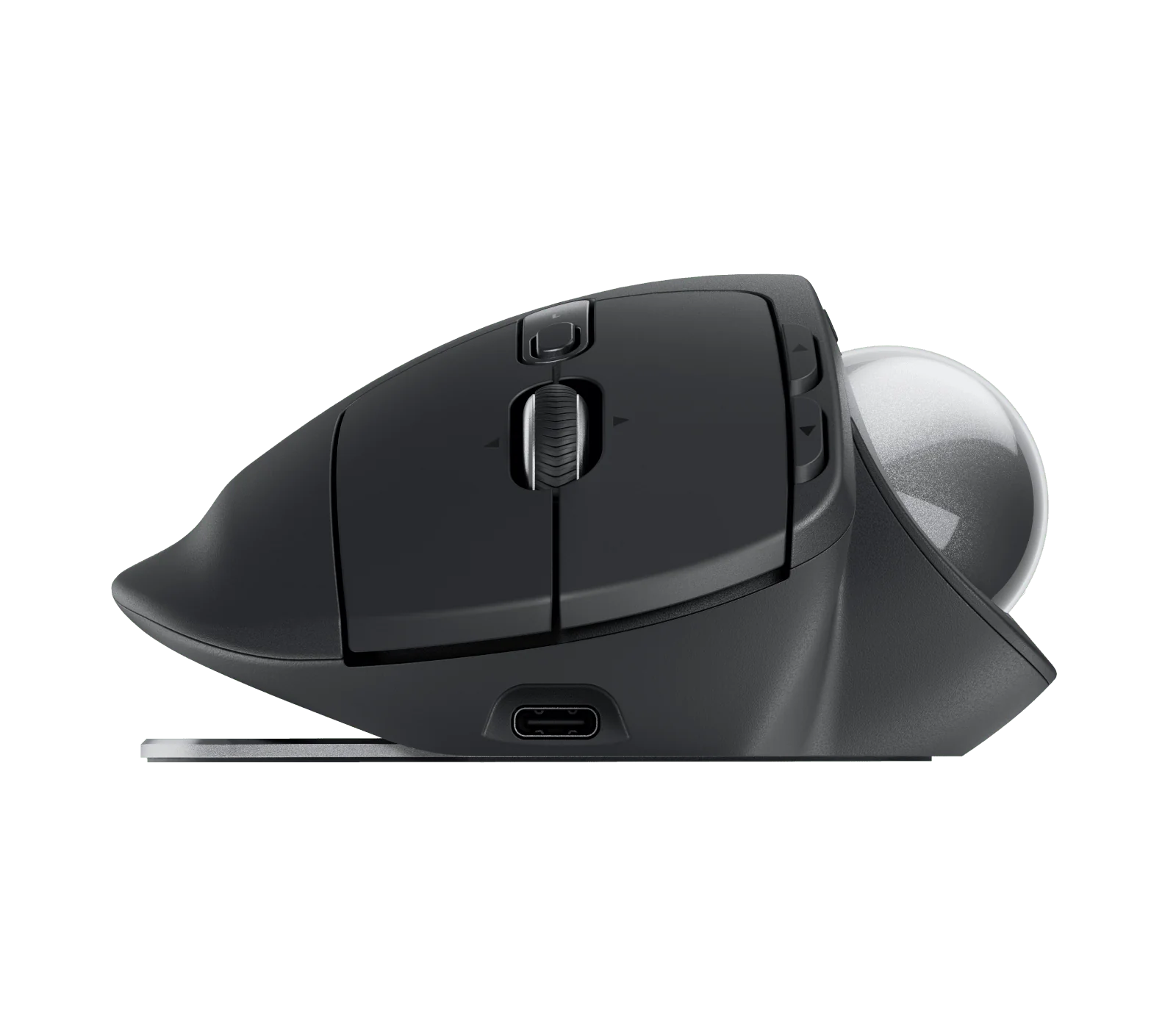
Logitech MX Ergo S
By Logitech · Computer Mice · Desk & Streaming Setup · More from Logitech
- Wireless trackball with 20-degree tilt angle
- 6 customizable buttons
- Quiet clicks
- USB-C quick charging, cable not included
- Certified by ergonomists
Price not listed
- LogitechView at Logitech
- eBayView at eBay
- AmazonView at Amazon (paid link)
- eBay (used) eBay: used, open-box, refurbishedView at eBay (used)
Stores are listed in a fixed order, never by price or commission. Prices are snapshots. Check the current price with the store.
Summary
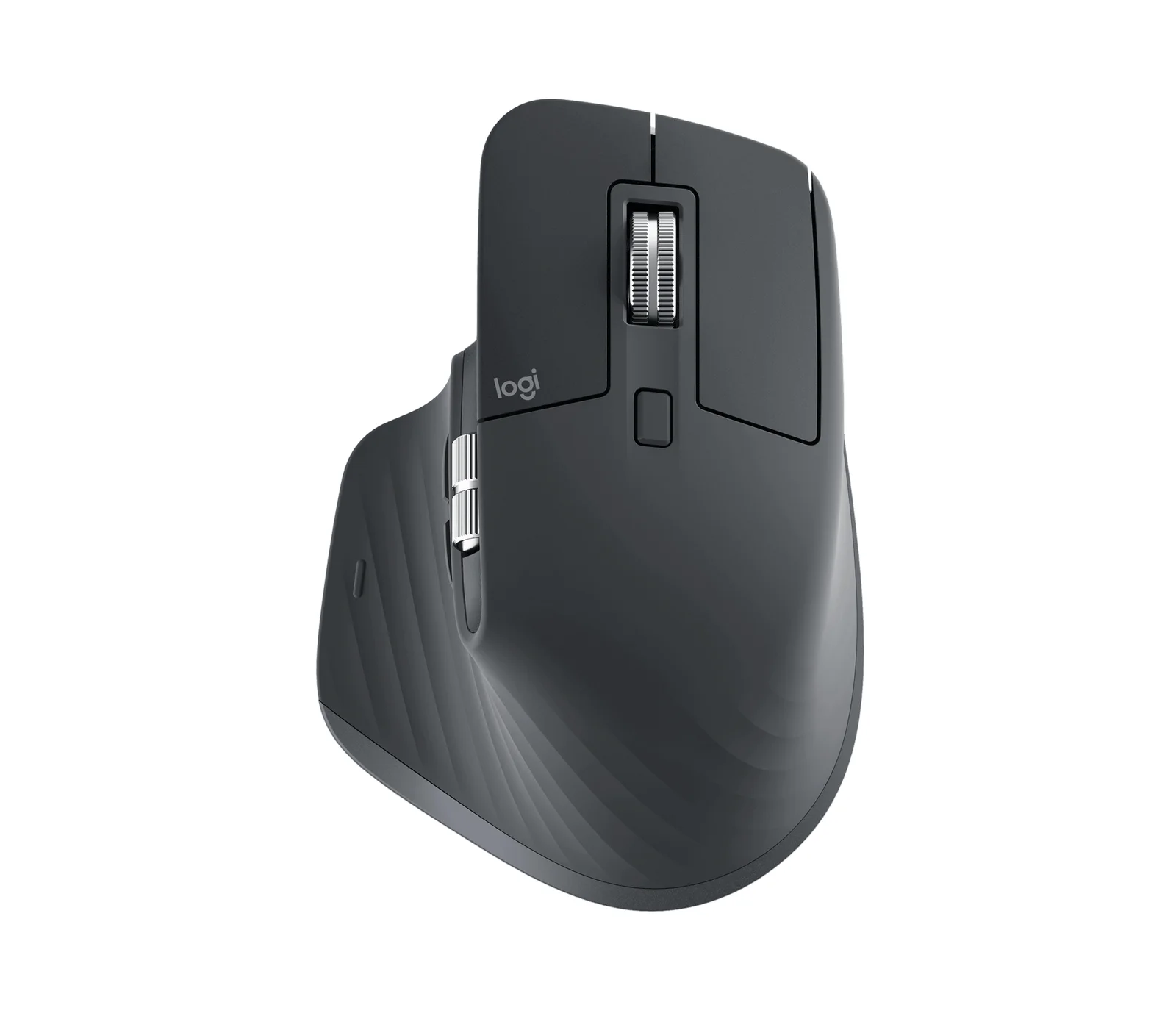
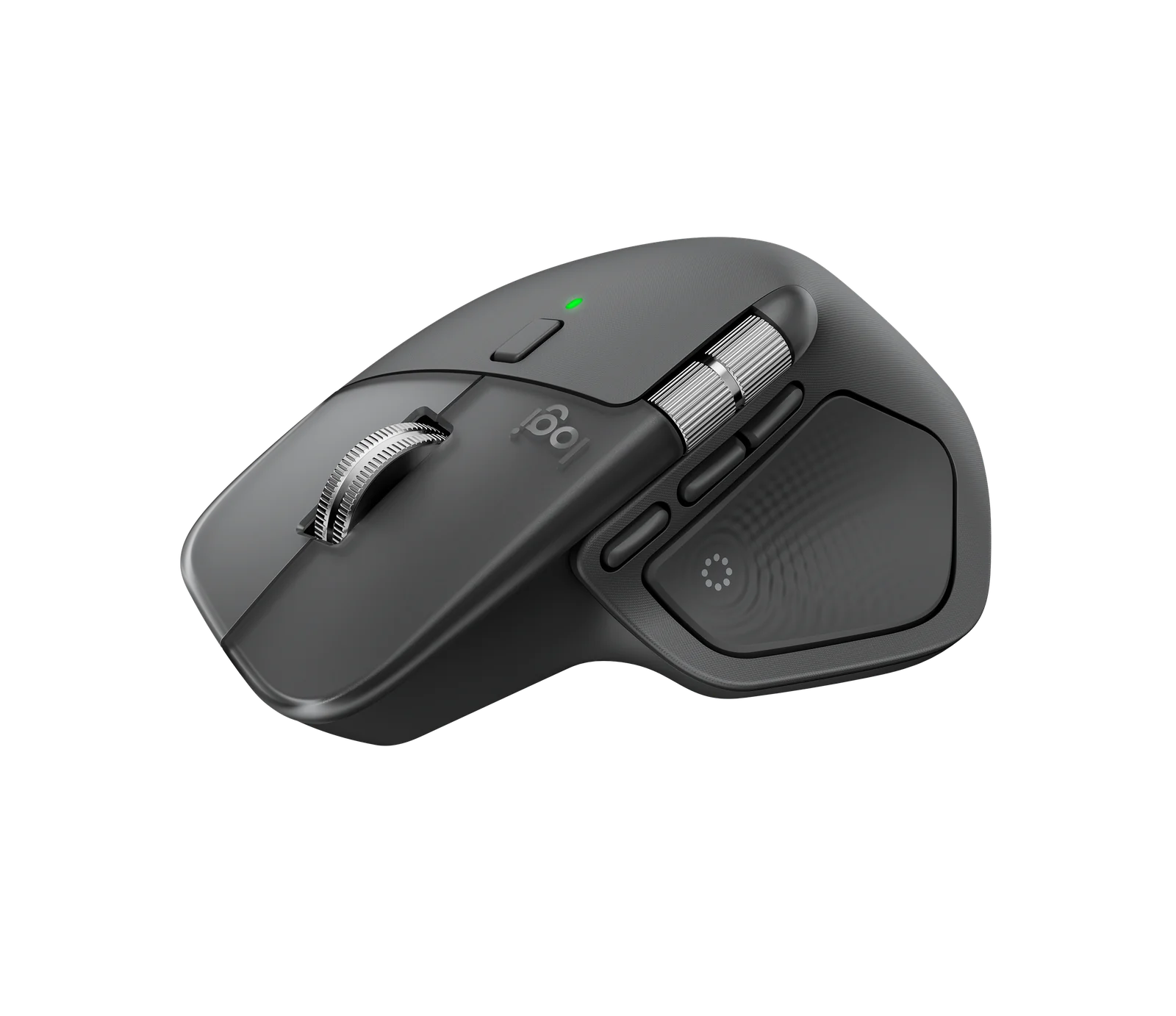
Logitech’s MX Ergo S is a right-handed thumb trackball with a 0°/20° magnetic tilt base, quiet main clicks and a battery Logitech rates at up to 120 days, listed at $99.99 on Logitech’s own site (October 2026). Check your hand size before you buy: the fixed shell measures 132.5 mm and both owners and reviewers flag it for small hands.
Strengths
- The body stays planted while your thumb works the ball, so the mouse needs no desk clearance and little arm movement.
- Digital Camera World’s January 2025 hands-on found the ball smooth, accurate and responsive, and the tilt base sturdy.
- Logitech rates the battery at up to 120 days; an ITC.ua test barely moved the indicator over two weeks of daily work.
- Primary clicks are genuinely quiet — both independent reviews noticed the subdued switches — and the wheel is precise.
- The ball pushes out through a base aperture for wiping, which is simpler than any sealed-mouse repair.
- Six remappable buttons, wheel tilt, a precision toggle and Flow between two hosts give real productivity control.
Weaknesses
- The fixed right-handed shell is large; Digital Camera World found it poor for small hands and called some side buttons awkwardly placed.
- Owners report main clicks dying early: one r/Trackballs thread in November 2025 describes missing left clicks after about five months.
- Another owner reports a dead left button and a sticky grip in under two years, and Logitech sells no replacement shell.
- The click switches are tactile and soldered; Logitech’s support page says no spare parts are available, so a failure means board-level work.
- Logitech covers the S for one year only, and adapting to thumb control runs from an hour or two of text editing to about a week in Premiere Pro.
- No USB-C cable ships in the box, and the wheel tilt still makes noise.
Verified specifications
| Model | MX Ergo S, Logitech part 910-007260, graphite, right-handed, thumb-operated. |
|---|---|
| Angle | 0° or 20° via a hinged magnetic metal plate. |
| Dimensions | 132.5 × 99.8 × 51.4 mm (5.22 × 3.93 × 2.02 in). |
| Weight | 164 g without base; 259 g with the magnetic base and without receiver. |
| Tracking | adjustable 512–2048 DPI plus a physical precision-mode button. |
| Buttons | eight control functions, six customizable in Logi Options+. |
| Wheel | detented, with middle click and left/right tilt; only the primary clicks are quiet. |
| Wireless | Bluetooth Low Energy or the included Logi Bolt USB-A receiver; two Easy-Switch hosts. |
| Battery | sealed rechargeable, rated up to 120 days per charge; one minute of USB-C charging rates up to one day. |
| In the box | mouse, Logi Bolt receiver, printed documentation. No USB-C cable. |
| Software | Logi Options+ on Windows 10 or later, macOS 14 or later; basic pointing works without it. |
| Warranty | 1-year limited hardware warranty; free returns within 30 days direct. |
Full research notes and sources
What this trackball is
The MX Ergo S (part 910-007260) is a stationary, thumb-operated trackball: the body stays planted while the ball rolls under your thumb, and removing the metal base exposes an aperture the ball pushes out through for cleaning. Logitech’s ergonomic certification rests on the company’s own testing, which measured 27% less forearm muscular strain; that is not a treatment guarantee for any individual. The older 2017 MX Ergo used micro-USB and the Unifying receiver — the S uses USB-C and Logi Bolt, so old cables and dongles do not carry over. The MX Ergo S Plus is a separate package with an extra raising wedge; the two are not the same box.
Battery and charging
Logitech rates the sealed battery at up to 120 days per full charge and says one minute of USB-C charging yields up to a day of operation. ITC.ua used it two weeks at 4–7 hours a day and saw the indicated charge fall only from 60% to 55% — a short-term observation, not a controlled rundown. Charging needs a USB-C cable you already own: none is in the box, and Logitech’s own 1-meter USB-C cable sells for $9.99. No official replacement battery or user-service procedure is published, so a tired battery means authorized service or a third-party repair.
Clicks, buttons and repairability
Logitech lists eight control functions, six of them customizable, with quiet tactile primary switches in place of the predecessor’s standard microswitches. Digital Camera World found the side buttons awkward for some grips and noted that only the primary clicks are quiet. The failure reports are anecdotal but persistent: in November 2025 an owner described the left click missing after about five months of use; in August 2026 another reported a dead left button and a sticky grip in under two years; in February 2025 a third described a side button losing continuity; in March 2026 a fourth described intermittent wheel-tilt behavior in AutoCAD that was never diagnosed. An owner teardown identified tactile-style switches that are not hot-swap, with no manufacturer part number; Logitech’s support page states there are no spare parts available for this product. The soft-touch rubber is the other aging concern: an owner reports a tacky, worn grip after under two years, and no replaceable shell is sold. If a click fails inside the warranty year, use Logitech’s warranty channel before attempting any solder work — one February 2025 owner did receive a replacement, though for the older MX Ergo, not the S.
Is it worth it?
Logitech’s own site listed the standard S at $99.99 in October 2026, marked down from $119.99 with the promotion running through November 1; other Logitech catalog pages vary between $109.99 and $119.99 depending on cache and region. Marketplace prices ran higher: $109.95 from the Techorama seller at Walmart and $117.99 from a Newegg marketplace seller, neither of them Logitech-owned stock. Below $80 from an authorized seller the S is strong value for a desk that needs 20° tilt and dual-host Flow. From $80 to $100 it is reasonable if you will use the buttons and the angle. Above $100 it is fair only with an assured support route, and the $39.99 M575S — a thumb trackball with a replaceable AA battery and no tilt base — covers most basic trackball needs. The $69.99 Lift is the easier choice if a handshake mouse suits you better than a thumb ball. Note the early click failures above: a one-year warranty and no spare parts make the $99.99 decision harder than the spec sheet suggests.
Which model this is
This page covers the standard Logitech MX Ergo S, part 910-007260, graphite, right-handed. It is not the MX Ergo S Plus, which adds a raising wedge and is a different package. It is not the 2017 MX Ergo or MX Ergo Plus, which charge over micro-USB and use the Unifying receiver.
Sources
Manufacturer:
- Logitech US: MX Ergo S 910-007260 product page, $99.99 promotion
- Logitech official: MX Ergo S technical specifications
- Logitech support: MX Ergo S Getting Started
- Logitech support: MX Ergo S 1-year limited hardware warranty
- Logitech support: Options+ supported devices (Smart Actions, Flow)
- Logitech: Logi Options+ download and system requirements
- Logitech official: Logi Bolt USB receiver 956-000007
- Logitech: USB-C cable accessories catalog
- Logitech: ERGO M575S trackball
- Logitech: Ergo series category (Lift, MX Vertical)
- Micro Center: MX Ergo S Plus with added wedge
Independent reviews:
Owner reports:
- MX Ergo S opened: nonstandard quiet switches (r/Trackballs, September 2024)
- MX Ergo S missing clicks after five months (r/Trackballs, November 2025)
- MX Ergo S sticky grip and dead left click (r/Trackballs, August 2026)
- MX Ergo S side-button hold failures (r/logitech, February 2025)
- MX Ergo S wheel-tilt/scroll issues (r/logitech, March 2026)
- MX Ergo bearing complaints — older model background only (r/Trackballs, May 2026)
Parts and stores: