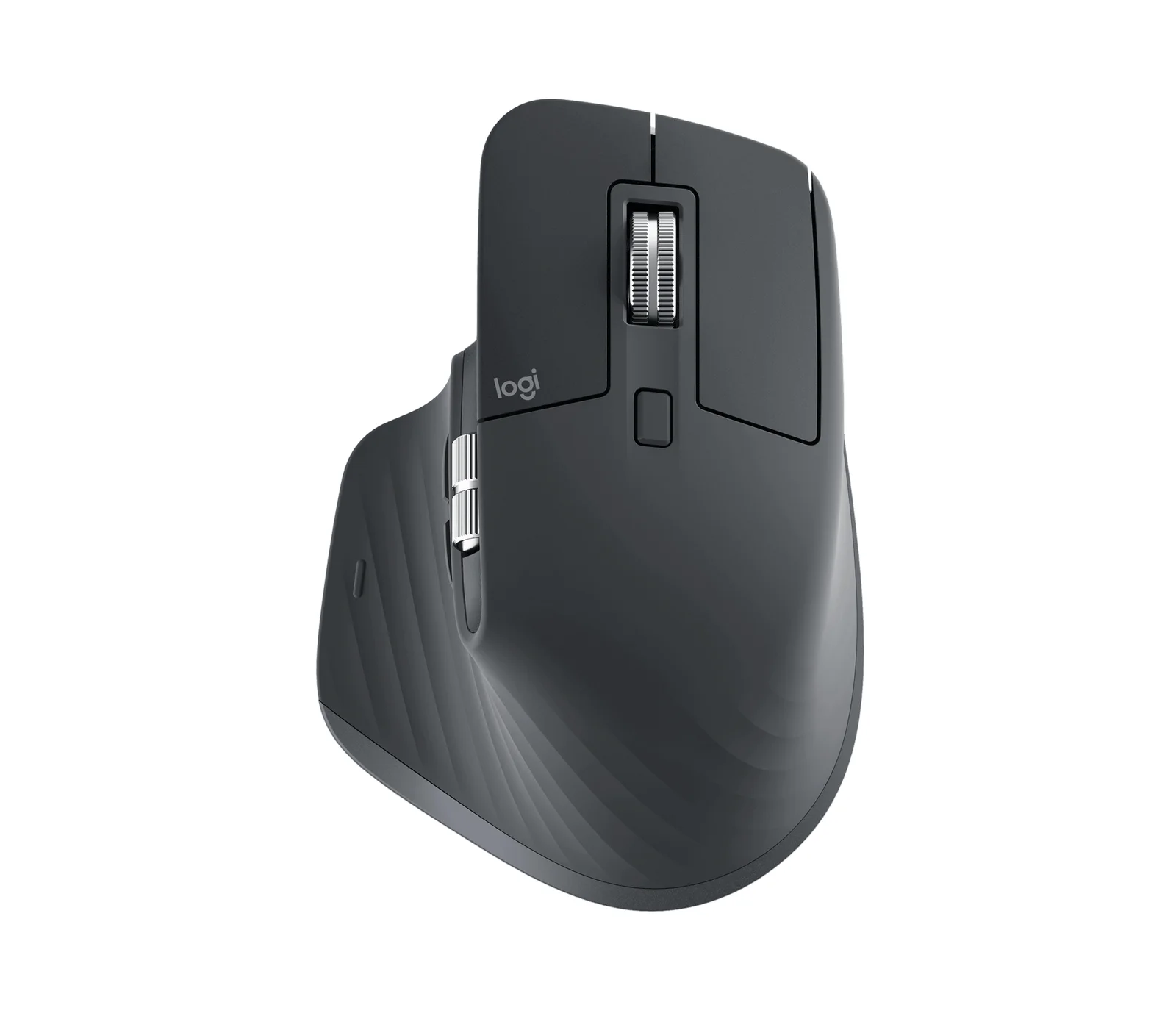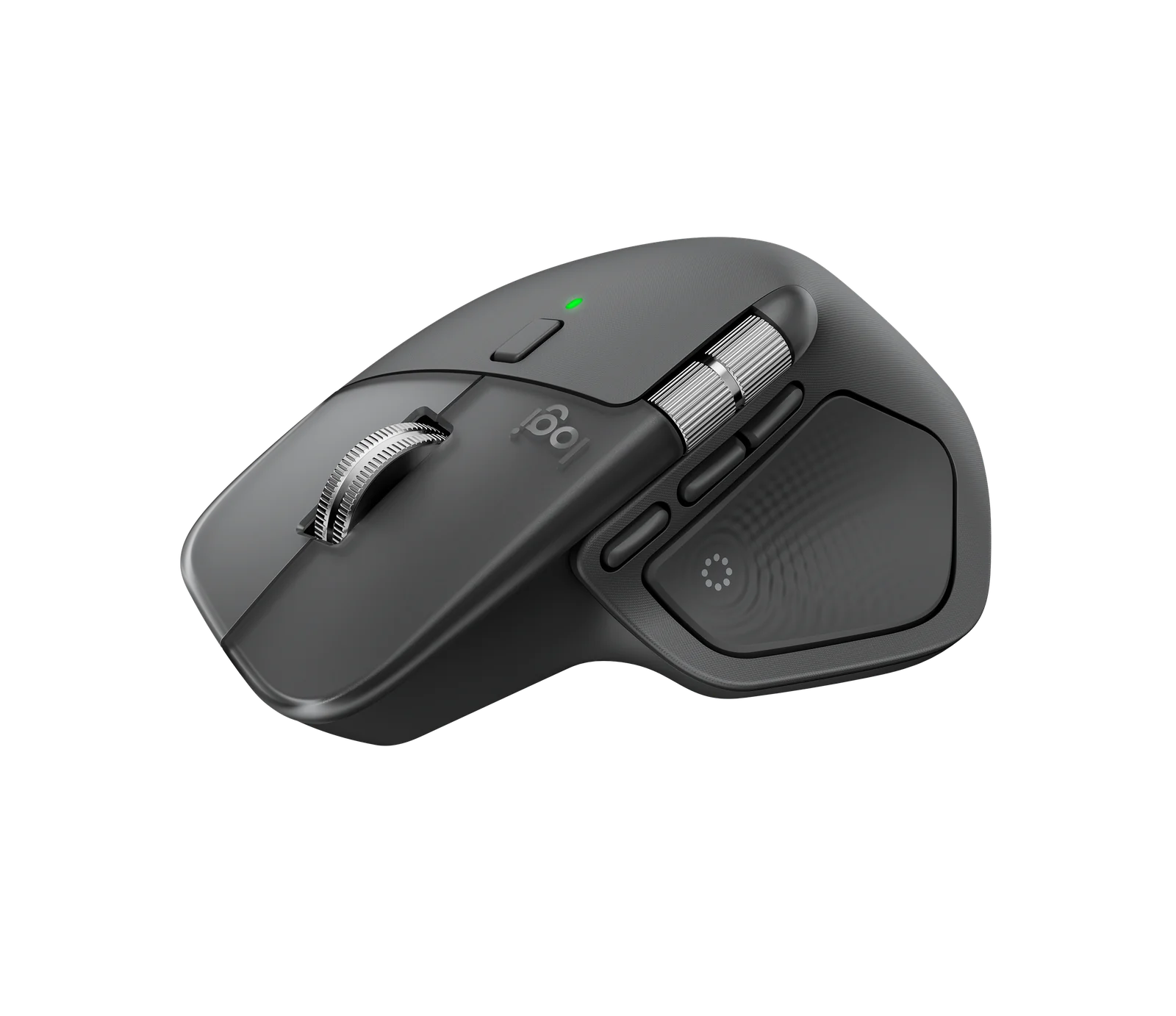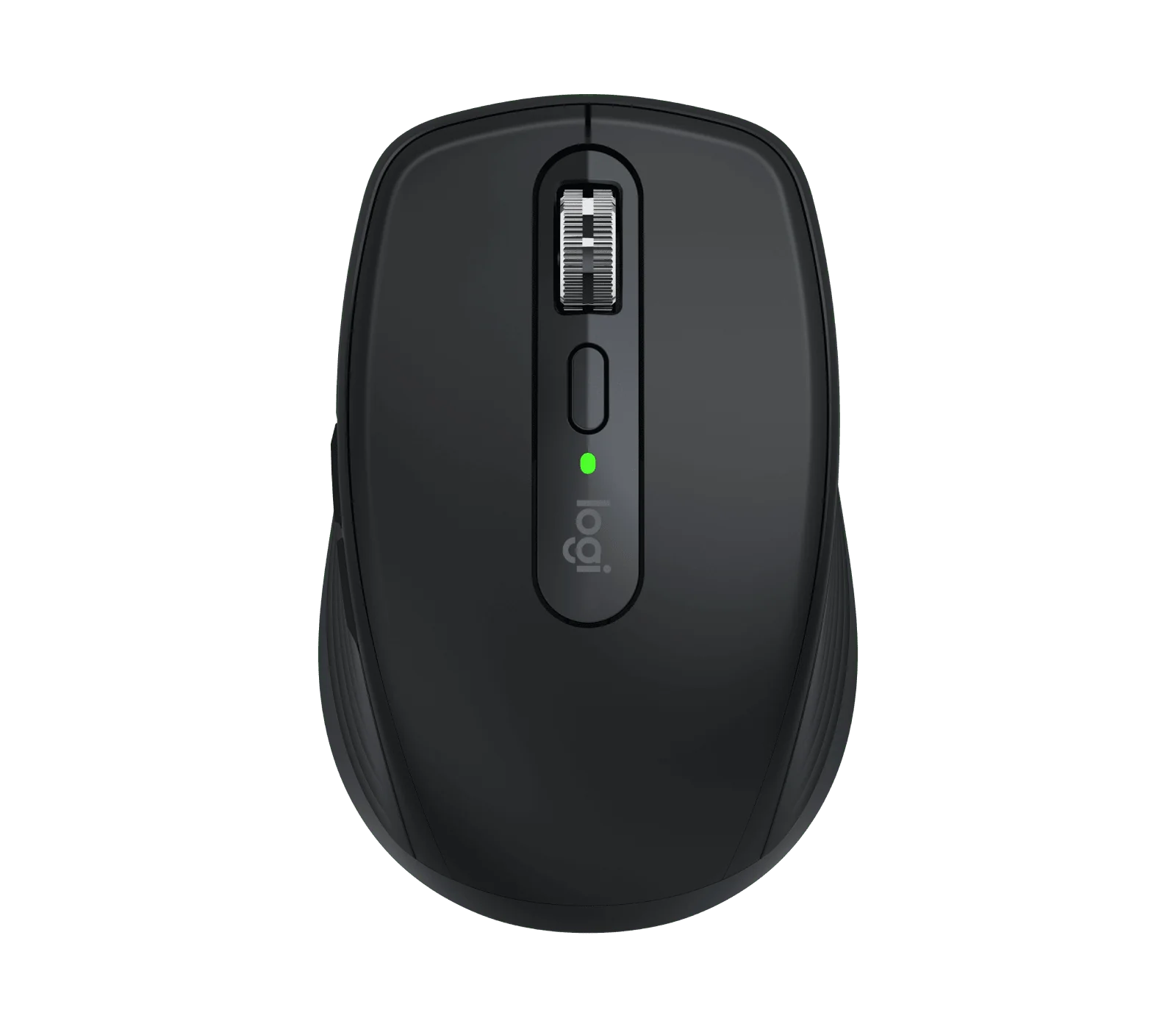
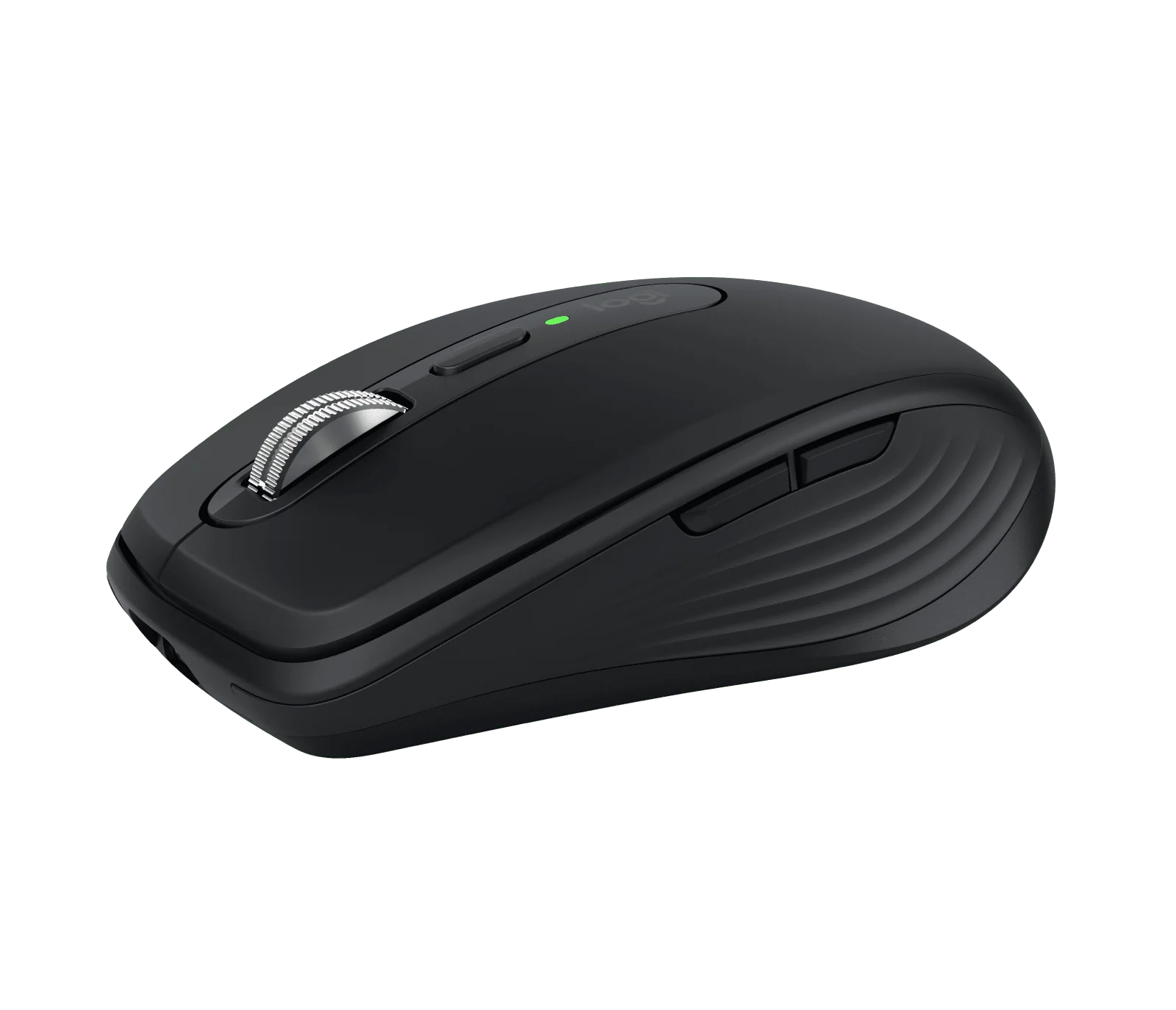
Logitech MX Anywhere 3S
By Logitech · Computer Mice · Desk & Streaming Setup · More from Logitech
- 8000 dpi any-surface sensor (tracks on glass)
- MagSpeed scroll wheel: 1000 lines/sec, 2 modes (ratchet & hyper-fast)
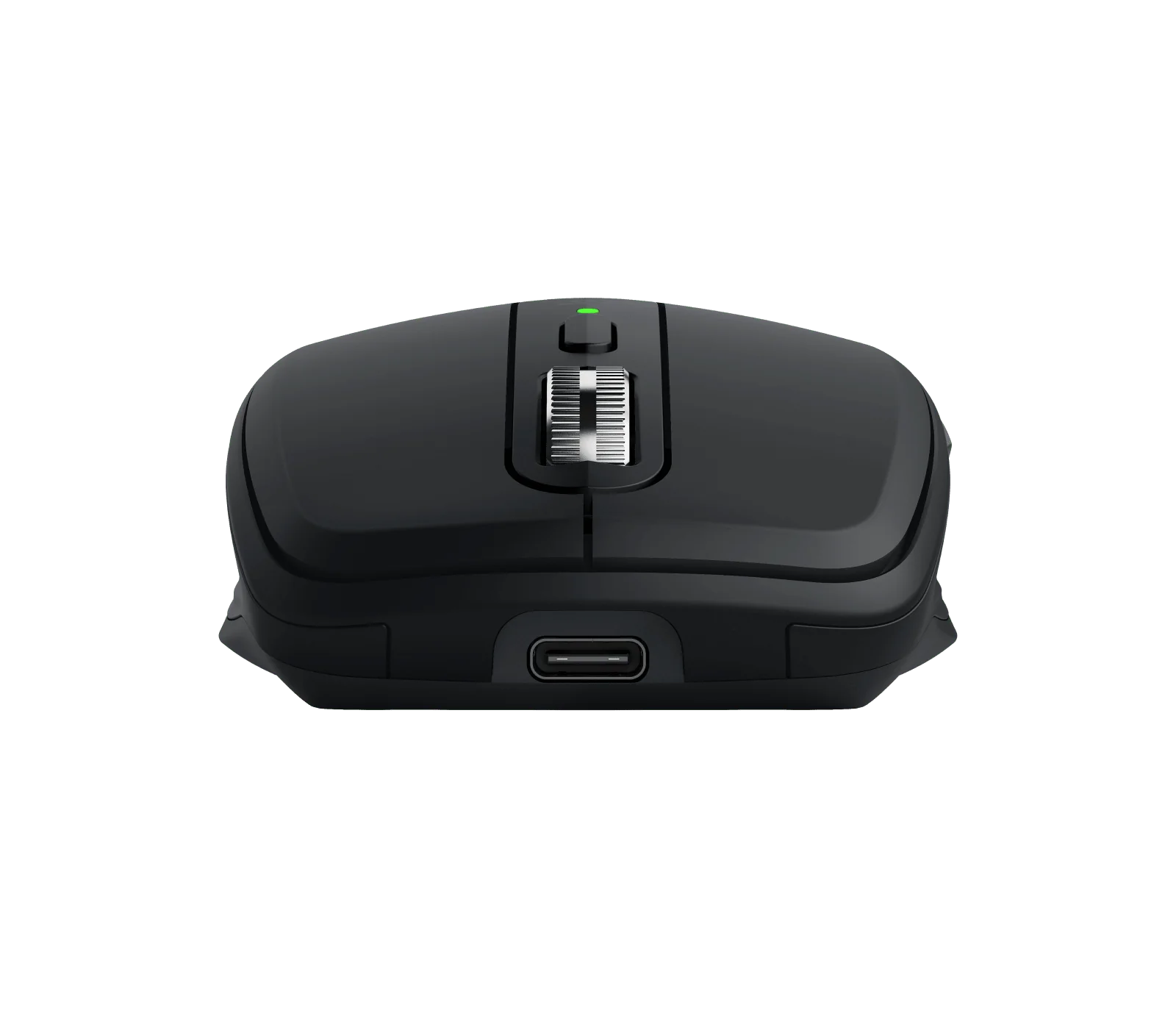
- USB-C rechargeable: up to 70 days battery
- Bluetooth pairing with up to 3 devices
- Quiet clicks (reduced click noise vs MX Anywhere 3)
Price not listed
- LogitechView at Logitech
- Best BuyView at Best Buy
- eBayView at eBay
- AmazonView at Amazon (paid link)
- eBay (used) eBay: used, open-box, refurbishedView at eBay (used)
Stores are listed in a fixed order, never by price or commission. Prices are snapshots. Check the current price with the store.
Summary
A compact wireless mouse built for travel and multi-computer work, with an 8000-DPI sensor that tracks on glass and a wheel that switches between ratchet and free-spin. The one thing to check before buying: the consumer box ships without a USB receiver, and owners report middle-wheel clicks that need an abnormal amount of pressure.
Strengths
- Small enough for a laptop bag, and the sensor tracks on glass at least 4 mm thick, so a desk mat is optional.
- The MagSpeed wheel clicks through single rows or spins free for long documents, and SmartShift moves between the two.
- Quieter left and right clicks than the MX Anywhere 3, which matters in shared offices.
- Easy-Switch pairs three computers over Bluetooth, so no USB port is tied up on each laptop.
- Logitech US lists it at $69.99 through November 1, 2026, against an $89.99 list price.
Weaknesses
- Middle-wheel clicks that need abnormal pressure are a repeated owner complaint, including on brand-new units.
- The shell is short and low; Tom’s Hardware says it suits smaller hands and travel more than long full-hand sessions.
- A 125 Hz report rate feels loose next to 1000 Hz gaming mice on high-refresh displays.
- No wheel tilt, no included receiver, and no user-replaceable battery or switches.
- A July 2026 owner reported the left click failing and drag stopping after 22 months of use.
Verified specifications
| Model | consumer MX Anywhere 3S, black SKU 910-006928 in the US; the separate MX Anywhere 3S for Business (910-006956) bundles a Logi Bolt receiver. |
|---|---|
| Dimensions | 100.5 × 65 × 34.4 mm (3.96 × 2.56 × 1.35 in). |
| Weight | about 95 g with the battery, 85 g without; a regional Logitech page lists 99 g. |
| Sensor | Darkfield optical, 400–8000 DPI, tracks on glass at least 4 mm thick. |
| Wireless | Bluetooth Low Energy for up to three remembered hosts; Logi Bolt compatible, receiver not included; older Unifying receivers do not pair. |
| Report rate | 88–133 Hz over Bluetooth; RTINGS measured a 125 Hz maximum. |
| Buttons | six — left, right, wheel-middle, scroll-mode shift, backward, forward. The wheel does not tilt. |
| Wheel | MagSpeed electromagnetic with ratcheted and free-spin modes and SmartShift; Logitech advertises up to 1000 lines per second. |
| Clicks | Quiet Click primaries rated for 10 million cycles. |
| Battery | built-in 500 mAh Li-Po over USB-C; up to 70 days per charge, about 3 hours of use from a one-minute charge, full recharge near two hours. |
| Wired mode | none — the USB-C port charges only; the mouse needs Bluetooth or a Bolt receiver to operate. |
| Box | mouse, 1 m USB-A-to-USB-C cable, documentation. No receiver, case, spare glides or dock. |
| Warranty | two years on non-US consumer pages and the US business SKU; the US consumer page states no clear term. |
Full research notes and sources
The middle-click problem
This is the one reliability signal owners keep coming back to. In r/logitech, a November 2024 owner found a brand-new 3S registered a middle click only when pressed abnormally hard, which broke browser new-tab habits; Logitech support replied that firm, normal clicking should work and suggested cleaning. Follow-ups in the same thread describe two more new 3S units missing many middle clicks, and another replacement with the wheel rubbing the shell. A different owner reported both an Anywhere 3 and a 3S needing hard middle clicks after about eight months each. Nobody has published a failure rate, so treat this as a known annoyance rather than a proven defect — but test the wheel click inside the return window.
Not every scroll problem is hardware. A Logitech representative’s August 2026 post documents Options+ 2.6 causing smooth-scroll faults on the MX Ergo, MX Master 3S and M650 — the 3S is not on the list — with the 2.7 update rolled out by September 7, 2026.
Battery, polling and the dongle question
Logitech rates the built-in 500 mAh cell at up to 70 days per charge, with about three hours of use from a one-minute charge and a full recharge near two hours; that figure assumes ordinary office use, not round-the-clock motion. The energy math is trivial: a 500 mAh cell at 3.7 V stores about 1.85 Wh, so one charge every 70 days is roughly 9.6 Wh a year, and doubling for charging losses gives about 0.0192 kWh from the wall — around $0.005 a year at $0.25 per kWh. That is arithmetic, not a measured utility bill.
The USB-C port charges only; there is no wired data mode, so a cable alone never makes this a wired mouse. If you want a dongle, the Logi Bolt USB receiver is $14.99 at Logitech US and is not in the consumer box; the Unifying receiver from the MX Anywhere 3 will not pair. An optional travel case is $22.99.
Polling is the other spec that matters day to day. RTINGS measured a 125 Hz maximum, against 1000 Hz on mainstream gaming mice, so cursor motion on a 165 or 240 Hz display will feel less uniform. A July 2026 owner described pointer motion like 20–30 FPS on two different 3S units across Bolt and Bluetooth; the low report rate explains the ceiling but does not prove the stutter is inherent.
Warranty and support
Logitech’s limited hardware warranty covers manufacturing defects for the original purchaser, usually in the country of purchase. Two years is stated on non-US consumer pages and on the US business SKU; the US consumer page shows no clear term, so check the box or ask support before assuming coverage. Support asks for model, serial number and proof of purchase, and an RMA before you ship anything back. One exact-3S owner got a support offer to investigate a left-click failure in July 2026, with no public outcome. Logitech’s support page lists no spare parts for this mouse; a 2026 iFixit guide shows the business model’s battery can be swapped with specialist tools, but it does not cover the consumer SKU.
Is it worth it?
At $69.99 from Logitech US (promotion through November 1, 2026) it is easy to recommend for travel and multi-device work; at the $89.99 list price, which is also where Best Buy sits, the larger MX Master 4 at $119.99 or the Signature M650 at $39.99 are the comparisons worth making. The M720 Triathlon at $44.99 regular is the pick if you want a palm-filling shape on replaceable AA batteries. If you open hundreds of background tabs a day, the middle-click reports are a real reason to try before you buy.
Which model this is
This page covers the consumer MX Anywhere 3S, black SKU 910-006928. The MX Anywhere 3S for Business (910-006956) is a different SKU with a bundled receiver and enterprise support terms. The older MX Anywhere 3 and the full-size MX Master 3S are not equivalent, and Unifying receivers from the 3 will not pair with the 3S.
Sources
Manufacturer:
- Logitech US — MX Anywhere 3S (910-006928)
- Logitech Support — MX Anywhere 3S specification
- Logitech US — Logi Bolt USB receiver
- Logitech US — MX Travel Case
- Logitech US — MX Anywhere 3S for Business
- Logitech — Limited Hardware Warranty
- Logitech Support — Warranty FAQ
- Logitech US — Signature M650
- Logitech US — M720 Triathlon
Independent reviews:
Owner reports:
- New 3S middle-click intermittency (r/logitech)
- Middle wheel button not clicky, with 3S follow-ups (r/logitech)
- Anywhere 3 and 3S middle-click trouble around eight months (r/logitech)
- Noisy back thumb button (r/logitech)
- Left-click failure after 22 months (r/logitech)
- Two 3S units with cursor stutter (r/logitech)
- Click noise compared with prior models (r/logitech)
- Options+ 2.6 smooth-scroll known issue (r/logitech)
Parts and repairs: