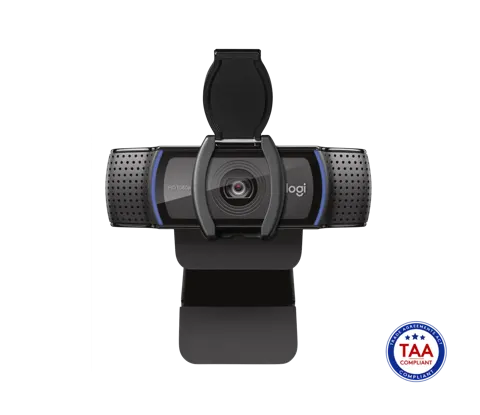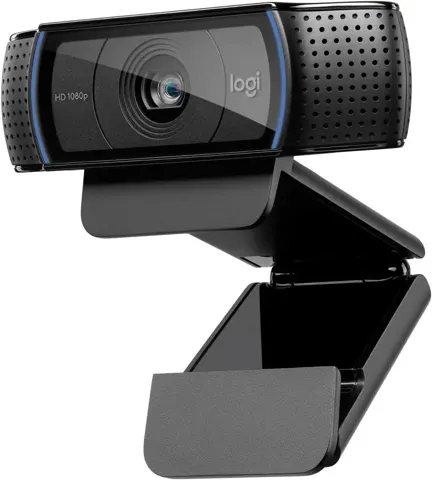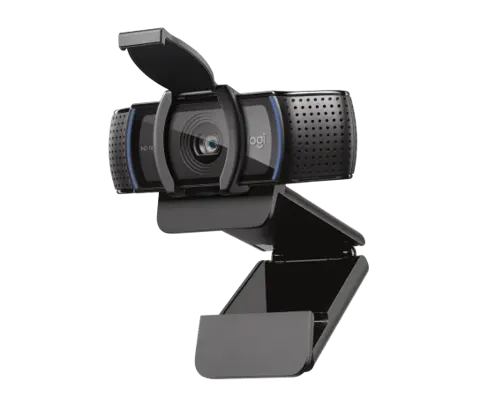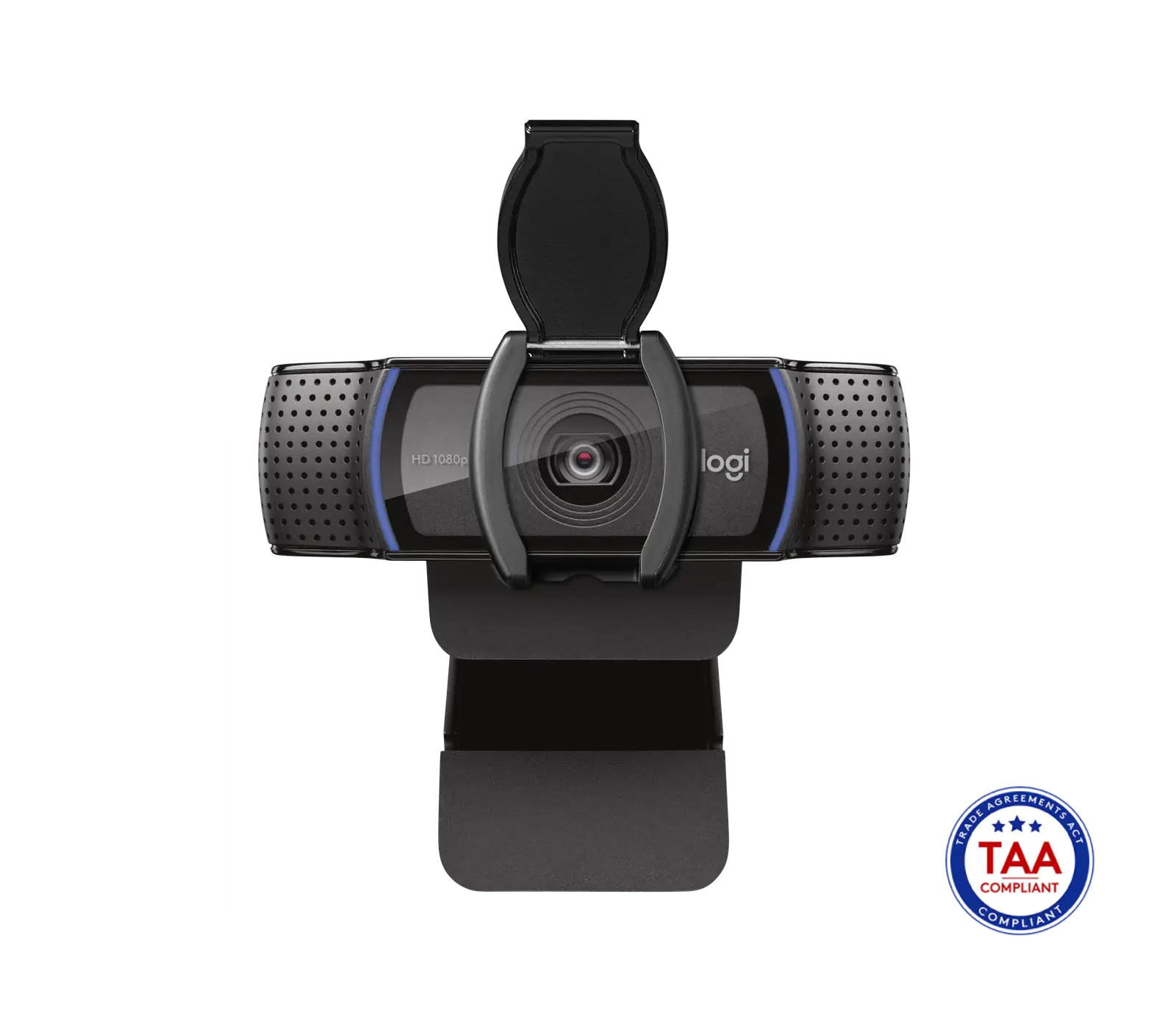
Logitech C920e Webcam
By Logitech · Webcams · Desk & Streaming Setup · More from Logitech
- 1080p (Full HD) @ 30 fps video
- 78° diagonal fixed field of view
- Dual omnidirectional mics with 1 m capture range
- USB-A connectivity, 5 ft (1.5 m) cable
- 1/4" tripod mounting thread
Price not listed
- LogitechView at Logitech
- Best BuyView at Best Buy
- B&H PhotoView at B&H Photo
- eBayView at eBay
- AmazonView at Amazon (paid link)
- eBay (used) eBay: used, open-box, refurbishedView at eBay (used)
Stores are listed in a fixed order, never by price or commission. Prices are snapshots. Check the current price with the store.
Summary
A 1080p/30fps business webcam with a fixed 78° field of view, autofocus, dual microphones and a snap-on privacy shutter, certified for Zoom, Teams and Meet. Check the part number before you buy: 960-001384 ships with the microphones disabled at the factory and needs Logi Tune on a Windows machine to switch them on.
Strengths
- Certified for Zoom, Google Meet and Microsoft Teams, so it works in meeting apps without setup.
- The 1/4-inch tripod thread and flexible clip let you place it above a monitor or on a desk.
- The snap-on shutter blocks the lens without relying on software.
- A mic-disabled variant (960-001384) suits fleets that want the microphone off until it is enabled.
- Logi Tune adds manual exposure, colour, focus and zoom controls.
- A 3-year limited hardware warranty is longer than most consumer webcams.
Weaknesses
- Two variants share the C920e name but differ on the microphone, so the wrong part number leaves audio missing until you activate it.
- The fixed 78° field of view cannot pan, tilt or zoom, so framing is down to where you put the camera.
- No 60fps mode even at 720p, and no 4K.
- On Linux and ChromeOS, the official microphone activation needs a Windows machine running Logi Tune.
- The 1.5 m USB-A cable is permanently attached and cannot be swapped.
- Two omnidirectional mics also pick up keyboards, fans and nearby speech.
Verified specifications
| Model | C920e Business Webcam, model number V-U0028. |
|---|---|
| Part numbers | 960-001401 (microphones enabled) and 960-001384 (microphones disabled). |
| Video | 1920 × 1080 at 30fps, 16:9; 1280 × 720 at 30fps and lower resolutions also supported. |
| Field of view | fixed 78° diagonal, about 70.4° horizontal and 43.3° vertical. |
| Lens | glass with autofocus; Logitech’s “3 megapixel” label describes the sensor, while 1080p delivers 2.07 million pixels per frame. |
| Microphones | two omnidirectional mics, designed for a seated voice within about 1 m (3 ft). |
| Connection | USB-A, plug-and-play, with a permanently attached 1.5 m (5 ft) cable. |
| Mount | clip for laptop, monitor or desk, plus a 1/4-inch tripod thread; tripod not included. |
| Light correction | RightLight 2 automatic exposure. |
| Privacy | attachable flip-up shutter. |
| Certification | UVC compliant and certified for Zoom, Google Meet and Microsoft Teams; TAA compliant. |
| Software | Logi Tune for exposure, colour, zoom, manual focus and firmware. |
| OS | Windows 8+, macOS 10.10+, ChromeOS, Android 5.0+ and Xbox One. |
| Dimensions | 43.3 × 94 × 71 mm (1.70 × 3.70 × 2.80 in); 162 g (5.71 oz). |
| Warranty | 3-year limited hardware warranty. |
Full research notes and sources
Microphone variants
Logitech sells two C920e part numbers with different factory microphone states. The 960-001401 carton ships with the microphones enabled; the 960-001384 carton ships with them disabled on purpose, not faulty. To switch a disabled unit on you run Logi Tune and enable the built-in mic, and the official path is Windows, so Linux and ChromeOS users cannot do it directly. A company with about 20 C920e cameras reported in 2023 that it found no official Linux activation route, and owners on ChromeOS describe borrowing a Windows machine just for that step. An open-source Python utility does exist, but it is third-party code that needs elevated USB permissions and is not Logitech-supported. Buy the 960-001401 if you need the microphone working straight away.
Video and setup
The camera is a UVC device, so video works in meeting apps without drivers. It delivers 1080p at 30fps with autofocus and RightLight 2 exposure, and the 78° view suits head-and-shoulders framing. Logitech’s “3 megapixel” figure describes the sensor, not a higher video mode; 1080p frames are 2.07 million pixels. There is no HDR, no Windows Hello infrared and no subject tracking. No lab has published measured light sensitivity, latency or mic noise floor for this model, so the manufacturer specs are the limit of what is known. Logi Tune sometimes fails to detect the camera while the video feed still works in the calling app; unplugging it, trying another USB port or restarting the app usually clears that. The shutter is a separate clip-on cover that can be misplaced.
Running costs and upkeep
There is no battery, filter or subscription, so required recurring costs are $0 a year and the USB port supplies power. An optional replacement privacy shutter is $5 (Logitech spare-parts, 2026), but Logitech lists that cover for the C930e and C920s and does not certify it for the C920e, so check the fit. Cleaning needs only a soft, dry cloth; there are no user-serviceable parts for the lens, sensor, microphones or cable. The 3-year limited warranty covers manufacturing defects but not accidental damage, and it is not a source of spare parts.
Which model this is
This page covers the Logitech C920e Business Webcam, model V-U0028, sold as 960-001401 (microphones enabled) and 960-001384 (microphones disabled). The Amazon listing is ASIN B08DRQ66WP. Do not confuse it with the consumer C920, C920s, C920x or C930e, which have different features and warranty terms.
Is it worth it?
Most retailers list the C920e at $69.99 (Logitech, Dell, Staples, Best Buy and Adorama, October 2026); a third-party Walmart listing showed $59.00 without a confirmed variant. At that level it is fair if you need the three-year warranty, TAA compliance or a managed Windows rollout. Ordinary buyers can spend less: a C920s is $59.99 (Logitech, 2026) without the disabled-microphone surprise, and a Brio 100 is $39.99 (Logitech, 2026) with a built-in cover but fixed focus and one mic. Below about $55 the C920e is good value; above $75, a newer or better-equipped camera makes more sense unless certification drives the purchase.
Sources
Manufacturer:
- Logitech C920e Business Webcam product page
- C920e TAA-compliant technical datasheet (PDF)
- How to activate the built-in microphones on C920e
- Logi Tune product detection troubleshooting
- Logitech limited hardware warranty
- Logitech business webcam catalog
- Logitech genuine spare parts store
Independent reviews:
Owner reports:
Third-party tools: