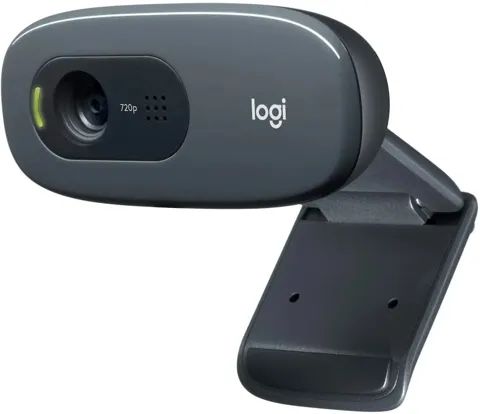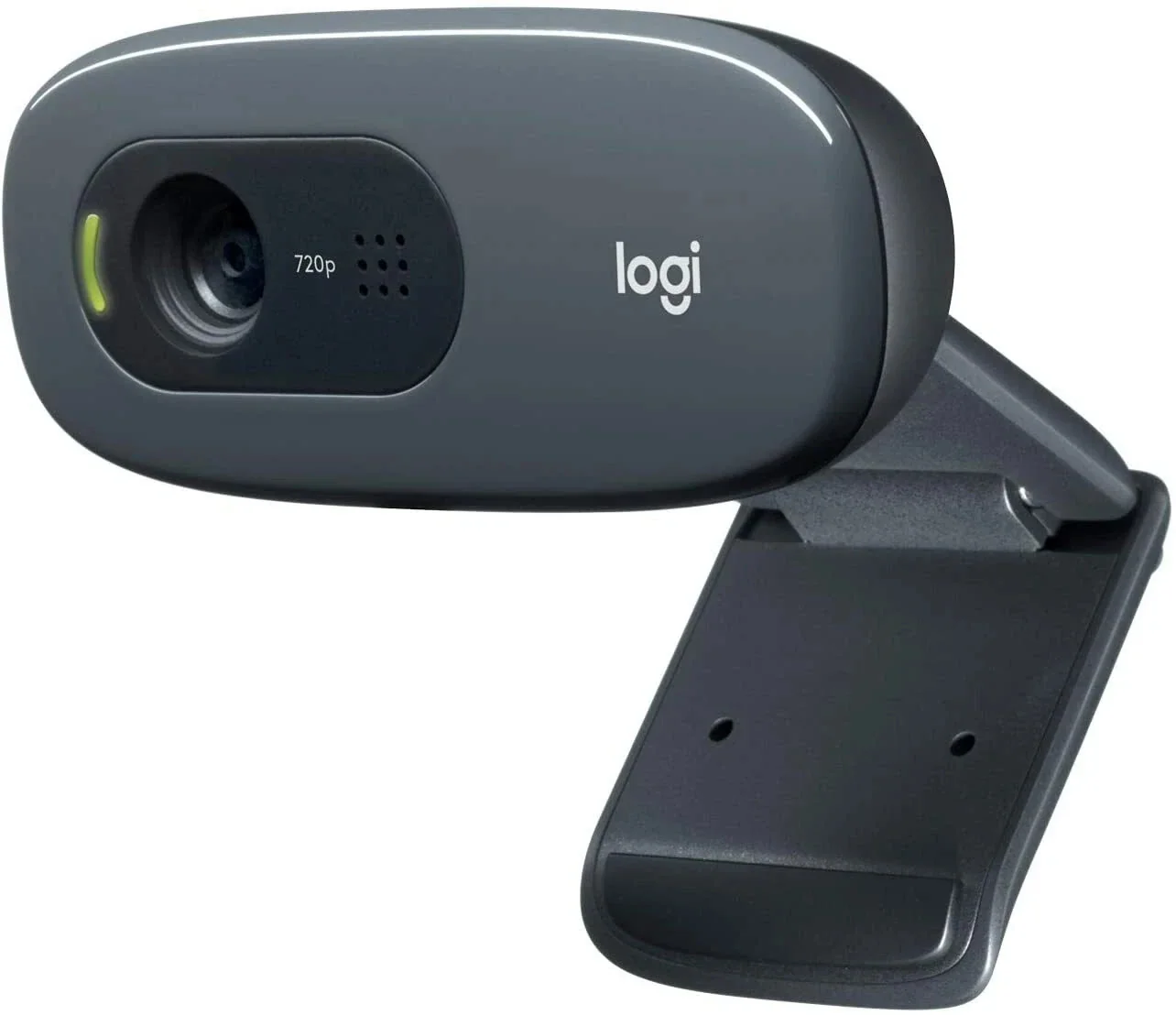
Logitech C270 Webcam
By Logitech · Webcams · Desk & Streaming Setup · More from Logitech
- 720p HD video at 30 fps
- 55-degree diagonal field of view
- Built-in noise-reducing microphone
- USB 2.0 connectivity
- Automatic light correction
Price not listed
- LogitechView at Logitech
- TargetView at Target
- eBayView at eBay
- AmazonView at Amazon (paid link)
- eBay (used) eBay: used, open-box, refurbishedView at eBay (used)
Stores are listed in a fixed order, never by price or commission. Prices are snapshots. Check the current price with the store.
Summary
A basic 720p USB webcam for casual calls and family use, with a fixed-focus lens, mono noise-reducing microphone and universal clip. Check your video quality needs before buying: the 720p image has muted colors and no pan, tilt, zoom or adjustable field of view.
Strengths
- Simple plug-and-play setup with a universal clip that fits monitors, laptops or shelves.
- RightLight 2 auto light correction works well in mixed lighting conditions.
- Mono noise-reducing mic is a clear upgrade over laptop microphones.
- Affordable price point for basic video calling needs.
- 5 ft cable provides flexibility for placement.
Weaknesses
- 720p video has muted, washed-out colors and is clearly below 1080p quality.
- No pan, tilt, zoom, portrait rotation or adjustable field of view.
- Fixed focus cannot be adjusted for different distances.
- No privacy shade for lens coverage.
- No tripod or desktop stand included.
- Logitech support lists no downloads, FAQs or spare parts for this model.
Verified specifications
| Video | 720p at 30 fps. |
|---|---|
| Field of view | diagonal 55°. |
| Microphone | built-in mono noise-reducing mic, picks up voice clearly up to 1.5 m (5 ft). |
| Light correction | RightLight 2 auto light correction. |
| Focus | fixed focus. |
| Lens | plastic. |
| Connection | corded USB, high-speed USB 2.0, USB-A. |
| Cable | 5 ft (1.5 m) attached USB-A cable. |
| Mounting | adjustable universal clip; folds to stand on a shelf. |
| Camera megapixels | 0.9 MP (true optical resolution 1280 × 960). |
| OS support | Windows 8 or later, macOS 10.10 or later, ChromeOS. |
| Companion software | Logitech Webcam Software 2.0 for contrast, brightness, white balance, color intensity and anti-flicker adjustments. |
Full research notes and sources
Installation and setup
Setup is straightforward with the C270. The 5 ft USB-A cable is attached directly to the camera, so no extra hardware is needed. The universal clip attaches to monitors, laptops or can be folded so the camera stands on a shelf. The camera is detected by Windows 11 Device Manager as “Logi C270 HD WebCam” and works without installing additional drivers in most cases.
However, some users have reported installation issues on Windows 11. In September 2026, one owner reported being unable to install the camera, and in October 2026 another reported that while the camera appeared in Device Manager, “Update Driver” and other actions did nothing, leading them to question if there was a driver to install. This appears to be a software compatibility issue rather than a hardware defect.
Image quality and performance
The C270 produces 720p video at 30 fps with a plastic lens. Tom’s Guide found the picture “relatively clear” but clearly below 1080p quality, with muted colors and washed-out vibrant tones. The RightLight 2 auto light correction performed well in a room mixing ceiling, pendant, table and desk lamps, producing natural colors.
The mono noise-reducing microphone works well enough to be a noticeable improvement over a laptop microphone, but it is not comparable to the dual omnidirectional microphones in Logitech’s more expensive models. There is no pan, tilt, zoom or portrait rotation capability.
Software and compatibility
The C270 works with Logitech Webcam Software 2.0, which allows adjustments to contrast, brightness, white balance, color intensity and anti-flicker. However, depending on the laptop brand, the software may not auto-load when the USB cable is attached, requiring a manual download from Logitech’s site.
Notably, Logitech’s own support pages for the C270 list no downloads, FAQs, documents or spare parts, which matches owner reports of having no driver to install. The camera is compatible with Windows 8 or later, macOS 10.10 or later, and ChromeOS.
Value and alternatives
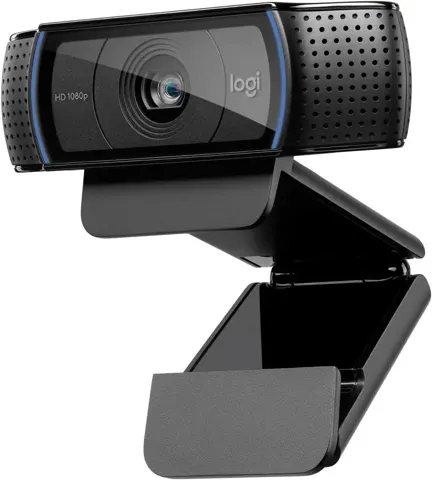
At around $20-30, the C270 is reasonable for casual calls, family video and school use where 720p is adequate. For professional-looking video or applications requiring better color accuracy, Tom’s Guide recommends moving up to a 1080p model such as the Logitech C920.
The main trade-off is between price and image quality.
Sources
Manufacturer:
- Logitech C270 HD Webcam product page
- Logitech HD Webcam C270 Technical Specifications
- C270 HD Webcam — Complete Setup Guide (PDF)
Independent reviews:
Owner reports: