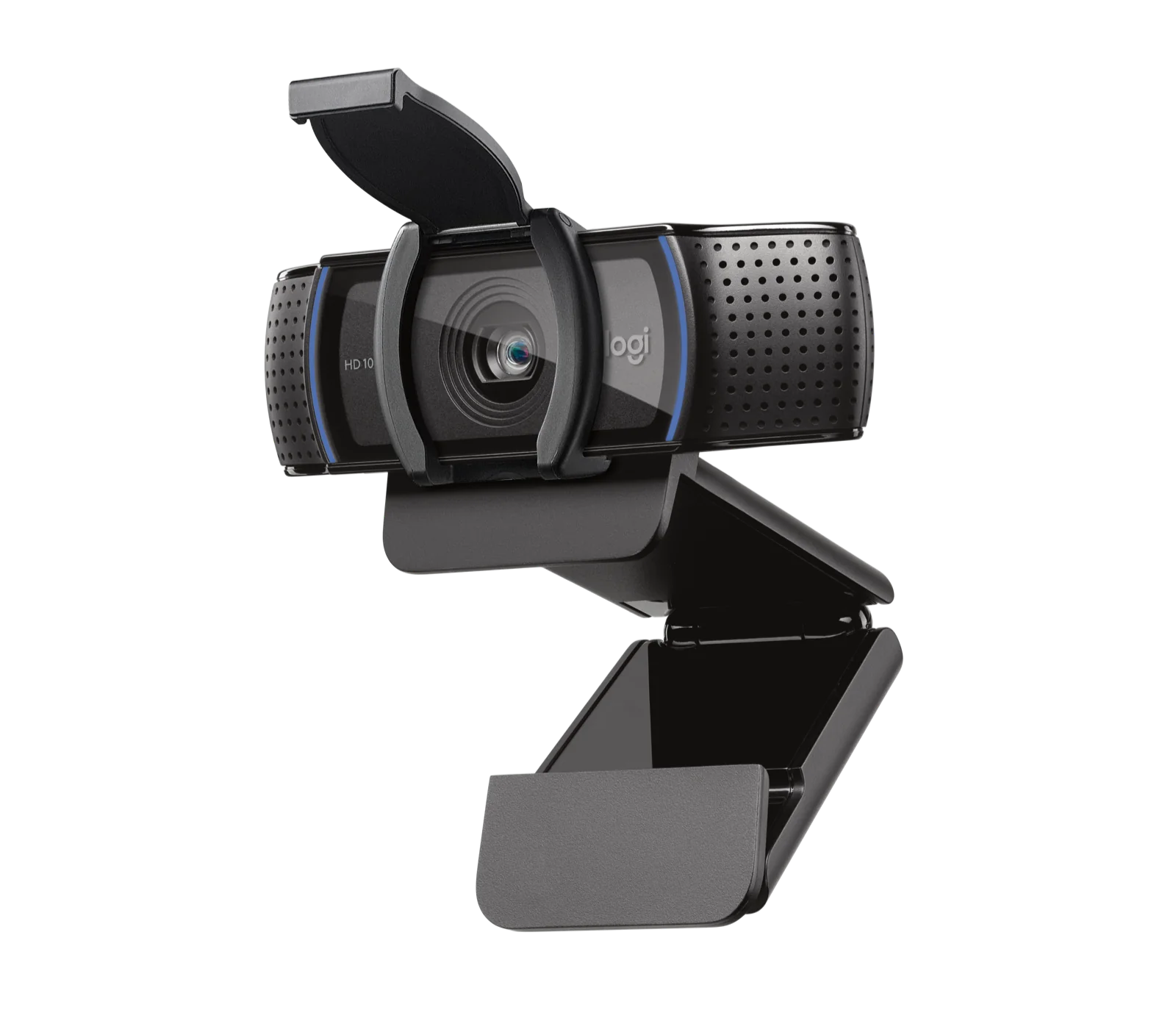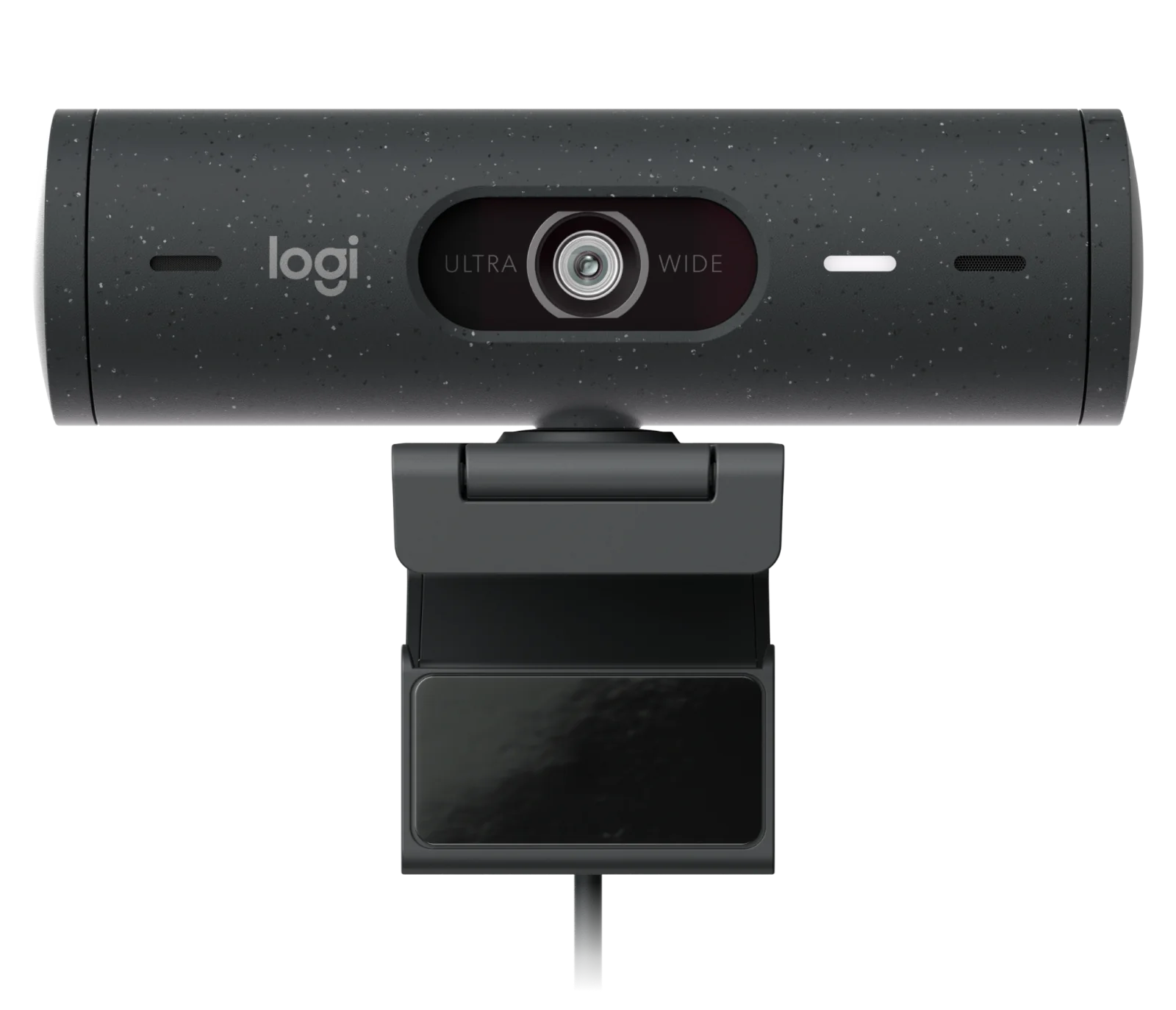
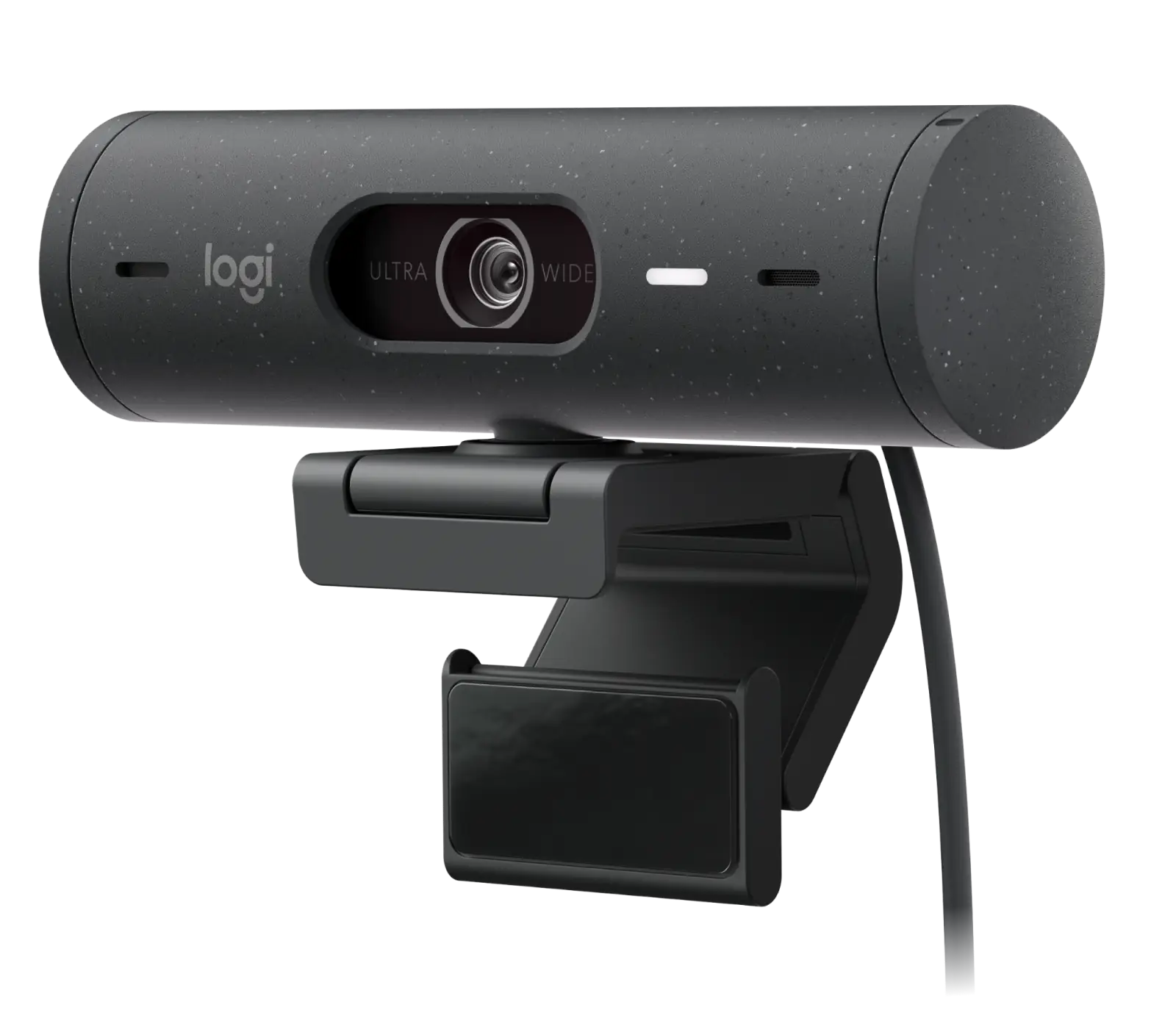
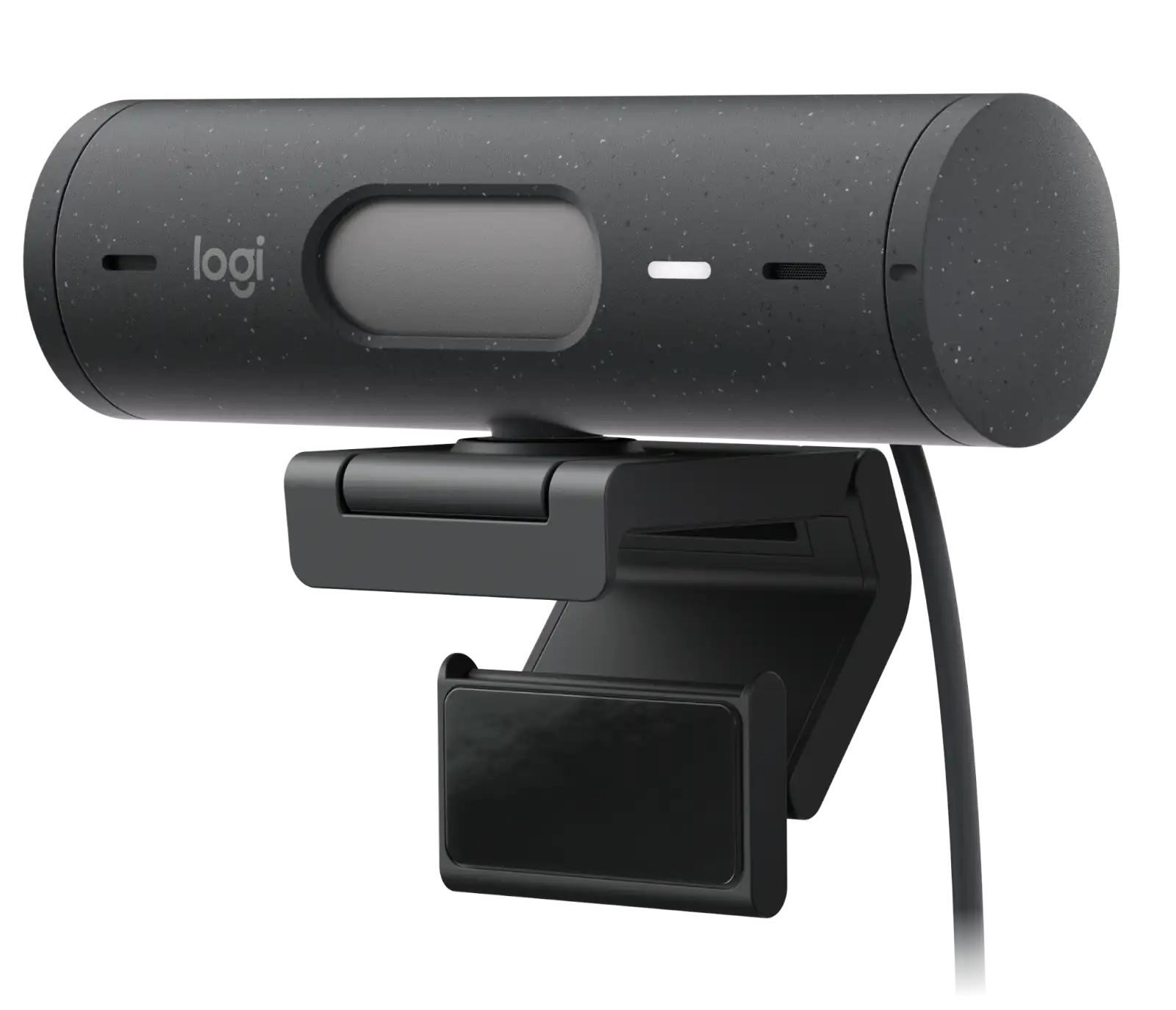
Logitech Brio 500 1080p webcam with Show Mode and light correction
By Logitech · Webcams · Desk & Streaming Setup · More from Logitech
- 1080p/30fps (1920x1080) and 720p/60fps (1280x720)
- 4MP camera with 90/78/65 degree diagonal field of view
- 4x digital hardware zoom, autofocus, glass lens
- Stereo beamforming microphone, range up to 4 ft (1.22 m)
- USB-C plug-and-play, integrated privacy shutter
Price not listed
- LogitechView at Logitech
- eBayView at eBay
- Best BuyView at Best Buy
- NeweggView at Newegg
- eBay (used) eBay: used, open-box, refurbishedView at eBay (used)
Stores are listed in a fixed order, never by price or commission. Prices are snapshots. Check the current price with the store.
Summary
A 1080p USB-C webcam for work calls whose real strengths are light correction, Show Mode and a magnetic tiltable mount rather than resolution. Check your operating system before you buy: the headline auto-framing lives in Logi Tune and runs on Windows only.
Strengths
- RightLight 4 with HDR is repeatedly described as better than a laptop webcam across dark and bright rooms.
- Show Mode flips the image when the camera tilts down, and reviewers call it genuinely useful for showing desk documents.
- Auto-framing works well for static faces and is comparable to a phone’s Center Stage.
- The physical privacy shutter is a real hardware cover that is easy to operate without moving the camera.
- The magnetic, tiltable mount and micro-suction pad are called out as practical for laptop and monitor setups.
- The stereo mic is described as good for a webcam, with beamforming noise reduction.
Weaknesses
- RightLight 4 produces a flat, evenly-lit image and resists more dramatic lighting.
- The magnetic mount is loose sideways, so the camera can swivel from a gentle tug or pull free during a fast tilt.
- Auto-framing and Show Mode need Logi Tune, which is not available on Chrome OS and is Windows-only for RightSight.
- No USB-C-to-USB-A adapter is included, so older machines need an extra purchase.
Verified specifications
| Resolution | 1080p/30fps (1920×1080) or 720p/60fps (1280×720). |
|---|---|
| Camera | 4MP sensor, autofocus, glass lens. |
| Microphone | stereo, rated up to 4 ft (1.22 m). |
| Field of view | 90, 78 or 65 degrees, adjustable in software. |
| Light correction | RightLight 4 with HDR. |
| Zoom | 4x digital. |
| Privacy | integrated physical shutter, rotated by hand. |
| Connectivity | USB-C plug-and-play, bus-powered. |
| Mounting | magnetic clip with a removable micro-suction pad and a 1/4-inch tripod thread. |
| Cable | non-detachable 5 ft (1.5 m). |
| Compatibility | Windows 8 or later, macOS 10.10 or later, Chrome OS; Logi Tune is not available on Chrome OS and RightSight is Windows-only. |
| RAM guidance | 2 GB or more for 1080p, about 1 GB for 720p. |
| Certifications | Microsoft Teams, Zoom, Google Meet, Works With Chromebook. |
| Dimensions | 1.2 in H × 4.3 in L × 1.2 in D (31.5 × 110 × 31.5 mm); 4.2 oz (121 g) including mount clip and cable. |
| In the box | Brio 500 with attached USB-C cable, mount clip with removable mount adapter, user documentation. |
| Materials | post-consumer recycled plastic, 68% for graphite and 54% for off-white and rose; certified carbon neutral, 13.98 kg CO2e. |
| Colors | graphite, off-white and rose. |
Full research notes and sources
Image quality
The Brio 500 shoots 1080p at 30fps or 720p at 60fps from a 4MP sensor behind a glass autofocus lens. Reviewers consistently praise its auto-exposure and white balance: Tom’s Hardware found it handled a very well-lit room out of the box and praised the low-light performance, and How-To Geek called auto light correction a step up from a laptop webcam. The trade-off is character. RightLight 4 tends to produce a flat, evenly-lit image that resists a more cinematic look, and HDR can over-saturate. Macworld flagged color and dynamic range as the weak points and saw an unnaturally red skin hue. Nobody has run an instrumented test of this exact model, so treat these as hands-on impressions rather than measurements.
Show Mode, software and the mount
Show Mode is the feature that sets the 500 apart from a plain 1080p camera: tilt the camera down at a desk and the image flips automatically in Logi Tune. Reviewers repeatedly call it useful for showing documents and work. The catch is software. Auto-framing (RightSight 4) and Show Mode both live in Logi Tune, which is not available on Chrome OS and runs RightSight only on Windows, so on a Chromebook, or on a Mac for the framing feature, you lose the advertised functionality. Several reviewers also describe Logi Tune as not great.
The camera attaches magnetically and rotates 360 degrees and tilts, with a micro-suction pad that leaves no residue and rinses clean with water; a 1/4-inch tripod thread sits under the mount. The weak point is sideways. The camera can swivel in its dock from a gentle tug on the cable, and the magnet can be too weak to keep it seated during a fast tilt, which is awkward because Show Mode is built around tilting. Build is all plastic, and reviewers describe it as slightly flimsy and not likely to stand up to a lot of abuse.
Logitech’s US page lists the Brio 500 at $129.99. Retail price text captured in reviews shows Newegg at $100.70 for the white unit and Best Buy at $157.66 for rose, with CDW listing it at $129.99. The 500 launched at $129.99 in 2022. Availability has shifted: Logitech’s successor Brio 505 is Wirecutter’s current top pick at about the same price, and WIRED reported the Brio 500 out of stock.
Is it worth it?
At about $100 the Brio 500 is a reasonable work webcam if light correction and Show Mode matter more than resolution. Between $110 and $130 the value is mixed: the 1080p ceiling, the flat image and the Windows-only auto-framing cap how much it is worth, and the newer Brio 505 occupies the same band. Above $140 it is a hard sell.
Which model this is
This page covers the Brio 500, a consumer 1080p webcam in graphite, off-white and rose. It is not the 4K Brio or Brio Ultra HD Pro, not the 2024 MX Brio, not the enterprise Brio 505 with its detachable cable, and not the Brio 100 or 300 budget lines. The Brio 500 has a non-detachable cable and RightLight 4; some aggregator pages list it with a removable cable or RightLight 5, which describes the Brio 505 instead.
Sources
Manufacturer:
- Logitech Brio 500 US product page
- Logitech Support — Brio 500 specifications
- Logitech Brio 500 setup manual (ManualsLib)
- Logitech Brio 500 user guide (ManualsLib)
Independent reviews:
Owner reports:
Retail and context: