LG 45GX950A-B
By LG · Gaming Monitors · Audio & Electronics · More from LG
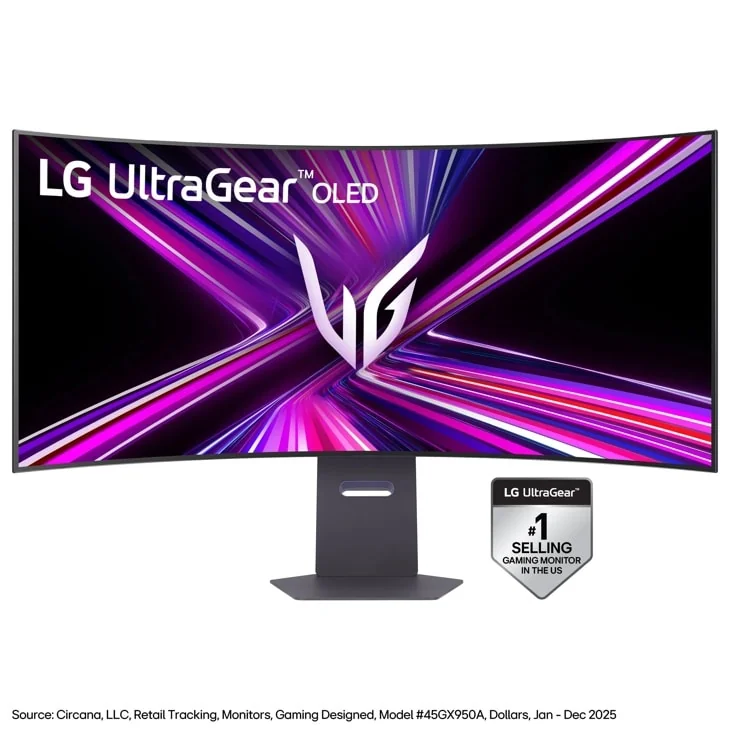
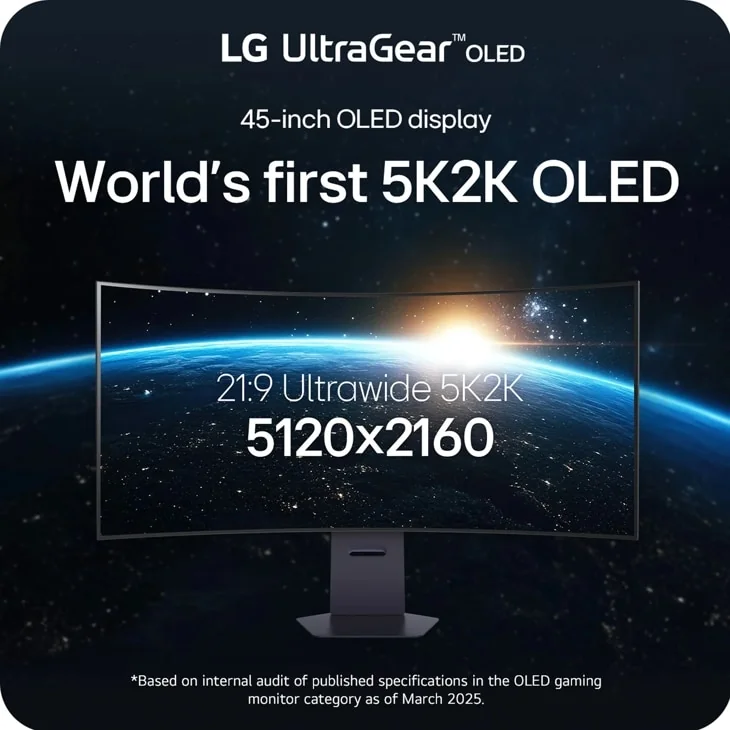
- 45-inch curved OLED, 5120 x 2160, 165Hz
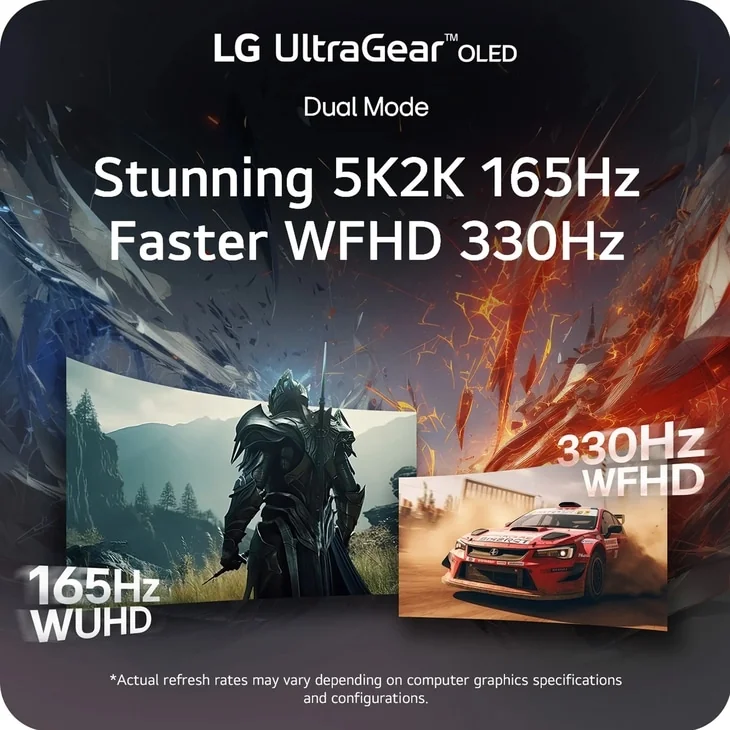
- Dual Mode: 330Hz at WFHD
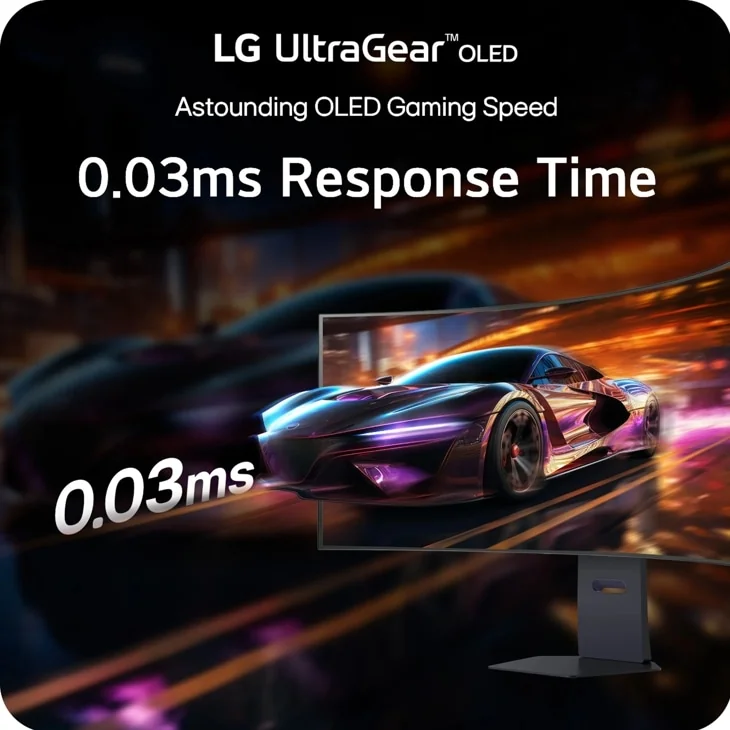
- 0.03ms response time
- DisplayPort 2.1, USB-C with 90W power delivery
- DisplayHDR True Black 400, 98.5% DCI-P3
Price not listed
- LGView at LG
- eBayView at eBay
- AmazonView at Amazon (paid link)
- eBay (used) eBay: used, open-box, refurbishedView at eBay (used)
Stores are listed in a fixed order, never by price or commission. Prices are snapshots. Check the current price with the store.
Summary
A 45-inch 800R curved OLED gaming monitor with 5120x2160 resolution at 165Hz, built for immersive sim and single-player gaming on a serious GPU. The one thing to check before buying is the curve: 800R at 45 inches fills your field of view, and owners split hard on whether that is the point or the problem.
Strengths
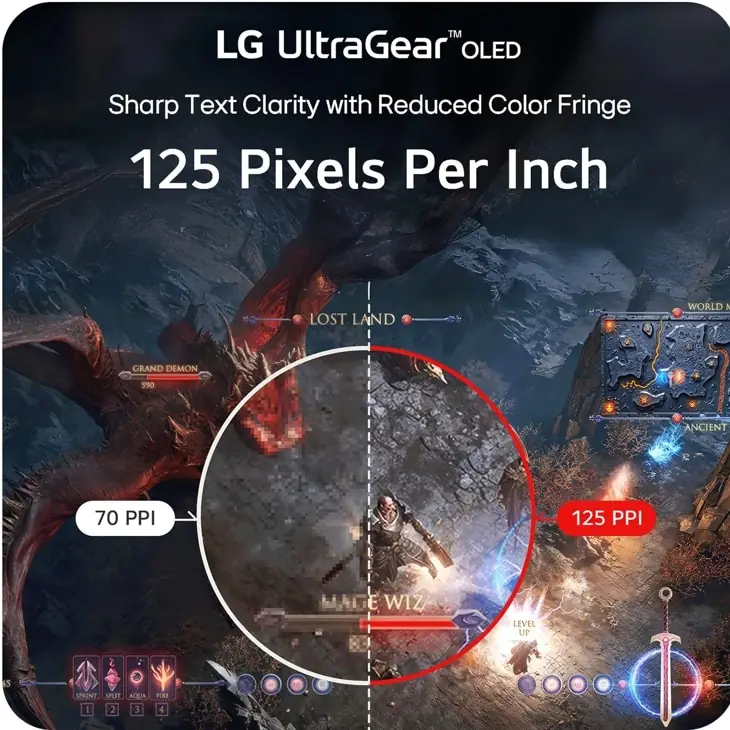
- 5120x2160 at 125 PPI keeps text and game detail sharp; TechSpot calls the step up from 83 PPI predecessors “night and day.”
- One press on the Dual-Mode button trades 5K2K at 165Hz for 2560x1080 at 330Hz when you want competitive frame rates.
- Measured HDR highlights reach 625–700 nits at a 10% window and about 1,200 nits at 2%, bright for a WOLED this size.
- Connectivity is current: DisplayPort 2.1, two HDMI 2.1, and one USB-C that carries video, data and 90W charging.
- Motion handling is excellent across independent labs: sub-1ms input processing and about 0.3ms response.
Weaknesses
- The 800R curve is the most divisive spec: TechSpot calls it too curved for normal gaming, and owners who prefer 1800–2000R call 800R “terrible.”
- The matte coating shows grain, costs clarity against glossy WOLED panels and hurts black depth in diffuse reflections.
- HDR can look dim to some: Tom’s Guide lists “relatively dim HDR” as a reason to avoid, and one owner nearly returned the panel as “so dim.”
- The two-year warranty does not explicitly cover burn-in; TechSpot calls the written wording below the industry standard.
- DSC is required for 5K2K at 165Hz and 10-bit even over DisplayPort 2.1; there is no KVM and no Dolby Vision.
- No pixel-cleaning progress indicator, a stand that wobbles on bumps and visible vertical banding in dark greys round out the complaints.
Verified specifications
| Panel | 45-inch WOLED, 5120x2160 (5K2K) native, 21:9, fixed 800R curve, 125 PPI, RGWB subpixel layout, matte anti-glare coating. |
|---|---|
| Refresh | 165Hz at 5K2K; a Dual-Mode button switches to 2560x1080 at 330Hz; other picture sizes include a 37-inch 3840x2160 and a 24-inch 16:9. |
| Response time | 0.03ms GtG as rated; TechSpot measured about 0.3ms across refresh rates with no overshoot. |
| Adaptive sync | NVIDIA G-Sync Compatible, AMD FreeSync Premium Pro, VESA Certified AdaptiveSync. |
| HDR | DisplayHDR True Black 400 and HDR10; LG rates 1,300 nits peak at a 1.5% window and 275 nits typical SDR. |
| Color | 98.5% DCI-P3 claimed; 10-bit panel. |
| Contrast | 1,500,000:1 rated. |
| Inputs | DisplayPort 2.1 (UHBR13.5), two HDMI 2.1 (48Gbps), one USB-C with DisplayPort-Alt and 90W power delivery, two USB-A, 3.5mm headphone out with DTS Headphone:X. |
| Speakers | 2x 10W. |
| Stand | height, tilt and swivel adjustment; no pivot. |
| Power | 85.3W at 200 nits (Tom’s Hardware) and 92W full-screen white at 200 nits (TechSpot); external power brick included. |
| Cooling | internal active cooling fan. |
| Warranty | 2 years. |
| Dimensions | 21.5–26.2 × 39 × 13.5 in (546–665 × 991 × 343 mm) with stand; 39 × 18.1 × 8.9 in without. |
| Weight | 30.9 lb (14 kg) with stand; 20.7 lb without. |
| In the box | DisplayPort, HDMI and USB-C cables. |
Full research notes and sources
The curve
The 800R curve is the spec to check before anything else. It fills your field of view at 45 inches: Tom’s Hardware calls the curve extreme and the monitor superb for driving and flying sims, and one r/ultrawidemasterrace owner writes “really like the curve and I think it’s required for a screen of this size.” TechSpot disagrees, finding 800R too curved for normal gaming and better suited to racing sims, and RTINGS lists adaptation time as a con. Owners are split: several say 800R is “terrible” and prefer 1800–2000R, and an aggregator of owner threads puts sentiment at roughly 68% positive, with the curve and the matte coating the top complaints and neck strain and motion sickness reported at this size. If you split the screen between games and office work, or sit close to a shallow desk, try the curve in person or plan to sit back.
5K2K, 165Hz and Dual-Mode
The native mode is 5120x2160 at 165Hz, and 125 PPI makes text sharp. TechSpot rates text clarity great and calls the jump from 83 PPI 45-inch predecessors “night and day”; one owner found text only OK against his older 38GN950 until a ClearType recalibration, which fits the RGWB subpixel layout. A dedicated Dual-Mode button trades the full panel for 2560x1080 at 330Hz — Yahoo/TechRadar called it “a frankly brilliant option” — but TechSpot warns against reading the marketing as “5K2K 330Hz,” and DSC compression is needed for 5K2K at 165Hz in 10-bit even over DisplayPort 2.1 UHBR13.5.
Brightness, HDR and the coating
SDR brightness moves with settings. LG rates 275 nits typical; measured averages run from about 225 nits (Tom’s Guide) and 263 nits before calibration (TechSpot) up to 413 nits in PCMag’s gaming profile with Peak Brightness on High, and PCWorld saw up to 280 nits. Treat any single SDR number as setting-dependent. HDR highlights measure about 625 nits (Low) to 700 nits (High) at a 10% window and roughly 1,200 nits at 2% in the High setting, with Tom’s Hardware measuring 673 nits at 25% — bright for an OLED this large. Tom’s Guide still lists “relatively dim HDR” as a reason to avoid. The matte coating tames reflections, but TechSpot finds it adds grain, cuts clarity against glossy WOLED and lets diffuse reflections hurt black depth, and dark greys show vertical banding.
Running costs, warranty and burn-in care
There are no subscriptions; the only running cost is power. Tom’s Hardware measured 85.3W at 200 nits and TechSpot 92W on full-screen white at 200 nits, from an external brick.
Burn-in is the long-term question. RTINGS and TechSpot warn against hours of static productivity content, and the two-year warranty does not explicitly cover it; TechSpot calls the wording, which leans on LG’s verbal assurance, below the industry standard for OLED monitors. Owners mitigate with habits: hide the taskbar, remove desktop icons, set a 1-minute screen-off timeout and leave the default OLED Care (screen move, screen saver, pixel cleaning) on. Nobody has published a failure rate for this panel, so treat burn-in as a known risk to manage rather than a defect.
Is it worth it?
PCMag and Tom’s Guide list an MSRP of $1,999, and PCWorld recorded $1,999.99 when it reviewed the monitor in April 2025. Tom’s Guide found it at Newegg for $1,499.99 and Best Buy for $1,769.99 in April 2025, and Tom’s Hardware’s November 2025 review put the street level at about $1,600. At the $1,500–$1,600 street level it is a defensible premium buy for sim and single-player immersion, as long as the curve suits you. Against 240Hz QD-OLED ultrawides and 49-inch 32:9 super-ultrawides it gets harder to justify, and at full MSRP it is a niche pick unless 5K2K sharpness is the whole point. LG’s US page ran a “Premier Deal” through 10/11/26 with no readable price in its text — a seller claim, not independent data.
Which model this is
This page covers the LG UltraGear 45GX950A-B, the black 45-inch 5K2K 800R OLED that LG marketed as its first 5K2K OLED panel. RTINGS lists it as a newer version of the 45GR95QE-B, and it is the fixed-curve sibling of the bendable 45GX990A-B; do not confuse it with the 2560x1440 45GX90SA-B lower in the lineup.
The Amazon listing for this model is ASIN B0DYG9DKX8.
Sources
Manufacturer:
Independent reviews:
Owner reports: