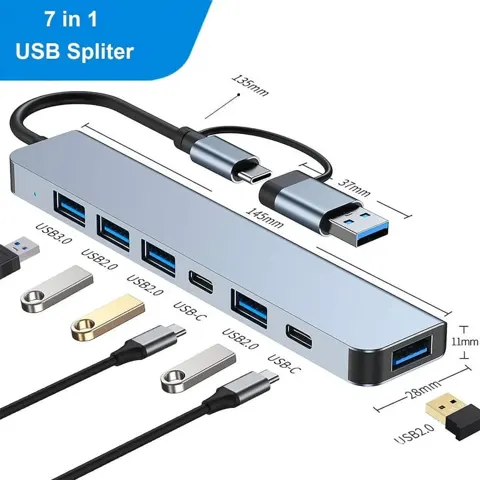
Lenovo USB-C 7-in-1 Hub Docking Station
By Lenovo · Docking Stations · Desk & Streaming Setup · More from Lenovo
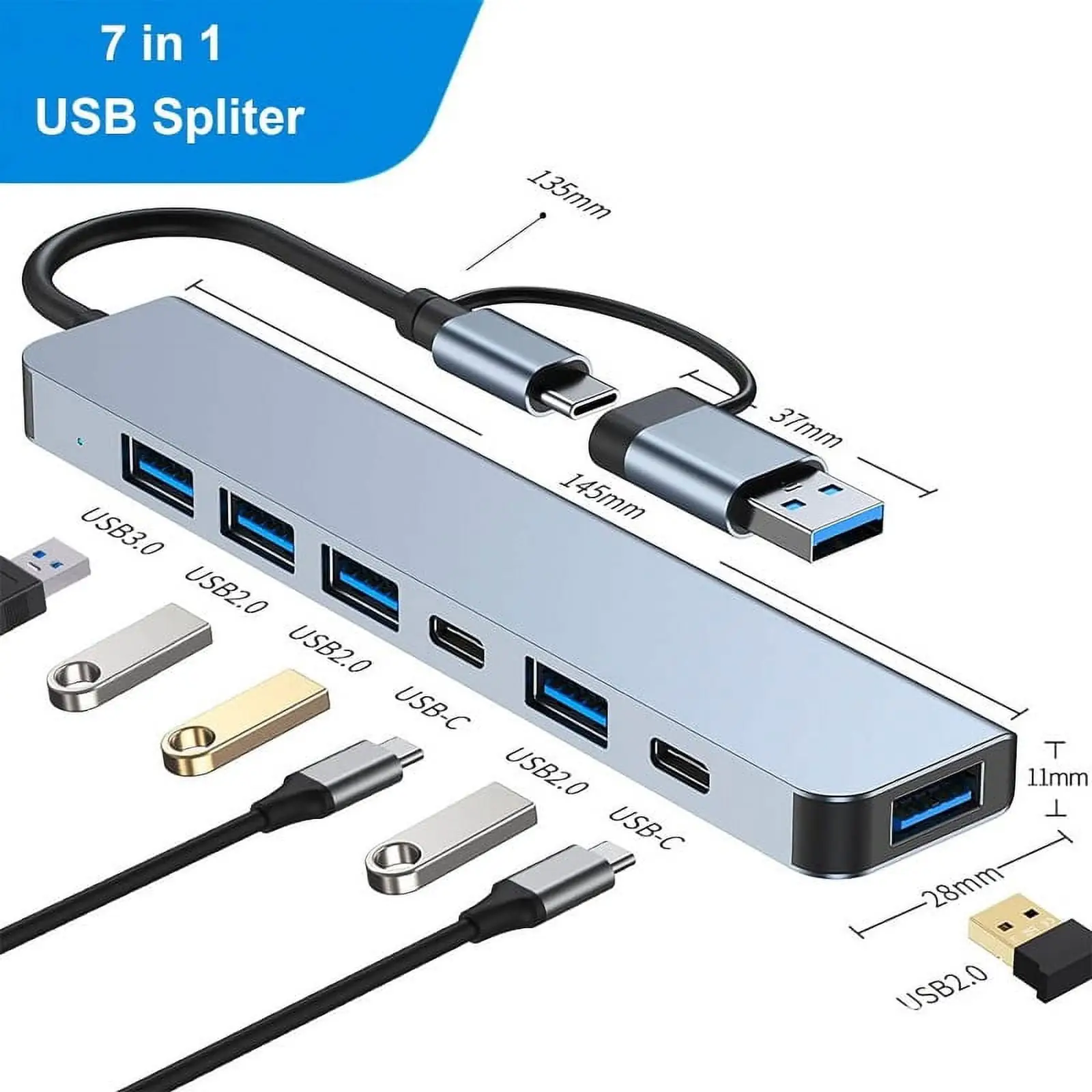
- 2x USB-A 3.2 Gen 1 (5 Gbps) + 1x USB-A 2.0 + 1x USB-C charging port
- HDMI 1.4, 3840x2160 @30 Hz
- SD and TF card readers
- Dimensions 247 x 49.6 x 14 mm (9.72 x 1.95 x 0.55 in)
- Weight 92 g
Lowest price seen
$70.09
from $70.09 at Office Depot · Checked Nov 1, 2026
- Office Depot $70.09View at Office Depot
- AmazonView at Amazon (paid link)
More on eBay (1)
- eBayView at eBay
- eBay (used) eBay: used, open-box, refurbishedView at eBay (used)
Stores with a price are sorted lowest first; commission never changes the order. Prices are snapshots. Check the current price with the store.
Summary
A slim travel dongle for one HDMI display, three USB-A peripherals, SD and microSD readers, and USB-C power pass-through. Check your host first: video needs DisplayPort Alternate Mode, and the HDMI output tops out at 4K30.
Strengths
- One USB-C lead covers display, three USB-A sockets and two card formats.
- The folding 140 mm lead travels well and leaves no loose host cable.
- Phoronix ran it for about a month on a ThinkPad T14s Gen 2 AMD under Ubuntu 21.10 and Fedora 35 with 4K output, USB peripherals and 45/65W-class pass-through working.
- Native DisplayPort Alternate Mode, so compatible systems need no DisplayLink driver.
- Lenovo publishes support pages, quick-start and warranty documents, plus Windows firmware packages.
Weaknesses
- HDMI is 4K30 only, so a 4K monitor scrolls less smoothly than on a 4K60 hub.
- One of the three USB-A sockets is USB 2.0, so a fast SSD on it is bottlenecked.
- No Ethernet, no downstream USB-C data port, and no second display output.
- No charger ships in the box, and delivered wattage depends on Power Delivery negotiation.
- Owners report units with no charging, no HDMI and no USB working at all, plus displays that drop out over the hub.
- The 140 mm fixed lead cannot be replaced separately; damage at the plug means replacing the whole hub.
Verified specifications
| Model | Lenovo USB-C 7-in-1 Hub, US/commercial part number 4X90V55523; GX90T77924 is a related regional number. |
|---|---|
| Ports | two USB-A 3.1 Gen 1 (5Gbps), one USB-A 2.0 (480Mbps), one HDMI 1.4 output, full-size SD reader, microSD reader, and one USB-C Power Delivery pass-through input. |
| USB-C host connector | captive, 140 mm including the connector, stored in an integrated slot. |
| HDMI output | single display up to 3840 × 2160 at 30Hz. |
| USB-C female socket | charging only. It is not a downstream data port, video output, or second display connection. |
| Power | works with 45W or 65W USB-C laptop adapters; no AC/PD adapter is included. Maximum power consumption is 15W (5V/3A). |
| Host requirement | Windows 10 or Windows 11 64-bit, a fully functional USB-C port for video and data, and a compatible USB-C charger for pass-through. |
| Dimensions | 247 × 49.6 × 13–14 mm; 92 g (about 3.25 oz); iron gray casing. |
| Warranty | one year. |
| Not included | power adapter, HDMI cable, SD cards. |
| Service part | 01FJ377, listed for the GX90T77924 family. |
Full research notes and sources
Ports and video output
The seven functions run off one USB-C plug on the host side: two 5Gbps USB-A ports, one 480Mbps USB-A port, HDMI 1.4, a full-size SD slot, a microSD slot, and a USB-C socket for charging. Some shop templates count four USB ports because they include that charging socket. The USB-C socket takes a charger only — storage, phones and a second display have to use the other ports.
Video is a single display at 3840 × 2160 and 30Hz. A different Lenovo Powered USB-C Travel Hub does 4K60, and some regional listings for this part number wrongly claim 4K60, but Lenovo’s own illustrated specification sheet and comparison chart both say 4K30. At 1080p the video path drives normal 60Hz modes on capable systems. One 2021 owner complained that plugging the hub into a T14 disabled the laptop’s own HDMI output, which points at host display routing rather than a broken hub, so check your laptop’s display architecture if you want two screens.
Power pass-through and host compatibility
Lenovo lists 45W and 65W USB-C adapters as compatible and states that the 15W maximum consumption figure describes the hub’s own power budget, not the charging output to the laptop. The effective wattage reaching the host is not quantified in the 2019 spec sheet. An unpowered host must be able to supply 5V/3A, and a USB-A-to-USB-C adapter cannot add DisplayPort Alternate Mode if the laptop lacks it.
The charging complaints from owners point at negotiation and host compatibility as often as at faulty hardware. One March 2023 owner reports peripherals working while pass-through does not, and a 2024 user reports the hub charging a laptop but not a tablet. No published incident rate, failure rate or general fix exists for these reports.
What owners report
These are individual reports, not a reliability comparison.
Against that, the same pages carry failures. One owner bought a Lenovo 7-in-1 in November 2020 and it failed after under two months, and the replacement that arrived on January 15, 2021 had no Power Delivery, HDMI or USB function at all; software and firmware work did not help, and no RMA outcome is published. A December 17, 2022 report describes a ThinkPad T580 whose display repeatedly dropped over the hub while direct HDMI stayed stable. Other owners report normal, long use with stable operation.
A caution on Linux: the GitHub firmware issue that Phoronix linked concerns a different product, the ThinkPad USB-C Dock Gen 2 40AS with Ethernet and DisplayPort, not this hub, and an LVFS developer warned that Gen 2 dock firmware must not be applied to another device.
Parts and running costs
The hub has no subscription and no recurring consumables. It has no battery, filter or ink, and it needs no licensed software. The one-time extras are a 45W or 65W USB-C adapter if you lack one, an HDMI cable, and SD cards if you use the slots.
The captive lead is the weak point: Lenovo lists no separate replacement cable, so a damaged lead means a whole-hub claim. A genuine 4X90V55523 replacement hub is $79.95 at Notebookparts, and a dedicated parts retailer listed an 01FJ377 at $147.95. Those are complete units, not cables or boards.
Electricity is negligible. The 15W maximum is a ceiling, not a measured draw; assuming a constant 15W for eight hours a day works out to 43.8kWh a year, or $8.76 at an assumed $0.20/kWh. Actual draw depends on use and sits well below the maximum, and this excludes the pass-through laptop charging and the monitor.
Is it worth it?
US listings for the exact 4X90V55523 showed TeciSoft at $67.73 with Add to Cart, Office Depot at $75.99 while out of stock, and Notebookparts at $79.95. The regional GX90T77924 was $79.99 at CDW and $84.99 at Office Depot but backordered. A third-party feed showed $64.99 for the regional number without a confirmed checkout.
At over $35 new, this hub is hard to justify. The Plugable USBC-7IN1 costs $34.95 direct from the manufacturer and gives 4K60 on the revised edition, 100W input with up to 92W to the host, three 5Gbps USB-A ports and a two-year warranty, though you need a DisplayPort 1.4 Alt Mode host for 4K60. Plugable confirms the older revision is 4K30, so check which one you get. A Belkin 7-in-1 runs $44.99–$49.99 with a two-year warranty, and Belkin lists both 4K30 and 4K60 versions. For wired networking, the Plugable USBC-7IN1E adds Gigabit Ethernet at $39.95 but only two USB-A ports.
Used at $25 or less, the deal works only if every port and the power path are tested and return risk is low. Buying new, spend the money on a 4K60 and higher-powered hub unless you need the Lenovo part number specifically or have a confirmed older ThinkPad.
Which model this is
This page covers the USB-C 7-in-1 Hub, hardware part number 4X90V55523, sold in the US and commercial channels. Lenovo also markets the regional GX90T77924 and lists 01FJ377 as a service part for that family. It is not the ThinkPad USB-C Dock Gen 2 40AS, the Powered USB-C Travel Hub 4X90S92381, or a modern 4K60 and 100W hub. No Ethernet adapter version exists for this seven-port unit, and no separate hub port or upgrade SKU sits behind the 01FJ377 number.
Sources
Manufacturer:
- Lenovo original 4X90V55523 illustrated specification sheet (2019)
- Lenovo docking solutions comparison brochure
- Lenovo USB-C 7-in-1 Hub firmware downloads
- Lenovo India regional page showing a conflicting 4K60 specification
Independent reviews:
Owner reports:
Parts and stores:
- TeciSoft listing for the exact 4X90V55523
- Office Depot listing for the exact 4X90V55523
- Office Depot listing for the regional GX90T77924
- Micro Center product page for the GX90T77924
- Lenovo Parts Store 01FJ377 whole-hub offer
- Plugable USBC-7IN1 product page
- Plugable comparison of USBC-7IN1E with Ethernet against USBC-7IN1
- Belkin 7-in-1 USB-C hub variants