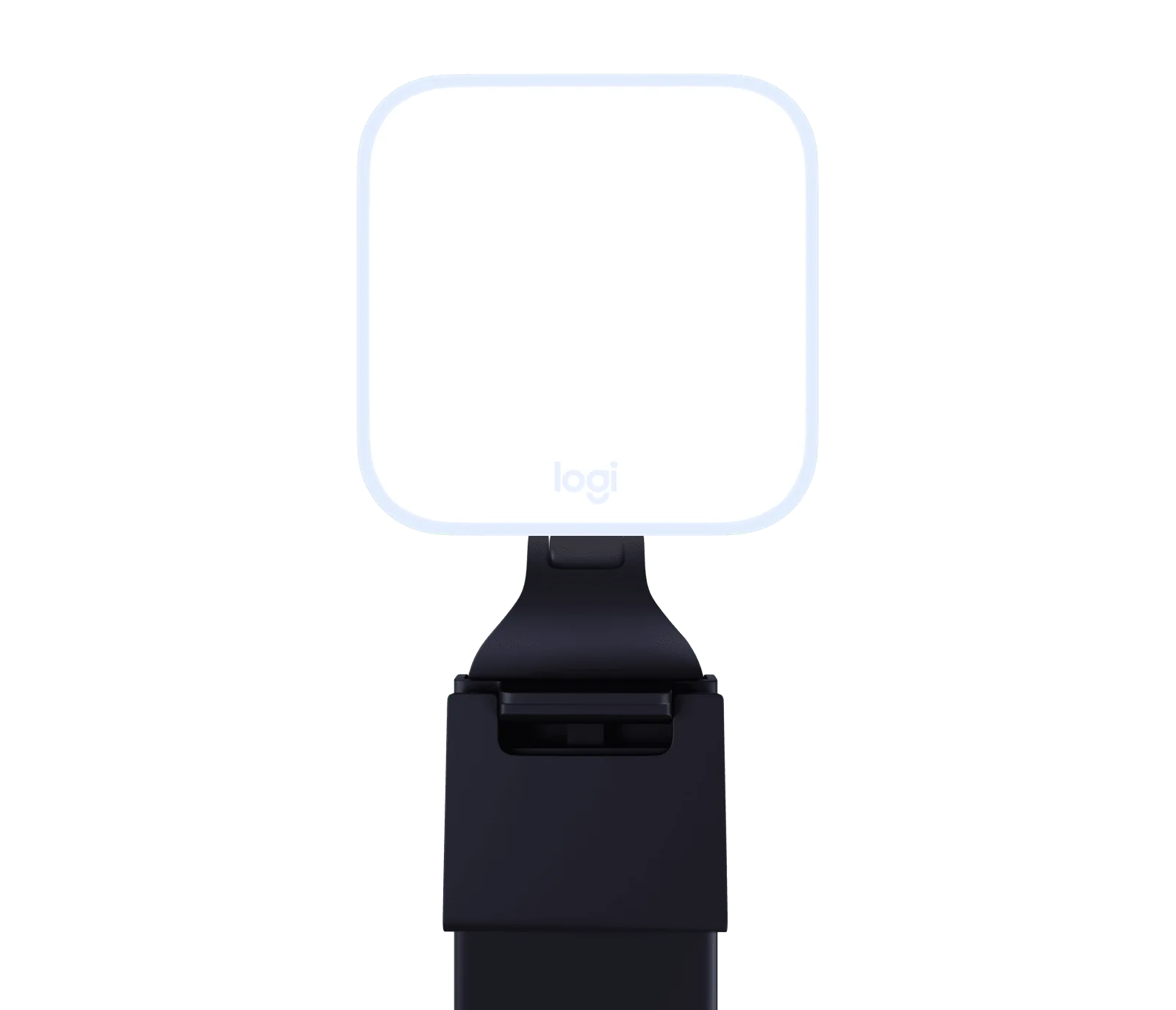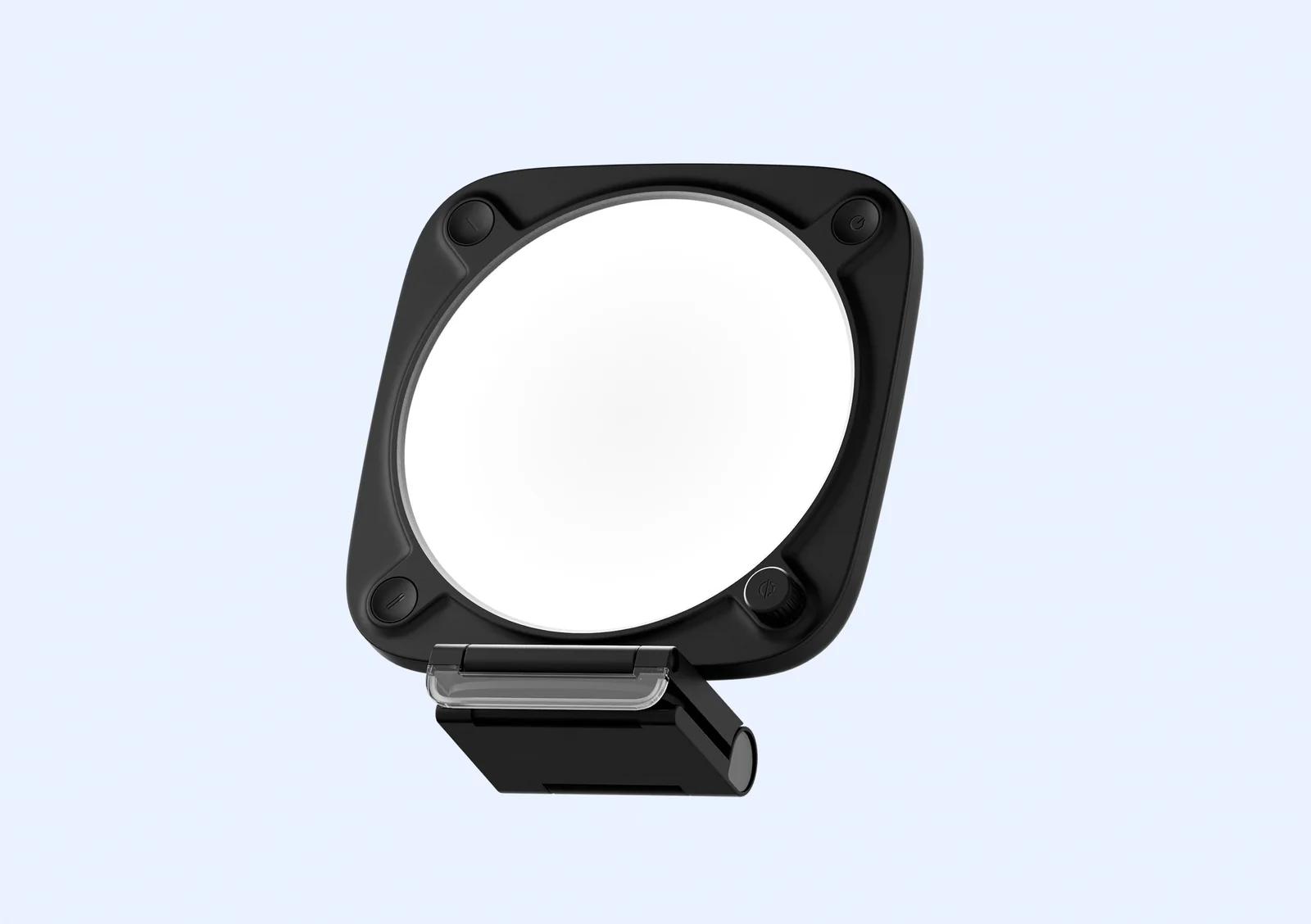
Elgato Key Light Neo (black, with monitor mount)
By Elgato · Streaming Lights · Desk & Streaming Setup · More from Elgato
- Edge-lit LED panel
- Color temperature 2900 to 7000 K
- Weighs about 246 g
- Monitor mount with 1/4-inch thread
- Controls on the light, plus app control
Price not listed
- ElgatoView at Elgato
- eBayView at eBay
- AmazonView at Amazon (paid link)
- eBay (used) eBay: used, open-box, refurbishedView at eBay (used)
Stores are listed in a fixed order, never by price or commission. Prices are snapshots. Check the current price with the store.
Summary
A compact LED panel that sits on top of a monitor or laptop screen for calls, streams and recordings, with an onboard dial and an optional free app. Check the power fine print before you buy: the 1000 lm headline needs a separate 5 V / 3 A supply that is not in the box, and Wi-Fi control needs that supply too.
Strengths
- Soft, even, glare-free light from a transparent-lip mount that a camera can still see through.
- At 246 g it moves between desks, laptops and any stand with a standard 1/4-inch thread.
- Brightness and color temperature are adjustable from a dial, with two presets, no app needed.
- Control Center, Stream Deck and Home Assistant give many ways to drive it.
- CRI above 94% keeps color accurate on camera.
- The full 2900–7000 K range unlocks after a firmware update through Control Center.
Weaknesses
- The 1000 lm headline needs a separate 5 V / 3 A supply and a different cable; neither is in the box.
- The included USB cable caps output at 400 lm no matter what it is plugged into.
- Wi-Fi control will not run from a computer USB port; the guide says to use a wall supply.
- One r/elgato thread reports a Neo that will not stay off or keep settings, and another reports Wi-Fi pairing problems on iOS and Android.
- No instrumented test of output, color accuracy or flicker exists, so the numbers are manufacturer claims.
Verified specifications
| Type | edge-lit LED panel with a diffuser lens, sized for a monitor or laptop screen. |
|---|---|
| Color temperature | 2900–7000 K. |
| CRI | above 94%. |
| Brightness by power source | 400 lm from a USB-A computer port, 700 lm from a USB-C computer port, up to 1000 lm from an external 5 V / 3 A supply. |
| Power draw | 4.5 W at the USB-A tier, 7.5 W at the USB-C tier, up to 12 W at peak; Elgato rates consumption up to 15 W. |
| Connectivity | USB-C or Wi-Fi (2.4 GHz and 5 GHz). |
| Weight | 246 g (0.54 lb). |
| Dimensions | 1.49 × 5.9 × 5.9 in (38 × 150 × 150 mm), depth × width × height. |
| Onboard controls | power button, a dial that toggles between brightness and color-temperature modes, and two preset buttons. |
| Reset | hold the reset hole for 10 seconds; the unit restarts and forgets Wi-Fi credentials. |
| Software | free, optional Control Center app over USB or Wi-Fi, Stream Deck integration, and Home Assistant support. |
| Configuration | black, with monitor mount (SKU 10LAJ9911); the white with-mount unit is SKU 10LAJ9901. |
| Hardware model number | 20LAJ9901; guide part number 51LAY9902. |
| In the box | the light, a 100 cm USB-C to USB-A 2.0 cable, a 150 cm USB-A extension, a USB-A to USB-C adapter, and the monitor mount. |
| The manual’s box list omits the USB-A to USB-C adapter that the product page includes. | |
Full research notes and sources
Brightness is a power story, not a single number
Elgato rates the panel at 400 lm from a USB-A computer port, 700 lm from a USB-C computer port and up to 1000 lm only when powered by an external 5 V / 3 A supply. A listing that shows only “1000 lm” overstates what a computer port delivers. One hands-on site found the included USB cable caps output at 400 lm no matter what it is plugged into, so the 1000 lm tier means buying a different cable as well as the 3 A brick. That same site found 400 lm usable in pitch black, about 600–800 lm the comfortable limit for a monitor-mounted light at close range, and 1000 lm useful only when the light sits farther away.
Wi-Fi control has the same wall: the guide says to power the unit from a USB supply of at least 3 A and not from a computer USB port.
Controls and app
Onboard control covers the daily cases: a dial that toggles between brightness and color-temperature modes, two preset buttons, and a 10-second reset that restores factory settings and clears Wi-Fi credentials. The free Control Center app adds USB and Wi-Fi control, Stream Deck integration and Home Assistant support. Cubed3 found the initially visible warm/cool range looked limited until a firmware update pulled in through Control Center unlocked the full range.
App reliability is the weak point. Stream Tech Reviews calls the desktop and phone Control Center apps extremely inconsistent at detecting the light, and reports the light disconnecting from the phone app and turning off even while on a power brick; the reviewer ran it on the manual dial and saved presets instead. One r/elgato thread reports a Neo that will not stay off or keep settings, and another reports Wi-Fi pairing problems on iOS and Android, with a suggested fix of turning off other Key Lights, resetting the Neo and re-pairing. These are single threads, not failure rates.
Mount, build and running costs
The monitor mount uses a 1/4-inch thread and a self-adhesive base that Elgato describes as super sticky but residue-free; it cleans with water only, and its transparent front lip lets a camera behind it see through. A recess in the rear takes the cable as a click-in reel. The enclosure is all plastic, and Cubed3 reports 60% recycled plastic content. The guide warns the unit may become hot during prolonged use and must not be covered, and says the internal light source should be replaced only by Elgato or authorized service agents.
Ownership costs track the power supply. Reaching 1000 lm or Wi-Fi mode means buying a 3 A supply and a second cable, and Elgato sells a stand and a clamp for $34.99 each. Elgato’s certified-refurbished units list at $54.99. One review states the warranty is two years, but no Elgato warranty page was found to corroborate it, so treat the term as unconfirmed.
Is it worth it?
Elgato’s US store lists the black with-mount unit at $89.99, the white with-mount at $69.99 and the no-mount version at $79.99 (2026). The hands-on reviews score it 8/10 to 9/10, with price as the recurring reservation. MakeUseOf reported an $89.99 list price with occasional $74.99 sales in Sep 2024. If you want front fill for calls and a light that sits on the monitor, the documented feature set justifies a look. If you need full brightness, wireless control or verified color numbers, the separate 3 A supply, the flaky app reports and the missing photometric test are the reasons to pause.
Which model this is
This page covers the black Key Light Neo with monitor mount, SKU 10LAJ9911; the white with-mount unit is SKU 10LAJ9901, and a version without the mount is a separate product. The Amazon listing for the black with-mount unit is ASIN B0FDBL5MVM. Do not merge in the 2019 Key Light, the 2021 Key Light Air or the 2026 Key Light Air MK.2 — those are larger, separate products.
Sources
Manufacturer:
- Elgato Key Light Neo - Black product page
- Elgato Key Light Neo (white, with mount) product page
- Elgato Key Light Neo Quick Start Guide
- Elgato Key Light Neo user manual
- Elgato Help — Key Light Neo brightness information
- Key Light Neo without Monitor Mount
- Elgato — Key Light Air MK.2 vs Key Light Neo: What’s the difference?
- Certified-refurbished Key Light Neo (black)
- Certified-refurbished Key Light Neo
Independent reviews:
- Stream Tech Reviews hands-on
- No instrumented photometric test of this exact model was found; RTINGS, Tom’s Guide and PCMag had no matching review at the checked URLs.
Owner reports: