
ELEGOO Mars 5 Ultra 9K
By ELEGOO · Budget 3D Printers · 3D Printing · More from ELEGOO
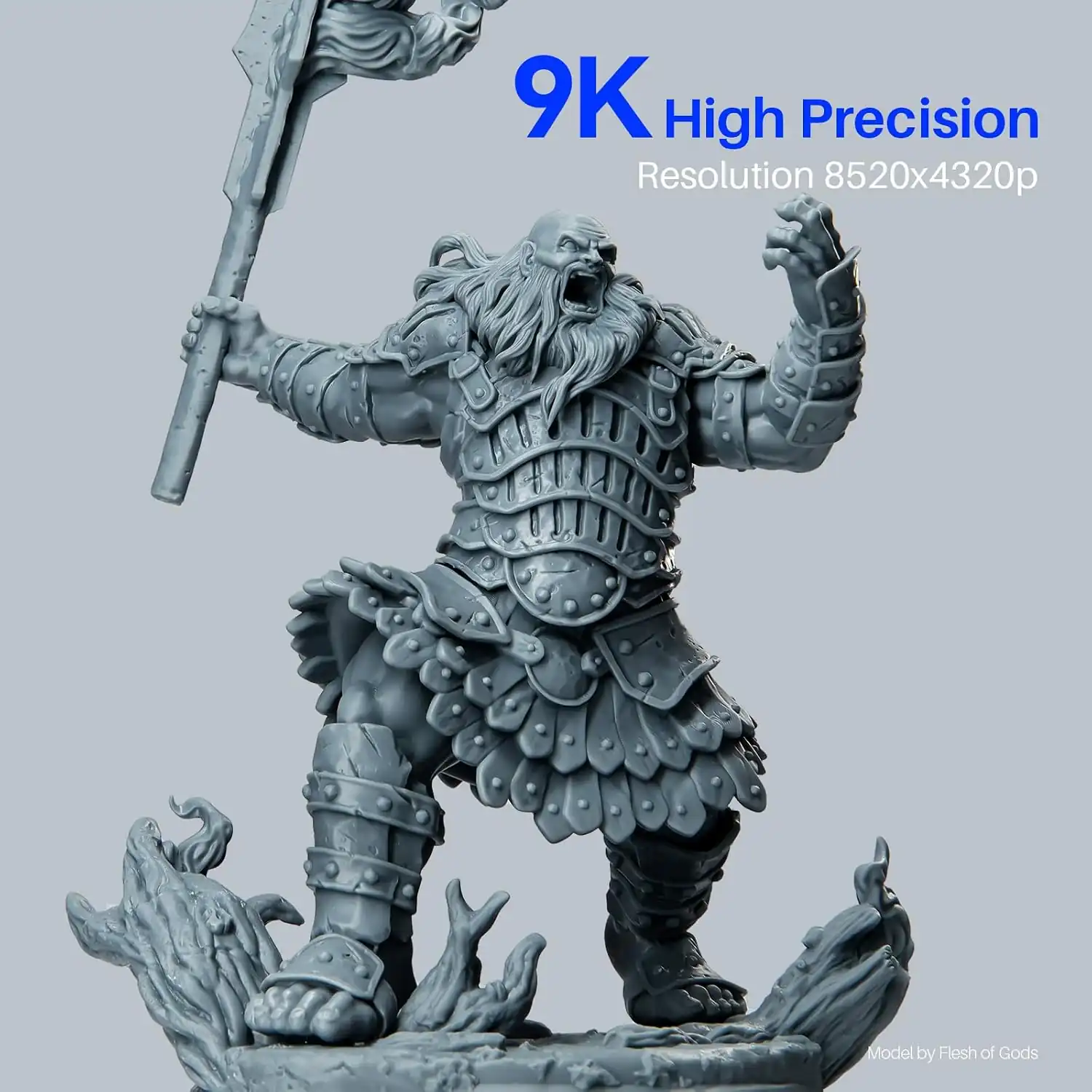
- 7-inch 9K monochrome LCD (8520 x 4320)
- 18 um XY resolution
- Build volume 153.36 x 77.76 x 165 mm
- Max print speed 150 mm/h
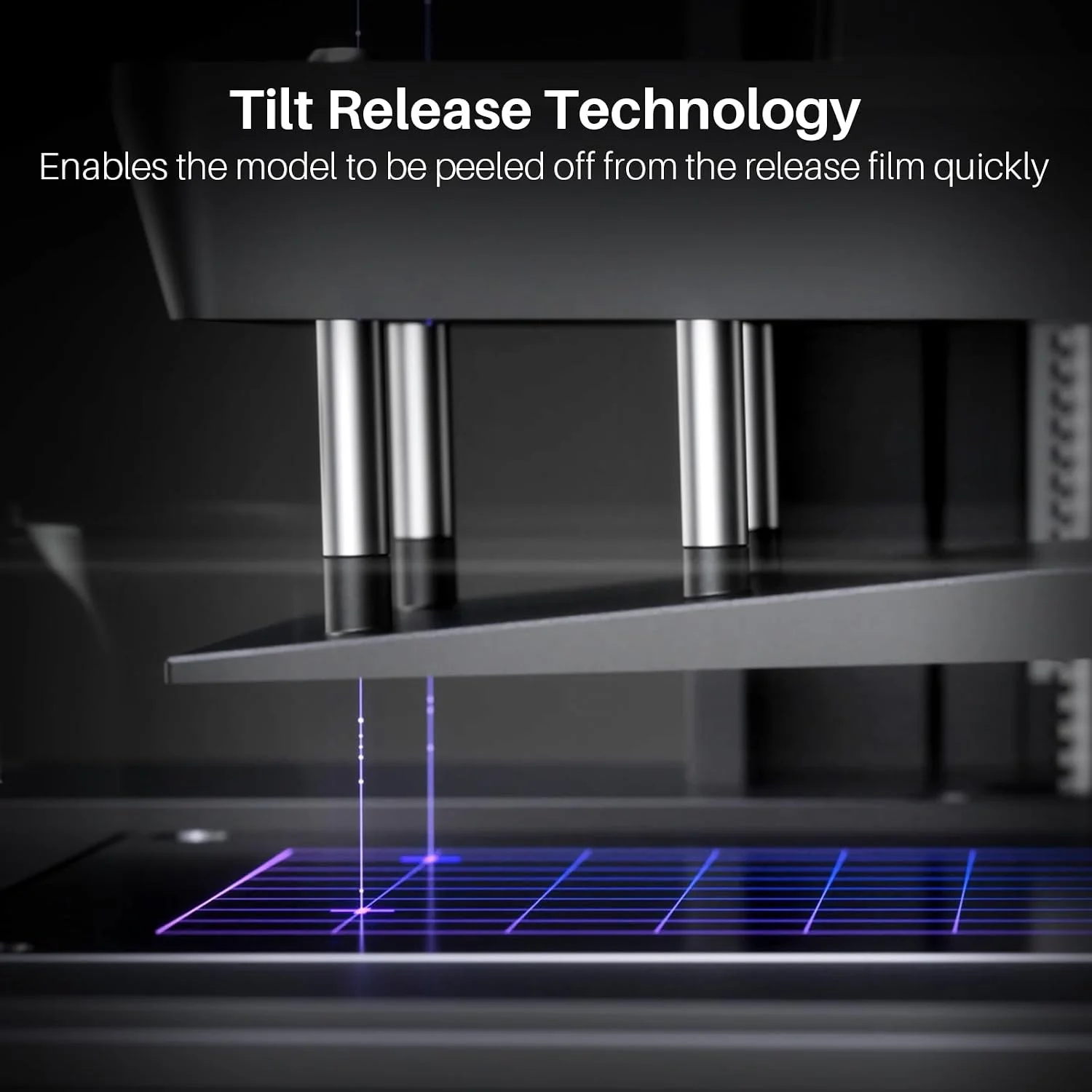
- Tilt-release resin vat
Price not listed
- ELEGOOView at ELEGOO
- eBay (used) eBay: used, open-box, refurbishedView at eBay (used)
- eBayView at eBay
- AmazonView at Amazon (paid link)
Stores are listed in a fixed order, never by price or commission. Prices are snapshots. Check the current price with the store.
Summary
The ELEGOO Mars 5 Ultra is a beginner-targeted 9K resin 3D printer with 18 µm XY detail on a 7-inch monochrome LCD and a tilt-release vat that makes first setup close to plug-and-play. Before you buy, check the room it will live in — there is no built-in resin heater, so spaces under about 25–30 °C need an add-on heater.
Strengths
- The tilt vat rocks a few degrees before the plate lifts, a design all three reviewers tied to fewer adhesion failures and less peel stress.
- Automatic leveling gets beginners printing fast, even though it is a mechanical spring-and-screw pressure equalizer rather than electronic leveling.
- Resin-level detection, failure alarms and power-loss resume stop jobs before they turn into scrap.
- ELEGOO sells build plates and resin vats as spare parts, and the box ships the hardware needed for an FEP replacement.
- PCMag, Tom’s Hardware and VoxelMatters each tested this exact model and came back positive, the first two with Editors’ Choice awards.
Weaknesses
- The leveling sensor’s coiled spring cable is a wear part, and owners report intermittent “Automatic leveling failed” errors, sometimes within the first five prints.
- Firmware 1.3.9 is reported to brick units at the logo screen, and no source read confirms a later firmware fixed it.
- First-layer adhesion is a coin flip on defaults: owners report layers that will not stick, while both Tom’s Hardware and VoxelMatters cut first-layer exposure just to get prints off the plate.
- The AI camera cannot see the build plate while it is submerged, so failure detection only begins once a print stands about 50 mm clear of the vat edge.
- There is no resin heater, and owners in unheated rooms near 10 °C report needing external vat heating.
- The clip-on drip bib is flimsy, and resin can run past the tilt tray’s edge into the mechanism; PCMag fitted aftermarket covers to keep it contained.
Verified specifications
| Model | ELEGOO Mars 5 Ultra, a 9K MSLA resin printer. |
|---|---|
| Build volume | 153.36 × 77.76 × 165 mm. |
| LCD | 7-inch 9K monochrome, 8520 × 4320 pixels. |
| XY resolution | 18 µm; Z-axis accuracy: 0.02 mm. |
| Layer thickness | 0.01–0.2 mm. |
| Max print speed | 150 mm/h, with switchable fast and slow modes. |
| Light source | COB LED at 405 nm with 92% light uniformity. |
| System | ELEGOO EL3D-4.0 with 8 GB ROM. |
| Display | 4-inch capacitive touchscreen. |
| Connectivity | USB and Wi-Fi (2.4G/5G), cluster printing and OTA firmware updates. |
| Power | 100–240 V, 50/60 Hz, from a 24 V 3 A adapter. |
| Printer size | 260 × 268 × 451.5 mm; 8.8 kg net (19.4 lbs), 10.8 kg gross. |
| Warranty | one year parts and labor; the LCD carries a limited 3-month warranty. |
| LCD protector | 9H tempered glass over the screen. |
| In the box | printer, build plate, resin vat, AI camera, Wi-Fi antenna, drip tray, USB flash disk with SatelLite/ChituBox Basic slicer and sample files, mask, gloves, funnel, spare hardware set for FEP replacement, adapter, tool kit and scrapers. |
Full research notes and sources
Leveling and setup
“Automatic leveling” here is not electronic. VoxelMatters describes a spring-and-screw pressure equalizer: the plate presses a mechanical contact sensor to find zero. The sensor’s coiled spring cable is a moving part, and in r/ElegooMars threads owners trace intermittent leveling failures back to it — some hitting the error as early as the fifth print on a new unit. A common owner fix is to straighten the coils with a screwdriver. Some owners also report that the build-plate calibration screws adjust nothing, which matches the mechanical design rather than a defect. Printer Hub’s issue catalog is blunt about variance: some owners print hundreds of plates without trouble, others fight the machine from the second resin bottle. Nobody has published a failure rate, so treat this as the one part of the printer with a known wear question mark.
First-layer adhesion and exposure
The laser-etched build plate is deliberately aggressive. Tom’s Hardware and VoxelMatters both had to reduce first-layer exposure to make prints removable, and VoxelMatters called the two-tier adhesion “almost too excellent”. On Reddit the opposite failure shows up: first layers that never stick until the owner verifies the plate sits close enough to the screen, reseats the calibration screws, runs manual leveling and cleans the plate with IPA. Default normal exposure is 2.2 s in Tom’s Hardware’s spec table, but the right number is resin-dependent: PCMag measured 1.8 s as optimal with ELEGOO 8K resin, and VoxelMatters used 2.1 s with Anycubic High Clear and 2.5 s with ELEGOO Blue Standard 2.0. Plan on tuning per bottle.
Camera, firmware and updates
The AI camera has no backlight and cannot see the build plate while it is submerged, so early-layer failures are invisible to it; it only becomes useful once a print rises about 50 mm above the vat edge. It works with ChituBox but not with Lychee Slicer, and there is no mobile app. On the firmware side, version 1.3.9 is reported to brick units at the logo screen, whether a later release fixed it is unconfirmed, and one owner’s new unit does nothing with .ctb and .goo files until sorted. There is at least one guard rail: the printer stops itself if LED temperature exceeds 80 °C. OTA updates are built in, so keep the machine on the network and check what version it is running.
Cold rooms and running costs
ELEGOO’s guidance puts the working range at 25–30 °C and there is no built-in heater; owners in unheated basements around 10 °C report needing external vat heating, and an add-on ELEGOO heater is an extra purchase that mounts in the rear corner. Recurring costs are the standard resin basket: resin, IPA, gloves and replacement FEP film, with the printer reminding you at about 60,000 release-film uses. PCMag found a gap around the tray edge where resin can drip into the internal mechanism and resorted to printed aftermarket covers and drip trays to control it. Wash-and-cure is a separate purchase — the Mercury XS bundle lists at $389.00 at ELEGOO US.
Is it worth it?
ELEGOO’s US store lists the Mars 5 Ultra at $269.00 (October 2026) against a $349.99 MSRP (PCMag, February 2026), and at that price it is an easy recommendation for a first resin printer and miniature work — the known leveling-sensor and firmware cautions sit fine at this tier. Between $271 and $300 it is still fair if the small 9K footprint matters. Near MSRP it weakens: the same money reaches larger-format machines in ELEGOO’s own Saturn family, and owners have seen it at $270 on sale (VoxelMatters, January 2025), $269.99 on sale and a $259 deal-box price (Tom’s Hardware, September 2024), or $229.99 certified pre-owned at ELEGOO US. Above $350, wait for a sale.
Which model this is
This page covers the Mars 5 Ultra, the 9K MSLA machine with a 7-inch 8520 × 4320 monochrome LCD and tilt-release vat. Do not confuse it with the base Mars 5 (143.43 × 89.6 × 150 mm, up to 70 mm/h), the earlier Mars 4 Ultra, or the larger Saturn 4 Ultra 16K. ELEGOO’s own global page lists a “Saturn 4 Ultra 3D Printer” in the Mars 5 Ultra box contents — a manufacturer copy-paste error.
The US listing for this exact model is ASIN B0D9M98X1D.
Sources
Manufacturer:
- ELEGOO US — Mars 5 Ultra product page
- ELEGOO US — Mars 5 series page
- ELEGOO US — pre-owned Mars 5 Ultra
- ELEGOO Global — Mars 5 Ultra product page
Independent reviews:
Owner reports:
- Mars 5 Ultra issues (r/ElegooMars)
- Elegoo Mars 5 Ultra not printing (r/ElegooMars)
- Resin vat heating (r/ElegooMars)
- Base layers stuck to print bed (r/ElegooMars)
- New unit ignores .ctb and .goo files (r/ElegooMars)
Issue catalog and spec data: