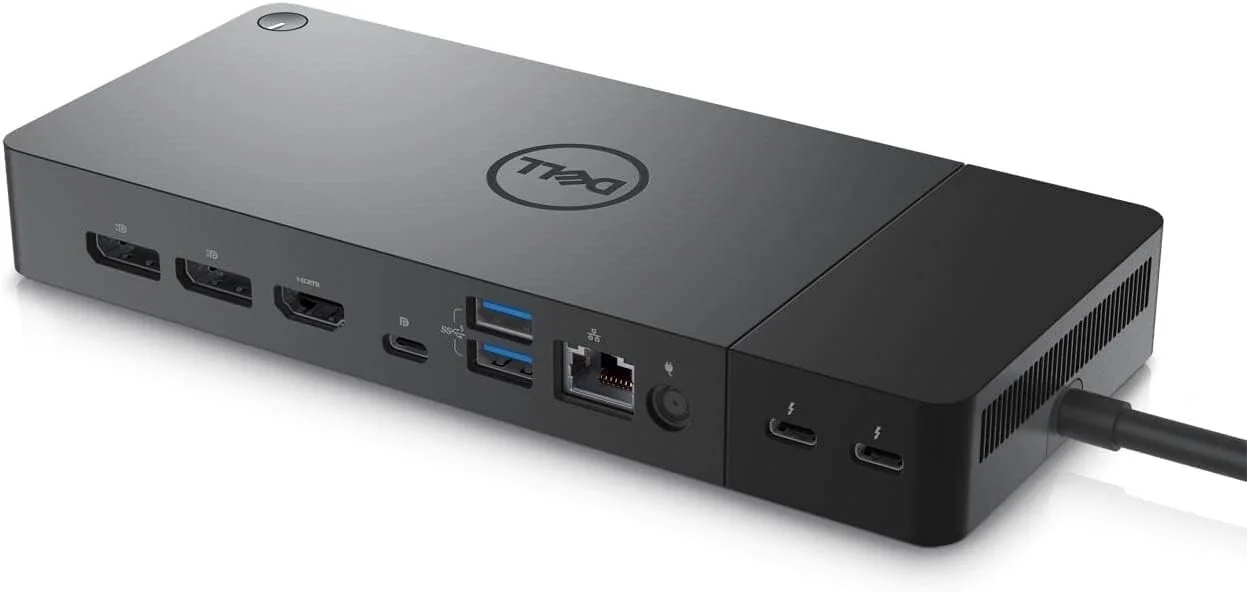
Dell WD22TB4 Docking Station
By Dell · Docking Stations · Desk & Streaming Setup · More from Dell
Compare all Docking Stations side by side →
- Thunderbolt 4 dock, model WD22TB4
- 180 W AC adapter
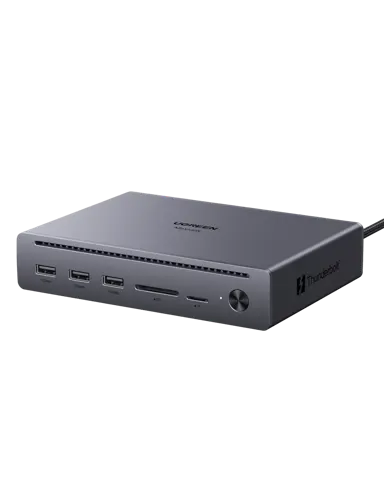
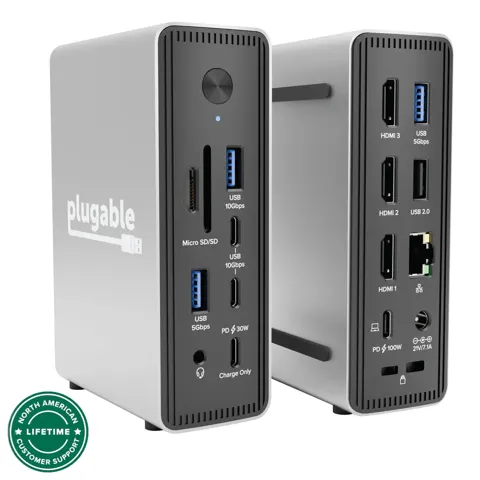
- Ports: 2 DisplayPort 1.4, 1 HDMI 2.0, 2 Thunderbolt 4, 3 USB-A, 2 USB-C, Gigabit Ethernet
- Supports up to 4 external displays
- Dimensions 205 x 90 x 29 mm
Price not listed
- Dell30-day returns · store policyView at Dell
- eBayView at eBay
- Walmartfree shipping $35+ · store policyView at Walmart
- NeweggView at Newegg
- Best Buy15-day returns · store policyView at Best Buy
- Targetfree shipping $35+ · store policyView at Target
- Office DepotView at Office Depot
- AmazonView at Amazon (paid link)
- eBay (used) eBay: used, open-box, refurbishedView at eBay (used)
Stores with a price are sorted lowest first; commission never changes the order. Prices are snapshots. Check the current price with the store.
Summary
A modular Thunderbolt 4 docking station whose Thunderbolt host module can be upgraded separately from the dock base. It charges Dell laptops at 130W but delivers 90W to other systems and has no audio jack, so check your laptop before buying.
Size in context

20.5 cm · 8.1 in (W) × 9.0 cm · 3.5 in (D) × 2.9 cm · 1.1 in (H) · Drawn to scale from the maker's stated dimensions, next to everyday objects.
Strengths
- Modular Thunderbolt 4 design lets you upgrade just the module, not the entire dock
- 130W ExpressCharge power delivery for Dell laptops charges to 80% in about an hour
- 3-year warranty longer than many competing docks
- Compact dimensions (8.1 x 3.5 x 1.1 inches) suitable for space-constrained environments
- Thunderbolt 4 upgrade module costs $159, transforming older WD19 docks into TB4 units
Weaknesses
- 90W power delivery for non-Dell laptops, less than some competitors
- No 3.5mm audio jack or card readers, requiring separate USB audio adapters
- Internal cooling fan produces subtle but noticeable noise during operation
- HDMI 2.0 ports lack support for higher refresh rates with HDR (4K 120Hz max)
- Some users report intermittent power drops and beeping sounds
Verified specifications
| Model | WD22TB4 |
|---|---|
| Connectivity | Thunderbolt 4 (Type-C) interface |
| Data Transfer | Up to 40 Gbps |
| Display support | single 8K@30Hz via DisplayPort 1.4 on Windows, single 5K@60Hz via DisplayPort 1.4, dual 4K@60Hz via DP 1.4 plus HDMI 2.0. |
| Power Delivery | 130W for Dell laptops, 90W for non-Dell systems. |
| USB ports | 3x USB-A 3.2 (one with PowerShare), 1x USB-C 3.2, 1x USB-C 4.0 (15W). |
| Video Outputs | 2x DisplayPort 1.4, 1x HDMI 2.0 |
| Network | 1x Gigabit Ethernet (RJ45) |
| Dimensions | 205 x 90 x 29 mm (8.1 x 3.5 x 1.1 inches) |
| Weight | 650 g |
| Power Input | DC-barrel with 180W adapter |
| Warranty | 3 years |
Parts, consumables and accessories
the modular design allows replacing the Thunderbolt host module separately from the dock base.
- Compatible FOR Dell HDWZ1 WD22TB4 WD19TB WD19 Thunderbolt Fourth Generation Docking Dock Connector Module Motherboard LS-L472P LS-G754PView at AliExpress
Full research notes and sources
Power delivery and compatibility
The Dell WD22TB4 delivers different power levels depending on the laptop. Dell laptops get 130W ExpressCharge, capable of charging to 80% in about an hour. Non-Dell systems receive 90W via standard USB-C Power Delivery, which is respectable but not class-leading. The dock’s modular Thunderbolt 4 module can be upgraded separately, allowing users with older WD19 Thunderbolt 3 docks to add Thunderbolt 4 functionality for $159 instead of buying a complete new dock.
Display support includes single 8K@30Hz via DisplayPort 1.4 on Windows, single 5K@60Hz via DisplayPort 1.4, and dual 4K@60Hz via DP 1.4 plus HDMI 2.0. Mac users need M1 Pro/Max or later for dual 4K support. The dock supports DisplayPort Multi-Stream Transport for daisy-chaining up to 4 monitors from a single DisplayPort output.
Connectivity and ports
The dock provides 3x USB-A 3.2 ports (one with PowerShare), 1x USB-C 3.2, and 1x USB-C 4.0 (15W), plus Gigabit Ethernet. Notably absent are audio jacks and card readers, which are available on some earlier Dell dock models. The compact plastic body uses two textures - smooth for the removable Thunderbolt module and grainy for the main section - and includes a 180W power adapter with a 0.8m Thunderbolt 4 cable.
Reliability and maintenance
The WD22TB4 comes with a 3-year warranty, longer than many competing docks. The modular design allows for easy replacement of the Thunderbolt host module, potentially extending the dock’s useful life through upgrades. The fan-assisted cooling helps maintain stable performance during extended use, though it introduces moving parts that could eventually fail. The dock uses standard screw mounting for module replacement, making user-level upgrades feasible with basic tools. Dell provides firmware updates to enhance performance and compatibility.
Running costs and value
At $250-300, the WD22TB4 represents good value for Dell laptop users who need the 130W ExpressCharge capability and modular upgrade path. The 3-year warranty and build quality justify the premium over basic USB-C docks. For non-Dell users, value is fair at $301-350 though the 90W power limitation makes it less compelling compared to alternatives. Above $350, value is weak unless the modular design specifically addresses upgrade needs.
The best value proposition is for organizations with existing Dell WD19 docks, as the $159 upgrade module cost provides Thunderbolt 4 functionality at a fraction of the full dock price. Power consumption is reasonable given the 180W adapter, and the modular design helps mitigate long-term upgrade costs.
Which model this is
This page covers the Dell WD22TB4 Thunderbolt 4 Dock with modular design. The model is distinct from Dell’s earlier WD19 series, though it shares identical hardware outside the Thunderbolt module. Retailers use ASIN B0FSRNYYMH for this model. Don’t confuse it with non-modular Thunderbolt docks or the older WD19 series.
Sources
Manufacturer:
Independent reviews:
Owner reports: