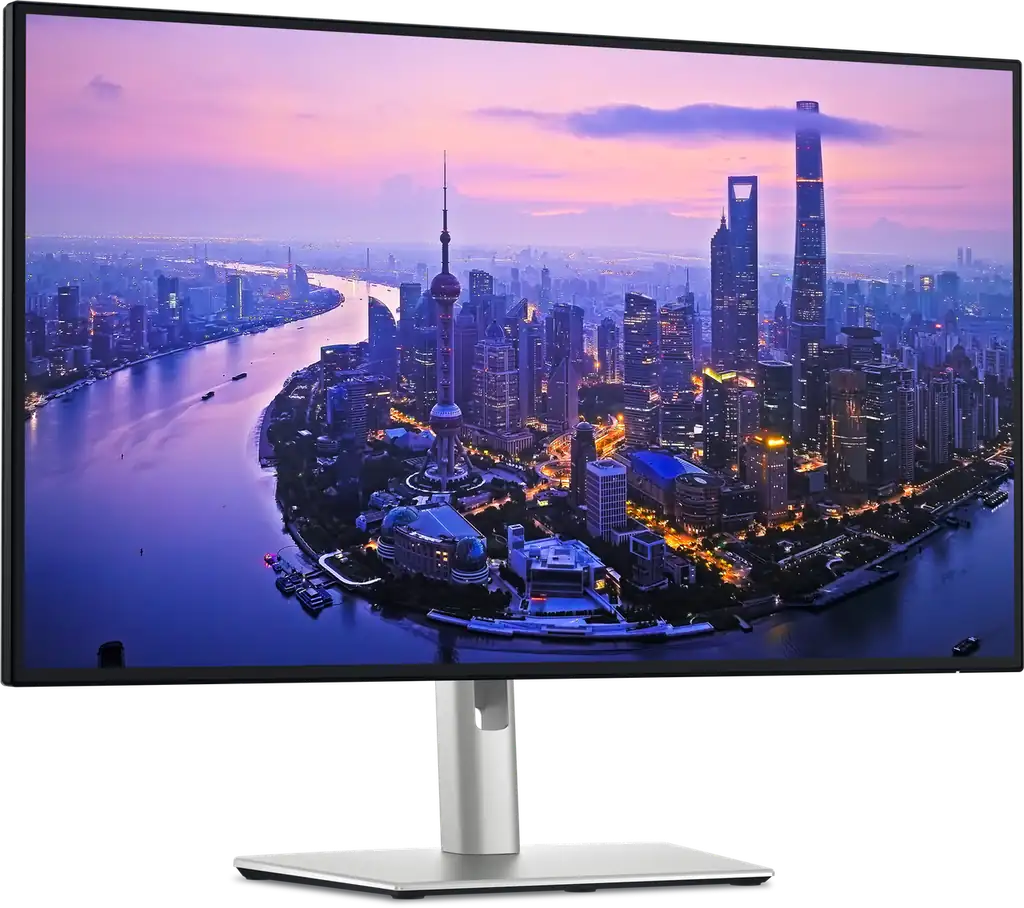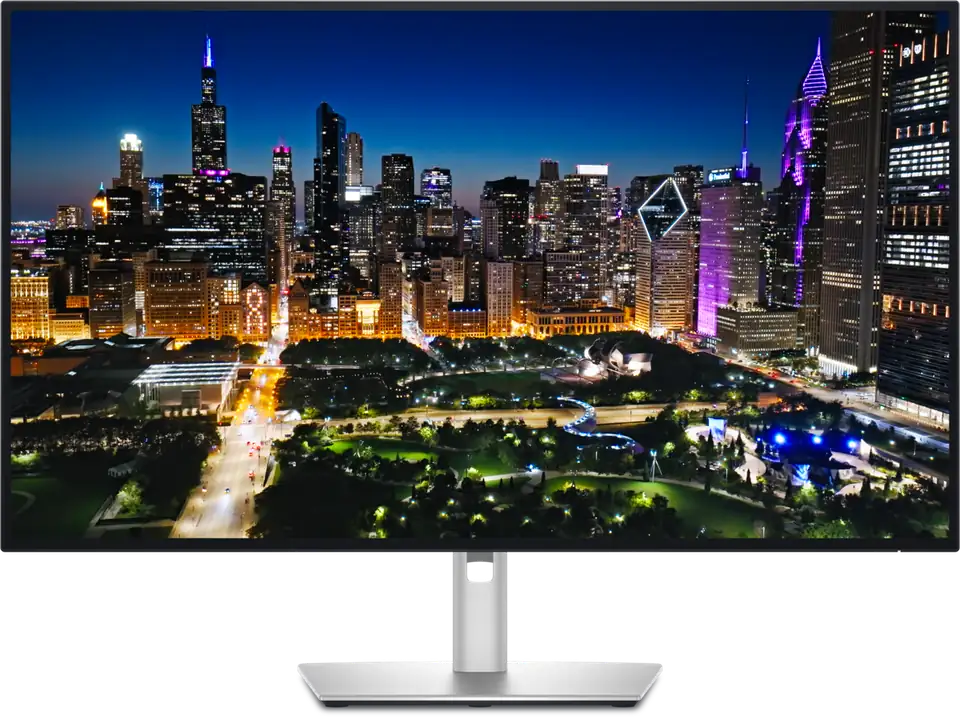
Dell UltraSharp U3225QE
By Dell · Computer Monitors · Desk & Streaming Setup · More from Dell
- 31.5-inch 4K IPS Black panel, 120Hz
- 3000:1 contrast ratio
- Thunderbolt 4 with 140W power delivery
- Built-in KVM, USB, Ethernet and DisplayPort connectivity
- Ambient light sensor and ComfortView Plus
Price not listed
- DellView at Dell
- eBayView at eBay
- AmazonView at Amazon (paid link)
- eBay (used) eBay: used, open-box, refurbishedView at eBay (used)
Stores are listed in a fixed order, never by price or commission. Prices are snapshots. Check the current price with the store.
Summary
A 31.5-inch 4K 120Hz IPS Black monitor with a full Thunderbolt 4 dock built in, aimed at one-cable laptop desks that also want a KVM. Update the firmware before you judge it: Dell has documented real bugs on this model that a later release fixes.
Strengths
- One Thunderbolt 4 cable carries 4K 120Hz video, data and up to 140W of laptop charging.
- The built-in KVM moves keyboard, mouse and peripherals between two computers with a button press.
- Seven downstream USB ports, 2.5GbE Ethernet and two DisplayPort outputs can replace a separate dock.
- Sharp 140 ppi text and 120Hz scrolling make long office sessions comfortable.
- IPS Black contrast is strong for an office panel at 3000:1 rated.
- 3 years of Advanced Exchange warranty with premium panel exchange covers the whole monitor.
Weaknesses
- There are no speakers, only a 3.5mm audio-out jack.
- HDR is capped by IPS contrast: DisplayHDR 600, highlights that do not pop, and poor local dimming.
- Response times and ghosting make it a poor fit for fast gaming despite the 120Hz refresh.
- Owner threads report IPS glow in dark rooms and off-angle yellowing, with the detailed reports on the sibling U2725QE that shares the panel.
- Firmware bugs ship on the model: ambient light sensor over-adjusting, USB hub dropping to USB 2.0 and daisy-chain wake problems.
- The premium over a plain 4K IPS monitor buys the dock and KVM, not the panel.
Verified specifications
| Model | U3225QE (ENERGY STAR variant U3225QEt). |
|---|---|
| Panel | 31.5-inch (80 cm) IPS Black, 3840 × 2160 (4K UHD), 16:9, 120Hz. |
| Contrast | 3000:1 rated; PCMag measured 2577:1. |
| Response time | 5ms GTG in Fast mode and 8ms GTG. |
| Color | 100% sRGB and 99% DCI-P3 rated; PCMag measured 158.3% sRGB by area, 99.4% DCI-P3 and 95.3% Adobe RGB; TechRadar lists Delta E under 1.5. |
| Brightness | 450 nits rated SDR and 600 nits peak HDR (DisplayHDR 600); PCMag measured 375 nits; ENERGY STAR lists 350 cd/m². |
| Power delivery | one Thunderbolt 4 upstream port at up to 140W (EPR). |
| Video inputs | two DisplayPort 1.4, one HDMI 2.1, and Thunderbolt 4/USB-C with video input. |
| USB | seven downstream ports — two USB-C and five USB-A; three quick-access ports sit behind a pop-out panel. |
| Ethernet | RJ-45 2.5GbE with Wake-on-LAN, PXE boot and MAC address pass-through. |
| KVM | built in, switching the display input and USB peripherals between two computers. |
| Audio | no speakers; 3.5mm audio-out only. |
| HDR | DisplayHDR 600. |
| Eye comfort | TÜV 5-star eye-comfort certification, ambient light sensor, ComfortView Plus low-blue-light mode, flicker-free. |
| VESA | 100mm mount. |
| Adjustability | 5.9 inches of height travel, ±30° swivel, ±90° pivot, -5°/+21° tilt. |
| Power | internal AC-to-DC supply; ENERGY STAR on-mode draw 30.37W at 115V. |
| Dimensions | 24.4 × 28.1 × 8.5 in (HWD); 20.6 lb (9.34 kg). |
| In the box | monitor, stand, power cable, 1.8m DisplayPort cable, 1.0m USB Type-A to Type-C cable, 1.0m Thunderbolt 4 passive cable, documentation and a QR card. |
| Warranty | 3 years parts and labor, Advanced Exchange with premium panel exchange. |
Full research notes and sources
A Thunderbolt dock first, a monitor second
The case for the U3225QE is the single-cable setup. One Thunderbolt 4 upstream port carries 4K 120Hz video, USB data and up to 140W of charging, and the monitor adds 2.5GbE Ethernet, seven downstream USB ports and a KVM switch that moves keyboard, mouse and peripherals between two computers. Two DisplayPort 1.4 connectors and HDMI 2.1 cover a desktop tower as well, and three quick-access ports sit behind a pop-out panel on the front edge.
The catch is bandwidth. At 4K 120Hz 10-bit HDR the video path plus the USB hub and Ethernet runs close to the Thunderbolt 4 limit, so the panel is essentially maxed out at 120Hz. On macOS, daisy-chaining works only through the Thunderbolt output plus the DisplayPort output, not two chained Thunderbolt displays.
Panel, HDR and gaming limits
The panel is a 31.5-inch 4K IPS Black rated at 3000:1 contrast and 120Hz, with 140 ppi text clarity. PCMag measured 2577:1 contrast, 375 nits brightness, 158.3% sRGB by area, 99.4% DCI-P3 and 95.3% Adobe RGB, and found sharp, accurate images.
Fast motion is the other limit. RTINGS and owners describe blurry fast-moving objects and ghosting, so the 120Hz refresh helps scrolling and office work but does not turn this into a gaming monitor.
Firmware and reliability
Dell’s support knowledge base documents four issues on the U3225QE and its 27-inch sibling: an ambient light sensor that keeps adjusting brightness, a USB hub recognized as USB 2.0 over Thunderbolt (mostly on MacBooks), a LID-closed state that is not enumerated on wake from sleep, and a second display missed after waking from modern standby in a daisy chain. The fix is firmware update M2T102, A01, so update the monitor before judging it. A second article covers an NVIDIA Quadro daisy-chain glitch where the Dell can flash bright, corrupt the image or black out, worked around by changing port order.
The warranty is the other part of the ownership story: 3 years parts and labor with Advanced Exchange, including premium panel exchange, so a replacement ships before the faulty unit goes back. Dell keeps publishing firmware for the model and maintains model-specific troubleshooting articles.
Is it worth it?
PCMag put the US street price at $949.99 in February 2025, and TechRadar’s April 2025 check found it at $949.99 from Dell with $839.99 at Newegg, $845 at Best Buy, $786.72 at Walmart and $879 at Target. The value is functional, not visual: the premium over a plain 4K IPS monitor buys the Thunderbolt 4 dock, KVM and 140W charging. If you already own a dock, the panel alone does not justify the money. At review time PCWorld listed the older Dell U3223QE at $669.99 and competitors like the HP Series 7 Pro at $879.99 and the BenQ PD3225U at $999.99.
Which model this is
This page covers the Dell UltraSharp 32 4K Thunderbolt Hub Monitor, model U3225QE, the 32-inch sibling of the U2725QE. Dell sells the same hardware under regional part numbers such as CN0C9 in Singapore, 5G23R in Australia and FPG3K in Ireland, and ENERGY STAR certifies it as U3225QEt. Do not confuse it with the older U3223QE, the consumer S3225QS/S3225QC, or the larger U4025QW.
The US listing for this exact model is ASIN B0HM4VF988.
Sources
Manufacturer:
- Dell UltraSharp 32 4K Thunderbolt Hub Monitor U3225QE product page (Dell Singapore)
- U3225QE technical specifications (Dell Australia)
- ENERGY STAR certified displays: Dell U3225QE
- Dell UltraSharp monitors may exhibit various issues (KB 000356362)
- Abnormal or no video with an NVIDIA Quadro daisy chain (KB 000293315)
Independent reviews:
Owner reports:
Parts and stores: