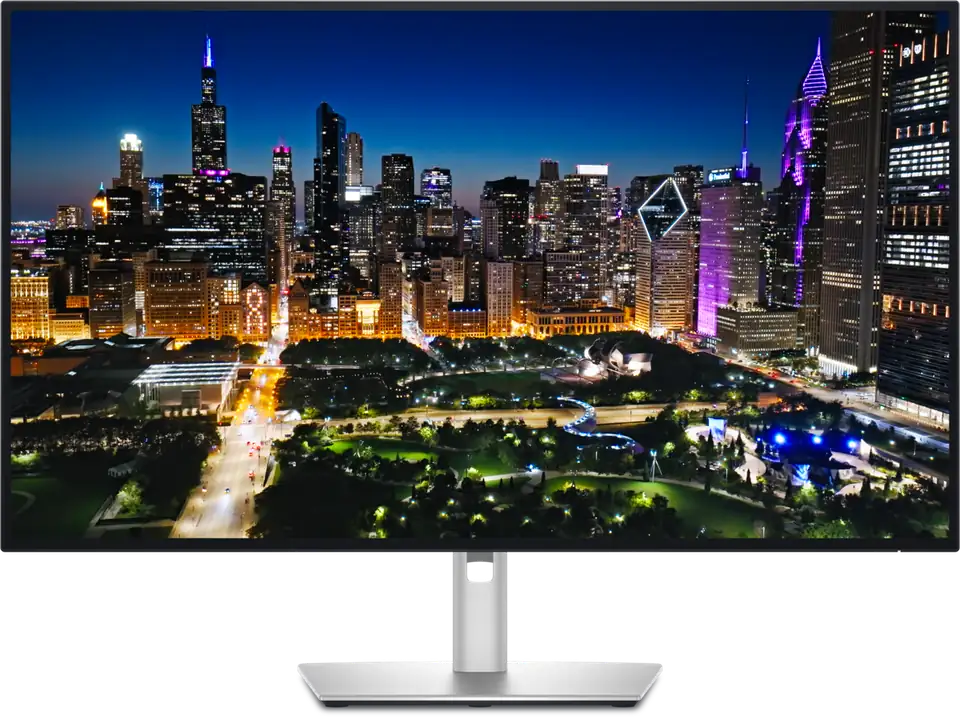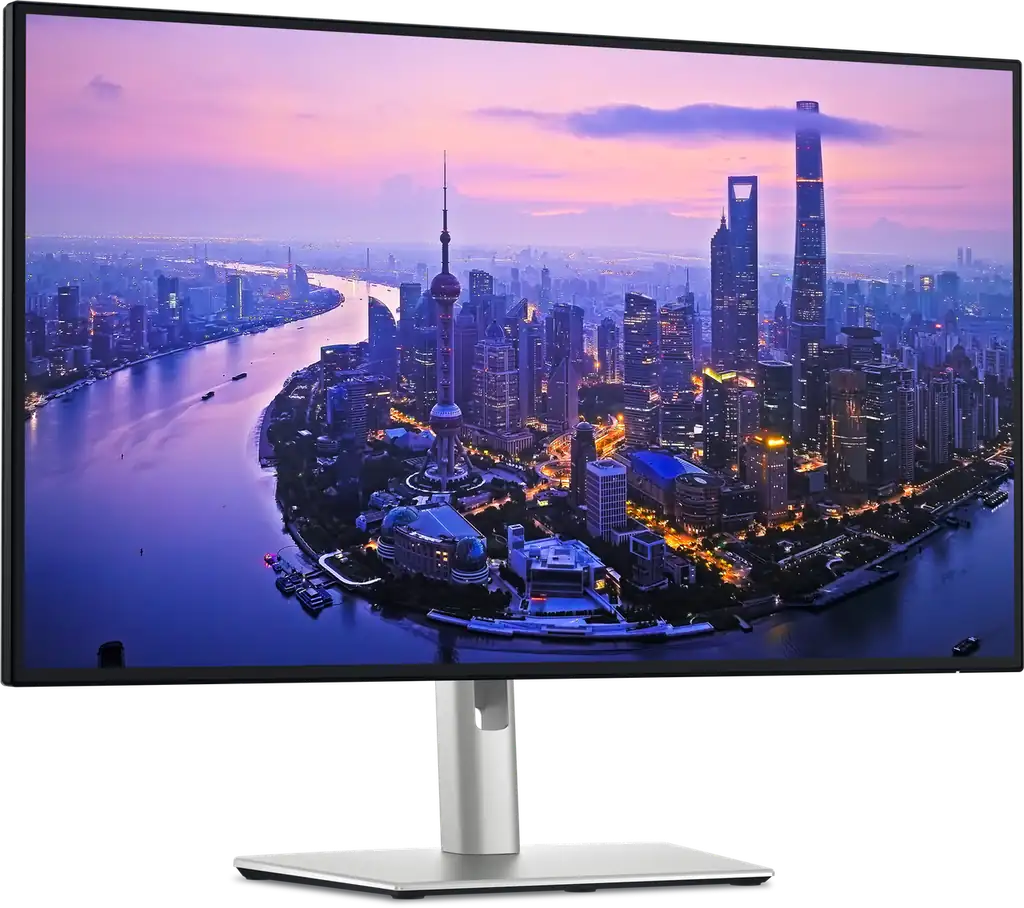
Dell UltraSharp U2725QE
By Dell · Computer Monitors · Desk & Streaming Setup · More from Dell
- 27-inch 4K UHD (3840 x 2160) IPS Black panel, 120Hz
- 3000:1 contrast ratio
- 5 ms GTG response time (fast mode)
- Ambient light sensor and ComfortView Plus
- Thunderbolt 4 connectivity
Price not listed
- DellView at Dell
- eBayView at eBay
- AmazonView at Amazon (paid link)
- eBay (used) eBay: used, open-box, refurbishedView at eBay (used)
Stores are listed in a fixed order, never by price or commission. Prices are snapshots. Check the current price with the store.
Summary
A 27-inch 4K IPS Black monitor with a 120Hz panel and an integrated Thunderbolt 4 hub that can power a laptop and switch a KVM off one cable. It suits a desk that wants sharp text and one clean connection; it is not a strong HDR or gaming screen, and the ambient-light sensor is the thing to check before you buy.
Strengths
- The IPS Black panel reaches blacks deeper than a conventional IPS screen, and owners notice it in dark rooms.
- Text is sharp at 4K on a 27-inch panel, and 120Hz makes scrolling noticeably smoother than 60Hz.
- The Thunderbolt 4 hub delivers up to 140W to a laptop and switches a KVM between two computers.
- The port list is unusually full: 2.5GbE, five USB-A, three USB-C, DisplayPort out and daisy chaining.
- Factory calibration is close out of the box, and the 3-year warranty with next-day replacement is rare here.
Weaknesses
- Measured contrast falls below the 3,000:1 claim in independent tests, to 2,243:1 in IT Pro’s sample.
- HDR is mediocre: local dimming is poor and highlights do not pop.
- Some owners report coil whine or buzz at low brightness, and replacements can show the same.
- The ambient-light sensor can hunt for brightness; Dell fixed the worst of it in firmware M2T102 A01.
- The stand wobbles, the included USB and Thunderbolt cables are only 1m, and the OSD uses a small joystick.
- There are no speakers or webcam, and 5ms suits work and casual play, not esports.
Verified specifications
| Panel | 27-inch (68.6 cm) IPS Black, 3840 × 2160 at 16:9, 108.97 PPI. |
|---|---|
| Refresh rate | 120Hz. |
| Contrast | 3,000:1 claimed. |
| Response time | 5ms GTG (Fast); 8ms GTG standard. |
| Brightness | 450 nits SDR, 600 nits peak HDR; VESA DisplayHDR 600. |
| Color | 1.07 billion colors, 99% DCI-P3, 100% sRGB, 94% Adobe RGB; factory calibrated Delta E <1.5. |
| Thunderbolt 4 upstream | DisplayPort 1.4 with DSC, up to 140W EPR power delivery. |
| Thunderbolt 4 downstream | daisy chain, 15W. |
| USB-C | one 10Gbps KVM upstream, two 10Gbps downstream. |
| USB-A | five 10Gbps, one with BC 1.2 charging. |
| DisplayPort | one DP 1.4 in with DSC, one DP 1.4 out for daisy chaining. |
| HDMI | one HDMI 2.1, up to 3840 × 2160 at 120Hz with VRR. |
| Ethernet | 2.5GbE. |
| Audio | one 3.5mm line out; no built-in speakers. |
| KVM, Picture-in-Picture and Picture-by-Picture. | |
| Daisy chain up to two 4K displays. | |
| Ambient light sensor with auto brightness and auto color temperature. | |
| ComfortView Plus cuts blue light to about 35%. | |
| TÜV Rheinland 5-star EyeComfort; ENERGY STAR 8.0, TCO Certified Edge, TAA. | |
| VESA mounting | 100 × 100mm. |
| Integrated power supply. | |
| Warranty | 3-year limited hardware with Dell Advanced Exchange (next-day replacement). |
| Dimensions | 24.11 × 7.44 × 15.18 in (612.44 × 189 × 385.68 mm) with stand; 21.09 in (535.68 mm) at full height. |
| Weight | 5.22 kg (11.51 lb) without stand; 7.06 kg (15.56 lb) with stand. |
| In the box | monitor, stand, power cable, 1.80m DisplayPort cable, 1.00m USB-A-to-C cable, 1.00m Thunderbolt 4 cable. |
Full research notes and sources
Panel, HDR and gaming
The 4K panel is the main reason to buy this monitor. Windows Central measured 100% sRGB, 94% Adobe RGB and 99% DCI-P3, with peak SDR brightness of 487.6 nits against a 450-nit claim. IT Pro measured lower contrast at 2,243:1 and a reddish 6,284K white point, but found color accuracy improved a lot in sRGB mode.
HDR is where the monitor shows its limits. RTINGS rates the local dimming “terrible” and says highlights do not pop, and fast-moving objects look blurry. The 5ms response time is fine for work and casual play, but there is no FreeSync or G-Sync support claimed, so this is not an esports panel.
Ports, KVM and the Thunderbolt hub
The hub is the other reason to buy it. One Thunderbolt 4 cable carries the display signal, up to 140W EPR power delivery to a laptop, and a KVM that switches a keyboard and mouse between two computers. Around the back sit 2.5GbE, five USB-A ports, three USB-C ports, DisplayPort in and out, HDMI 2.1 and a 3.5mm line out, plus a front pop-out module with two USB-C and one USB-A. Daisy chaining runs a second 4K display from the DisplayPort out.
Owners report the KVM working well in multi-PC setups, though some call it fiddly. The included upstream and Thunderbolt cables are only 1m, which is short for many desks.
Firmware and reliability
Dell released firmware M2T102 A01 for the U2725QE and its 32-inch sibling. The update addresses an ambient-light sensor that kept adjusting brightness on its own; owners had called the sensor useless and said it set the screen too dim even on the High preset. Dell’s support article also lists a Thunderbolt hub seen as USB 2.0, mainly with MacBooks, and wake-from-sleep and daisy-chain detection problems. It is not clear from the article whether the update fixes all of those.
Other reliability signals are anecdotal. Some owners hear coil whine or buzz at low brightness, and a replacement unit showed the same. There are no user-replaceable parts, and Dell’s 3-year Advanced Exchange service replaces the whole unit rather than repairing it.
Is it worth it?
At $599 or less it is a strong buy for a desk that wants one cable; at $600–$675 it is good value against other 4K productivity monitors. Above $750 the value weakens unless the Thunderbolt hub, KVM and 140W delivery are the reason you are buying. US street prices cluster around $600–$650: B&H lists it at $649.99, Walmart has sold it for $615–$639, and an RTINGS member deal had it at $599 in October 2026. Dell’s own store shows $749.99 after a $50 discount, and Newegg lists $849.99. A 3-year warranty with next-day replacement is included.
Which model this is
This page covers the 27-inch U2725QE, US order code 210-BQHR, and the listing it tracks is ASIN B0HM45B568. Dell’s part numbers change by region, but they are the same monitor. Don’t confuse it with the U2723QE, the U2724DE or the 32-inch U3225QE; they are different panels with different specs.
Sources
Manufacturer:
- Dell UltraSharp 27 4K Thunderbolt Hub Monitor U2725QE
- U2725QE/U3225QE user guide (PDF)
- Dell support: UltraSharp monitors may exhibit various issues
- Dell support: NVIDIA Quadro daisy-chain video issues
Independent reviews:
Owner reports:
Stores: