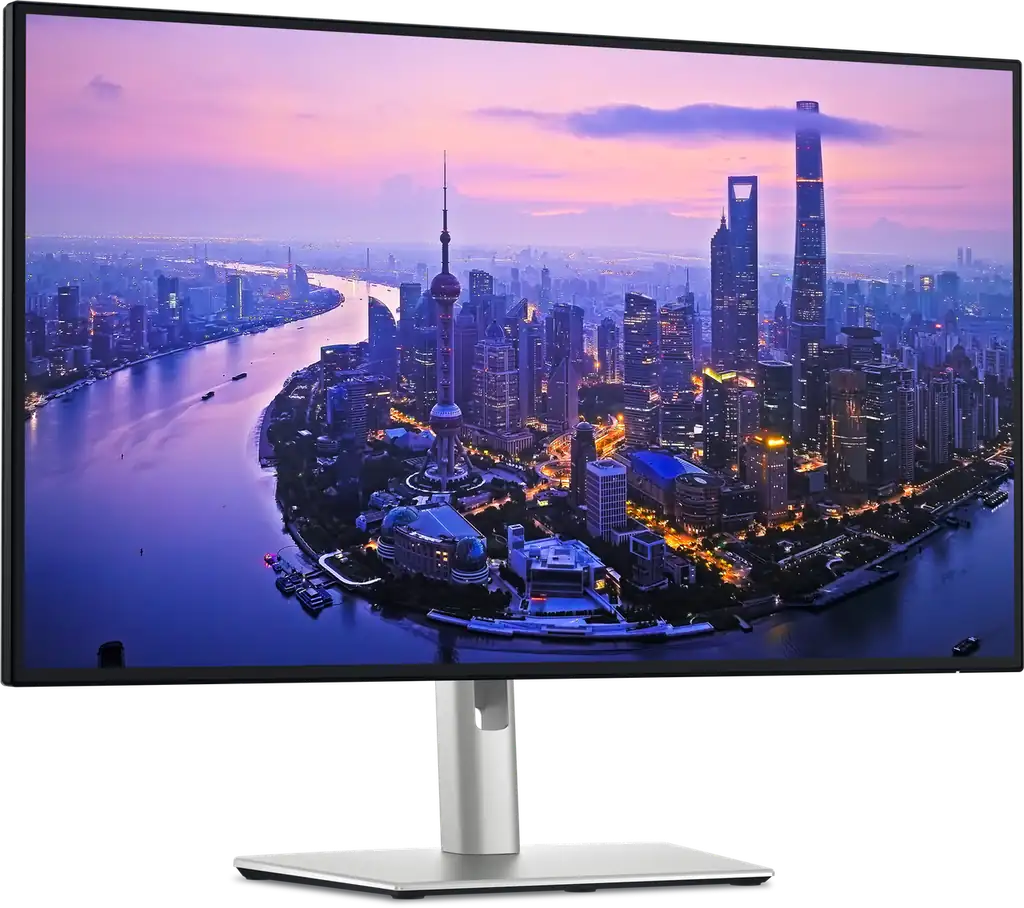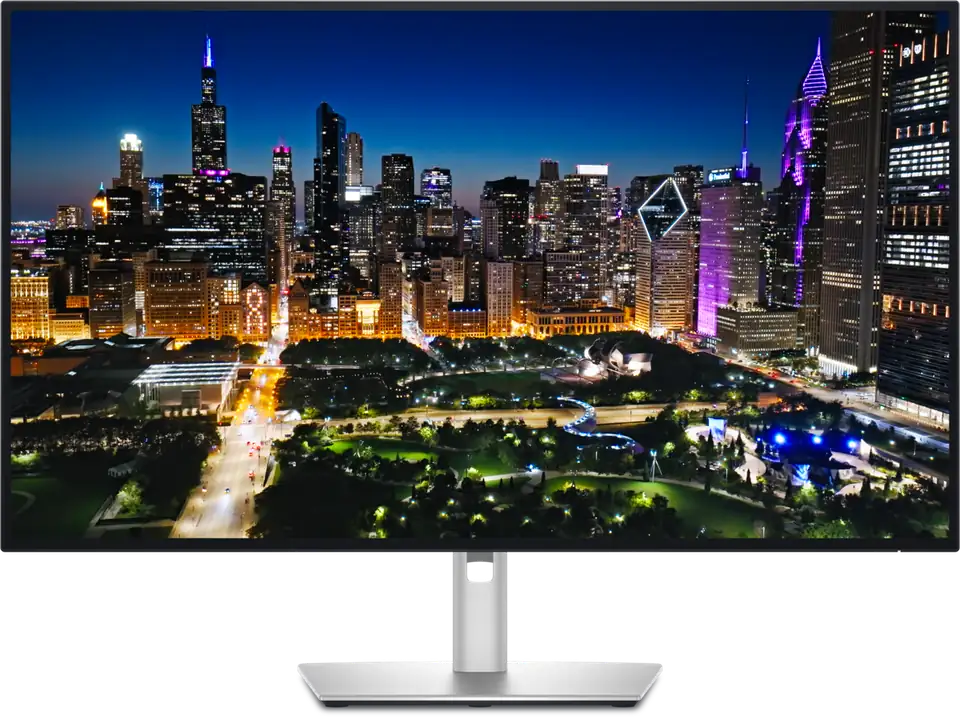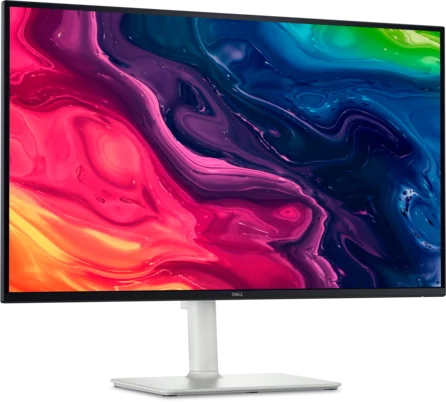
Dell 27 Plus 4K Monitor S2725QS - 27-inch 4K IPS, 120Hz
By Dell · Computer Monitors · Desk & Streaming Setup · More from Dell
- 27-inch 4K UHD (3840 x 2160) IPS panel with up to 120Hz refresh rate
- 350 cd/m2 brightness, 1500:1 native contrast, 99% sRGB, 1.07 billion colors
- Response time 8 / 5 / 4 ms GTG in Normal, Fast and Extreme modes
- AMD FreeSync Premium variable refresh rate, HDR ready
- 2x HDMI 2.1 and 1x DisplayPort 1.4
Price not listed
- DellView at Dell
- NeweggView at Newegg
- WalmartView at Walmart
- eBayView at eBay
- eBay (used) eBay: used, open-box, refurbishedView at eBay (used)
Stores are listed in a fixed order, never by price or commission. Prices are snapshots. Check the current price with the store.
Summary
A 27-inch 4K IPS monitor that puts 120 Hz and 99% sRGB within reach of a modest budget, aimed at desk work and console gaming. Check your ports and your tolerance for motion blur before you buy: there is no USB-C, no USB hub, and no headphone jack.
Strengths
- 4K at 120 Hz makes text sharp and scrolling smooth for ordinary desk work.
- 99% sRGB and measured color accuracy make it credible for sRGB photo editing.
- The fully adjustable stand is sturdy, with metal inside the base.
- Two 5 W speakers are clearer than most monitors manage.
- AMD FreeSync Premium and HDMI 2.1 handle current consoles at 4K and 120 Hz.
- No subscription, no consumables, and a low 25 W typical power draw.
Weaknesses
- Motion is blurry at any refresh rate, so fast PC gaming is mediocre despite the 120 Hz.
- HDR is muted; low contrast makes blacks look gray.
- No USB-C, no USB hub and no headphone jack, so USB-C-only laptops need a dock or cable.
- The included stand cannot rotate the panel fully to vertical.
- Dell’s 1500:1 contrast claim measures closer to 1270:1 in WIRED’s hands.
- Pixel responsiveness is the main weakness, and the optimal overdrive depends on refresh rate and VRR.
Verified specifications
| Panel | 27-inch (684.7 mm) IPS LCD with LED backlight, 16:9, 3840 × 2160 (4K UHD). |
|---|---|
| Refresh rate | up to 120 Hz; vertical scan 48–120 Hz. |
| Pixel density | 163 ppi; pixel pitch 0.16 mm. |
| Brightness | 350 cd/m2 (manufacturer). |
| Contrast | 1500:1 native (manufacturer). |
| Color | 99% sRGB (CIE 1931), 1.07 billion colors (10-bit). |
| Viewing angles | 178° horizontal / 178° vertical. |
| Response time | 4 ms GTG Extreme, 5 ms GTG Fast, 8 ms GTG Normal. |
| Adaptive sync | AMD FreeSync Premium; VRR supported. |
| HDR | HDR ready. |
| Eye comfort | TÜV Rheinland certified; ComfortView Plus. |
| Audio | 2 × 5 W built-in speakers. |
| Connectivity | 2× HDMI 2.1, 1× DisplayPort 1.4; no USB-C, no USB hub, no headphone jack. |
| Stand | height, tilt, swivel and pivot; VESA 100 × 100 mm. |
| Power | 25 W typical, 67 W maximum. |
| Dimensions | with stand 612 × 519 × 200 mm; without stand 612 × 356 × 60 mm. |
| Weight | 6.47 kg (14.26 lb) with stand; 4.56 kg (10.05 lb) without. |
| Package | monitor, VESA cover, side I/O cover, power cable, 1.80 m HDMI cable, QR card, safety and regulatory documents. |
Full research notes and sources
Image quality
WIRED measured 355 nits of brightness, 100% sRGB and 79% AdobeRGB coverage, and an average color accuracy of 1.16. Dell’s own figures are 350 nits and 1500:1 contrast, and WIRED’s measured contrast came in at 1270:1. PC Monitors found respectable image quality with contrast in the region of 1500:1, depending on settings, and good color consistency for an IPS panel. The matte coating resists glare but makes the image feel slightly dimmer and less vibrant than a glossy panel.
Gaming and motion
The 120 Hz refresh rate and HDMI 2.1 bandwidth suit consoles: RTINGS found it handles most PS5 and Xbox Series X|S signals, including 4K at 120 Hz over HDMI 2.1, with low input lag. For PC gaming the story is weaker. Motion is blurry at any refresh rate, so RTINGS calls PC gaming mediocre despite the refresh rate. The 4 ms response time is the Extreme overdrive setting, and the optimal overdrive shifts with refresh rate and whether VRR is active.
Ports, stand and ergonomics
There is no USB-C, no USB hub and no headphone jack. USB-C-only laptops need a hub, dock or a USB-C-to-HDMI or DisplayPort cable. The stand offers height, tilt, swivel and pivot plus a VESA 100 × 100 mm mount, but it cannot rotate the panel fully to vertical; a monitor arm is required for that. Dell sells the sibling S2725QC with a USB-C hub and 65 W power delivery for roughly $50 more.
Value and who it suits
Dell’s US site has shown the S2725QS at $229.99 on its 3840 × 2160 monitors page and $299.99 on its all-monitors listing, and WIRED saw it dip to $254. At that lower price it is strong value for a name-brand 27-inch 4K IPS monitor with 120 Hz, FreeSync Premium, an ergonomic stand and built-in speakers. Toward $300 and above the missing ports and motion blur get harder to justify, and the S2725QC or a higher-tier panel is usually the better buy. A Wirecutter roundup from October 2026 lists it at $360 at Walmart, and in Australia it lists at A$449.90.
Which model this is
This page covers the Dell 27 Plus 4K Monitor, model S2725QS, in Dell’s Plus Series and an ash white finish. Its regulatory model is S2725QSb, and Dell sells the same panel as the S2725QC with an added USB-C hub and USB ports, and as the 32-inch S3225QS with a VA panel. The predecessor is the S2721QS. Don’t merge those siblings into S2725QS evidence.
Sources
Manufacturer:
- Dell 27 Plus 4K Monitor - S2725QS | Dell USA
- Dell S 27 4K Monitor S2725QS User’s Guide (PDF)
- Support for Dell S 27 4K Monitor S2725QS | Manuals & Documents | Dell US
Independent reviews:
Owner reports:
- Thoughts on the new Dell 27 Plus 4k S2725QS monitor - Reddit
- Dell S2725QC/S2725QS O.K. For Photo Editing? - PC Monitors
Stores and roundups: