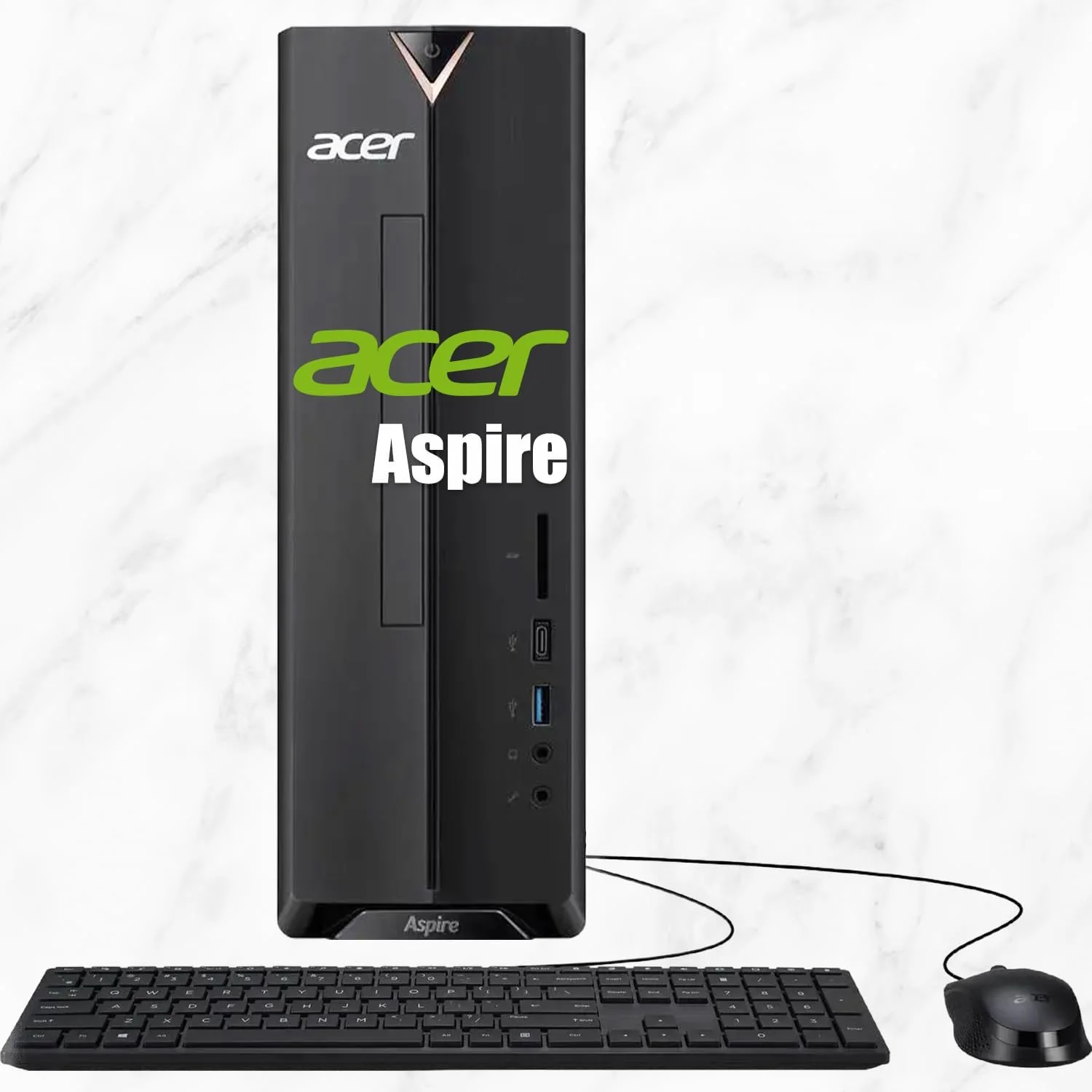
DELL Optiplex 7060 SFF Desktop Computer PC
By DELL · Desktop Computers · Phones & Computers · More from DELL
- Intel Core i7-8700 (6-core, 12-thread, up to 4.6GHz)
- 32GB DDR4 RAM
- 512GB NVMe M.2 SSD
- Intel UHD Graphics 630
- Windows 11 Pro
Lowest price seen
$506.97
from $506.97 at discountcomputerdepot · Checked Oct 15, 2026
- discountcomputerdepot $506.97View at discountcomputerdepot
- whitespiderelectronics $600.59View at whitespiderelectronics
- DELLView at DELL
- Best BuyView at Best Buy
- eBay (used) eBay: used, open-box, refurbishedView at eBay (used)
- eBayView at eBay
- WalmartView at Walmart
- TargetView at Target
- shiView at shi
- pcliquidationsView at pcliquidations
- tekrefurbsView at tekrefurbs
- Micro CenterView at Micro Center
- reviveitView at reviveit
- AmazonView at Amazon (paid link)
Stores are listed in a fixed order, never by price or commission. Prices are snapshots. Check the current price with the store.
Summary
A refurbished business desktop with six-thread-strong Core i7-8700 performance, four RAM slots and a compact 7.8 L case. Check the actual unit before you pay: the SSD may not be NVMe, the Windows license may be Windows 10 Pro or unactivated, and the seller’s return terms matter more than the listing photos.
Strengths
- Six cores and twelve threads still suit browser-heavy office, photo editing and small home-lab work that four-core desktops choke on.
- Four DDR4 slots allow up to 64 GB, so a Proxmox or light virtualization box is realistic if you inspect the sticks first.
- An M.2 NVMe slot plus room for a secondary SATA disk gives two-tier storage in a lunchbox-sized case.
- Ten USB ports, a front USB-C and dual DisplayPorts cover a two-monitor desk without needing a graphics card.
- Dell’s model-specific service manual, diagnostics and PSU replacement video make repairs easier to research than with a generic mini PC.
- Used genuine 200 W SFF PSUs have been listed near $19.99 shipped, which can make a DIY repair economic.
Weaknesses
- The 32 GB/512 GB/Windows 11 Pro package is assembled by the refurbisher, not Dell, so CPU, RAM, SSD, OS edition and Wi-Fi vary by unit.
- HDMI is an optional third port; many units ship with only two DisplayPorts.
- The 200 W supply and half-height slots rule out serious graphics, and modified builds can be loud or unstable.
- SSD health, power-on hours and TBW are unknown, and “512 GB SSD” does not guarantee NVMe.
- No population failure-rate study exists for this chassis, so seller term sheets and photos matter more than brand reputation.
- A 32 GB unit can occupy all four slots (4 × 8 GB), leaving no simple path to 64 GB.
Verified specifications
| Chassis | OptiPlex 7060 Small Form Factor (SFF), 7.8 L, not the Tower or the Micro. Dimensions: 11.42 × 3.7 × 11.50 in; weight 11.57 lb (5.26 kg) minimum. |
|---|---|
| CPU | Intel Core i7-8700 (8th gen), 6 cores, 12 threads, 3.2 GHz base, up to 4.6 GHz turbo, 12 MB L3, 65 W TDP. |
| Chipset and security | Intel Q370 with TPM 2.0 on factory configurations. |
| Memory | 4 non-ECC DDR4 UDIMM slots, Dell-validated 64 GB maximum (4 × 16 GB) at 2666 MT/s for the i7 build; i3 variants run at 2400 MT/s. |
| Storage | one M.2 2280 position (PCIe Gen 3 x4 NVMe or SATA) plus internal SATA space for one 3.5 in HDD or two 2.5 in HDDs with the correct brackets and cables. |
| Expansion | one half-height PCIe 3.0 x16 slot and one half-height PCIe x4 (open-ended) slot, plus an M.2 2230 Wi-Fi slot. |
| Graphics | Intel UHD Graphics 630 integrated, sharing system RAM. Factory discrete options on Dell’s sheet include Radeon R5 430 and RX 550; the GTX 1050 is a Tower-only option. |
| Ports | 1 front USB 3.1 Gen 2 Type-C, 5 USB 3.1 Gen 1 Type-A, 4 USB 2.0 Type-A (10 total), 2 rear DisplayPort, 1 Gigabit Ethernet (Intel I219-LM), front headset and rear line-out. |
| Video outputs | HDMI 2.0b is optional, not standard; some units ship with only two DisplayPorts. |
| Networking | gigabit Ethernet is standard; Wi-Fi is an optional factory module (Intel Wireless-AC 9560 or Qualcomm QCA61x4A) and refurbisher retrofits vary. |
| OS eligibility | Microsoft lists 8th-generation Core i7 as supported for Windows 11, so the i7-8700 clears the CPU-family requirement. Activation and TPM still depend on the actual unit. |
| Serviceability | Dell’s 7060 SFF service manual covers memory, M.2 storage, the optical drive, drive cages, cooler, fan, WLAN and PSU, including a replacement video published in January 2026. |
Full research notes and sources
Upgrades and cooling
The 200 W supply and half-height slot clearances constrain graphics. Owners who fitted low-profile RTX cards report loud fans and, with non-original 24-to-6-pin adapters, shut-down or restart quirks; one July 2026 case reported roughly 15 minutes before the system powered on after AC power was disconnected. Those issues concern third-party hardware and adapters, not the factory supply, but they show where modifying this chassis leads. If GPU compute or multi-disk storage matters, the OptiPlex 7060 Tower with its 260 W supply and full-height slots is the better base.
Arrival checks
Before the return window closes, confirm the i7-8700 in BIOS and Windows, count the occupied RAM slots and capacity, read the NVMe model and SMART health, verify TPM 2.0 and Windows 11 Pro activation, run Dell’s preboot diagnostics, and test sleep, shutdown, both DisplayPorts, USB-C, audio and Wi-Fi. Listen for fan noise and thermal throttling under load. Keep the invoice, as-shipped photos and the seller’s advertised configuration.
Running costs
Electricity dominates the recurring cost, since there are no subscriptions, cartridges or annual parts. The 200 W rating is a capacity figure, not a measured draw, and the chassis needs only occasional cleaning. Illustrative only, at an assumed $0.20 per kWh: an office workload averaging 35 W over 8 hours a day for 250 days is 70 kWh, or about $14 a year; a light 24/7 home lab averaging 22 W is 192.72 kWh, or about $38.54. Add UPS, backup drives and restore testing separately if it runs unattended.
Observed asking prices in October 2026, before shipping and tax, spanned roughly $303 to $565 for similar headline configurations, and the offers differ in SSD type, Windows edition, cosmetic grade, returns and warranty. For a working i7-8700/32 GB/512 GB NVMe unit with Windows 11 Pro: up to $275 shipped is strong value; $276–$335 fits the examined $318.99 no-return example; above $400 is hard to justify against the newer OptiPlex 7070, which was listed at $355.61 with one-year Allstate coverage. The $564.99 Certified Refurbished figure carried two-year Allstate service, not a fresh Dell warranty. Check stock and terms at checkout, because these are listings, not secured orders.
Which model this is
This page covers the 2018 Dell OptiPlex 7060 Small Form Factor with a Core i7-8700. It is not the Tower (260 W supply, full-height slots) or the Micro (two SO-DIMMs and a much smaller board). Dell’s factory configuration list includes i3-8100/8300, i5-8400/8500/8600 and i7-8700 CPUs, so match the chip printed on the spec sheet rather than the model name. The 32 GB/512 GB/Windows 11 Pro bundle is a refurbisher construction, and some listings ship with Windows 10 Pro, no optical drive, or no bundled keyboard or mouse.
Sources
Manufacturer:
- Dell OptiPlex 7060 technical specifications
- Dell 7060 SFF setup and specifications guide
- Dell 7060 SFF service manual
- Dell warranty status and ownership transfer lookup
- Microsoft Windows 11 supported Intel processors
- Dell 7060 SFF 3D replacement guide for the PSU
Owner reports:
- Fan noise with a low-profile GPU (r/SleepingOptiplex)
- Non-original PSU shutdown and restart quirks (r/SleepingOptiplex)
- Apevia 500 W conversion problems (r/SleepingOptiplex)
- Black screen after refurb upgrade (r/homelab)
- Proxmox setup on an i7-8700/32 GB/512 GB unit (r/homelab)
Stores and parts: