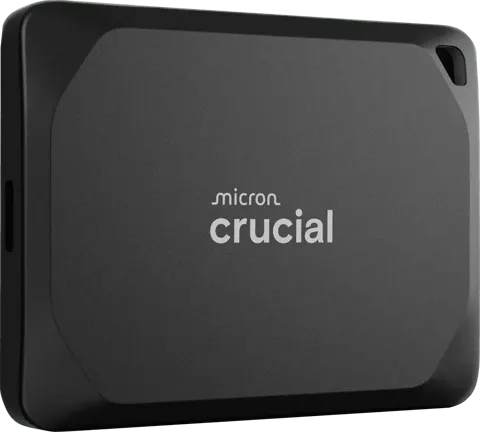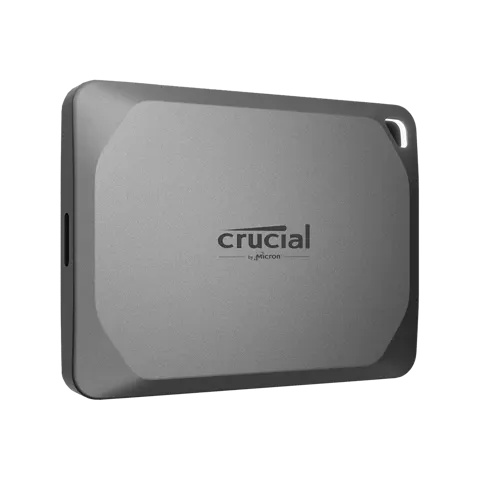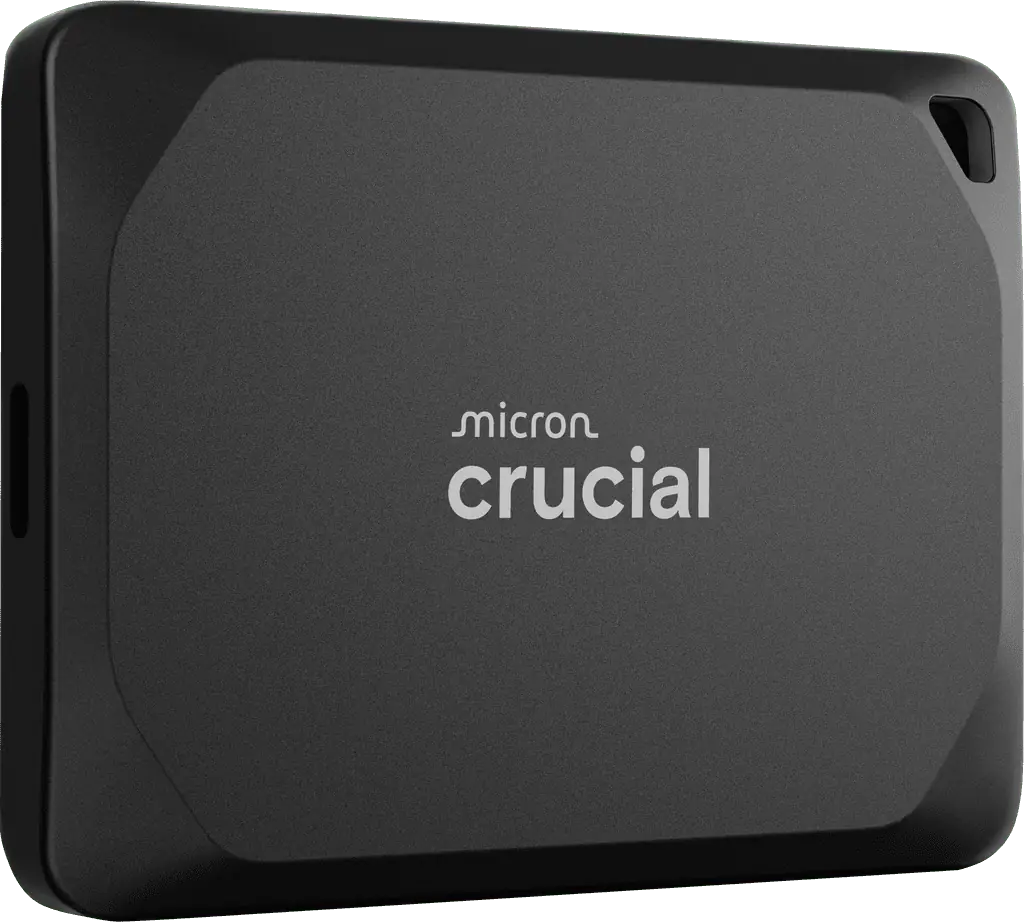
Crucial X10 Pro 1TB Portable SSD (CT1000X10PROSSD9)
By Crucial · External Ssds · Desk & Streaming Setup
- 1TB capacity
- USB 3.2 Gen 2x2 interface
- Up to 2,100MB/s read and 2,000MB/s write
- IP55 water and dust resistance
Price not listed
- CrucialView at Crucial
- eBayView at eBay
- AmazonView at Amazon (paid link)
- eBay (used) eBay: used, open-box, refurbishedView at eBay (used)
Stores are listed in a fixed order, never by price or commission. Prices are snapshots. Check the current price with the store.
Summary
A palm-size USB 3.2 Gen 2x2 (20 Gbps) external TLC SSD rated up to 2,100 MB/s read and 2,000 MB/s write, with IP55 resistance and a five-year limited warranty. Check your host first: a USB-C port alone does not mean 20 Gbps, and the 1 TB model’s sustained writes collapse on large batches.
Strengths
- On a true 20 Gbps host, a separately tested 1 TB regional variant measured 2,072.66 MB/s read and 1,672.96 MB/s write in CrystalDiskMark, and about 860.41 MB/s copying large ISO data.
- Independent 20 Gbps-class results from other capacities establish platform potential: about 1,967 MB/s four-thread sequential reads and 1,736 MB/s writes; about 2,057 / 1,834 MB/s in CrystalDiskMark on 2 TB.
- Compact metal housing with good large-file throughput.
- AnandTech measured about 2 W average active draw, so it can be practical on battery-powered devices.
- Five-year limited warranty and IP55 resistance on the spec sheet.
Weaknesses
- The 1 TB model is the weak sustained-write choice: AnandTech’s roughly 318 GB mixed-data transfer test pushed the 1 TB down to about 50 MB/s instantaneous writes, taking up to 20 minutes, versus about 6 minutes for 2 TB and 5 minutes for 4 TB. Maximum observed test temperatures were about 56 °C, so the authors did not attribute it to thermal throttling.
- A separate 1 TB regional test found the pSLC cache exhausted after about 64 GB in a 300 GB extended write; its average write was about 1,319 MB/s, a different result from a different method.
- Tom’s Hardware’s strong sustained-write figures are from a 2 TB sample, not evidence for 1 TB.
- Owners report drives becoming read-only or stopping writes on Mac and exFAT, with no confirmed root cause.
- No USB-A cable or adapter in the box; a suitable adapter costs extra and cannot create 20 Gbps on a USB-A port.
Verified specifications
| Exact model | Micron/Crucial X10 Pro 1TB, CT1000X10PROSSD9. A regional test unit uses CT1000X10PROSSD902; that is not the same last SKU suffix. |
|---|---|
| Capacity | marketed 1 TB (decimal); formatted capacity shows about 931 GiB. |
| Bus | one USB-C port, USB 3.2 Gen 2x2 at 20 Gbps, backward compatible with slower ports. Full speed needs a verified 2x2 host and a certified 20 Gbps cable. |
| Controller and media | Silicon Motion SM2320, Micron 176-layer TLC NAND, bridge-free single-controller design, no separate DRAM listed. |
| Rated speed | up to 2,100 MB/s read and 2,000 MB/s write; these are peaks, not guaranteed sustained rates. |
| Dimensions and weight | about 65 × 50 × 10 mm, 42 g. Anodized aluminum case with rubbery base, lanyard hole, tiny activity LED. |
| Resistance | IP55 dust and water-jet resistance, plus a 7.5 ft (about 2 m) drop-survival marketing test. Not waterproof for immersion. |
| Security | 256-bit AES hardware encryption with password protection; verify OS-specific software availability before relying on it. |
| In the box | SSD, about 22 cm USB-C-to-USB-C cable rated for 20 Gbps, quick-start guide. No USB-A cable or adapter. |
| Compatibility | Windows, Mac, some mobile devices, selected cameras and game consoles, subject to each platform’s storage rules. |
| Warranty | five-year limited hardware warranty, or published maximum TBW, whichever comes first. TBW is unspecified in the checked review, so no numeric endurance figure is claimed. |
Full research notes and sources
Host ports and real speed
Many laptops and Macs expose USB-C without USB 3.2 Gen 2x2. Thunderbolt 4 does not automatically make this a 20 Gbps drive; typical observed transfer speed is closer to a 10 Gbps SSD. On a slower host the premium over a 10 Gbps drive is often wasted. The included cable is about 22 cm, and a badly full drive has less spare capacity for dynamic SLC write caching, so large batches can slow far more than headline performance suggests. The tiny LED sits in the lanyard opening and can be hard to see.
Reliability and owner reports
Individual owner reports include a month-old unit on a Mac mini that stopped accepting writes and demanded reformatting, a unit with macOS repair warnings after about two weeks, a drive that became read-only after under two years, and a 4 TB unit that became unreadable after use through an unpowered hub. A 2024 commenter reported support suggesting backup and reformat rather than a definitive repair. None of these establishes a population failure rate, and capacities and causes were not confirmed. No audited failure percentage, median RMA time or recall is published.
Running costs
The drive is USB bus-powered, with no subscription, AC adapter, battery replacement or manufacturer-specified scheduled consumables. AnandTech observed about 2 W average under its active-stage test; no exact idle or typical annual duty cycle is verified. Illustration only: 2 W for 8 hours a day for 365 days is 5.84 kWh per year, or $1.17 at an assumed $0.20 per kWh; at 2 hours a day it is 1.46 kWh per year, or $0.29. Host overhead, hub power, unknown idle draw and backup-drive costs are excluded. No defensible typical repair cost, warranty shipping amount or data-recovery cost was found.
Is it worth it?
- Best Buy: $145.99 clearance, sold out; not currently buyable inventory.
- Micro Center: $199.99, in-store only (a store-specific $154.99 offer was reported for Santa Clara on October 16).
- Walmart Business: $219.00 on an exact-model listing at snapshot time, location-dependent.
- Newegg: $229.00 from independent marketplace seller Good Luck Bargains, not Newegg itself.
- Historical: PCWorld’s August 2023 review listed $119.99 for 1 TB; Tom’s Hardware’s October 2023 table listed $107.99. These are 2023 snapshots, not 2026 discounts.
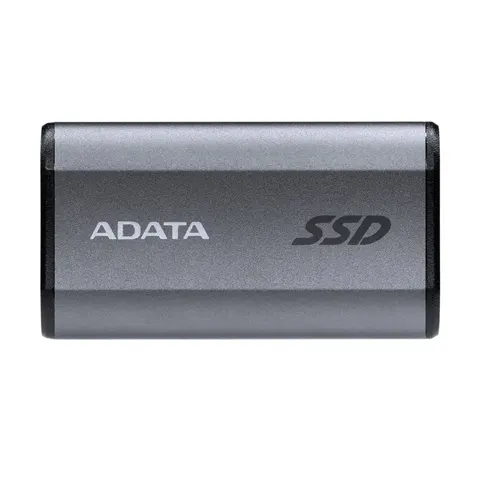
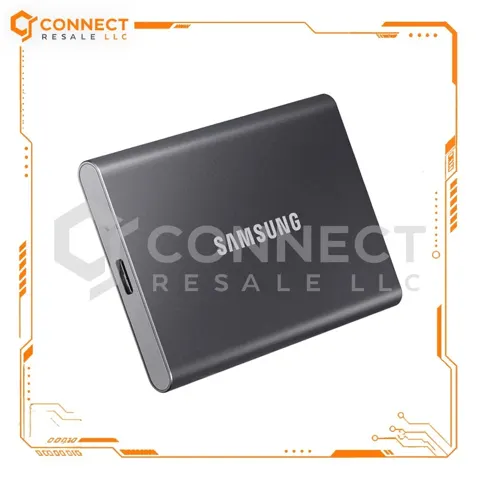
Buying thresholds: at $110–$140 new and delivered it is a good price for someone with a real 20 Gbps host and moderate-size transfers, from a reputable seller with a good return period. At $141–$165 it is conditional, worthwhile only where the buyer has an actual 20 Gbps host. At $166–$200 it is poor unless a particular workflow benefit is demonstrated. Above $200, generally skip the 1 TB X10 Pro. The Crucial X9 1 TB (10 Gbps) was about $139.99–$159.99 at Micro Center; the ADATA SE880 1 TB was $149.99 in an October 22 deal roundup; the Samsung T9 1 TB was $259.99 at Best Buy and $287.99 from Samsung.
Which model this is
This page covers the Crucial X10 Pro 1 TB portable SSD, exact US model CT1000X10PROSSD9. It is not the plain X10, not the X9 Pro, not the X9, and not the 2 TB or 4 TB X10 Pro. The capacity is marketed in decimal terabytes. Its hardware family matches a regional CT1000X10PROSSD902 test unit, but the last SKU suffix differs.
Sources
Manufacturer:
- Micron/Crucial: X10 Pro product flyer and part/cable specifications (PDF)
- Micron/Crucial: SSD limited warranty terms (PDF)
- Crucial: Storage Executive compatibility including X10 Pro
Independent reviews:
Owner reports:
- Reddit r/mac: X10 Pro becoming read-only in a month, January 2024
- Reddit r/Crucial: X10 Pro filesystem problems after about two weeks
- Reddit r/datastorage: X10 Pro read-only after less than two years, May 2026
- Reddit r/ssd: 4TB X10 Pro unreadable after unpowered hub, August 2026
Parts and stores:
- Micro Center: exact US 1TB X10 Pro listing, $199.99 Phoenix store view
- Best Buy: exact CT1000X10PROSSD9 1TB listing, sold-out clearance
- Newegg: CT1000X10PROSSD9 1TB $229 third-party listing
- Walmart Business: exact CT1000X10PROSSD9 1TB listing, $219
- PC Gamer: October 22, 2026 US external SSD deals including ADATA SE880
- Slickdeals: Micro Center Santa Clara X10 Pro deal, October 16, 2026