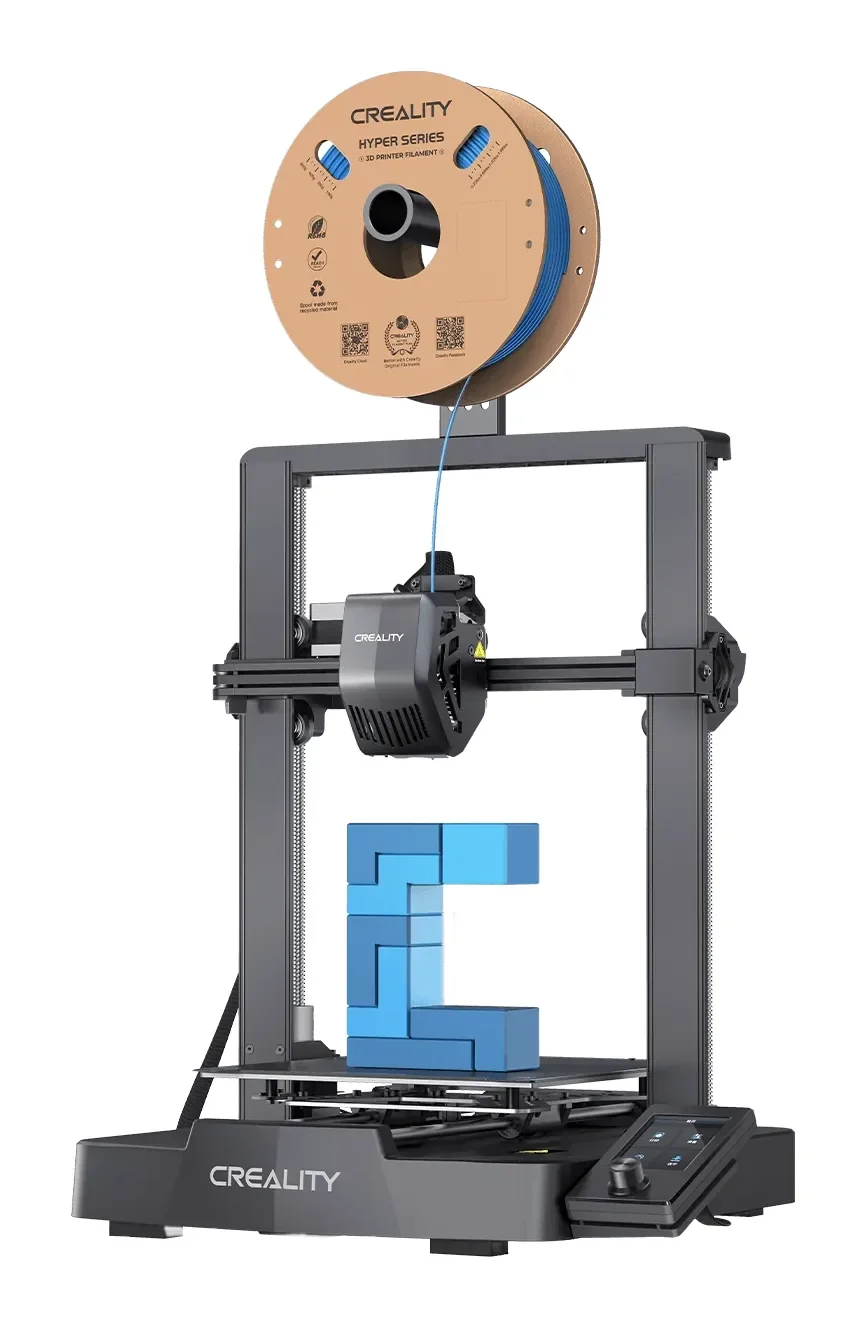
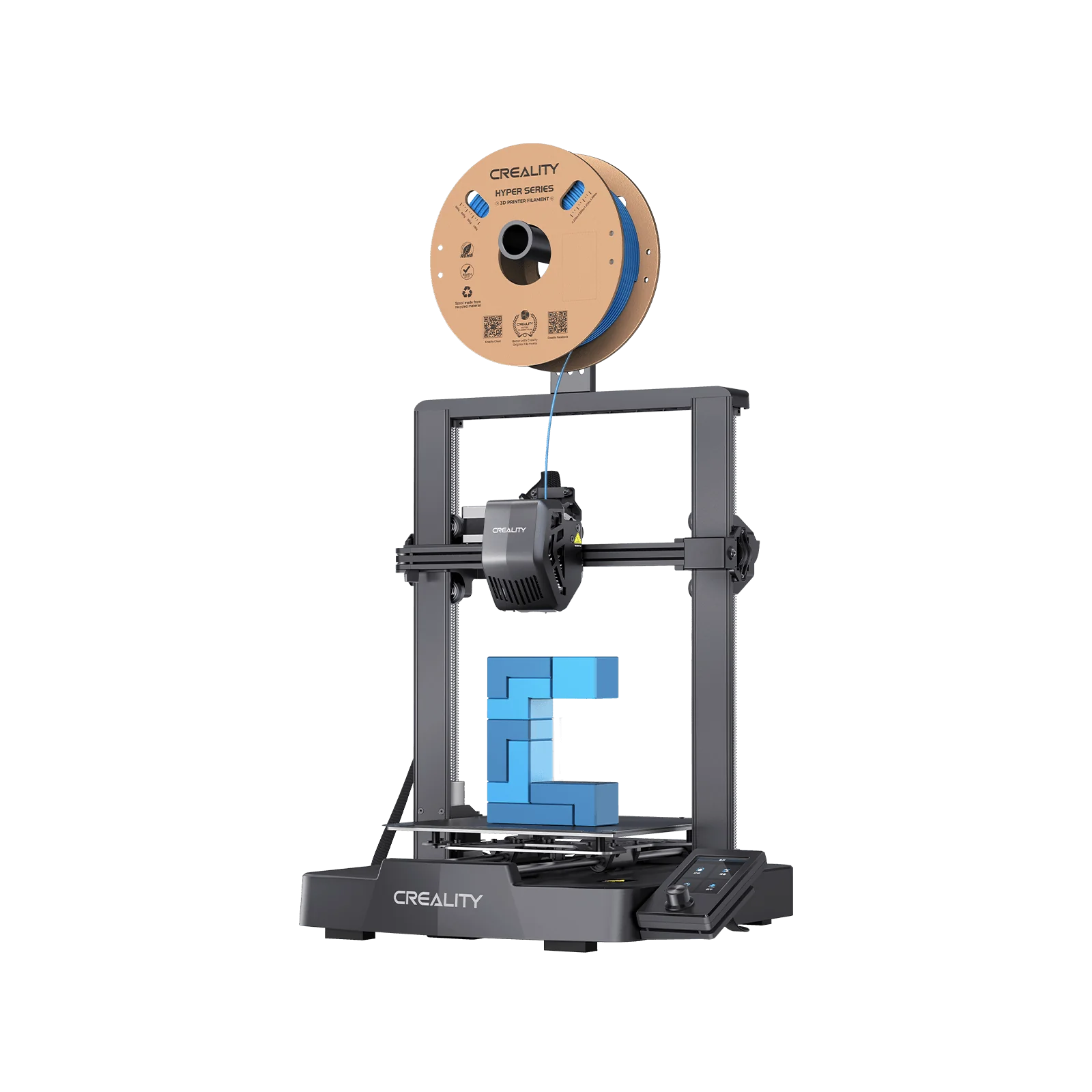
Creality Ender 3 V3 SE Bundle (4x PLA)
By Creality · Budget 3D Printers · 3D Printing
- Open-frame FDM, 250 mm/s and 2,500 mm/s²
- Bundle includes four spools of PLA filament
- 3-step assembly, automatic filament loading and unloading
- The 4.9-star machine of this list (1,800+ ratings)
Lowest price seen
$199.00
from $199.00 at Tecisoft · Checked Oct 2, 2026
- Tecisoft $199.00View at Tecisoft
- 3D Printers Online Store $199.00View at 3D Printers Online Store
- Creality (D2C)View at Creality (D2C)
- eBayView at eBay
- Best BuyView at Best Buy
- WalmartView at Walmart
- ZoroView at Zoro
- eBay (used) eBay: used, open-box, refurbishedView at eBay (used)
- AmazonView at Amazon
Prices are snapshots. Check the current price with the store.
Summary
An open-frame 220 × 220 × 250 mm bed-slinger built for a first printer, with auto bed leveling that works and a direct-drive extruder that grips TPU, usually around $199 direct from Creality. Budget time for first-layer and Z-offset tuning, because owners report both even though leveling is automatic.
Strengths
- Both instrumented reviews endorse the machine at $199, and Tom’s Hardware gave it an Editor’s Choice.
- Auto leveling is one button: the machine sets Z height from the bed sensor and taps 16 points.
- The Sprite direct-drive extruder grips TPU, which is uncommon at this price.
- Assembly takes about 15 minutes and the tool head arrives pre-mounted.
- A 250 mm/s headline, power-loss recovery and a 32-bit silent mainboard at the entry level.
- Small and light at 6.5 kg, so it fits a desk.
Weaknesses
- Real print speed is nearer 150 mm/s, capped by the 2,500 mm/s² acceleration.
- No Wi-Fi, no touchscreen, no camera and no input shaping; firmware is Marlin, not Klipper.
- Owners report Z-offset drift and first-layer blobs after the first few days.
- Stringing and Z-tower wobble recur in owner threads.
- The PC-coated plate is sticky and hard to clean.
- Whether a filament run-out sensor is fitted is disputed between the two reviews.
Verified specifications
| Model | Creality Ender-3 V3 SE, open-frame FDM / FFF bed-slinger. |
|---|---|
| Build volume | 220 × 220 × 250 mm (8.7 × 8.7 × 9.8 in). |
| Layer height | 0.1-0.35 mm. |
| Max speed | 250 mm/s; typical speed 180 mm/s per Creality, about 150 mm/s per Tom’s Hardware. |
| Max acceleration | 2,500 mm/s². |
| Nozzle | 0.4 mm high-flow; up to 260 °C. |
| Heated bed | up to 100 °C; PC-coated spring steel sheet. |
| Leveling | CR Touch plus a bed-mounted strain sensor for auto Z offset; 16-point tap. |
| Extruder | “Sprite” direct drive. |
| Display | 3.2-inch color knob screen, not a touchscreen. |
| Filaments | PLA, PETG, TPU 95A, 1.75 mm. |
| Connectivity | SD card and USB-C; no Wi-Fi. |
| Power | 350 W, 100-120 V, 60 Hz; power-supply switch set to 115 V in the US. |
| Dimensions | 365 × 345 × 458 mm; 6.5 kg. |
| Assembly | about 90% pre-built; three screws per side on the gantry. |
Full research notes and sources
Speed and firmware
Creality lists 250 mm/s as the maximum and 180 mm/s as typical, TechRadar’s spec box repeats 180 mm/s, and Tom’s Hardware puts normal speed nearer 150 mm/s. The real cap is the 2,500 mm/s² acceleration, which Tom’s Hardware named as the reason its speed-rule Benchy took 41 minutes. There is no input shaping and no accelerometer compensation on this model; Creality lists those on the pricier V3 KE and V3. The firmware is Marlin, and community Klipper users have had to drop the default pressure advance from 0.17 to about 0.06 to get clean results.
First layer and Z offset
Auto leveling is genuinely one-button, but it does not always land the first try. Tom’s Hardware found its unit’s Z offset set slightly too close and adjusted live during the first print, and a dedicated owner thread asks why many V3 SE units develop the same Z-offset problem after the first few days. A forum owner whose first week went well then produced first-layer blobs that dragged the nozzle; a new nozzle, the official hotend, a bi-metal heatbreak, a Capricorn PTFE tube, flow calibration and manual Z adjustment all failed to fix it. Another owner’s nozzle began gumming up after a month, resisting cleaning and a nozzle change. These are forum reports, not a defect rate, and some are setup rather than hardware.
Build plate and filament
Tom’s Hardware’s only listed con is the PC-coated build plate, which it found still too sticky and hard to clean. TechRadar calls filament drying a real quality limiter and recommends running a dryer, which is an ongoing cost the starter filament does not cover. There is no proprietary filament or service lock-in; the machine uses standard 1.75 mm filament and standard slicers, though third-party slicers need a hand-built profile because there is no stock Cura profile.
Warranty and returns
Creality’s store policy gives a complete machine a 12-month warranty, with 14-day returns and 30-day exchanges, plus free replacement of extruder kits inside three months. B&H’s US listing states a limited 1-year manufacturer warranty, matching that. Creality’s European storefronts advertise 24 months, which is regional and should not be applied to a US purchase. Creality notes that non-original parts can cause compatibility issues inside warranty.
Which model this is
This page covers the Creality Ender-3 V3 SE, not the Klipper-based Ender-3 V3 KE, the CoreXY Ender-3 V3 or the Ender-3 V3 Plus, which use different motion systems and speeds. The US listing is ASIN B0FQV2PLV1. The researched retail bundle adds four PLA spools, a composition that could not be confirmed from a non-Amazon source, so the bundle is a convenience on top of the same printer.
Sources
Manufacturer:
- Ender-3 V3 SE 3D Printer (Creality US)
- Creality Ender-3 V3 SE official spec table (EU shop)
- Creality Ender-3 V3 SE product page (Creality3D Official)
- Compare the Ender-3 V3 series
- Ender-3 V3 SE 3D Printer (Creality Store)
- Creality return and after-sales policy
- Creality warranty and returns policy
- Creality after-sales service policy
Independent reviews:
- TechRadar Ender-3 V3 SE review
- Tom’s Hardware Ender-3 V3 SE review
- P3D Ender-3 V3 SE review
- CK Tech Check Ender-3 V3 SE review
- 3DWithUs Ender-3 V3 KE and SE comparison
- The 3D Printer Bee Ender-3 V3 SE hands-on review
- B&H Ender-3 V3 SE listing
Owner reports:
- Thoughts on the Ender 3 V3 SE (r/ender3)
- Ender 3 V3 SE stringing issues (r/ender3)
- V3 SE common issues (r/Ender3V3SE)
- Problems with my new Ender 3 V3 SE (Creality Community Forum)
- Klipper on the Ender 3 V3 SE (r/Ender3V3SE)
- Ender 3 V3 SE issue (UltiMaker Community)
- Struggling with the Ender 3 V3 SE (r/3Dprinting)