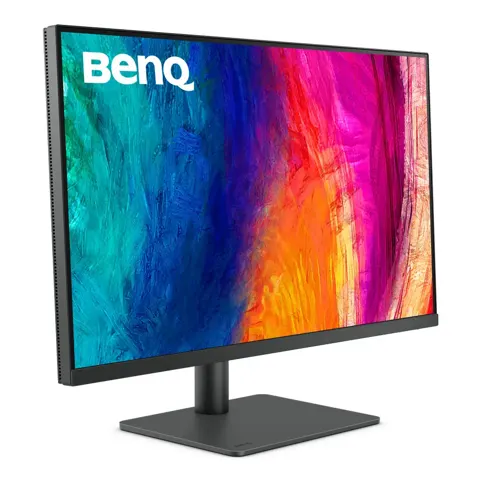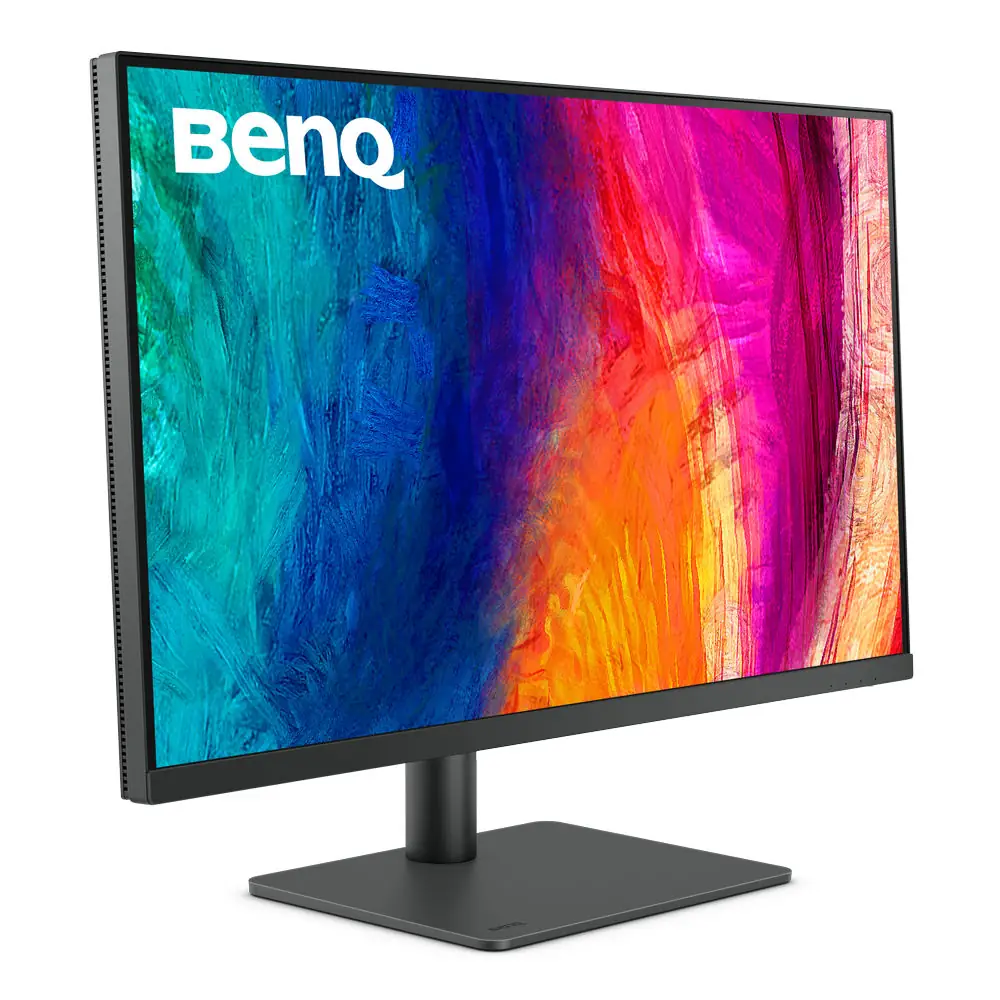
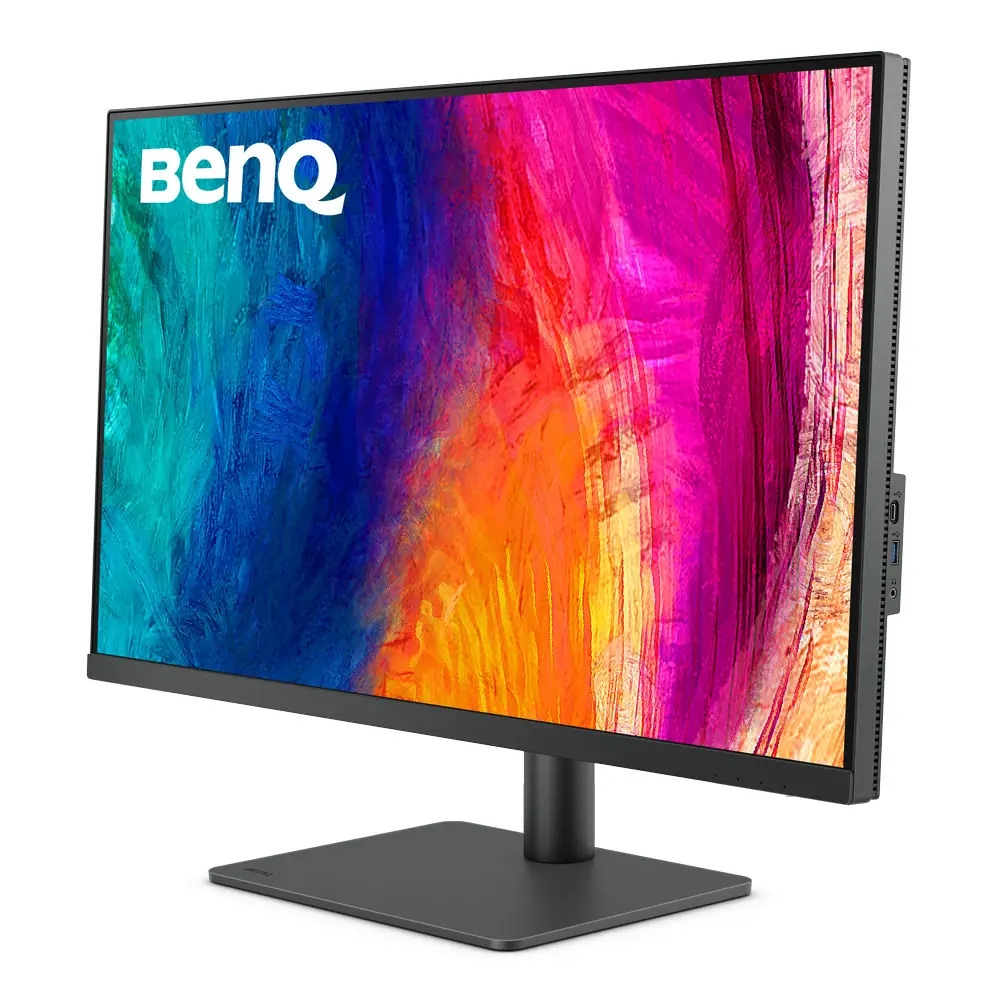
BenQ PD3205U Mac-Ready Monitor 32" 4K UHD 99% Rec
By BenQ · Computer Monitors · Desk & Streaming Setup · More from BenQ
- 31.5-inch 3840x2160 IPS
- 99% sRGB, 99% Rec.709
- Delta E <=3
- 60 Hz refresh rate
- USB-C with 90W power delivery
Price not listed
- BenQView at BenQ
- WalmartView at Walmart
- AmazonView at Amazon (paid link)
More on eBay (1)
- eBayView at eBay
- eBay (used) eBay: used, open-box, refurbishedView at eBay (used)
Stores are listed in a fixed order, never by price or commission. Prices are snapshots. Check the current price with the store.
Summary
A 31.5-inch 4K IPS monitor factory-calibrated for sRGB and Rec.709 design, CAD and office work, with 90W USB-C charging, a two-computer KVM and an included Hotkey Puck G2. Check the USB-C bandwidth trade-off before you buy: 4K at 60 Hz with USB 2.0 hub speeds, or 4K at 30 Hz with 5 Gbps USB data.
Strengths
- Strong measured sRGB accuracy for the price, with Digital Camera World reporting very good color and white-point uniformity on its sample.
- 4K detail and practical color presets praised by TechRadar, with a physical Hotkey Puck for quick mode changes.
- One-cable USB-C video, charging and hub control, plus a KVM for sharing keyboard and mouse between two computers.
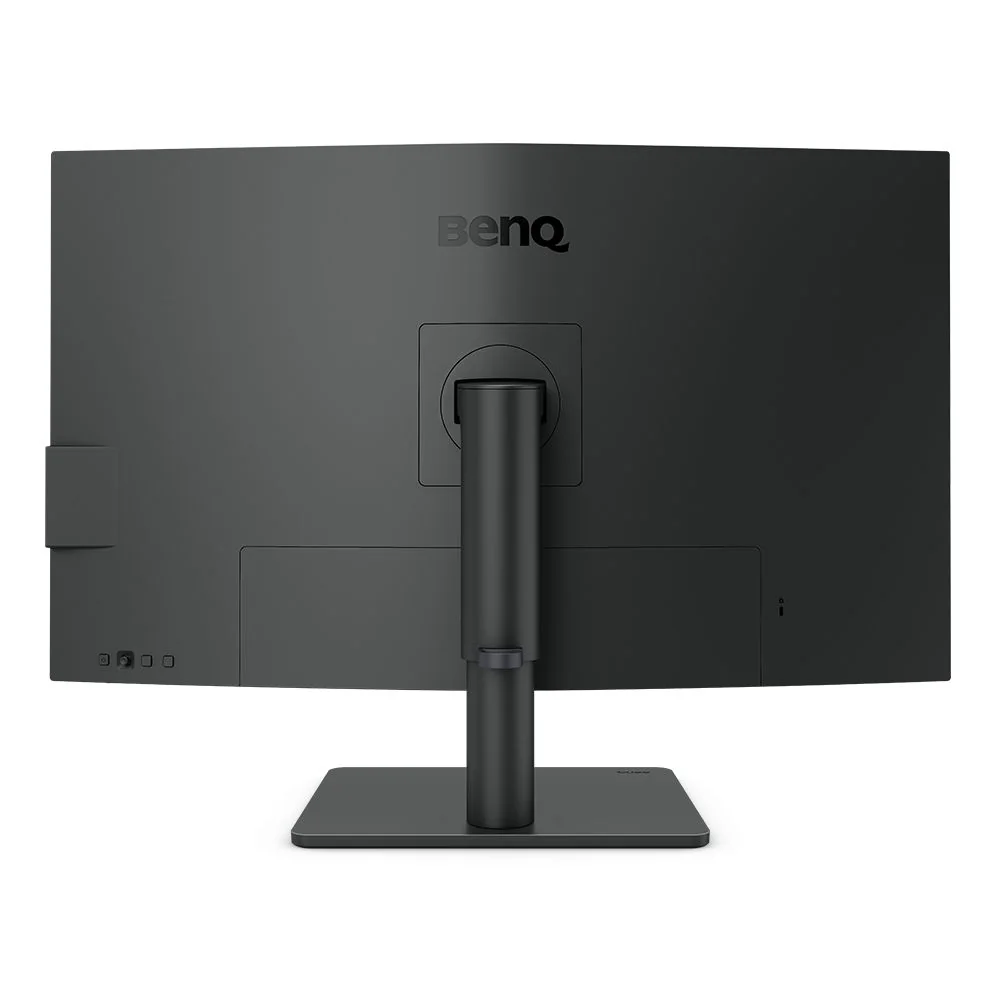
- Fully adjustable stand with pivot, height, tilt, swivel and VESA support for portrait and side-by-side layouts.
- Factory calibration report included; out-of-box profile is a useful starting point for sRGB and Rec.709 work.
Weaknesses
- USB-C connections drop or fail to wake on some Mac setups, with reports spanning Intel and Apple-silicon machines.
- Brightness is modest (250 nits typical, 350 nits peak) and HDR is limited by IPS contrast; not a high-impact HDR display.
- 60 Hz and 5 ms response make it unsuitable for competitive gaming.
- Gamut stops at sRGB and Rec.709; not enough for wide-gamut photo or print proofing.
- Backlight bleed and IPS glow vary by unit; test the panel during the return window.
- Large, heavy footprint on the desk.
Verified specifications
| Model | BenQ DesignVue PD3205U, 31.5-inch IPS, 3840 × 2160, 16:9, matte coating, about 140 ppi. |
|---|---|
| Refresh and response | 60 Hz maximum, 5 ms gray-to-gray, 178° viewing angles. |
| Contrast and brightness | 1000:1 contrast, 250 nits typical, 350 nits peak in HDR mode. |
| Color | 99% sRGB and 99% Rec.709, Delta E average at or below 3, 1.07 billion nominal colors, factory calibration report, Calman Verified and Pantone Validated. |
| Video inputs | one HDMI 2.0, one DisplayPort 1.4, one rear USB-C with DisplayPort Alternate Mode, USB data and up to 90W power delivery, plus one downstream USB-C (data and low power only). |
| USB hub and KVM | two USB-B upstream and three USB-A 3.2 downstream ports, KVM switching between USB-C and USB-B upstream PCs, 3.5 mm headphone jack. No Thunderbolt or USB4. |
| USB-C bandwidth | USB 3.2 Gen 1 mode gives 3840 × 2160 at 30 Hz with 5 Gbps USB data; USB 2.0 mode gives 3840 × 2160 at 60 Hz with 480 Mbps USB data. |
| Ergonomics | 110 mm height travel, swivel 15° each way, tilt -5° to +20°, 90° pivot, 100 × 100 mm VESA mount. |
| Dimensions | 714.7 × 589 × 256.8 mm at maximum stand height; 20.7 lb (9.4 kg) with stand, 13.7 lb (6.2 kg) panel only. |
| Audio | two 2.5 W speakers plus headphone jack. |
| Power | integrated 100–240 V supply, 31.5 W normal, 168 W maximum, sleep under 0.5 W. |
| In the box | AC cable, HDMI 2.0, DisplayPort 1.4, USB 3.0 upstream, USB-C cable, Hotkey Puck G2, calibration report, warranty card and quick-start guide. |
| Warranty | three-year US limited warranty on eligible defects in materials and workmanship. |
Full research notes and sources
Color accuracy and who it’s for
BenQ rates the PD3205U at 99% sRGB and 99% Rec.709 with an average Delta E at or below 3, and includes a factory calibration report. Digital Camera World’s colorimeter testing found excellent measured accuracy and uniformity on its one sample, including an average Delta E around 0.218, and specifically cautions against using it for Adobe RGB print proofing. TechRadar praised 4K detail and color but found brightness low and the frame bulky. If your work is web, broadcast Rec.709, illustration or CAD, the panel fits; if you need wide-gamut photo grading or print reference, look elsewhere.
USB-C bandwidth and Mac compatibility
The rear USB-C port carries DisplayPort Alternate Mode, USB data and up to 90W of charging, but the manual’s USB-C Configuration setting forces a choice: USB 3.2 Gen 1 mode gives 4K at 30 Hz with 5 Gbps hub data, while USB 2.0 mode gives 4K at 60 Hz with 480 Mbps hub data. DisplayPort and HDMI are separate paths and do not have this limit.
Owners report intermittent USB-C signal and charging dropouts on MacBook setups, including M1, M2 and M3 machines, with some cases recurring every few weeks. One 2022 poster described two units failing to stay connected to 2019 Intel MacBook Pros while working with some M1 and Windows machines; an August 2023 commenter reported that connecting over HDMI, opening the menu and choosing Reset All restored USB-C video. That is a reported workaround, not a documented cure. Another owner saw the monitor keep charging but stop being recognized after sleep or source switching, with a restart restoring video. BenQ’s public replies in those threads suggested trying a different full-featured USB-C cable, setting Power Awake to On, restarting the host and, if unresolved, contacting warranty service. No verified root cause or failure rate has been published.
Brightness, HDR and gaming
Typical brightness is 250 nits, with a 350-nit peak in HDR mode and 1000:1 IPS contrast. TechRadar found that insufficient for some situations. HDR10 signal acceptance is not the same as professional HDR mastering capability. The 60 Hz refresh and 5 ms response also rule out competitive gaming. If you work beside a bright window or want high-impact HDR, this is not the right panel.
Running costs, warranty and support
No recurring consumables are required: no filters, lamps, ink or subscription. Electricity is the main running cost. At BenQ’s stated 31.5 W normal consumption, 8 hours a day for 250 working days is 63.0 kWh a year, about $12.60 at an assumed $0.20 per kWh; sleep adds under 3.38 kWh, or about $0.68, if the monitor spends the remaining 6,760 hours below 0.5 W. With 90W laptop charging active, consumption rises toward the 168 W maximum and this estimate no longer applies.
BenQ’s US three-year limited warranty covers eligible defects in materials and workmanship, with parts and labor but no advanced replacement guarantee; BenQ may repair with new or reconditioned parts or replace with a functionally equivalent model. In-warranty service includes a free prepaid shipping label to the nearest service center, but packaging and packing materials are not provided, so keep the original box. Out-of-warranty repair and shipping are at customer expense. Backlight bleed, IPS glow and subpixel anomalies may be subject to specific warranty thresholds, so inspect the panel during the retailer return window.
Is it worth it?
B&H Photo and Best Buy both listed the PD3205U at $549.99 new in late October 2026, against a displayed $579.99 reference, with B&H showing in-stock free two-day shipping. Newegg’s first-party price was $699.99 with free shipping, while a third-party Adorama marketplace offer on the same page was $549.99 with about $49.10 shipping to the example location, so compare delivered cost and seller terms. BenQ’s own US buy page showed out of stock with no usable live price. An aggregator displayed a $449.99 Woot offer, but the live Woot listing was not independently verified.
Editorial thresholds: under $450 new from a dependable seller with manufacturer warranty is compelling; $450 to $525 is a good buy; $526 to $560 is the normal market choice if KVM and sRGB accuracy matter. At $580 to $600 or more, the ASUS ProArt PA329CRV at $599 is generally preferable for its 98% DCI-P3 coverage, 350-nit typical brightness and 96W USB-C charging, unless the BenQ’s hotkey puck and KVM are essential. At $700, compare stronger alternatives and do not pay Newegg’s first-party price without a concrete reason. The ASUS ProArt PA279CRV at $419.99 offers 99% DCI-P3 in a 27-inch 4K package, and the Dell UltraSharp U3225QE at $799.99 adds 120 Hz, IPS Black and Thunderbolt 4.
Which model this is
This page covers the PD3205U with the standard height-adjustable desktop base. Do not confuse it with the PD3205UA, which BenQ says uses the ergonomic clamp-style Ergo Arm stand. Retailers may use different part numbers, but the hardware is the same model. The monitor is sold in the US with a three-year warranty from BenQ or an authorized seller.
Sources
Manufacturer:
- BenQ PD3205U official specifications
- BenQ PD3205U overview
- BenQ PD3205U user manual (Adorama host)
- BenQ PD3205U technical datasheet
- BenQ PD3205U buy page
- BenQ hotkey puck support
- BenQ PD3205U vs PD3205UA stand difference
- BenQ America LCD monitor warranty
- BenQ US shopping FAQ
Independent reviews:
Owner reports:
- USB-C disconnection on new PD3205U with M1 MacBook (r/BenQ)
- Intermittent USB-C failure and BenQ reply (r/BenQ)
- Intel MacBook USB-C connection and Reset All workaround (r/BenQ)
- Backlight bleed and firmware utility (r/BenQ)
- Sleep and source switching with M2 MacBook (r/BenQ)
- HDR disappears at 4K60 over USB-C (r/BenQ)
Parts and stores: