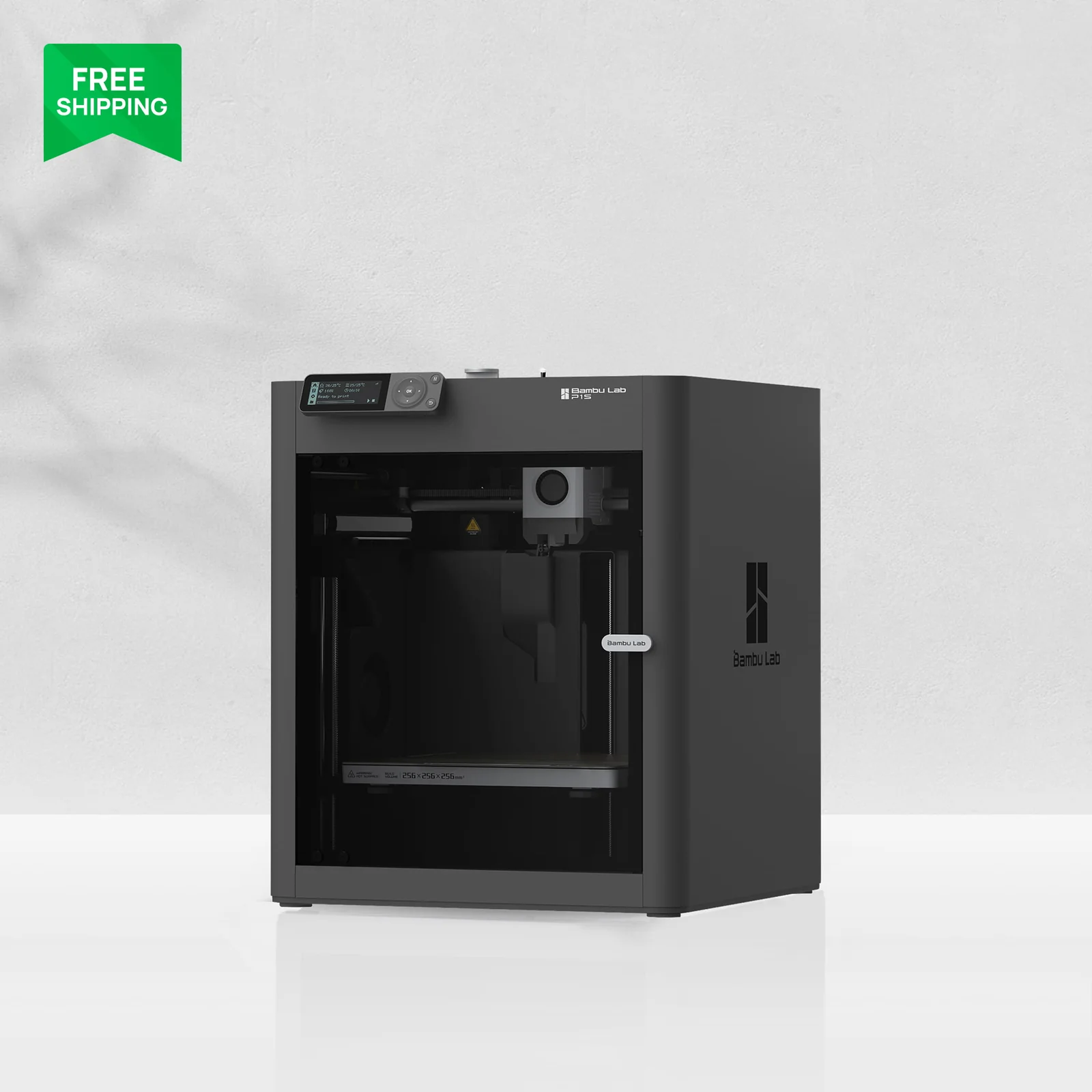
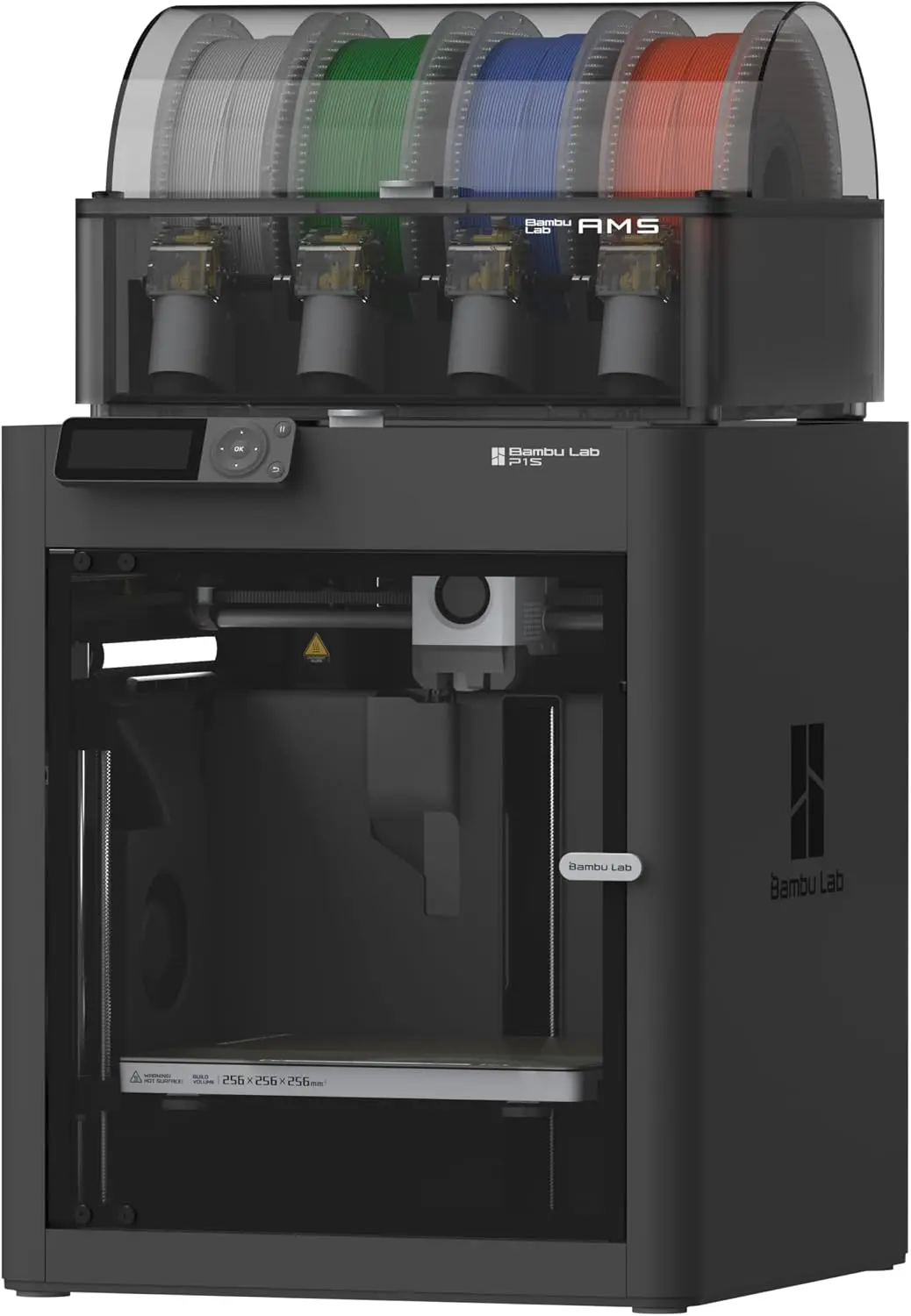
Bambu Lab P1S
By Bambu Lab · Enclosed 3D Printers · 3D Printing
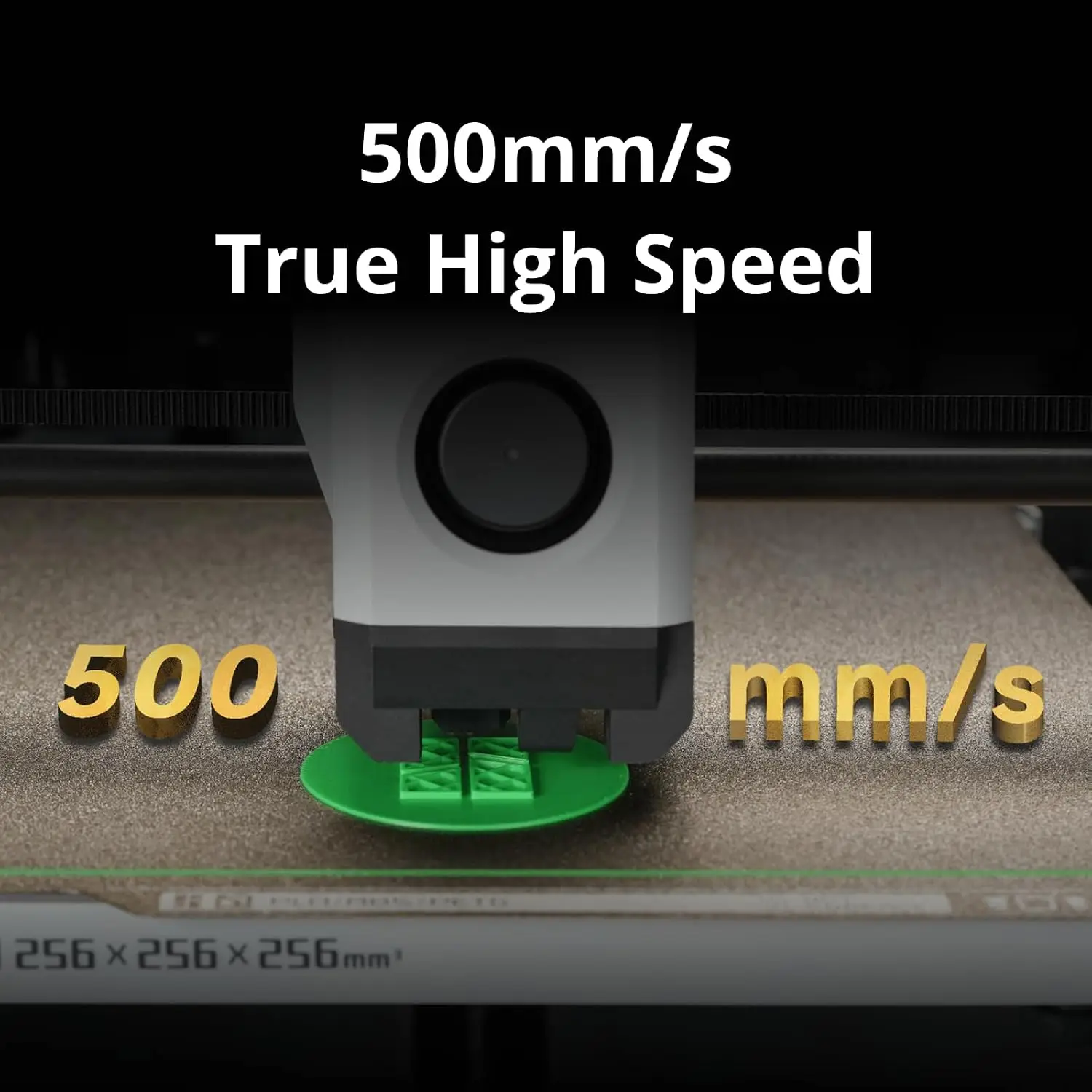
- Enclosed CoreXY, 500mm/s, 20,000mm/s² acceleration
- Supports PLA, PETG, TPU, ABS, ASA
- Prints a Benchy in about 18 minutes, auto bed leveling
- Built-in camera
Lowest price seen
$399.00
from $399.00 at MatterHackers · Checked Oct 8, 2026
- MatterHackers $399.00View at MatterHackers
- 3D Universe $399.00View at 3D Universe
- Dynamism $399.00View at Dynamism
- Additive Plus $399.00View at Additive Plus
- Top 3D Shop $499.00View at Top 3D Shop
- GigaParts $499.00View at GigaParts
- eBay $549.99View at eBay
- Rev1 Technologies $799.00View at Rev1 Technologies
- Bambu LabView at Bambu Lab
- NeweggView at Newegg
- eBay (used) eBay: used, open-box, refurbishedView at eBay (used)
- WalmartView at Walmart
- Best BuyView at Best Buy
- Micro CenterView at Micro Center
- AmazonView at Amazon
Prices are snapshots. Check the current price with the store.
Summary
An enclosed CoreXY FDM 3D printer for buyers who want to print ABS and ASA as well as PLA without adding their own enclosure. Check whether you need the multi-color AMS, because the printer, the AMS and the AMS 2 Pro are sold separately.
Strengths
- Independent testing gave it an Editor’s Choice for CoreXY speed at a mid-range price (Tom’s Hardware, 2023).
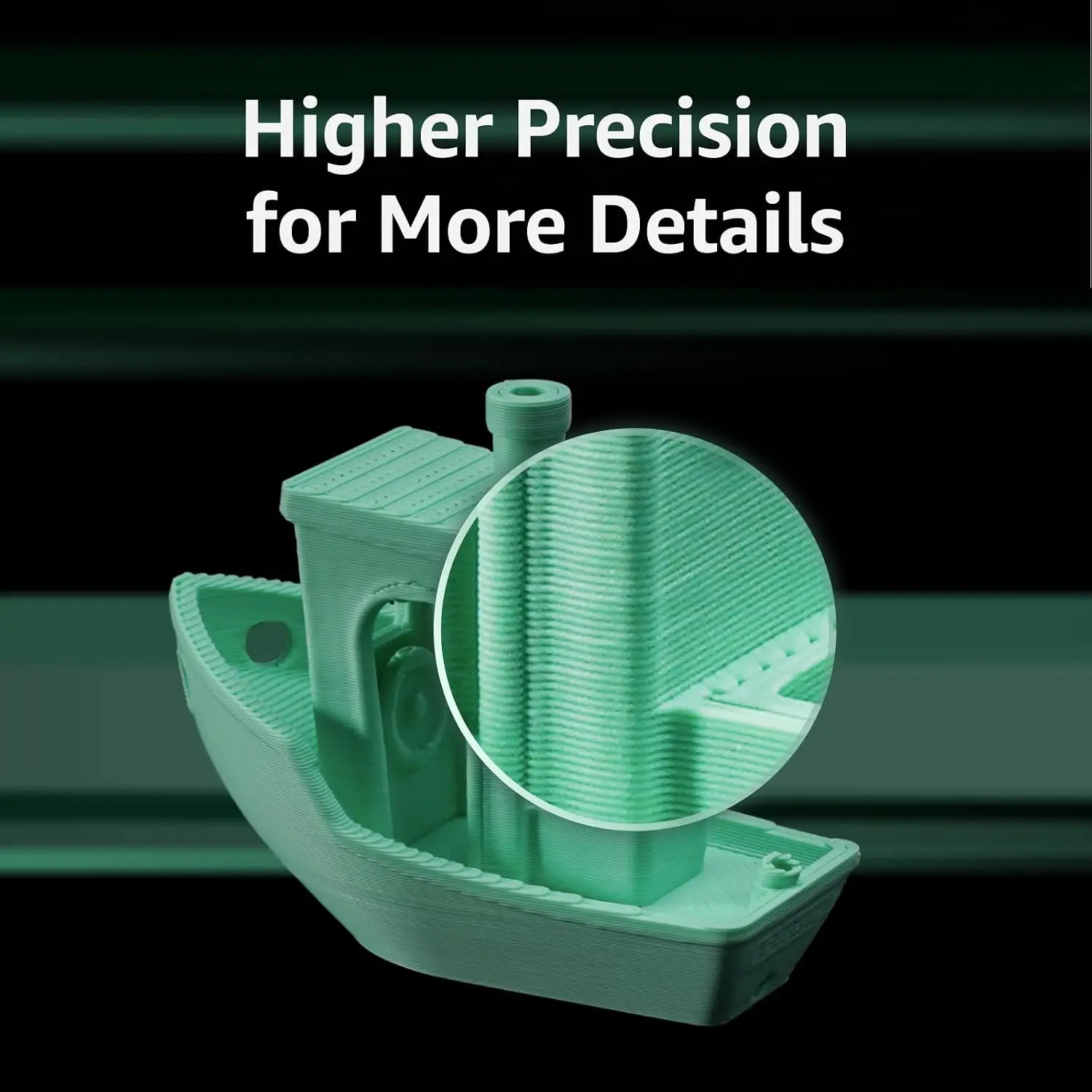
- A speed Benchy printed at 500 mm/s in 18 minutes versus 26 minutes at the normal 200–300 mm/s, with no visible quality penalty.
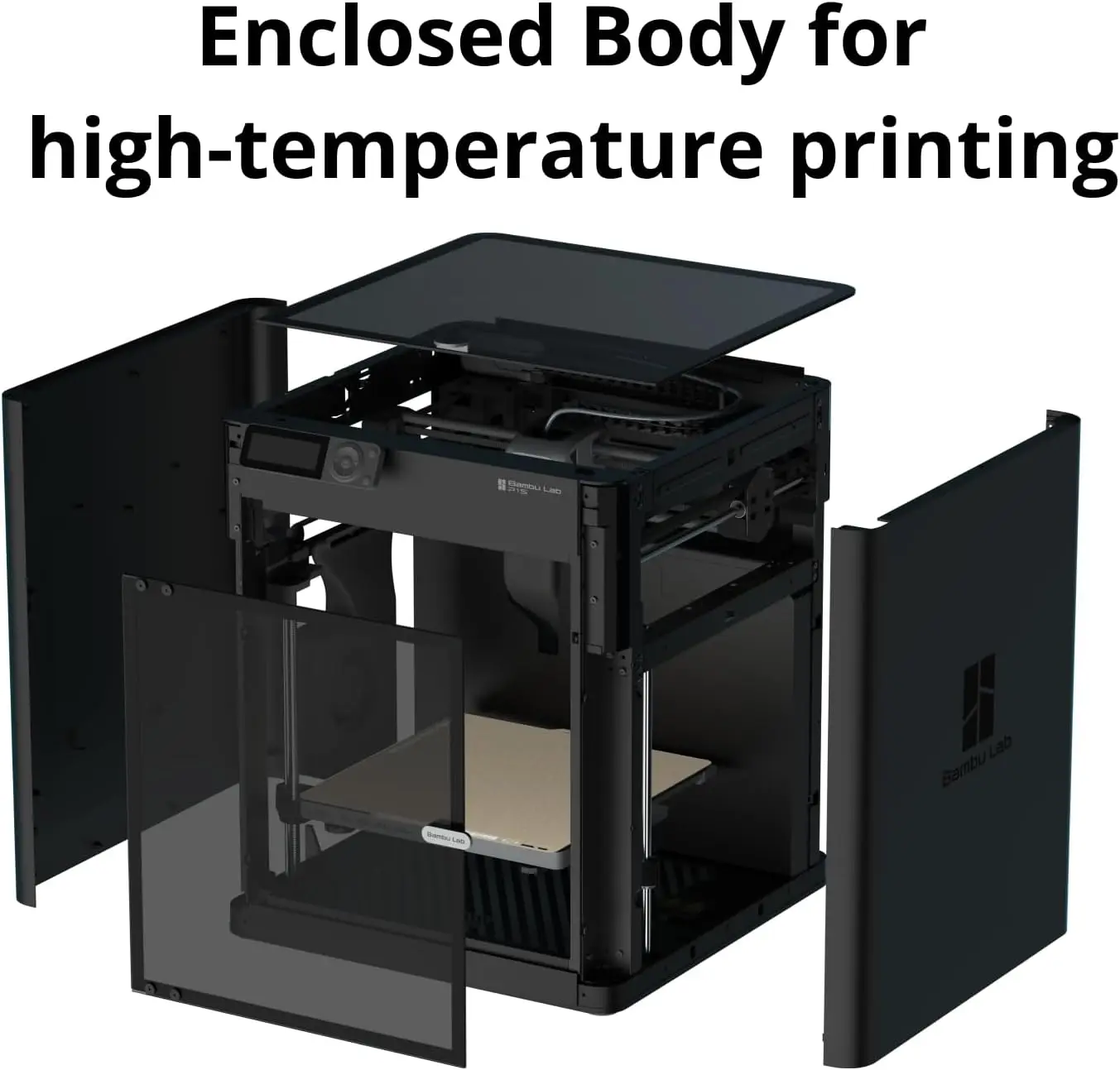
- The enclosure and filtration make ABS and ASA easier to print than on an open-frame machine.
- Automatic bed leveling produced a perfect first layer with no z-height adjustment.
- The optional AMS automates loading and can print in up to 16 colors.
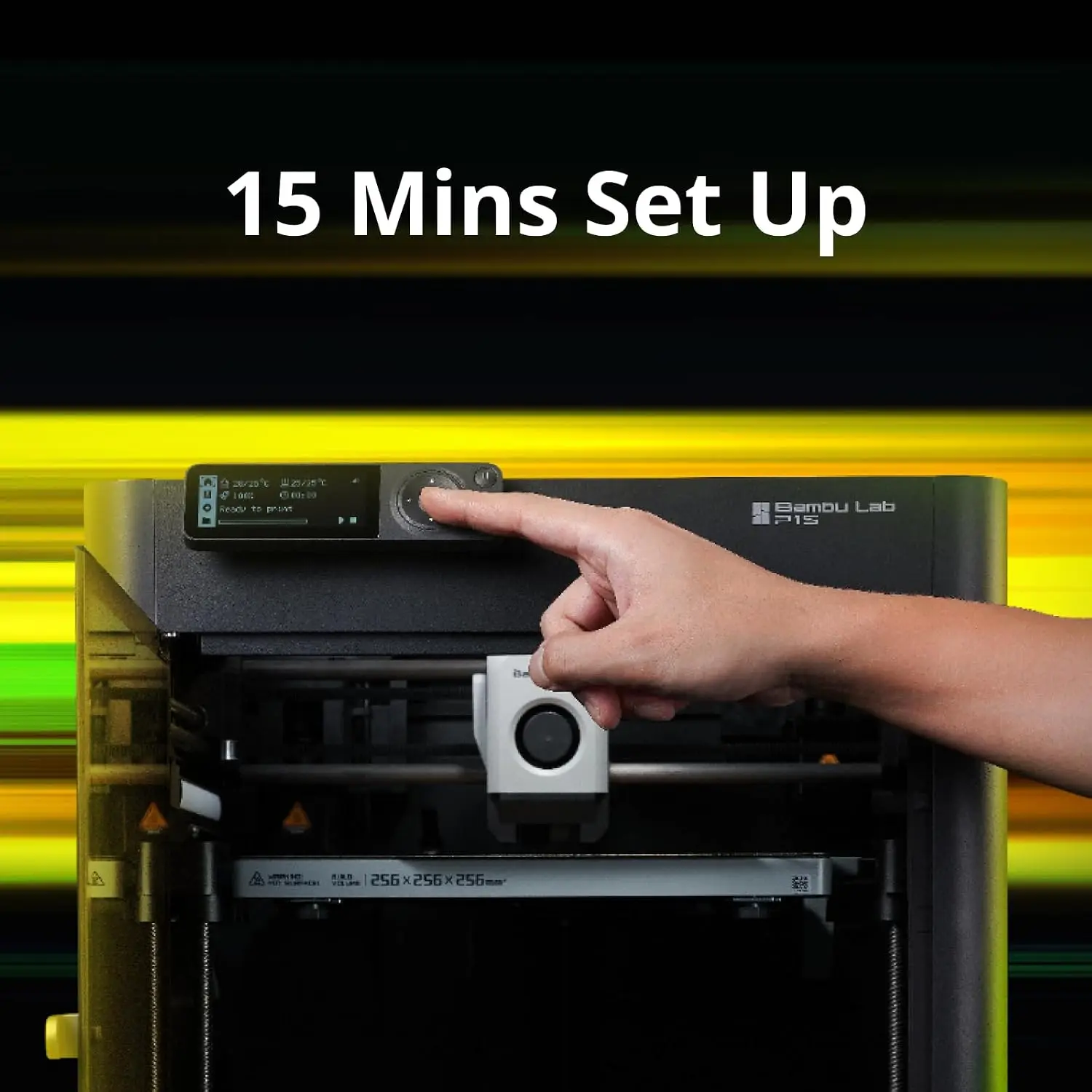
- Bambu Lab sells replacement modules directly, and setup takes about 15 minutes.
Weaknesses
- Noise is the reviewer’s first complaint, and the machine is loud in a shared room.
- Replacement parts are proprietary and must be bought directly from Bambu Lab.
- The AMS purges filament on every color change, so multi-color printing wastes material.
- The 500 mm/s and 20,000 mm/s² ratings need sport (124%) or ludicrous (164%) mode, which the reviewer found could hurt finish and layer strength.
- The nozzle is not replaceable on its own; a worn nozzle means swapping the whole hotend.
- TPU can jam in the extruder gears during loading and printed cleanly only at 40 mm/s in testing.
Verified specifications
| Build volume | 256 × 256 × 256 mm. |
|---|---|
| Printable height | Bambu Studio caps the default at 250 mm; the last 6 mm needs a documented workaround. |
| Frame and enclosure | CoreXY with a fully enclosed plastic-and-glass shell. |
| Toolhead speed | up to 500 mm/s, with acceleration up to 20 m/s² (20,000 mm/s²). |
| Hotend | all-metal, 300 °C maximum. |
| Nozzle | 0.4 mm stainless steel included; 0.2, 0.6 and 0.8 mm optional. |
| Build plate | 100 °C maximum, with Textured PEI, Cool Plate, Engineering Plate and High Temperature Plate supported. |
| Cooling and filtration | auxiliary part-cooling fan, chamber temperature regulator fan, control-board fan and an activated carbon air filter. |
| Camera | 1280 × 720 at 0.5 fps, with time-lapse. |
| Sensors | filament run-out sensor, power-loss recovery, semi-automatic belt tensioning, automatic bed leveling, vibration compensation and pressure advance. |
| Filament support | PLA, PETG, TPU, PVA, PET, ABS and ASA ideal; PA and PC capable; fiber-reinforced filaments need an extruder and hotend upgrade. |
| Power | 100–240 VAC, 50/60 Hz, drawing 1000 W at 220 V and 350 W at 110 V. |
| Dimensions | 389 × 389 × 458 mm; 12.95 kg. |
| In the box | printer, stainless-steel hotend with nozzle, build plate, one spool of PLA filament, unclogging pin tool, power cable and accessory box. |
| Warranty | 2 years in the US and Canada, with 30-day returns. |
| Setup | about 15 minutes from unboxing to first print. |
Full research notes and sources
Speed and print quality
Tom’s Hardware’s July 2023 review is the independent test here, and it supports the speed pitch. The reviewer printed a speed Benchy at 500 mm/s in 18 minutes against 26 minutes at the normal 200–300 mm/s, and input shaping made the two visually comparable. The advertised 500 mm/s and 20,000 mm/s² are maximum toolhead ratings reached only in sport (124%) or ludicrous (164%) mode; pushing to ludicrous degraded surface quality, material shine and layer adhesion, and raised the reviewer’s concern about longevity.
Materials behaved unevenly. Recycled PETG printed well on default settings, and ASA came out smooth and warp-free, sturdy enough to be hammered together. Nylon looked good at high speed but had weak layer adhesion until the walls were slowed to 75 mm/s, and TPU repeatedly hung up in the extruder gears during loading, printing cleanly only at 40 mm/s in a 5 h 47 m print.
Enclosure, materials and filtration
The enclosure is the main difference from the open-frame P1P, and it improves consistency for ABS and ASA rather than providing active chamber heating; Bambu Lab does not rate the P1S as a heated-chamber machine. The cooling package adds an auxiliary part-cooling fan, a chamber temperature regulator fan and a control-board fan, plus an activated carbon air filter. Nobody has published independent testing of whether that filter materially cuts ABS or ASA odors.
Bambu Lab lists PLA, PETG, TPU, PVA, PET, ABS and ASA as ideal and PA and PC as capable, but does not recommend printing fiber-reinforced glass or carbon filaments without an extruder and hotend upgrade. The hotend runs to 300 °C and the bed to 100 °C, with a filament run-out sensor and power-loss recovery included.
Setup, the AMS and filament waste
Bambu Lab quotes about 15 minutes from unboxing to first print, and the auto bed leveling produced a perfect first layer with no z-height adjustment in testing. Without an AMS, the reviewer called filament loading tedious and the control screen a confusing mess of cryptic symbols; with the AMS, loading and unloading are automated. The AMS reads RFID tags to identify Bambu Lab filament automatically, while third-party filament has to be entered by hand.
The AMS is also the source of the main waste complaint: it purges filament on every color change. Bambu Lab sells the printer alone or as an AMS Combo or AMS 2 Pro Combo, and the AMS 2 Pro bundle adds active filament drying.
Parts, repairs and running costs
All parts are custom and come from Bambu Lab, but the company runs an official spare-parts store and publishes maintenance guides, and the P1S is assembled from replaceable modules such as the extruder unit, fans, boards, heatbed, belts, camera and screen. The reviewer noted the store appears to cover everything from thermistors to belts, and cited hotend prices of $9.99 for a stainless-steel hotend and $34.99 for a complete hotend assembly (Tom’s Hardware, 2023).
Warranty terms differ by part. Bambu Lab lists 24 months for the printer and most main components, 3 months for the extruder unit and the 32 GB microSD card, and no warranty for consumables such as hotend and nozzle parts, the extruder gear assembly, build plates, PTFE tubes, filament cutter, glue and filament. Running costs beyond the printer are filament, replacement nozzles and hotends, build plates, and any optional nozzles or AMS unit.
Which model this is
This is the Bambu Lab P1S, the enclosed member of the P1 family, sitting above the open-frame P1P and below the lidar-equipped X1-Carbon. Bambu Lab says the X1C adds a micro lidar and a different screen, and that the P1S is based on the P1P with an improved cooling package and an enclosure. A P1P can be upgraded to a P1S with Bambu Lab’s official kit, but a P1S cannot be upgraded to an X1C. Don’t confuse it with the P1P or the newer P2S.
ASIN B0CHDM8VVZ.
Is it worth it?
Bambu Lab’s US store lists the printer at $579.00, with the AMS and AMS 2 Pro bundles costing more. Tom’s Hardware considered the P1S good value at its 2023 launch price of $699, so $579.00 is lower than launch. At that review’s prices the open-frame P1P was $599, the enclosed Creality K1 was $599 and the Elegoo Neptune 3 Pro was $230. Only one independent review and no competitor pricing could be retrieved for this pass, so a firm 2026 dollar threshold cannot be set; compare the P1S against the P1P, the Creality K1 series and other enclosed CoreXY printers.
Sources
Manufacturer:
Independent reviews:
Owner reports:
No owner-community threads were available in this research pass.