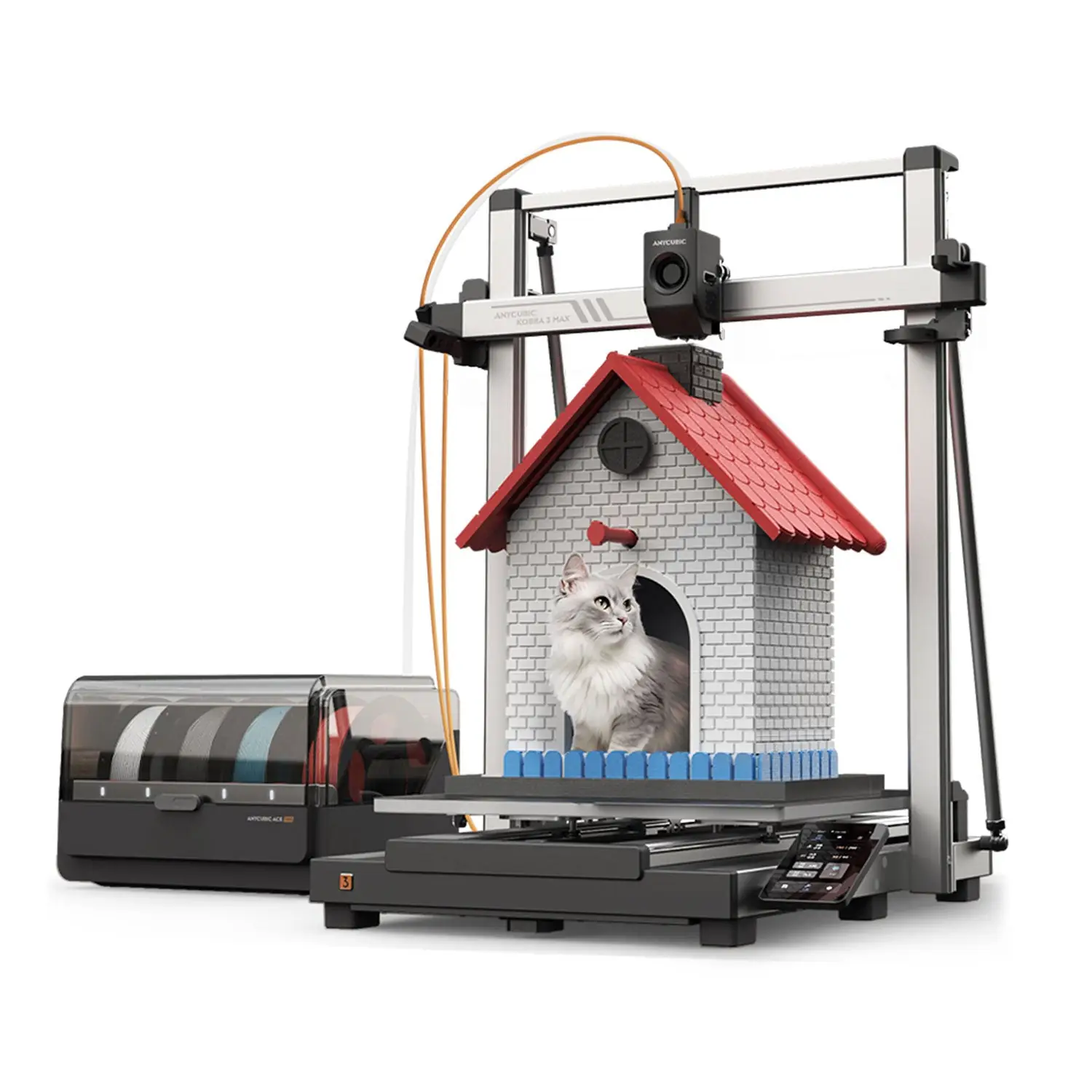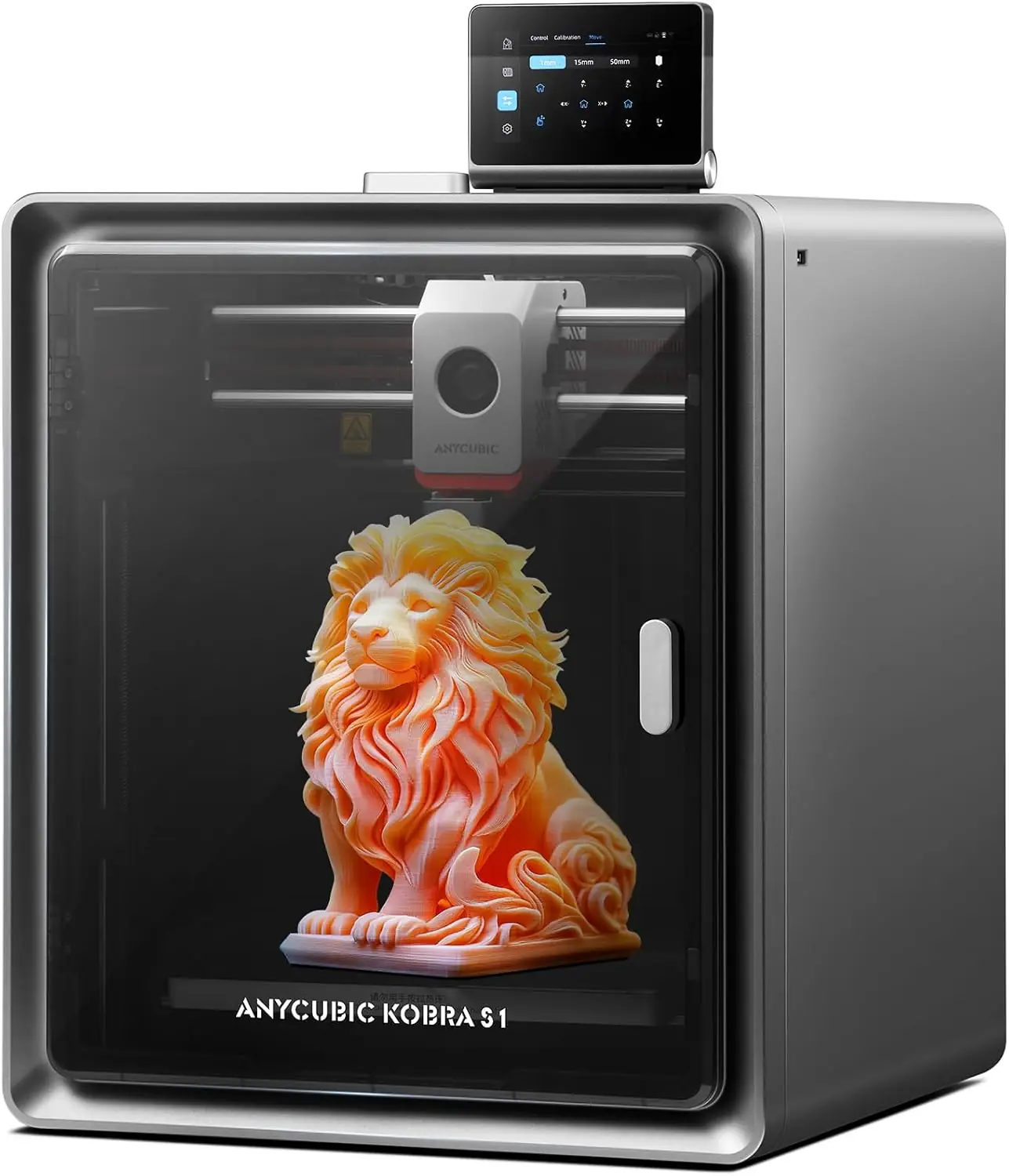
Anycubic Kobra S1
By Anycubic · Budget 3D Printers · 3D Printing
- Build volume 250x250x250 mm
- Max speed 600 mm/s (300 mm/s recommended)
- Max nozzle temperature 320 C
- Max bed temperature 120 C
- Noise 46 dB in standard mode
Lowest price seen
~$349.00 (approx.)
from $349.00 at Amazon
- Amazon ~$349.00 (approx.)View at Amazon
- AnycubicView at Anycubic
- eBay (used) eBay: used, open-box, refurbishedView at eBay (used)
- eBayView at eBay
Prices are snapshots. Check the current price with the store.
Summary
A fully enclosed CoreXY FDM 3D printer with a 250 × 250 × 250 mm build volume, a 600 mm/s peak speed and a 320 °C hotend, sold as a single-filament machine or as the Combo with the ACE Pro multicolor system. Check Anycubic Slicer Next before you buy: every independent review and many owners name the software as the weak link.
Strengths
- Single-color PLA and PETG print quality is consistently praised by reviewers and owners.
- The fully enclosed CoreXY design makes ABS and ASA printing practical out of the box.
- Setup takes about 10 minutes, and owners call it beginner-friendly.
- The 4.3-inch touchscreen is large and easier to use than the Bambu Lab P1S display.
- The ACE Pro heated dryer improves filament condition and print quality.
- Tom’s Hardware logged hundreds of hours of printing with very few failures.
Weaknesses
- Anycubic Slicer Next lacks purge-level control, purge-object support and waste reporting; this is the most consistent complaint across professional reviews.
- Multicolor printing creates significant filament waste (“poop”) with little software control to reduce it.
- Color changes stretch print times: a 43-minute single-color print took 14 hours in TechRadar’s multicolor testing.
- Owners on Reddit report auto-leveling failures (error 11534), a “Device Runtime Error” (10409) after firmware updates, and a pinched filament-sensor wire that fails.
- One owner reports the camera failing to connect in the mobile app more than 70% of the time.
- The printer is not open-source, and parts such as the strain-gauge sensor are not readily available from Anycubic’s catalog.
Verified specifications
| Build volume | 250 × 250 × 250 mm. |
|---|---|
| Motion | CoreXY in a fully enclosed frame; 600 mm/s maximum, 300 mm/s recommended. |
| Acceleration | 20,000 mm/s² maximum, 10,000 mm/s² recommended. |
| Nozzle | 0.4 mm standard, with 0.25, 0.6 and 0.8 mm options; up to 320 °C. |
| Bed | heated PEI spring steel, up to 120 °C. |
| Extruder | direct drive, dual-gear. |
| Filament | PLA, PETG, TPU (95A), ABS and ASA, plus PC, PA, carbon fiber and glass fiber. |
| Noise | up to 46 dB in standard mode, 44 dB in quiet mode. |
| Touchscreen | 4.3-inch capacitive. |
| Connectivity | USB, LAN, Wi-Fi and the Anycubic app. |
| Sensors and safety | filament runout sensor, power-loss recovery, AI spaghetti detection, object-skip and area leveling, RFID filament recognition. |
| Camera | built-in, 480p. |
| Power | 100–240 V input, 1500 W rated. |
| Dimensions | 400 × 410 × 490 mm; 18 kg (39.6 lbs). |
| Multicolor | 4 colors via the ACE Pro module, expandable to 8 with a second ACE Pro; not built into the standalone printer. |
| Warranty | 1 year. |
Full research notes and sources
Slicer software and filament waste
Every independent review lands on the same problem. Anycubic Slicer Next does not report how much filament a color change purges, offers no purge-object support, and only lets you adjust purging mid-print from the touchscreen — features Bambu Studio and OrcaSlicer have. CNET called the Anycubic app “awful” and loaded with ads. The practical cost is waste: CGMagazine recommends printing a “poop basket” next to the machine, and TechRadar watched a 43-minute print stretch to 14 hours once color changes were added. If multicolor matters to you, budget for both the extra filament and the extra hours.
Owner reliability reports
Owner feedback splits. Some Reddit owners report hundreds of hours of dependable printing — one lists 230+ hours with zero failures — while others describe persistent calibration trouble. The most common complaints: auto Pressure Advance calibration arriving significantly off until corrected by hand, auto-leveling error 11534 with some owners suspecting strain-gauge sensor degradation over time, and error 10409 appearing after firmware updates. A pinched blue wire at the filament sensor is a known failure point, and Anycubic has shipped replacement parts. One owner reports a camera that fails to connect in the app more than 70% of the time. Nobody has published a long-term failure rate; most owner experience covers the first few months.
Running costs and upkeep
Expect to buy filament, replacement nozzles and fresh activated carbon filters for the enclosure. The Combo needs two wall outlets because the ACE Pro has its own power supply. Maintenance is ordinary: clean the bed and nozzle, and run the full calibration sequence — about 10 minutes — when quality drifts. The hotend comes apart without tools and ACE Pro tube jams clear by unscrewing the feed hub, but internal parts such as the strain-gauge sensor are not readily available from Anycubic, so a mainboard or leveling failure can mean contacting support rather than swapping a part.
Is it worth it?
At $349 for the standalone printer (regular $549) and $399 for the Combo on the Anycubic US store as of 2026-09-09, the hardware undercuts the Bambu Lab P1S Combo, which a November 2025 comparison put at about $849. The research calls $450 or less for the standalone machine strong value, and $550 or less for the Combo good value for multicolor. Above roughly $600 standalone, the slicer limitations and the lack of open-source firmware get harder to justify. Buy it for the hardware and be ready to work around the software.
Which model this is
This page covers the Anycubic Kobra S1 sold on Amazon as ASIN B0DBDSKF4M, the US variant. The standalone machine prints one filament at a time; multicolor needs the ACE Pro. Do not confuse it with the Kobra S1 Max (350 × 350 × 350 mm, 350 °C hotend, active chamber heating) or the older Kobra 3.
Sources
Manufacturer:
- Anycubic Kobra S1 — Anycubic Official Store
- Anycubic Kobra S1 — Anycubic US Store
- Kobra S1 Combo FAQ — Anycubic Wiki
- Kobra S1 CODE: 10409 — Device Runtime Error — Anycubic Wiki
- Kobra S1 CODE: 11534 — Auto leveling failed — Anycubic Wiki
Independent reviews:
- Anycubic Kobra S1 Review: Good printer, bad slicer — Tom’s Hardware
- The Anycubic S1 Is the Bambu Lab Competitor I’ve Been Waiting For — CNET
- Anycubic Kobra S1 3D printer review — TechRadar
- Anycubic Kobra S1 Combo 3D Printer Review — CGMagazine
- Anycubic Kobra S1 3D Printer Combo Review — Maker Hacks
- The CoreXY Showdown: Anycubic Kobra S1 vs. Bambu Lab P1S — Great Meets
Owner reports: