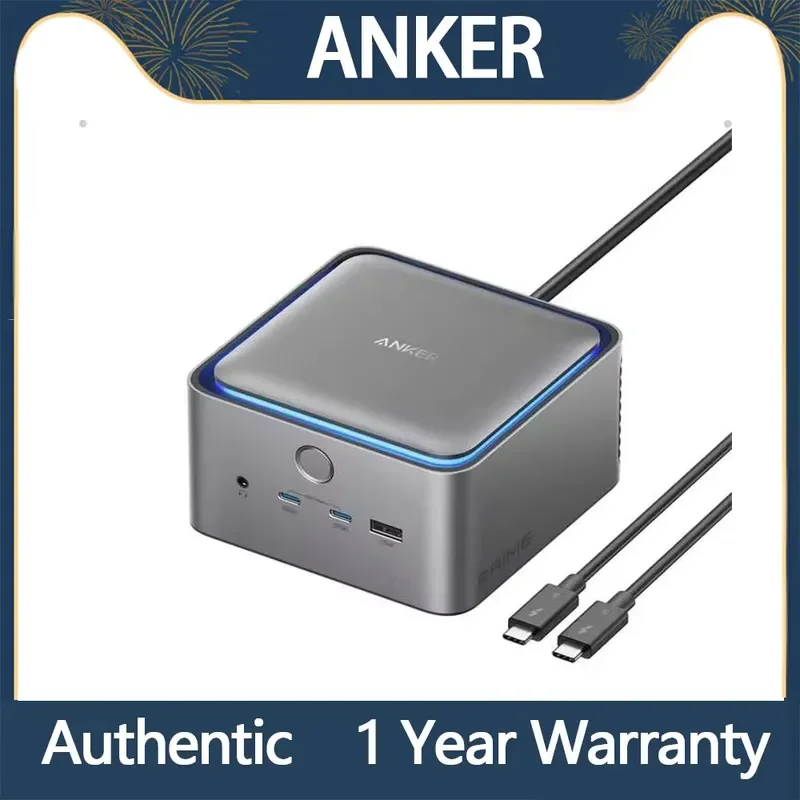

Anker Prime TB5 Docking Station (14-in-1)
By Anker · Docking Stations · Desk & Streaming Setup · More from Anker
- 14 ports
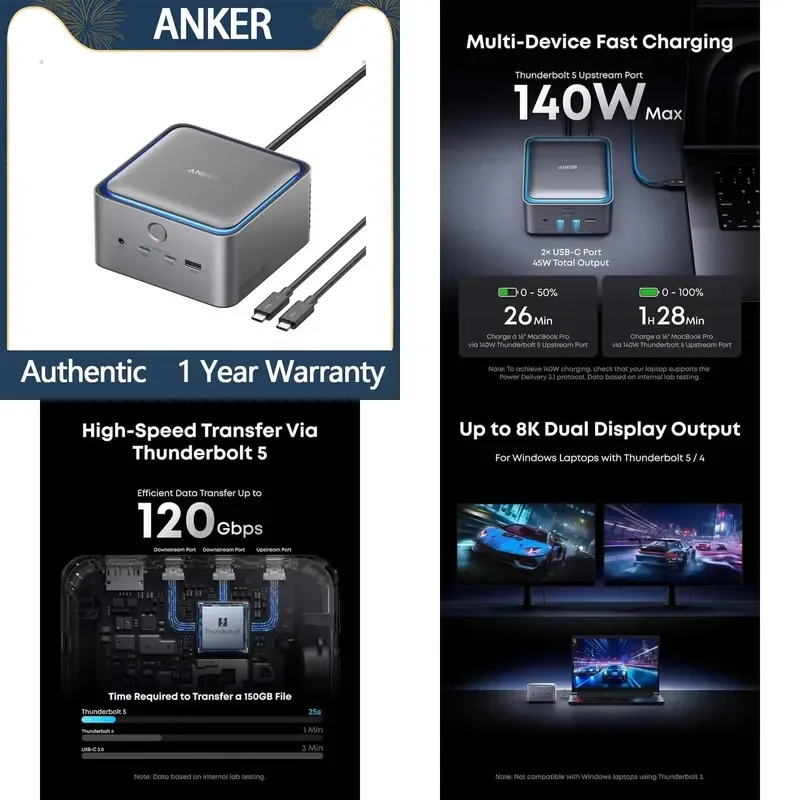
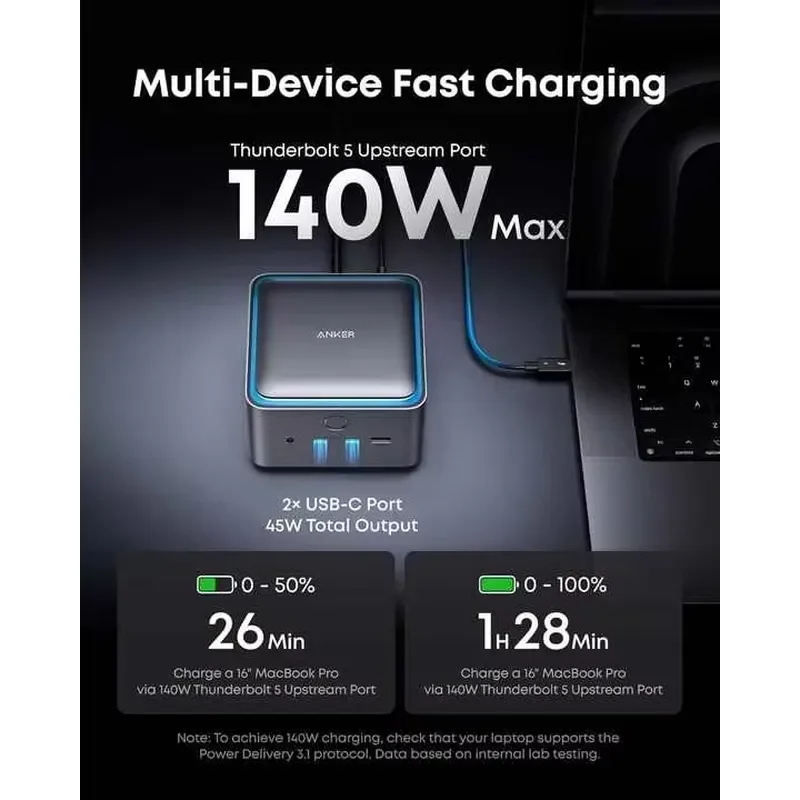
- Thunderbolt 5 upstream port with 140W charging
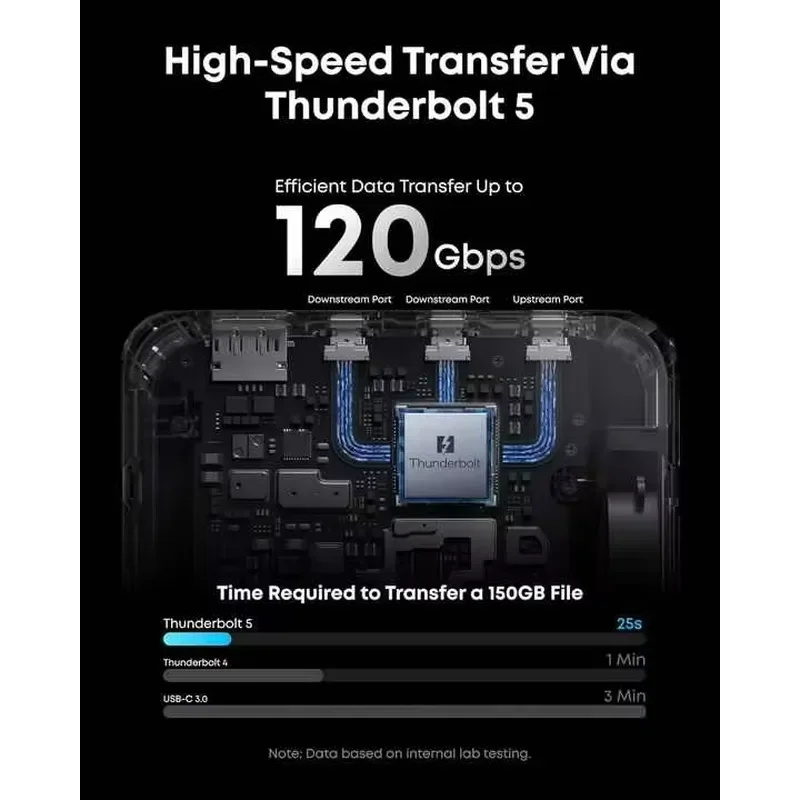
- Two Thunderbolt 5 downstream ports
- 2.5 Gbps Ethernet
- One HDMI 2.1 or DisplayPort 2.1 output, not both at once
Lowest price seen
$345.59
from $345.59 at AliExpress · Checked Oct 20, 2026
- AliExpress Willows Tool Store $345.59View at AliExpress
- AnkerView at Anker
- eBayView at eBay
- AmazonView at Amazon (paid link)
- eBay (used) eBay: used, open-box, refurbishedView at eBay (used)
Stores are listed in a fixed order, never by price or commission. Prices are snapshots. Check the current price with the store.
Summary
A Thunderbolt 5 docking station that packs 14 ports and a 232W power supply into a 4.6 × 4.6 × 3.0 inch aluminum cube, with up to 140W host charging and a built-in fan. Check your host first: it needs Thunderbolt 5, 4 or USB4, so Thunderbolt 3 laptops, Intel Macs, ChromeOS and Linux are left out.
Strengths
- The 232W supply is built in, so there is no external power brick on your desk.
- The active fan keeps the cube cool to the touch even at 140W charging.
- 140W over one cable charges a 16-inch MacBook Pro fast enough for daily use.
- Wirecutter measured SSD throughput that held steady with no, one and two monitors attached.
- The card readers and front USB ports sit within easy reach on the cube.
- Owners repeatedly praise the heat management and the no-brick footprint.
Weaknesses
- The fan is the loudest complaint: a month-in owner reported a keening noise in a quiet room and returned the unit.
- HDMI and DisplayPort cannot be used together, and only two external monitors can run at once.
- The card readers top out at UHS-I 104MB/s, with no UHS-II.
- On some Macs, USB devices on the downstream Thunderbolt ports negotiate at USB 2.0 (480Mb/s).
- At full price ($399.99), the value case is thin.
- The tall cube may not fit under a monitor stand or shelf.
Verified specifications
| Model | A83B5, sold as “Anker Prime TB5 Docking Station (14-in-1, 8K, Thunderbolt 5)”. |
|---|---|
| Ports | 14, plus AC input. |
| Upstream | 1 x Thunderbolt 5, 140W max. |
| Downstream | 2 x Thunderbolt 5, 15W each. |
| USB | 3 x USB-A and 2 x USB-C at 10Gbps; the front USB-C pair shares 45W and carries no video. |
| Video | 1 x HDMI 2.1 or 1 x DisplayPort 2.1, one at a time; up to 8K@60Hz single display, dual 8K@60Hz on Thunderbolt 5 Windows laptops, or dual 6K@60Hz on Mac. |
| Host charging | up to 140W, USB PD 3.1. |
| Ethernet | 2.5GbE. |
| Card readers | SD and TF, UHS-I, up to 104MB/s. |
| Data | 120Gbps with Thunderbolt 5 bandwidth boost, 80Gbps base. |
| Cooling | built-in fan in an aluminum enclosure. |
| Power supply | built-in 232W, no external brick. |
| Software | Anker Dock Manager app for firmware updates and the light toggle. |
| Compatibility | Windows 10/11 and macOS 15 or later; Thunderbolt 5, 4 or USB4 hosts only. |
| Included | dock, 3.3ft Thunderbolt 5 cable, 6ft AC power cable, safety sheet, 24-month warranty. |
| Dimensions | 4.6 × 4.6 × 3.0 in (116 × 116 × 75 mm); 38 oz (1,086 g). |
Full research notes and sources
Fan noise and thermals
MacRumors measured roughly 32dB with a decibel app, audible next to displays but not over music, TV or air conditioning. Owners split hard: one month-in Reddit report describes a loud keening fan in a quiet room and a return, while another says it was completely silent over 12 hours a day of use. Treat fan noise as a real risk in a quiet room rather than a defect, and note that TechRadar also heard the fan under load.
Display and monitor limits
Only two external monitors can be driven at once, and HDMI 2.1 and DisplayPort 2.1 are mutually exclusive. If both are connected, DisplayPort takes precedence, so a two-conventional-monitor setup needs one Thunderbolt 5 video path plus one HDMI or DisplayPort path. Anker says only a Razer Blade 18 with RTX 4090 has been verified in triple-display mode. On Mac, the limit depends on the chip: M1, M2 and M3 standard support one external display; Pro and Max chips and all M4 support two. For M-series Pro Macs, connect the lower-refresh monitor first or the second may not be recognized after sleep.
Port limits and quirks
The two downstream Thunderbolt 5 ports deliver 15W each. How-To Geek found USB devices plugged into them negotiating at only USB 2.0 (480Mb/s) on a Mac mini in USB4 mode, while moving the drive to a USB-A or front USB-C port restored 10Gbps. Anker had no firmware fix at review time, so high-speed USB peripherals should use the USB-A or front USB-C ports. An owner also reported USB-A hierarchy problems when daisy-chaining a second hub, with the rear ports sitting higher in the chain. The front USB-C ports carry no video, and only the included or certified Thunderbolt 5 cables are supported.
Build and power
The body is a dark grey aluminum cube with a blue LED ring on top that doubles as a status indicator and can be switched off. Four rubber feet sit underneath and vents at the rear. There is no external brick: the supply is built in, rated 232W by MacRumors and listed at 231.5W by Anker’s AU comparison page. A roughly 5-second hold on the power button turns the dock off, and firmware updates and the light toggle run through the Anker Dock Manager app.
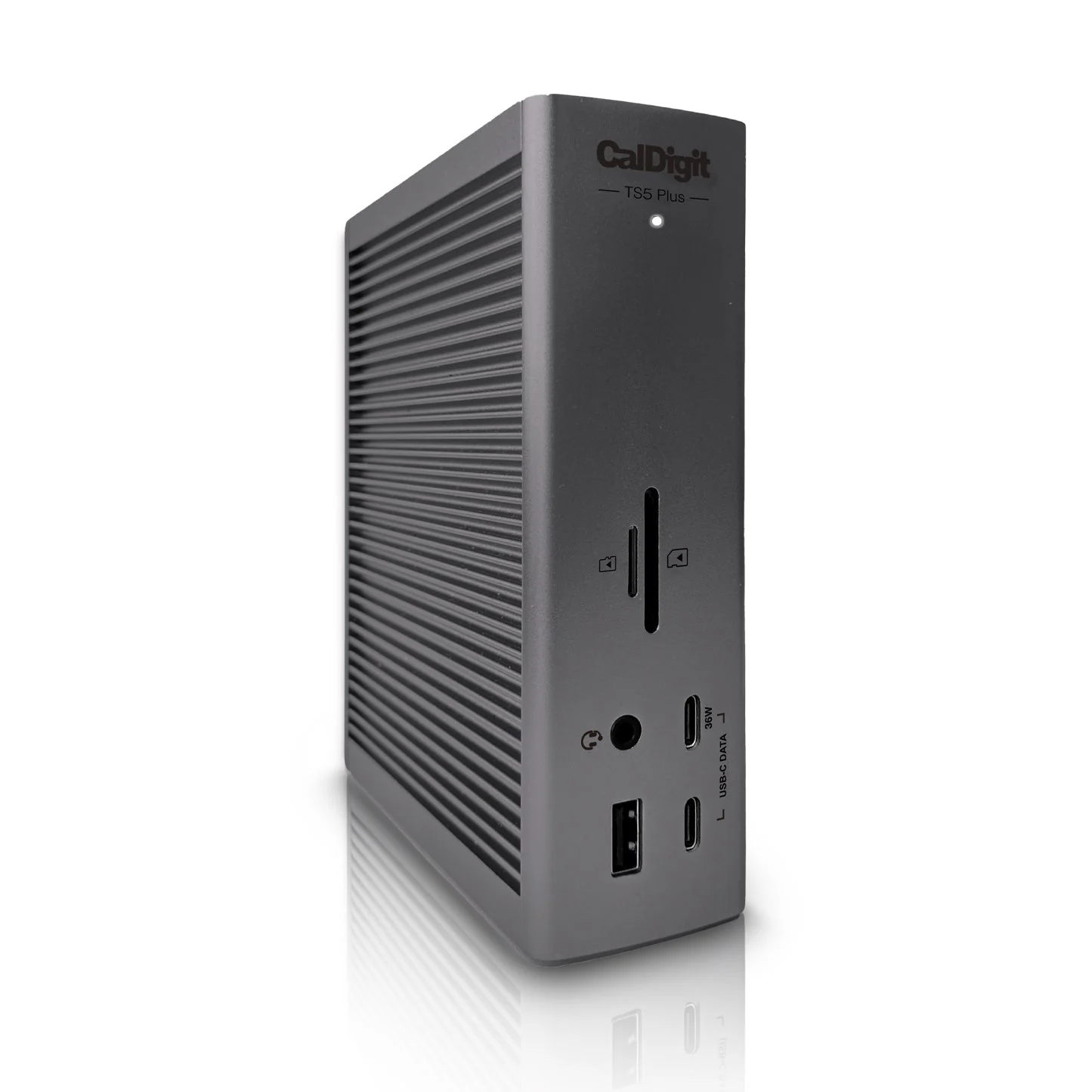
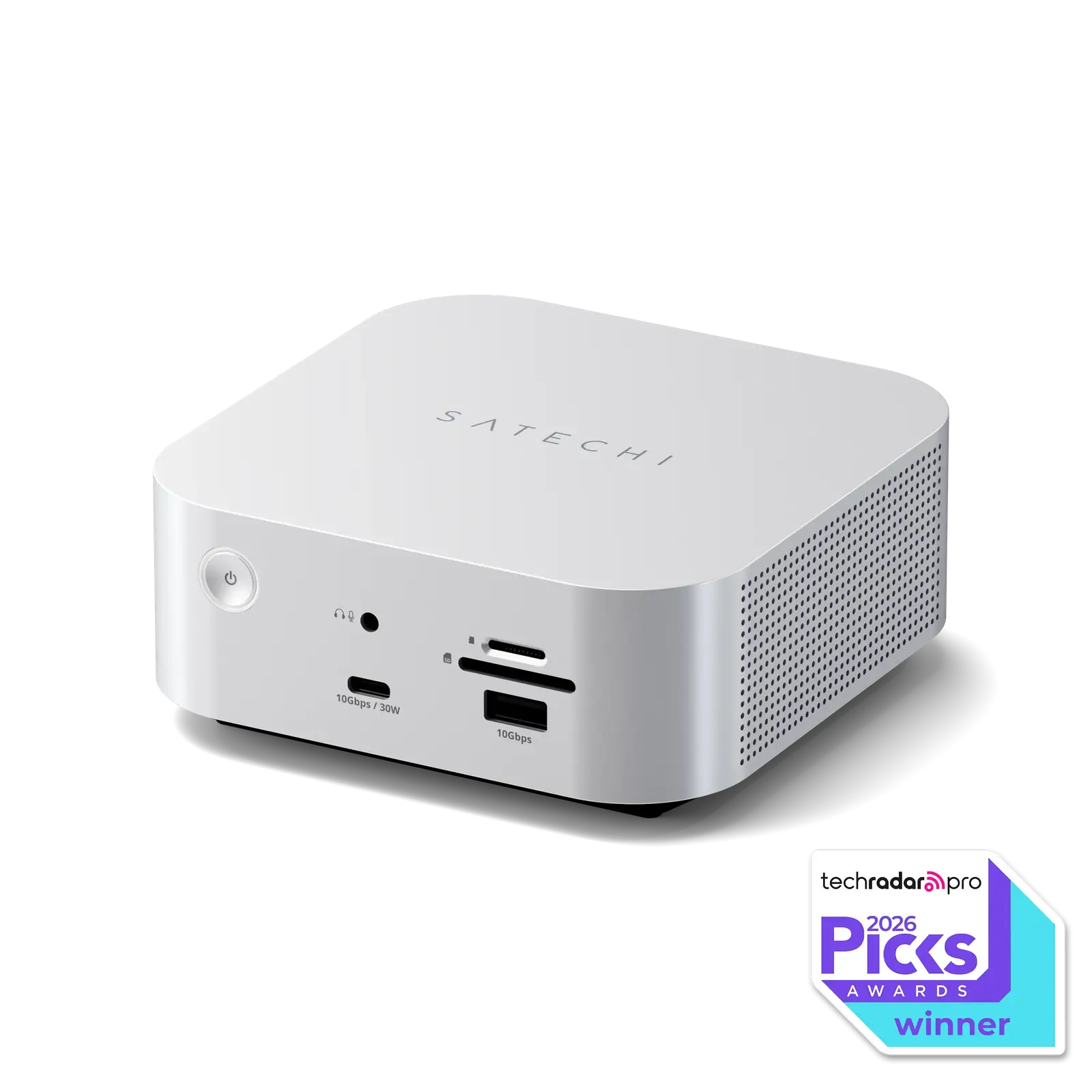
Anker’s US page lists the dock at $399.99 (Anker, 2026-10-19), with a promotional discount shown on the listing. The UK page sells the same model at £399.99. MacRumors noted a 20%-off Anker-site promo code that brought it to $320 at review time. Wirecutter’s 2025 guide listed buying options of $350 and $400. At full list price, compare the Sonnet Echo 13, Satechi CubeDock, CalDigit TS5 Plus, Kensington SD5000T5 EQ and Plugable TBT-UDT3. At promotional prices near $320–$360 it is easier to justify.
Is it worth it?
It is worth it if you have a Thunderbolt 5 or USB4 host and you use dual high-resolution monitors, multiple 10Gbps devices and 140W charging. Buyers sensitive to fan noise in a quiet room should weigh the owner reports before ordering. The two-display ceiling, UHS-I readers and 2.5GbE Ethernet cap what the dock can do for professional work.
Which model this is
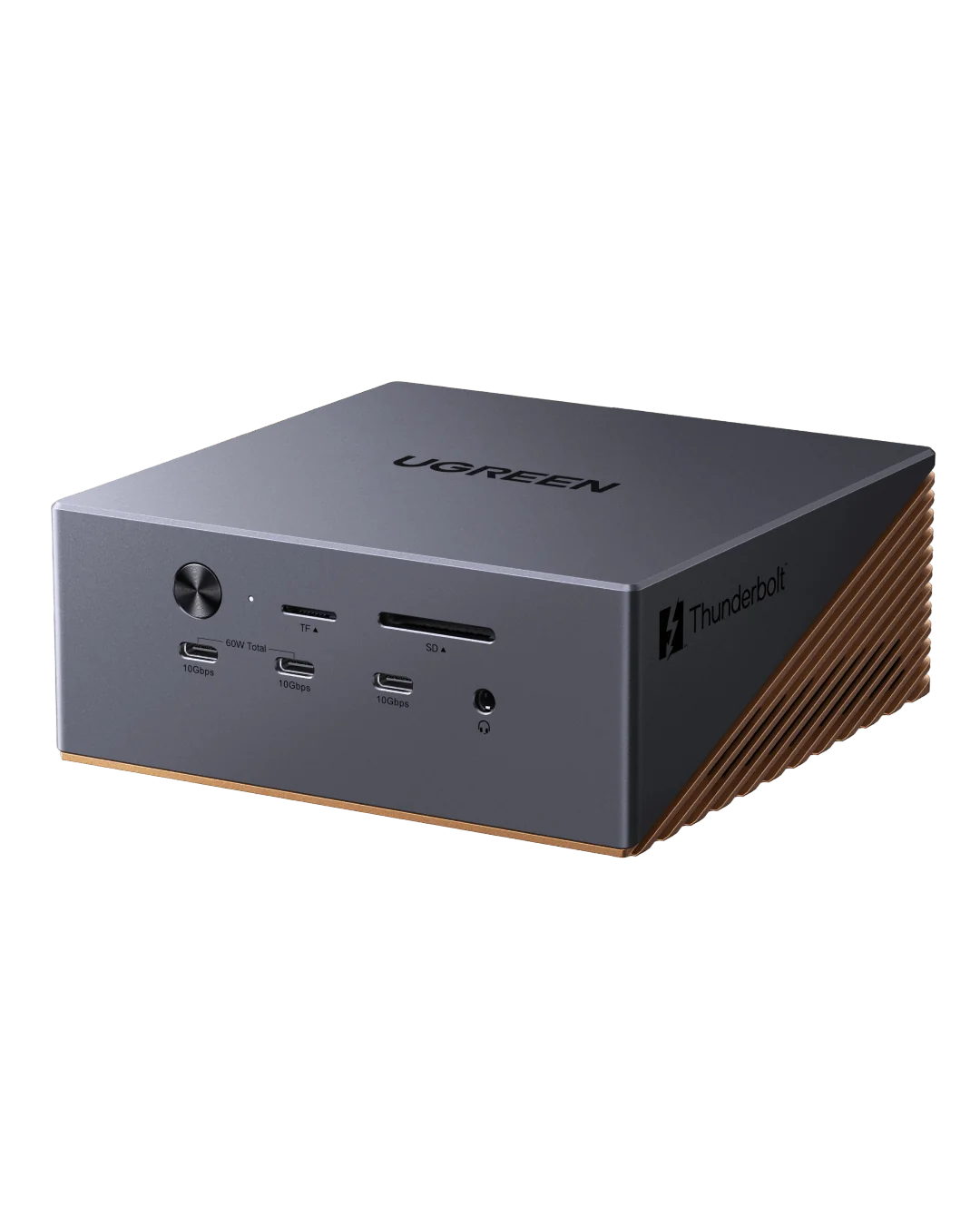
This page covers the Anker Prime TB5 Docking Station, model A83B5, sold as “14-in-1, 8K, Thunderbolt 5” in a grey aluminum cube. The Amazon listing for the grey US variant is ASIN B0DSVVJXK5. Do not confuse it with the Anker Prime Charging Docking Station (DisplayLink DL7400, model A83B3), or with the Sonnet Echo 13, CalDigit TS5 Plus, Kensington SD5000T5 EQ, Plugable TBT-UDT3 or Ugreen MaxiDok, which are different products.
Sources
Manufacturer:
- Anker Prime TB5 Docking Station (14-in-1, 8K, Thunderbolt 5) — Anker US product page
- Anker Prime Docking Station (14-in-1, 8K, Thunderbolt 5), 140W Max Charging — Anker UK product page
- Anker Prime Docking Station (14-in-1, 8K, Thunderbolt 5) FAQ — Anker Support
- Anker Prime Docking Station (14-in-1, 8K, Thunderbolt 5) User Guide (A83B5)-EN — Anker Support
- 14-in-1 Docking Station for MacBook Pro — Anker blog
Independent reviews:
- 5 Best USB-C Docking Stations for 2026 — TechRepublic
- The Best MacBook Docking Stations for 2026 — PCMag
Owner reports:
- A month in with the Anker TB5 dock on my desk (r/anker)
- Anker Prime TB5 Dock (r/anker)
- Anyone run into issues daisy-chaining a USB-A hub off the Anker Prime TB5 dock? (r/anker)
- Docking station dilemma: Anker Prime TB5 vs. Ugreen MaxiDok 17-in-1? (r/Thunderbolt)
- Switched from CalDigit TS4 to Anker Prime TB5 docking station (r/Thunderbolt)