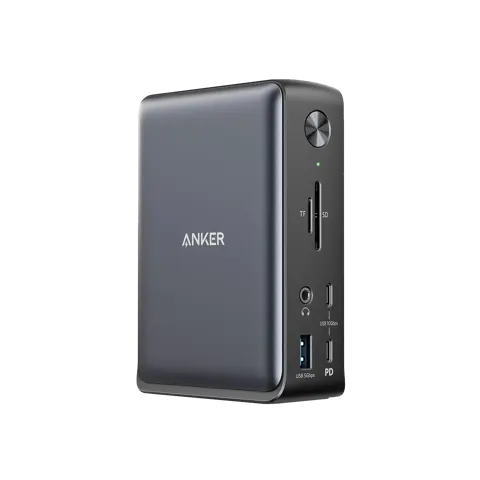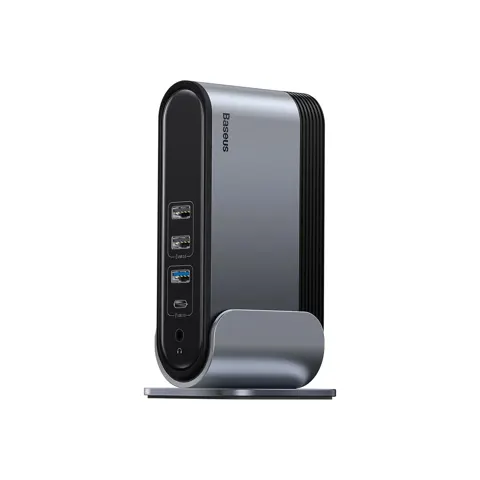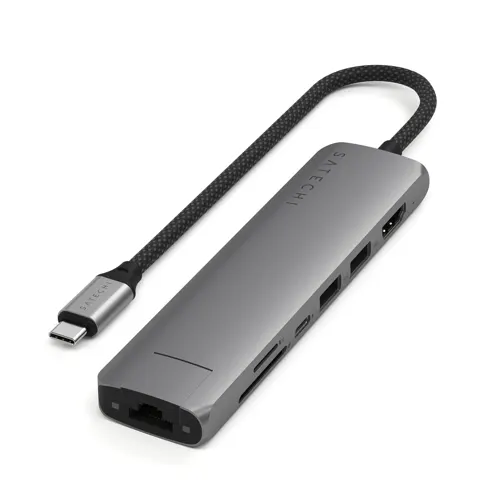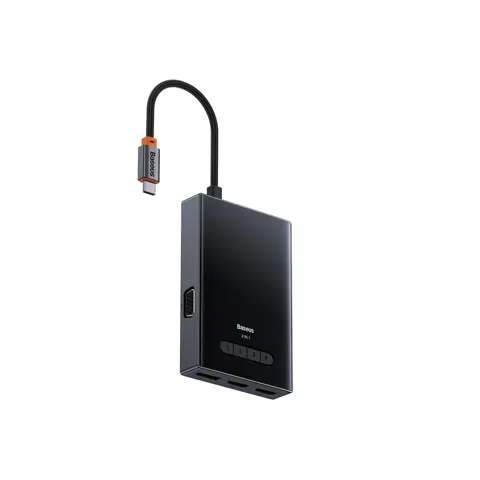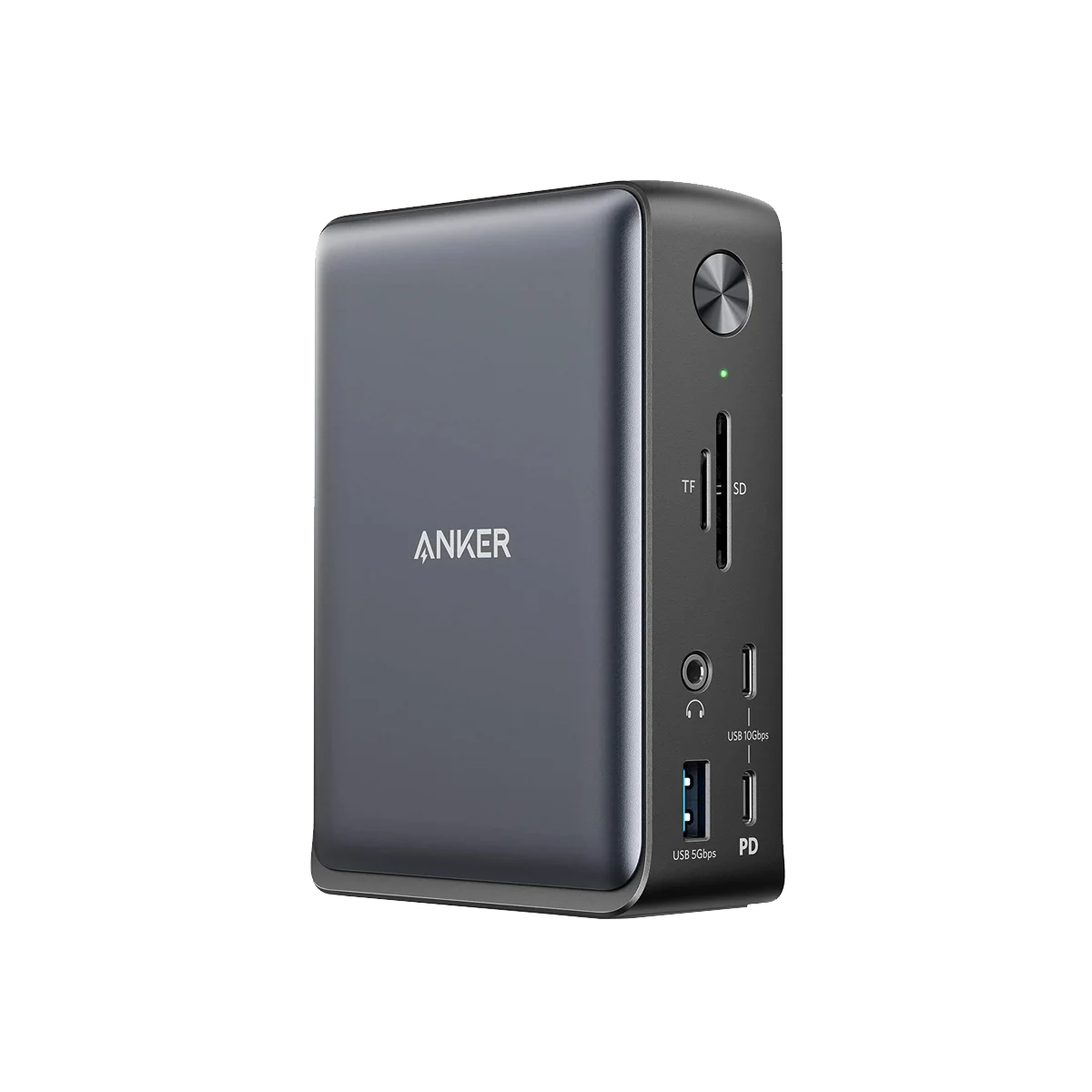
Anker PowerExpand 13-in-1
By Anker · Docking Stations · Desk & Streaming Setup · More from Anker
- 85W laptop charging via USB-C
- 13 total ports: 2 HDMI, 1 DP, 3 USB-A, 2 USB-C, Ethernet, SD/microSD, audio
- Triple display support: 2x 4K@30Hz or 3x 1080P@60Hz
- 10Gbps data transfer speed
- Windows 10/11, ChromeOS, macOS 10.12+ compatible
Lowest price seen
$199.99
from $199.99 at Anker · Checked Nov 2, 2026
- Anker $199.99View at Anker
- WalmartView at Walmart
- AmazonView at Amazon (paid link)
More on eBay (1)
- eBayView at eBay
- eBay (used) eBay: used, open-box, refurbishedView at eBay (used)
Stores with a price are sorted lowest first; commission never changes the order. Prices are snapshots. Check the current price with the store.
Summary
A 13-port USB-C dock for Windows laptops with 85 W charging, dual HDMI 2.0, DisplayPort and gigabit Ethernet. Check your Mac before you buy: the dock uses single-stream transport, so all monitors show the same content.
Strengths
- 85 W charging keeps most laptops powered without a separate adapter.
- Triple display support at 1080p on Windows desks with multiple monitors.
- Gigabit Ethernet port provides a wired network connection.
- SD and microSD readers handle UHS-I cards for photo and video transfers.
- No drivers required on Windows or macOS; plug and play setup.
Weaknesses
- macOS mirrors all monitors instead of showing different content on each.
- Sleep and wake can drop display until the cable is reconnected or the dock restarts.
- Shared 10 Gbps bandwidth means displays and fast storage compete for bandwidth.
- SD readers are UHS-I only, not the faster UHS-II standard.
- Triple display is limited to 1080p resolution.
Verified specifications
| Laptop charging | 85 W Power Delivery on the host port. |
|---|---|
| DC input | 20 V / 6.5 A. |
| Host connection | USB-C, maximum data rate 10 Gbps. |
| Video | 2 x HDMI 2.0 (HDR, HDCP 2.2) and 1 x DisplayPort; single 4K@60 Hz, dual 2 x 4K@30 Hz or triple 3 x 1080p. |
| USB-A | one 5 Gbps port rated 7.5 W and two 5 Gbps ports rated 4.5 W each. |
| USB-C downstream | two 10 Gbps ports, one rated 18 W and one rated 4.5 W. |
| Ethernet | 1 x 1 Gbps. |
| Card readers | SD and microSD, both UHS-I. |
| Audio | one 3.5 mm combo in/out, 96 kHz / 24-bit. |
| OS support | macOS 10.12 or later, Windows 8, 10, 11; no drivers required. |
| Dimensions | 4.95 × 3.49 × 1.64 in; 0.82 lb. |
Full research notes and sources
Display modes and macOS limits
The dock handles multiple displays differently by operating system. On Windows, it supports single 4K@60 Hz, dual 4K@30 Hz or triple 1080p setups with different content on each monitor. On macOS, Anker’s support article confirms the dock uses single-stream transport, meaning every monitor shows the same content. An owner with a 16-inch M1 Pro MacBook Pro reported seeing two monitors mirror through the dock, with no fix found in the discussion.
The host port must support DisplayPort Alt Mode for video and Power Delivery to charge the laptop. Without Alt Mode there is no video output, and without PD the dock passes video and data but cannot provide charging.
Sleep, wake and reconnection
Users may experience display drops when the computer wakes from sleep or restarts. Anker’s documentation suggests reconnecting the USB-C cable or restarting the dock to restore the display connection. This issue appears on both the product page and independent review sites, suggesting it affects multiple units.
The host connection uses USB-C at 10 Gbps shared by every port. Thunderbolt 3 hosts work but are capped at the 10 Gbps speed, meaning they don’t get the faster Thunderbolt bandwidth benefits.
Ports and connectivity
The dock provides 13 ports total, counting the host USB-C connection. Downstream ports include two HDMI 2.0 with HDR and HDCP 2.2 support, one DisplayPort, three USB-A ports, two USB-C data ports, gigabit Ethernet, SD and microSD readers, and a 3.5 mm audio jack. The USB-A ports deliver different power: one at 7.5 W and two at 4.5 W each. The USB-C downstream ports offer 10 Gbps speeds with 18 W and 4.5 W power delivery respectively.
Is it worth it?
Value depends on the host. For a Windows laptop with DisplayPort Alt Mode and two or three monitors running 1080p to 4K@30, the port mix at about $200 or lower is reasonable. Anker’s own store lists the dock at $199.99 (Anker, November 2026), while the review site gives an MSRP of $249.99 and a June 2020 release date. The dock has no recurring cost and no consumables.
For a Mac that needs two or more extended displays, the dock does not fit the job at any price. Anker mentions a power adapter in a page caption, so one appears in the box, but the adapter wattage and the exact box contents are not published. Anker lists a 30-day money-back guarantee, a “Hassle-Free Warranty” and lifetime customer support without stating a term, so treat the warranty length as unconfirmed.
Which model this is
This page covers the Anker 575 USB-C Docking Station 13-in-1, model A8392. Anker no longer uses the “PowerExpand” branding on this product. The dock is a USB-C design, not Thunderbolt, and should not be confused with the Anker 577 (Thunderbolt 3), 553 or 568 models which have different connectivity.
Sources
Manufacturer:
- Anker 575 USB-C Docking Station (13-in-1) - Anker product page
- Anker support - Anker 575 USB-C Docking Station (13-in-1) product description
- Anker support - What display modes can Anker 575 USB-C Docking Station support
Independent reviews:
Owner reports: