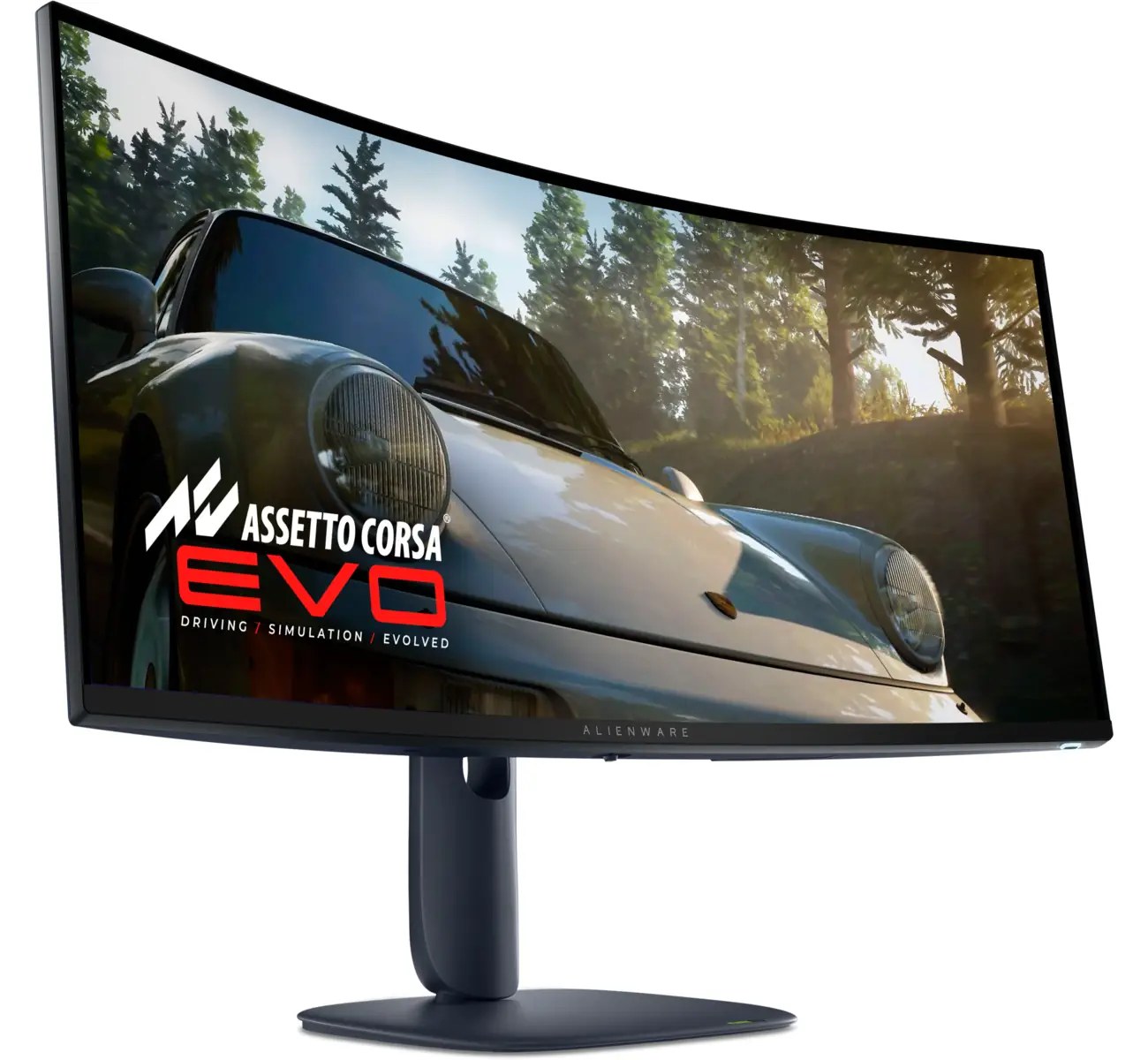
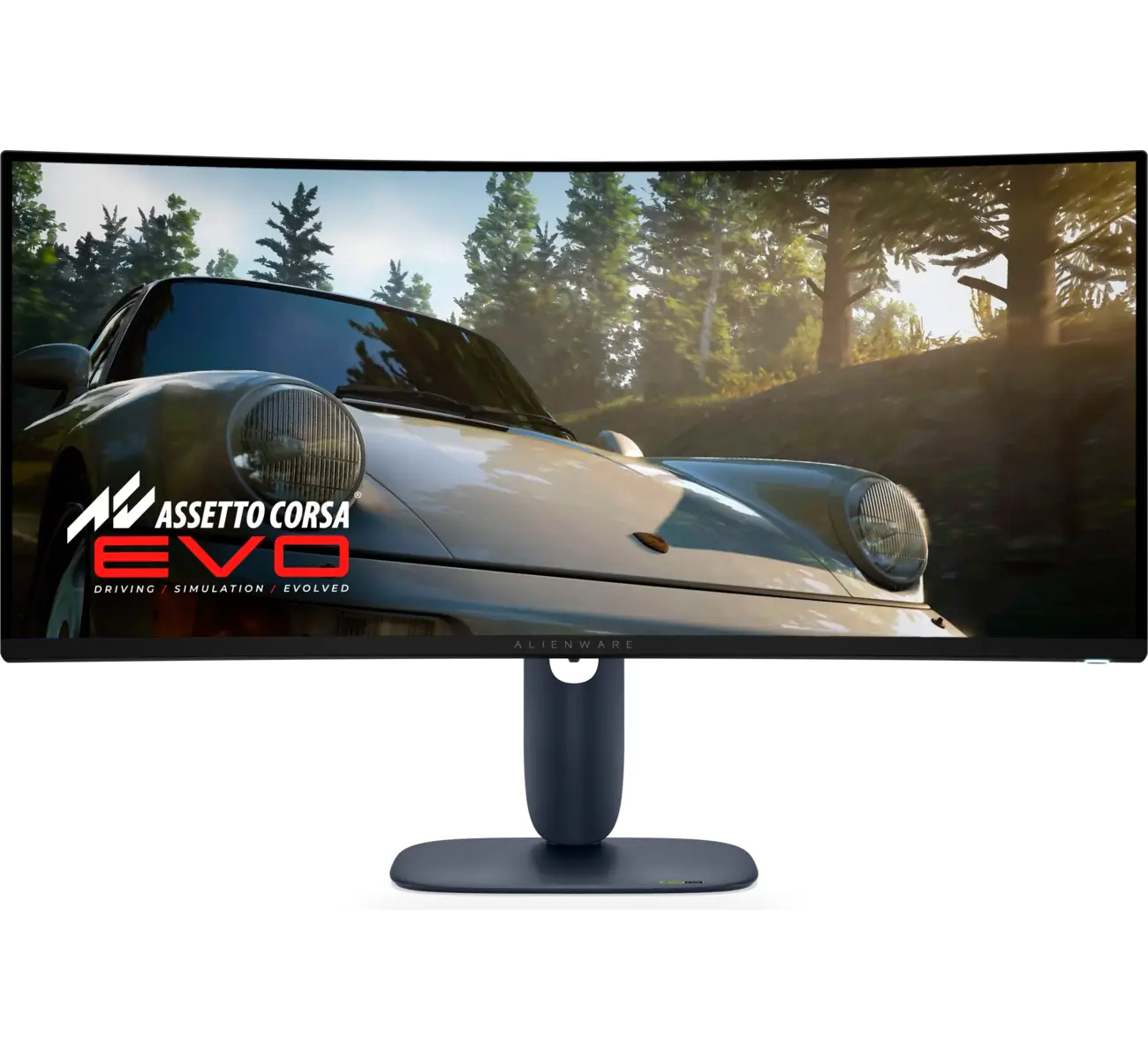
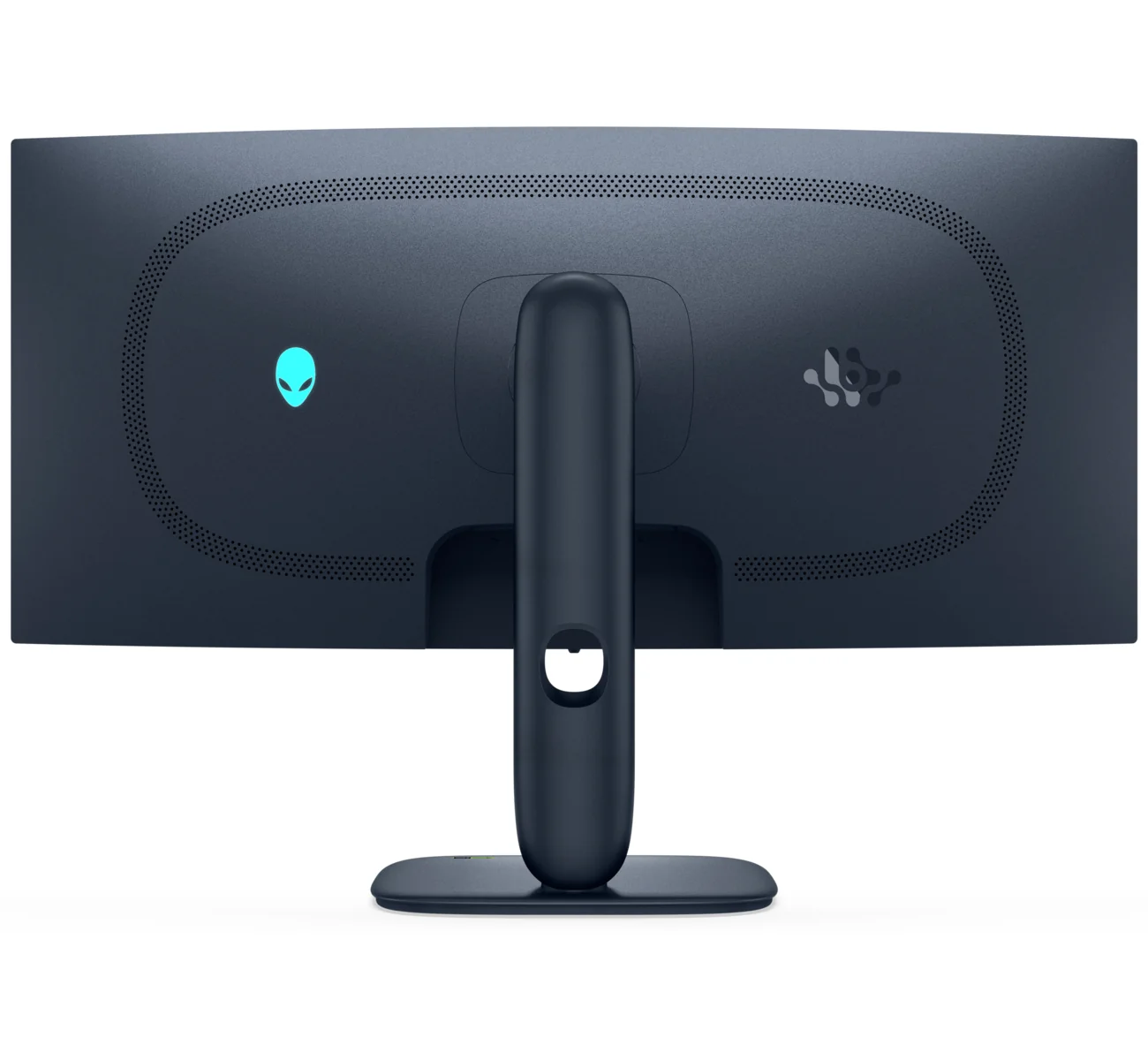
Alienware AW3425DW
By Alienware · Gaming Monitors · Audio & Electronics
- 34-inch QD-OLED, 3440 x 1440, 240Hz
- 0.03ms response time
- 250 cd/m2 typical brightness, 1000 cd/m2 HDR peak
- DisplayHDR True Black 400
- DisplayPort 1.4 and two HDMI ports
Price not listed
- AlienwareView at Alienware
- eBayView at eBay
- AmazonView at Amazon (paid link)
- eBay (used) eBay: used, open-box, refurbishedView at eBay (used)
Stores are listed in a fixed order, never by price or commission. Prices are snapshots. Check the current price with the store.
Summary
The Alienware AW3425DW is a 34-inch 3440 × 1440 240 Hz QD-OLED ultrawide with a 3-year Dell warranty that covers burn-in. Check the panel generation before you buy: it uses the first-gen QD-OLED panel, so expect text fringing and gray reflections in bright rooms.
Strengths
- Deep OLED blacks and vivid QD-OLED color, with a 1,000 nit HDR peak for dark scenes.
- 240 Hz refresh with G-SYNC Compatible and a 0.03 ms GTG spec for strong motion clarity.
- Factory calibration is strong out of the box, and sRGB mode is very accurate.
- The new compact square base frees desk space versus the old V-shaped stand.
- A 3-year Dell warranty that explicitly covers burn-in.
Weaknesses
- The first-gen QD-OLED triangle subpixel layout causes pink and green fringing on text edges.
- The glossy screen can look gray or purplish in bright ambient light.
- Full-screen SDR brightness is only about 250 nits, adequate rather than excellent.
- The compact base wobbles more than the older stand when the screen is touched.
- No USB-C display input, no KVM switch, no speakers and no Dolby Vision.
- OLED burn-in risk with static content; the warranty covers it, but long productivity sessions are a caution.
Verified specifications
| Model | Alienware AW3425DW (Dell P/N 63HN0, Dell part 210-BRRK). |
|---|---|
| Panel | 34.2-inch Samsung Display QD-OLED, 3440 × 1440 (21:9), 1800R curve. |
| Refresh rate | 240 Hz. |
| Response time | 0.03 ms GTG (manufacturer spec). |
| Brightness | 250 cd/m² typical (SDR); 1,000 cd/m² HDR peak. |
| HDR | VESA DisplayHDR True Black 400. |
| Adaptive sync | NVIDIA G-SYNC Compatible, AMD FreeSync Premium Pro, VESA AdaptiveSync. |
| Ports | 1 DisplayPort 1.4 (DSC), 2 HDMI 2.1 (FRL, VRR), 1 USB 5 Gbps Type-B upstream, 1 USB-A downstream, 1 USB-C 5 Gbps downstream with 15 W charging. |
| Stand | height, tilt, swivel and slant adjustments. |
| Color | 1.07 billion colors; about 99.3% DCI-P3 coverage. |
| Audio | none (no speakers). |
| Dimensions | 32.05 × 4.38 × 21.85 in (813 × 445–556 × 231 mm); 17.95 lb (8.14 kg) with stand, 11.22 lb (5.09 kg) without. |
| Power | about 75 W typical (TechSpot measured). |
| In the box | monitor, stand, power cable, DisplayPort 1.4 cable (1.8 m), HDMI cable (1.8 m), USB-A to USB-B 5 Gbps cable (1.8 m), microfiber cloth. |
| Warranty | 3-year limited with Advanced Exchange Service, covering burn-in. |
Full research notes and sources
Panel, brightness and text clarity
The 34.2-inch Samsung Display QD-OLED panel runs at 3440 × 1440 and 240 Hz, with a claimed 0.03 ms GTG response time. It delivers deep blacks, vivid color and a 1,000 nit HDR peak. TechSpot measured 246 nits full-screen SDR with 99.4% DCI-P3 coverage and a 0.49 color error, and Tom’s Hardware found DCI-P3 coverage a hair shy of 108%. Those numbers are strong for the price.
This is the first-generation QD-OLED panel, the same family as the AW3423DWF. The triangle RGB subpixel layout leaves pink and green fringing on text edges, and the glossy coating can look gray or purplish in bright ambient light. Full-screen SDR brightness is only about 250 nits, so this is a monitor for dim rooms.
Stand, ports and design
The new compact square base replaces the older V-shaped legs and frees desk space, but it is less sturdy: owners report more wobble when the screen is touched. Height, tilt, swivel and slant adjustments are included. The port set is 1 DisplayPort 1.4 with DSC, 2 HDMI 2.1 ports with VRR, one USB 5 Gbps Type-B upstream, one USB-A downstream and one USB-C 5 Gbps downstream that charges at 15 W but cannot carry a display signal. There is no KVM switch, no speakers and no Dolby Vision.
Burn-in, warranty and maintenance
OLED panels can burn in with static content over time, and TechSpot and PC Gamer both caution that OLED is less suited to long hours of static productivity work. Dell’s 3-year limited warranty with Advanced Exchange Service covers burn-in, which is unusual and the key safeguard here. The pixel-shift and panel-refresh features are always on and not user-configurable; a manual pixel refresher is in the OSD and takes about an hour. XDA reports a panel health rating in green, yellow or red and a graphite heat-dissipation sheet behind the panel. One Reddit owner reported burn-in at about 5 months of use, another returned the unit after 2 weeks, and a third reported firmware update problems. Nobody has published a failure rate, so treat burn-in as a known annoyance rather than a defect.
Is it worth it?
At $769 at Dell (PC Gamer, 2025-06) it is a strong value for a 34-inch 240 Hz QD-OLED ultrawide with burn-in cover, and Dell lists it at $799.99. Around $700 to $800 is the sweet spot. Above $900 the newer AW3426DW, brighter and faster at 280 Hz, is the better buy if it is available near that price. If you can accept first-gen QD-OLED text fringing and gray reflections in bright rooms, the AW3425DW is easy to recommend.
Which model this is
This page covers the Alienware 34 240Hz QD-OLED Gaming Monitor, model AW3425DW (Dell P/N 63HN0, Dell part 210-BRRK). Its Amazon listing is ASIN B0F6724X5N. Do not confuse it with the AW3425DWM, a 180 Hz VA LCD model, or the AW3426DW, the newer 280 Hz QD-OLED replacement.
Sources
Manufacturer:
- Alienware 34 240Hz QD-OLED Gaming Monitor AW3425DW — Dell US product page
- Alienware 34 QD-OLED Curved Gaming Monitor AW3425DW — Dell Ireland (spec sheet)
- Image retention or burn-in on Alienware AW3423DW/F OLED monitors — Dell support KB
Independent reviews:
Owner reports: