How to Choose a Wi-Fi Router in 2026: Buying Guide
Published October 20, 2026
In this article
Pick a Wi-Fi router by coverage, wired ports and how many devices you actually run — not by the biggest number on the box. Wi-Fi 7 is mainstream now, but a tri-band router with 2.5 Gbps ports will do more for most homes than the top advertised speed. Measure your home, count your devices, and decide whether one router or a mesh fits before you compare models.
What actually matters
Coverage first, speed second
The headline figure (BE19000, BE9700, BE9300 and so on) is the sum of every radio working at once under ideal conditions. No phone or laptop ever uses that number. What decides your day-to-day experience is whether the signal reaches the rooms you use. A single router rated for a four-bedroom house can cover a normal flat with ease, while a long or thick-walled home usually needs more than one unit.
Rule of thumb: match the router’s rated coverage to your real floor plan, not to the biggest speed number printed on the box.
Bands and the 6 GHz question
A tri-band router runs 2.4 GHz, 5 GHz and 6 GHz. The 6 GHz band is fast and clean because almost nothing else uses it, but it has shorter range, so it works best for devices near the router or as a backhaul link between mesh nodes. The 2.4 GHz band is slower but reaches further and keeps smart-home gear, sensors and older gadgets connected. A tri-band design gives you all three at once instead of forcing everything onto one crowded band.
Wi-Fi 7 features that actually matter
The useful Wi-Fi 7 tools are 320 MHz channels, 4K-QAM and Multi-Link Operation (MLO). MLO lets a compatible device use more than one band at the same time, which lowers latency and steadies busy connections. Multi-RUs and airtime fairness help when many devices share the air. These pay off with Wi-Fi 7 clients and in crowded homes; they will not magically speed up an old laptop.
Wired ports decide your ceiling
This is where routers are most often bottlenecked. If your internet plan is faster than a gigabit, or you move large files between a NAS and a PC, you want 2.5 Gbps or 10 Gbps Ethernet ports, not gigabit. The WAN port has to match your modem or fiber ONT, and the LAN ports set the ceiling for everything you plug in.
Rule of thumb: an expensive radio behind a gigabit port is a sports car on a dirt road. Check the ports before the speed rating.
Wired backhaul beats wireless
If you can run Ethernet between mesh nodes, do it. A wired backhaul gives every node a full-speed, stable link and leaves the wireless bands free for your devices. Even a single 2.5 Gbps cable between two nodes is usually better than the strongest wireless link.
Formats compared
| Format | Best when | Main drawback |
|---|---|---|
| Single tri-band router | A flat or smaller home, a handful of rooms, moderate device count | Dead spots in long, thick-walled or multi-floor homes |
| Mesh system (two or more nodes) | Large or multi-floor homes, many devices, coverage everywhere | Costs more; every node needs a power outlet and a good spot |
| Tri-band router as a base, extendable later | You want to start with one unit and add nodes as needed | Mixed nodes can limit the whole system |
| Wired-performance router | High-speed plan, NAS, many Ethernet devices | Bigger, with more settings to manage |
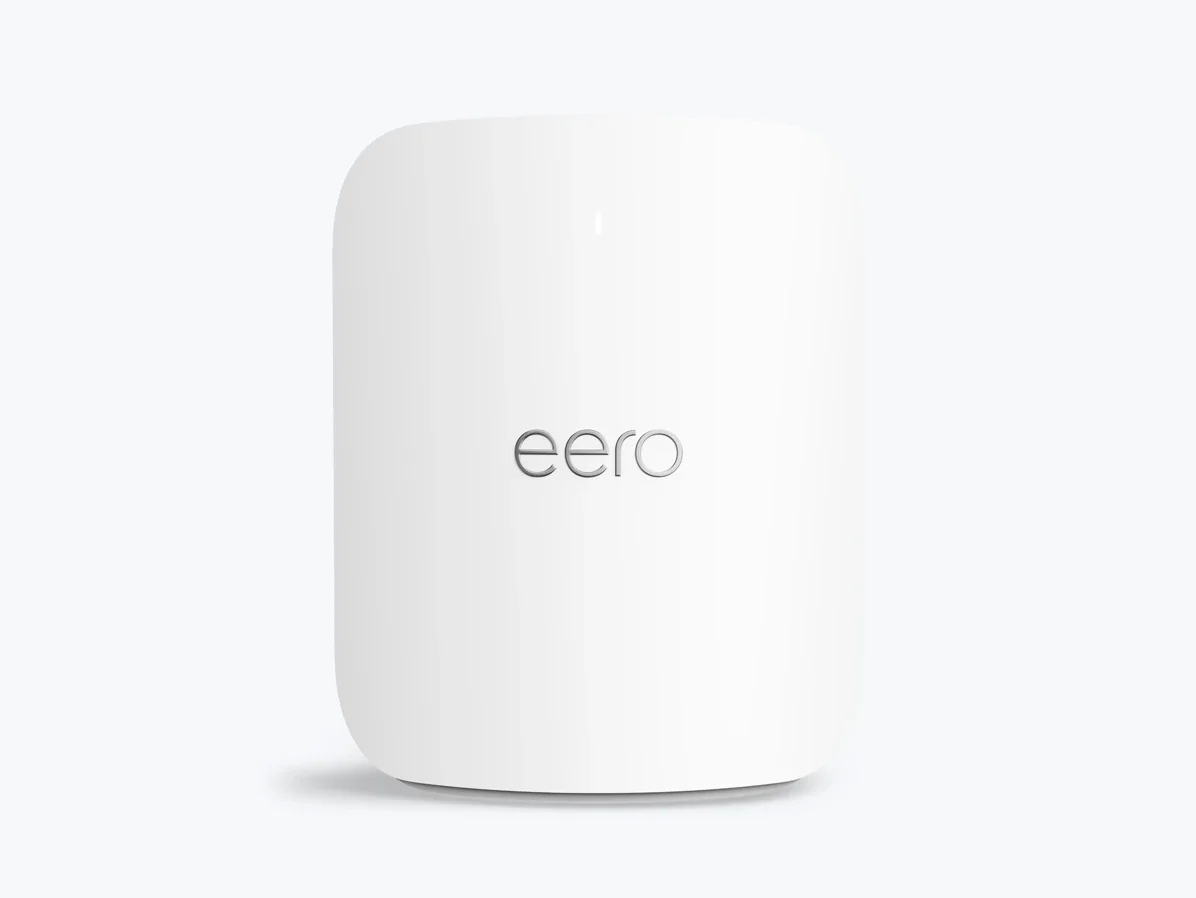
A mesh system is the honest answer for most houses that fight with a single router. The eero Pro 7 BE3900 Tri-Band Wi-Fi 7 Mesh Router is built as a mesh from the start: each unit covers around 2,000 sq ft and handles 200+ connected devices, with two auto-sensing 5 GbE Ethernet ports per node. If you would rather begin with one router and grow, the ASUS AiMesh models below let you add nodes later using the same app and network name.
Sizes: how much router do you need?
Think in three numbers, not one. First, floor area and layout: a single router suits many flats and smaller homes, while 3,000 sq ft, several floors or a long, thick-walled layout pushes you toward a mesh. Second, device count: a household full of phones, laptops, TVs, consoles and smart-home gear needs headroom, which is why a unit rated for 200+ devices per node is worth it in a busy home. Third, speed of your internet plan: match your WAN port to the plan, and step up to 2.5 Gbps or 10 Gbps ports if the plan or your local file transfers go above a gigabit.
Features worth paying for
- Multi-gigabit ports. 2.5 Gbps or 10 Gbps Ethernet is the upgrade you will actually feel on a fast plan or a wired NAS.
- Tri-band with usable 6 GHz. A dedicated, clean band reduces congestion and helps backhaul.
- MLO, 320 MHz and 4K-QAM. Real Wi-Fi 7 tools that improve latency and efficiency with modern devices.
- Mesh compatibility. Extendable designs such as AiMesh let you add coverage without replacing the whole system.
- A USB port. Useful for a shared drive or a printer on the network.
- Enough LAN ports. Count your wired devices before you buy, including consoles, PCs and streamers.
Features that are marketing noise
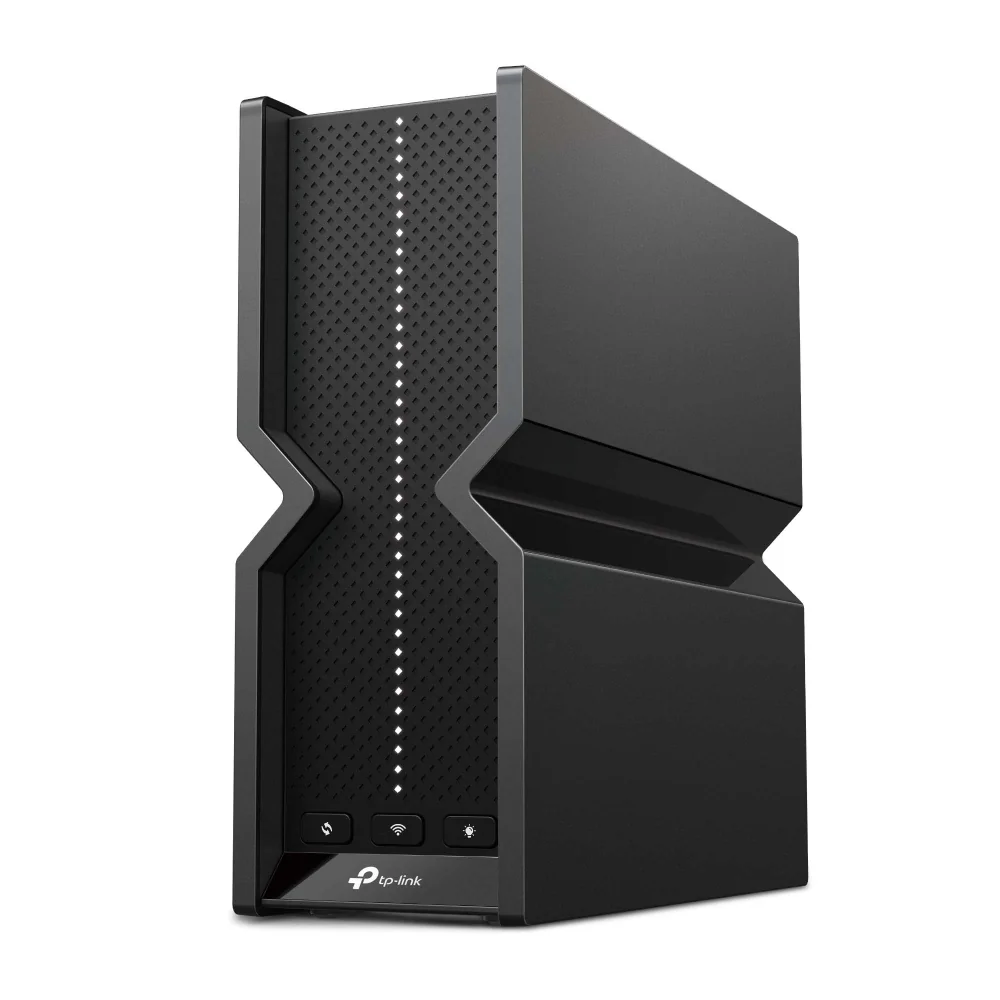
Gaming branding, RGB lighting and giant speed sums mostly sell boxes. Antenna count is not a quality score either — internal antennas with beamforming and high-power front-end modules do the real work, which is why the TP-Link Archer BE550 BE9300 Tri-Band Wi-Fi 7 Router uses six optimally positioned internal antennas rather than an external forest. Small gains such as 4096-QAM are real but minor in everyday use. And “AI” or cloud features that push a subscription rarely change how well the router covers your home. Skip anything you cannot name a weekly use for.
Common mistakes
Buying by the speed number. The total rating is not a real-world speed. Coverage and ports matter more.
Ignoring the wired ports. A gigabit WAN caps a fast plan, no matter how good the radios are.
One router for a big, multi-floor home. Thick walls and distance beat any single unit; plan for a mesh.
Placing mesh nodes badly. Too far apart and they cannot talk; too close and they waste each other. Keep a clear line of sight where you can.
Expecting a new router to fix a slow plan. If the internet coming in is slow, no router makes it faster.
Forgetting the modem or ONT and the cabling. Check the WAN speed and that your cable is not the weak link.
Paying for presets and gimmicks. Manual, readable controls and solid ports beat a long list of branded modes.
Who should buy what
Small flat, few devices: one tri-band Wi-Fi 7 router is plenty. Look for 2.5 Gbps ports so a future plan upgrade does not force a new purchase.
Large or multi-floor home, many devices: go mesh. Coverage per node and device headroom matter more than the peak speed.
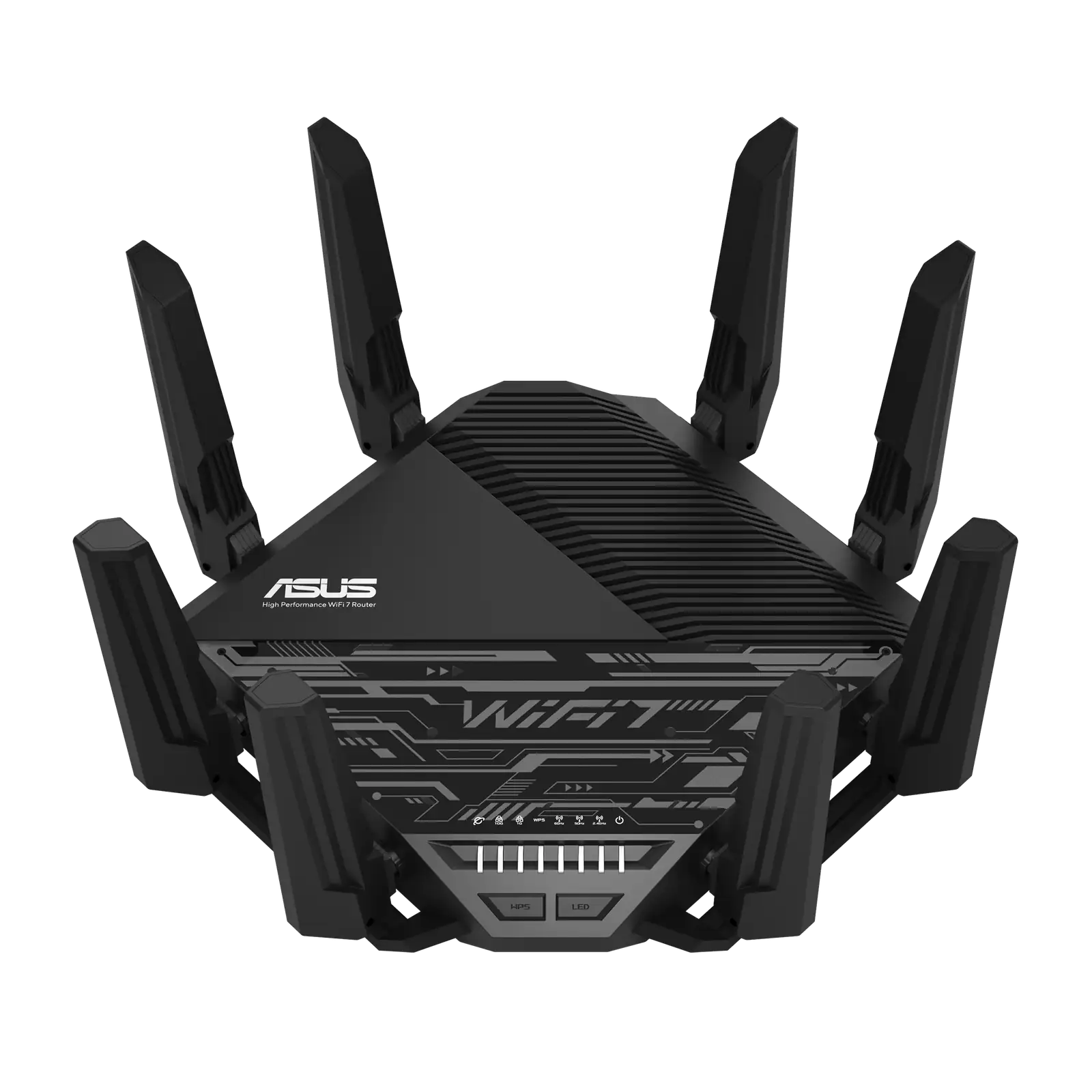
High-speed plan or a NAS: prioritize multi-gigabit ports. The ASUS RT-BE96U Tri-Band Wi-Fi 7 Router pairs a BE19000 tri-band radio with dual 10G WAN and WAN/LAN ports, so the wired side keeps up with a fast plan.
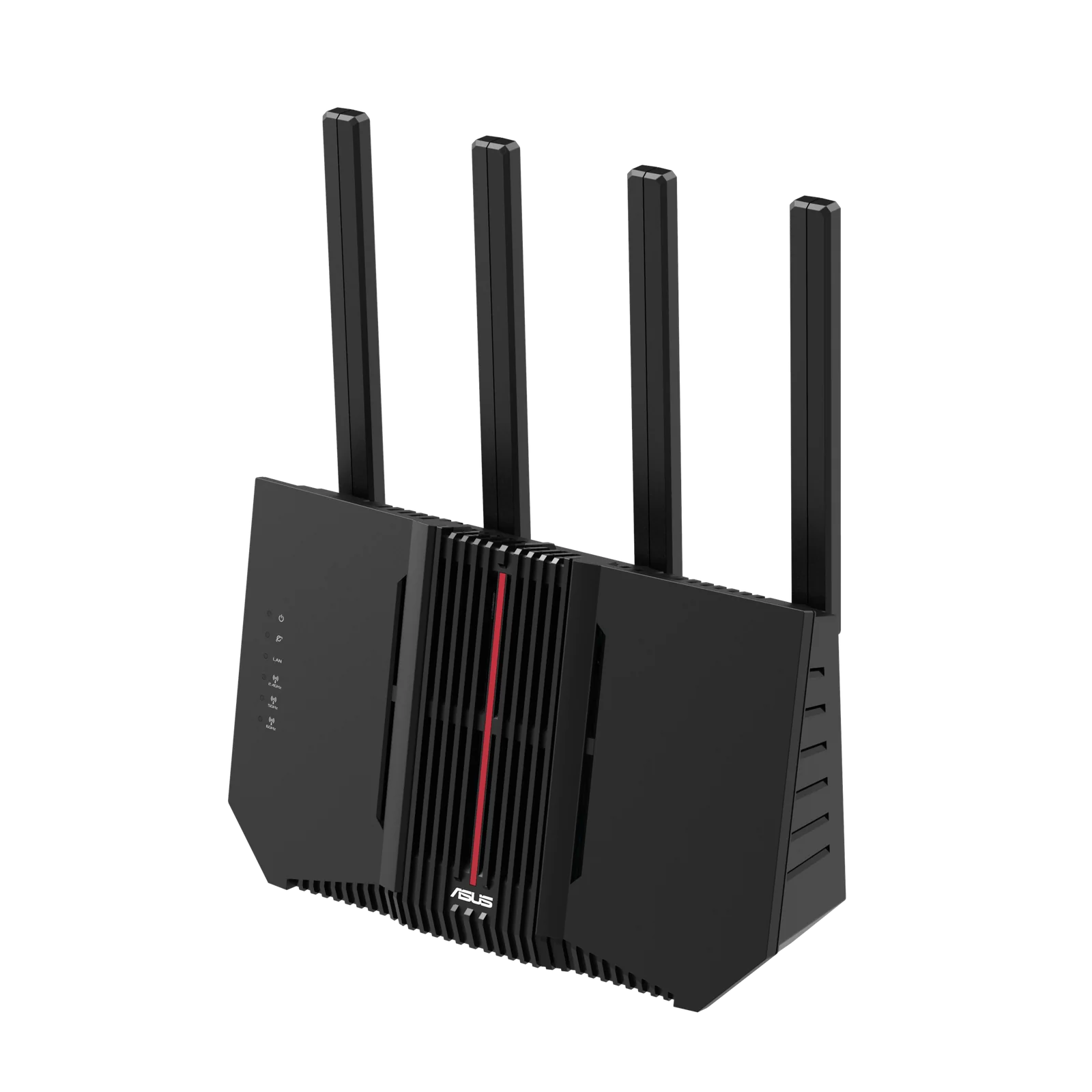
Wired-heavy desk plus room to grow: the ASUS RT-BE92U BE9700 Wi-Fi 7 Router gives one 10 Gbps WAN and four 2.5 Gbps LAN ports, plus a USB 3.2 Gen 1 port and AiMesh support for adding nodes later.
A 60-second checklist
- Measure your floor area and count the floors and thick walls.
- Count your connected devices and your wired devices.
- Check your internet plan speed and match the WAN port to it.
- Decide single router versus mesh.
- Confirm the bands: you want tri-band with a usable 6 GHz.
- Look for 2.5 Gbps or 10 Gbps ports if you move large files.
- Check mesh support if you may add nodes later.
- Ignore any feature you cannot name a weekly use for.
The right router disappears into daily life: every room gets a steady signal, your wired devices run at their full speed, and you never think about it again. Coverage, ports and device headroom get you there far more reliably than the biggest number on the shelf.
- ASUS RT-BE96U Tri-Band Wi-Fi 7 Router – suits buyers on a fast plan who need dual 10G WAN and WAN/LAN ports, 320 MHz channels and MLO, with AiMesh for adding nodes later.
- ASUS RT-BE92U BE9700 Wi-Fi 7 Router – a fit for wired-heavy homes that want one 10 Gbps WAN, four 2.5 Gbps LAN ports and a USB 3.2 Gen 1 port, extendable via AiMesh.
- TP-Link Archer BE550 BE9300 Tri-Band Wi-Fi 7 Router – matches a four-bedroom house with six internal beamforming antennas, 2.5 Gbps WAN and LAN ports with 5 Gbps aggregation, and a USB 3.0 sharing port.
- eero Pro 7 BE3900 Tri-Band Wi-Fi 7 Mesh Router – built for large or multi-floor homes that want per-node coverage around 2,000 sq ft, 200+ devices per unit and two 5 GbE ports per node.