How to Choose a Streaming Light for Your Setup: Buying Guide
Published October 20, 2026
In this article
Pick a streaming light by where it will mount, where it will sit, and how much light you actually need. Brightness matters, but only after color quality, mounting options, and whether the power source can deliver the rated output. This guide covers the lights we have reviewed and the real differences that show up on camera.
What actually matters
Brightness, and the power source behind it
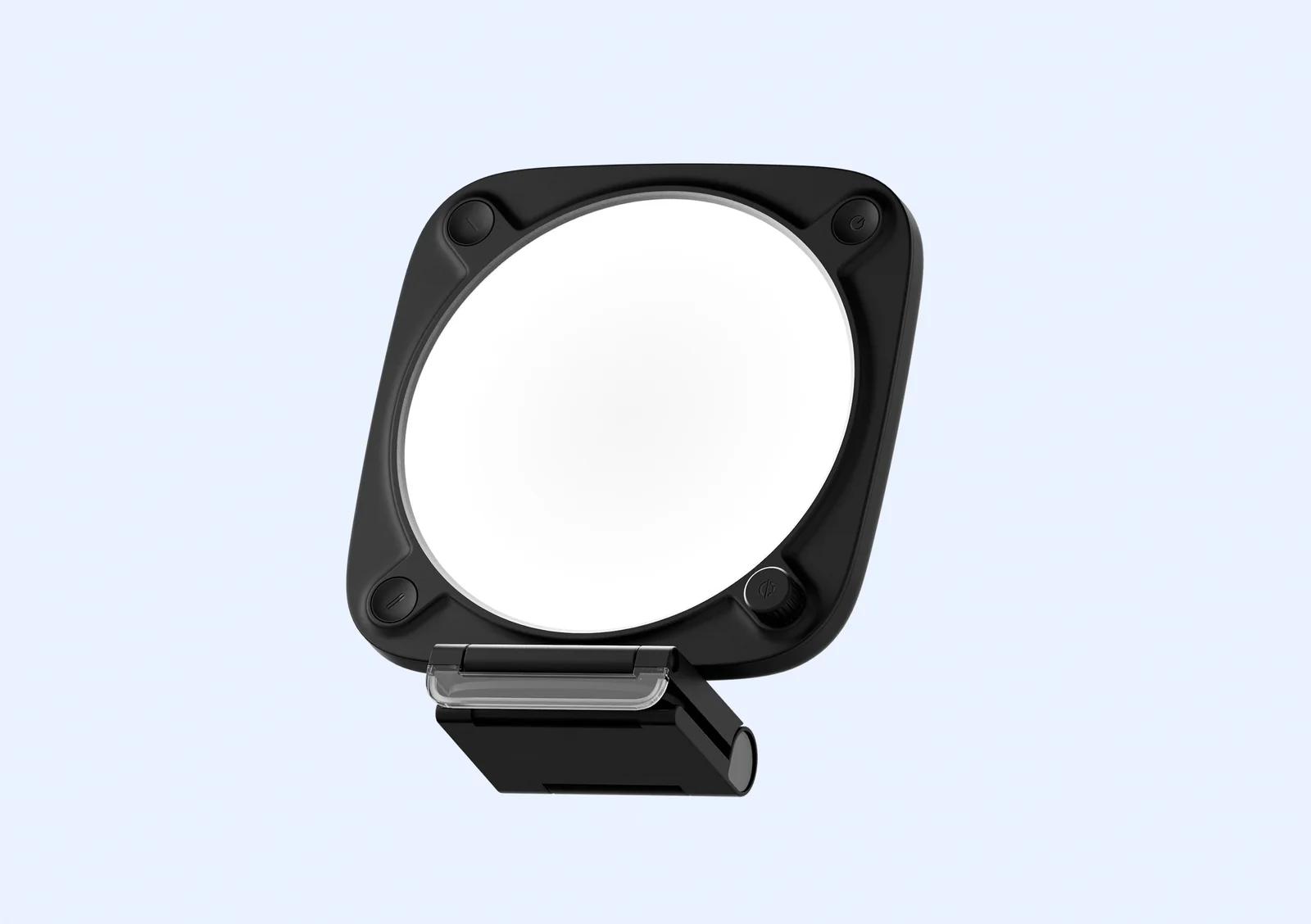
Lumens measure total light output, but a light is only as bright as its power source allows. The Elgato Key Light Neo (black, with monitor mount) is a good example: Elgato rates it at 400 lm over USB-A, 700 lm over USB-C, and 1000 lm only when fed by a 3A power supply. A monitor-mount light run from a laptop USB port will look dimmer than the box suggests. Check which port or adapter you will actually plug into.
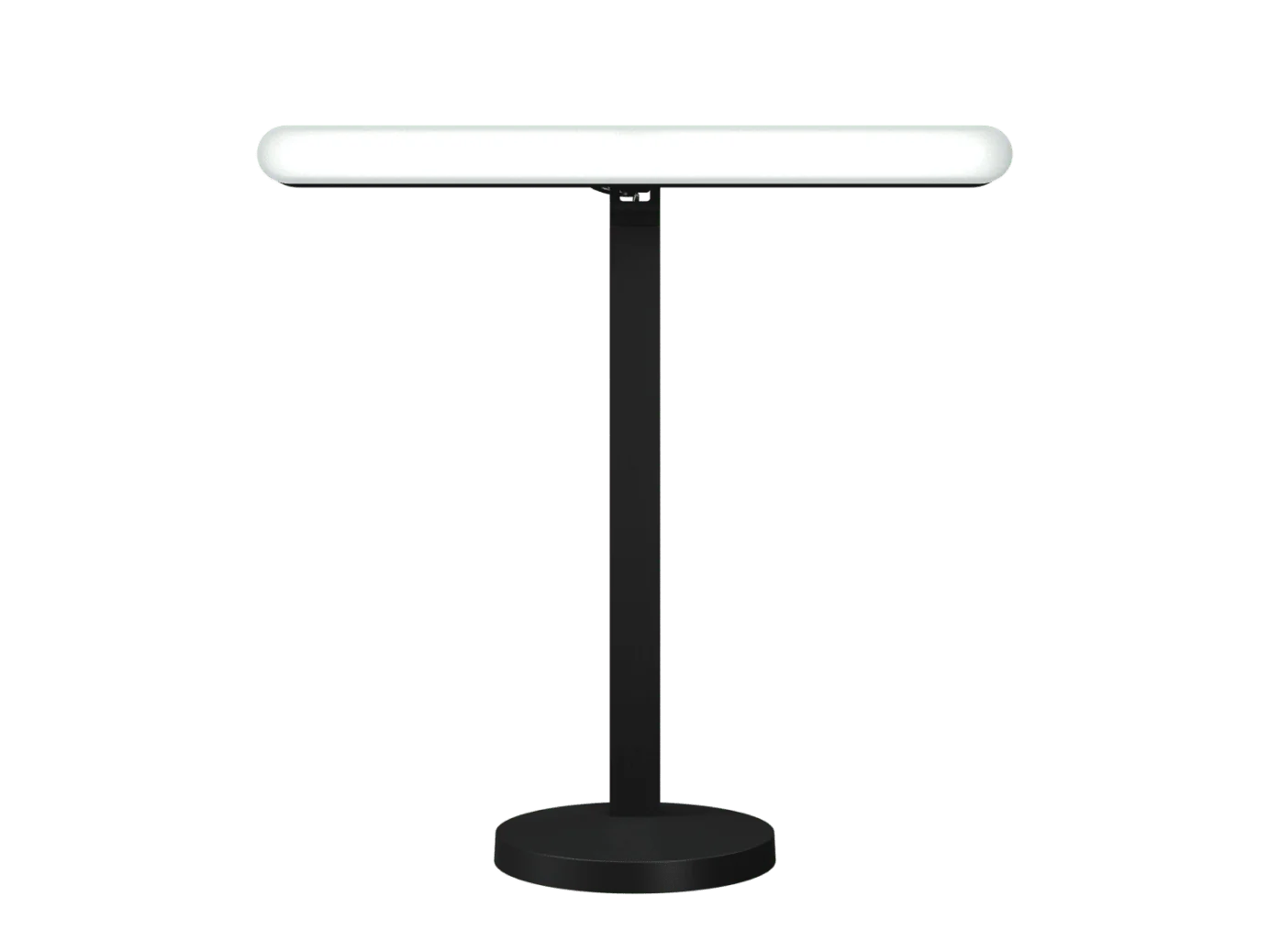
The Logitech G Litra Beam TrueSoft LED Streaming Key Light works the same way. Logitech lists up to 400 lm, and B&H lists 320 lux at 1 m through a USB 3.0 port, but the light needs a USB 3.1 Gen 2 port or a 5V 1.4A adapter for full output, and it has no battery. If you want to move it around, plan for a wall adapter rather than a spare battery.
Rule of thumb: check the power source before trusting the lumen number. A USB-A port often delivers less than half the rated brightness.
Color temperature and color accuracy
Most streaming lights let you tune from warm to cool. A range of roughly 2700K to 6500K covers the common cases: warm for a relaxed look, neutral around 4000 to 5000K for a natural daytime feel, and cool for a crisp studio appearance. The Logitech Litra Glow covers 2700 to 6500K, and the Elgato Key Light spans 2900 to 7000K.
Range alone is not enough. Color rendering index (CRI) describes how accurately the light shows skin and objects. Both the Litra Glow and the Litra Beam publish a CRI of 93, which is good for faces. A light can be bright and tunable yet still make skin look flat if its CRI is low. If you only remember one number, remember CRI.
Mounting and placement
Where the light sits changes the result more than most spec sheets suggest. The Logitech G Litra Beam TrueSoft LED Streaming Key Light comes with a desktop mount that telescopes 37 to 61.5 cm and three 1/4-20 threads on the back, bottom and side, so you can hang it from an arm or tripod. The Elgato Key Light uses a standard 5/8-inch tripod thread that fits Multi Mount arms. The Key Light Neo weighs about 246 g and mounts to a monitor.
If you have limited desk space, a monitor-mounted panel or a compact bar saves room. If you want soft, even light, a larger panel further from your face usually wins over a small bright one close up. Decide the mount before the brightness, because a light you cannot position well is wasted output.
Control, app, and day-to-day use
Some lights are driven from a phone or desktop app, like the Elgato Key Light over Wi-Fi, which is convenient when the light is on an arm behind you. Others rely on onboard controls. Ask how you will actually adjust brightness and temperature mid-session. A light that is awkward to reach mid-call becomes a light you never tune.
Rule of thumb: the control you will use is the one within arm’s reach. App control is a bonus, not a replacement for a reachable physical control.
Types compared
| Type | Best when | Main drawback |
|---|---|---|
| Compact flat panel | You stream from a laptop or a tight desk and want soft light | Lower output; best for close-up faces |
| Monitor-mount panel | You want light that travels with your screen | Brightness depends on the power source |
| Desktop light bar | You want TrueSoft, adjustable color and a telescoping mount | Needs a USB 3.1 Gen 2 port or adapter for full output |
| Large key light | You need strong, even light and app control | Larger footprint and a tripod or arm setup |
What is marketing noise
Lumens are easy to compare but often measured without the real power source. Do not pay extra for a headline number if you will run the light from a laptop.
A long list of preset looks or scene modes is usually saved color and brightness pairs. You will likely settle on one or two settings. Clear manual controls matter more than a deep menu.
“Studio” or “pro” branding without CRI, color range or mounting detail is a label, not a specification. Ask what the number actually measures.
Who should buy what
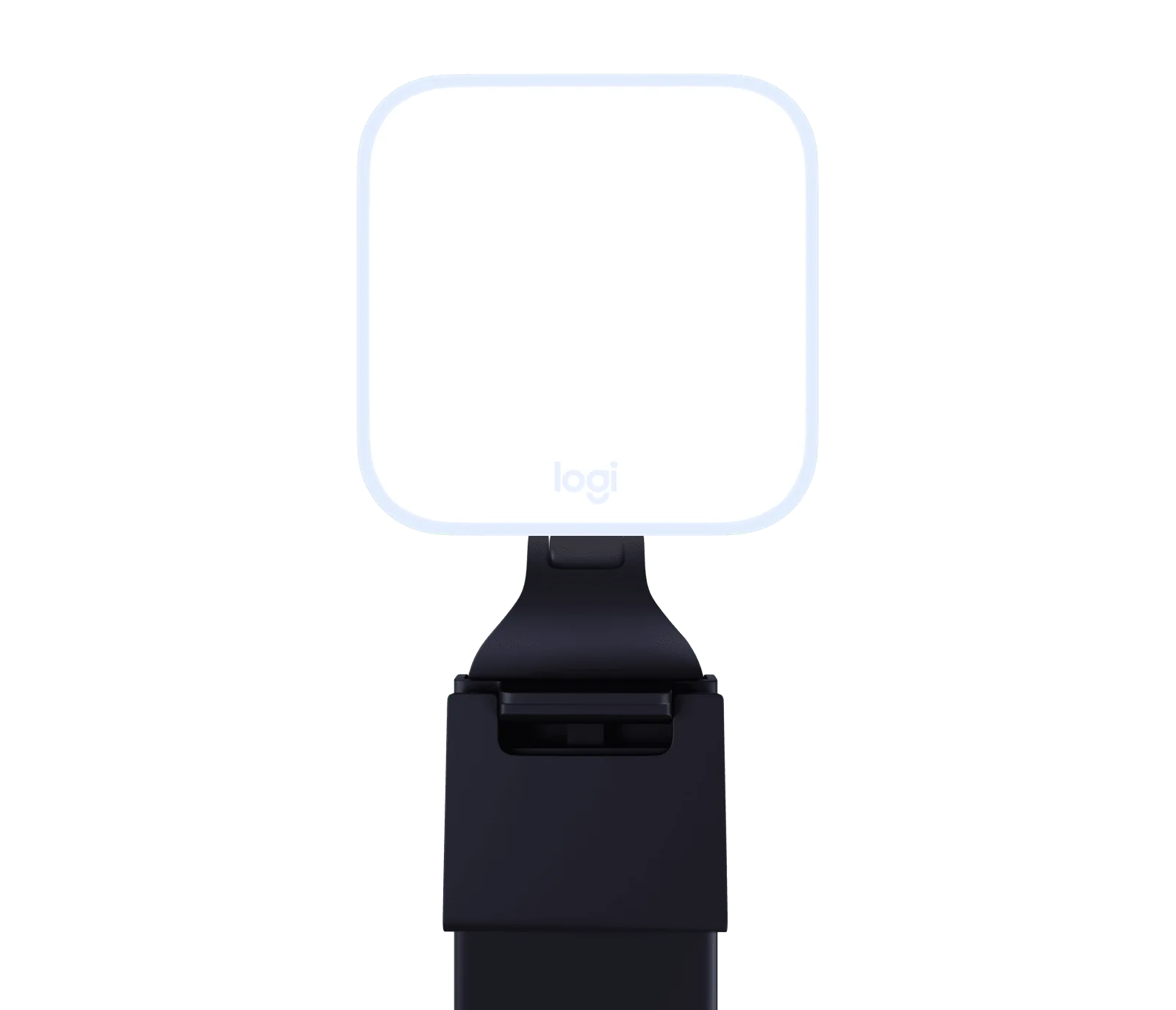
Laptop and small-desk streamers: a compact flat panel like the Logitech Litra Glow with a 93 CRI and 250 lumens is enough for a close-up face and saves space.
Monitor-mount minimalists: the Elgato Key Light Neo (black, with monitor mount) at about 246 g clips to the screen; feed it a 3A supply if you want its full 1000 lm.
Bar and arm setups: the Logitech G Litra Beam TrueSoft LED Streaming Key Light gives TrueSoft, 93 CRI, a telescoping mount and three mounting threads.
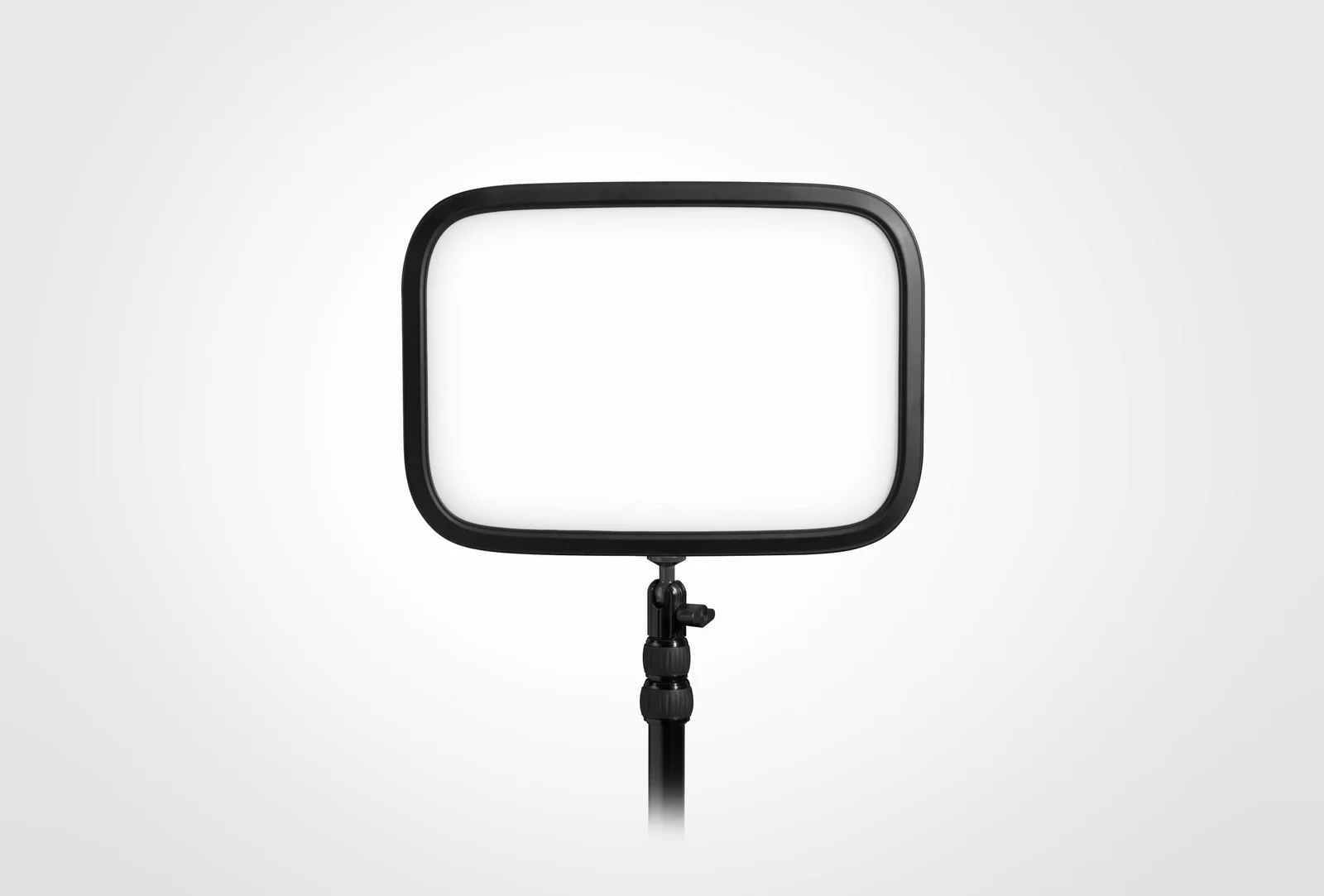
Larger rooms or dual setups: the Elgato Key Light reaches up to 2800 lumens with app control and a standard tripod thread.
Common mistakes
Buying brightness without checking the power source. A USB-A port can halve the rated output.
Ignoring CRI. Bright light with poor color makes faces look worse.
Choosing a mount you cannot fit. Measure the desk, monitor and arm before ordering.
Assuming a small light replaces a large one. Output and diffuser size both affect softness.
Overpaying for scene modes. You will likely use one or two settings.
Placing the light too close. A small bright light near the face creates harsh shadows.
Setup tips
- Mount the light slightly above and in front of your face, angled down, to reduce harsh shadows.
- Start with a neutral color temperature, then warm or cool to match your room.
- If the light scales with the power source, use the adapter or port that delivers its full output before judging brightness.
- Position a larger panel further away for softer light; move a small light closer only if you accept a harder look.
- Keep the light out of the camera frame and away from reflective surfaces that cause glare.
Maintenance and what wears out
- Diffusers: A frameless diffuser, like the one on the Logitech Litra Glow, stays cleaner than textured plastic, but wipe it gently to avoid scratches.
- Mounts and threads: Tighten 1/4-20 or 5/8-inch mounts regularly; a loose arm lets the light drift.
- Cables and ports: Repeated bending at the USB-C connector is a common failure point. Support the cable near the plug.
- Dust: Keep vents clear; a dusty light runs hotter and can dim over time.
Rule of thumb: treat the mount and the power cable as the parts that wear first, because both move every time you rearrange the desk.
A 60-second checklist
- Decide where the light will live: laptop, monitor, desk arm or tripod.
- Confirm the power source can deliver the rated brightness.
- Check color range and CRI.
- Verify mounting threads or an included mount.
- Test how you will adjust brightness and temperature mid-stream.
- Ignore features you cannot name a weekly use for.
The right streaming light is the one that flatters your face, fits your space, and stays where you put it. Brightness, color accuracy and mounting usually matter more than the biggest number on the box.
- Logitech Litra Glow – suits laptop streamers who want a compact flat panel, a 93 CRI for natural skin, and a 2700-6500K range in a small footprint.
- Elgato Key Light Neo (black, with monitor mount) – fits viewers who want a light that mounts to the monitor, weighs about 246 g, and scales from 400 to 1000 lm with the right power source.
- Logitech G Litra Beam TrueSoft LED Streaming Key Light – matches buyers who want TrueSoft light, 93 CRI, a telescoping 37-61.5 cm mount and three 1/4-20 mounting points for arms or tripods.
- Elgato Key Light – serves larger rooms or dual setups that need up to 2800 lumens, 2900-7000K tuning, app control and a standard 5/8-inch tripod thread.