How to Choose a Resin 3D Printer in 2026: Buying Guide
Published October 20, 2026
In this article
Pick a resin 3D printer by the size of the parts you actually print and the detail you need, not by the biggest number on the box. Decide between a compact desktop, a medium plate or a large format, then check XY resolution, the LCD type and light uniformity. A smaller machine you use often beats a big one that sits half empty.
What actually matters
XY resolution is the real sharpness number
Most boxes lead with “4K”, “9K” or “16K”. That is the pixel count across the screen, not the smallest detail you can print. The number that decides fine detail is XY resolution, the size of one pixel on the build plate, in microns. A printer at 17 um prints finer lines than one at 35 um, and 52 um is an entry option. Once XY resolution is fine enough, a higher screen count mostly means a bigger screen, not a sharper part.
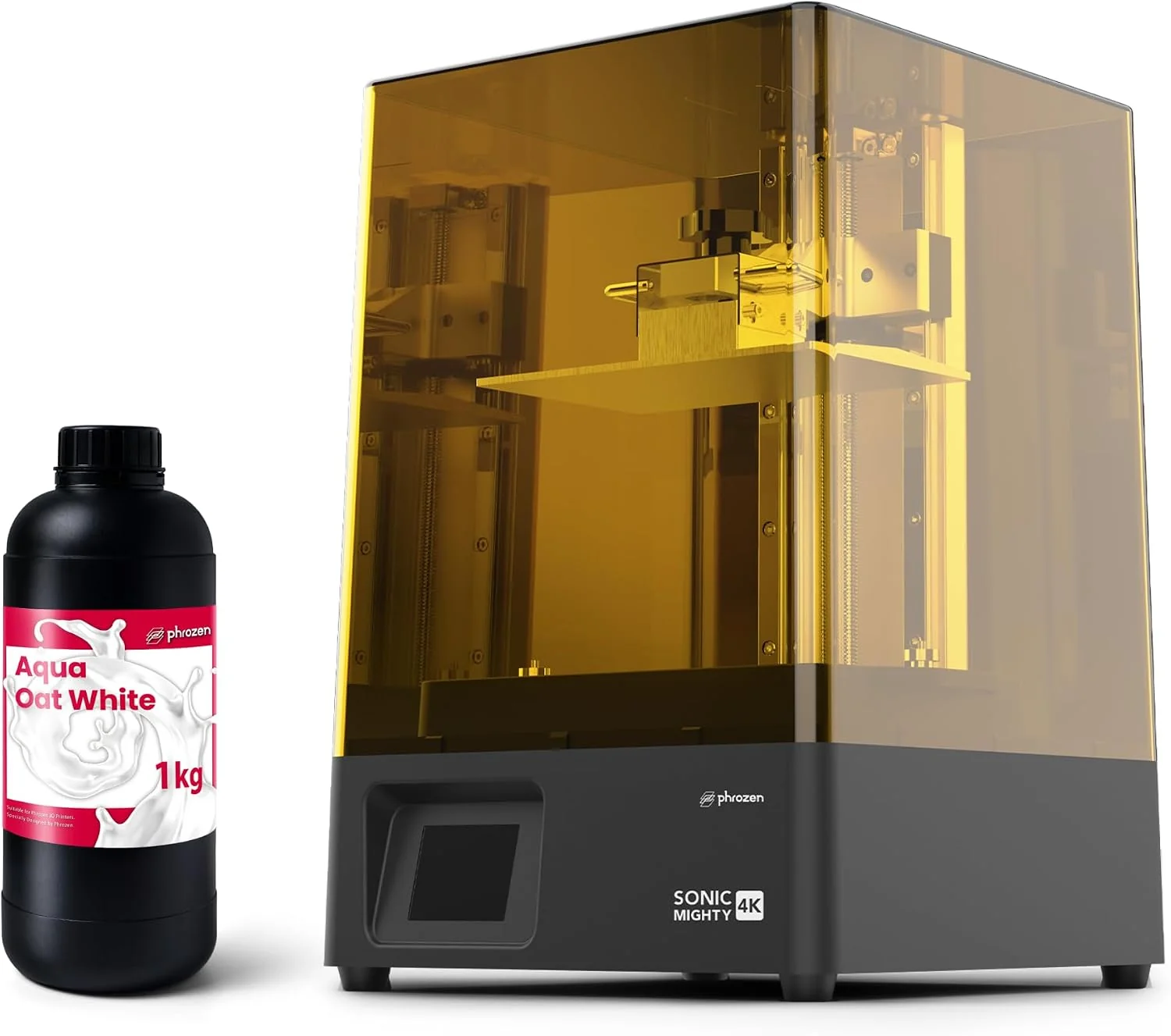
Treat “K” as a size class: the Phrozen Sonic Mighty 4K lists 52 um XY resolution, coarse for chunky parts, while the ANYCUBIC Photon Mono 4 Ultra lists 17 x 17 um for finer detail. Compare the micron number first.
Rule of thumb: the micron number is the detail you get; the “K” number is mostly the size of the screen. Buy microns, not marketing.
Build volume is the number that bites
Ask how big the parts you actually print are, then pick the smallest class that fits them. Resin printers come in three sizes: small desktop plates around 140 to 155 mm wide, medium plates around 210 to 225 mm, and large format around 300 mm tall and up. A big volume costs more, needs more resin to fill for a full build, and takes up more bench.
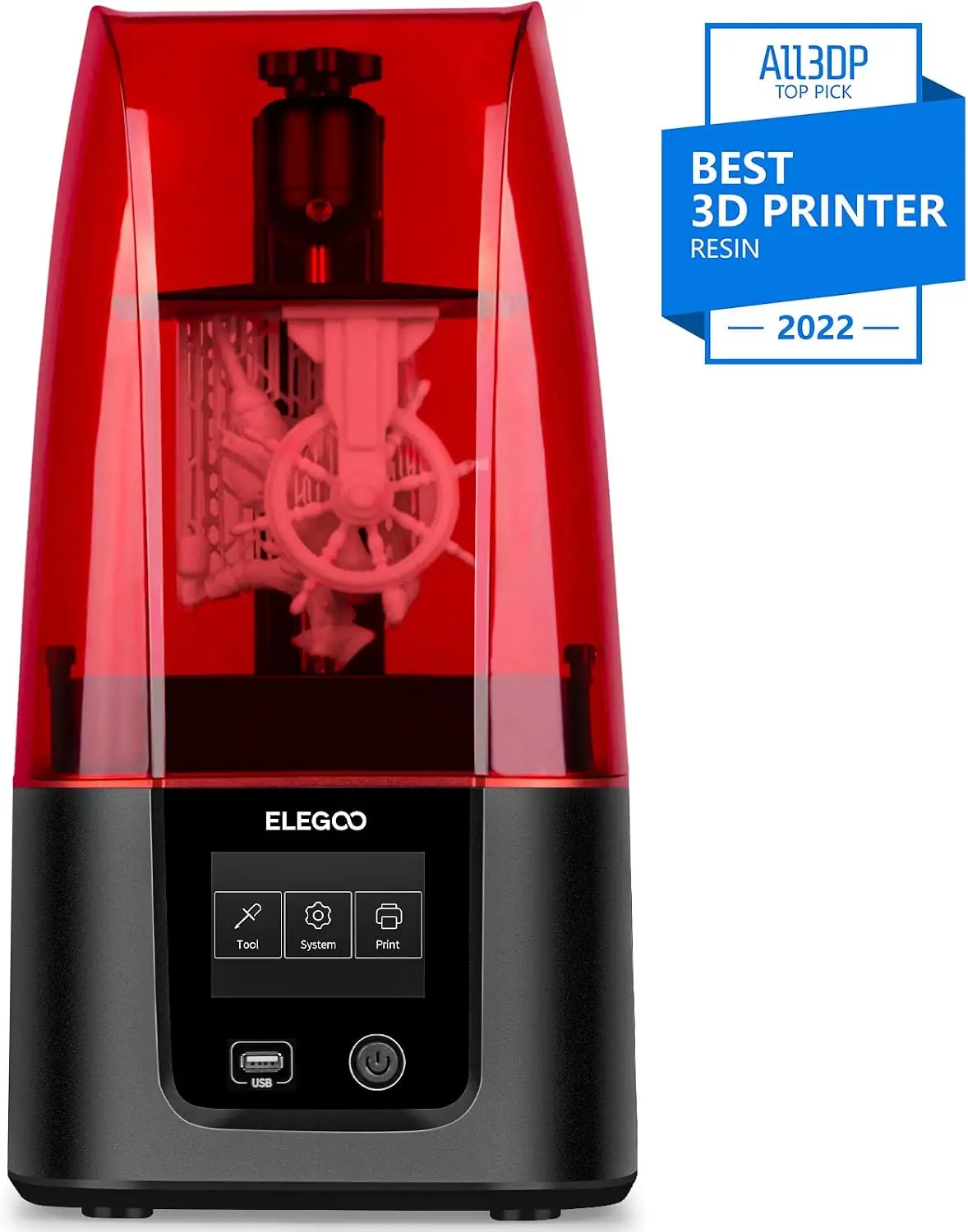
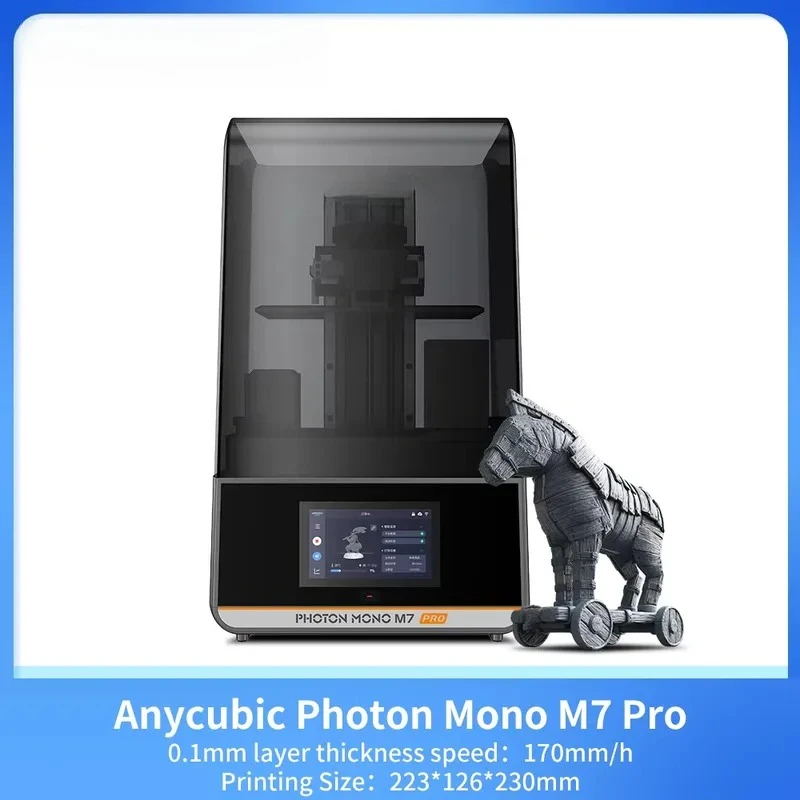
The ELEGOO Mars 3 is a compact 143 x 89.6 x 175 mm machine, while the ANYCUBIC Photon Mono M7 Pro reaches 223 x 126 x 230 mm. If your parts are miniatures or jewelry, the small class is easier to run and wastes less resin. Choose larger only when your parts need it.
Monochrome LCD, not the “K” label
A monochrome LCD cures resin far faster than an older color screen and lasts much longer. Any current printer should have a mono screen; a color LCD means slower prints and a shorter screen life. The screen is a consumable, so check how easy it is to replace.
Light source uniformity
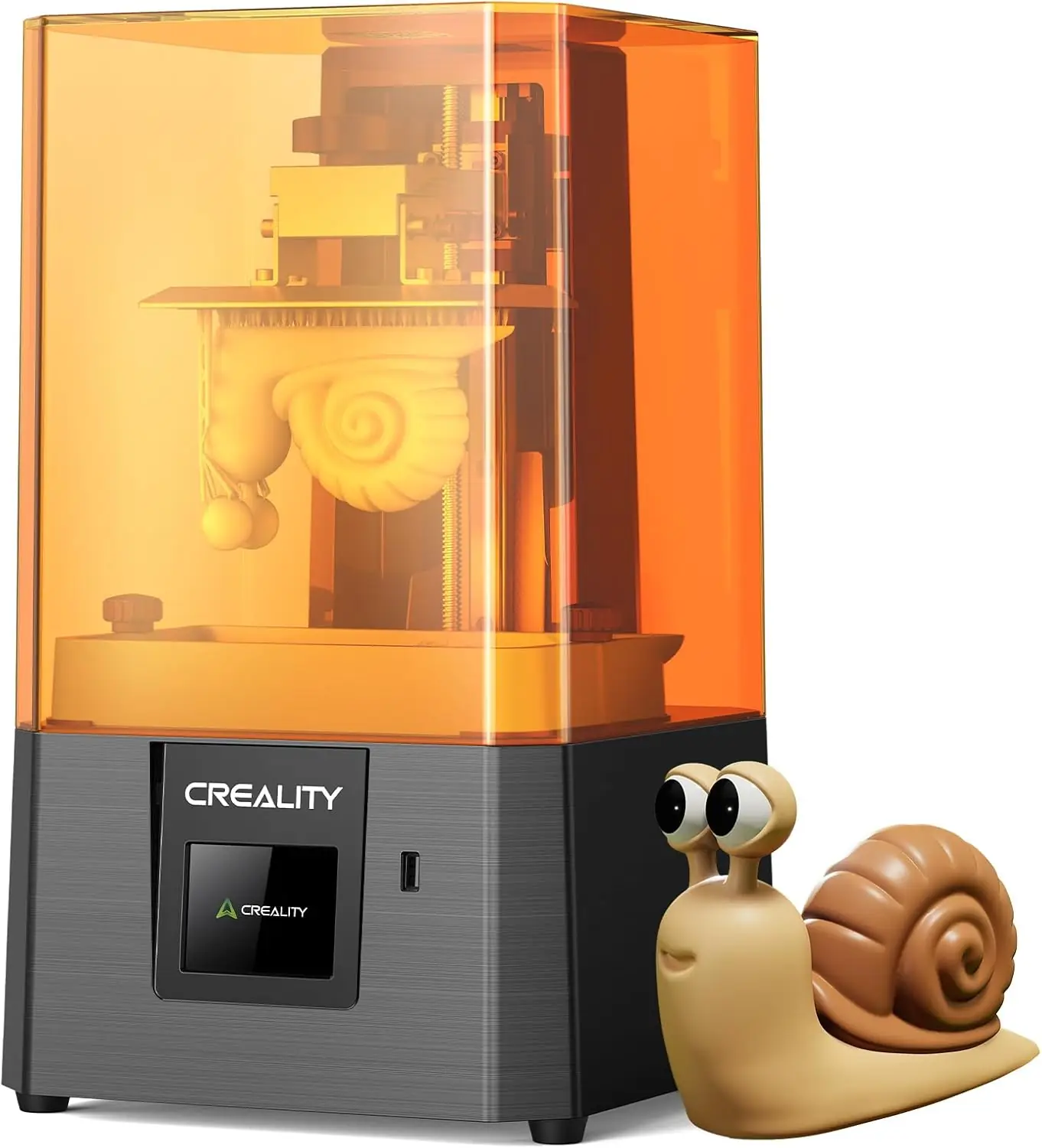
Even prints depend on how evenly the UV light reaches the whole plate. A light source with a collimating lens or Fresnel design keeps edges sharp instead of stretching them. The ELEGOO Saturn 4 12K uses a COB source with a Fresnel collimating lens, and the Creality HALOT R6 lists an integral source with better than 90 percent uniformity. Uniformity matters more on a large plate.
Print speed, with the fine print
“Up to 150 mm/h” or “170 mm/h” is usually measured with fast resin and thin layers. Real prints run slower, and high-speed resin tends to be more brittle. The ANYCUBIC Photon Mono 4 Ultra lists 80 mm/h with standard resin and 120 mm/h with high-speed resin, the same machine doing different work by material. Treat speed as a relative class, not a promise.
Rule of thumb: a monochrome LCD, even light and a heated vat in a cold room are worth paying for. Screen “K”, maximum speed and LED count are mostly noise.
Types compared
| Format | Best when | Main drawback |
|---|---|---|
| Small desktop (about 140 to 155 mm wide) | Miniatures, jewelry, dental models, tight benches | Big parts must be split into pieces |
| Medium (about 210 to 225 mm) | Figurines, props, batch printing | More resin per job, more bench space |
| Large format (about 300 mm tall and up) | Helmets, statues, production runs | Big, heavy and resin-hungry |
| Entry 2K or 4K mono | First printer, learning, lower detail needs | Coarser XY resolution, slower prints |
| High-res 9K to 16K | Fine miniatures, jewelry, dental work | Detail beyond the screen may be wasted |
| High-speed lines | Functional parts, batch work | Needs fast resin and more post-cure care |
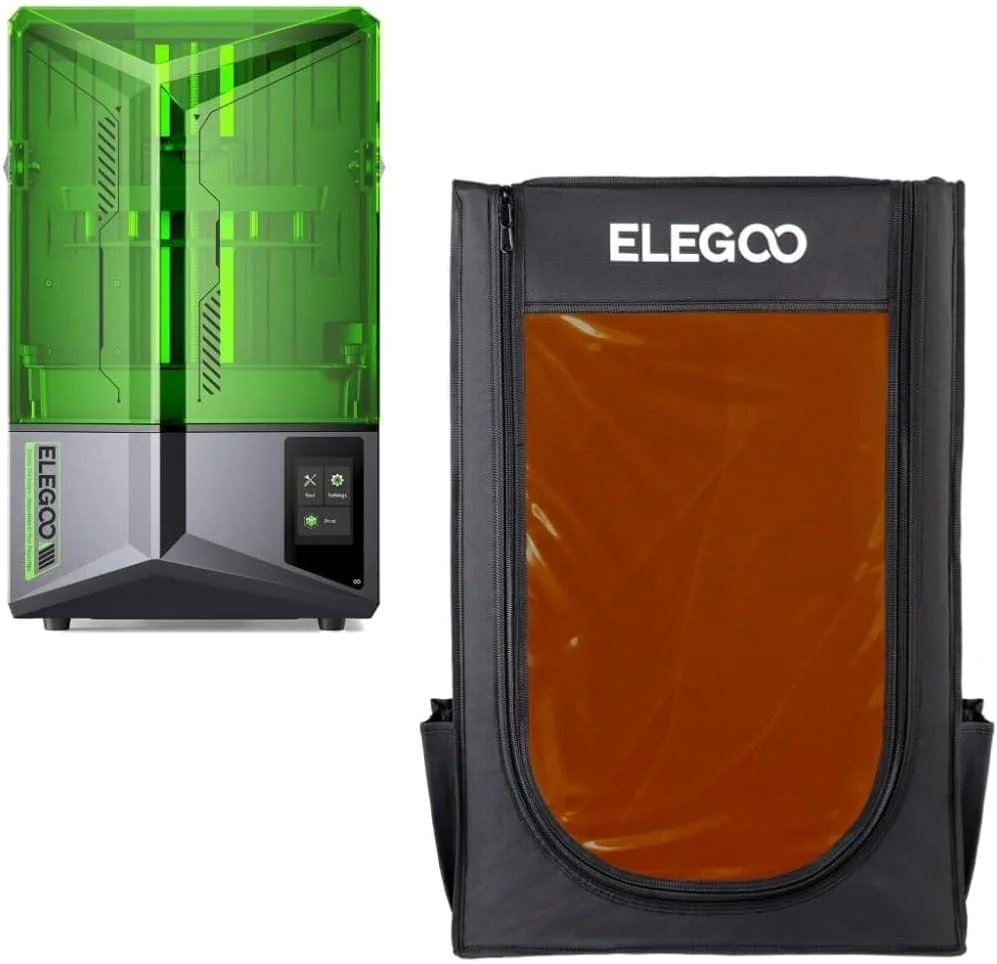
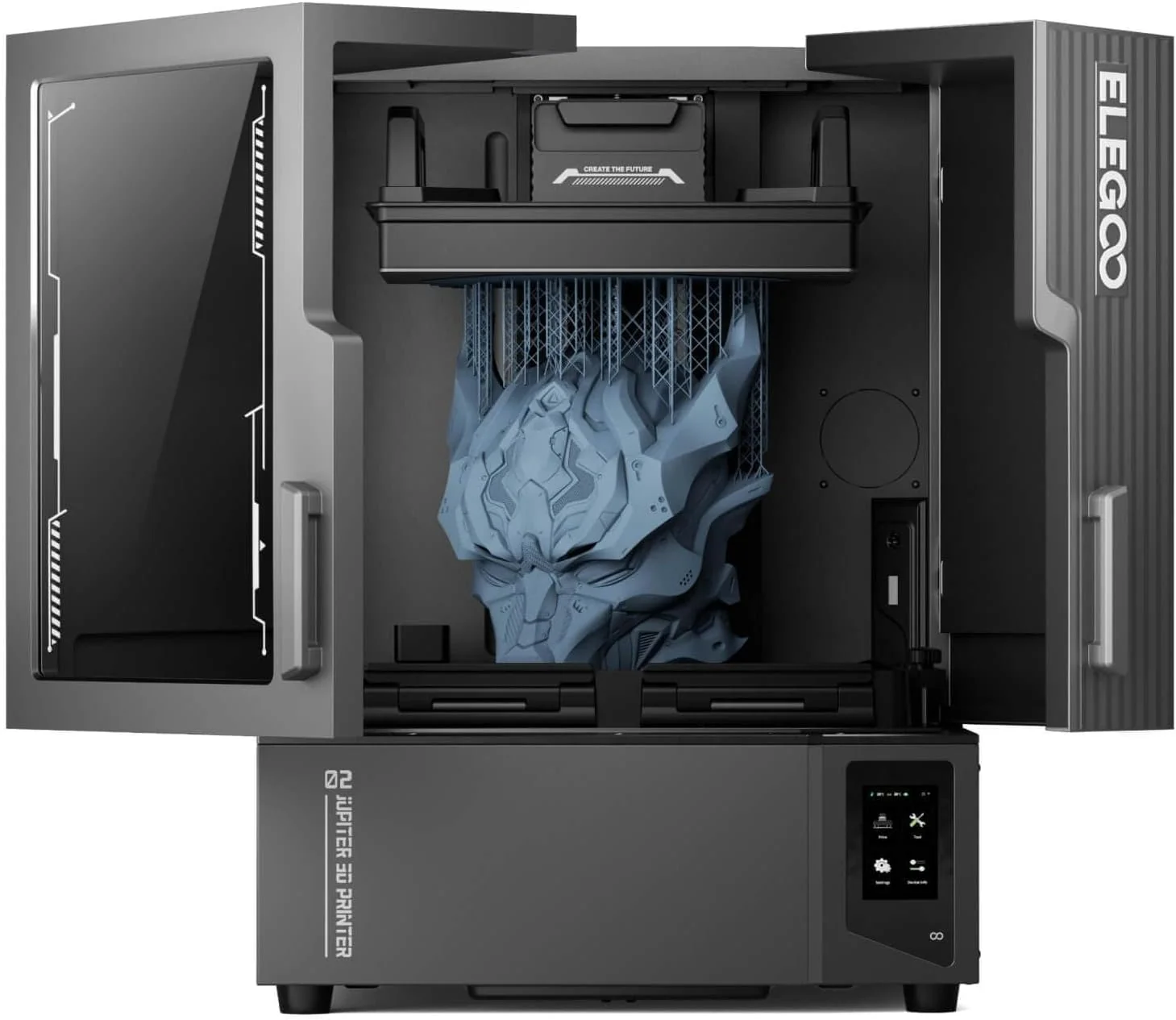
The large class is where convenience features matter. The ELEGOO Jupiter 2 16K is the large option at 302.4 x 161.98 x 300 mm, with 30 C smart tank heating and automatic resin feeding and recycling.
Features worth paying for
A monochrome LCD. This is the baseline, not an upgrade. If a model does not list a mono screen, keep looking.
A heated resin vat for cold rooms. Cold resin is thick and flows poorly, causing failed prints. If you print in a garage or unheated workshop, a heated tank like the one in the ELEGOO Jupiter 2 16K reliably saves prints.
Auto leveling and a mechanical sensor. Getting the first layer right is the most common beginner failure. The ELEGOO Saturn 4 12K lists auto leveling and an intelligent mechanical sensor, which removes most of the guesswork.
Resin auto-feeding and recycling. Topping up a large vat by hand mid-print is a chore. The ELEGOO Jupiter 2 16K feeds resin automatically and recycles the rest, which matters for long jobs or many parts.
Ventilation and filtering. Resin printing indoors needs fresh air; a carbon filter helps but does not replace a ventilated room.
Marketing noise
“4K”, “9K” and “16K” as the headline. These are screen pixel counts. They tell you the screen size class, not the detail of your print.
Maximum speed with no context. A speed number without resin type and layer height is a label, not a specification. A machine hitting 170 mm/h with fast resin at thin layers may run far slower on standard resin.
LED counts and app ecosystems. The number of LEDs matters far less than how evenly the light is delivered, and a companion app does not make a printer print better. Buy the machine, not the software.
Long lists of print modes. Most modes are saved combinations of exposure time and lift settings. Learn exposure manually and the list stops mattering.
Common mistakes
Buying by resolution alone. A big “K” number does not tell you the detail or the build size. Check microns and volume together.
Buying too large “just in case”. An empty large vat is a waste of money and resin. Pick the smallest class that fits your parts.
Ignoring resin handling and safety. Resin is a skin irritant and needs gloves, isopropyl alcohol for washing, a post-cure step and a ventilated spot. Budget for all of it, not just the printer.
Assuming it works like a filament printer. Resin adds a wash and cure stage after every print, plus supports to remove and sand. The printer is only half the workflow.
Using fast resin for brittle parts. High-speed resin trades toughness for speed. Use it for functional parts, not for miniatures that need to survive handling.
Rule of thumb: the printer is only half the job. Resin, gloves, isopropyl alcohol, a wash-and-cure setup and a ventilated spot decide whether you enjoy the hobby or quit within a month.
Who should buy what
Beginners. Start with a small monochrome machine in the 4K or 9K class, such as the ELEGOO Mars 3, and learn exposure, supports and post-processing on cheap small parts before moving up.
Miniature and figure painters. Choose fine XY resolution and a reliable build plate. The ANYCUBIC Photon Mono 4 Ultra at 17 x 17 um is a good fit for crisp detail on small models.
Jewelry, dental and prototype work. You want the finest grid you can afford and a plate that releases cleanly, because surface finish and accuracy matter more than speed.
Batch and production work. A medium or large plate with a heated vat and auto-feeding pays for itself. The ELEGOO Jupiter 2 16K suits long runs; the ANYCUBIC Photon Mono M7 Pro gives a large 223 x 126 x 230 mm volume.
Cold workshops. Put a heated tank at the top of your list; without it, thick cold resin causes more failed prints than anything else.
A 60-second buying checklist
- Measure the parts you actually print, then pick the smallest build volume that fits them.
- Check XY resolution in microns, not just the screen “K” number.
- Confirm the machine has a monochrome LCD and a way to replace the screen.
- Look for even light distribution, especially on medium and large plates.
- Decide whether you need a heated vat for a cold room, or auto-feeding for batch work.
- Plan the full setup: resin, gloves, isopropyl alcohol, wash-and-cure, ventilation.
- Treat maximum print speed as a relative class, not a promise.
- Ignore any feature you cannot name a weekly use for.
The right resin printer fits your parts, your bench and your willingness to handle resin safely. Microns, build volume, light uniformity and post-processing decide how much you enjoy it; the big number on the box decides very little.
- ELEGOO Mars 3 – suits beginners who want a compact 143 x 89.6 x 175 mm 4K mono machine for small parts.
- ANYCUBIC Photon Mono 4 Ultra – suits miniature and jewelry buyers who want 17 x 17 um detail on a 7-inch 10K mono screen.
- ELEGOO Saturn 4 12K – suits batch and larger-part buyers who want a 10-inch 12K screen, auto leveling and a mechanical sensor.
- ANYCUBIC Photon Mono M7 Pro – suits buyers who want a large 223 x 126 x 230 mm volume and a 170 mm/h top speed for bigger single parts.
- ELEGOO Jupiter 2 16K – suits production and large-format buyers who need a 302.4 x 161.98 x 300 mm volume, tank heating and auto resin feeding.
- Creality HALOT R6 – suits compact beginners who want a light 4.25 kg 2K machine with an even integral light source and a small 130.56 x 82.62 x 160 mm footprint.