How to Choose a Laser Engraver in 2026
Published November 11, 2026
Products in this guide
In this article
Choose a laser engraver by laser power, work area size, and safety features. Wattage determines cutting depth and material capability, while the work area shows what fits in one piece. Favor enclosed designs, autofocus systems, and camera positioning for accuracy and safety.
Is a laser engraver worth it in 2026?
Worth it for personalized products, custom designs, and precision cutting. A laser engraver uses focused light to etch designs or cut materials with micron-level precision. It can create custom gifts, signage, prototypes, and artistic pieces that would be difficult or impossible to make by hand.
Skip one if you only need occasional engraving or basic cutting. A laser engraver requires learning software, safety protocols, and material handling. For occasional name tags or simple cuts, outsourcing to a professional service may be more economical. The learning curve for design software and machine operation can be steep for beginners.
What actually matters
1. Laser power and material capability
Laser power determines what you can cut and how deep. Higher wattage cuts thicker materials but requires more safety precautions. A 10W laser engraves wood and acrylic well but struggles with thick materials; a 60W laser cuts through basswood, acrylic, and thin metals in one pass.
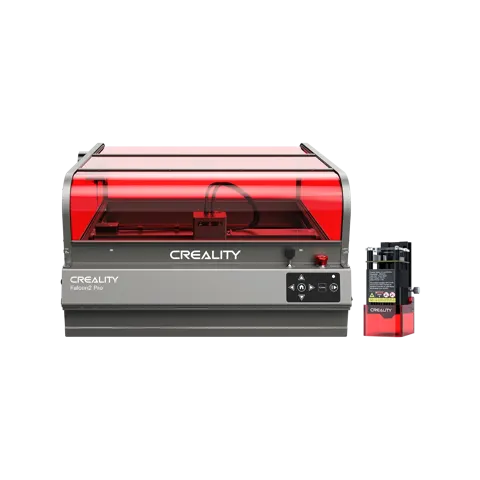
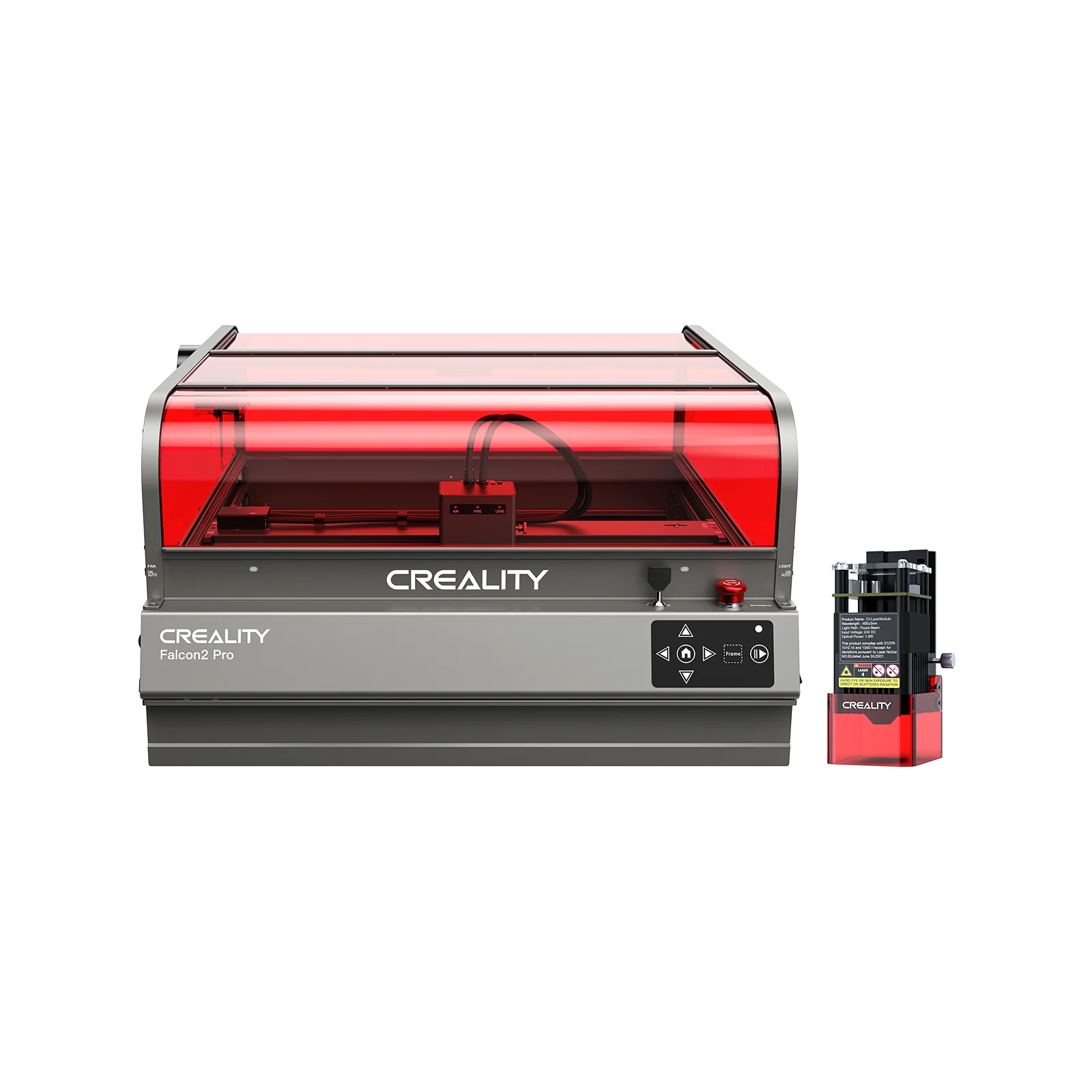
The Creality Falcon A1 10W offers 10W diode laser power for engraving wood, acrylic, and leather. The Creality Falcon2 Pro 60W cuts 22mm basswood or 0.2mm stainless steel in one pass, making it suitable for serious prototyping and production work.
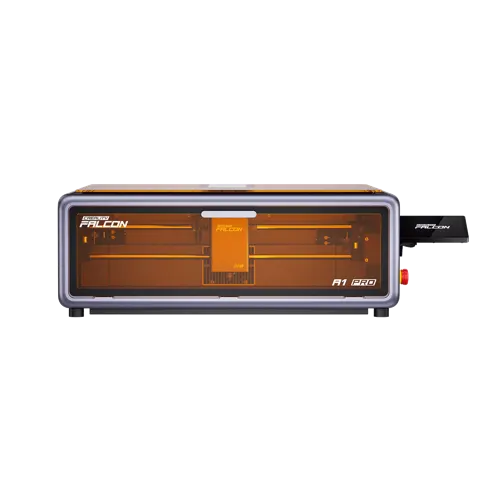
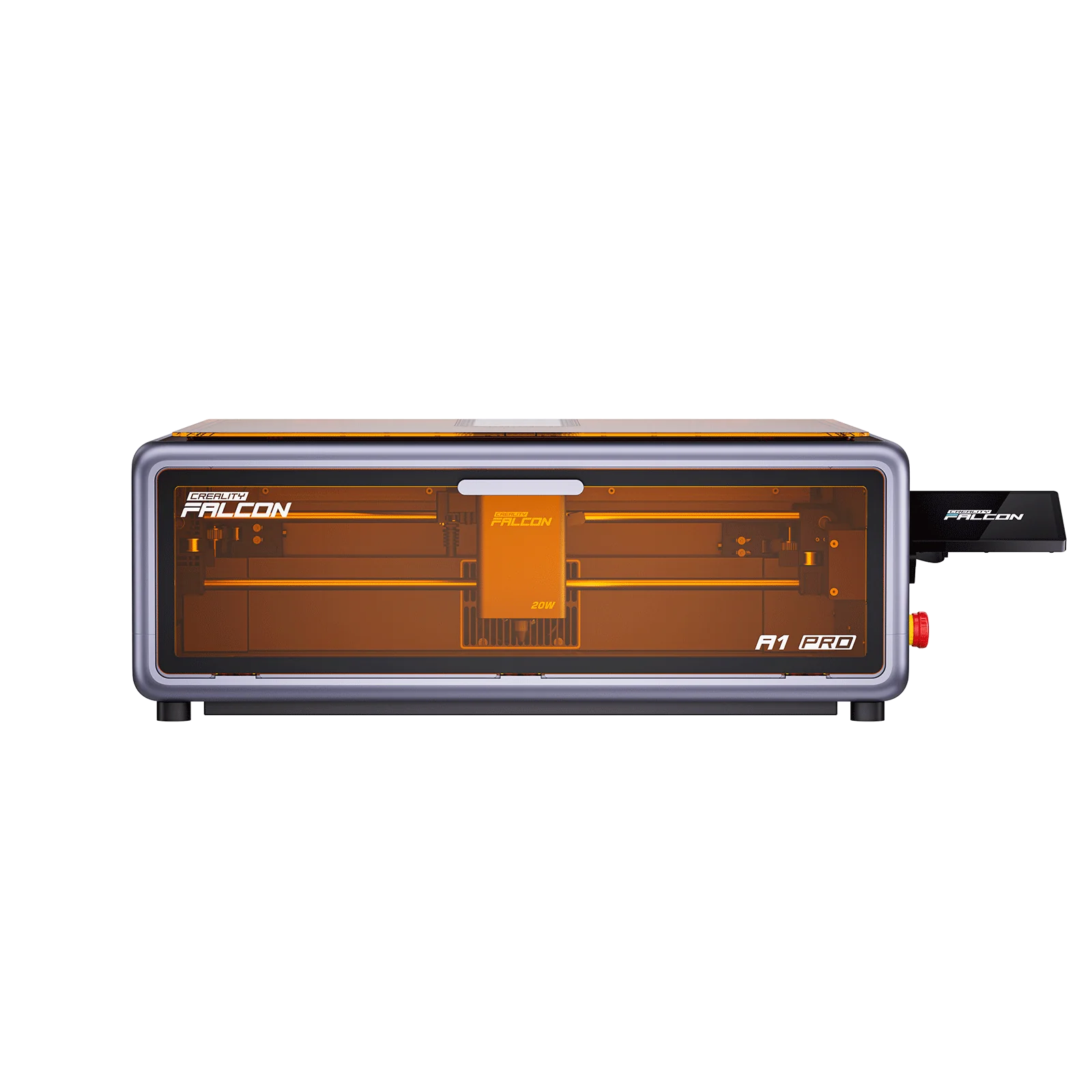
Blue laser vs IR laser: blue offers better precision for engraving, IR cuts thicker materials. The Creality Falcon A1 20W features a 20W blue laser with optional 2W IR module, combining precision engraving with enhanced cutting capability.
Rule of thumb: Choose 10W for engraving and light cutting, 20-40W for medium projects, and 60W+ for industrial cutting and production work.
2. Work area size and format
Work area determines project size and batch processing capability. Measure both the X/Y dimensions and the Z height for 3D objects. A 400x400mm work area allows for larger projects but requires more space in your workshop.
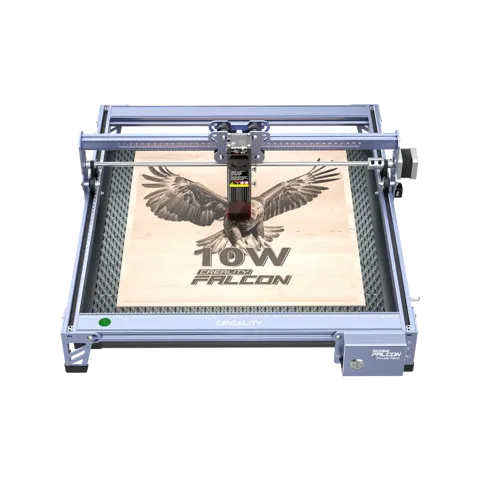
The Creality CR-Laser Falcon 10W offers a 400x415mm work area, good for medium-sized projects. The Creality Falcon2 S 22W provides 355x390mm of space with enclosed safety design.
Consider your typical project size and workflow needs. Large work areas allow bigger projects but take up more space and require more powerful lasers for efficient cutting. Smaller areas are more compact but limit project size.
3. Safety features and enclosure design
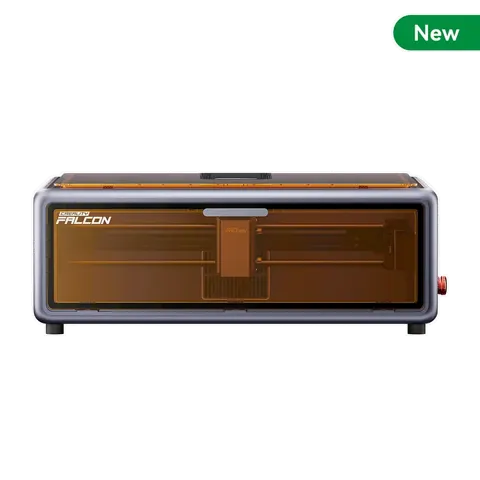
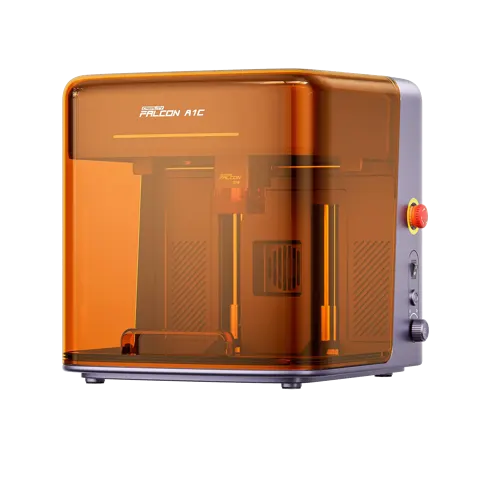
Class 1 enclosed designs are essential for home and workshop safety. An enclosed laser engraver contains the laser beam and prevents accidental exposure, making it safer for home use. The Creality Falcon A1C features Class 1 fully enclosed safety design with AI camera positioning.
Open-frame designs require strict safety protocols. If you choose an open-frame laser, you must implement safety measures including laser-blocking enclosures, protective eyewear, and proper ventilation. The Creality Falcon A1 10W offers open-frame design with safety features but requires careful setup.
FDA/CE/FCC certification indicates compliance with safety standards. Look for certified models that meet international safety requirements for laser equipment.
4. Precision and autofocus systems
Autofocus ensures consistent cutting depth across uneven surfaces. The Creality Falcon A1 20W features autofocus with <0.3mm precision, automatically adjusting to material thickness for consistent results.
Manual focus requires careful setup but offers more control. Some advanced users prefer manual focus for specific materials and effects, but it requires more experience and attention to detail.
Laser spot size affects engraving detail. Smaller spots (0.06x0.08mm) like those on the Creality CR-Laser Falcon 10W allow for finer detail work, while larger spots cut faster but with less precision.
5. Speed and throughput
Engraving speed affects project time and productivity. Higher speeds reduce project time but may affect quality on detailed work. The Creality Falcon2 Pro 60W offers 600mm/s max engraving speed for efficient production work.
Balance speed with quality requirements. For intricate designs, slower speeds may be necessary for clean results. For production work, maximize speed while maintaining acceptable quality.
Consider batch processing capabilities. Some systems allow for automated batch processing of multiple identical items, which can significantly improve throughput for commercial use.
6. Camera and positioning systems
Built-in cameras aid in positioning and alignment. The Creality Falcon2 Pro 60W includes a built-in HD camera for visual positioning and batch alignment, reducing setup time and improving accuracy.
AI-powered positioning enhances precision. The Creality Falcon A1C features AI camera positioning for automated alignment and registration, making it easier to achieve consistent results across multiple pieces.
Manual positioning requires careful measurement and alignment. Without camera systems, you must manually position each piece, which can be time-consuming and less accurate for complex projects.
Types compared
| Type | Best when | Main drawback |
|---|---|---|
| 10W diode laser | Engraving wood, acrylic, leather | Limited cutting capability |
| 20W blue laser | Precision engraving and light cutting | Slower cutting of thick materials |
| 60W+ diode laser | Production cutting and thick materials | Higher cost, more safety requirements |
| Enclosed design | Home use and safety | Limited access and larger footprint |
| Open-frame design | Maximum access and flexibility | Requires strict safety protocols |
| Camera-equipped | Batch processing and precision | Higher cost, complexity |
Laser engravers for beginners, hobbyists, and professionals
Beginners: The Creality Falcon A1C offers AI camera positioning and Class 1 safety enclosure, making it easier to get started with consistent results.
Hobbyists and crafters: The Creality CR-Laser Falcon 10W provides good precision for detailed work with a manageable footprint for home workshops.
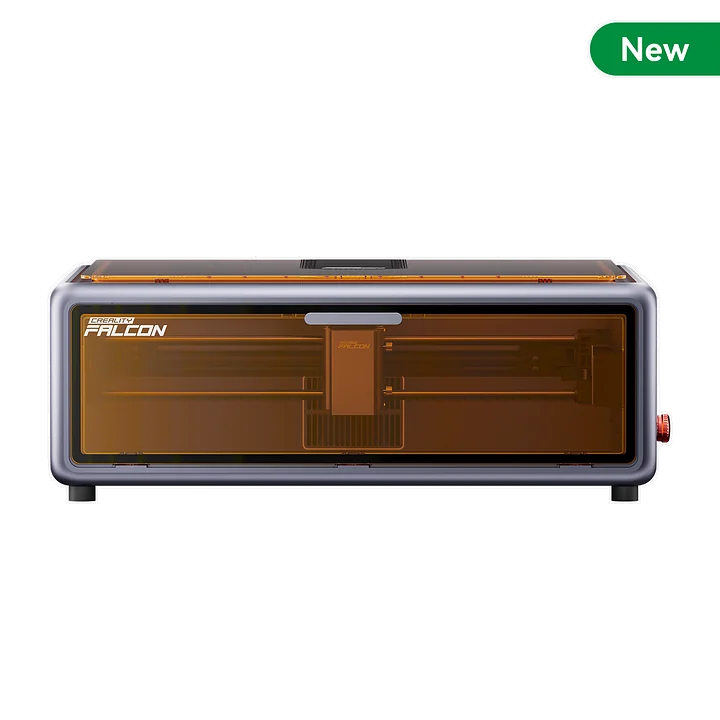
Small businesses: The Creality Falcon2 S 22W offers enclosed safety with sufficient power for custom products and small-scale production.
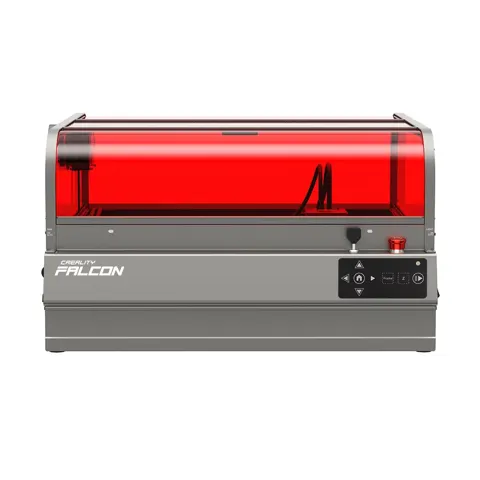
Professional use: The Creality Falcon2 Pro 60W provides industrial cutting capability with advanced positioning systems for production environments.
Features that are marketing noise
High maximum speeds without quality context. A laser claiming 15,000mm/min speed may sacrifice precision at high speeds. Real-world performance depends on the material and complexity of the design.
“Professional grade” without specific standards. Look for actual specifications like power, precision, and safety certifications rather than vague marketing terms.
Excessive preset modes that don’t add value. Many preset settings are just combinations of power, speed, and frequency that you can set manually. Focus on the core capabilities and flexibility.
Setup tips
- Choose a dedicated, well-ventilated space with proper electrical supply and clearance around the machine.
- Install appropriate safety measures including laser-blocking enclosures and protective eyewear for open-frame designs.
- Learn the design software and practice with simple projects before attempting complex work.
- Test materials on scrap pieces first to optimize settings for your specific use case.
- Regular maintenance including lens cleaning and system calibration ensures consistent performance.
- Understand material limitations - not all materials are safe or suitable for laser processing.
- Develop proper safety protocols and emergency procedures for your workspace.
Maintenance and what wears out
Every use: Clean lenses and mirrors to maintain beam quality. Remove debris from the work area and check for any signs of wear on moving parts.
Periodically: Calibrate the laser system, check alignment, inspect for loose components, and verify safety features are functioning properly.
Consumables: Replacement lenses, mirrors, and filters may need periodic replacement depending on usage and environment.
Software updates: Keep control software and drivers updated for optimal performance and security.
Rule of thumb: A laser engraver with reliable autofocus, enclosed safety, and available replacement parts will be easier and safer to operate than one with excessive features but poor safety design.
Common mistakes
Buying based on maximum power without considering actual needs; choosing an open-frame design for home use without proper safety measures; not testing materials before important projects; neglecting ventilation for fume extraction; using inappropriate materials that create toxic fumes; or skipping safety training and protocols.
- Creality Falcon A1 10W — compact entry-level model with good precision for hobbyist projects.
- Creality Falcon2 S 22W — enclosed safety design with sufficient power for small business use.
- Creality Falcon2 Pro 60W — industrial power with advanced positioning for production environments.
- Creality Falcon A1C — AI camera positioning for automated alignment and consistent results.
- Creality CR-Laser Falcon 10W — precision engraving with fine detail capabilities for craft work.
- Creality Falcon A1 20W — balanced power with blue laser precision and optional IR cutting.
See also: Laser Engravers under $1000 (2026)