How to Choose a Computer Monitor in 2026
Published October 20, 2026
In this article
Pick a monitor by the work you actually do at your desk, not by the biggest number on the box. A 4K panel is wasted if you only read email and write documents, and a 360 Hz refresh rate helps nothing if your computer cannot render that many frames. Start with the tasks you spend the most hours on, the desk space you have, and how the monitor will connect to your machine. The right screen is the one you stop noticing.
What actually matters
Resolution and screen size go together
Resolution tells you how much detail a panel can show; size tells you how large that detail appears. The two only make sense as a pair.
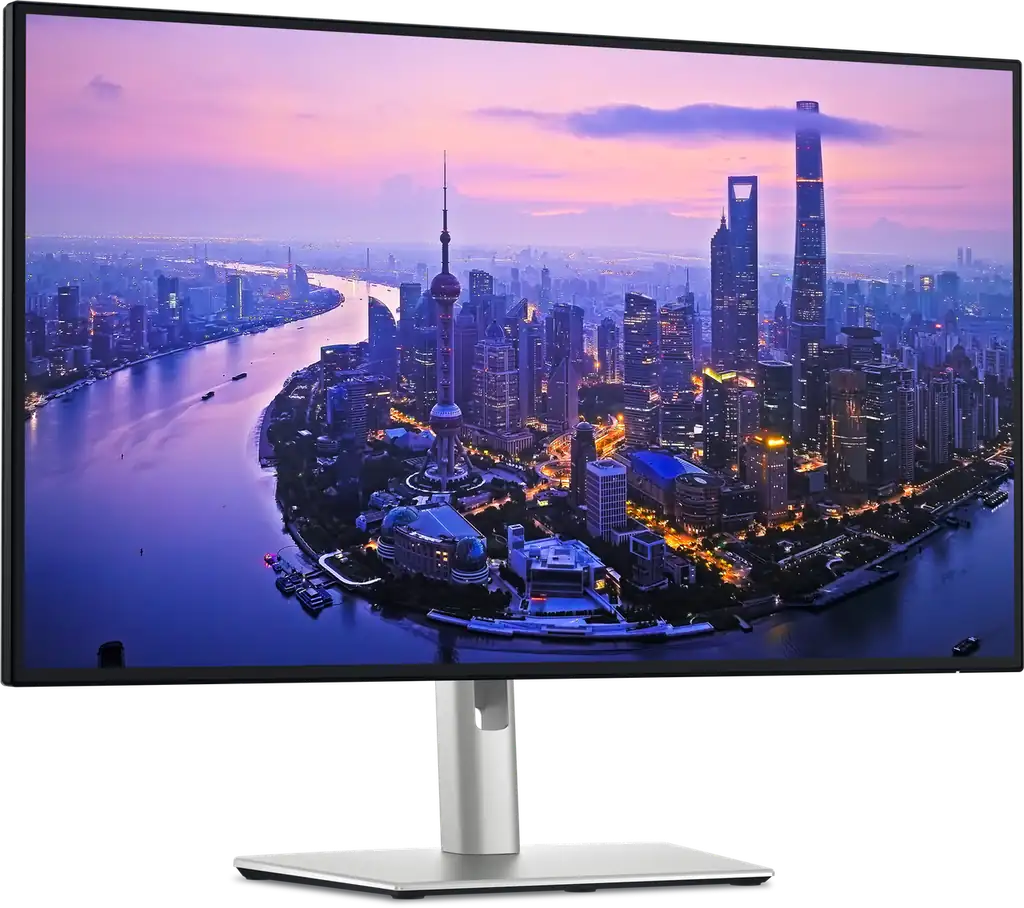
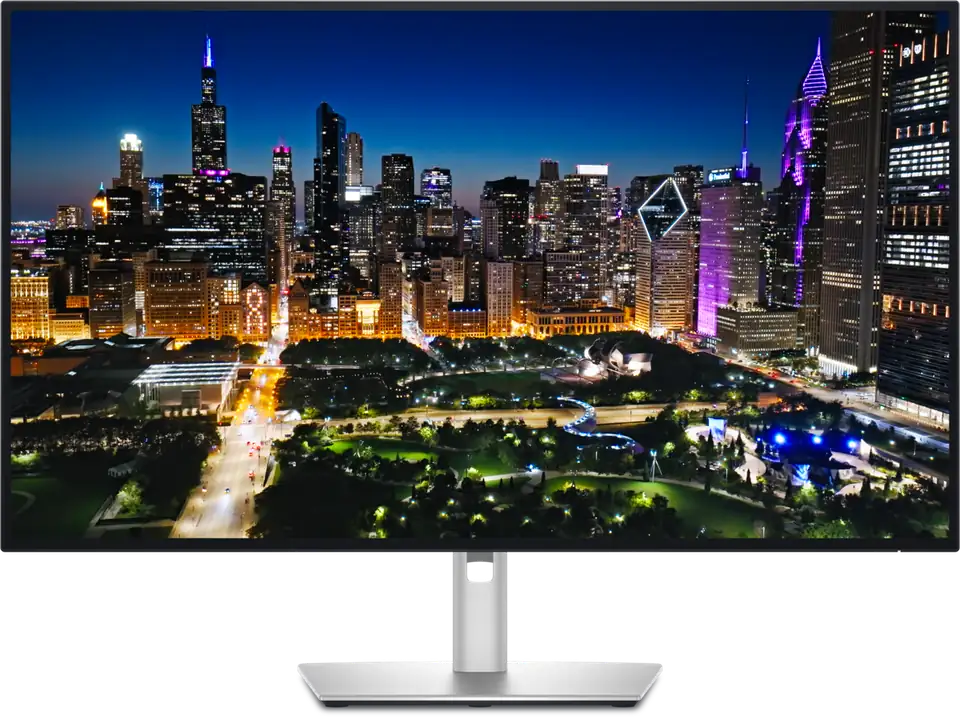
A 27-inch screen at 4K gives you a lot of desktop space and sharp text for coding, spreadsheets and photo work. A 31.5-inch screen at 4K gives you even more room, but the pixels are a little further apart, so text looks slightly softer unless you sit a bit further back. The Dell UltraSharp U2725QE is a 27-inch 4K UHD (3840 x 2160) panel that suits desks where you want sharp detail without giving up desk depth. If you want more canvas for timelines, code and large documents, the Dell UltraSharp U3225QE moves up to 31.5 inches while keeping 4K and a 120Hz refresh rate.
Rule of thumb: match resolution to screen size first. Bigger is only better if the resolution grows with it.
Panel type and contrast
Panel technology decides contrast, viewing angles and color behaviour. IPS panels are the everyday default because they hold color and stay readable from the side, which matters when you share a screen or lean back. Newer “IPS Black” panels push contrast higher than older IPS designs, so blacks look deeper instead of washed out. The Dell UltraSharp U2725QE uses an IPS Black panel with a 3000:1 contrast ratio, which is a meaningful step up from the 1000:1 typical of older IPS screens.
OLED panels take contrast further because each pixel makes its own light, giving near-infinite black levels and fast response times. That is why OLED shows up in gaming monitors, where motion clarity matters as much as color.
Refresh rate and response time
Refresh rate is how many times per second the panel redraws. 60Hz is fine for documents and browsing. 120Hz makes scrolling, window dragging and cursor movement feel noticeably smoother for everyday desktop work, not just games. High refresh rates like 240Hz matter mainly for fast-paced gaming, where every frame reduces motion blur.
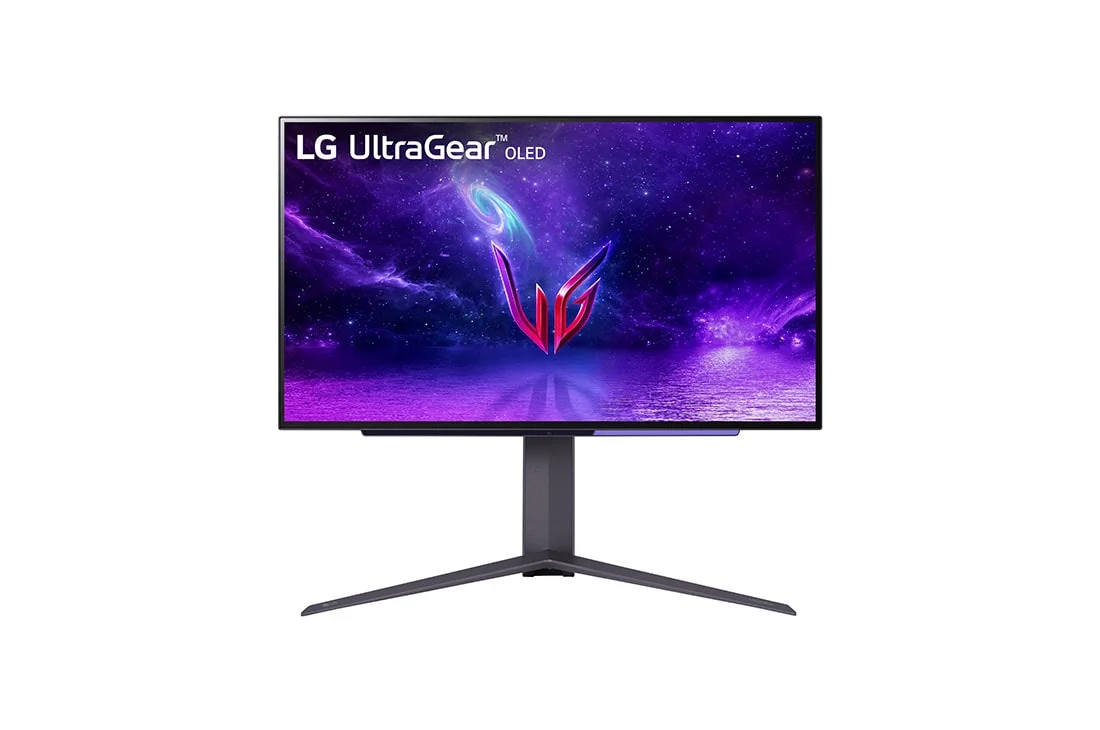
Response time is how quickly a pixel can change color. Low values reduce ghosting behind moving objects. The LG UltraGear 27GR95QE-B pairs a WOLED panel with a 0.03ms GtG response time and up to 240Hz, which is aimed squarely at competitive and fast-motion play.
Monitor formats compared
| Format | Best when | Main drawback |
|---|---|---|
| 27-inch 4K IPS | You want sharp text and lots of desktop space in a compact desk | Less canvas than larger screens |
| 31.5-inch 4K IPS | You juggle many windows, timelines or large documents | Needs more desk depth and viewing distance |
| 27-inch QHD OLED gaming | You play fast games and want deep contrast | Lower pixel density for fine text than 4K |
| 31.5-inch 6K IPS | You do color-critical photo or video work | Demands a powerful computer and good desk space |
A 27-inch 4K screen is the safe default for most desks. Step up to 31.5 inches when you want more room rather than more sharpness. Choose a gaming panel when your priority is motion clarity and you accept the tradeoffs that come with it.
Connectivity that actually saves a desk
The ports on the back are where many buyers lose time. A single cable that carries video, data and power to your laptop keeps a desk clean and lets you switch machines quickly.
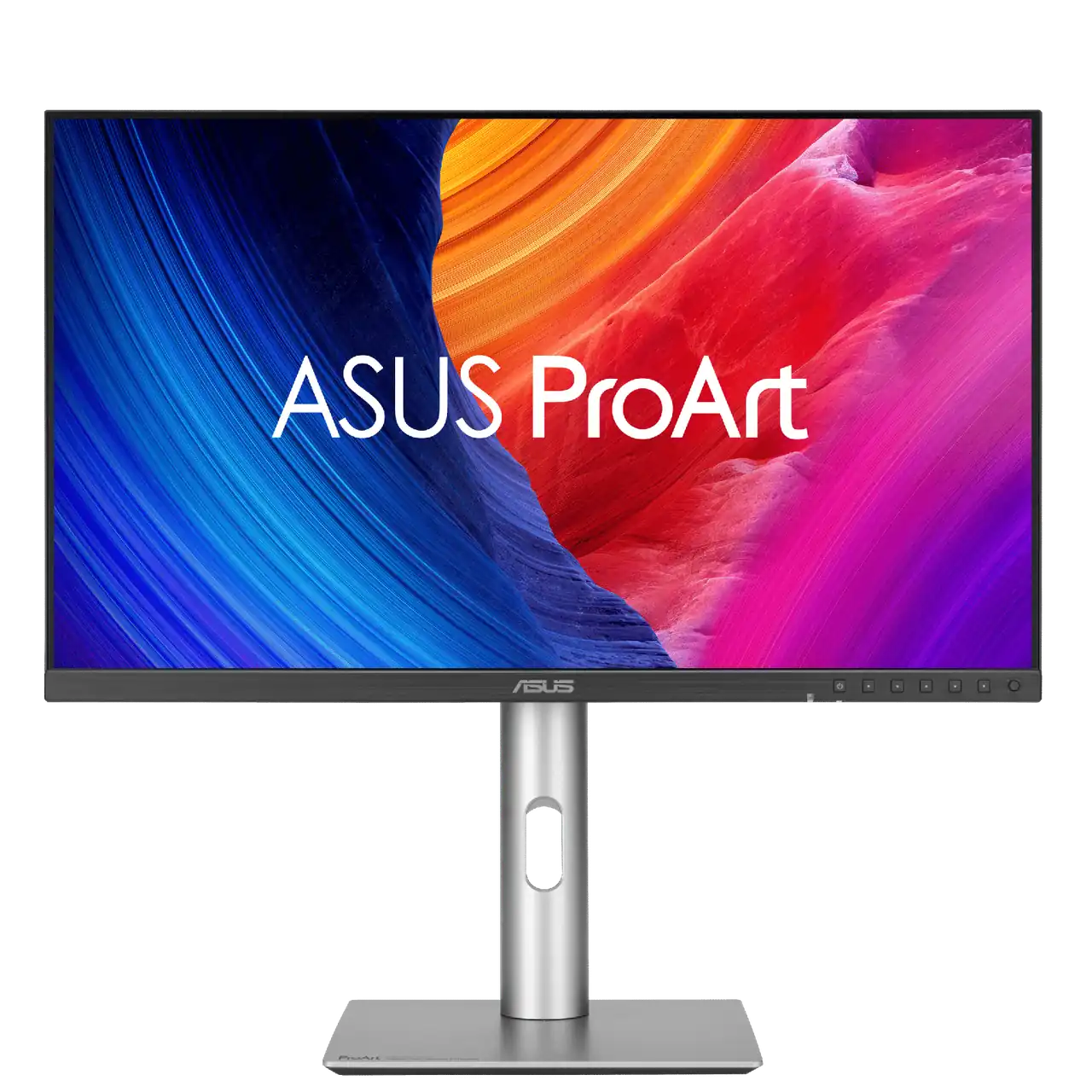
USB-C with power delivery lets one cable charge a laptop while sending a picture to the screen. Thunderbolt 4 goes further: it adds high bandwidth, daisy-chaining and more power. The ASUS ProArt Display 6K PA32QCV offers dual Thunderbolt 4 ports with 96W power delivery and daisy-chaining, so you can run a second display or fast storage from one connection. The Dell UltraSharp U3225QE adds Thunderbolt 4 with 140W power delivery plus built-in KVM, USB, Ethernet and DisplayPort.
A KVM switch is worth paying for if you use two computers at one desk, such as a work laptop and a personal desktop. It lets one keyboard and mouse control both machines through the monitor, so you stop swapping cables.
Rule of thumb: one cable that does video, data and power beats three separate cables every day of the week.
Color accuracy and HDR: what is marketing noise
Color accuracy matters if you edit photos, grade video or design for print. Look for coverage of sRGB and DCI-P3 color spaces, plus factory calibration figures such as Delta E under 2, which means the average color error is small enough for professional work. The ASUS ProArt Display 6K PA32QCV covers 98% DCI-P3 and 100% sRGB, is Calman Verified and rates Delta E under 2, making it a serious choice for color work.
HDR labels are where marketing noise lives. Many monitors carry an HDR badge while their brightness is too low to produce meaningful highlights. For everyday office work, treat HDR as a bonus rather than a reason to buy.
Refresh rate claims deserve the same skepticism. A high number is only useful if your graphics card can actually produce those frames, and if the games or apps you use benefit from it.
Who should buy what
Office and productivity: A 27-inch or 31.5-inch 4K IPS monitor with comfortable ergonomics and a USB-C or Thunderbolt connection. The Dell UltraSharp U2725QE fits desks that want sharp text and a clean single-cable setup.
Developers and heavy multitaskers: A larger 4K screen with plenty of desktop space and a KVM so you can share one keyboard and mouse across machines. The Dell UltraSharp U3225QE covers this with 31.5 inches, Thunderbolt 4, 140W power delivery and built-in KVM.
Photo and video editors: A high-resolution, factory-calibrated panel with wide color coverage. The ASUS ProArt Display 6K PA32QCV is built for this with 6K resolution, 98% DCI-P3, Calman verification and dual Thunderbolt 4.
Gamers: A high-refresh panel with fast response and variable refresh support. The LG UltraGear 27GR95QE-B combines a WOLED panel, 240Hz and a 0.03ms response time, with HDMI 2.1 and NVIDIA G-SYNC Compatible and AMD FreeSync Premium support.
Common mistakes
Buying resolution without checking size. A huge 4K screen at a short viewing distance can feel like looking at a wall of tiny text.
Ignoring the connection. A monitor that needs three cables when your laptop has one USB-C port creates a daily annoyance.
Paying for refresh rate you cannot use. A 240Hz panel does not improve spreadsheets or video calls.
Trusting HDR labels. Many HDR badges hide modest brightness and no real local dimming.
Forgetting ergonomics. Height, tilt and swivel adjustments matter over long sessions, and a VESA mount lets you add an arm. The LG UltraGear 27GR95QE-B supports a 100 x 100mm VESA mount, and at 7.35 kg it is a heavy panel to move, so plan your arm and desk strength accordingly.
A 60-second buying checklist
Before ordering:
- Match resolution to screen size and viewing distance.
- Decide whether your work needs color accuracy or just sharp text.
- Check that your computer can drive the resolution and refresh rate you want.
- Confirm the ports: USB-C or Thunderbolt with power delivery saves cables.
- Ask whether a KVM is worth it for your two-machine setup.
- Check ergonomics and VESA support before you buy.
- Ignore any feature you cannot name a weekly use for.
- Dell UltraSharp U2725QE – suits office and productivity buyers who want a 27-inch 4K IPS Black panel with 3000:1 contrast, 120Hz, an ambient light sensor and ComfortView Plus.
- Dell UltraSharp U3225QE – fits developers and multitaskers who want a 31.5-inch 4K screen with Thunderbolt 4, 140W power delivery and built-in KVM, USB, Ethernet and DisplayPort.
- ASUS ProArt Display 6K PA32QCV – matches photo and video editors who need 6K resolution, 98% DCI-P3, Calman verification, Delta E under 2 and dual Thunderbolt 4 with daisy-chaining.
- LG UltraGear 27GR95QE-B – suits gamers who want a 27-inch QHD WOLED panel with 240Hz, a 0.03ms response time, HDMI 2.1 and variable refresh support.