How to Choose a 3D Printing Accessory: Buying Guide
Published October 20, 2026
In this article
A good 3D printing accessory removes a real annoyance rather than adding another gadget to the desk. The three that pay off most often are filament storage, printer enclosures, and 3D scanners. Pick the one that matches the problem you actually have, and measure your printer and your objects first.
What actually matters
Start with the problem, not the product
Before shopping, write down the specific failure you are trying to fix. If your prints are stringy, brittle, or popping mid-print, suspect moisture in the filament and look at storage. If you print ABS, ASA, or nylon and the chamber temperature swings, an enclosure is the right tool. If you want to copy a physical part, a scanner is the tool.
Rule of thumb: name the failure in one sentence before you buy anything. If you cannot name it, you are buying on impulse, not solving a problem.
Fit to your exact printer and material
Most accessories are model-specific or size-specific. An enclosure that lists a 400x400x400mm build volume will not safely surround a larger machine, and a storage rack sized for 1KG rolls will not hold heavier spools. Check the printer model, the build volume, and the spool size before you commit. Material matters too: resin printers need fume extraction, while most FDM printers need warmth and draft control.
Where the accessory will live
3D printing accessories are bulky. Measure the footprint, height and clearances where the item will sit, including room to open a door, load spools, or swing a scanner around an object. A large enclosure needs ventilation space and a stable floor, not a crowded shelf.
Types compared
| Accessory type | Best when | Main drawback |
|---|---|---|
| Filament storage rack | You keep many spools and want them dry, labeled and within reach | Takes desk or floor space; does not dry already-wet filament |
| FDM printer enclosure | You print ABS, ASA, nylon or other materials that warp in a cold draft | Must match your exact printer; adds bulk and heat |
| Resin printer enclosure | You print resin and need active fume extraction | Needs a vent path to a window or outdoors |
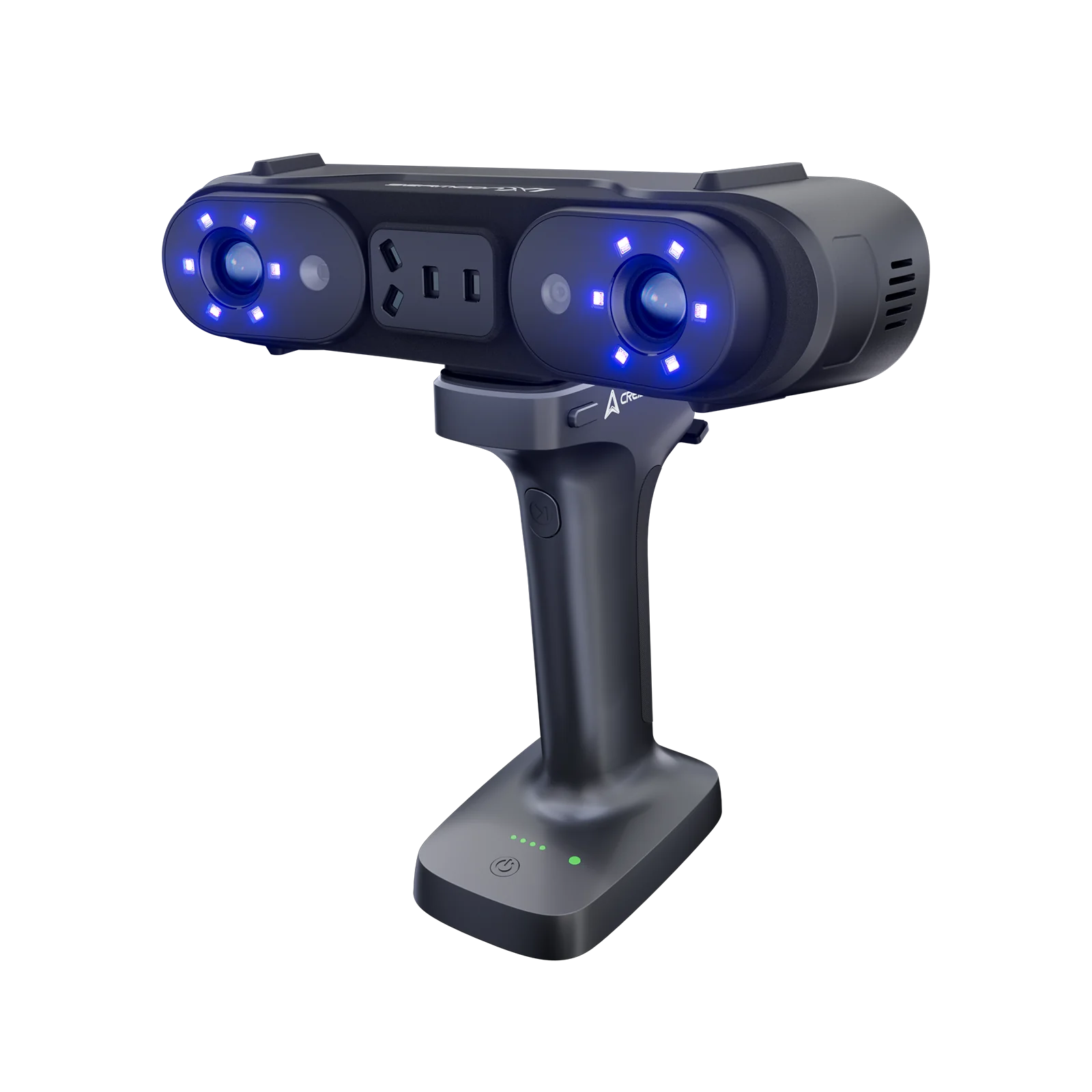
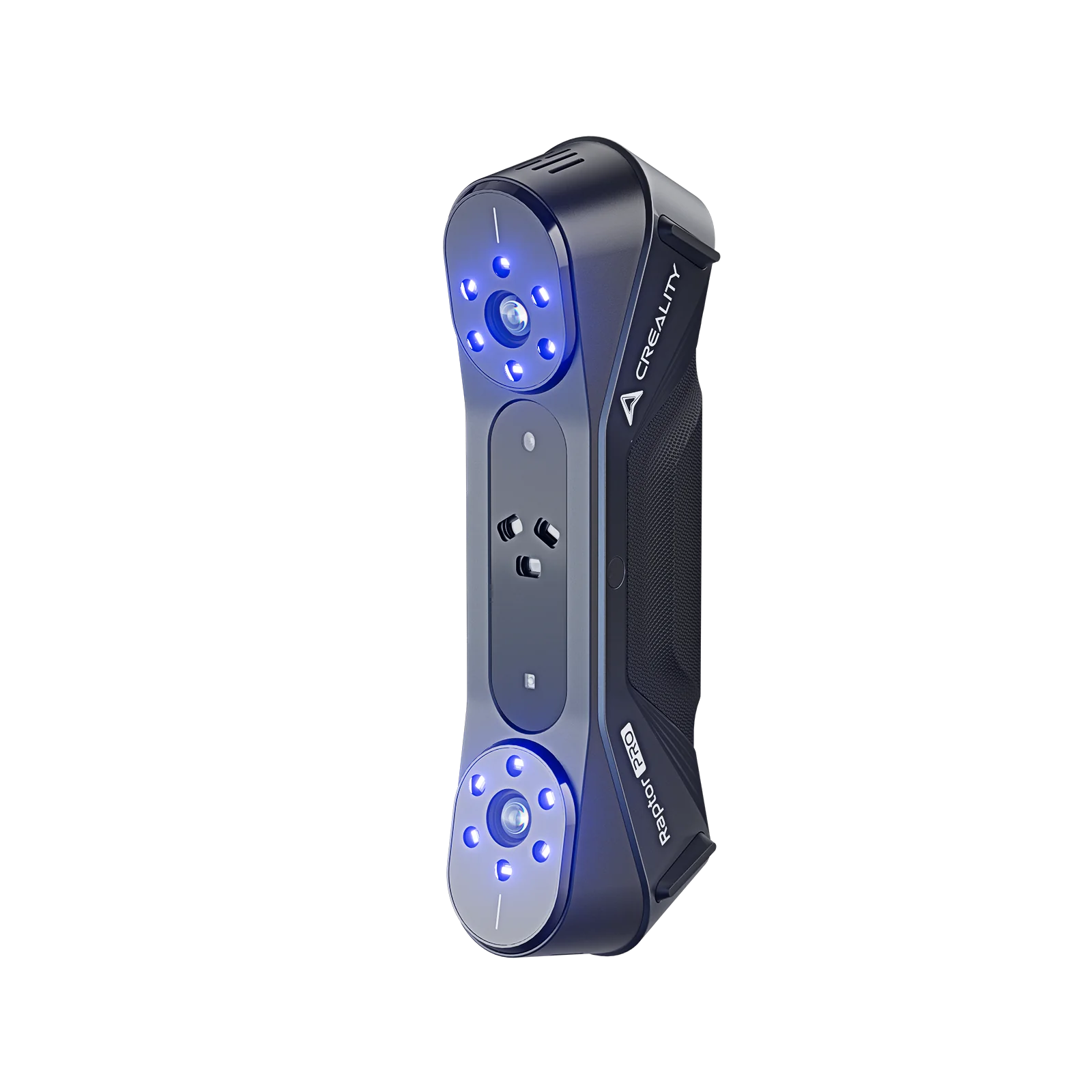
| Handheld 3D scanner | You scan objects that cannot sit on a turntable, or that are large | Requires steady hands and good lighting |
| Turntable-style scanner | You scan small to medium objects in repeatable batches | Less flexible for awkward or very large objects |
Filament storage
Filament absorbs moisture from the air, and wet filament prints worse: it pops, strings, and can come out brittle or matte instead of smooth. The simplest fix is a closed, dry place to keep spools.
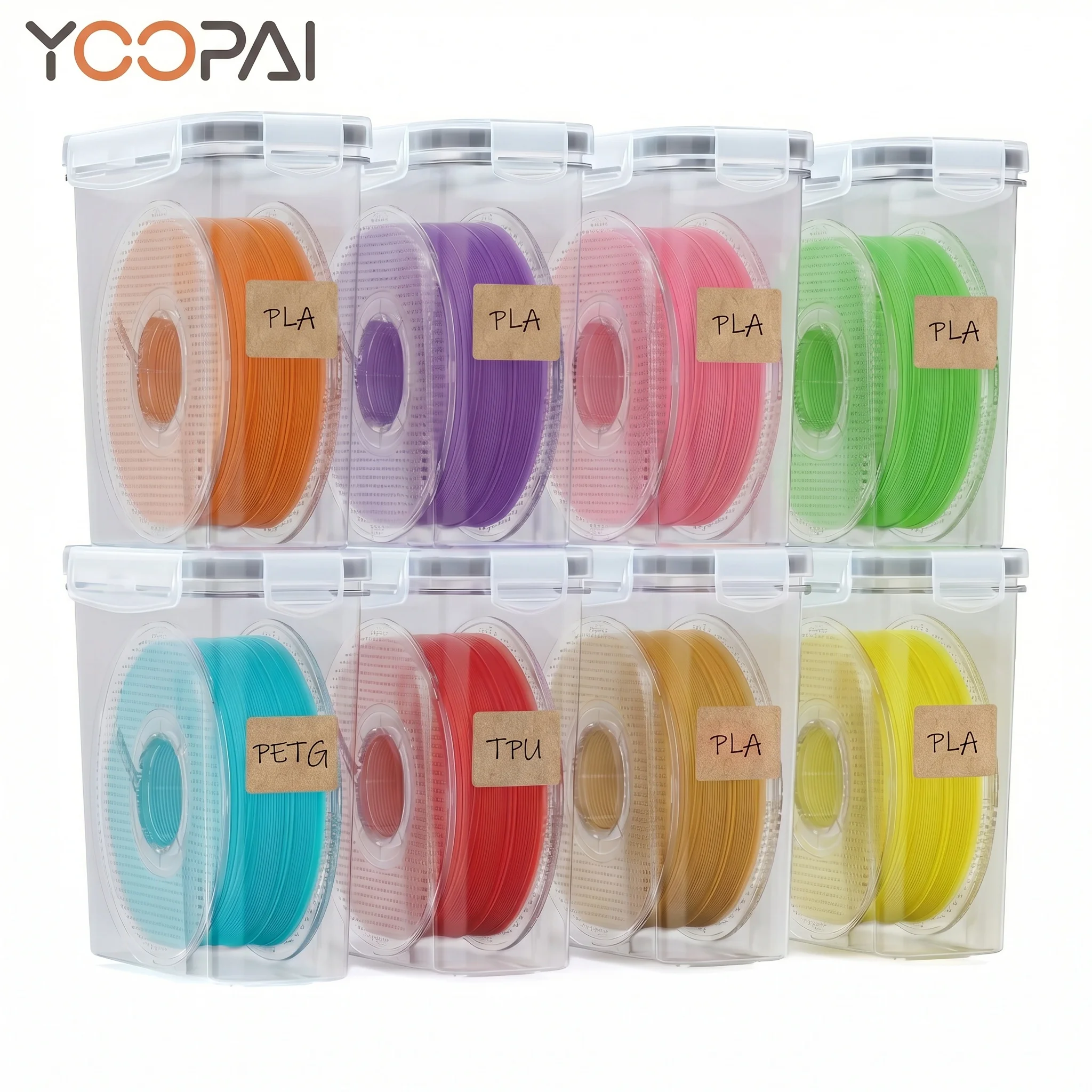
Look at how many rolls you own and how you want to reach them. The YOOPAI 3D Printer Filament Storage Box is a two-tier metal rack that holds up to twelve 1KG rolls, with a transparent cover for dust protection and an iron frame. That suits a maker who buys filament in bulk and wants it organized in one spot.
Rule of thumb: buy storage for the number of rolls you actually keep loaded, plus a little room to grow. A box that is half empty is fine; a box that forces you to stack spools on top of each other is not.
Check whether the storage is truly sealed or just covered. A transparent cover keeps dust off and lets you see your colors, but a sealed box with desiccant does more for moisture. If you print very humidity-sensitive materials, plan a separate drying step rather than assuming storage alone is enough.
Printer enclosures
An enclosure keeps the chamber warm and stable, blocks drafts, and contains fumes. It matters most for materials that shrink as they cool, and for resin printing where you want vapor pulled away from the room.
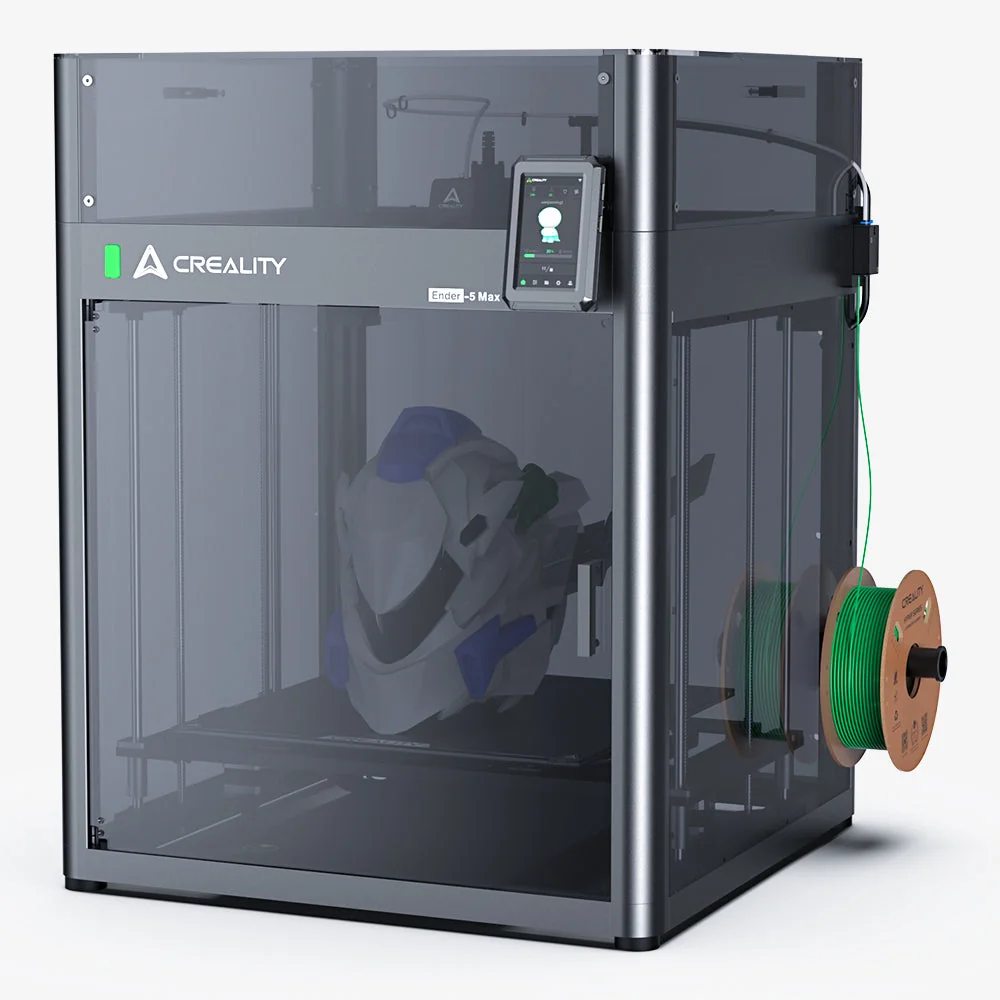
For FDM machines, the first check is fit. The Creality Ender-5 Max Enclosure is built for the Ender-5 Max with its 400x400x400mm build volume, using PC and metal construction with transparent panels and a five-step assembly. If your printer is a different size, match the model rather than the brand.
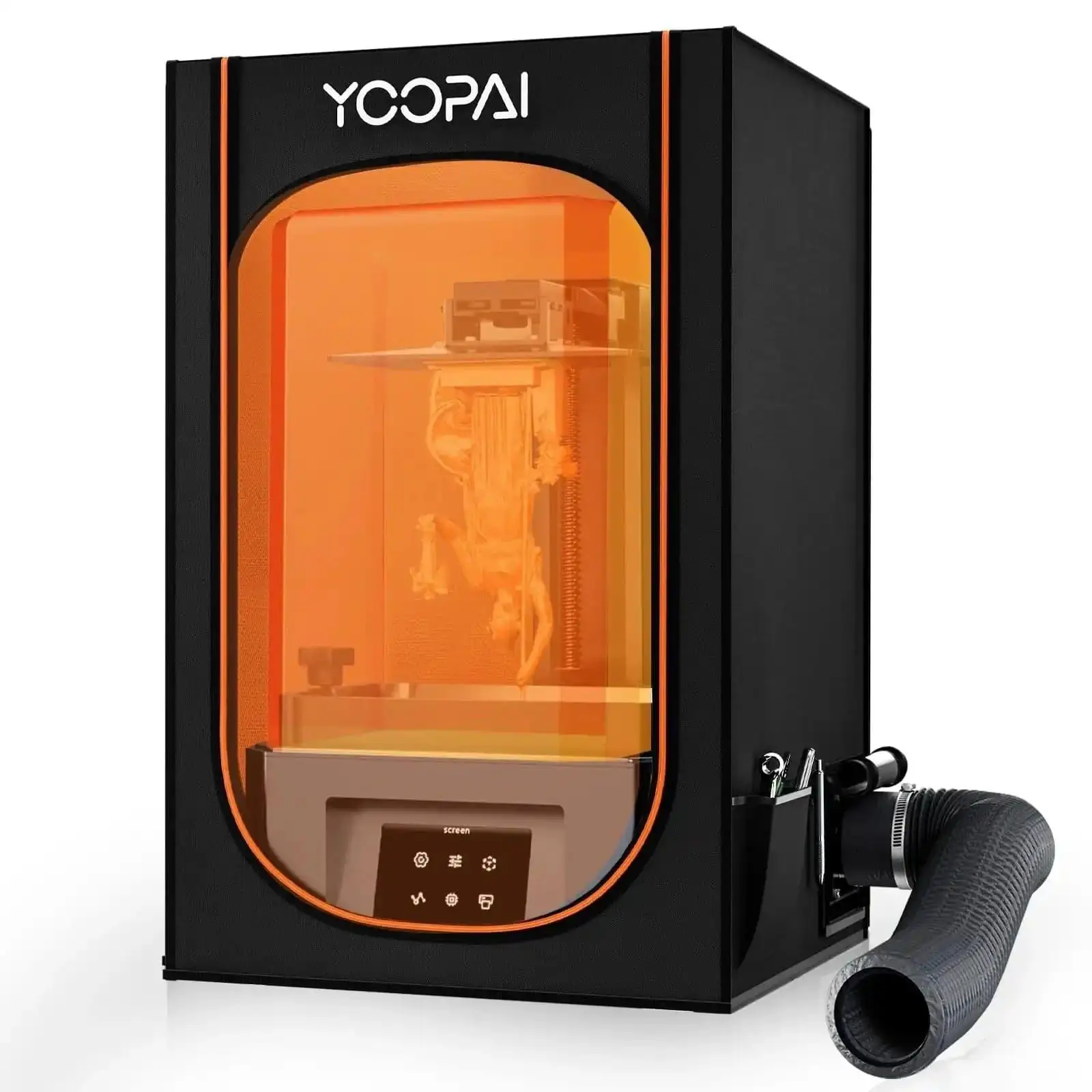
For resin printing, extraction matters more than insulation. The YOOPAI Multifunctional Resin 3D Printer Enclosure is sized 28x18x17 in, uses a fiberglass rod frame with a transparent viewing window, and includes a ventilation kit with a fan and exhaust pipe. That kit gives fumes a path out of the room. Check that you can actually run the exhaust to a window before buying.
Rule of thumb: an enclosure is a fit-and-safety purchase, not a luxury. If it does not match your printer model, or if the exhaust has nowhere to go, it will not do its job.
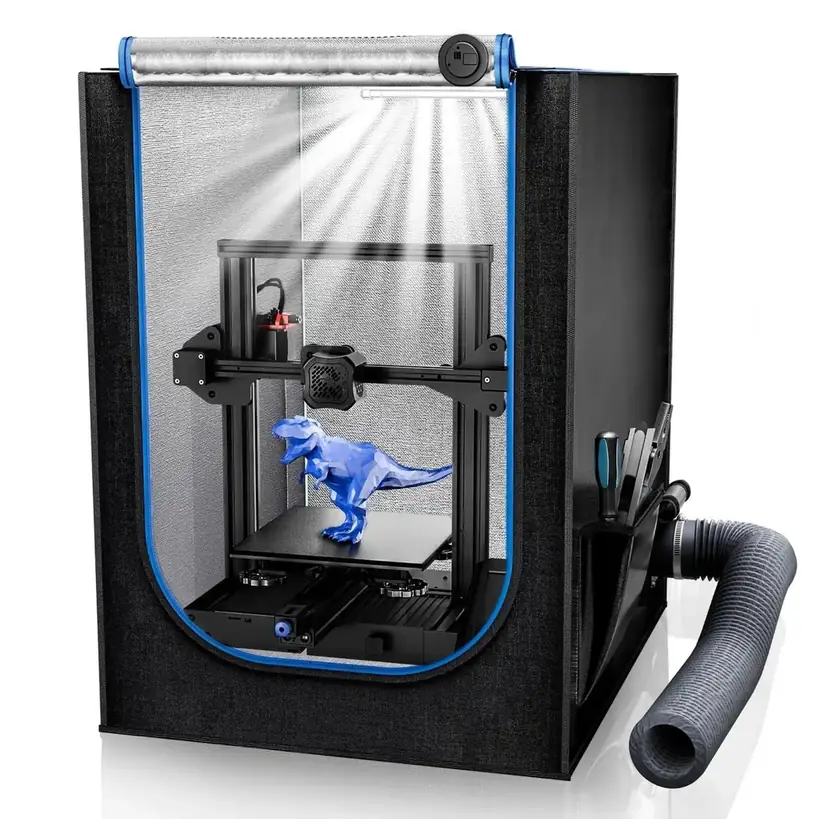
The YOOPAI 3D Printer Enclosure for Creality Ender 3 shows what a compact FDM enclosure looks like: 29.5x25.6x21.6 in (650x550x750 mm), with an LED light, a thermo-hygrometer, and a ventilation kit. The built-in temperature and humidity readout lets you see chamber conditions without guessing.
3D scanners
A scanner turns a physical object into a digital model you can edit or reprint. The specs that decide whether it fits your work are accuracy, resolution, frame rate, and the object size range.
Accuracy and resolution describe how fine the captured detail is, while frame rate describes how fast the scanner can capture as you move. A wider object range means you can scan both small and very large items with the same unit. The Creality 3D Scanner Collection - Otter Lite lists 0.05mm accuracy at 100mm, a 30fps scanning speed, and a 20mm to 2000mm object range, using NIR binocular structured light. That range suits a maker who wants to scan from small parts to large objects on one device.
Portability is a separate decision. The Creality Ferret 3D Scanner lists 0.1mm accuracy, 0.16mm resolution, up to 30fps, and weighs 105g. At that weight you carry it to the object instead of bringing the object to a bench, which matters when the thing you want to copy cannot easily be moved.
Think about your subject matter. Shiny, black, or transparent surfaces are hard for many scanners and often need a matte spray. Small detailed parts need fine accuracy; large parts need a wide range. If you mostly scan one category of object, optimize for it.
Features that are marketing noise
A long list of “smart” features can hide a poor fit. Extra modes, apps, and presets on a storage box or enclosure rarely change the result. What matters is physical fit, a good seal or cover, and working extraction. For scanners, a higher number on one spec does not help if another spec, like object range, excludes the things you want to scan. Buy for the specs that match your real objects and your real printer.
Common mistakes
Buying an enclosure without checking the printer model. Fit is the whole point.
Assuming storage dries wet filament. Storage prevents moisture; it does not reverse it.
Choosing a scanner on accuracy alone. Ignore resolution, frame rate and object range and you may buy a unit that cannot handle your subject.
Skipping the ventilation path. A resin enclosure without a way to exhaust fumes is just a box.
Overbuying capacity you will not use. A rack for twenty spools is wasted on four.
Who should buy what
Beginners: Start with filament storage to protect every print, then add an enclosure only when a specific material demands it.
ABS, ASA and nylon printers: An enclosure matched to your printer is the highest-value upgrade.
Resin printers: Prioritize fume extraction and a vent path; a viewing window is a bonus.
Makers who copy objects: A scanner with the right object range and accuracy for your subjects.
Bulk filament buyers: A multi-spool rack that keeps rolls dry, labeled and off the floor.
Setup tips
- Place the accessory on a stable, level surface with room to open doors, load spools, or move a scanner around the object.
- If the enclosure has a ventilation kit, run the exhaust to a window or outdoors before the first print.
- Add fresh desiccant to storage and keep the cover closed between prints; keep scanner optics clean and store the unit in its case.
Maintenance and what wears out
- Seals and covers: Replace gaskets or cloudy panels if the chamber stops sealing.
- Ventilation fans: Dust on fan blades reduces airflow; clean them according to the manual.
- Scanner lenses and sensors: Keep optics dust-free and store the unit in its case.
- Desiccant: Recharge or replace it on a schedule, since saturated desiccant stops protecting filament.
A 60-second buying checklist
- Name the problem the accessory must solve.
- Match the accessory to your exact printer model and build volume.
- For resin, confirm you can run an exhaust to a window or outdoors.
- For scanners, check accuracy, resolution, frame rate and object range against your real objects.
- Ignore any feature you cannot name a weekly use for.
The right 3D printing accessory quietly removes a step you used to fight. Fit, safety, and honest specs matter more than the longest feature list on the box.
- YOOPAI 3D Printer Filament Storage Box – suits makers who keep up to twelve 1KG rolls and want a two-tier metal rack with a transparent dust cover.
- Creality Ender-5 Max Enclosure – fits owners of the Ender-5 Max who need a PC and metal enclosure with transparent panels and five-step assembly.
- YOOPAI Multifunctional Resin 3D Printer Enclosure – matches resin printers who need a 28x18x17 in chamber, a transparent window and a ventilation kit with fan and exhaust pipe.
- YOOPAI 3D Printer Enclosure for Creality Ender 3 – serves Ender 3 owners who want a compact enclosure with an LED light, a thermo-hygrometer and a ventilation kit.
- Creality 3D Scanner Collection - Otter Lite – suits buyers who scan objects from 20mm to 2000mm and want 0.05mm accuracy at 100mm with NIR binocular structured light.
- Creality Ferret 3D Scanner – fits users who want a 105g handheld scanner with 0.1mm accuracy and up to 30fps for scanning objects in place.