How to Choose 3D Printer Filament in 2026
Published October 20, 2026
In this article
Choose filament by what the finished part must do, then check whether your printer can handle its temperatures, abrasion and flexibility. A spool labeled high speed, silk or carbon fiber does not guarantee stronger parts or faster successful prints. Material family, diameter, nozzle compatibility and moisture control matter more than branding [1][2][3].
Is 3D printer filament worth it in 2026?
Yes, if you have an FDM/FFF printer and want practical or decorative objects. Filament makes it possible to prototype organizers, brackets, models, flexible grips and replacement components without tooling. PLA remains an accessible starting material; PETG expands the range of functional parts, while TPU allows flexibility [1][2].
Not every filament belongs in every printer. A basic open-frame machine with a brass nozzle may be suitable for plain PLA but unsuitable for abrasive composites, high-temperature engineering polymers or poorly supported flexible material. Resin for a 405 nm UV printer is a separate liquid photopolymer technology, not a spool that feeds through a heated FDM nozzle [3]. Check your printer’s documented capabilities before ordering.
What actually matters
1. Material choice: PLA, PETG or TPU
PLA: Often the easiest starting point for detailed models, prototypes, display pieces and low-load indoor parts. Prusa lists typical PLA nozzle temperatures around 185–235°C, with a 50–60°C bed in its material table [1]. Its primary tradeoffs are brittleness and relatively limited heat and UV resistance. UltiMaker reports a heat-deflection value of about 59°C for one tested PLA formulation at the specified load; that is an illustration, not a universal failure temperature for every PLA print [4].
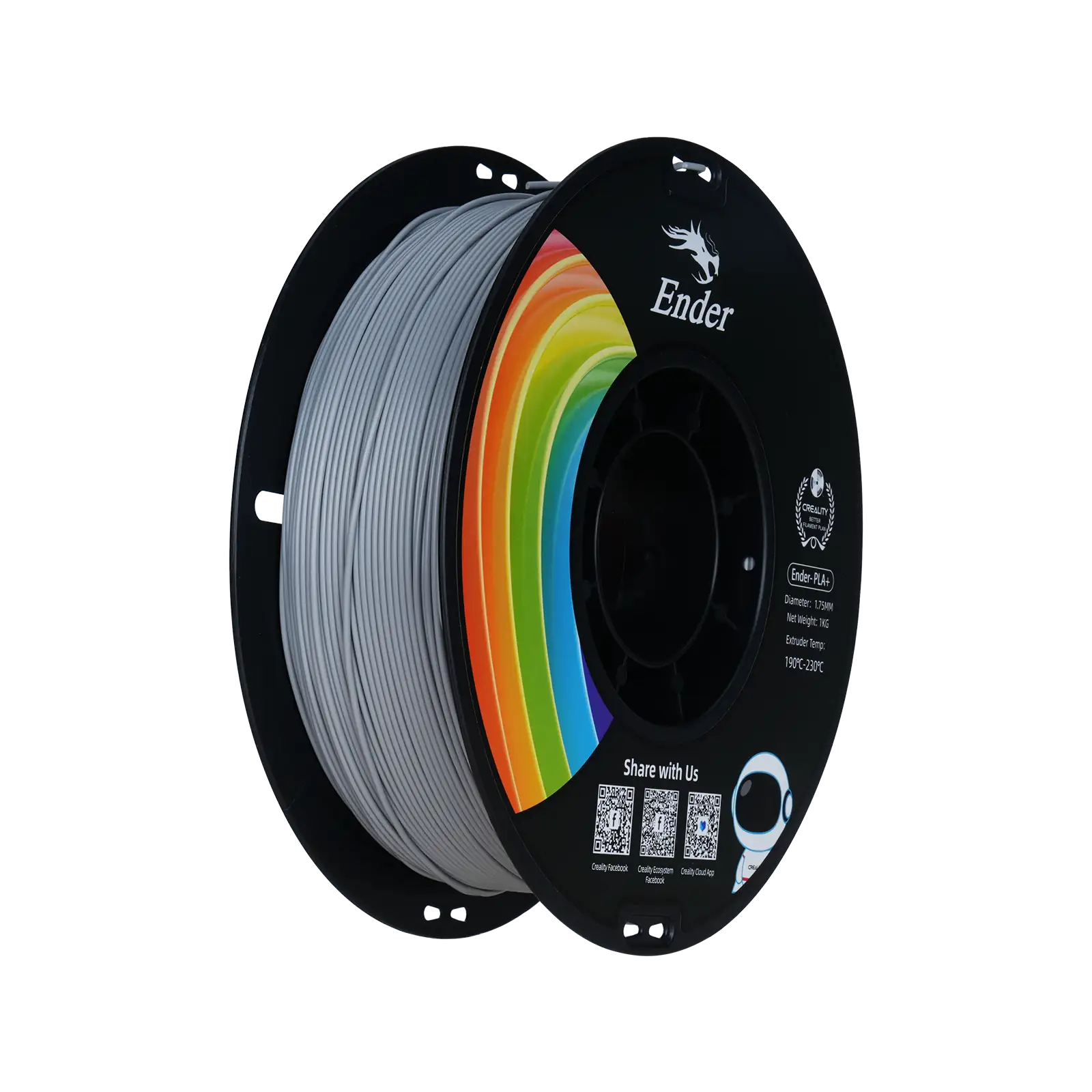
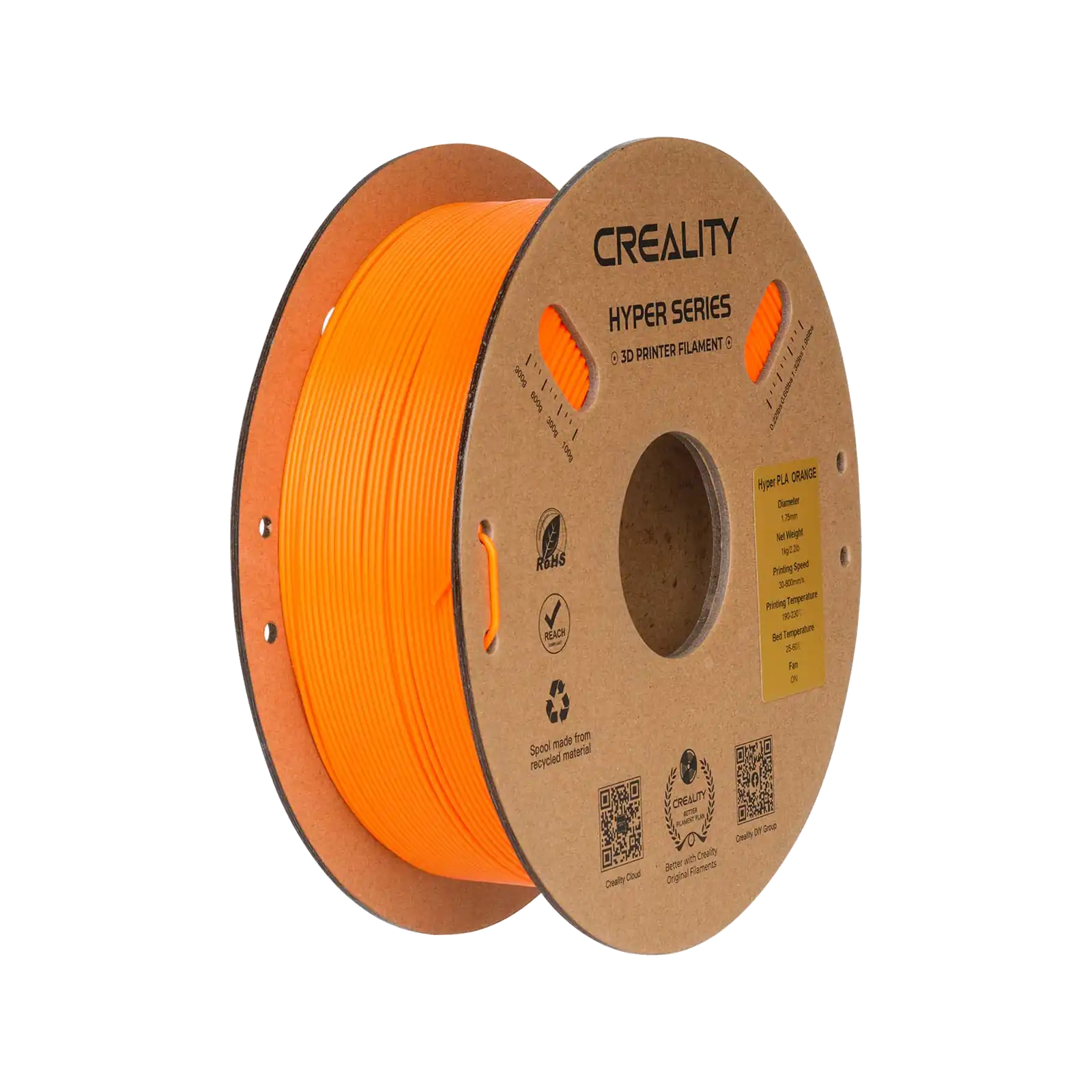
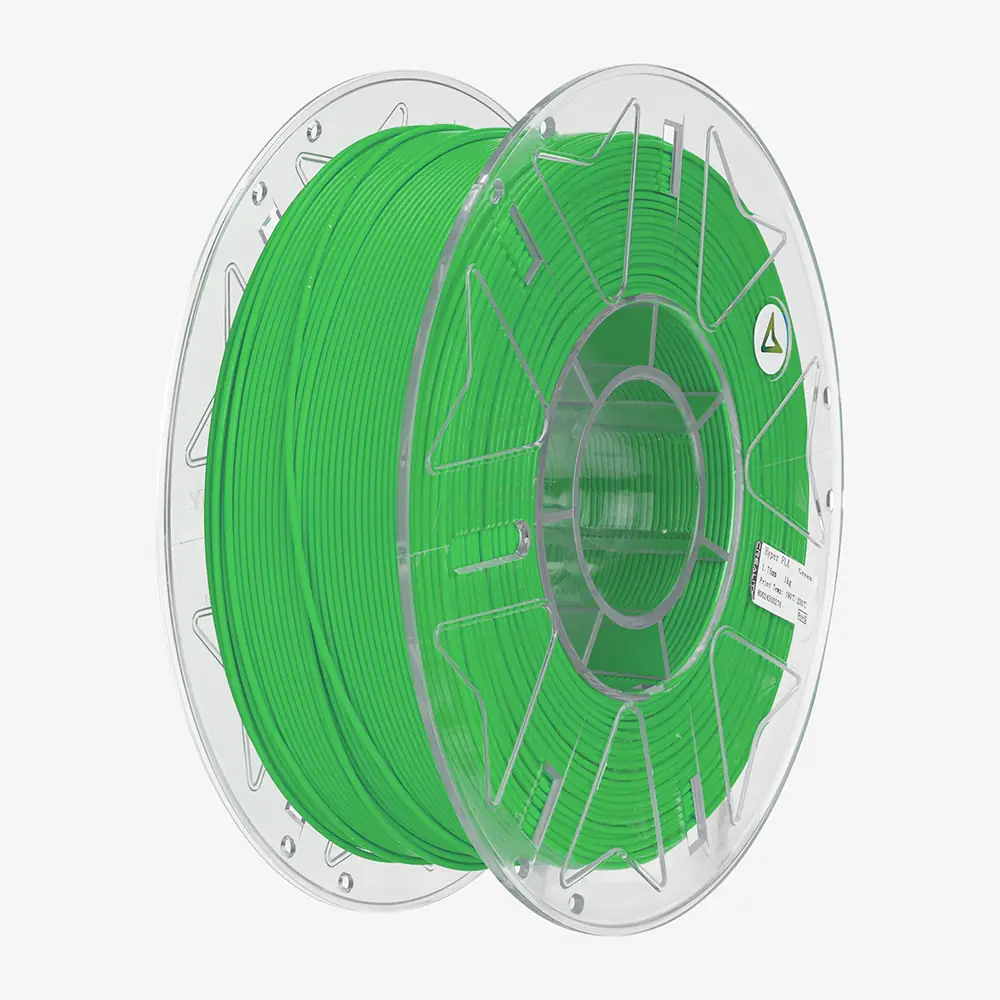
For an ordinary colorful project, the Creality Ender PLA+ Grey is listed as a 1.75 mm, 1 kg PLA+ spool with ±0.02 mm diameter accuracy. The Creality Hyper PLA Orange also uses 1.75 mm material. The label PLA+ is not a single industry-wide mechanical specification: seek a technical data sheet if impact resistance is important.
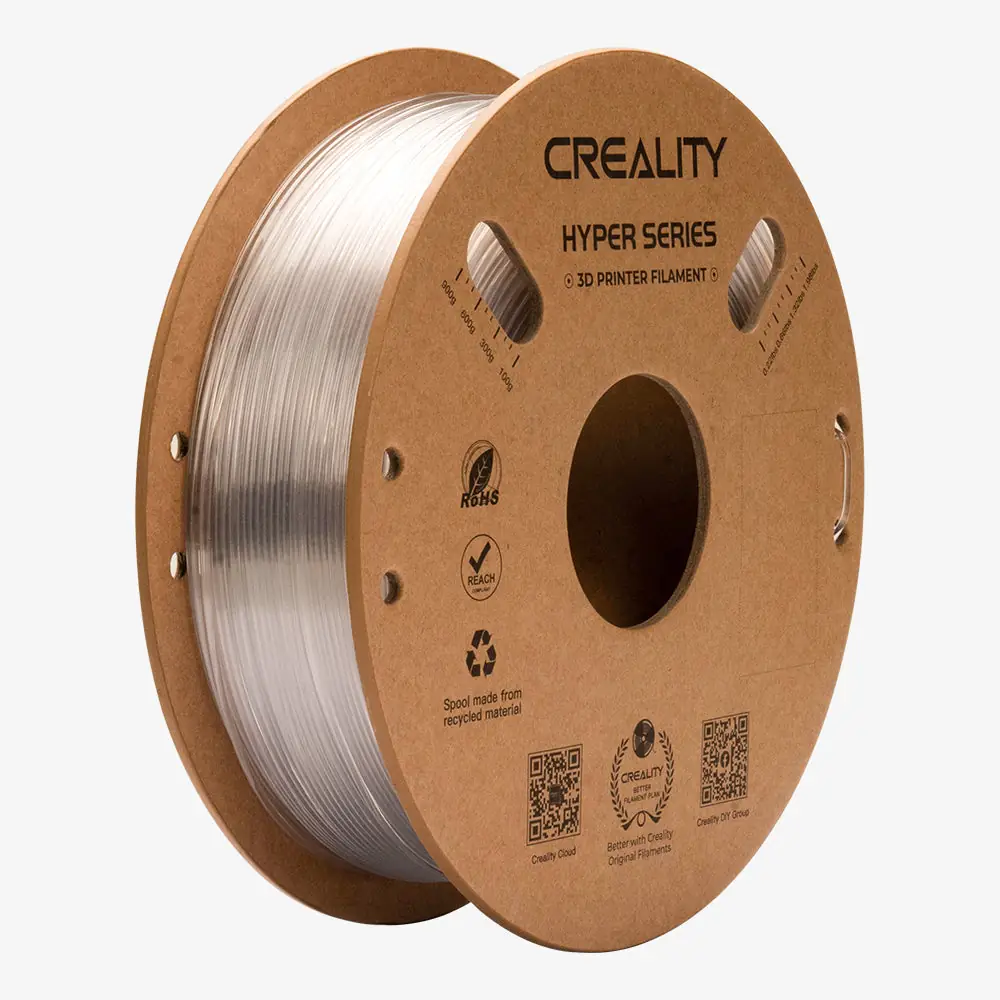
PETG: A useful alternative when a part needs more toughness and better temperature resistance than typical PLA. Prusa recommends PETG for holders, clamps and printer parts and gives a general nozzle range of about 215–270°C, depending on grade, plus a warmer bed [1][5]. PETG can string and bond too aggressively to some smooth build sheets, so follow the plate-specific release-layer guidance [5]. Our Creality Hyper PETG Transparent is a 1.75 mm spool with a listed ±0.05 mm tolerance; print using its specific profile rather than copying another brand’s PETG temperature.
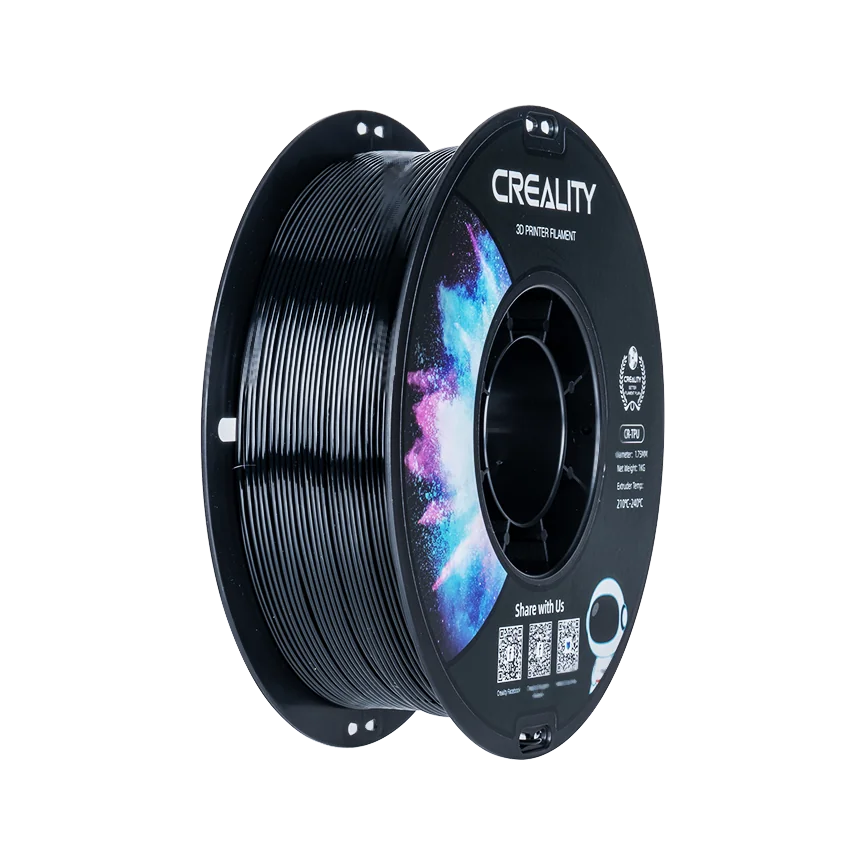
TPU: For flexible bumpers, sleeves, grips and vibration-absorbing parts. Shore hardness matters: 95A is a common moderately firm flexible grade, while softer grades can be harder to feed. The Creality CR-TPU Black is specified at 95A and 210–230°C nozzle temperature. Verify that your extruder can feed TPU without buckling.
Rule of thumb: Start with PLA for indoor prototypes, move to PETG when toughness or modest heat resistance matters, and choose TPU only when flexibility is the goal.
2. Filament diameter, tolerance and the spool itself
Most consumer printers take 1.75 mm filament; others use 2.85 mm. The diameter must match the extruder and hotend path. A nozzle labeled 0.4 mm describes its exit opening, not the diameter of filament it accepts. MatterHackers catalogs both feedstock sizes, so never order solely by color [2].
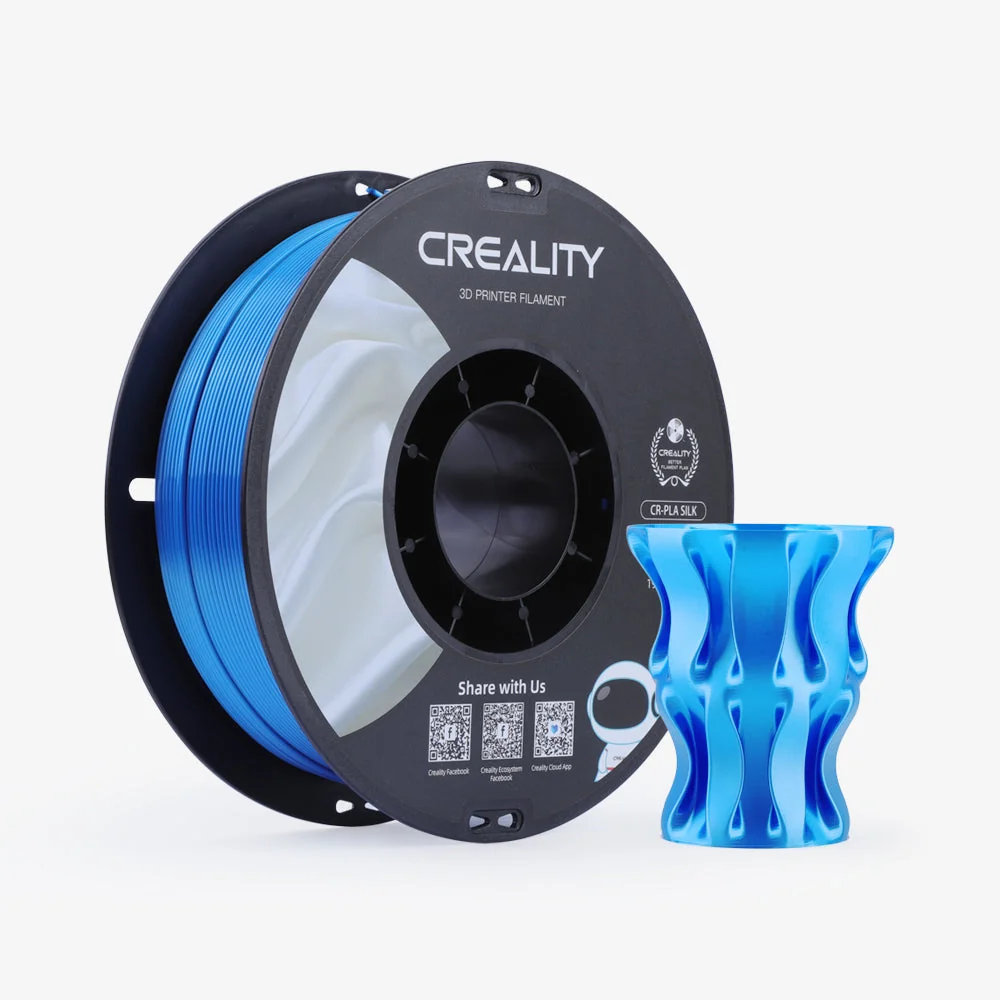
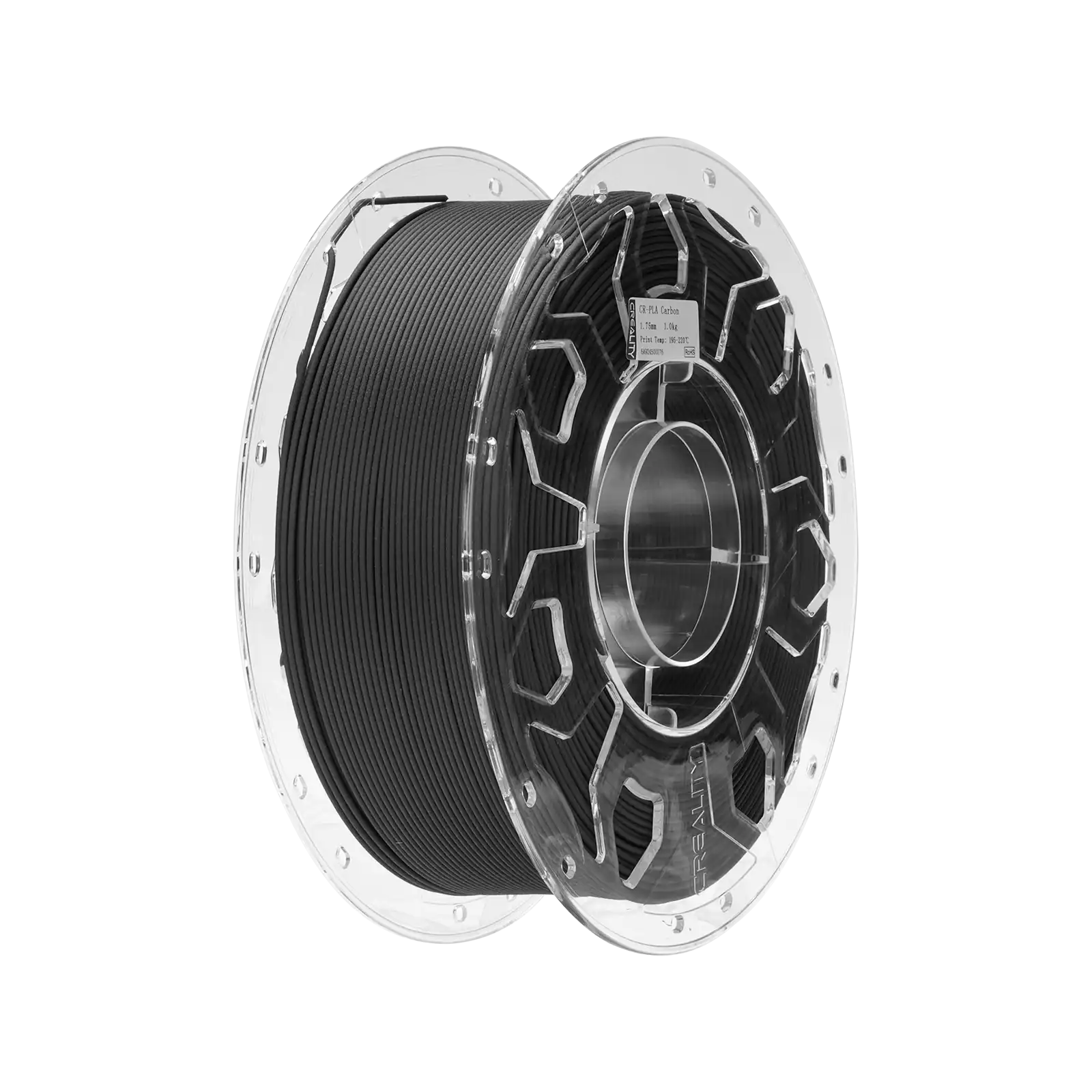
Diameter tolerance affects consistency. Our Creality CR-Silk PLA Blue lists 1.75 ±0.02 mm, while the Creality CR-PLA Carbon lists 1.75 ±0.03 mm. Those are manufacturer’s specifications, not independent measurements of spool roundness, winding or defects. Filament ovality, variable extrusion and friction can still cause print problems.
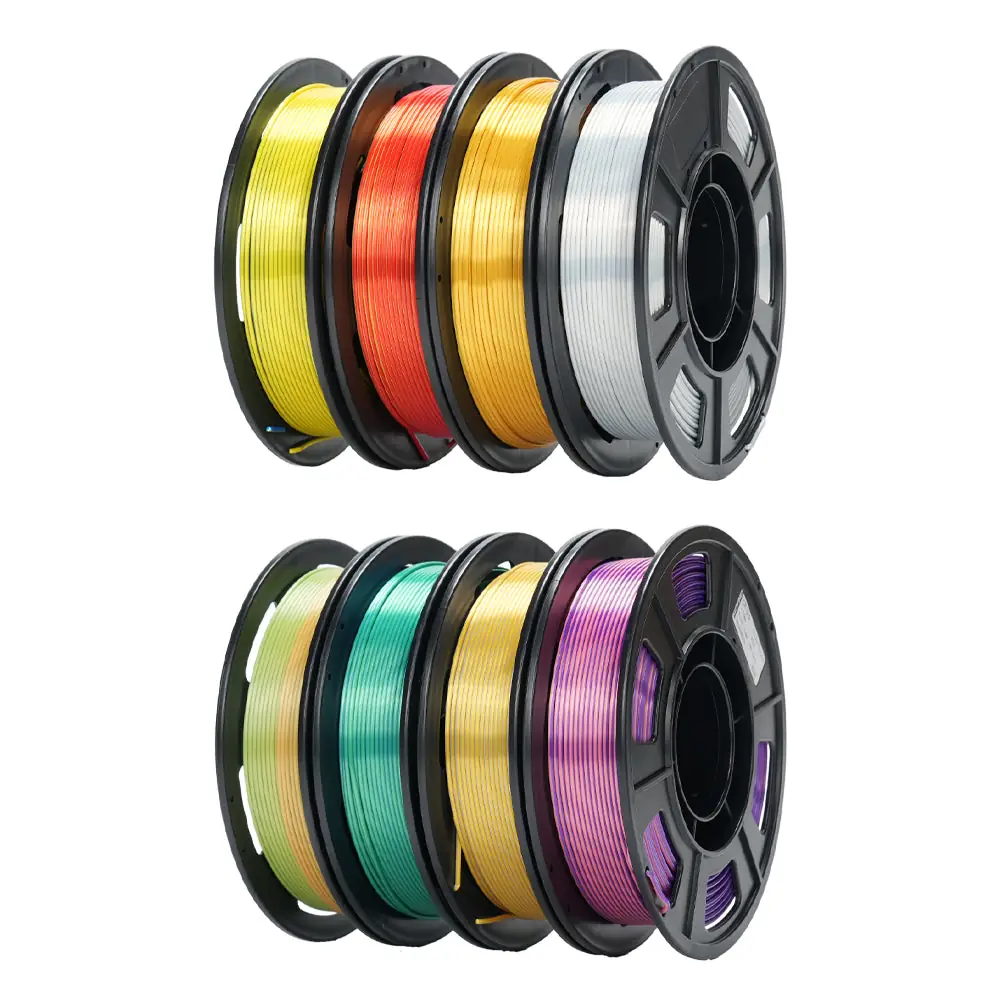
The Creality CR-Silk Multi-Color Pack contains eight 250 g spools, totaling 2 kg. They may be convenient for short decorative jobs but require more frequent spool changes.
The spool’s width, flange size, hub and material may also matter. Some automatic material systems and dry boxes have dimensional limitations; verify the actual holder or adapter specification before purchasing. A perfectly good filament in an incompatible spool can still feed badly.
3. Specialty finishes and abrasive additives
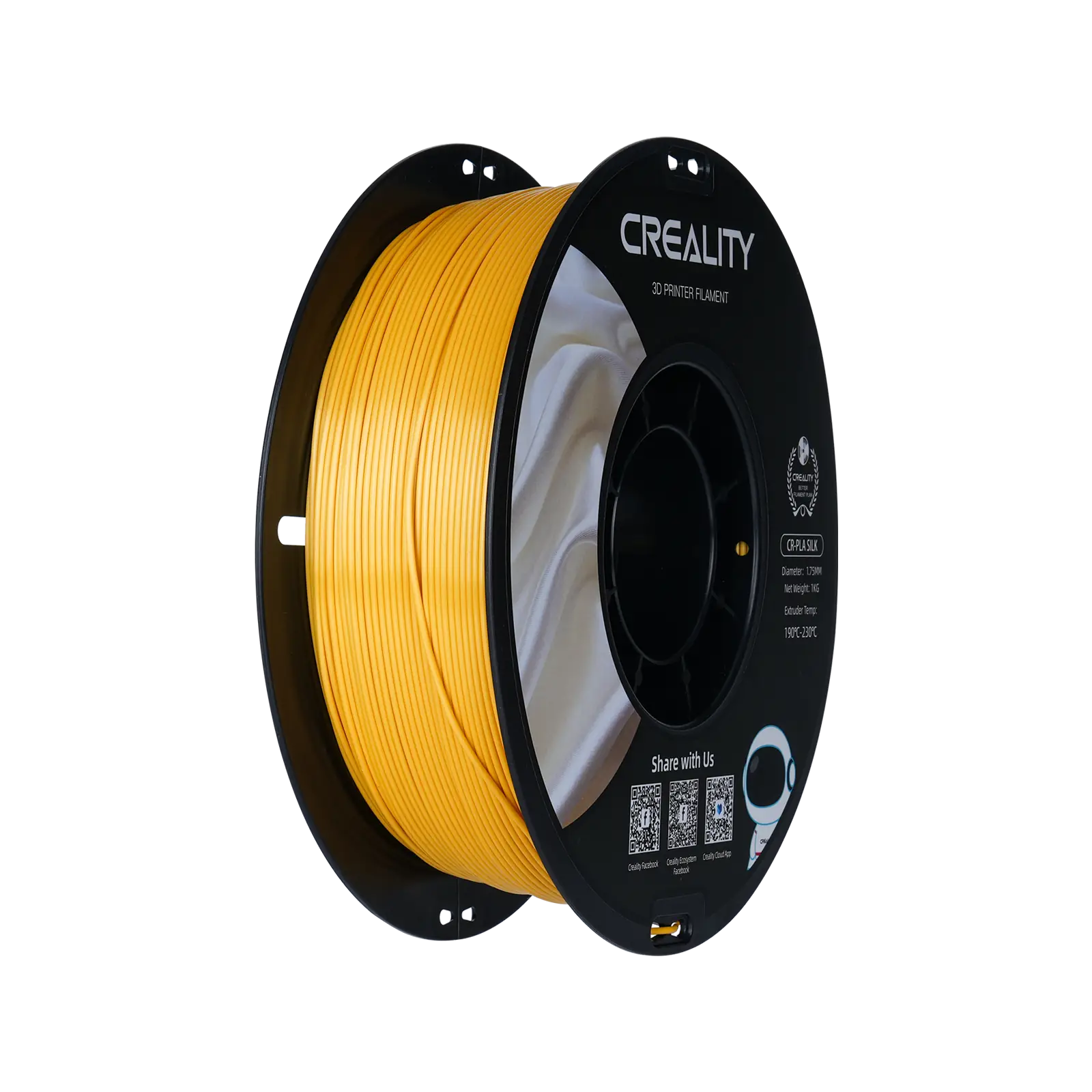
Silk PLA is mainly an appearance decision. The Creality CR-Silk Gold and CR-Silk Blue target glossy decorative models. The Blue spool’s listed settings are 190–230°C nozzle, 50–60°C bed and 40–80 mm/s print speed. Do not assume an attractive finish improves layer strength.
Carbon-filled PLA can produce a matte surface and different stiffness, but adding fibers is not an automatic guarantee of greater impact resistance or stronger bonds between layers. The Creality CR-PLA Carbon contains 15% carbon fiber according to its published product description [7]. Prusa warns that carbon- and glass-filled filaments can be abrasive, change mechanical behavior, and require a hardened nozzle [8].
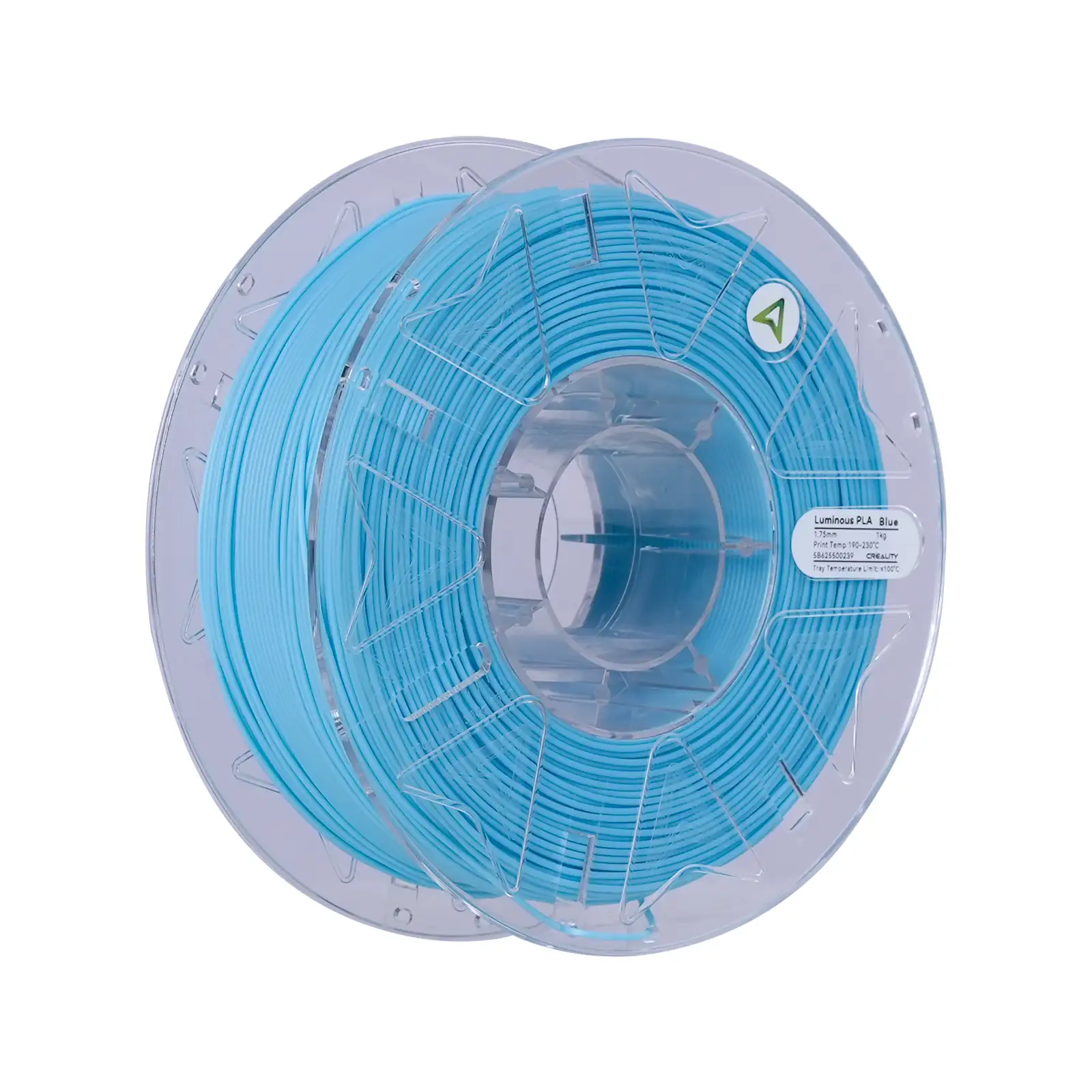
Glow-in-the-dark PLA adds phosphorescent pigments. The Creality Hyper Luminous PLA Blue uses that effect. Prusa’s material table flags glow materials as requiring a hardened nozzle because additives wear ordinary brass faster [1]. Treat the pigment and nozzle choice as part of the project, not just a color selection.
For abrasive composites, confirm a wear-resistant nozzle and suitable nozzle diameter. Avoid assuming your standard brass 0.4 mm nozzle is a good long-term choice.
4. Print temperature, surface and real speed
A print profile must fit the specific brand, material and machine. Prusa’s material table lists broad ranges, but even ordinary PLA formulations differ. For example, the Creality CR-Silk Blue has a published nozzle range of 190–230°C, while the Creality CR-TPU lists 210–230°C [1]. Begin with the selected material’s documented slicer profile, not the maximum allowed hotend temperature.
Build-surface compatibility matters too. PLA usually works well on a clean smooth or satin PEI surface, whereas PETG can adhere too strongly to smooth PEI and damage it if torn off. Do not use the same build-plate cleanup procedure for every polymer.
Speeds advertised as 300 or 600 mm/s describe possible printing conditions, not the speed that preserves every model’s detail, layer bonding or hotend flow. The Creality Hyper PLA RFID Green and Creality Hyper PLA Orange are listed at up to 600 mm/s. Your printer’s volumetric flow, cooling, acceleration and nozzle diameter determine whether that rate is achievable.
Tune with a small temperature tower and representative geometry before committing a large job. ### 5. Moisture sensitivity and storage
Filament absorbs atmospheric moisture to varying degrees. Wet material can cause popping at the nozzle, rough surfaces, stringing or weakened extrusion, though those symptoms can have other causes. Prusa’s drying guide gives material-specific starting schedules, including PLA 45°C for six hours, PETG 55°C for six hours and TPU 60°C for four to six hours for its own products [9]. Do not copy those settings without checking the spool’s heat tolerance.
Polymaker explains that newer sealed PETG may arrive relatively dry, but exposed filament can still develop printing problems depending on humidity and handling [10]. Drying and dry storage do different jobs: desiccant helps keep a sealed container dry, while an actively heated dryer removes moisture already absorbed by the polymer.
Airtight boxes, reusable sealed bags and rechargeable desiccant can help with opened spools. Protect the free end from tangles by securing it in a spool hole or clip before storage. Label the material type, color and opening date; a spool whose identity is lost is easy to print at the wrong temperature.
Rule of thumb: If a previously reliable spool starts popping or stringing, check moisture and feed path before changing every slicer setting.
6. Ventilation, hardware and realistic end use
FDM printing releases ultrafine particles and some gases; the type and quantity depend on material, printer and operating conditions. PLA is not an assurance of zero emissions.
A print that looks solid is not necessarily food-contact safe or suitable for an item exposed to car-interior heat. Prusa cautions that printed layer surfaces can trap contamination and that food-contact use requires special consideration [5]. Evaluate heat, chemicals, repetitive loads and the part’s orientation before using a printed object for a consequential purpose.
Your printer must also support the material. Flexible TPU may demand a carefully constrained feed path; abrasive PLA composites require wear-resistant hardware; higher-temperature materials may need an enclosure. Buy filament based on the capabilities you currently have, not only what the label promises.
Types compared
| Type | Best when | Main drawback |
|---|---|---|
| Standard PLA and PLA+ | Beginners, models, prototypes | Limited heat resistance |
| Silk PLA | Glossy decorative objects | Finish is not proof of strength |
| PETG | Utility brackets, tough housings | Can string and over-adhere to PEI |
| TPU 95A | Flexible pads, grips and bumpers | Slower feed and moisture sensitivity |
| Carbon-filled PLA | Matte finish and specialized stiffness | Abrasive to brass nozzles |
| Glow PLA | Signs and low-light decorative models | Abrasive pigments and print tuning |
| High-speed PLA | Fast-printer profiles | Speed limited by actual machine flow |
3D printer filament for beginners, small homes, families and heavy use
Beginners: Start with Creality Ender PLA+ Grey or Creality Hyper PLA Orange. Keep the first print small, confirm 1.75 mm compatibility and use a known-good PLA profile.
Small homes and occasional makers: A Creality CR-Silk Multi-Color Pack offers eight smaller spools for short decorative jobs. Reseal unused reels instead of leaving all colors exposed to room humidity.
Families and school projects: Standard PLA is generally more convenient than advanced engineering composites for figurines, organizers and prototypes. Supervise hot surfaces and moving printer parts, and provide ventilation rather than assuming home printing produces no airborne emissions [11].
Repeated functional parts: Choose Creality Hyper PETG Transparent when PETG’s general toughness and heat-resistance profile suit the application. Tune adhesion and moisture handling before a long production batch [5][10].
Flexible or specialty jobs: Creality CR-TPU Black is a 95A flexible option; Creality CR-PLA Carbon needs consideration of hardened-nozzle wear. Do not treat either as a simple color swap.
Features that are marketing noise
“High-speed,” “extra strong” and “industrial” are weak indicators without a defined test, printed orientation and machine profile. An advertised tensile strength in MPa is not automatically the strength of a layered printed part. RGB-like silk shine, phosphorescent pigments and RFID features serve different purposes and should not be confused with mechanical performance.
A tolerance figure like ±0.02 mm helps compare declared extrusion consistency, but cannot prove a spool is dry, free of knots or properly wound. Evaluate actual first-layer and extrusion results before making conclusions about quality.
Setup tips
- Confirm feedstock diameter, spool geometry and printer material support.
- Select the manufacturer’s matching slicer profile or enter its nozzle and bed temperatures.
- Inspect the nozzle for abrasion compatibility before carbon-filled or glow filament [8].
- Dry moisture-sensitive material only at temperatures safe for the filament and spool [9].
- Secure the spool so it unwinds without snagging; keep loose ends clipped during swaps.
- Clean the build plate according to the material and sheet instructions [5].
- Print a small calibration object before a long job, checking layer bonding and stringing.
- Keep the printer in a ventilated location and follow the maker’s thermal and electrical safeguards [11].
Maintenance and what wears out
Each swap: Clip the filament end, inspect the last turns for crossing and check for dust or visible cracking. Store unused spools sealed, with desiccant where appropriate. If the strand becomes brittle, determine whether moisture, age, pigment or handling is responsible before discarding it.
Monthly: Inspect filament-path friction, guide tubes, feed gears and the nozzle for buildup. Abrasive fillers can wear a standard nozzle substantially faster than ordinary PLA [8]. Adjust cleaning and nozzle replacement to measured extrusion performance rather than a fixed calendar.
Drying and annual supplies: Check dryness when quality deteriorates or after extended exposure. As an illustrative usage calculation, printing 6 kg yearly in 1 kg spools means six full spool equivalents, though many users consume less. Count desiccant regeneration, bags and occasional nozzle replacements as usage-based supplies. A dryer using a measured 50 W over 24 hours annually would consume 1.2 kWh; actual power and drying time vary [9].
Long-term: Spool integrity, storage humidity and UV exposure affect usable material over time. Special blends may become brittle or difficult to feed, while a damaged brass nozzle can change dimensions after abrasive use. Keep the original product label so you can retrieve its precise processing and storage recommendations.
Rule of thumb: Treat a clogged or worn nozzle and a wet spool as separate problems; drying filament will not restore missing nozzle metal.
3D printer filament versus alternatives: pros and cons
FDM filament is convenient for durable prototypes and larger everyday prints, but visible layer lines and anisotropic strength affect results. UV-curing resin can reproduce fine details but involves an entirely different printer, liquid handling and post-curing workflow [3]. Choose the printing process for the part rather than buying resin because a listing mistakenly appears beside spooled filaments.
Common mistakes
Ordering 2.85 mm for a 1.75 mm machine, assuming all PLA+ materials have identical strength, using carbon-filled or luminous filament through a brass nozzle, believing PETG cannot string, overheating a spool in a household oven, mistaking a high print-speed claim for guaranteed throughput, and storing opened TPU in humid air [1][8][9].
- Creality Ender PLA+ Grey — everyday prototype material in a 1 kg spool.
- Creality CR-Silk PLA Blue — glossy models with published temperature and speed ranges.
- Creality Hyper PETG Transparent — utility parts where PETG’s toughness is appropriate.
- Creality CR-TPU Black — 95A flexible grips and bumpers.
- Creality CR-PLA Carbon — filled PLA for a compatible wear-resistant nozzle.
- Creality Hyper Luminous PLA Blue — decorative glow effects with abrasive-nozzle considerations.
Sources
[1] Prusa — Filament Material Guide [2] MatterHackers — 3D Printer Filament Comparison [3] UltiMaker — Materials Used in 3D Printing [4] UltiMaker — PLA Properties and Temperature Resistance [5] Prusa — Printing PETG and Build Sheet Guidance [6] MatterHackers — TPU and Flexible Filaments Guide [7] Creality — Guide to 3D Printing Materials [8] Prusa — Carbon and Glass Filled Composite Materials [9] Prusa — Drying Filament Temperatures and Times [10] Polymaker — Why Modern PETG Handles Moisture Differently [11] CDC NIOSH — Safe 3D Printing for Everyone