Comparison · 2026
Best External SSDs 2026: Samsung T9 vs Crucial X9 Pro
Researched by Dmitrii Pakhomov and Daria Govorina · SavingsHook editorial · Published November 9, 2026
The short answer
Verdict based on specifications, manufacturer documentation and owner reviews. We did not lab-test these products.
| Product | Key specs | Main drawback | Not for |
|---|---|---|---|
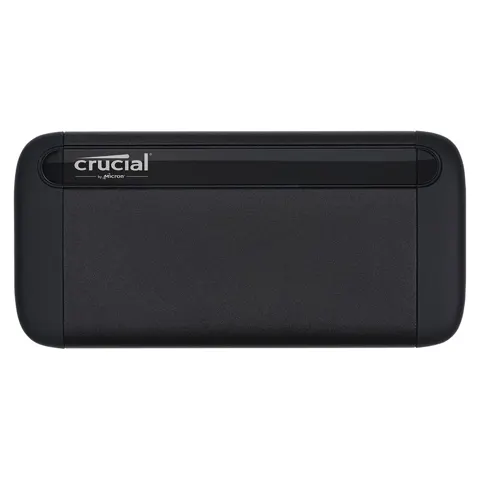
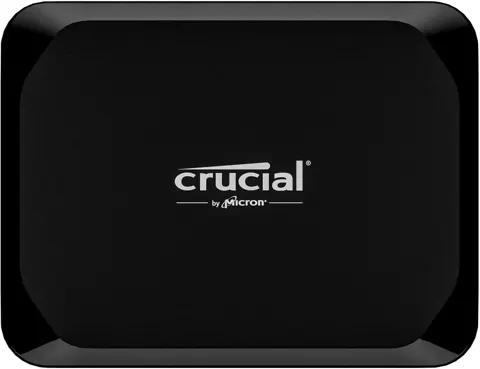
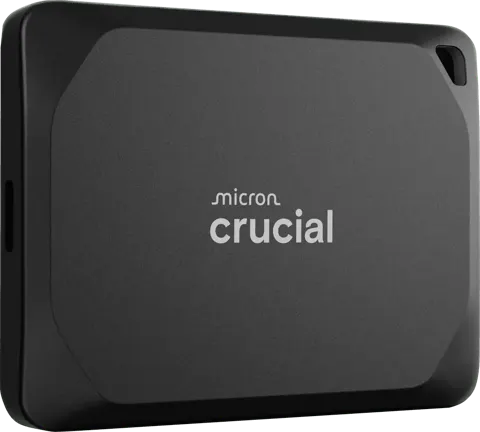
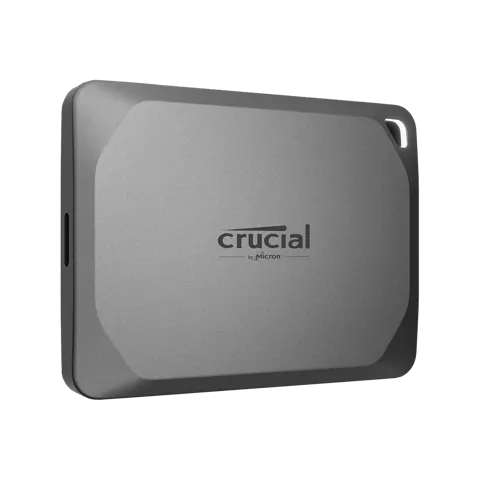
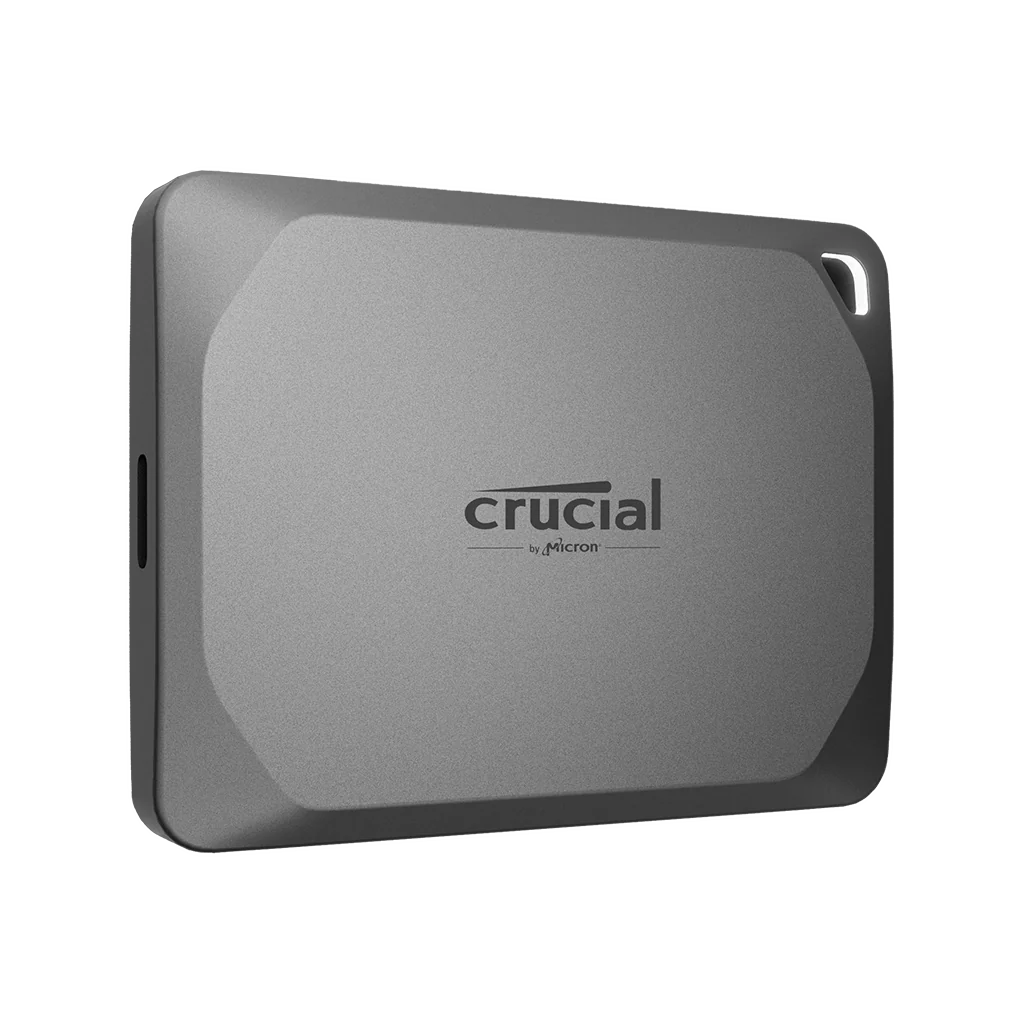
| Crucial X9 Pro 1TB Portable SSD, USB 3.2 Gen 2, up to 1050MB/s, IP55 | Up to 1,050 MB/s read and write (USB 3.2 Gen 2) 1TB capacity, TLC NAND, PCIe 3.0 x2 internal bus USB-C connector, USB 3.2 Gen 2 10Gbps interface | A 10 Gbps drive capped near 1,050 MB/s, and Crucial's own pages flag it as EOL. | Anyone with a Thunderbolt 5 machine who can use far more bandwidth |
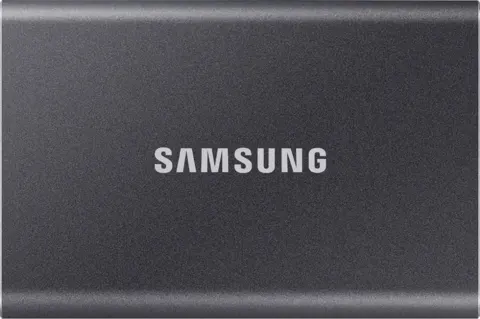
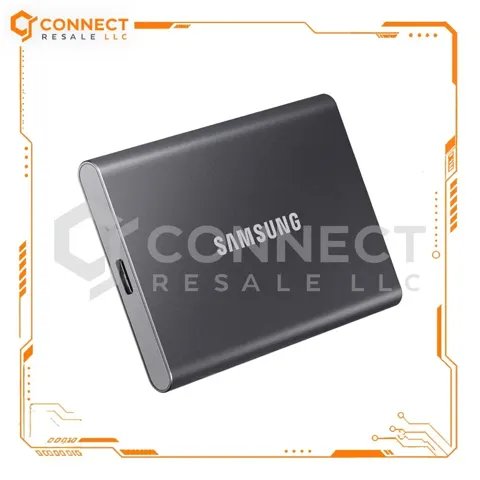
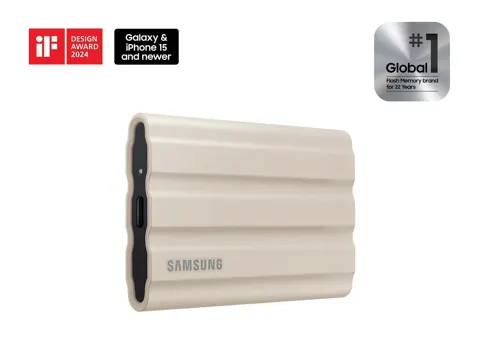
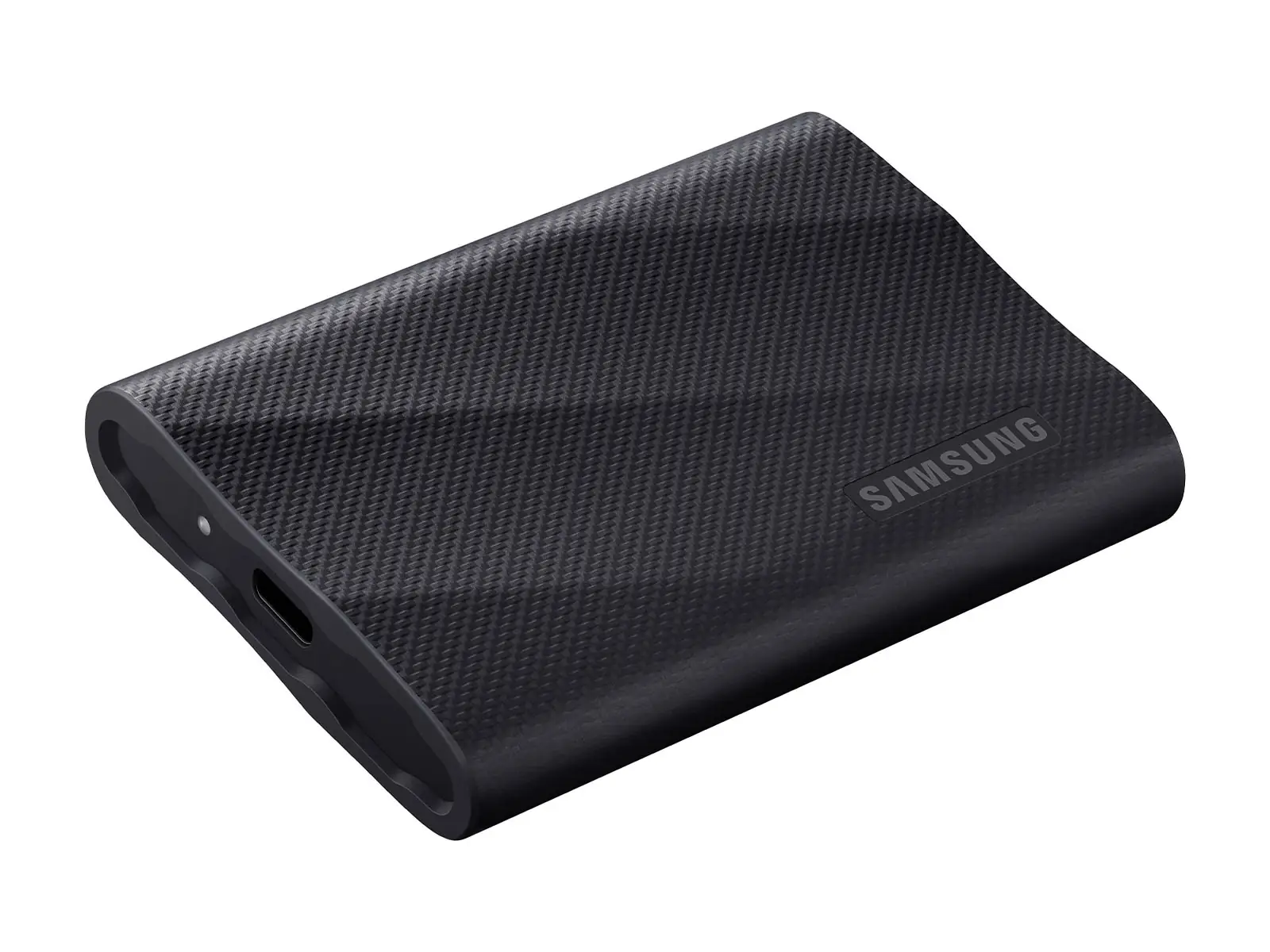
| Samsung Portable SSD T9 1TB (MU-PG1T0B) | 1TB capacity USB 3.2 Gen 2x2 interface 2,000MB/s read and write | Only reaches its rated speed on a USB 3.2 Gen 2x2 host, and the 1TB cache is just 22GB. | Mac users and 10 Gbps-only PCs, where it behaves like a slower drive |
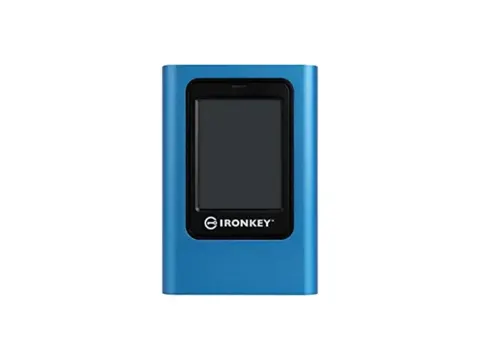
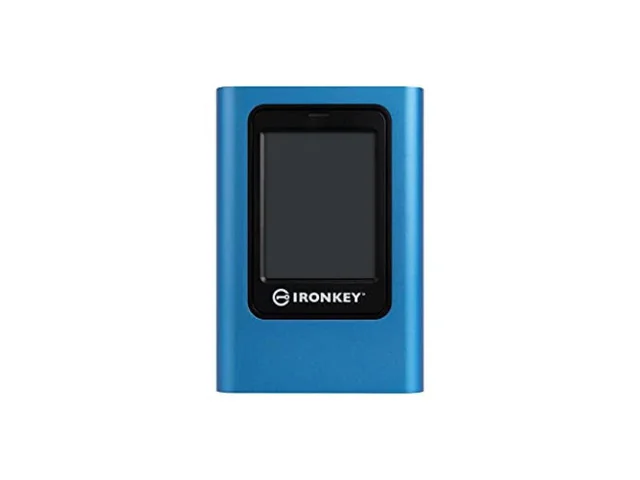
| Kingston IronKey Vault Privacy 80 7680GB External SSD IKVP80ES/7680G | Capacity 7680GB (7.68TB) Read speed 230MB/s, write speed 250MB/s (3840-7680GB) Interface USB 3.2 Gen 1, Type-C connector | 230 MB/s read, 250 MB/s write over USB 3.2 Gen 1, and a bulky body. | Anyone moving big files fast |
How we picked these products
We compare product identity, specifications, pros/cons and retailer links. Until approved retailer API access is available, current Amazon price, star-rating and review-count data are not republished here.
Prices at a glance
| Product | Price | Stores |
|---|---|---|
| Samsung Portable SSD T9 1TB (MU-PG1T0B) | Price not listed | 10 stores |
| Crucial X9 Pro 1TB Portable SSD, USB 3.2 Gen 2, up to 1050MB/s, IP55 | from $109.99 · Crucial | 8 stores |
| SanDisk Extreme Portable SSD (V3) 1TB USB 3.2 Gen 2x2 external SSD | from $249.99 · B&H Photo | 11 stores |
| Kingston IronKey Vault Privacy 80 7680GB External SSD IKVP80ES/7680G | Price not listed | 5 stores |
| SABRENT Rocket XTRM 5 Portable SSD | from $480.99 · Loadoutgenie | 6 stores |
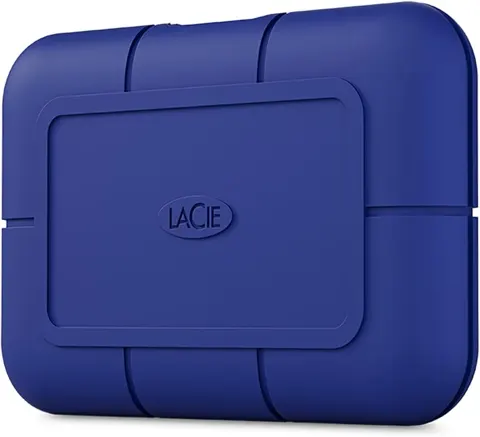
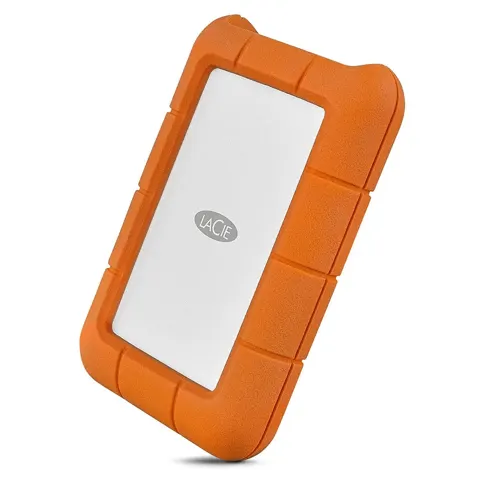
| LaCie Rugged Mini SSD 4TB | Price not listed | 7 stores |
Prices are snapshots. Check the current price with the store.
The speed spread across these six drives is about 34 to 1. Between them sit three 20 Gbps drives rated near 2,000 MB/s and the Crucial X9 Pro, a 10 Gbps drive rated at 1,050 MB/s that fits in a shirt pocket.
Quick picks
- best for most people: Crucial X9 Pro 1TB, because it is 65 x 50 mm, about 39 g, IP55 rated, and holds near 975 MB/s on sustained writes
- best for a 20 Gbps port: Samsung T9 1TB, because it is rated to 2,000 MB/s read and 1,950 MB/s write
- best for locked-down data: Kingston IronKey Vault Privacy 80, because it crypto-erases after 10-30 failed password attempts and works without drivers
- best for 4TB of field capacity: LaCie Rugged Mini SSD 4TB, because it bundles three years of Rescue Data Recovery
Samsung Portable SSD T9 1TB
The T9 is Samsung’s first portable SSD with a 20 Gbps USB 3.2 Gen 2x2 interface, rated to 2,000 MB/s sequential read and 1,950 MB/s write for 1TB and 2TB. The 1TB model’s TurboWrite SLC cache is about 22GB, so a large sustained write slows sharply once that fills. Owners report the drive dropping and reconnecting on certain USB-C 20 Gbps ports, including a front-panel port on an HP Pro Mini 400 G9; no failure rate has been published and these look host-specific.
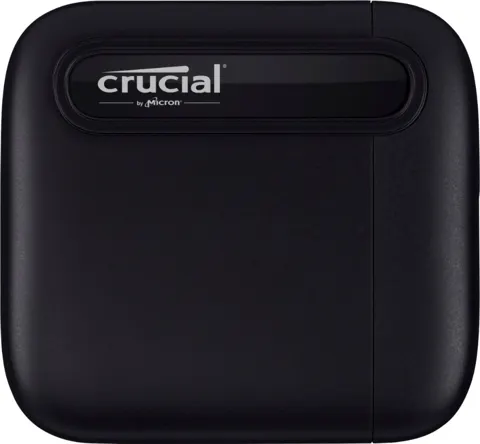
Crucial X9 Pro 1TB
The X9 Pro is 65 x 50 mm and weighs about 38-40 g, so it is the one you will forget in a pocket. Independent heat testing found it runs cooler than most rivals, which matters because hot 10 Gbps enclosures can lose 30-50% of sustained speed. Two caveats: the included USB-C cable is short, about 17-23 cm, with no USB-A adapter in the box, and Crucial’s own pages now flag the X9 Pro as EOL, so check stock and warranty terms before buying.
SanDisk Extreme Portable SSD (V3) 1TB
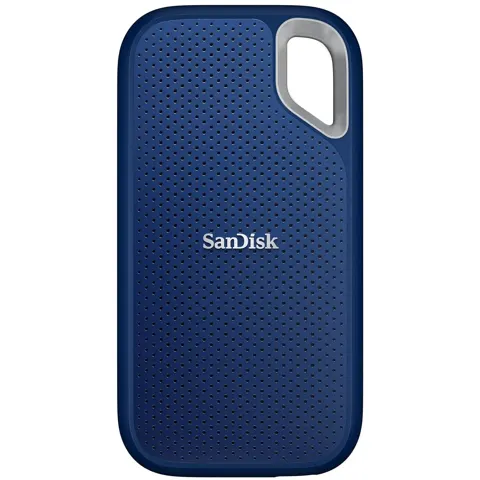
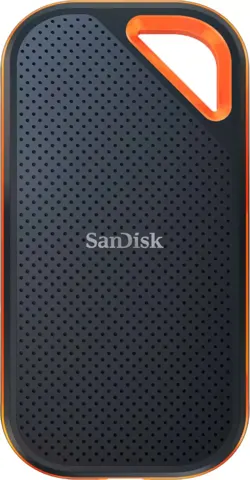
The V3 Extreme is rated to 2,000 MB/s read and 1,700 MB/s write for 1TB, with IP65 sealing, three-metre drop protection, five-year warranty, and 256-bit AES password protection managed through the SanDisk app. At 46.9 g it is the second-lightest drive here. The problem is that every number on the spec sheet is SanDisk’s own: no independent test has measured this exact model, the SDSSDE70 1TB, so there is no confirmed sustained-write or thermal behavior for it. That is an owner report, not a measured defect rate.
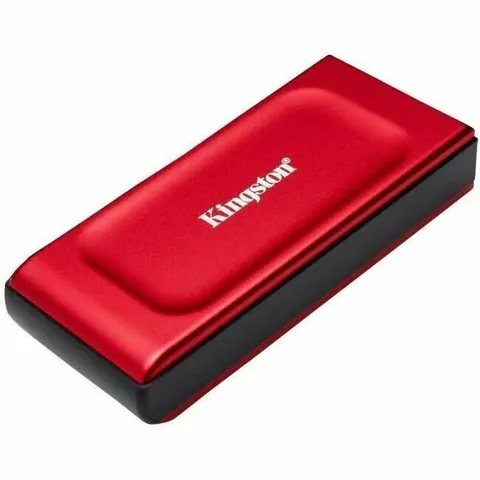
Kingston IronKey Vault Privacy 80 7680 GB
This is the odd one out. It holds 7.68 TB, encrypts with FIPS 197 certified XTS-AES 256-bit under a Common Criteria EAL5+ secure microprocessor, and unlocks on a color touchscreen with a randomized keypad layout. No software or drivers are needed; it appears as a drive on Windows, macOS, Linux, ChromeOS or any USB mass-storage host. Admin and User profiles can carry different password rules, the Admin can recover a lost User password, dual read-only modes work globally or per-login, and auto-lock can run from 5 minutes to 12 hours.
The costs are speed and size. It is a USB 3.2 Gen 1 drive rated at 230 MB/s read and 250 MB/s write, and TechPowerUp’s 1 TB test found sustained writes fall from 250 MB/s to under 50 MB/s, then about 30 MB/s, after roughly 250 GB written, because the underlying QLC NAND exhausts its SLC cache. The body is 122.5 x 84.2 x 18.5 mm and about 0.5 lb, the warranty is three years, and the internal 2.5-inch SATA drive can only be replaced with another Kingston unit. After 10-30 failed password attempts (15 by default) the drive crypto-erases itself.
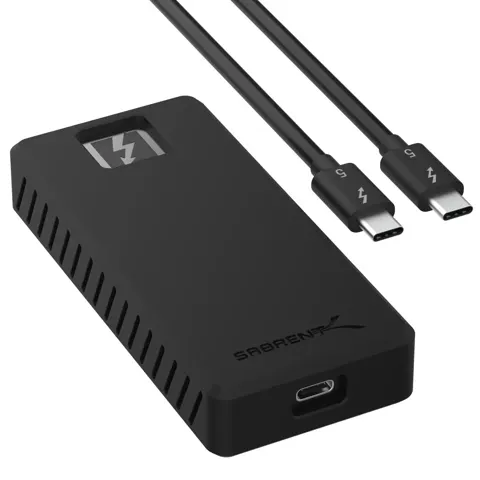
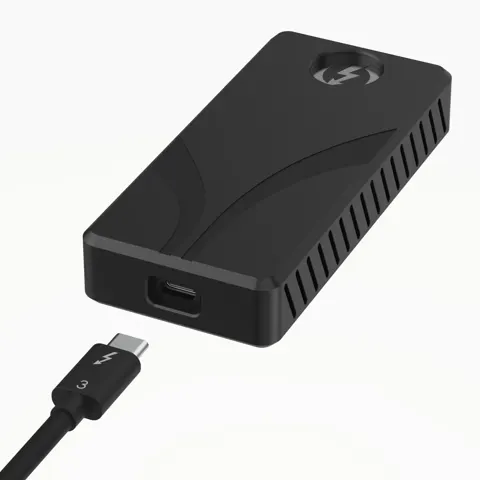
SABRENT Rocket XTRM 5 4TB
The XTRM 5 is a Thunderbolt 5 drive with an 80 Gbps link and up to 64 Gbps of transfer bandwidth, built on a PCIe Gen 5 NVMe SSD. That is the fastest thing in this comparison by a wide margin.
The catch is the host port. It is a CNC-machined aluminum body with a removable silicone sleeve, 95 g, bus-powered, with a 50 cm Thunderbolt 5 cable in the box. The warranty is one year base, extendable to five years with registration within 90 days. There is no hardware encryption, only software options like BitLocker, FileVault or VeraCrypt, and owners report it running extremely hot even at idle.
LaCie Rugged Mini SSD 4TB
The Rugged Mini SSD 4TB is LaCie’s orange-bumper field drive. Tom’s Hardware measured 2,015 MB/s read and write in CrystalDiskMark, and TechRadar saw 2,049 MB/s read. Real-world file copies came in at 1,887 MB/s read and 1,702 MB/s write, so a day’s shoot moves quickly.
The write cliff is the real story. On the 2TB version, Tom’s Hardware held about 1,775 MB/s for 5 minutes 40 seconds, roughly 600 GB written, then write throughput fell to about 200 MB/s for the rest of a 15-minute run. Nobody has published a sustained test of the 4TB model, so treat the cliff as likely rather than measured. The drive is IP54 for dust and splash, and the drop claim is split between the box at 3 meters and the brochure at 1 meter. Hardware encryption is unsettled too: Tom’s Hardware’s spec table lists 256-bit AES, while TechRadar found none on the unit they tested. Three years of Rescue Data Recovery come bundled in countries where the service is offered.
Who should buy which
Buy the Crucial X9 Pro if you want a drive you can carry without thinking about it and your computer tops out at 10 Gbps. It is the smallest, one of the lightest, IP55 rated, and holds its speed when the cache runs out, which is exactly what a photographer offloading a card needs. The catch is that Crucial’s pages flag it as EOL, so confirm stock and warranty terms.
Buy the Samsung T9 if you have a real USB 3.2 Gen 2x2 port and want the fastest transfer on 10 Gbps-class hardware. It adds five-year coverage and AES 256-bit hardware encryption, and it is the best value of the 20 Gbps group. On a Mac it gives you nothing over a slower drive, and the 22GB cache on the 1TB model means one long write is enough to see the slowdown.
Buy the Sabrent Rocket XTRM 5 if you edit video on a Thunderbolt 5 machine and move hundreds of gigabytes at a time. On any other port it is a poor buy, and it has no hardware encryption, so pair it with BitLocker or FileVault.
Buy the Kingston IronKey Vault Privacy 80 if the data must be unreadable without a password, and speed does not matter. It is the only drive here that crypto-erases itself after repeated wrong passwords and the only one that works across operating systems without installing anything.
Buy the LaCie Rugged Mini SSD 4TB if four terabytes and three years of data recovery are the point, and your transfers are short bursts rather than multi-hundred-gigabyte writes. If you need long sustained writes at full speed, a rival covers it better.
Prices and specs collected from manufacturer/retailer listings and public reviews; always confirm current price and stock on the linked page before buying.
See also: External Ssds under $300 (2026) · External Ssds under $500 (2026)