Comparison · 2026
Best Docking Stations 2026: CalDigit vs Anker & More
Researched by Dmitrii Pakhomov and Daria Govorina · SavingsHook editorial · Published November 9, 2026
The short answer
Verdict based on specifications, manufacturer documentation and owner reviews. We did not lab-test these products.
| Product | Key specs | Main drawback | Not for |
|---|---|---|---|
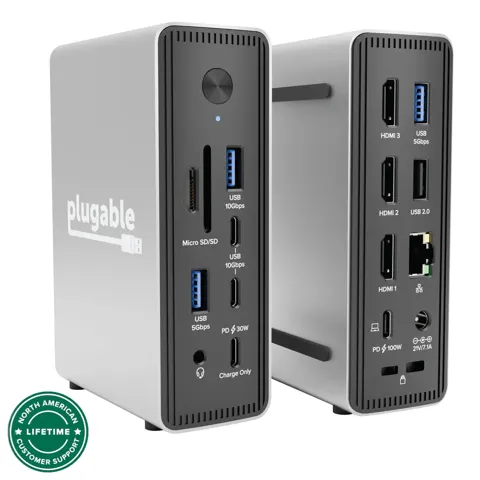
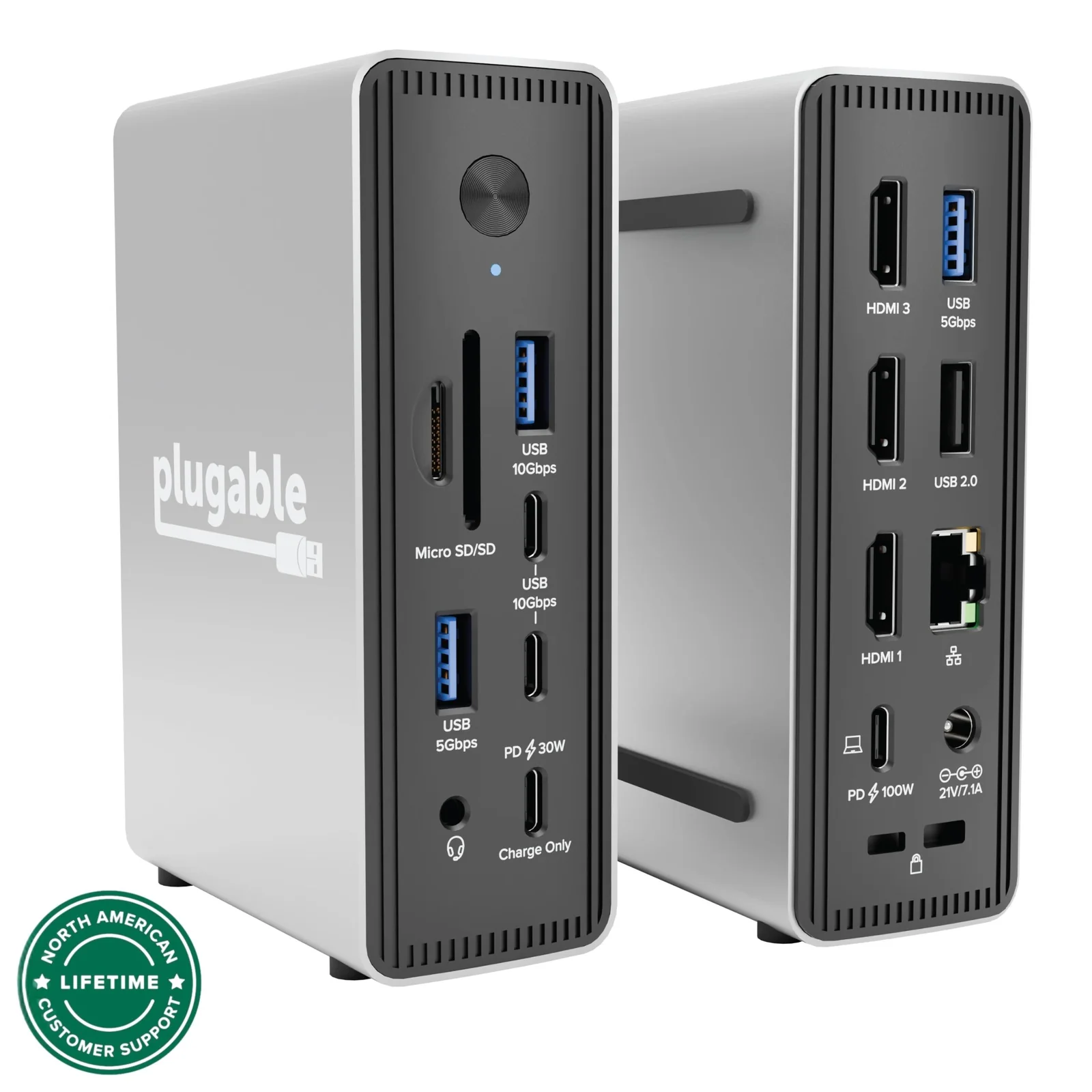
| Plugable USB-C Triple Display Laptop Docking | 3x HDMI 2.0 ports up to 4K 60Hz 100W USB-C Power Delivery host charging 30W front USB-C charge-only port | macOS and ChromeOS get only one extended display, and three 4K 60Hz streams may need DSC support from the host. | Mac or ChromeOS multi-monitor setups |
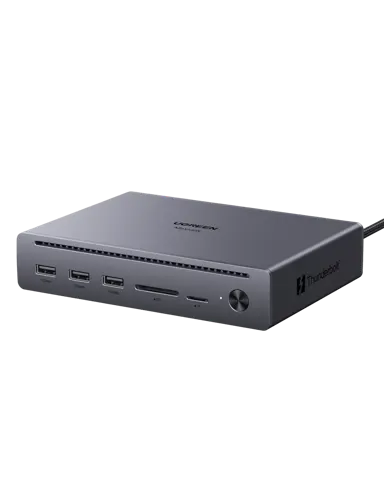
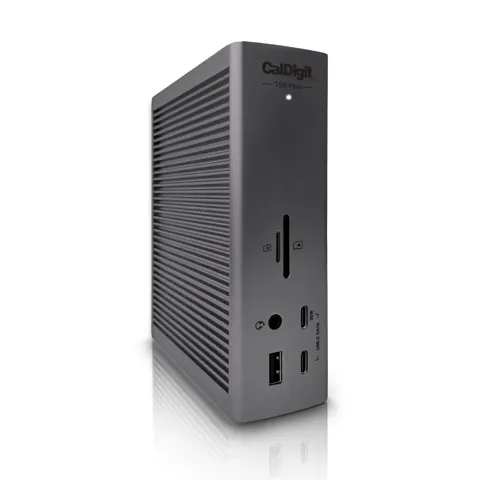
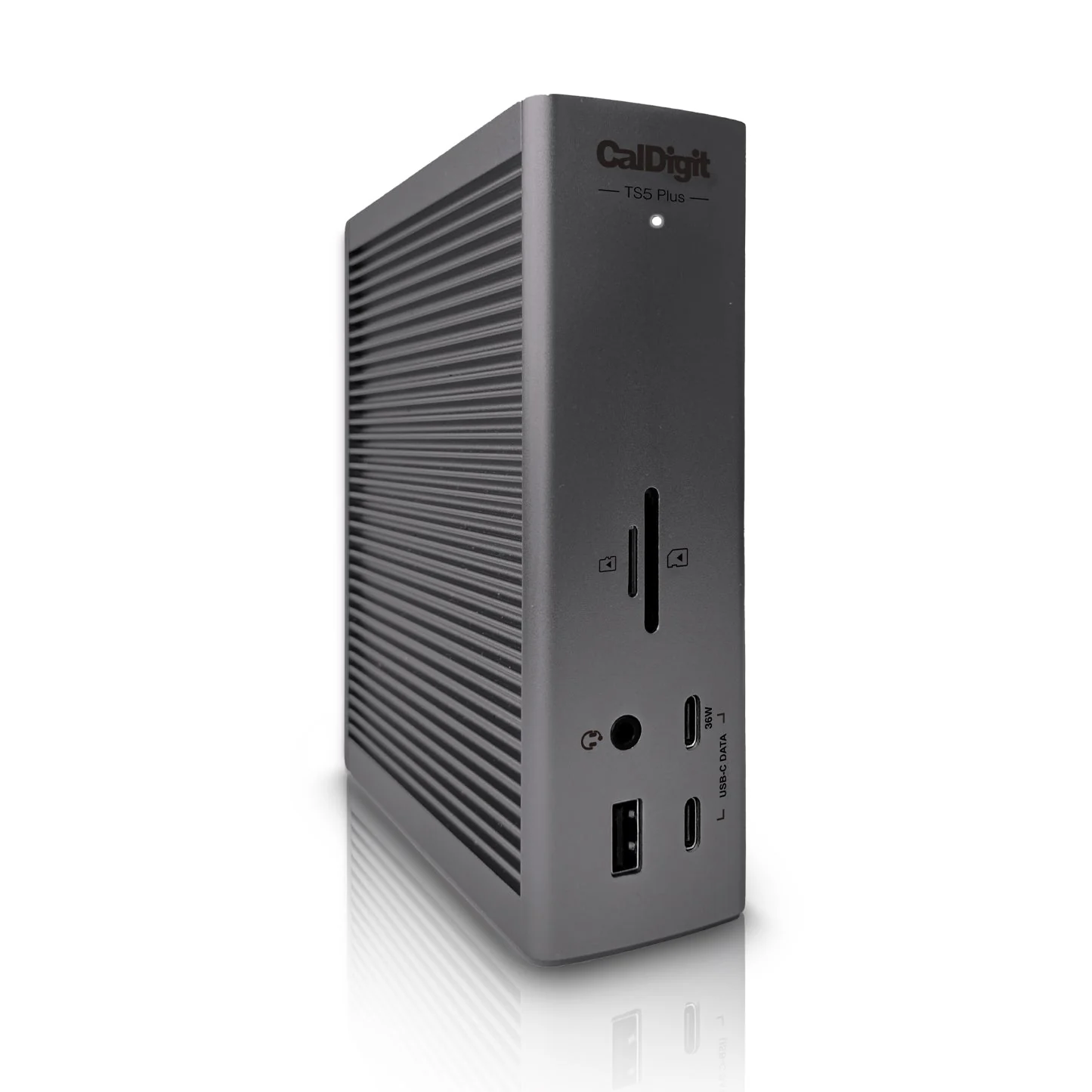
| CalDigit TS5 Plus Docking Station | 20 ports 120 Gb/s Thunderbolt 5 bandwidth 10 Gigabit Ethernet | Owners report high heat and related stability issues, and it needs a Thunderbolt 5 or USB4 v2 host for full performance. | Thunderbolt 3 or heat-sensitive setups |
How we picked these products
We compare product identity, specifications, pros/cons and retailer links. Until approved retailer API access is available, current Amazon price, star-rating and review-count data are not republished here.
Prices at a glance
| Product | Price | Stores |
|---|---|---|
| CalDigit TS5 Plus Docking Station | from $399.95 · Apple | 7 stores |
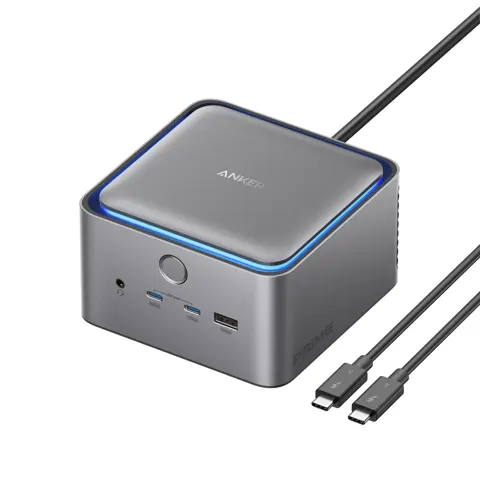
| Anker Prime TB5 Docking Station (14-in-1) | from $346.09 · AliExpress | 10 stores |
| Lenovo ThinkPad Thunderbolt 4 Workstation Dock | from $269.89 · eBay | 7 stores |
| Plugable USB-C Triple Display Laptop Docking | from $149.99 · Plugable | 4 stores |
| Lenovo USB-C 7-in-1 Hub Docking Station | from $79.95 · Notebookparts | 7 stores |
Prices are snapshots. Check the current price with the store.
The spread in this group is extreme: the Lenovo ThinkPad Thunderbolt 4 Workstation Dock can push up to 230W to a compatible ThinkPad through a split cable, while the Lenovo USB-C 7-in-1 Hub has a 15W maximum power consumption and a single 4K30 HDMI output. Your laptop port, monitor count, and power needs decide the right one more than the port tally.
Quick picks
- Best for pro Thunderbolt 5 desks: CalDigit TS5 Plus, 20 ports, 10GbE and 140W host charging in one cable
- Best compact Thunderbolt 5 dock: Anker Prime TB5 Docking Station, 14 ports and a 232W supply built into a 4.6-inch cube
- Best for ThinkPad workstations: Lenovo ThinkPad Thunderbolt 4 Workstation Dock, up to 230W over a Slim Tip split cable
- Best for Windows triple-monitor value: Plugable UD-MSTH3, three 4K 60Hz HDMI outputs over MST with no DisplayLink software
- Best for Mac triple-display over USB-C: Anker Prime 14-in-1 DisplayLink Dock, DisplayLink drives three external monitors where native macOS output falls short
- Best for a light travel bag: Lenovo USB-C 7-in-1 Hub, 92 g dongle for one display, USB-A and card readers
CalDigit TS5 Plus
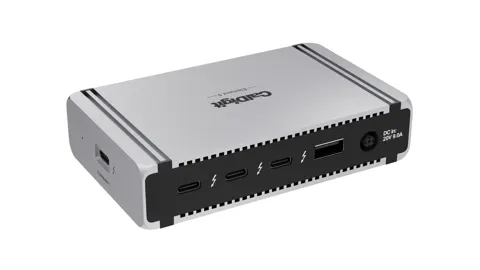
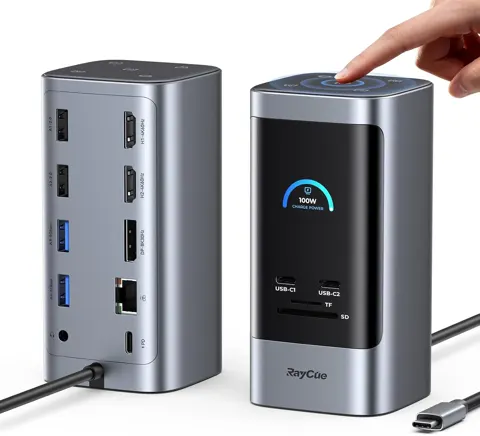
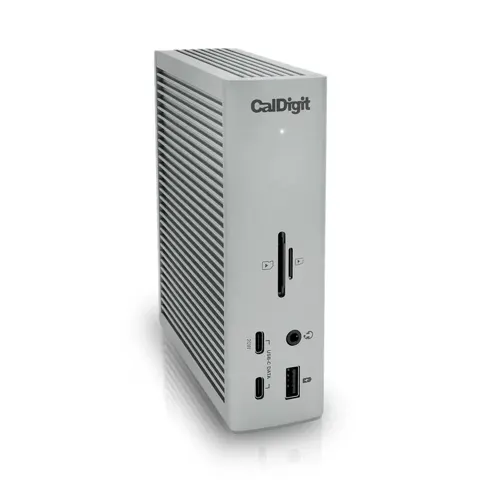
The CalDigit TS5 Plus is the port-heavy option: 20 ports including dual Thunderbolt 5 downstream, 10GbE, a DisplayPort 2.1 output and 140W host charging from a 330W external supply. It needs a Thunderbolt 5 or USB4 v2 host for full performance, and Mac users are limited to two external displays because Apple does not support MST.
Heat is the trade-off to take seriously. Owners report a case reaching 55–70°C (131–158°F) under load, and independent testing measured 10GbE throttling to 2.5GbE at 52°C and dropping out at 56°C. CalDigit says the dock is designed to run continuously up to 60°C chassis temperature and has shipped firmware updates, but instability and sleep/wake complaints cluster around that heat. The 330W brick is also large.
Anker Prime TB5 Docking Station (14-in-1)
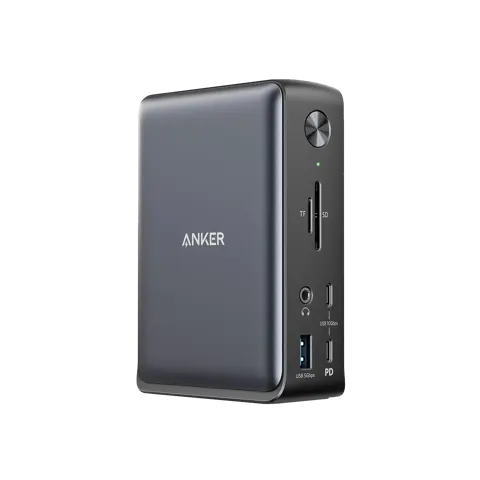
The Anker Prime TB5 Docking Station targets a smaller footprint: a 4.6 × 4.6 × 3.0 inch aluminum cube with 14 ports, 140W host charging and a 232W power supply built in. It supports Thunderbolt 5, 4 or USB4 hosts on Windows 10/11 and macOS 15 or later.
It runs cool for the power level, but the built-in fan can be audible in a quiet room, and owners disagree on how noticeable it is. HDMI and DisplayPort cannot be used together, only two external monitors run at once, and the card readers are UHS-I. On some Macs, USB devices on the downstream Thunderbolt ports have negotiated at USB 2.0, so fast peripherals belong on the USB-A or front USB-C ports.
Lenovo ThinkPad Thunderbolt 4 Workstation Dock
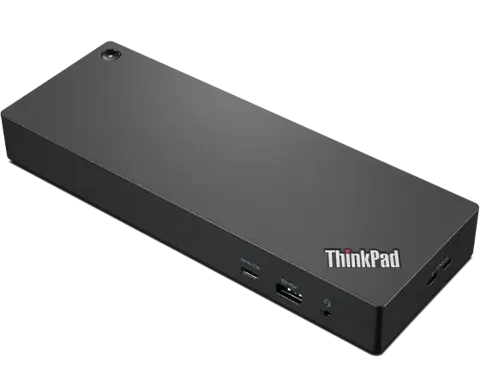
The Lenovo ThinkPad Thunderbolt 4 Workstation Dock is built for one job: feeding high-power ThinkPad workstations. With a 300W adapter and a 0.7m split cable it delivers up to 230W, supports up to four 4K@60Hz displays depending on the host, and adds enterprise features such as PXE boot, Wake-on-LAN and MAC Address Pass-Through.
This is not a portable or universal dock. The dock body is 4.1 lbs before the adapter, the cable is short, and the full 230W path depends on Lenovo Slim Tip charging on compatible ThinkPads. On non-Lenovo machines you keep basic Thunderbolt and USB-C functions but lose management extras. It makes sense when your laptop actually needs that power.
Plugable USB-C Triple Display Laptop Docking Station
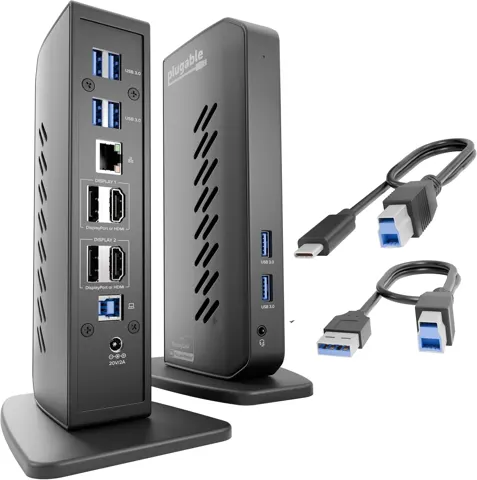
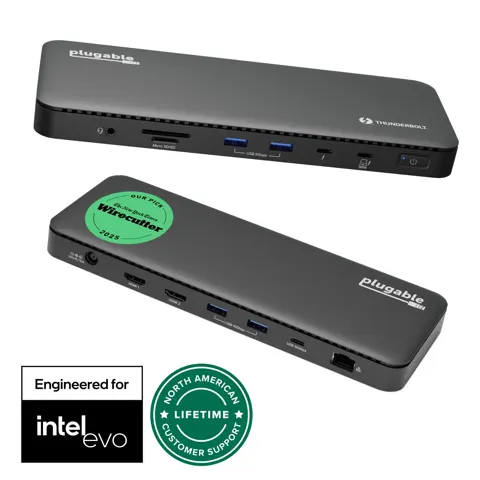
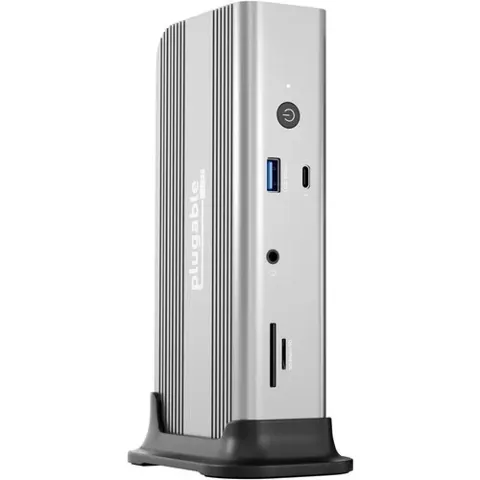
The Plugable UD-MSTH3 is the straightforward Windows triple-monitor pick. It uses MST instead of DisplayLink, so there is no driver to install, and it offers three HDMI 2.0 outputs, 100W laptop charging, 2.5Gbps Ethernet and six rear USB-A ports.
The limits are clear: macOS and ChromeOS get one extended display, and three 4K 60Hz streams may need DSC support from the host GPU. If your laptop lacks DSC, you may see a port fall to 4K 30Hz or 1440p. No independent instrumented test of this exact model has been published, so test it with your own monitors in the return window.
Anker Prime Docking Station (14-in-1, Triple Display, DisplayLink)
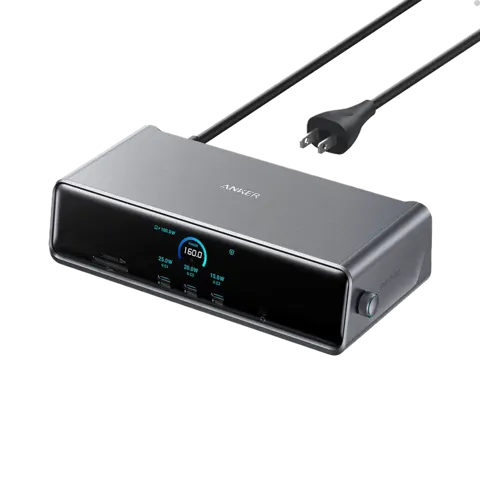
The Anker Prime 14-in-1 DisplayLink Dock solves a different problem: driving up to three external monitors on systems that cannot do it natively, including base Apple Silicon MacBooks. It uses the DL7400 DisplayLink chipset, includes a built-in GaN power supply, charges a laptop at up to 140W and has a 2.05 × 0.85-inch status screen.
DisplayLink means software and compromises. You need the DisplayLink driver on Windows and DisplayLink Manager with Screen Recording permission on macOS. HDCP-protected streaming shows a black screen on external monitors, and compressed graphics are a poor fit for competitive gaming or fast-motion video editing. The front USB-C ports carry no video, so monitors connect at the rear.
Lenovo USB-C 7-in-1 Hub
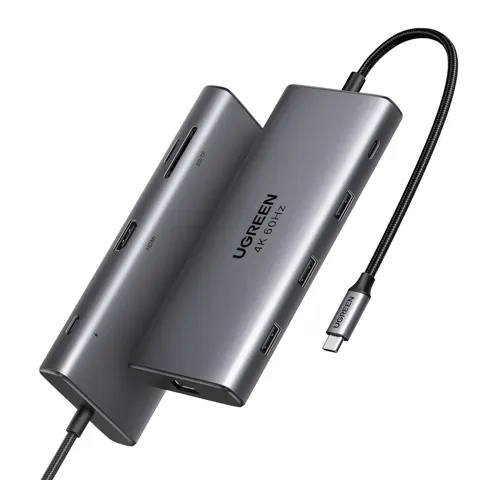
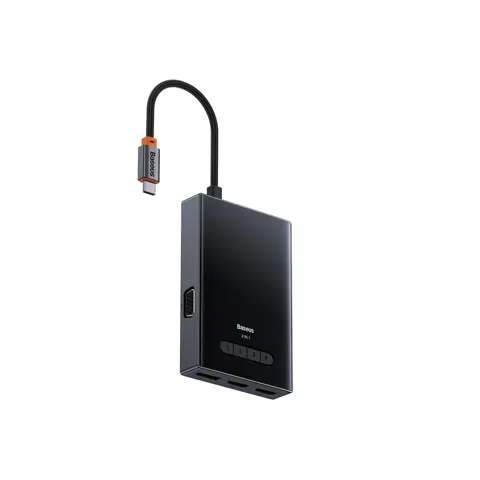
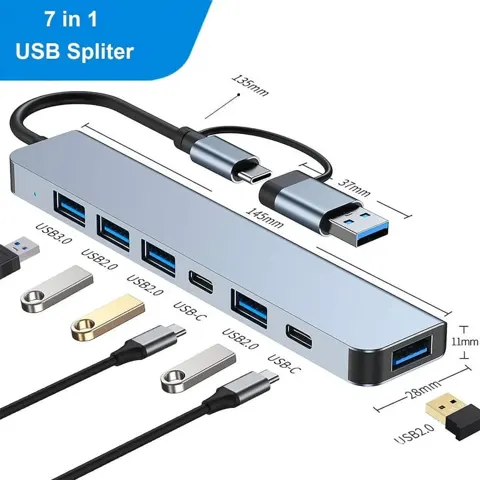
The Lenovo USB-C 7-in-1 Hub is for travel, not a desk. It weighs 92 g, folds its 140 mm host lead into a slot, and gives you one HDMI output at 4K30, two USB-A 5Gbps ports, one USB-A 2.0 port, SD and microSD readers, and USB-C power pass-through.
Video needs DisplayPort Alternate Mode on the host, and there is no Ethernet, no downstream USB-C data port and no second display. Owner reports include units with dead charging or ports, so it is a convenience dongle rather than a mission-critical dock.
Who should buy which
Buy the CalDigit TS5 Plus if you have a Thunderbolt 5 or USB4 v2 machine and you will actually use 10GbE and the dense port layout, but give it airflow. Buy the Anker Prime TB5 Docking Station if you want Thunderbolt 5 in a smaller body without an external brick and can live with a possible fan hum. Choose the Lenovo ThinkPad Thunderbolt 4 Workstation Dock only for a compatible ThinkPad that needs 230W.
For most triple-monitor setups, the Plugable UD-MSTH3 is the cleaner Windows choice, while the Anker Prime 14-in-1 DisplayLink Dock is the workaround for Macs that need three external screens. If you just need a pocket adapter for meetings, the Lenovo USB-C 7-in-1 Hub covers the basics.
See also: Docking Stations under $100 (2026) · Docking Stations under $200 (2026)