Comparison · 2026
Best Computer Mice 2026: MX Master 4 vs DeathAdder V4 Pro
Researched by Dmitrii Pakhomov and Daria Govorina · SavingsHook editorial · Published November 9, 2026
The short answer
Verdict based on specifications, manufacturer documentation and owner reviews. We did not lab-test these products.
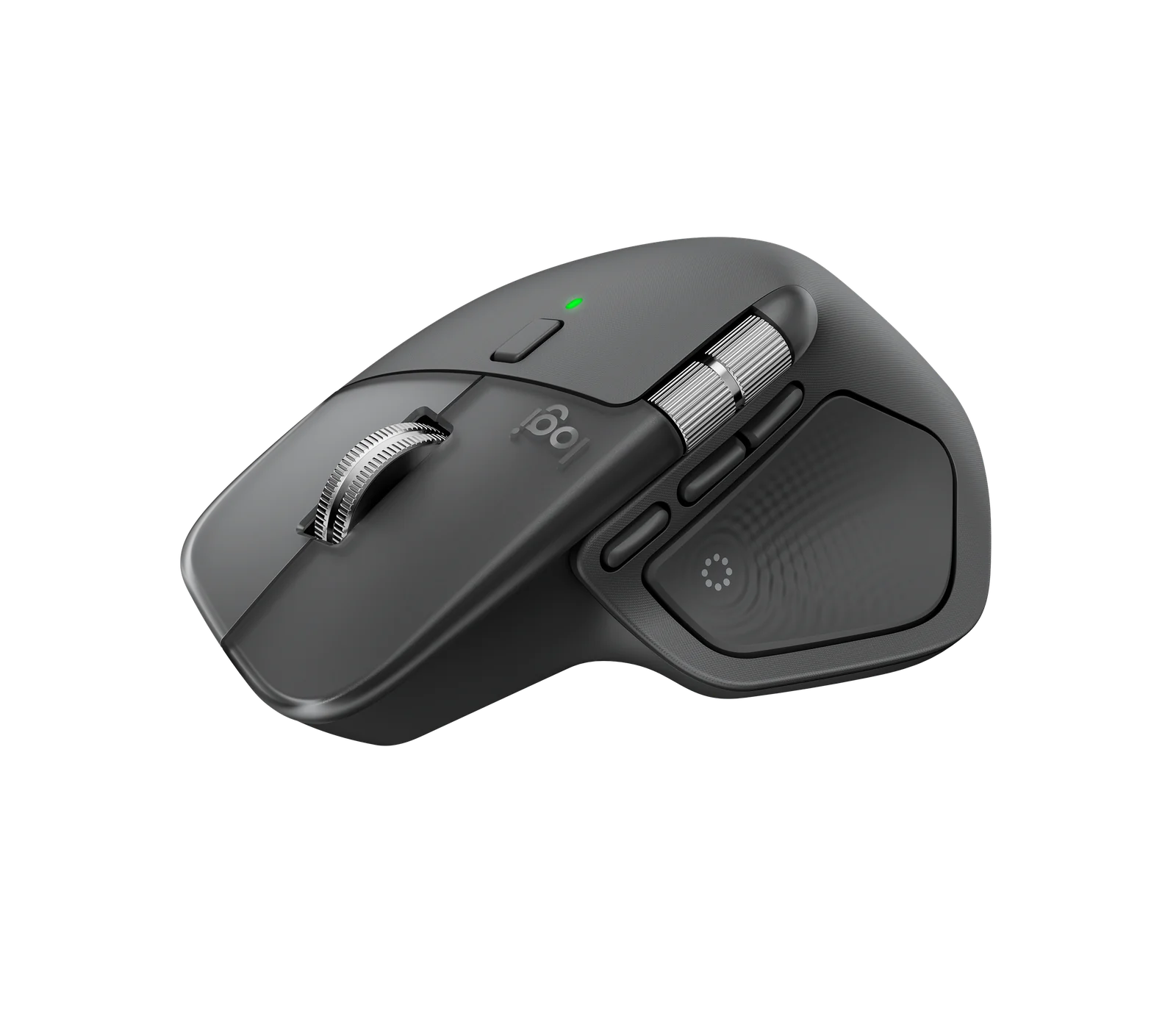
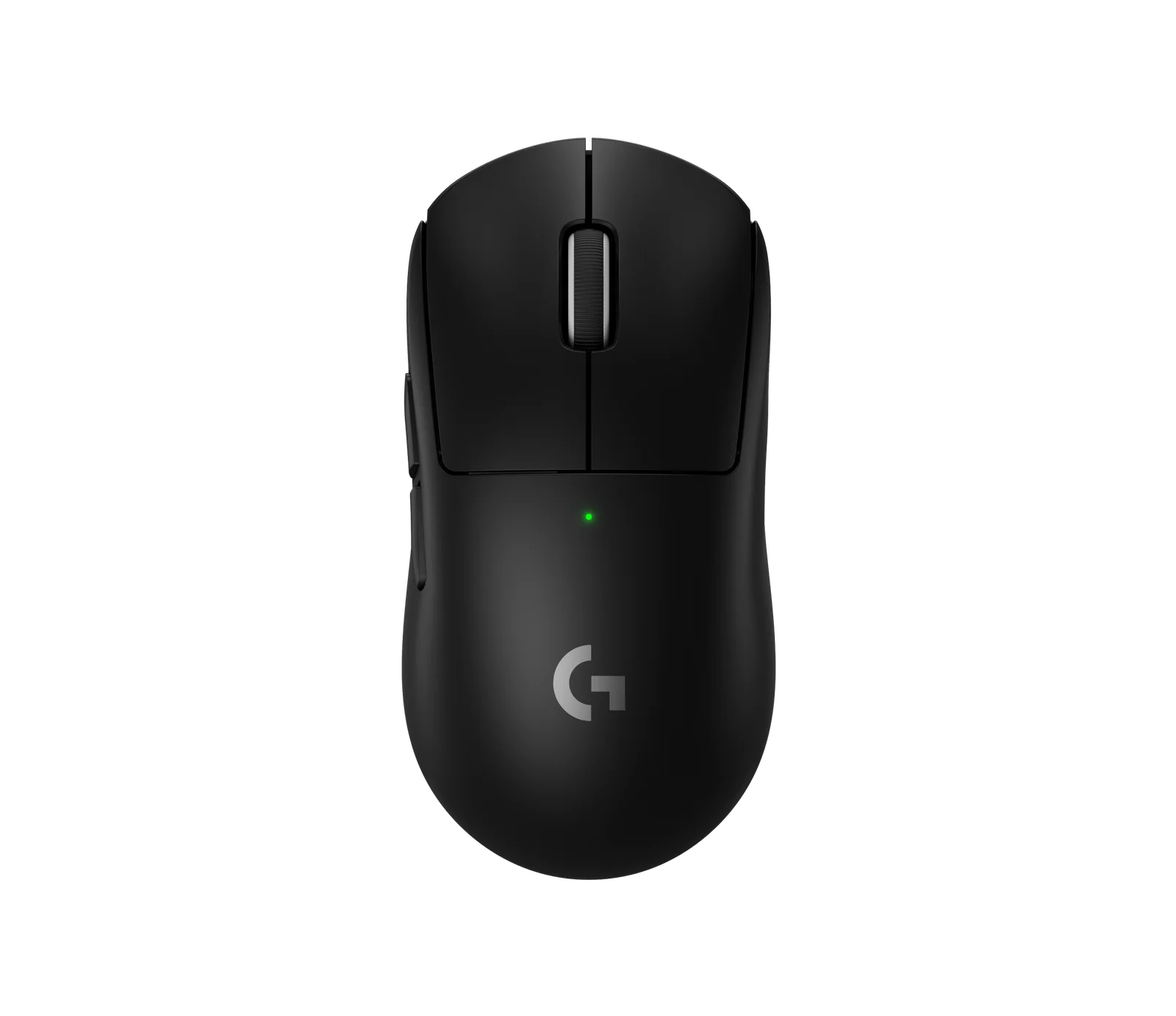
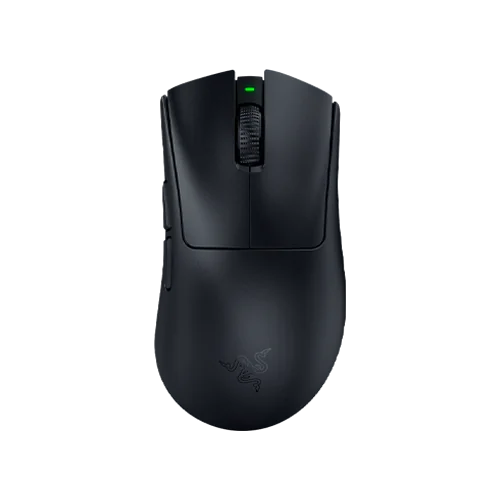
| Product | Key specs | Main drawback | Not for |
|---|---|---|---|
| Logitech MX Master 4 Wireless Mouse | Haptic Sense Panel with customizable haptic feedback MagSpeed scroll wheel 8K DPI any-surface tracking, including glass | No onboard memory, and the box has no USB-C cable and nowhere to store the Bolt receiver. | Competitive gaming or left-handed hands |
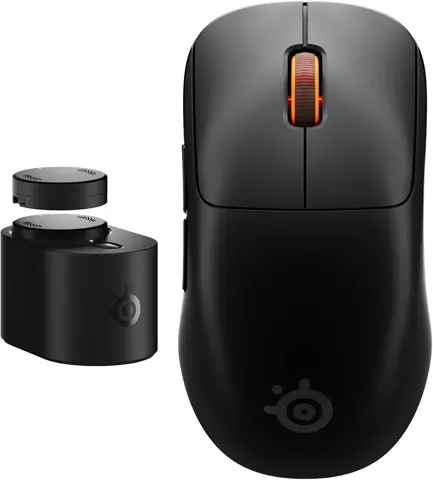
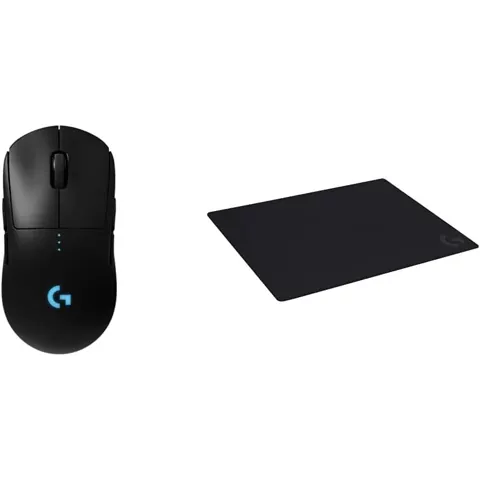
| Logitech G PRO X SUPERLIGHT 2 Gaming Mouse | 60 g weight Symmetrical body HERO 2 sensor | No DPI button and no Bluetooth, and owners report scroll-wheel failure. | Anyone who needs Bluetooth |
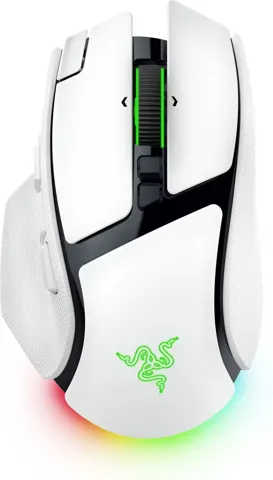
| Razer DeathAdder V4 Pro Gaming Mouse | Right-handed ergonomic shape 56 g weight Razer Optical Switches Gen-4 | The Gen-4 clicks are widely described as loud and hollow. | Shared offices where click noise matters |
How we picked these products
We compare product identity, specifications, pros/cons and retailer links. Until approved retailer API access is available, current Amazon price, star-rating and review-count data are not republished here.
Prices at a glance
| Product | Price | Stores |
|---|---|---|
| Logitech MX Master 4 Wireless Mouse | from $119.99 · Logitech | 8 stores |
| Razer DeathAdder V4 Pro Gaming Mouse | from $169.99 · Razer | 8 stores |
| Logitech G PRO X SUPERLIGHT 2 Gaming Mouse | from $159.99 · Logitech G | 7 stores |
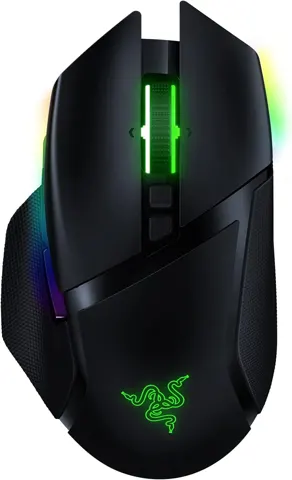
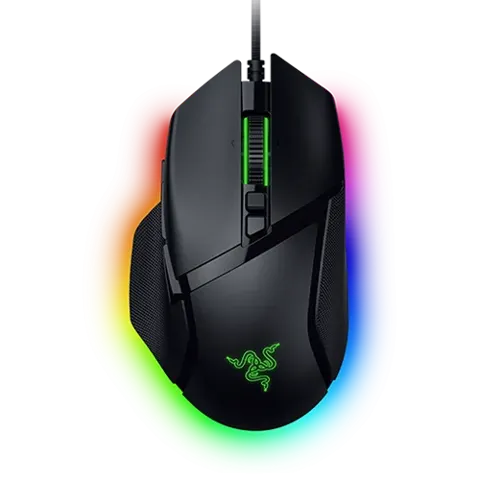
| Razer Basilisk V3 Pro 35K Gaming Mouse | from $124.90 · Maxgaming | 7 stores |
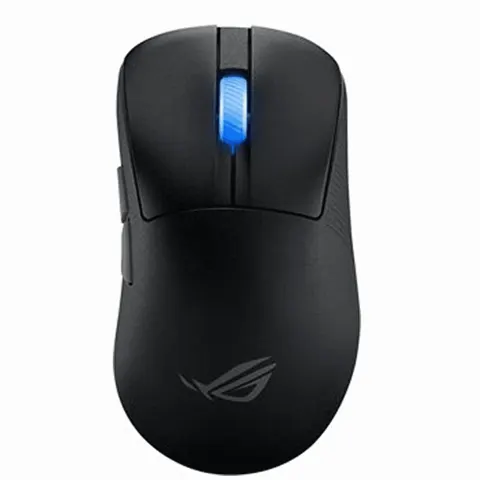
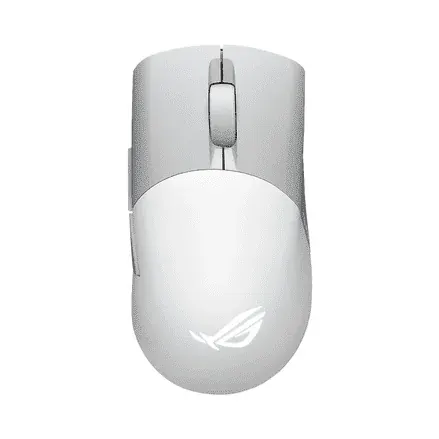
| ASUS ROG Keris II Ace 54g ultralight wireless gaming mouse | from $159.99 · ASUS | 5 stores |
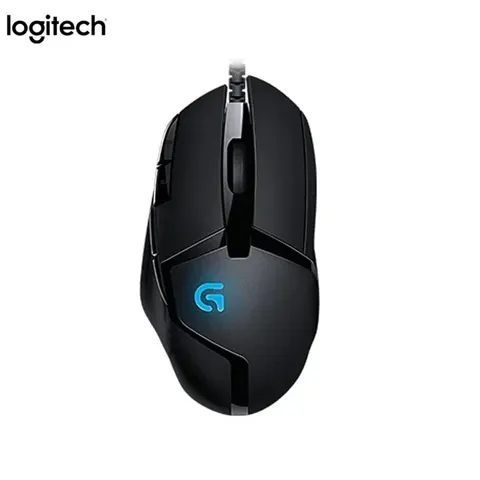
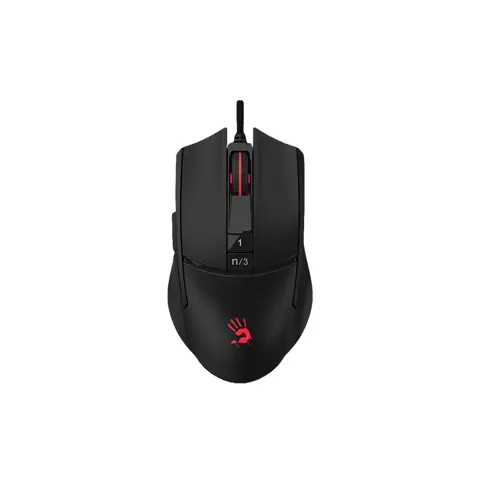
| Logitech G502 HERO wired gaming mouse with 25K sensor | from $69.99 · Logitech G | 10 stores |
Prices are snapshots. Check the current price with the store.
The biggest difference between these six is weight: the ASUS ROG Keris II Ace weighs 54 g and the Logitech G502 HERO weighs 121 g, or 139 g with all five of its removable weights added. That 85 g spread changes how a mouse feels before any sensor specification matters.
Logitech MX Master 4
The work mouse of this group: 7 buttons, a MagSpeed wheel that switches between ratchet and free spin, and a Darkfield sensor rated to 8,000 DPI that tracks on glass at least 4 mm thick. It runs over the included Logi Bolt receiver, Bluetooth or a wired USB connection, and Easy-Switch moves it between 3 devices.
Key specs:
- 8,000 DPI Darkfield sensor; MagSpeed wheel up to 1,000 lines per second
- Haptic Sense Panel with 4 intensity levels, set per action in Logi Options+
- Up to 70 days per charge per Logitech; PCMag measured at least 70 hours with haptics on
- Right-handed, 5.2 oz
Pros:
- Tracks on glass and mirrors, which most mice here skip
- Easy-Switch across 3 devices and Logi Flow across computers
Cons:
- No USB-C cable and no dongle storage in the box; no onboard memory, so DPI settings do not carry between computers
- The default 1,000 DPI is low, and raising it means installing Logi Options+
Owners asking about gaming report it is limited to a 125 Hz polling rate over the Bolt receiver; Logitech’s reply in that thread is that the MX Master line is a productivity mouse, not a gaming one.
Logitech G PRO X SUPERLIGHT 2
The competitive FPS option: a symmetrical 60 g shell, the HERO 2 sensor at 100–44,000 DPI, LIGHTFORCE switches rated for 70 million clicks, and up to 8,000 Hz report rate. RTINGS rated it outstanding for FPS play.
Key specs:
- 60 g listed; RTINGS measured 59.4 g, Tom’s Hardware 59.5 g
- HERO 2 sensor, 100–44,000 DPI, over 888 IPS
- Up to 95 hours of battery; 5 buttons, no DPI button, no Bluetooth, no RGB
Pros:
- A symmetrical shape that fits most hand sizes and grip types, with tracking past 500 IPS
- 2-year limited hardware warranty on new units
Cons:
- Changing sensitivity means opening G HUB or rebinding a button
- Owner threads report scroll-wheel direction reversal and failure, and the common fixes are temporary
The wheel is repairable: iFixit publishes a replacement guide for the TTC White 8 mm encoder.
Razer DeathAdder V4 Pro
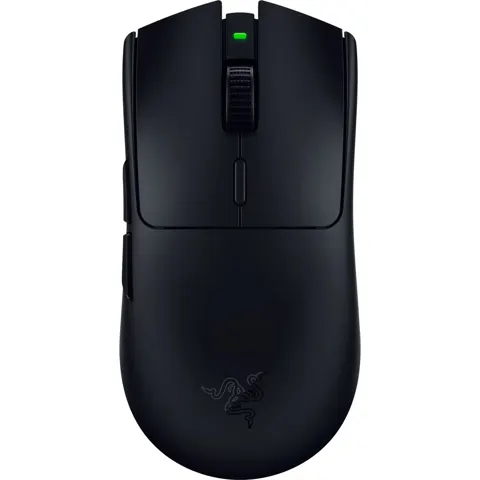
The DeathAdder V4 Pro keeps the right-handed ergonomic shape the line is known for and rebuilds everything under the shell with all-optical parts: the Focus Pro 45K Gen-2 sensor, Razer Optical Mouse Switches Gen-4 and an optical scroll encoder.
Key specs:
- 56 g in black, right-handed, palm and relaxed-claw grip
- Focus Pro 45K Gen-2 sensor, up to 45,000 DPI, 900 IPS
- True 8,000 Hz polling in both wired and wireless modes
- Up to 150 hours of battery at 1000 Hz, about 22 hours at 8000 Hz; no Bluetooth, no Chroma RGB
Pros:
- True 8,000 Hz polling in both wired and wireless modes
- Grip tape and a braided 1.85 m cable ship in the box
Cons:
- The Gen-4 clicks are widely described as loud and hollow, and PCMag lists the noisy switches as its only con
- The 150-hour battery figure is at 1000 Hz only; the scroll wheel has no tilt and no free-scroll mode
Noise decides this mouse for many people. PC Gamer calls the buttons louder than the V3 Pro’s, and multiple Reddit and Razer Insider owners say they returned the mouse over click noise.
Razer Basilisk V3 Pro 35K
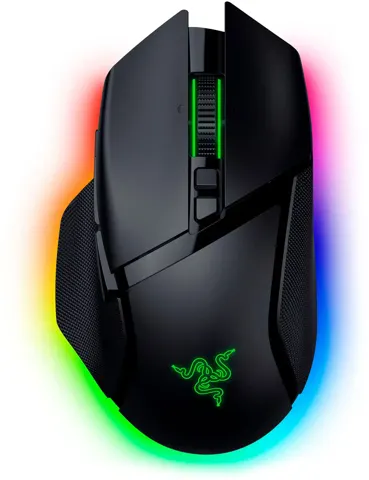
The work-and-game mouse: a right-handed palm grip with a thumb rest, a four-way tilt wheel, Bluetooth and a wired cable alongside the HyperSpeed receiver.
Key specs:
- About 112 g; RTINGS measured 113.3 g
- Focus Pro 35K Gen-2 sensor, up to 35,000 DPI, 750 IPS
- 11 programmable buttons, 13 assignable controls including wheel functions
- Up to 140 h on HyperSpeed, 210 h on Bluetooth, about 28 h at 8000 Hz; five onboard profiles
Pros:
- Free-spin handles long pages and tactile detents suit discrete steps, which is rare in a gaming mouse
- Switch between receiver and Bluetooth across devices, with a wired fallback
Cons:
- The scroll wheel stops sending scroll signals for some owners, including on a warranty replacement
- The bundled receiver tops out at 1,000 Hz; 8,000 Hz needs a separately purchased dongle
ASUS ROG Keris II Ace
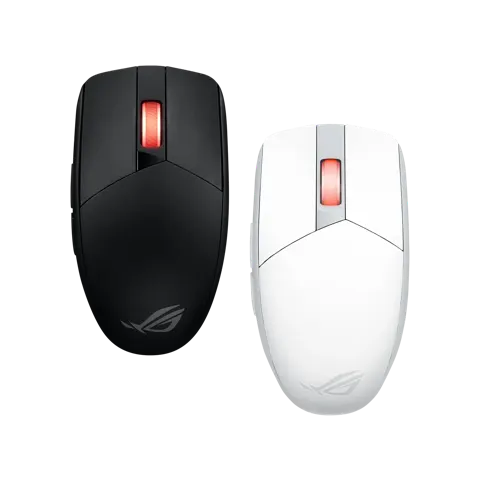
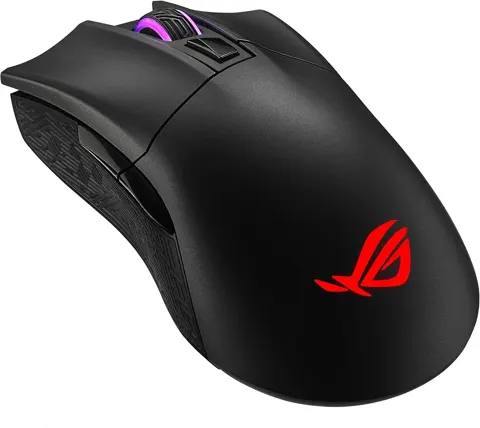
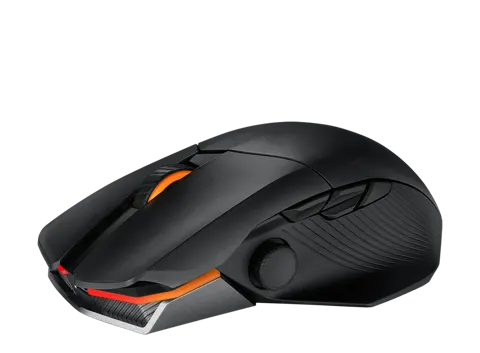
The lightest mouse here at 54 g, and the only one that ships with a polling-rate booster that takes it to 8,000 Hz wired and 4,000 Hz wireless.
Key specs:
- 54 g, 121 × 67 × 42 mm, right-handed only
- ROG AimPoint Pro sensor, 100–42,000 DPI, 750 IPS, track-on-glass
- Bundled ROG Polling Rate Booster; default is a 1,000 Hz USB full-speed device
- Up to 107 h on 2.4 GHz with lighting off, 134 h on Bluetooth with lighting off
Pros:
- The booster, grip tape and spare PTFE feet all ship in the box; optical micro switches cannot double-click by design
- Editors’ Choice awards from PCMag and PCWorld
Cons:
- Clicks are loud, per RTINGS commenters and one owner
Treat the 8,000 Hz headline carefully until the firmware is updated.
Logitech G502 HERO
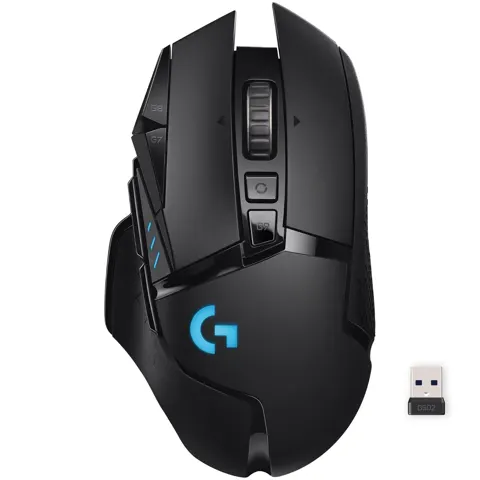
The budget and heavy option: a wired, right-handed palm-grip mouse with the HERO 25K sensor, a metal dual-mode wheel and a set of removable weights.
Key specs:
- HERO 25K sensor, 100–25,600 DPI, 400+ IPS, no smoothing or acceleration
- 11 programmable buttons, 3 onboard profiles, up to 5 DPI settings cycled on the fly
- 121 g by default; 5 removable 3.6 g weights bring it to 139 g
- Wired USB only, 1000 Hz polling, LIGHTSYNC RGB
Pros:
- The sensor is accurate and consistent, with no acceleration or jitter in testing
- The metal wheel switches between notched and free-spin, under a 2-year warranty
Cons:
- Owners report double-clicking on the main buttons after months of use
- The scroll wheel can go unresponsive or jump, and dust buildup is a common cause
The double-click issue is Omron switch wear, and fixing it means soldering.
Who should buy which
Buy the Logitech MX Master 4 if your mouse spends most of its day in spreadsheets, code and email. It is the only one here built for glass surfaces and multiple computers. The cost is gaming performance: it caps at a 125 Hz polling rate over the Bolt receiver.
Buy the Logitech G PRO X SUPERLIGHT 2 for competitive shooters where weight and a proven shape decide matches, and accept the scroll-wheel complaints and the G HUB dependency.
Buy the Razer DeathAdder V4 Pro if you want the DeathAdder palm grip with the newest optical internals and true 8,000 Hz, and if loud clicks will not bother you or your neighbors.
Buy the Razer Basilisk V3 Pro 35K if one mouse has to do office work and gaming, with a thumb rest and a tilt wheel, but read the wheel complaints first.
Prices and specs collected from manufacturer/retailer listings and public reviews; always confirm current price and stock on the linked page before buying.
See also: Computer Mice under $100 (2026) · Computer Mice under $200 (2026)